How do I use the fox template?
Edit the prompt in the box under the preview — the template's model and format are already selected — and press Generate. Your version appears right on this page.
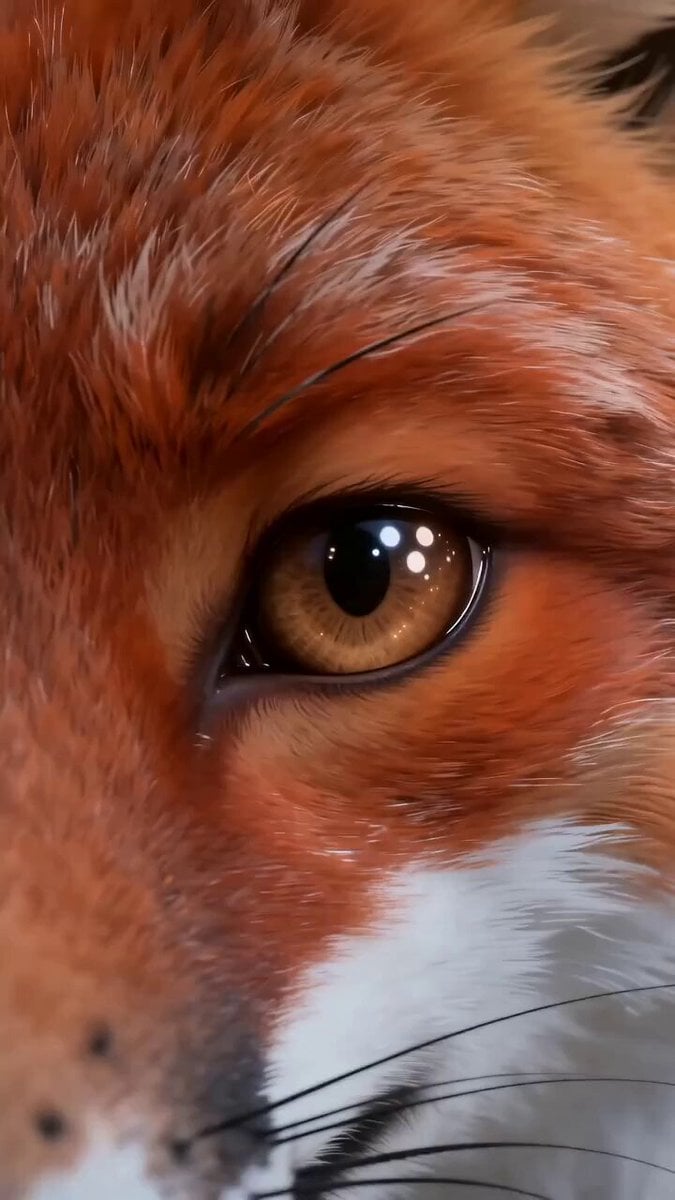
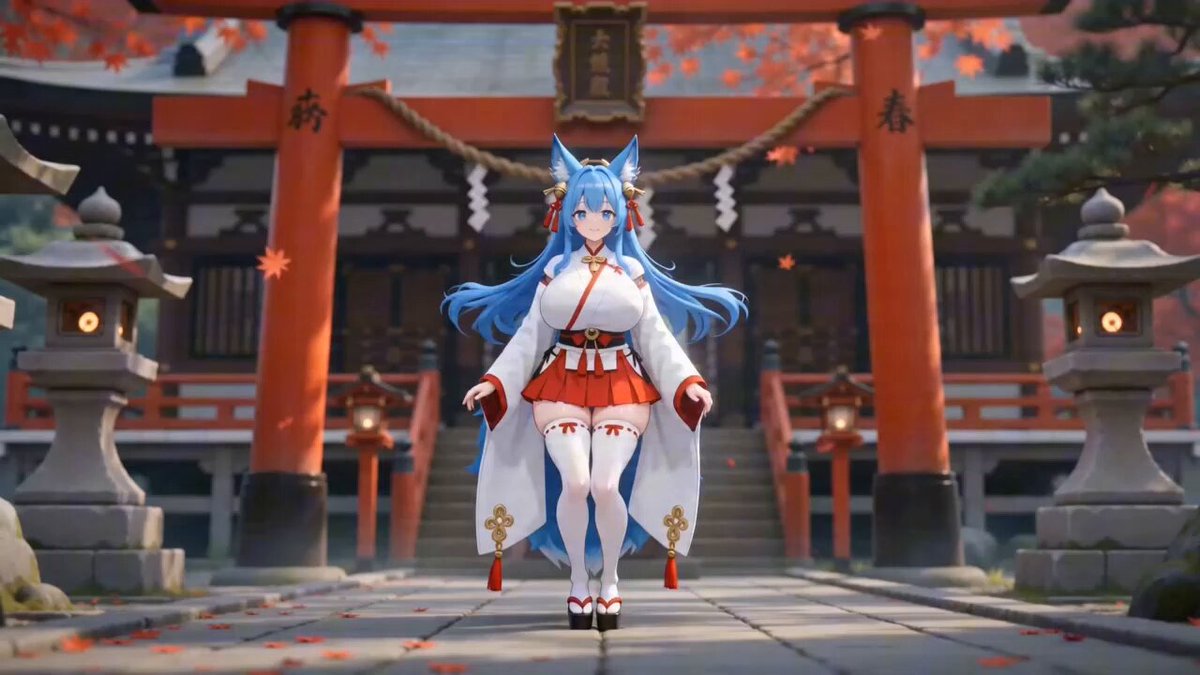
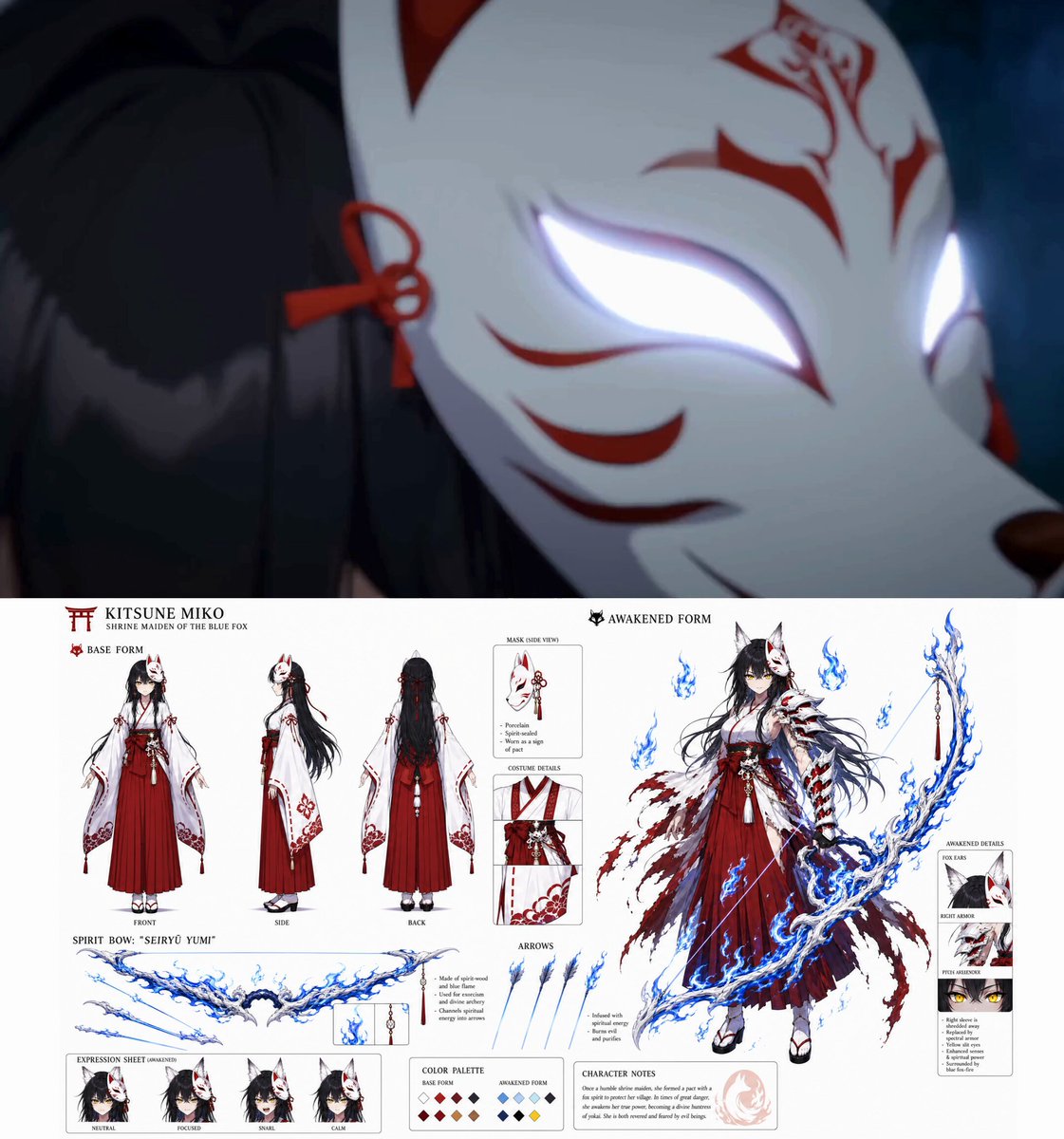
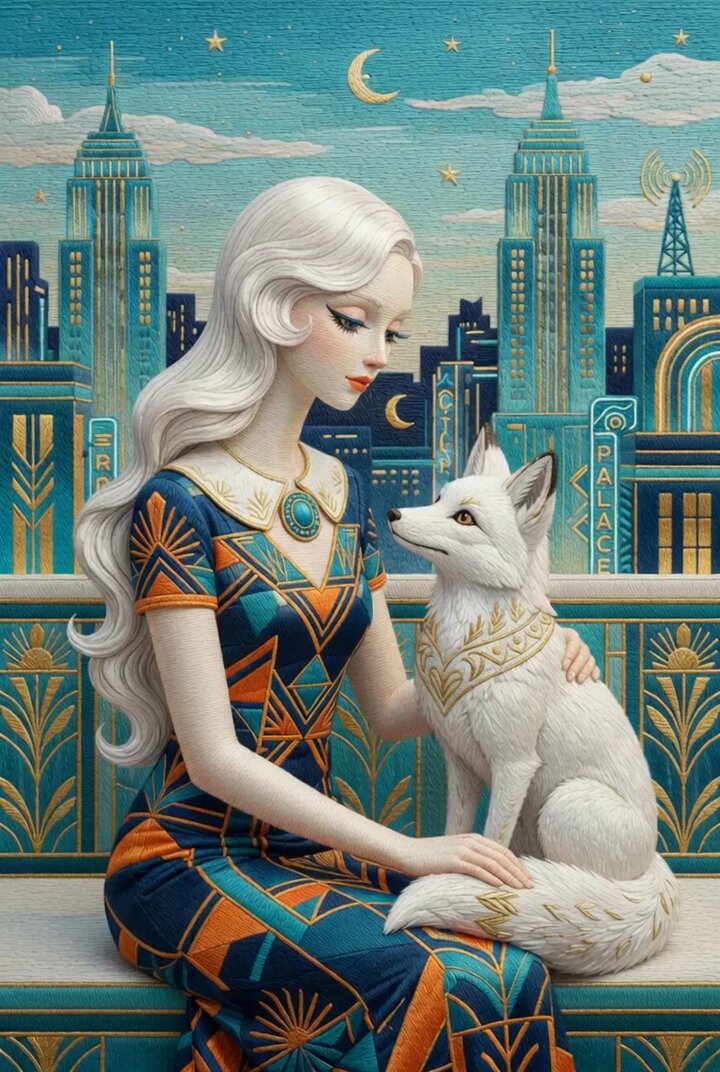
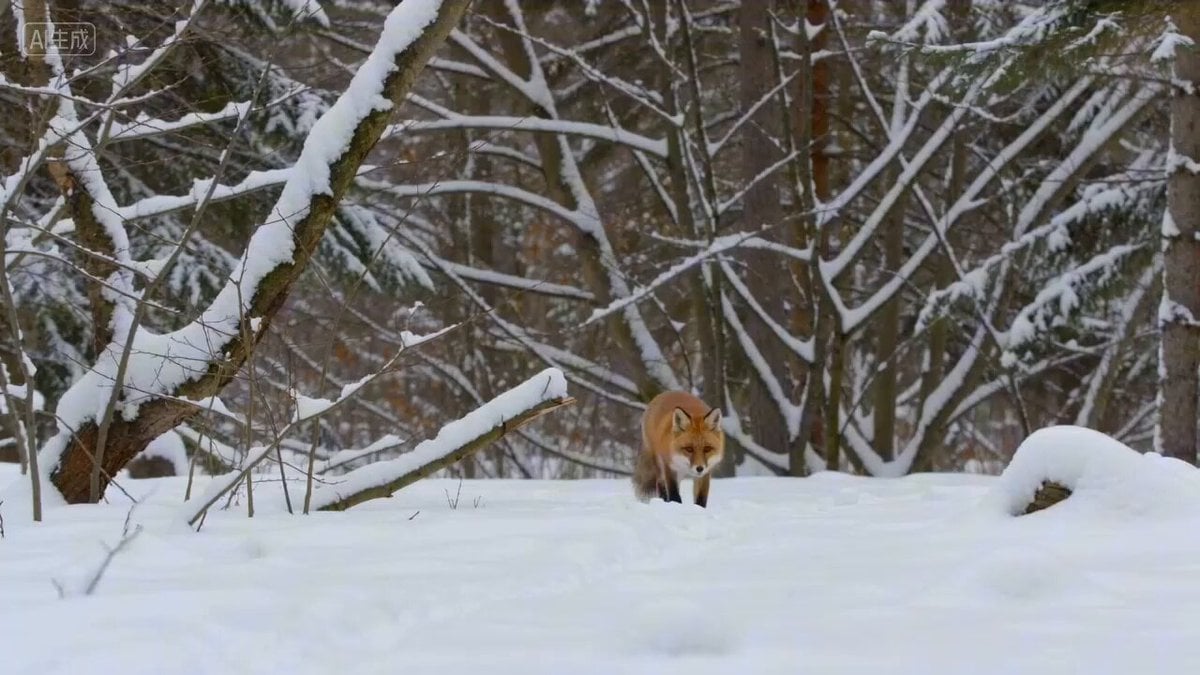
fox is a ready video look.
{ "video_generation_prompt": { "subject": { "character": "A brave young fox wearing a tiny leather aviator hat, vintage goggles on its forehead, and a small explorer's backpack.", "action": "The fox is standing on the edge of a high rocky cliff, holding a glowing magical map in its paws, looking down with awe at a hidden ancient temple.", "expressions": "Determined, amazed, and ready for adventure with wide, glowing eyes." }, "environment": { "setting": "A breathtaking, mystical jungle canyon during early morning.", "background_details": "Giant waterfalls cascading down mossy cliffs, ancient stone ruins covered in glowing green vines, exotic colorful birds flying in the distance, and thick morning mist rolling through the valley.", "lighting": "Cinematic sunrise lighting. Warm golden hour rays piercing through the thick jungle canopy, creating dramatic light shafts (god rays) that illuminate the hidden temple." }, "animation_style": { "type": "High-budget 3D animated feature film, Pixar or DreamWorks epic adventure style.", "color_palette": "Rich, vibrant greens, glowing golds, deep mystical blues, and warm oranges.", "textures": "Highly detailed and soft fur on the fox, realistic rough rock textures, stylized fluid water, and glowing particle effects in the air." }, "camera_and_motion": { "camera_movement": "An epic, sweeping drone/crane shot. The camera starts close on the fox's amazed face, then smoothly pulls back and rises high to reveal the vast, breathtaking scale of the hidden jungle temple and waterfalls.", "pacing": "Grand, cinematic, and majestic, building a strong sense of wonder and discovery." } } }
Edit the prompt in the box under the preview — the template's model and format are already selected — and press Generate. Your version appears right on this page.
Yes. You can change the subject, setting, lighting, mood, format, and available model controls before creating your video.
Opening and editing this template is free. Generating uses credits, shown on the Generate button when you are signed in.
Choose a compatible model in PicX Studio based on the style, speed, and output controls your project needs.
Follow a topic to a crawlable collection of related PicX Studio templates.