
Seedance 2.0 Fox Beauty Transformation Effect Replication
A Seedance 2.0 prompt designed to replicate a popular short video effect: a dark fantasy transformation of a young Asian woman into a nine-tailed fox and back.
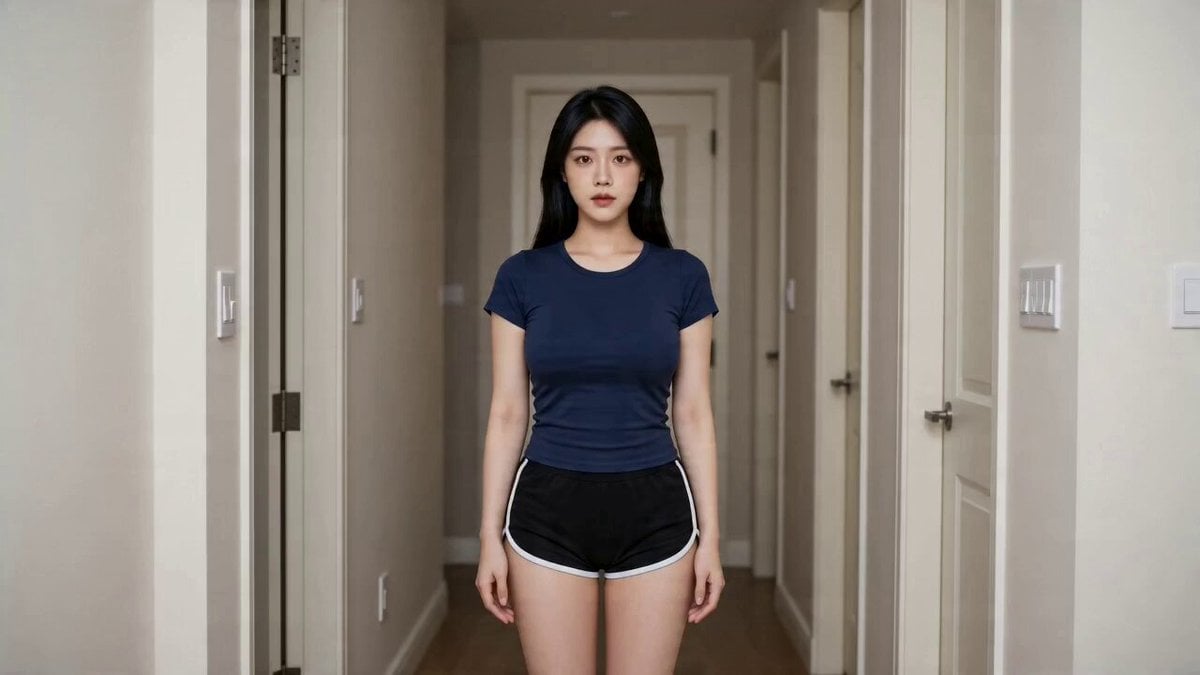
- Prompt included
- Model and format preset
- Free template
The prompt behind this video
Copy the exact prompt behind Seedance 2.0 Fox Beauty Transformation Effect Replication, or open it in the studio and make it yours.
【风格】暗黑东方奇幻变身(Dark Fantasy Transformation),电影质感,8K超清,真实摄影(Photorealistic),达芬奇高级调色 【时长】12秒 【场景】明亮现代居家走廊(镜头1)→ 昏暗客厅·深色丝绒沙发(镜头2-3) 【角色】年轻亚洲女性,黑色长发, 图片1 [00:00-00:01] 镜头1:粒子化解体(Particle Dissolve) 中景,明亮居家走廊。女性居中站立直视镜头,身穿深蓝色短袖与黑色短裤。 一道耀眼红色魔法光环从脚底升起,由下至上急速包裹全身(Red Magic Ring FX)。光环扫过之处,身体瞬间碎裂为极速旋转的红色光辉粒子(Particle Burst),整个人化作一团高速旋转的红色粒子球体。 [00:01-00:04] 镜头2:九尾狐凝形(Fox Materialization) 红色粒子球体从走廊门口飞速穿梭进入昏暗客厅(Particle Travel),拖出一条红色光尾轨迹。 粒子撞上深色丝绒沙发表面,炸开后迅速向内收缩聚拢,光影汇聚凝实,幻化为一只巨大的暗黑色九尾狐趴卧于沙发之上。 狐狸周身燃烧红紫相间的魔法火焰(Realistic Fire Simulation),火焰贴着毛发翻涌。体表金色发光符文缓慢流转明灭。九条蓬松巨尾自然散开,尾尖带红色微光。镜头缓推至狐狸面部,琥珀色瞳孔在暗光中发亮。 [00:04-00:12] 镜头3:狐灵化人(Slow Dolly In) 九尾狐全身泛起金色光芒,化作漫天金色火光粒子向上消散(Golden Dissolve FX)。金光散尽,沙发上丝滑显现侧卧的女性身影。 双丸子头发型,身穿紫红色抹胸紧身裙,外搭黑色薄纱披肩。赤足,白皙肤色,深红唇妆,眼神冷艳凌厉直视镜头。 冷色侧光(Cold Side Lighting),一侧明一侧暗。镜头从中景极缓推进至面部特写(Ultra Slow Dolly In),最终定格于双眼,瞳孔中隐约映出一丝残留的红色火光。
How to use Seedance 2.0 Fox Beauty Transformation Effect Replication in 3 steps
- 1
Open
The prompt is already in the box next to the preview, with the template's model and format selected.
- 2…a portrait of your subject in softgolden-hour light, 85mm…
Personalize
Edit the subject and creative details for your destination.
- 3Generate
Generate
Press Generate — your video is created in PicX Studio, so you can compare it with the original and refine one variable at a time.
More like this
Templates with the same subject, style or setup. Open one to see its prompt.

Dark Tokusatsu Transformation - Seedance 2.5
Civilization Timelapse — Centuries in One Shot
Fox Spirit Transformation Video Prompt for Seedance 2.0

Wholesome Puppy and Kitten Story - Seedance 2.5

Mysterious Home Exploration Vlog - Seedance 2.5

Cinematic Xinjiang Drone Landscapes - Seedance 2.5

Late Night Kitchen Phone Recording - Seedance 2.5

3D Animated Cat and Old Man - Seedance

Realistic City Street Story Cinematic Video - Seedance

Seedance 2.0 First Test — Dynamic Motion Showcase

Dragon Rider Cinematic Flight — Seedance 2.5

RX-7 to Mech Transformation Cyberpunk
Make it yours
Seedance 2.0 Fox Beauty Transformation Effect Replication works as-is. These are the safest ways to change it without losing the look.
Change one field
Copy a single group, rewrite it, and generate again so you can see what that field is doing.
Keep the frame, change the subject
Hold the composition and light of Seedance 2.0 Fox Beauty Transformation Effect Replication, then swap wardrobe, props or the person for a new take.
| If the result… | Why | Fix |
|---|---|---|
| The result drifts from the preview | Too many fields changed at once. | Reuse Seedance 2.0 Fox Beauty Transformation Effect Replication as-is first, then change one group — subject, light, or setting. |
| The model over-stylizes the scene | The prose prompt leaves finish and camera underspecified. | Add one camera or lighting sentence and stay on Seedance 2.0. |
More Seedance 2.0 templates
Other prompts made for Seedance 2.0.

Comical Martial Arts Punch Scene

Maglev Train Action Sequence

Martial Arts Fight Sequence

Wuxia Protection and Trust Script

Vintage Korean Arcade MiniDV Vlog

Mercedes 190 SL Luxury Ad

Rainy Night Supernatural Reverse Comedy Video Script

Amazon Civilization Discovery

Futuristic South Asian City Transformation

Cozy Luxury Cafe Commercial
More video prompts
Fresh picks from across the catalog.

Cinematic Tabby Cat Explosion Meme
Cinematic CGI Trailer Scene: Smoggy Dawn

Global Football World Cup Journey
Gothic Anime Sword Slash
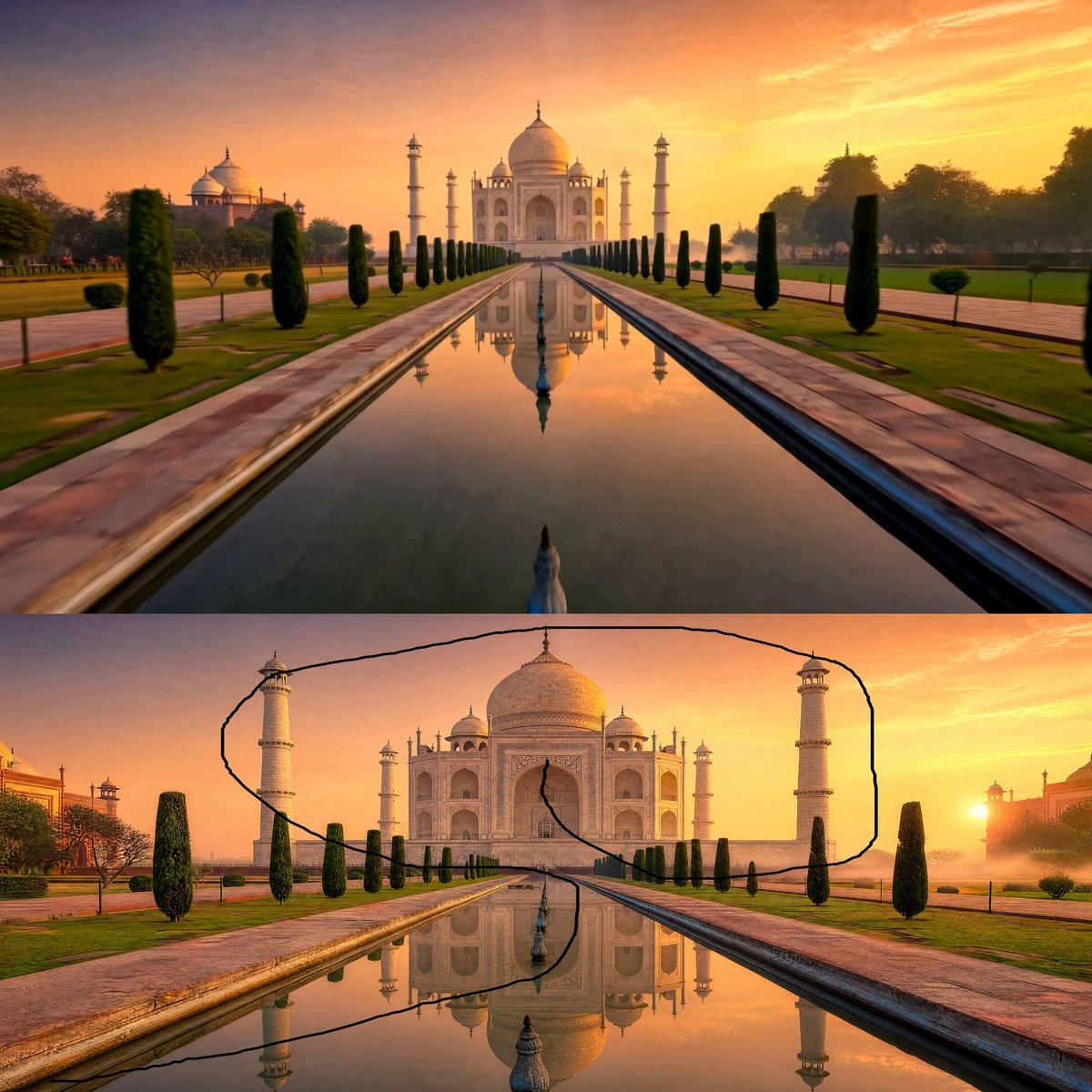
Taj Mahal Sunrise FPV Drone Flyover
Brutalist Architecture Rotring Product Commercial
90s Cartoon Horror Story
Gouache Concept Art Animation
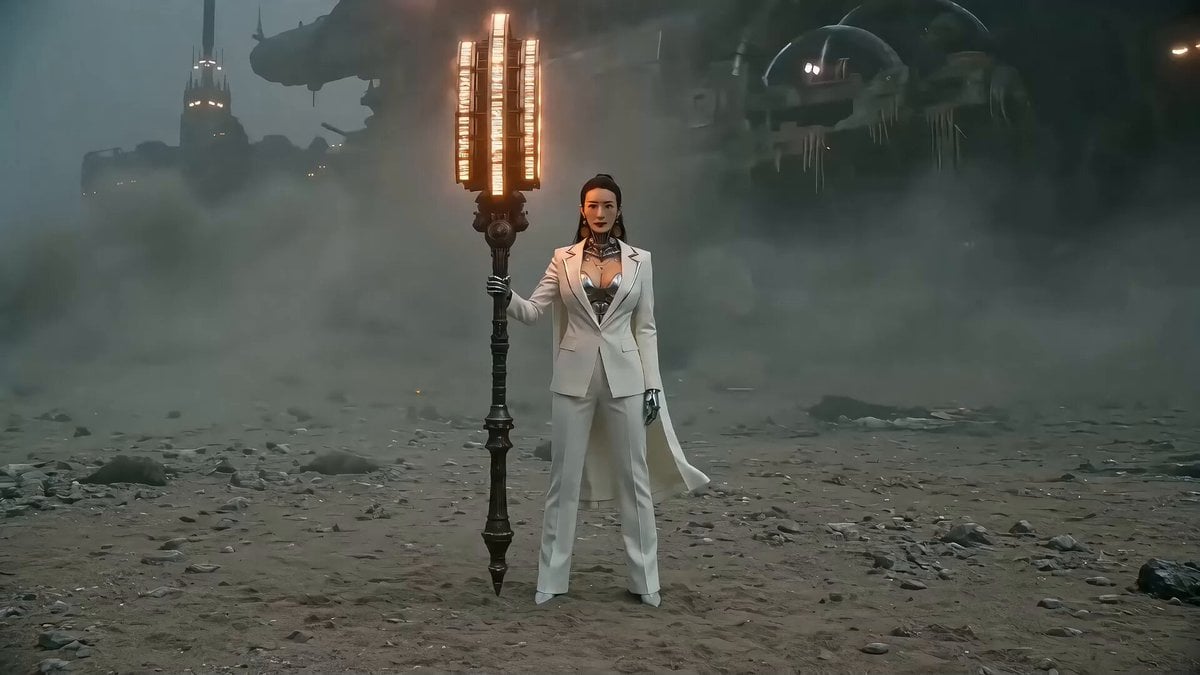
Seedance 2.0 Prompt: Gothic Mech Battle on a Desolate Beach
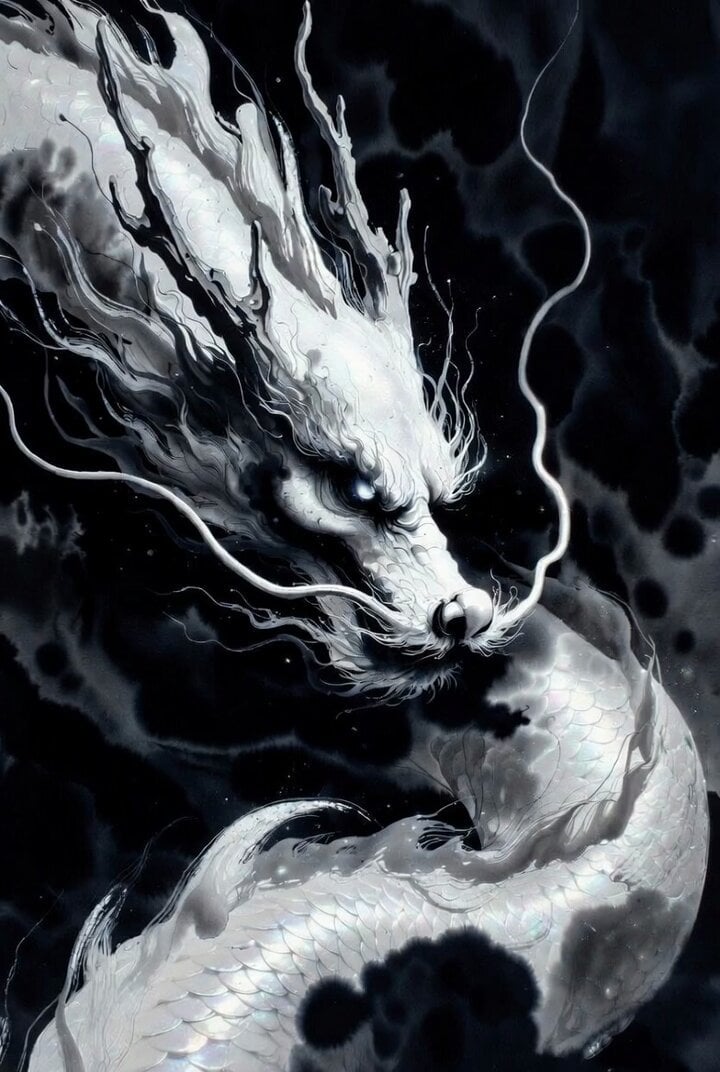
White Dragon April Blessing
Browse template categories
Seedance 2.0 Fox Beauty Transformation Effect Replication questions
How do I use the Seedance 2.0 Fox Beauty Transformation Effect Replication template?
Add your photo if the template asks for one, edit the prompt if you like — the template's model and format are already selected — and press Generate. Your version opens in PicX Studio.
Can I customize the Seedance 2.0 Fox Beauty Transformation Effect Replication template?
Yes. You can change the subject, setting, lighting, mood, format, and available model controls before creating your video.
Is the Seedance 2.0 Fox Beauty Transformation Effect Replication template free?
Opening and editing this template is free. Generating uses credits, shown on the Generate button when you are signed in.
Which AI model should I use?
Start with Seedance 2.0, which is the model associated with this template. You can compare another compatible model for a different finish.
Looking for something else? Browse all templates.

Your photo, any look
Thousands of ready templates for every top image and video model, from one credit balance.