
White Dragon April Blessing
A detailed, poetic prompt for Grok Imagine describing a white dragon swimming gracefully in the black cosmos, shining silver scales, and delivering a blessing for April focused on happiness, health, and shining brightly.
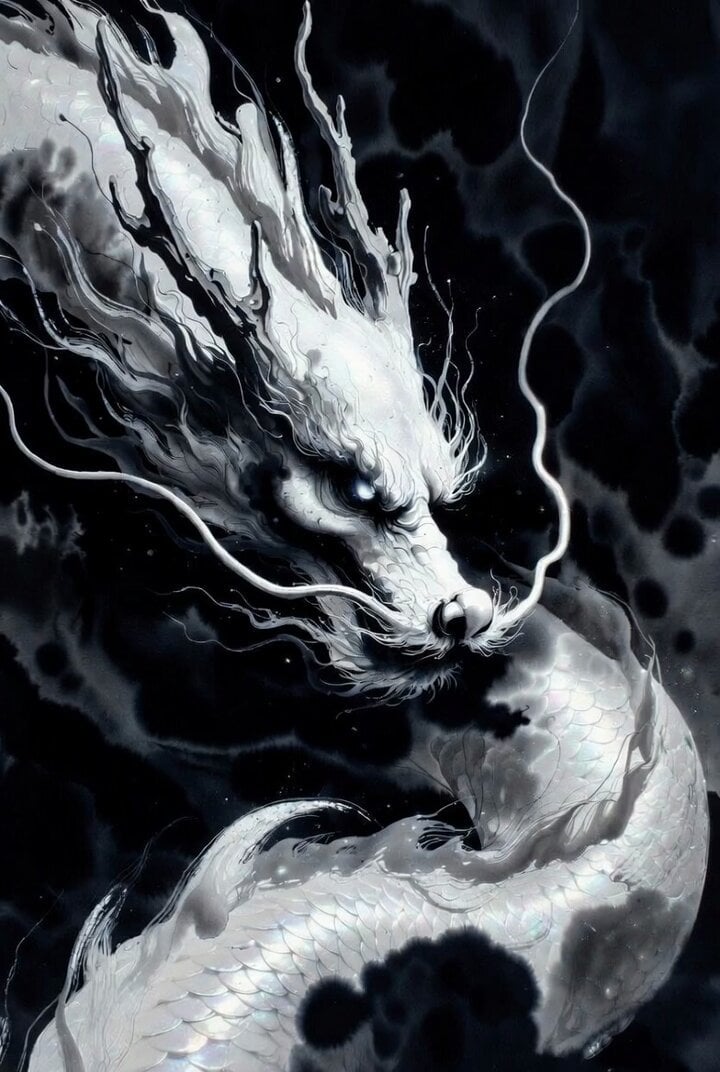
- Prompt included
- Model and format preset
- Free template
The prompt behind this video
Copy the exact prompt behind White Dragon April Blessing, or open it in the studio and make it yours.
🤍🌸 白龍の4月祝福 漆黒の宇宙を優雅に泳ぐ白き龍よ。 銀色の鱗を輝かせ、鋭い瞳で4月の訪れを見据える。 静かに語りかける声が、星の海に響く—— 「4月は、幸せに。 健康に。 そして何より、かっこよく、最高に輝いて生きろ。 私の尾のようにしなやかに、 私の翼のように自由に、 この一ヶ月を、最高の冒険に変えてみせろ。」 白龍の祝福が、あなたの4月を 美しく、強く、華やかに照らしますように✨
How to use White Dragon April Blessing in 3 steps
- 1
Open
The prompt is already in the box next to the preview, with the template's model and format selected.
- 2…a portrait of your subject in softgolden-hour light, 85mm…
Personalize
Edit the subject and creative details for your destination.
- 3Generate
Generate
Press Generate — your video is created in PicX Studio, so you can compare it with the original and refine one variable at a time.
More like this
Templates with the same subject, style or setup. Open one to see its prompt.
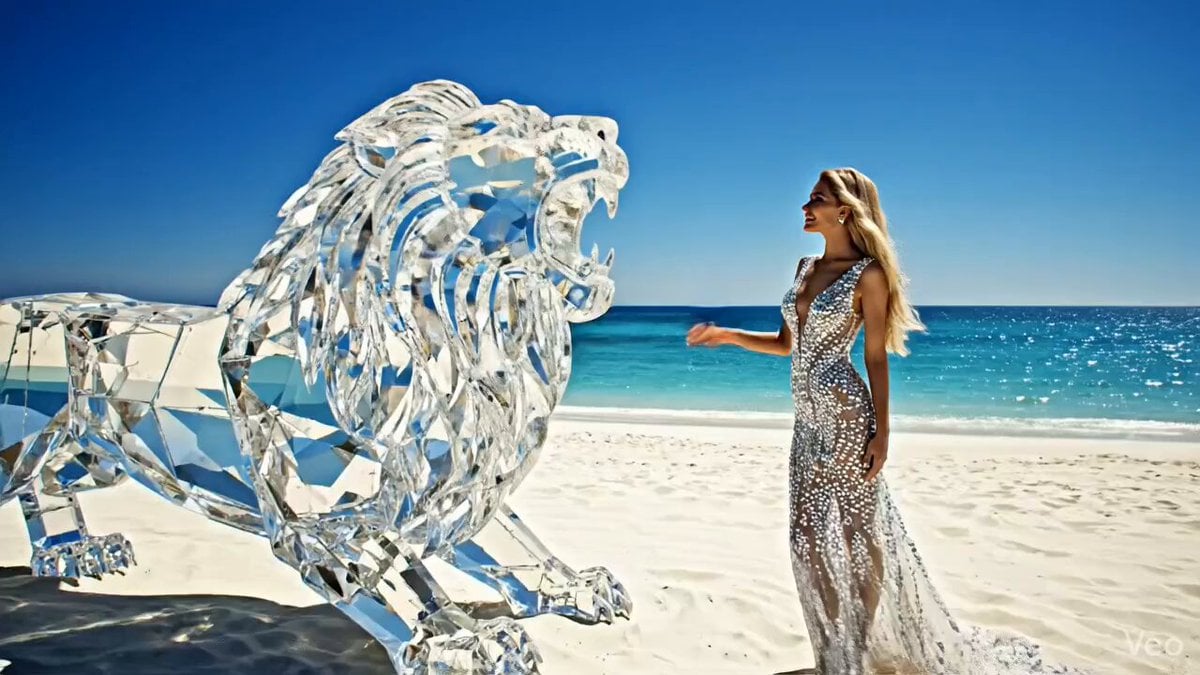
Huge diamond-like lion roaring on a white beach with an elegant woman
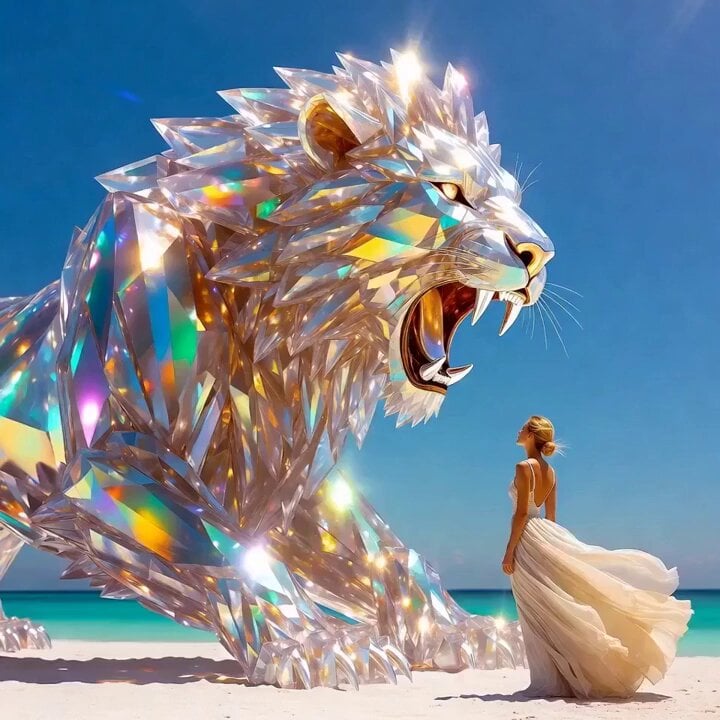
Grok Imagine Prompt: Crystal lion roaring on a white beach with an elegant woman
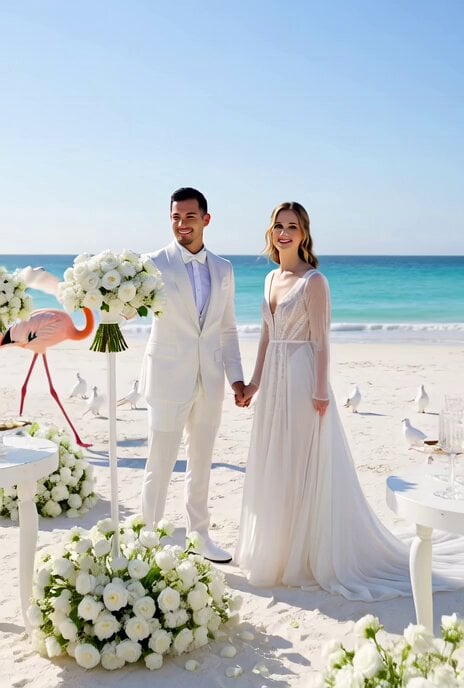
All-White Beach Wedding Video Prompt (1)
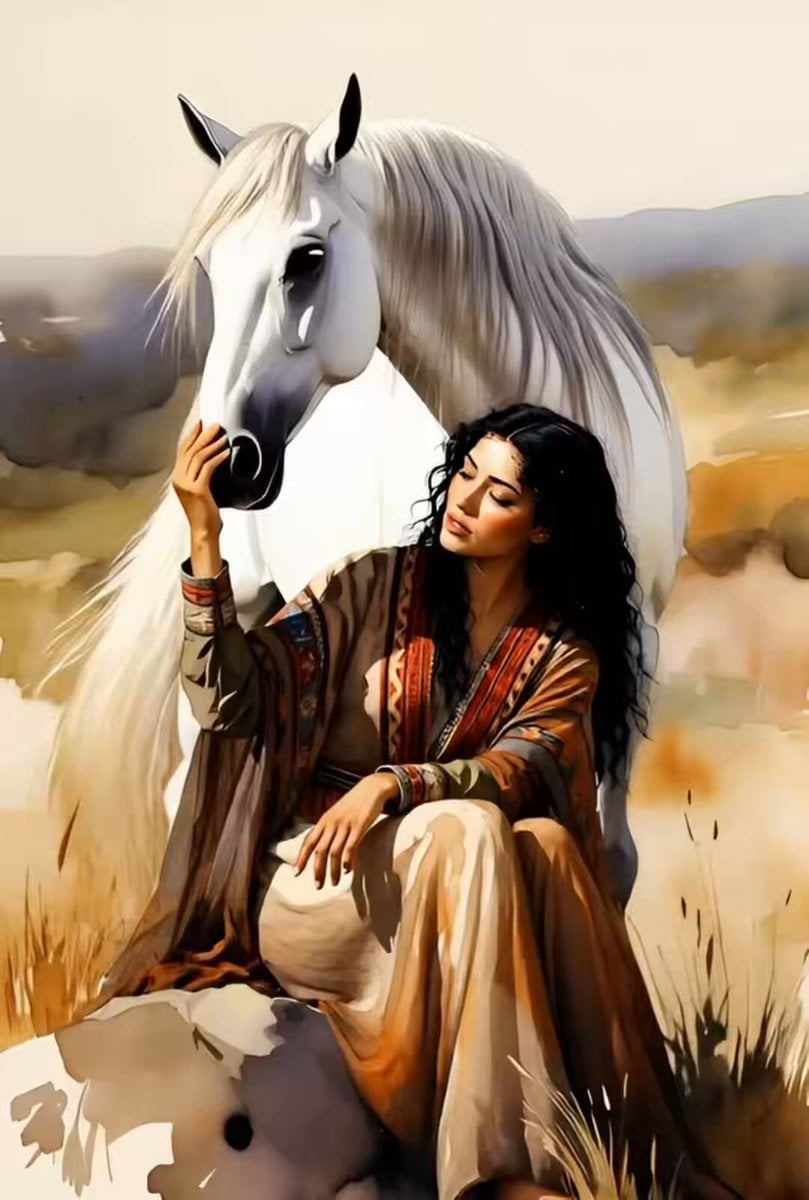
Watercolor Painting of Gypsy Woman and White Horse

Blending words with bronze and white highlights in a corridor
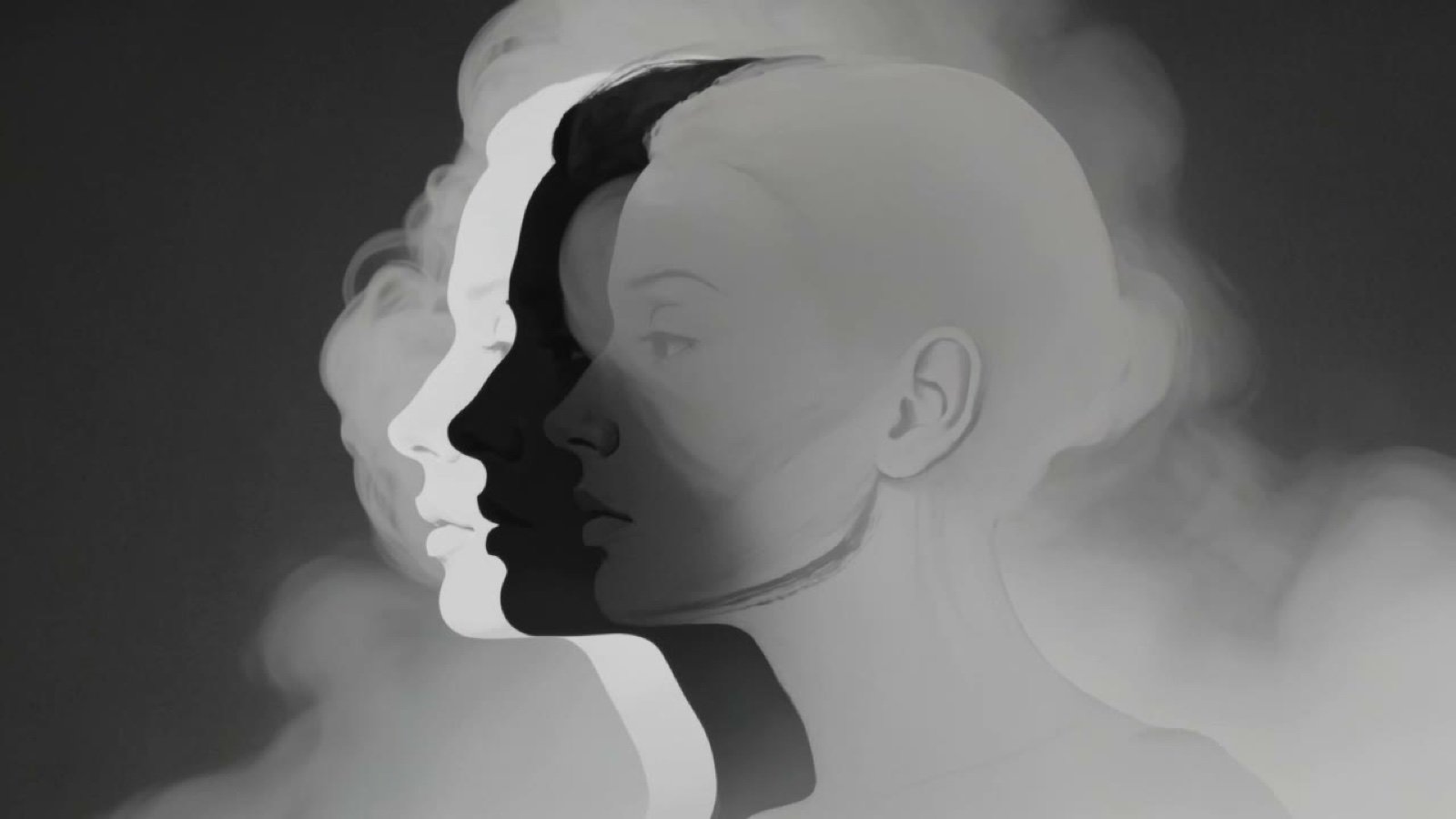
Surreal Black and White Photograph Prompt
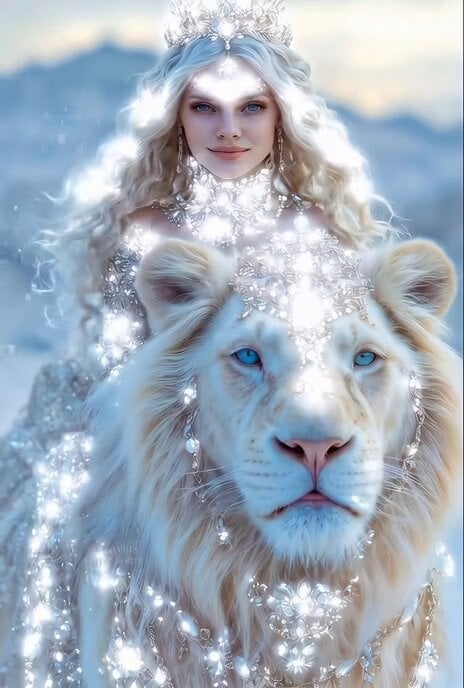
Majestic Ice Queen on a White Lion
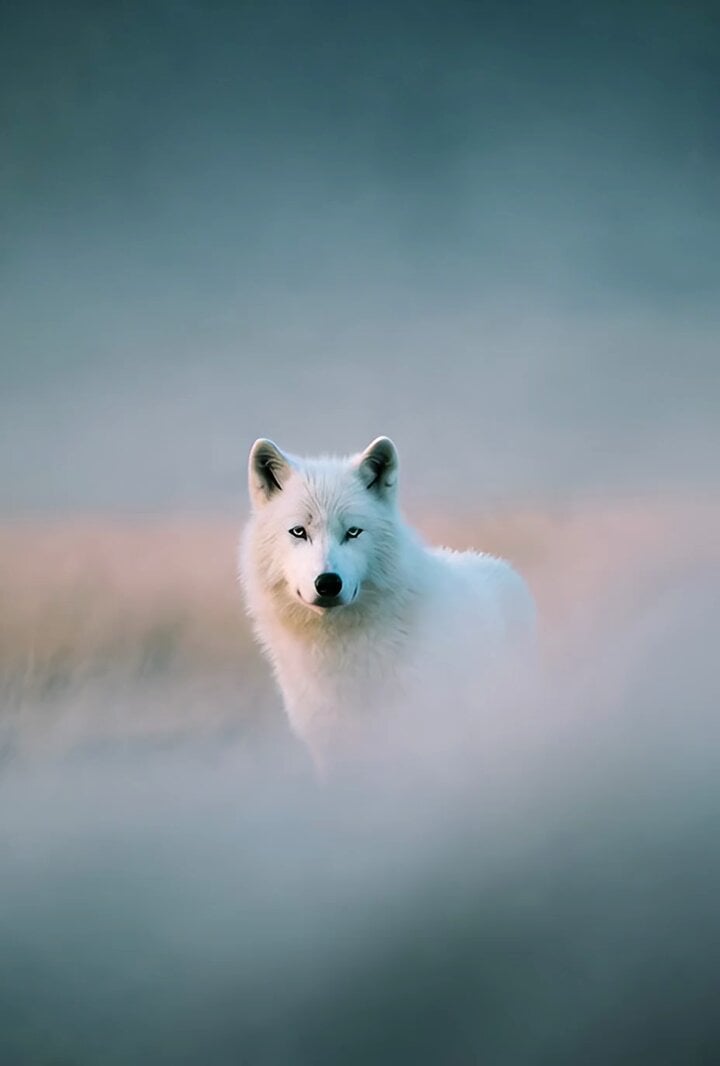
Grok Imagine prompt: White wolf photograph
A clean white screen displaying three sections of characters
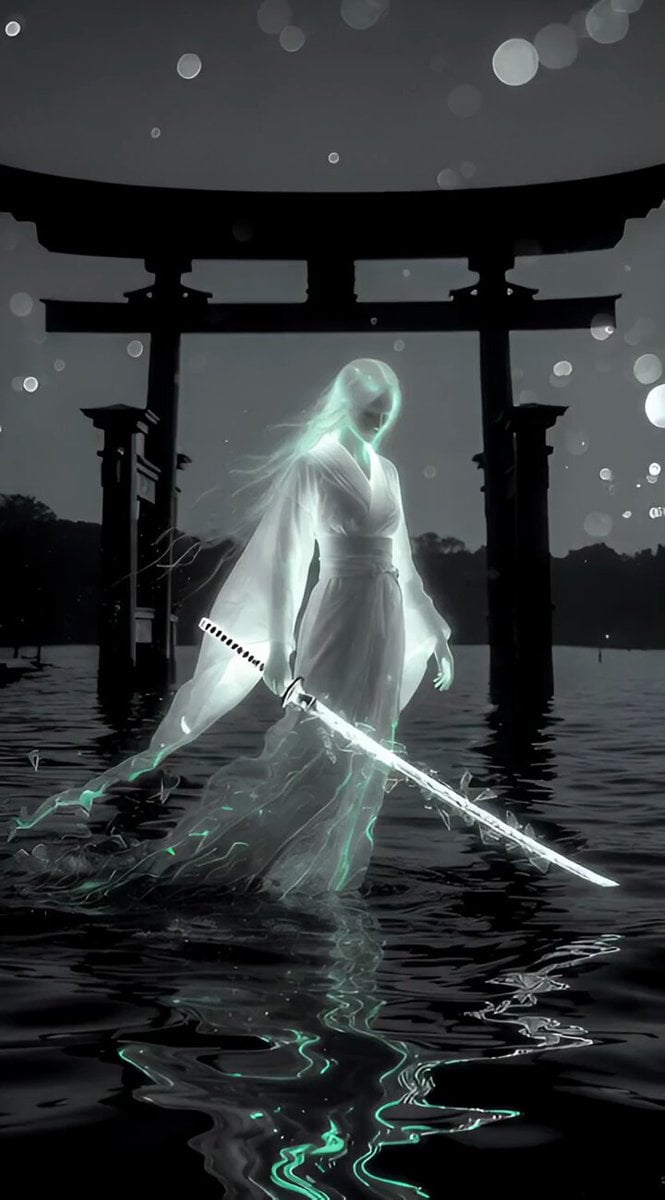
Cinematic Black and White Yurei Samurai
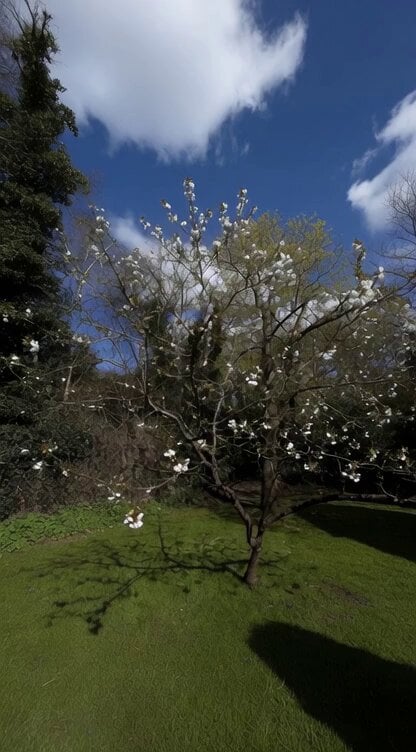
Grok Imagine Prompt: Camera movement on a white blossom tree
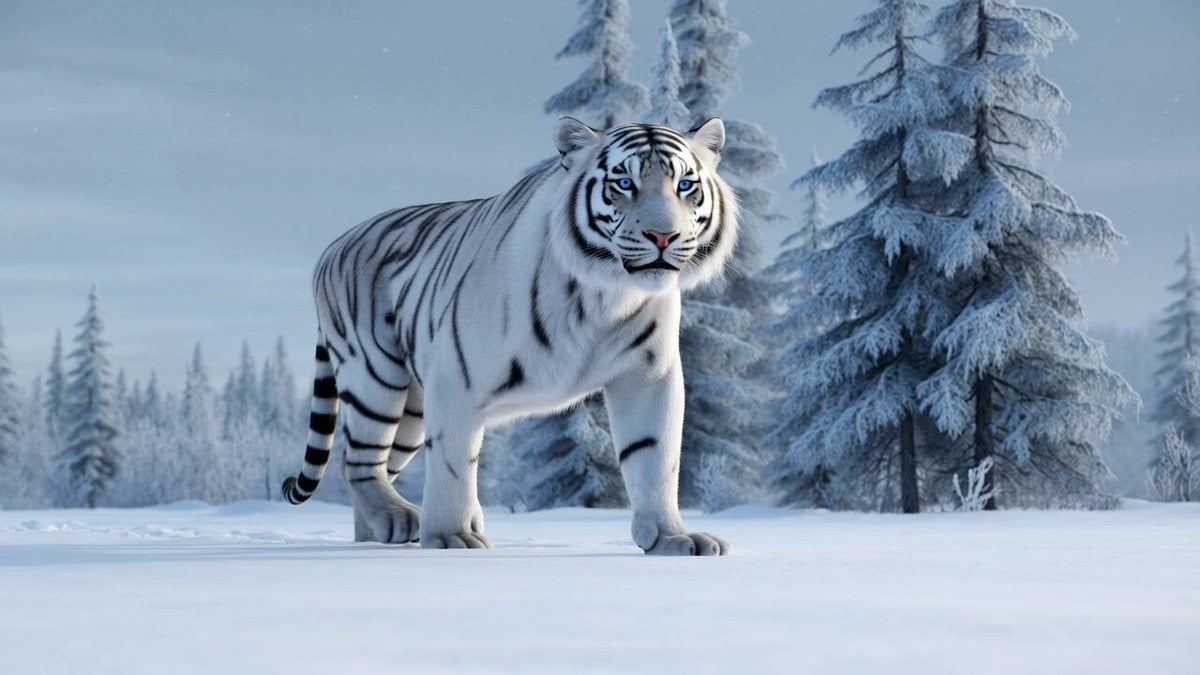
Grok Imagine Prompt: White Tiger Winter Walk
Make it yours
White Dragon April Blessing works as-is. These are the safest ways to change it without losing the look.
Change one field
Copy a single group, rewrite it, and generate again so you can see what that field is doing.
Keep the frame, change the subject
Hold the composition and light of White Dragon April Blessing, then swap wardrobe, props or the person for a new take.
| If the result… | Why | Fix |
|---|---|---|
| The result drifts from the preview | Too many fields changed at once. | Reuse White Dragon April Blessing as-is first, then change one group — subject, light, or setting. |
| The model over-stylizes the scene | The prose prompt leaves finish and camera underspecified. | Add one camera or lighting sentence and stay on Grok Imagine. |
More Grok Imagine templates
Other prompts made for Grok Imagine.

Voice Controlled Water Animation

Pterodactyl Transformation Journey

Candle Mandala Mirror Video

Psychedelic Purple Disc World Video

Mecha Runway Tap Dance Video Prompt

Quantum Inventor in Sonoran Desert

Emotional Angry Couple Drama

Train Zooming in Star Field Video Prompt

Cyberpunk Guerrilla Girl Video Generation

Detailed multi-part video prompt
More video prompts
Fresh picks from across the catalog.
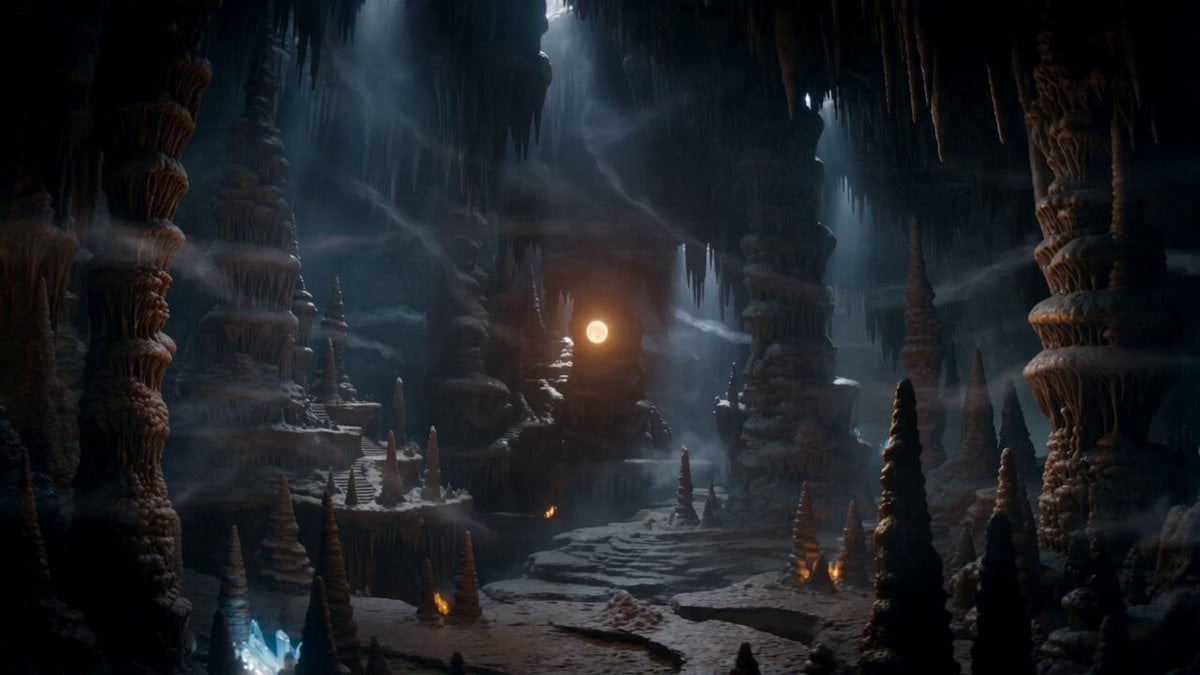
Magical Dragon Portal Cave
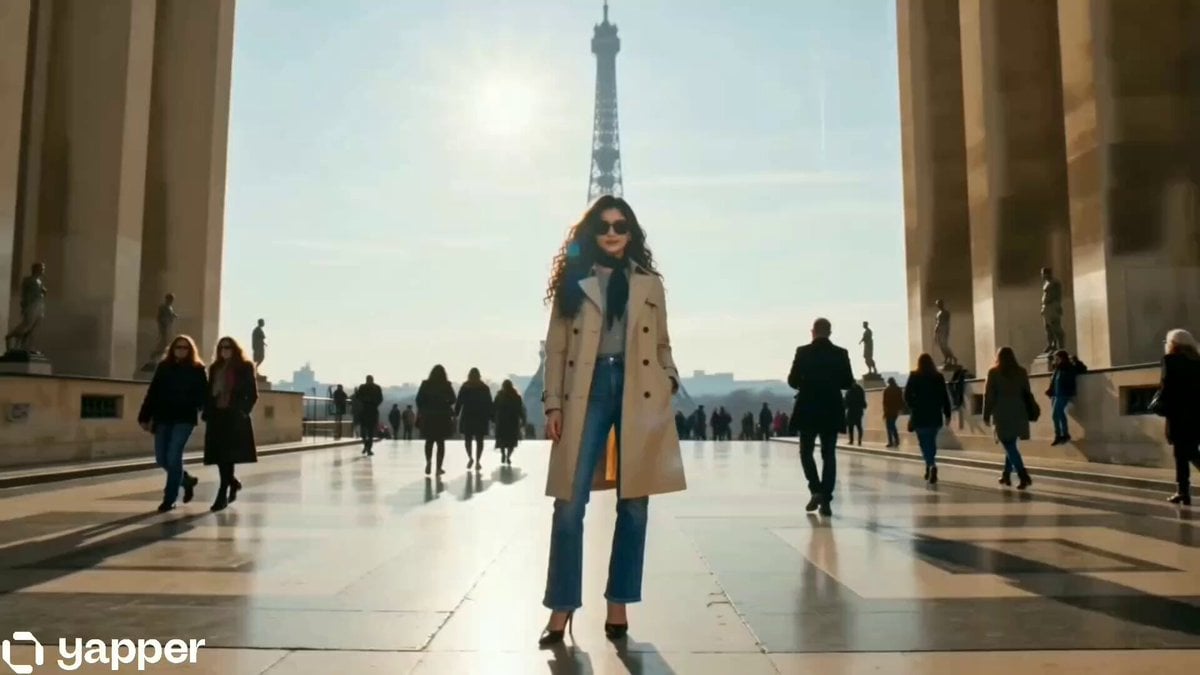
Cinematic Fashion Travel Orbit Shot
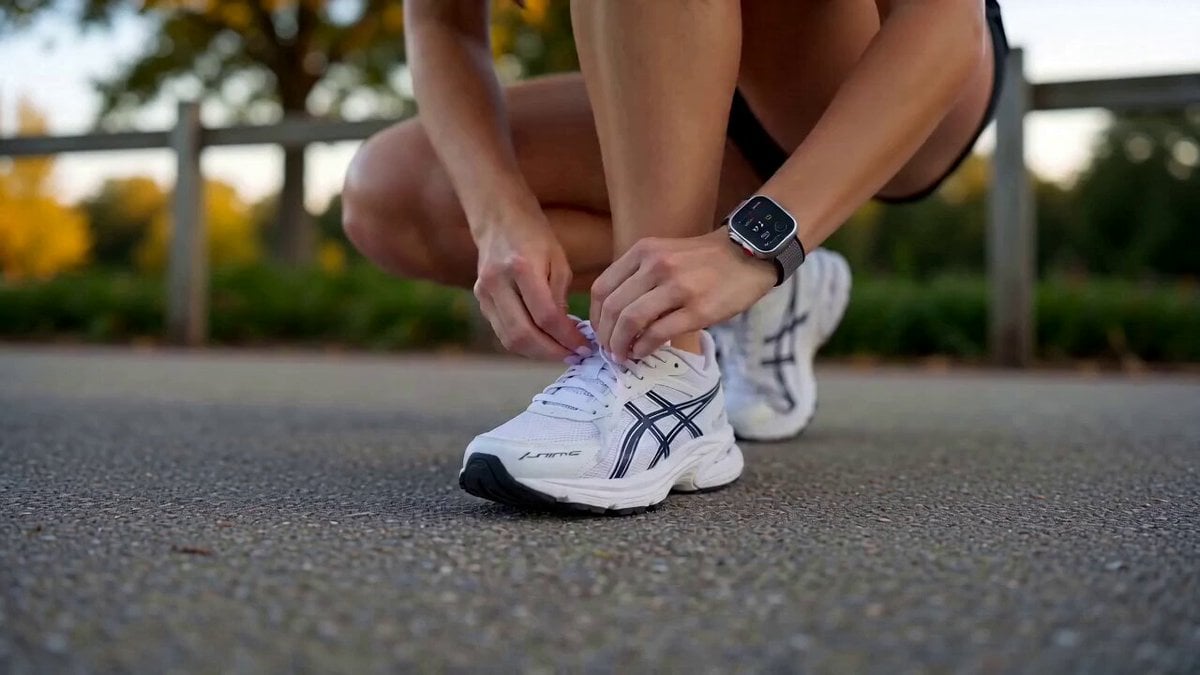
Cinematic Morning Lifestyle Vlog
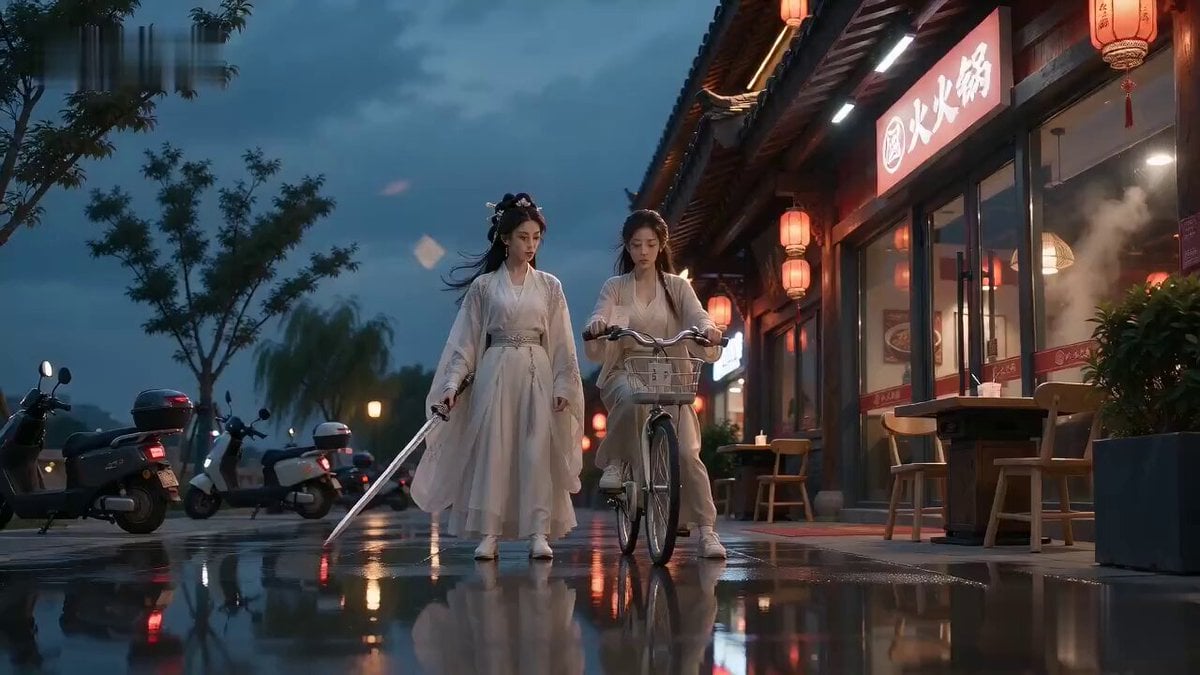
Xianxia Hotpot Queue Chase Video
Slapstick Spy Cat Firecracker Scene Prompt
Seedance 2.0 Transform Prompt Framework

Romantic Drama Apartment Goodbye

Market Restoration Crane-Up Timelapse

Bacon Latte Commercial Prompt
Better Version: Half-Cyberpunk Chinese Dancer in Classical Palace
Browse template categories
White Dragon April Blessing questions
How do I use the White Dragon April Blessing template?
Add your photo if the template asks for one, edit the prompt if you like — the template's model and format are already selected — and press Generate. Your version opens in PicX Studio.
Can I customize the White Dragon April Blessing template?
Yes. You can change the subject, setting, lighting, mood, format, and available model controls before creating your video.
Is the White Dragon April Blessing template free?
Opening and editing this template is free. Generating uses credits, shown on the Generate button when you are signed in.
Which AI model should I use?
Start with Grok Imagine, which is the model associated with this template. You can compare another compatible model for a different finish.
Looking for something else? Browse all templates.

Your photo, any look
Thousands of ready templates for every top image and video model, from one credit balance.