
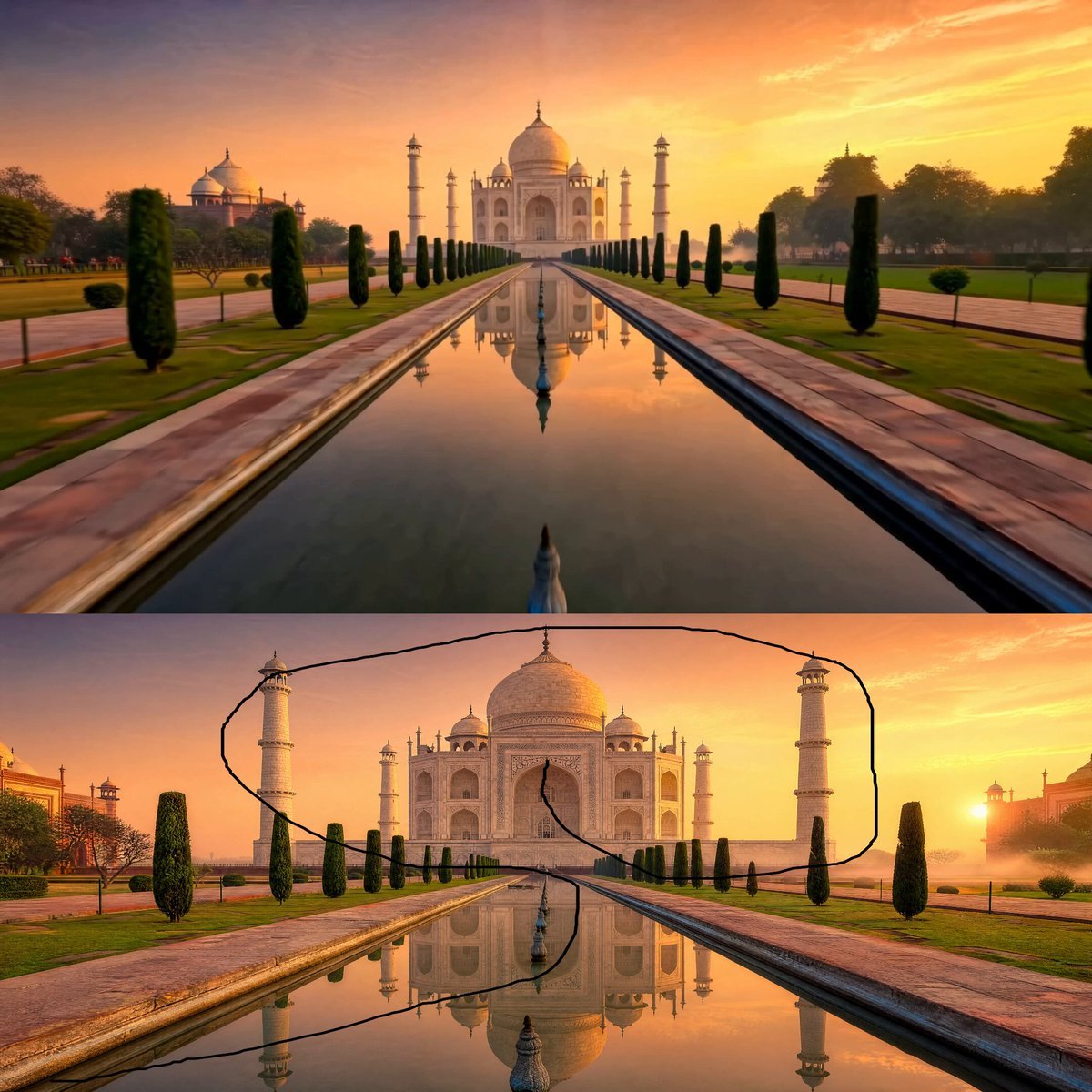
Taj Mahal Sunrise FPV Drone Flyover
A photorealistic FPV drone flight through the Taj Mahal gardens at sunrise with golden lighting and cinematic motion.
- Prompt included
- Model and format preset
- Free template
The prompt behind this video
Copy the exact prompt behind Taj Mahal Sunrise FPV Drone Flyover, or open it in the studio and make it yours.
Photorealistic first person FPV drone fly through starting from the front garden pathway of the Taj Mahal at sunrise. The camera glides rapidly forward over the Mughal garden, flying low above the symmetrical water canal with the Taj Mahal reflection shimmering beneath. Soft golden sunrise light touches the white marble dome and minarets, creating a warm glowing pink gold atmosphere. The drone smoothly dives close toward the reflecting pool, then rises upward toward the grand marble platform, passing between the garden trees and visitors from a respectful cinematic distance. The camera circles around the Taj Mahal in a smooth orbital motion, revealing the glowing central dome, elegant minarets, intricate marble details, and the soft morning mist around the monument. It then ascends above the courtyard, capturing the full symmetrical layout of the gardens, water canal, and the Taj Mahal standing majestically under the sunrise sky. The movement should feel fast but stable, fluid and cinematic, always facing the direction of travel. Premium warm sunrise color palette, soft golden pink light, realistic marble texture, gentle mist, natural reflections, realistic shadows, cinematic lighting, rich environmental details, ultra realistic, HDR, 8K quality, seamless aerial traversal, smooth FPV drone movement, majestic peaceful atmosphere, photorealistic cinematic travel film look. Negative Prompt: Avoid shaky camera, distorted architecture, warped dome, extra minarets, unrealistic crowd, cartoon look, oversaturated colors, blurry details, text, logo, watermark, low resolution, flickering, broken reflections.
How to use Taj Mahal Sunrise FPV Drone Flyover in 3 steps
- 1
Open
The prompt is already in the box next to the preview, with the template's model and format selected.
- 2…a portrait of your subject in softgolden-hour light, 85mm…
Personalize
Edit the subject and creative details for your destination.
- 3Generate
Generate
Press Generate — your video is created in PicX Studio, so you can compare it with the original and refine one variable at a time.
More like this
Templates with the same subject, style or setup. Open one to see its prompt.
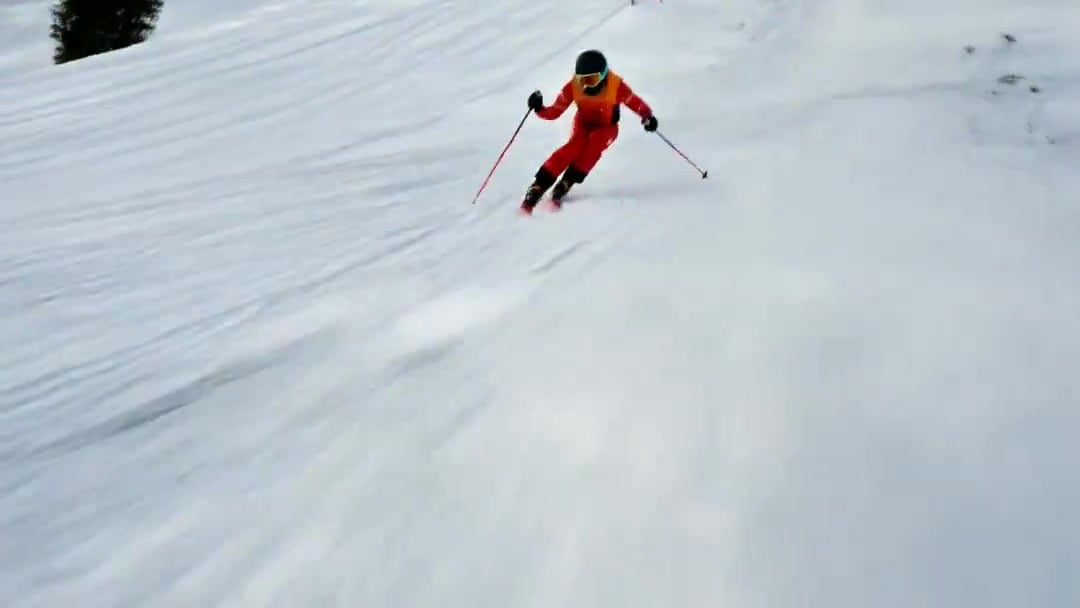
FPV Drone Skier Tracking — Kling 3.0 O3 Pro
Amazon FPV Drone Chase — Seedance 2.0
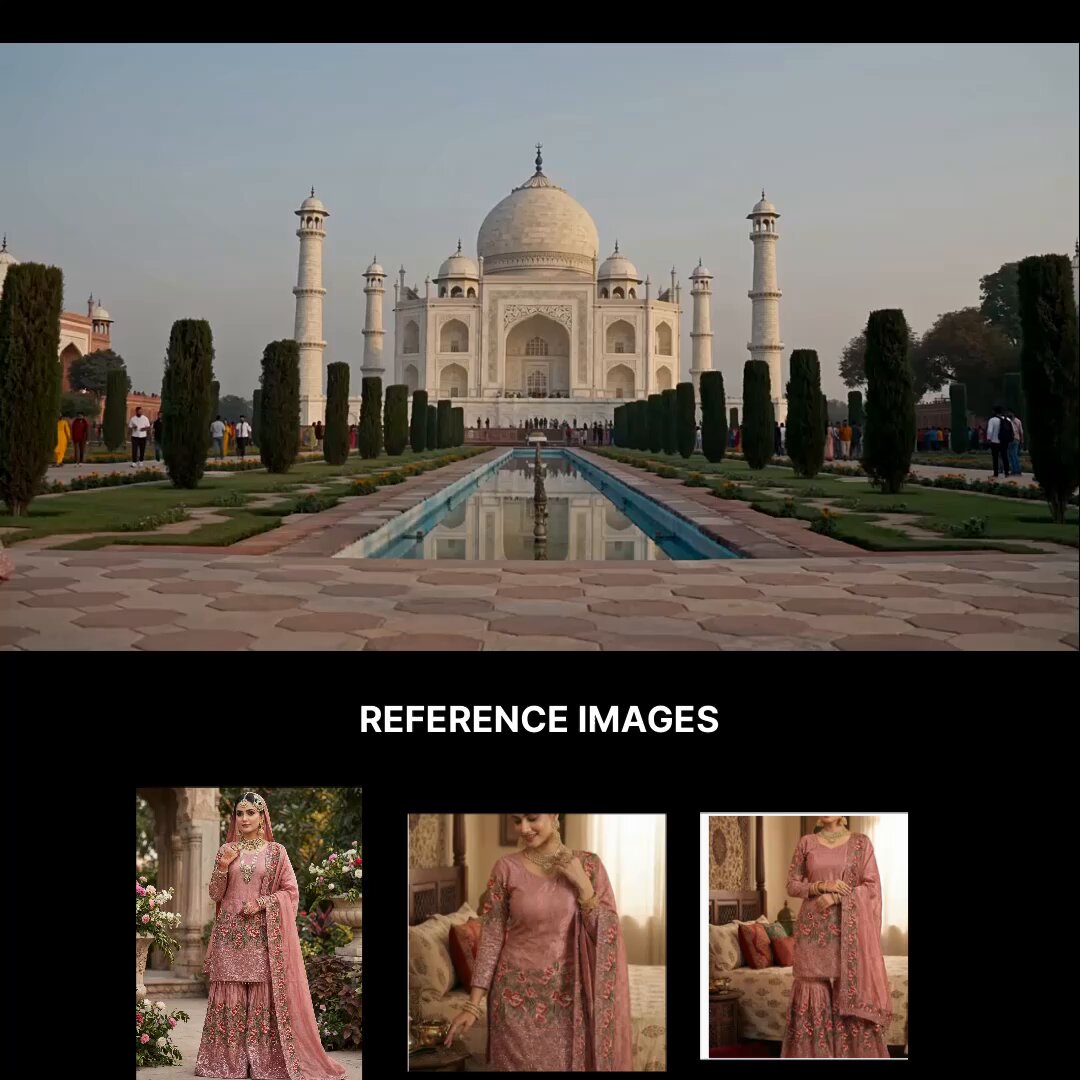
Taj Mahal Fashion Shoot
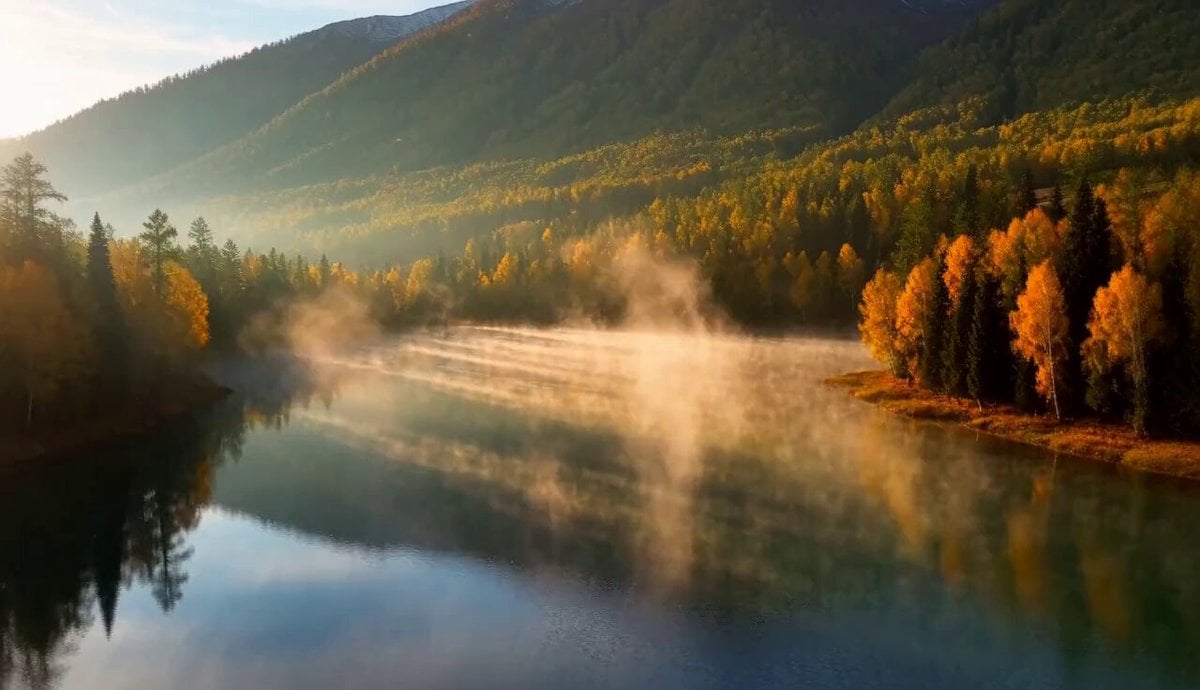
Cinematic Xinjiang Drone Landscapes - Seedance 2.5
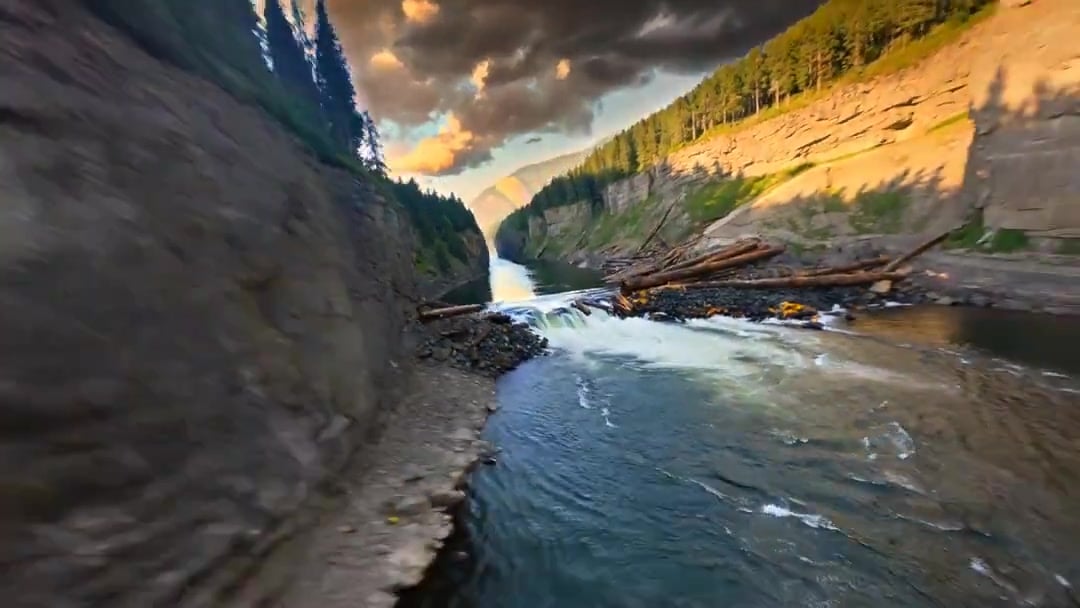
Cinematic Drone Specs Canyon — Kling 3.0 v3 Pro
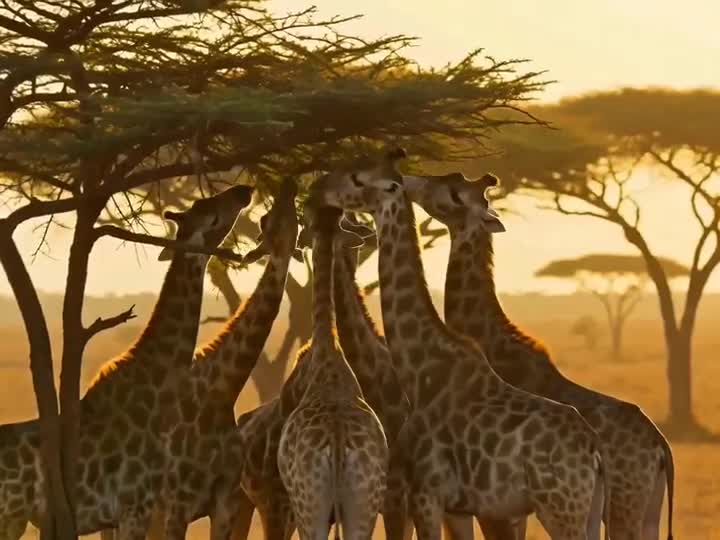
Drone Removal Safari Cleanup
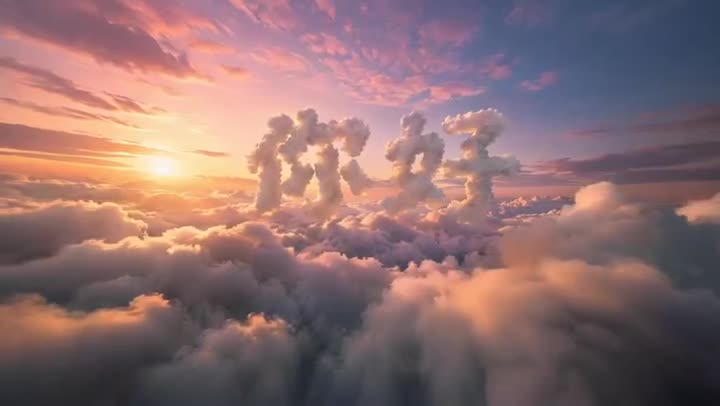
FPV Multilingual Landscape Flight

Luxury Lifestyle Day Vlog
Pearl Harbor Attack — Seedance 2.0 FPV
Griffin Knight Mountain Kingdom — Seedance 2.0
FPV Ancient Kuru Kingdom — Hastinapura Golden Hour (Seedance)
Yellow Seaplane Coastal Dive — Aerial Drone Shot
Make it yours
Taj Mahal Sunrise FPV Drone Flyover works as-is. These are the safest ways to change it without losing the look.
Change one field
Copy a single group, rewrite it, and generate again so you can see what that field is doing.
Keep the frame, change the subject
Hold the composition and light of Taj Mahal Sunrise FPV Drone Flyover, then swap wardrobe, props or the person for a new take.
| If the result… | Why | Fix |
|---|---|---|
| The result drifts from the preview | Too many fields changed at once. | Reuse Taj Mahal Sunrise FPV Drone Flyover as-is first, then change one group — subject, light, or setting. |
| The model over-stylizes the scene | The prose prompt leaves finish and camera underspecified. | Add one camera or lighting sentence and stay on Seedance 2.0. |
More Seedance 2.0 templates
Other prompts made for Seedance 2.0.

Comical Martial Arts Punch Scene

Maglev Train Action Sequence

Martial Arts Fight Sequence

Wuxia Protection and Trust Script

Vintage Korean Arcade MiniDV Vlog

Mercedes 190 SL Luxury Ad

Rainy Night Supernatural Reverse Comedy Video Script

Amazon Civilization Discovery

Futuristic South Asian City Transformation

Cozy Luxury Cafe Commercial
More video prompts
Fresh picks from across the catalog.
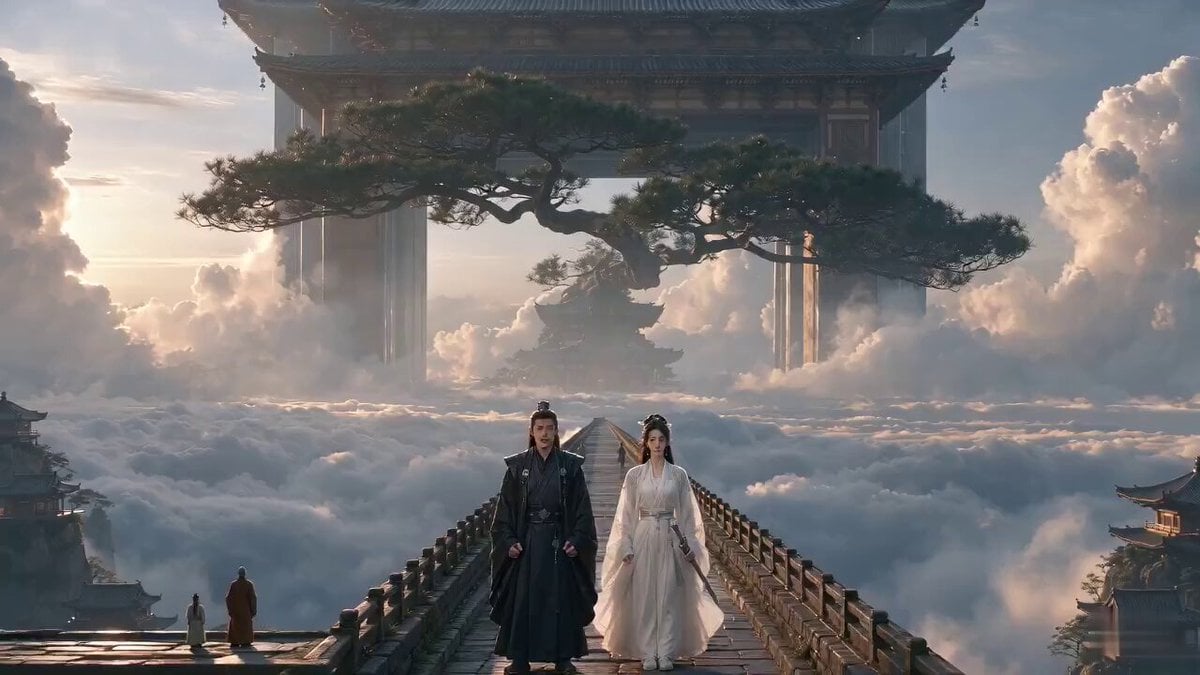
Xianxia Comedy - Hearing a Sound
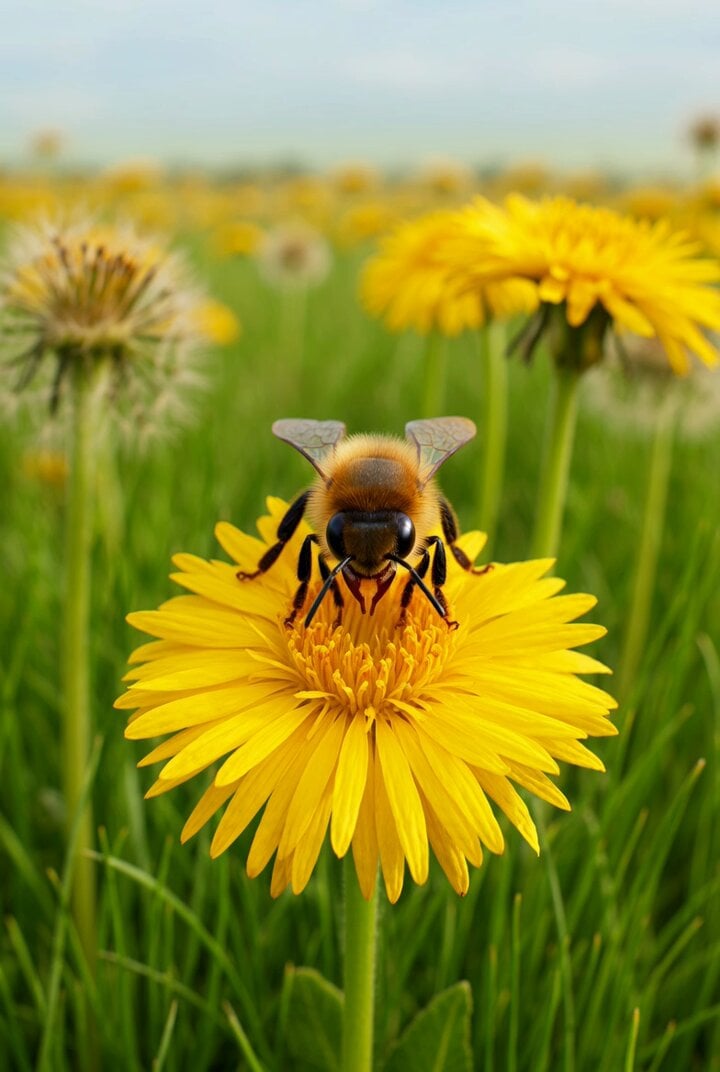
Honey Bee and Paper Airplane Video
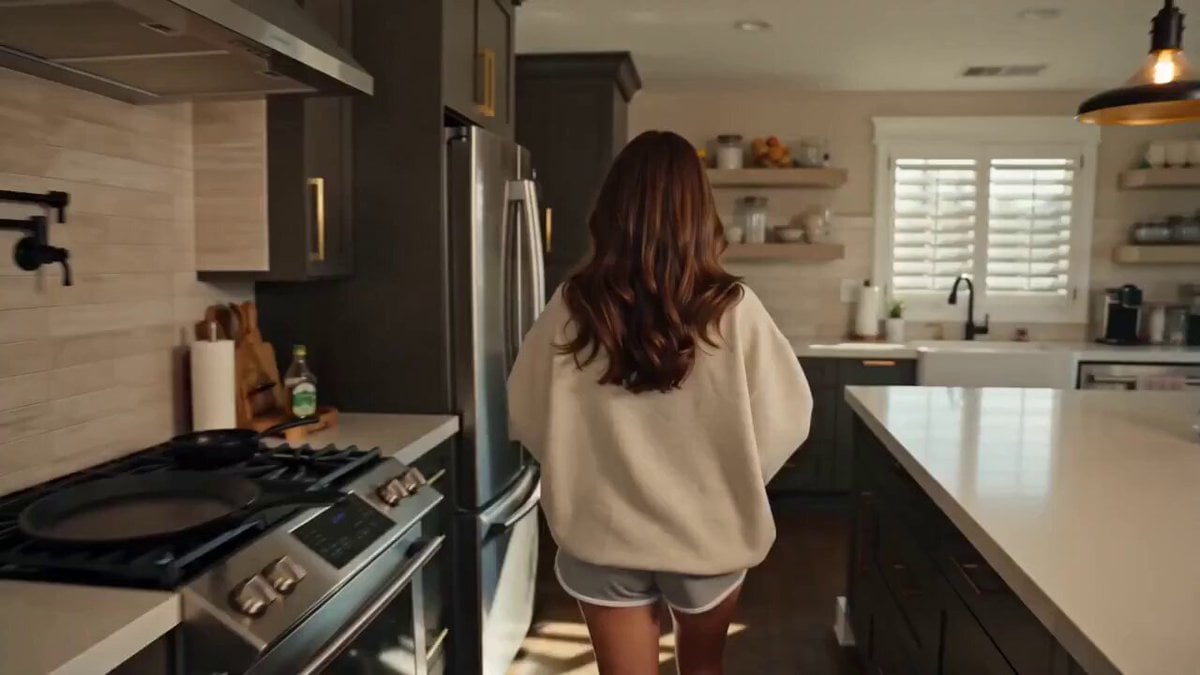
Photorealistic Lifestyle Influencer Vlog Prompt
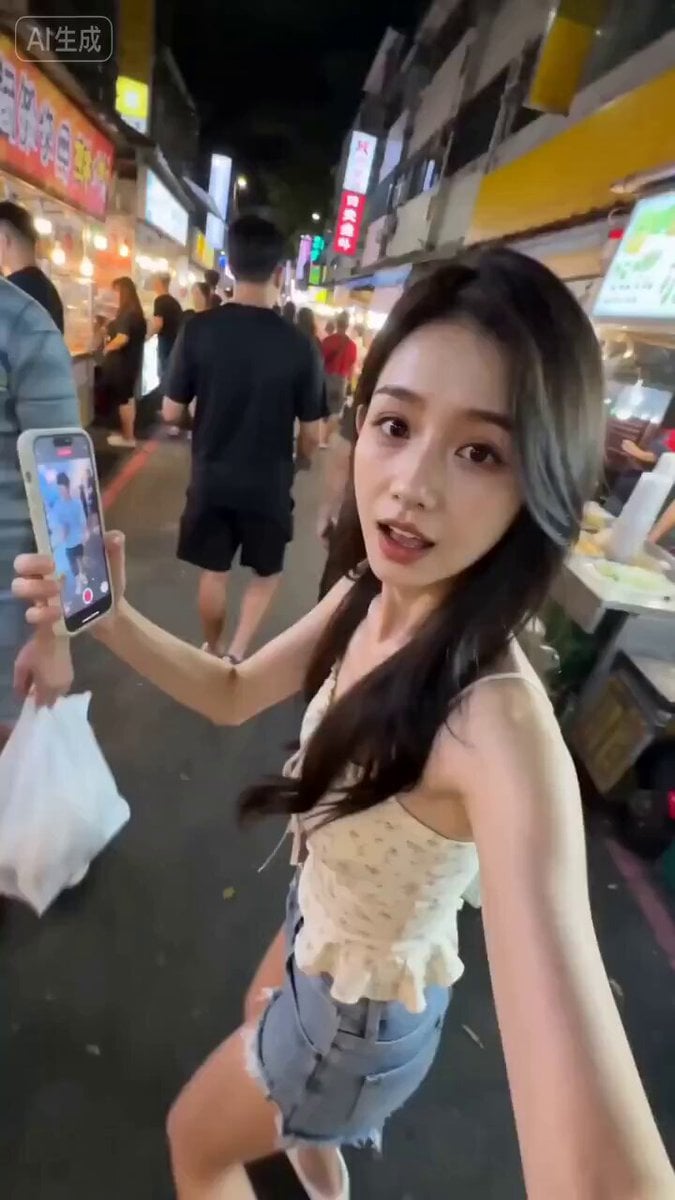
Taiwanese Girlfriend Night Market POV Video
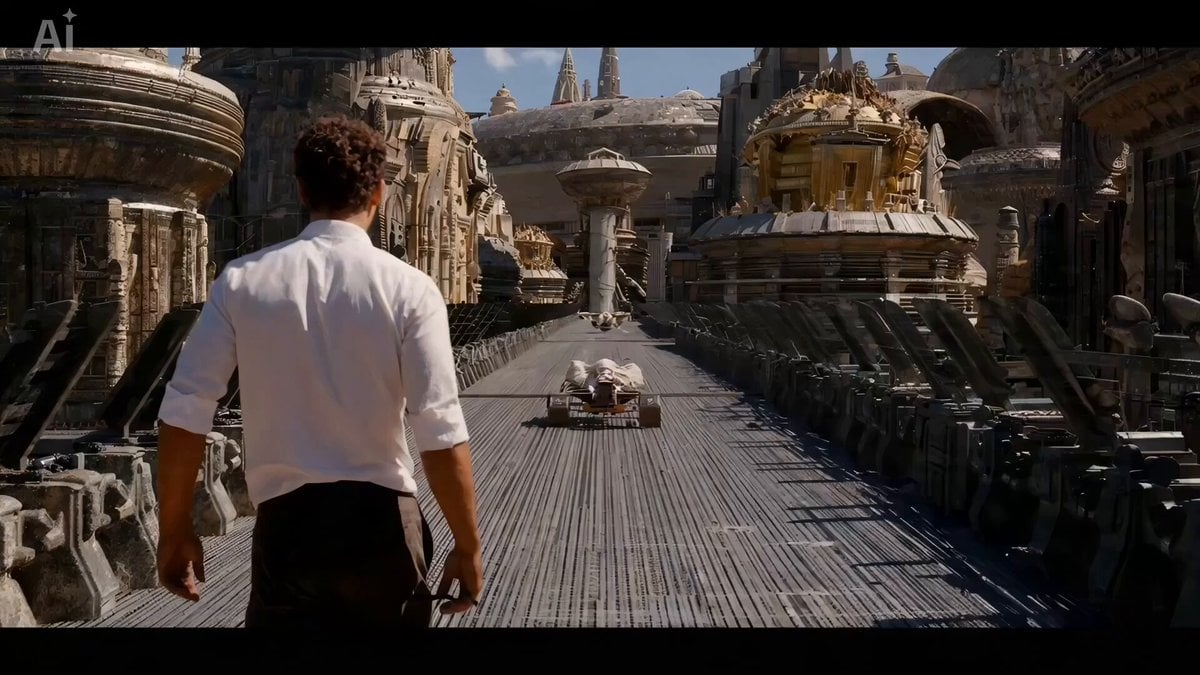
The Moment It Sees Him (Close-up Shot)
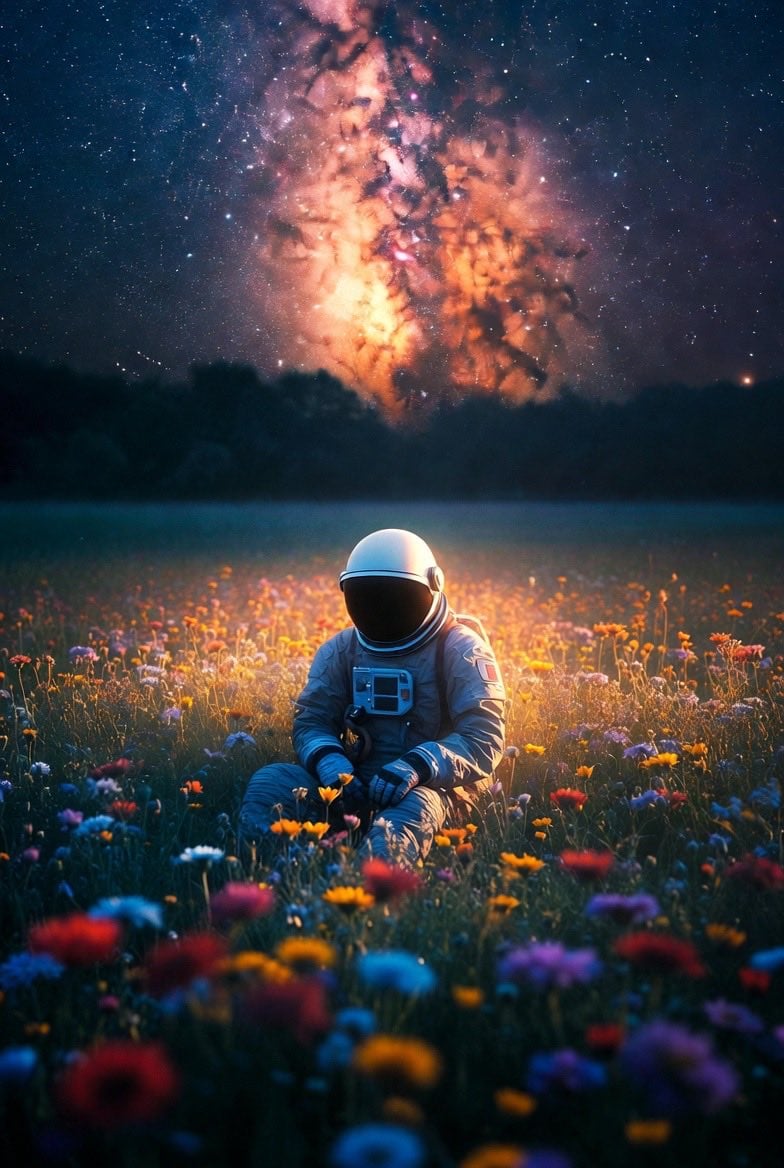
Lonely Astronaut in Flower Field Under Cosmic Sky
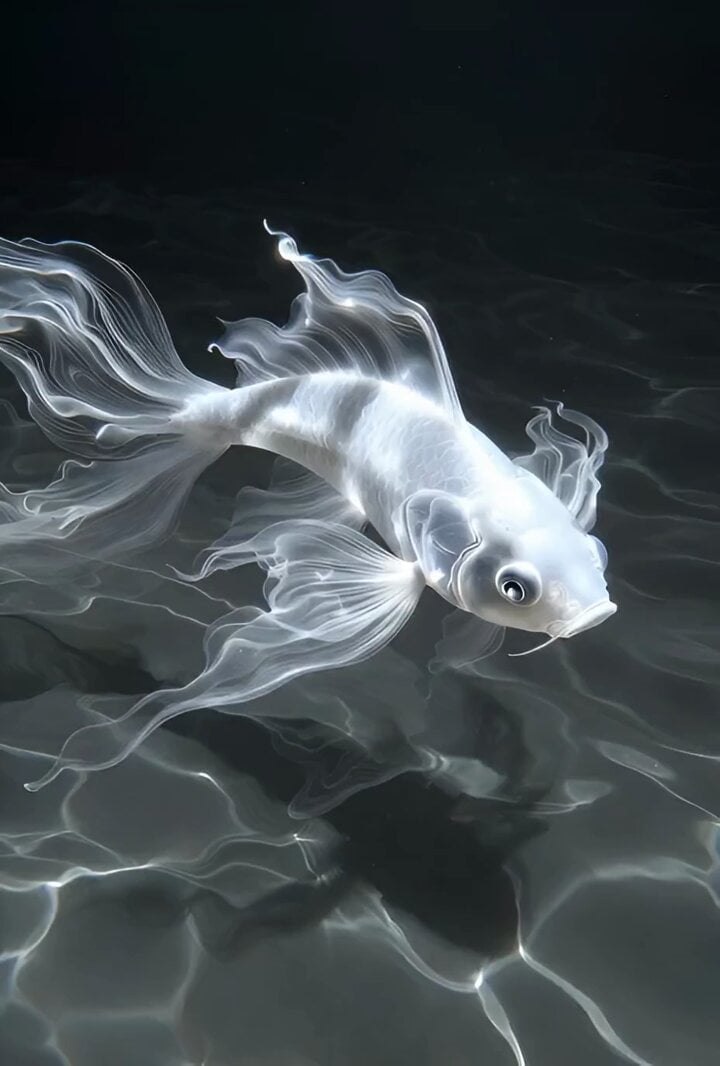
Slow motion scene with dynamic camera movement
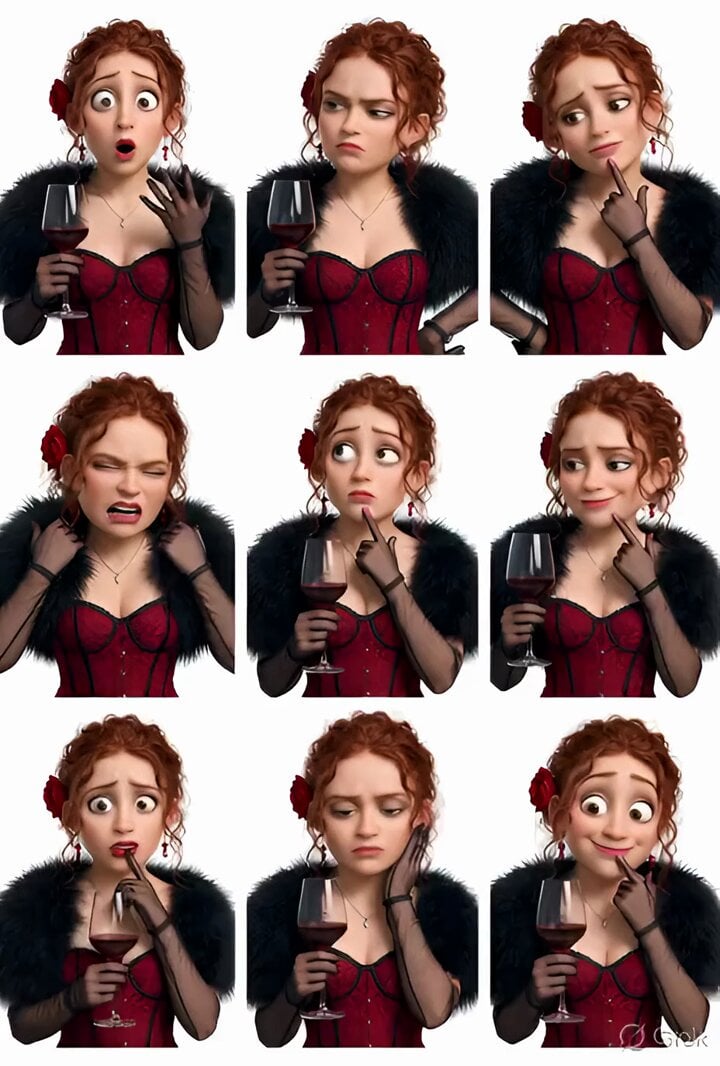
Grok Imagine prompt: Pixar-style 3D character sticker set from selfie
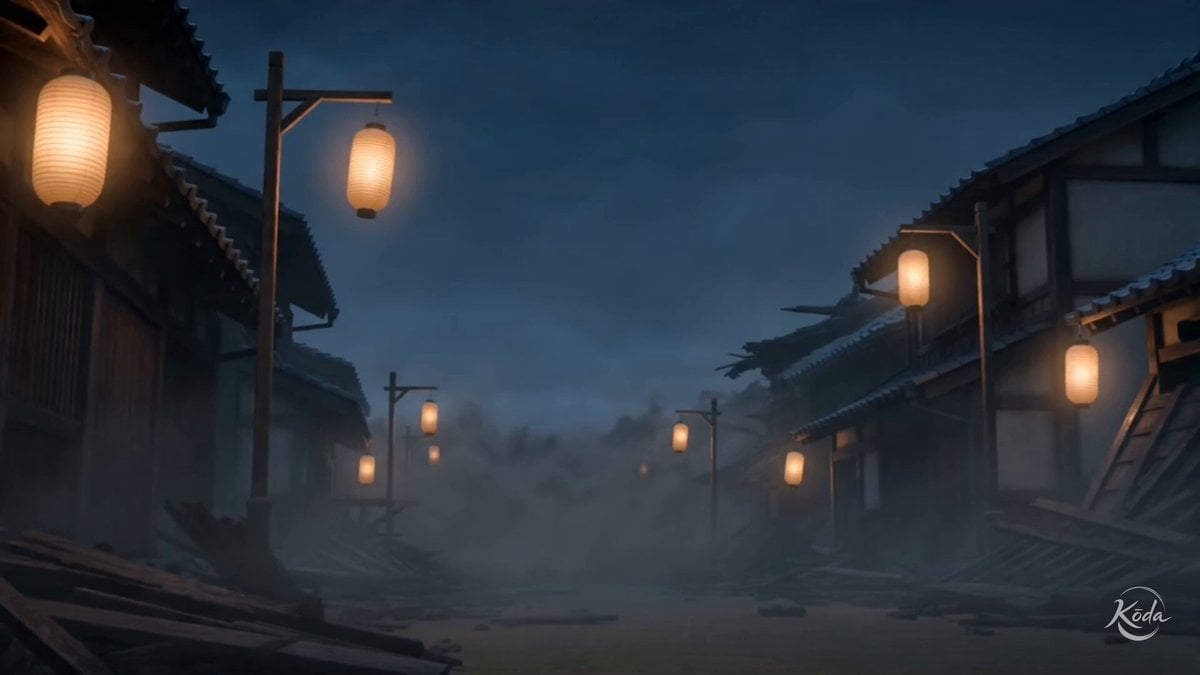
Edo Street Smoke Creature
Cinematic Anime Action Sequence Prompt with Dialogue
Browse template categories
Taj Mahal Sunrise FPV Drone Flyover questions
How do I use the Taj Mahal Sunrise FPV Drone Flyover template?
Add your photo if the template asks for one, edit the prompt if you like — the template's model and format are already selected — and press Generate. Your version opens in PicX Studio.
Can I customize the Taj Mahal Sunrise FPV Drone Flyover template?
Yes. You can change the subject, setting, lighting, mood, format, and available model controls before creating your video.
Is the Taj Mahal Sunrise FPV Drone Flyover template free?
Opening and editing this template is free. Generating uses credits, shown on the Generate button when you are signed in.
Which AI model should I use?
Start with Seedance 2.0, which is the model associated with this template. You can compare another compatible model for a different finish.
Looking for something else? Browse all templates.

Your photo, any look
Thousands of ready templates for every top image and video model, from one credit balance.