
Edo Street Smoke Creature
A cinematic Seedance 2.0 prompt for a colossal smoke creature rising in a ruined Edo period street with dynamic sakuga-style animation.
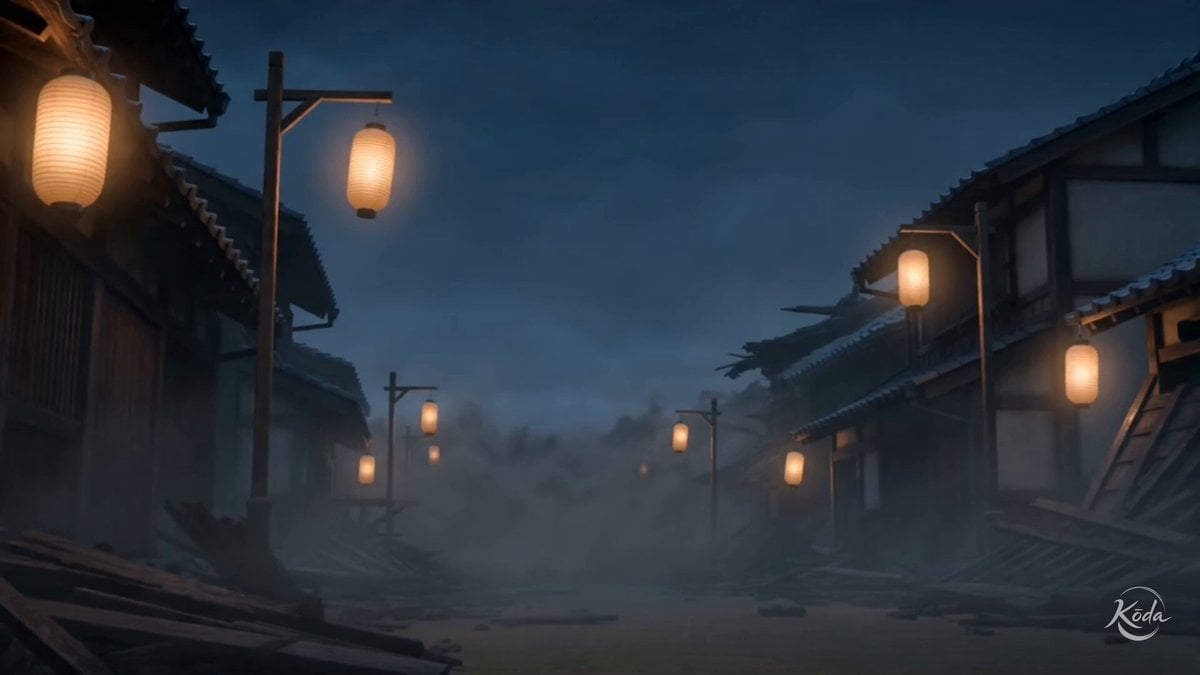
- Prompt included
- Model and format preset
- Premium template
The prompt behind this video
Copy the exact prompt behind Edo Street Smoke Creature, or open it in the studio and make it yours.
High-end cinematic 3D realism fused with dark smoke-sculpt action. High-sakuga anime choreography, rolling black smoke, dissolving vapor masses, turbulent ash clouds and ghostlike particulate trails define every movement. Extreme perspective, dramatic foreshortening, cinematic tracking shots, low-key lighting, dense atmospheric haze and explosive smoke eruptions replace conventional visual effects, while realistic materials and feature-film rendering preserve depth, weight and scale. A colossal smoke creature rises in a ruined Edo street, its body constantly reshaping into claws, horns and twisting vapor limbs between broken wooden houses and swaying paper lanterns. As it moves through the night haze, it pulls ash, dust and roof debris into its mass before collapsing into a violent black plume.
How to use Edo Street Smoke Creature in 3 steps
- 1
Open
The prompt is already in the box next to the preview, with the template's model and format selected.
- 2…a portrait of your subject in softgolden-hour light, 85mm…
Personalize
Edit the subject and creative details for your destination.
- 3Generate
Generate
Press Generate — your video is created in PicX Studio, so you can compare it with the original and refine one variable at a time.
More like this
Templates with the same subject, style or setup. Open one to see its prompt.

Realistic City Street Story Cinematic Video - Seedance
Humanoid Bat Creature on Mumbai Street Light
Thornmaw Monarch — Crimson Glass Desert Beast

Nano Banana Seedance Time Control Streets
Edo Period Dark Fantasy Anime Battle
Tokyo Street Style Travel Film
Grok Imagine Mechanical and Ethereal Creature Prompts
Creature Singing Lullaby Animation
Street Dance Battle Sony Headphones
Delhi Street Monitor Lizard Scare

The Street Barber Emotional Story

Street Football Freestyle Chain Challenge
Make it yours
Edo Street Smoke Creature works as-is. These are the safest ways to change it without losing the look.
Change one field
Copy a single group, rewrite it, and generate again so you can see what that field is doing.
Keep the frame, change the subject
Hold the composition and light of Edo Street Smoke Creature, then swap wardrobe, props or the person for a new take.
| If the result… | Why | Fix |
|---|---|---|
| The result drifts from the preview | Too many fields changed at once. | Reuse Edo Street Smoke Creature as-is first, then change one group — subject, light, or setting. |
| The model over-stylizes the scene | The prose prompt leaves finish and camera underspecified. | Add one camera or lighting sentence and stay on Seedance 2.0. |
More Seedance 2.0 templates
Other prompts made for Seedance 2.0.

Comical Martial Arts Punch Scene

Maglev Train Action Sequence

Martial Arts Fight Sequence

Wuxia Protection and Trust Script

Vintage Korean Arcade MiniDV Vlog

Mercedes 190 SL Luxury Ad

Rainy Night Supernatural Reverse Comedy Video Script

Amazon Civilization Discovery

Futuristic South Asian City Transformation

Cozy Luxury Cafe Commercial
More video prompts
Fresh picks from across the catalog.

Anthropomorphic Italian Food Pizza Commercial
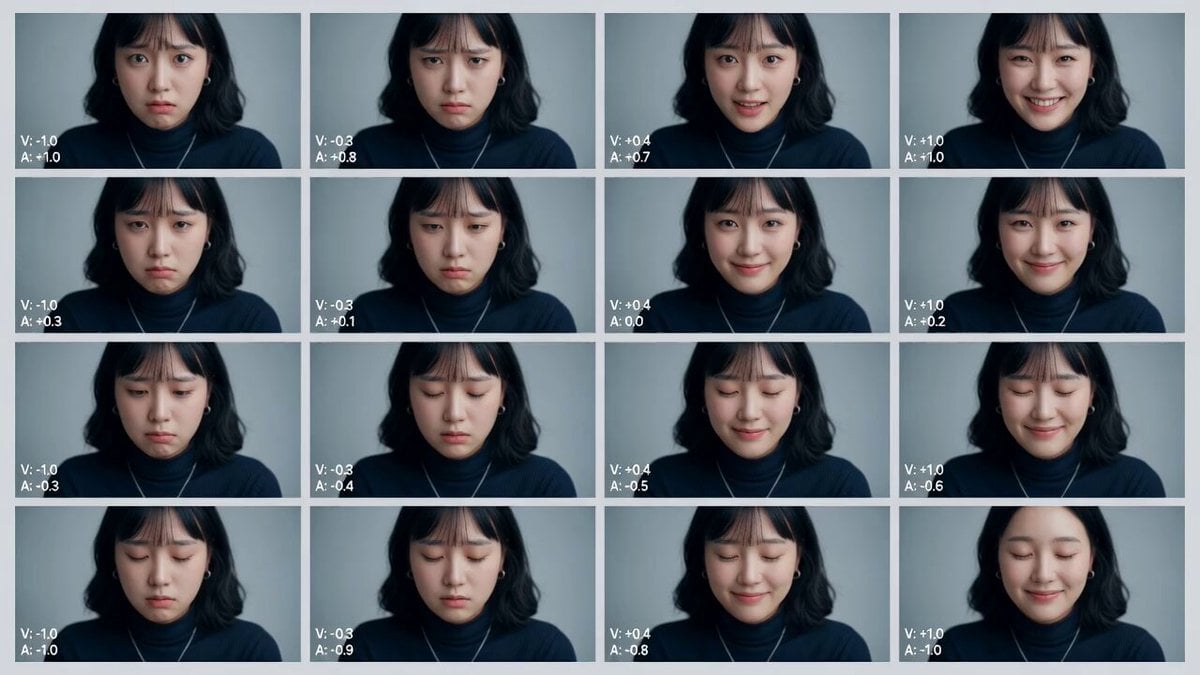
Cinematic Emotional Distress Prompt
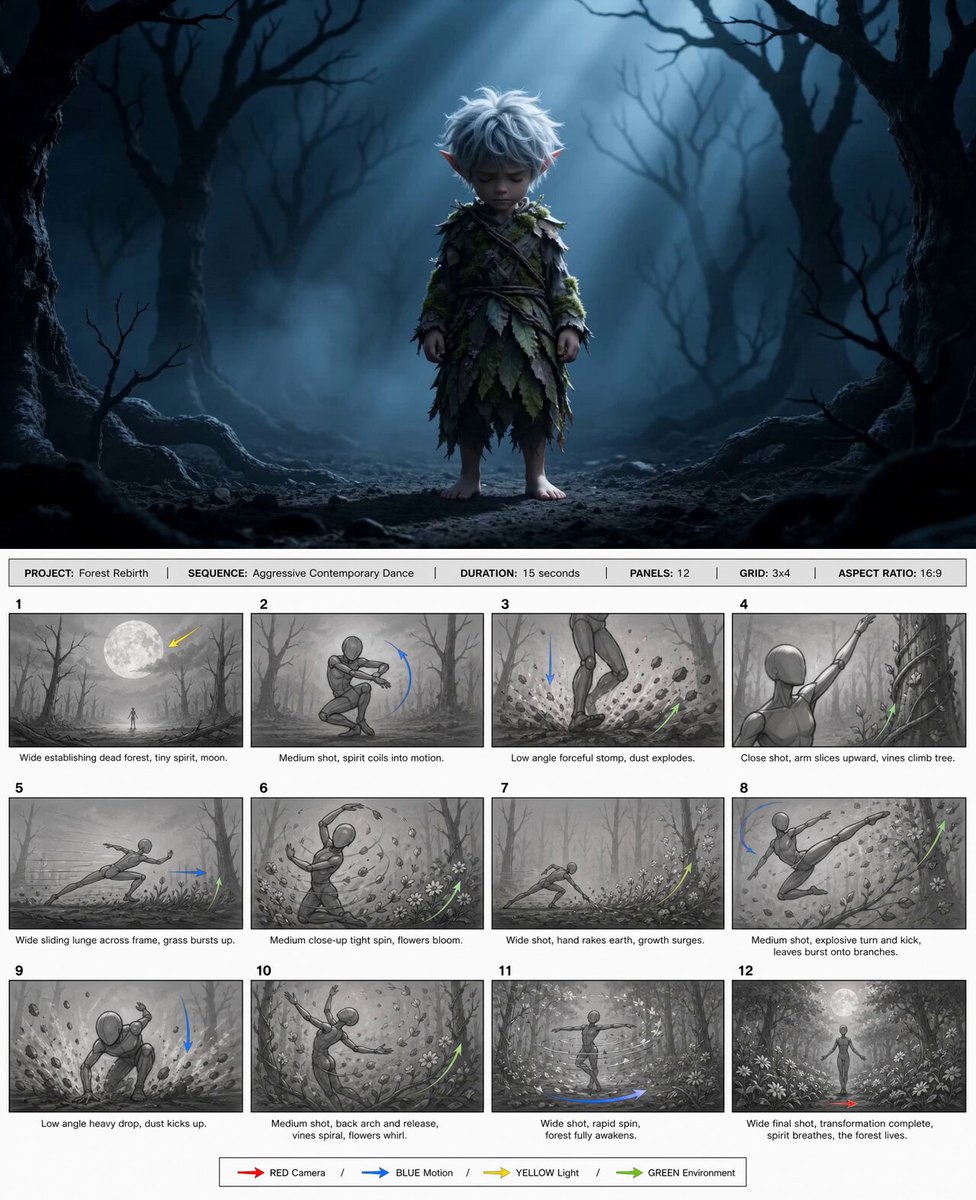
@happycapyai @aimikoda GPT Image 2 storyboard prom

Face Cross-Section fMRI Scan

GYM Rush Morning Beat-Synced Routine

3D Animation: Kung Fu Soccer Cinematic Sequence
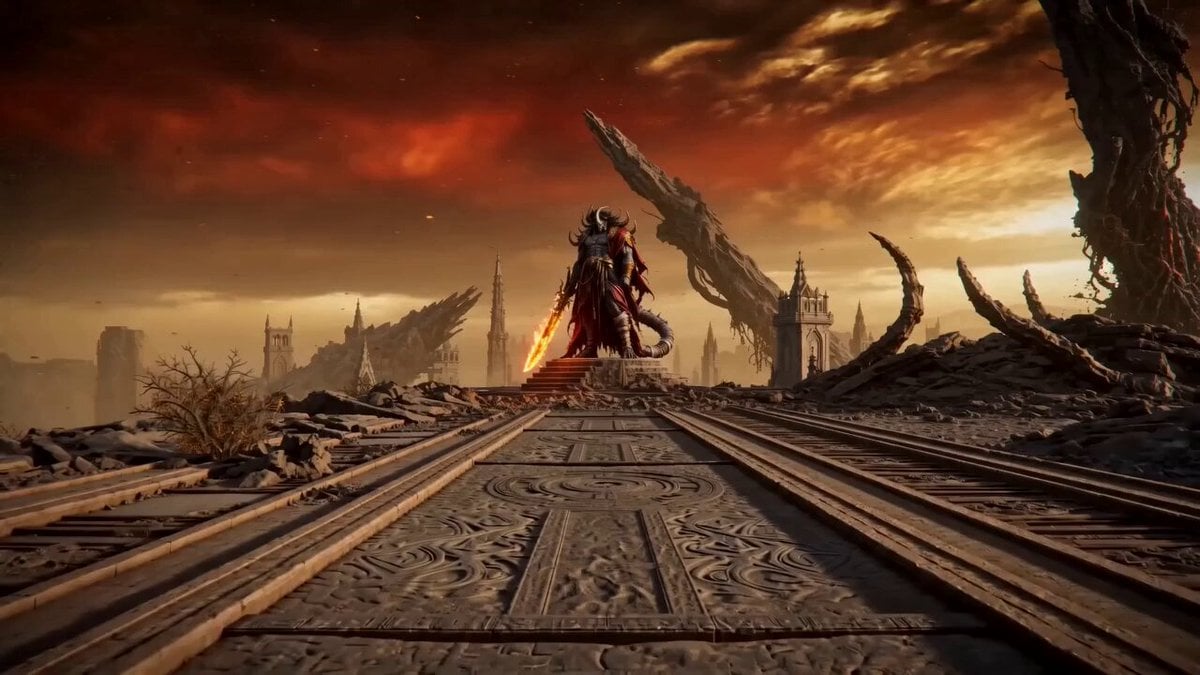
Ashen Throne Duel

Cinematic Green Tea Commercial
Kamen Rider Transformation Sequence
Phoenix Transformation Sequence
Browse template categories
Edo Street Smoke Creature questions
How do I use the Edo Street Smoke Creature template?
Add your photo if the template asks for one, edit the prompt if you like — the template's model and format are already selected — and press Generate. Your version opens in PicX Studio.
Can I customize the Edo Street Smoke Creature template?
Yes. You can change the subject, setting, lighting, mood, format, and available model controls before creating your video.
Is the Edo Street Smoke Creature template free?
Opening and editing this template is free. Generating uses credits, shown on the Generate button when you are signed in.
Which AI model should I use?
Start with Seedance 2.0, which is the model associated with this template. You can compare another compatible model for a different finish.
Looking for something else? Browse all templates.

Your photo, any look
Thousands of ready templates for every top image and video model, from one credit balance.