How do I use the Kamen Rider Transformation Sequence template?
Edit the prompt in the box under the preview — the template's model and format are already selected — and press Generate. Your version appears right on this page.
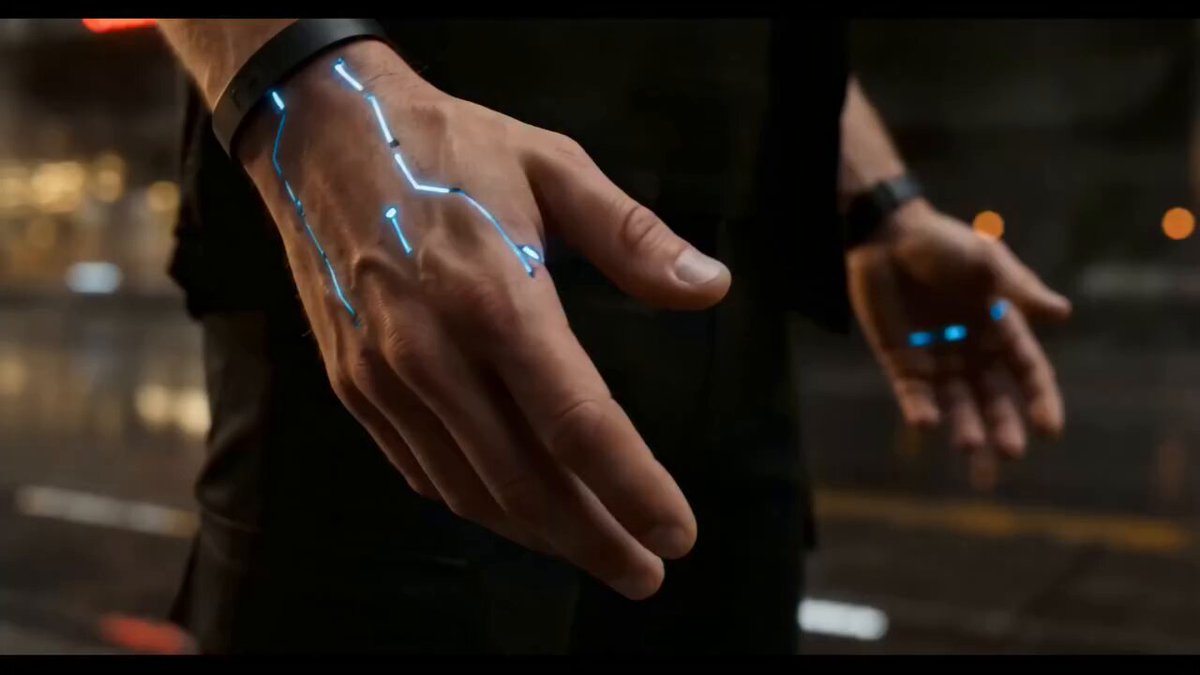
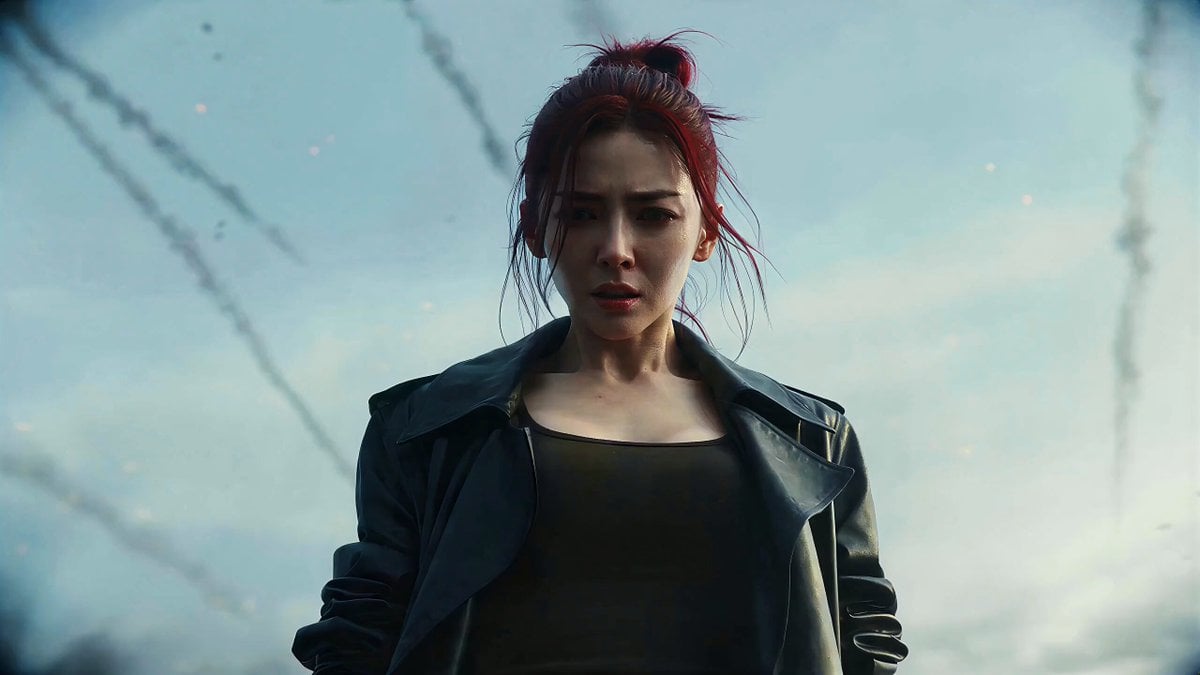
An extremely detailed, multi-stage prompt for Seedance 2.0 to generate a realistic, dark tokusatsu (special effects) Kamen Rider transformation sequence.
写实暗黑特摄 | 昆虫仿生装甲美学 | 破损装甲 | 战损变身 | 荒野废墟 【人物与基础设定】 面部:参照图片1上传图片,五官、脸型、发型百分百还原。保留暗色痕迹,可以美化,但面部整体偏冷感。表情全程阴郁。变身瞬间表情轻微痛苦,眉心仅微皱,拒绝昂扬斗志与眼神高光,保持压抑感。 服装:参考图片1,无腰带结构。佩戴哑光金属异形装置手套。 场景:荒野废墟,微风,空气中漂浮尘埃与烟雾,阴天荒原,灰蓝色调天空。远处天空偶尔划过带火焰拖尾的陨石碎片。 【氛围与画质】 视觉基调:电影质感,模拟 IMAX 胶片摄影机,搭配 Panavision C 系列镜头(焦段 35mm,光圈 f4)。 色彩与影调:低饱和灰蓝主调。暗部信息压缩但保留细节。画面边缘轻微柔焦,叠加适度胶片颗粒。 风格核心:暗黑特摄美学,强调生物机械装甲与未知科技的融合,营造压抑、沉重、真实的变身仪式感。 【运镜规则】 单镜头:一镜到底,无剪辑。 角度:开场仰拍人物左侧,聚焦腰部以上部位。 变身时镜头以极慢速度环绕至正面平视上半身。 完成变身后环绕至人物右侧俯拍。 呼吸感:手持拍摄,全程保持极轻微的呼吸式镜头漂移。 0-3 秒 · 凝视 动作:主角疲惫站立,略微低头,目光锁定手部装置。脊背紧绷。右手缓慢伸出。 镜头:极慢向前推进,捕捉身体呼吸起伏。 特效:双眼逐渐亮起冷白光芒。眼眶周围浮现细微能量纹路。 3-6 秒 · 启动 声音:低语「DESCEND」。 动作:右手抬起,轻轻打出一个清脆响指。 特效:响指瞬间,手臂被红色火焰包裹。空气向内塌陷形成扭曲。 身体周围扩散一圈半透明能量脉冲。 脉冲呈螺旋状扩散。 头发被扰动。 0.3 秒后能量消散。 身体周围漂浮出现不规则蓝色符号结构。 镜头:低频嗡鸣由远及近。镜头产生 0.1 秒应激震动。 6-9 秒 · 裂变 核心:响指爆发出暗红色能量裂纹。 红色能量液体沿着身体结构向躯干蔓延。 身体:暗红能量雾从体内扩散。 雾中夹杂细小电弧。 风衣:由内部开始撕裂灼烧。 碎片与能量雾一同飘散。 破口边缘逐渐焦黑。 装甲:仿生装甲碎片飞散。 碎片在半空短暂停留。 随后重新组合并附着回身体。 镜头:画面因能量冲击短暂失焦。 随后迅速恢复稳定。 9-12 秒 · 生长 新物质:全新的生物机械装甲结构从体内生成。 表面带有虹彩般光泽。 像活体结构般缓慢蠕动延展。 肩甲:新生肩甲对撞。 爆发暗红色火星。 留下能量刻痕。 胸甲:胸甲随心跳缓慢开合。 甲缝中闪烁微弱光芒。 衣物:原有外套被能量场从身体抽离飞出画面。 面部覆盖:粉白色薄膜从面部蔓延。 逐渐拼接成面具轮廓。 覆盖速率不一。 形成不对称结构。 复眼:多晶光学复眼逐渐亮起。 左眼比右眼快 0.5 秒完成。 部分单元闪烁。 亮度不均。 视线:整个变身过程中主角始终直视前方。 12-15 秒 · 完成 头盔:两只复眼完全组合。 整个面部被面具覆盖。 头盔顶部生长出冠状结构。 角部燃起蓝色能量火焰。 复眼持续发光。 部分单元仍有轻微闪烁。 肩甲:边缘翘起。 鳞片纹路明显。 缝隙中渗出微弱能量光液。 腰侧:一道巨大装甲裂隙尚未闭合。 暗红流光在其中流动。 随呼吸轻微起伏。 战衣:战衣呈纯白配色。 造型浮夸。 整体类似甲虫仿生机甲。 腰部、复眼与裂隙持续发光。 全身偶尔闪过细小电弧。 战衣表面布满战损痕迹。 最终镜头 镜头环绕至人物右侧。 机位变为俯拍。 镜头极慢向后拉远。 人物逐渐进入准备战斗姿态。 展示人物与环境信息。 结尾 风声。 无台词。 无爆炸。 无光芒万丈。 只有站立的人。 和不完整的装甲。 远处天空划过一颗陨石。 镜头定住。
写实暗黑特摄 | 昆虫仿生装甲美学 | 破损装甲 | 战损变身 | 荒野废墟 【人物与基础设定】 面部:参照图片1上传图片,五官、脸型、发型百分百还原。保留暗色痕迹,可以美化,但面部整体偏冷感。表情全程阴郁。变身瞬间表情轻微痛苦,眉心仅微皱,拒绝昂扬斗志与眼神高光,保持压抑感。 服装:参考图片1,无腰带结构。佩戴哑光金属异形装置手套。 场景:荒野废墟,微风,空气中漂浮尘埃与烟雾,阴天荒原,灰蓝色调天空。远处天空偶尔划过带火焰拖尾的陨石碎片。 【氛围与画质】 视觉基调:电影质感,模拟 IMAX 胶片摄影机,搭配 Panavision C 系列镜头(焦段 35mm,光圈 f4)。 色彩与影调:低饱和灰蓝主调。暗部信息压缩但保留细节。画面边缘轻微柔焦,叠加适度胶片颗粒。 风格核心:暗黑特摄美学,强调生物机械装甲与未知科技的融合,营造压抑、沉重、真实的变身仪式感。 【运镜规则】 单镜头:一镜到底,无剪辑。 角度:开场仰拍人物左侧,聚焦腰部以上部位。 变身时镜头以极慢速度环绕至正面平视上半身。 完成变身后环绕至人物右侧俯拍。 呼吸感:手持拍摄,全程保持极轻微的呼吸式镜头漂移。 0-3 秒 · 凝视 动作:主角疲惫站立,略微低头,目光锁定手部装置。脊背紧绷。右手缓慢伸出。 镜头:极慢向前推进,捕捉身体呼吸起伏。 特效:双眼逐渐亮起冷白光芒。眼眶周围浮现细微能量纹路。 3-6 秒 · 启动 声音:低语「DESCEND」。 动作:右手抬起,轻轻打出一个清脆响指。 特效:响指瞬间,手臂被红色火焰包裹。空气向内塌陷形成扭曲。 身体周围扩散一圈半透明能量脉冲。 脉冲呈螺旋状扩散。 头发被扰动。 0.3 秒后能量消散。 身体周围漂浮出现不规则蓝色符号结构。 镜头:低频嗡鸣由远及近。镜头产生 0.1 秒应激震动。 6-9 秒 · 裂变 核心:响指爆发出暗红色能量裂纹。 红色能量液体沿着身体结构向躯干蔓延。 身体:暗红能量雾从体内扩散。 雾中夹杂细小电弧。 风衣:由内部开始撕裂灼烧。 碎片与能量雾一同飘散。 破口边缘逐渐焦黑。 装甲:仿生装甲碎片飞散。 碎片在半空短暂停留。 随后重新组合并附着回身体。 镜头:画面因能量冲击短暂失焦。 随后迅速恢复稳定。 9-12 秒 · 生长 新物质:全新的生物机械装甲结构从体内生成。 表面带有虹彩般光泽。 像活体结构般缓慢蠕动延展。 肩甲:新生肩甲对撞。 爆发暗红色火星。 留下能量刻痕。 胸甲:胸甲随心跳缓慢开合。 甲缝中闪烁微弱光芒。 衣物:原有外套被能量场从身体抽离飞出画面。 面部覆盖:粉白色薄膜从面部蔓延。 逐渐拼接成面具轮廓。 覆盖速率不一。 形成不对称结构。 复眼:多晶光学复眼逐渐亮起。 左眼比右眼快 0.5 秒完成。 部分单元闪烁。 亮度不均。 视线:整个变身过程中主角始终直视前方。 12-15 秒 · 完成 头盔:两只复眼完全组合。 整个面部被面具覆盖。 头盔顶部生长出冠状结构。 角部燃起蓝色能量火焰。 复眼持续发光。 部分单元仍有轻微闪烁。 肩甲:边缘翘起。 鳞片纹路明显。 缝隙中渗出微弱能量光液。 腰侧:一道巨大装甲裂隙尚未闭合。 暗红流光在其中流动。 随呼吸轻微起伏。 战衣:战衣呈纯白配色。 造型浮夸。 整体类似甲虫仿生机甲。 腰部、复眼与裂隙持续发光。 全身偶尔闪过细小电弧。 战衣表面布满战损痕迹。 最终镜头 镜头环绕至人物右侧。 机位变为俯拍。 镜头极慢向后拉远。 人物逐渐进入准备战斗姿态。 展示人物与环境信息。 结尾 风声。 无台词。 无爆炸。 无光芒万丈。 只有站立的人。 和不完整的装甲。 远处天空划过一颗陨石。 镜头定住。
Edit the prompt in the box under the preview — the template's model and format are already selected — and press Generate. Your version appears right on this page.
Yes. You can change the subject, setting, lighting, mood, format, and available model controls before creating your video.
Opening and editing this template is free. Generating uses credits, shown on the Generate button when you are signed in.
Start with Seedance 2.0, which is the model associated with this template. You can compare another compatible model for a different finish.
Follow a topic to a crawlable collection of related PicX Studio templates.