
Kamen Rider Villain Transformation Sequence Video
A highly detailed, 10-second prompt for Seedance 2.0 to generate a cinematic transformation video.

- Prompt included
- Model and format preset
- Premium template
The prompt behind this video
Copy the exact prompt behind Kamen Rider Villain Transformation Sequence Video, or open it in the studio and make it yours.
vertical video, 9:16, 10 seconds, ultra realistic, cinematic lighting, Japanese woman age 20, natural beauty, medium-length black hair, casual outfit, modern apartment room, soft daylight, high detail skin texture, shallow depth of field, subtle camera push-in Scene starts with the woman sitting casually on a sofa, holding her smartphone, relaxed expression with a slight smile, natural posture, calm atmosphere, soft daylight coming through the window At around 2 seconds, a notification appears on her phone, her expression suddenly freezes, smile disappears, subtle tension appears in her face, ambient sound slightly distorts, lighting becomes slightly colder, her eyes begin to lose warmth From 3.5 seconds, dark shadow energy begins to emerge from behind her and from the edges of the frame, black smoke-like particles slowly creep toward her body and wrap around her arms, her breathing becomes heavier, her head tilts slightly downward, strands of her hair start floating unnaturally From 5.5 seconds, the dark energy rapidly spreads across her body like an infection, her casual clothes morph into a sleek dark villain outfit with black and deep purple tones and subtle glowing patterns, her eyes begin to glow faintly, her expression shifts into a calm but dangerous look, lighting becomes high contrast with dramatic shadows, energy particles intensify From 7.5 seconds to the end, she slowly raises her head and looks directly into the camera with a slight sinister smile, fully transformed, dark aura swirling around her, her hair moves as if blown by slow wind, camera stops and holds on her face, strong final pose, cinematic pause, slight vignette, subtle flicker effect at the end sound design: soft ambient at beginning → slight distortion at notification → deep bass impact at transformation peak → subtle dark hum at the end facial acting emphasis: micro expression changes, gradual loss of warmth in the eyes, transition from natural smile to emotionless to slightly sinister expression high quality particle simulation, volumetric lighting, realistic shadow interaction, smooth transitions without hard cuts
How to use Kamen Rider Villain Transformation Sequence Video in 3 steps
- 1
Open
The prompt is already in the box next to the preview, with the template's model and format selected.
- 2…a portrait of your subject in softgolden-hour light, 85mm…
Personalize
Edit the subject and creative details for your destination.
- 3Generate
Generate
Press Generate — your video is created in PicX Studio, so you can compare it with the original and refine one variable at a time.
More like this
Templates with the same subject, style or setup. Open one to see its prompt.
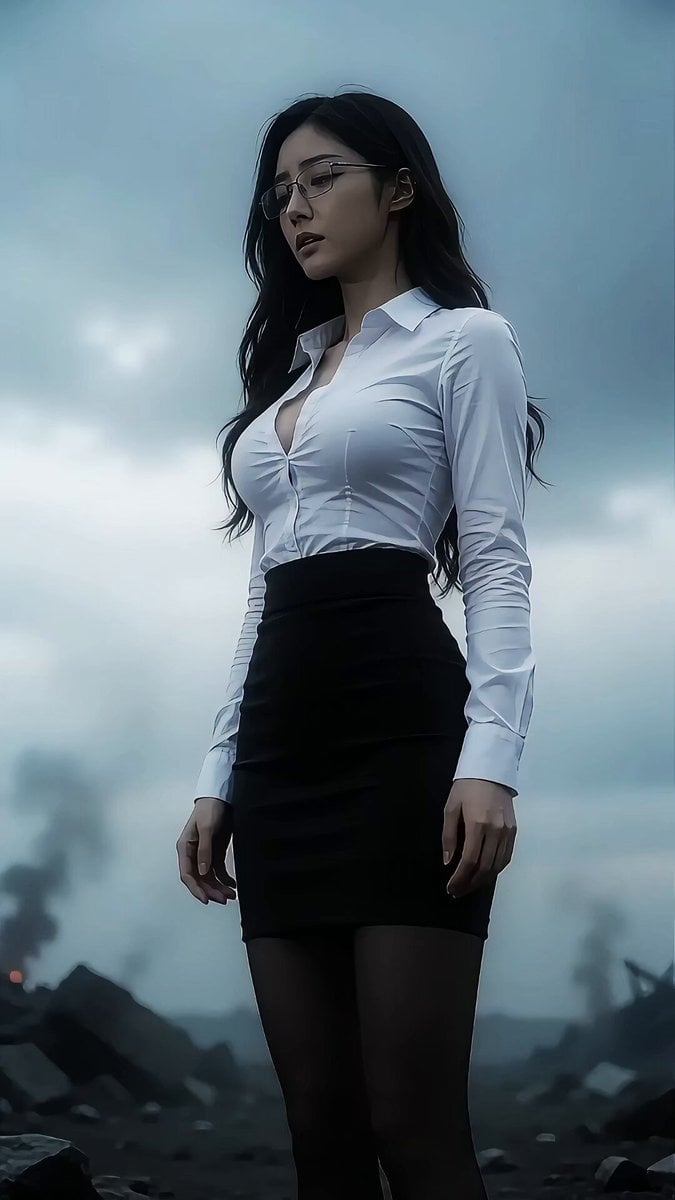
Kamen Rider Transformation Sequence
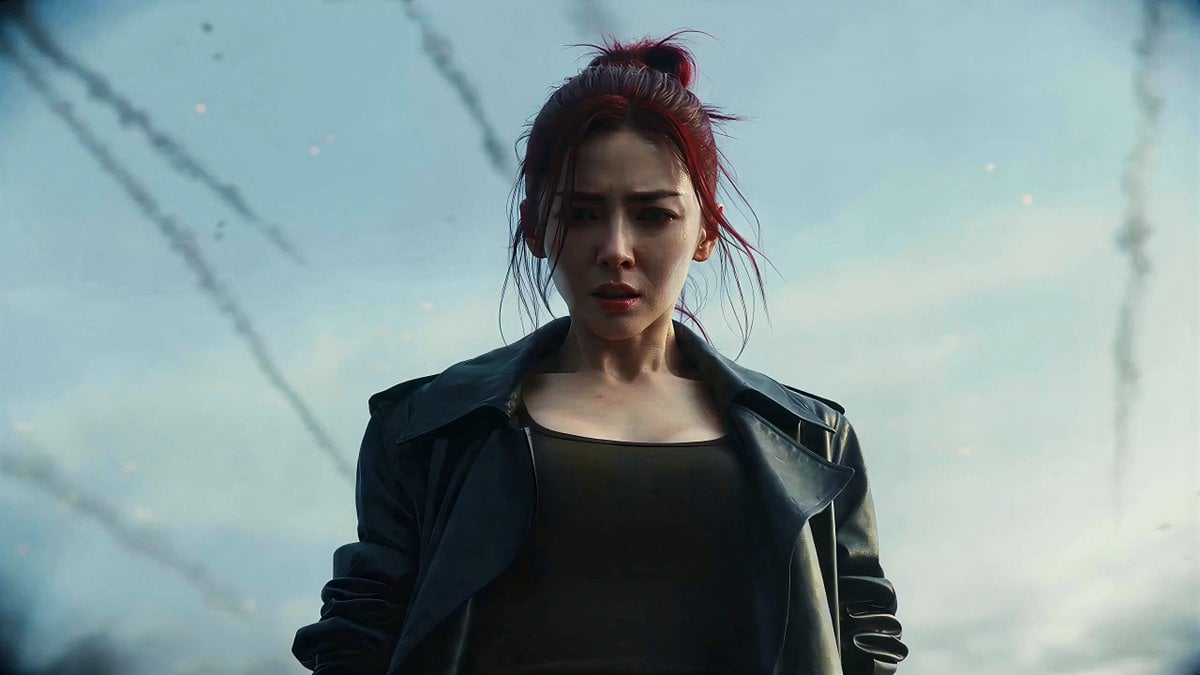
Kamen Rider-Style Transformation Sequence
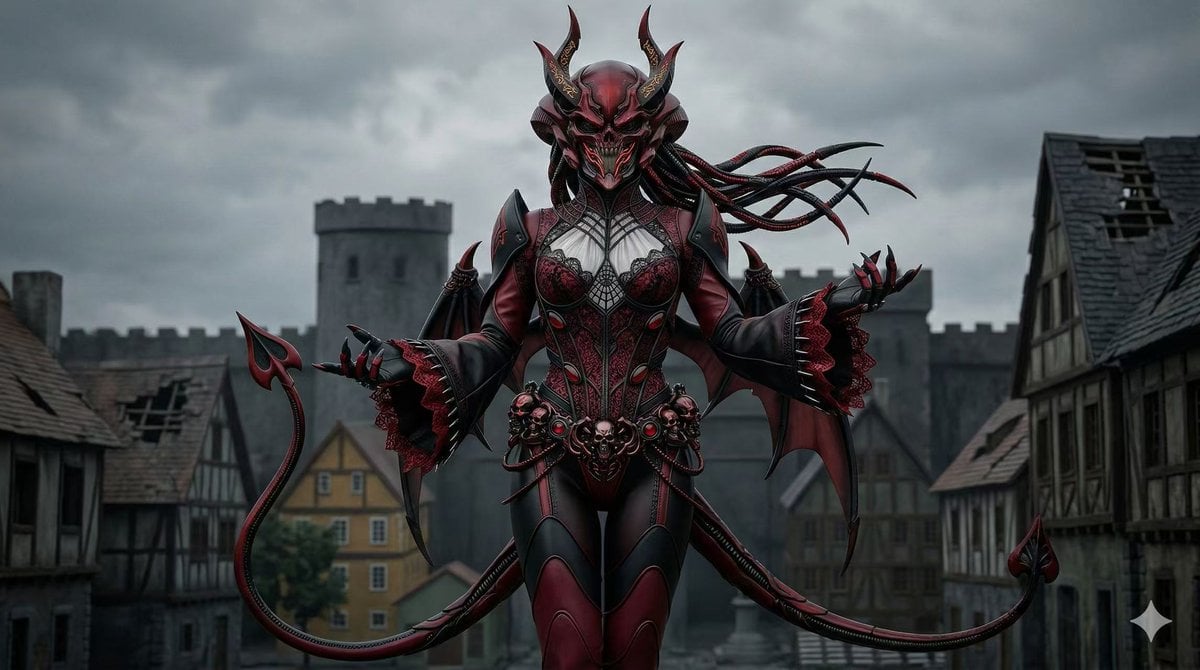
Kamen Rider Transformation and Battle Scene Prompt
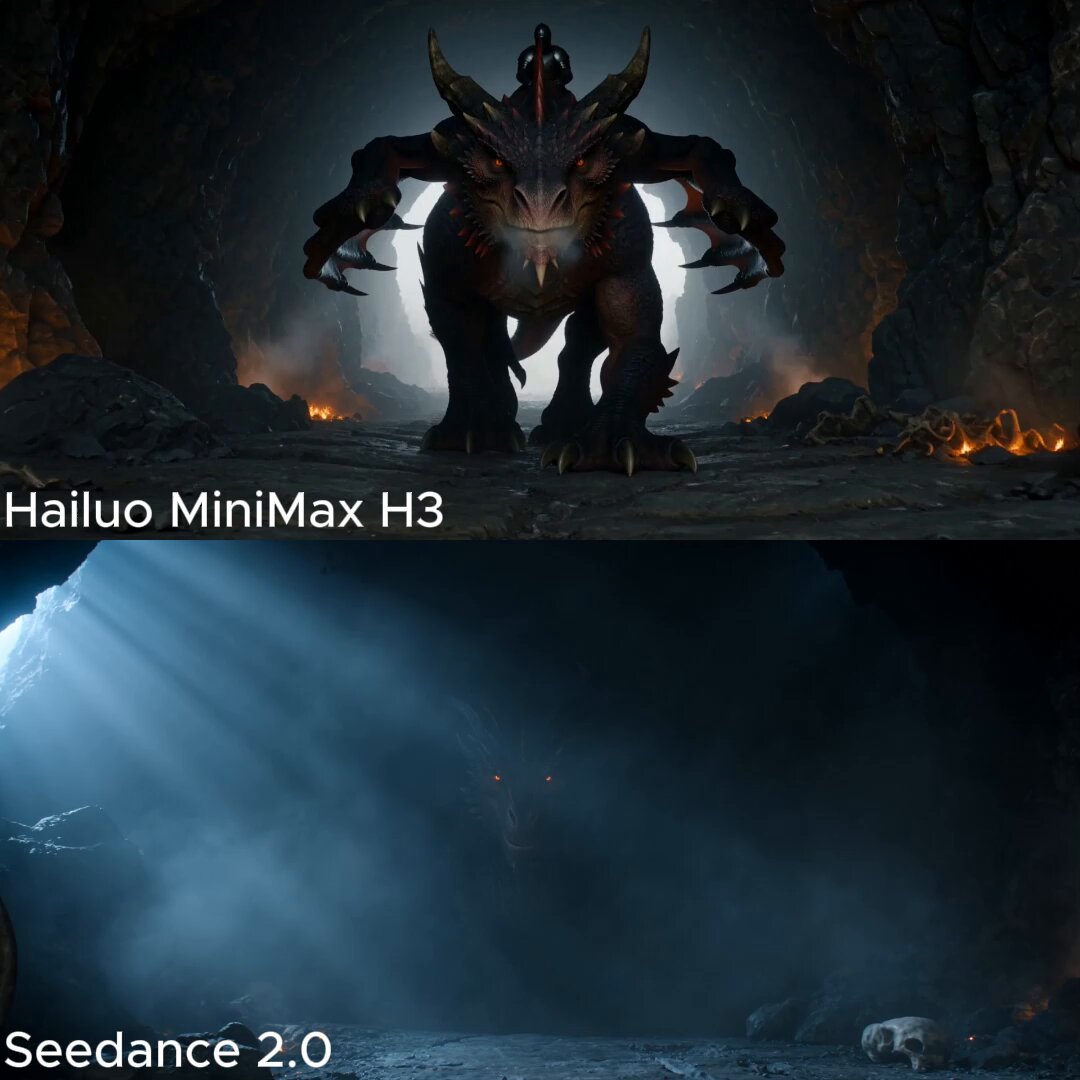
Dark Fantasy Dragon Rider Sequence

Magical Room Transformation - Seedance 2.5

Dark Tokusatsu Transformation - Seedance 2.5

RX-7 to Mech Transformation Cyberpunk
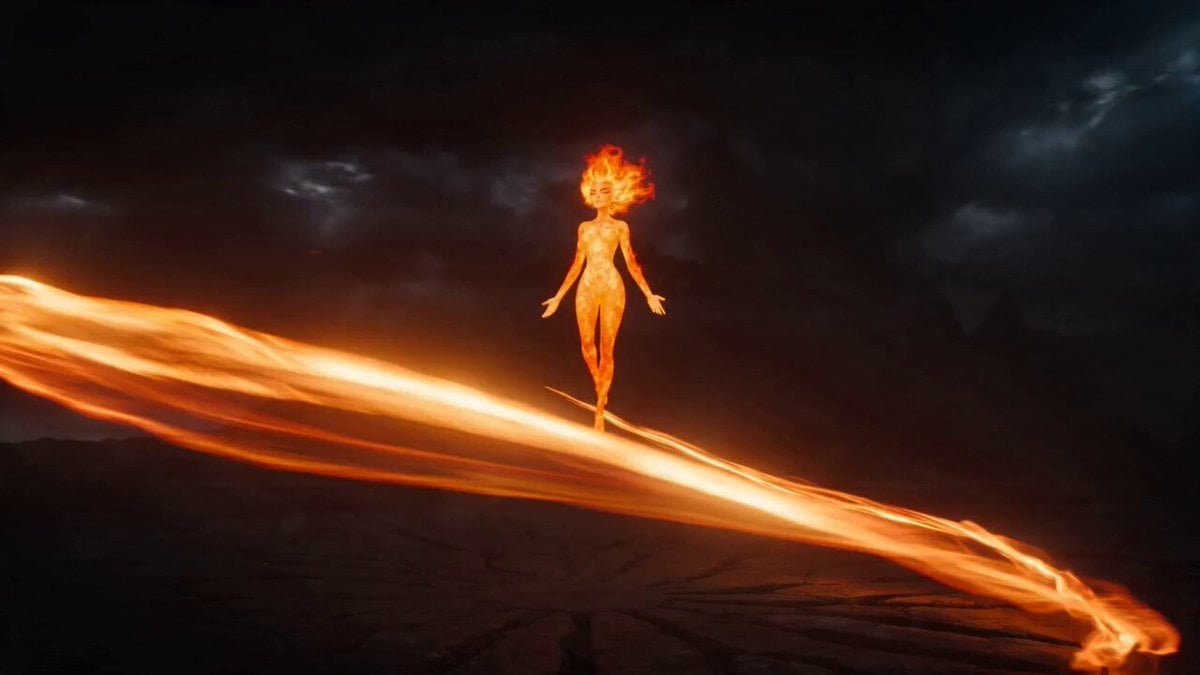
Magical Transformation Sequence
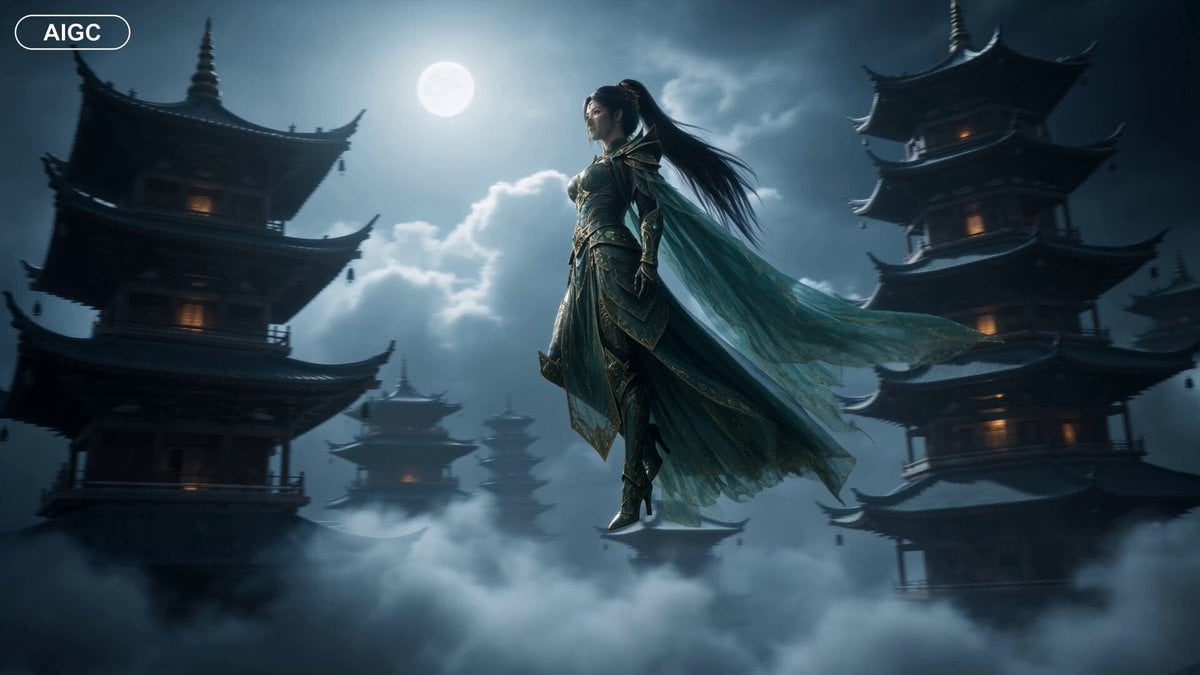
Fantasy Warrior Transformation Sequence
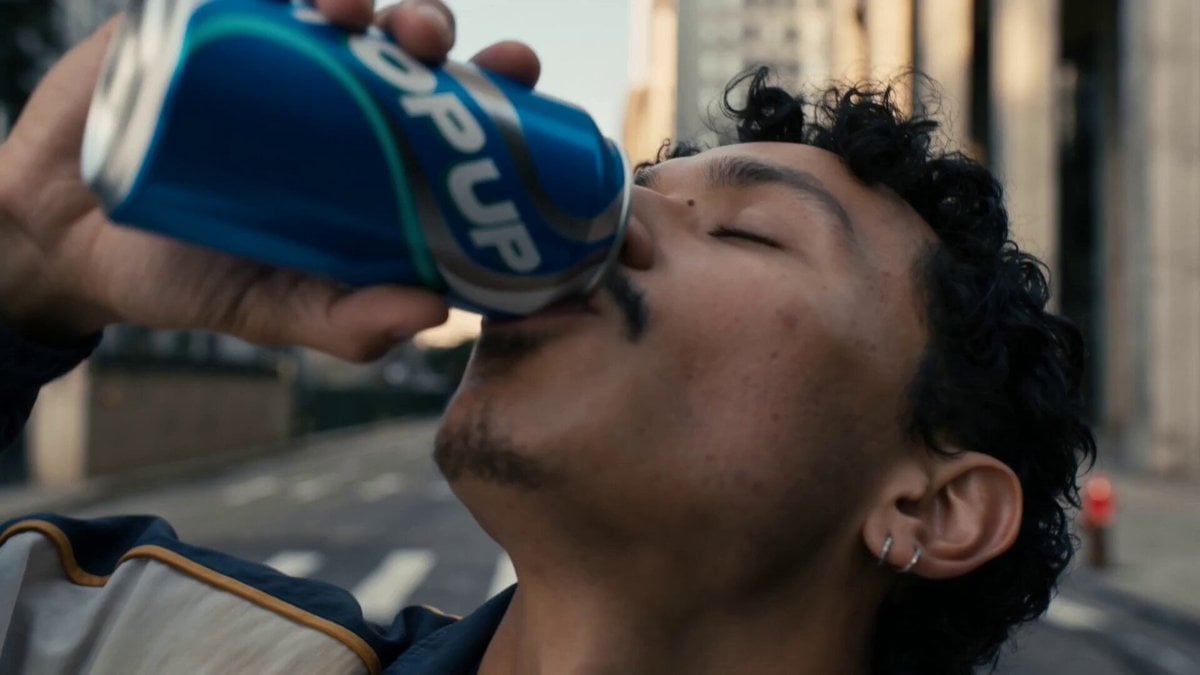
Neon Armor Epic Transformation Sequence
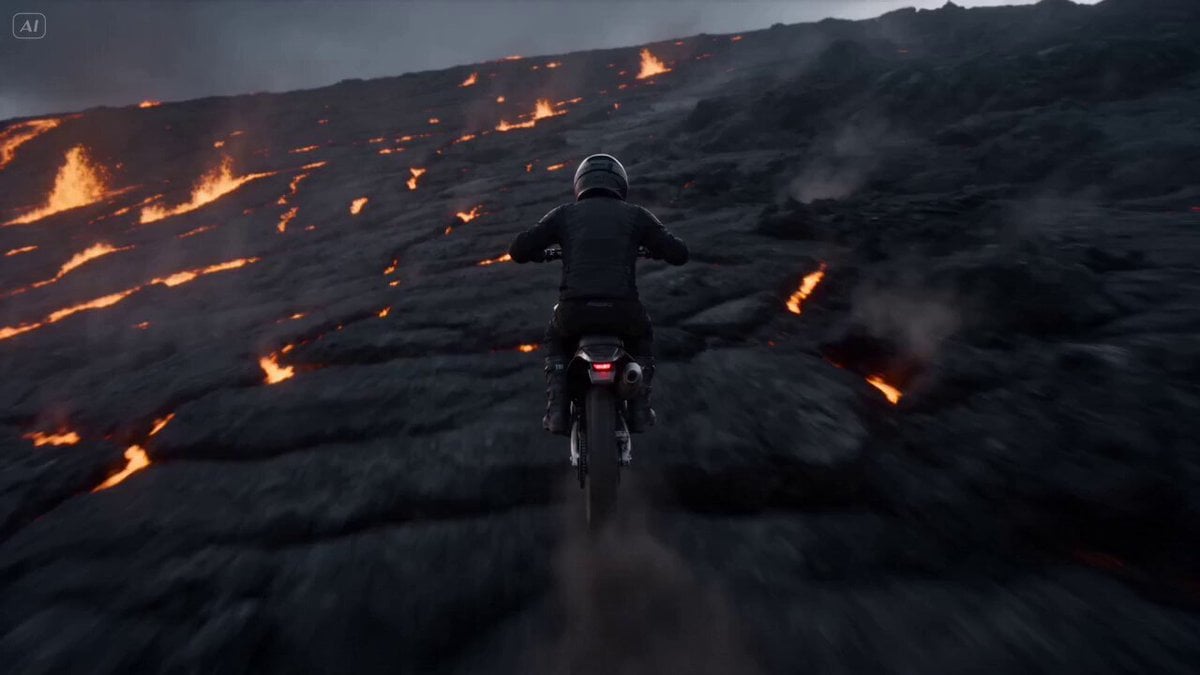
Volcano Slope Rider Action Sequence
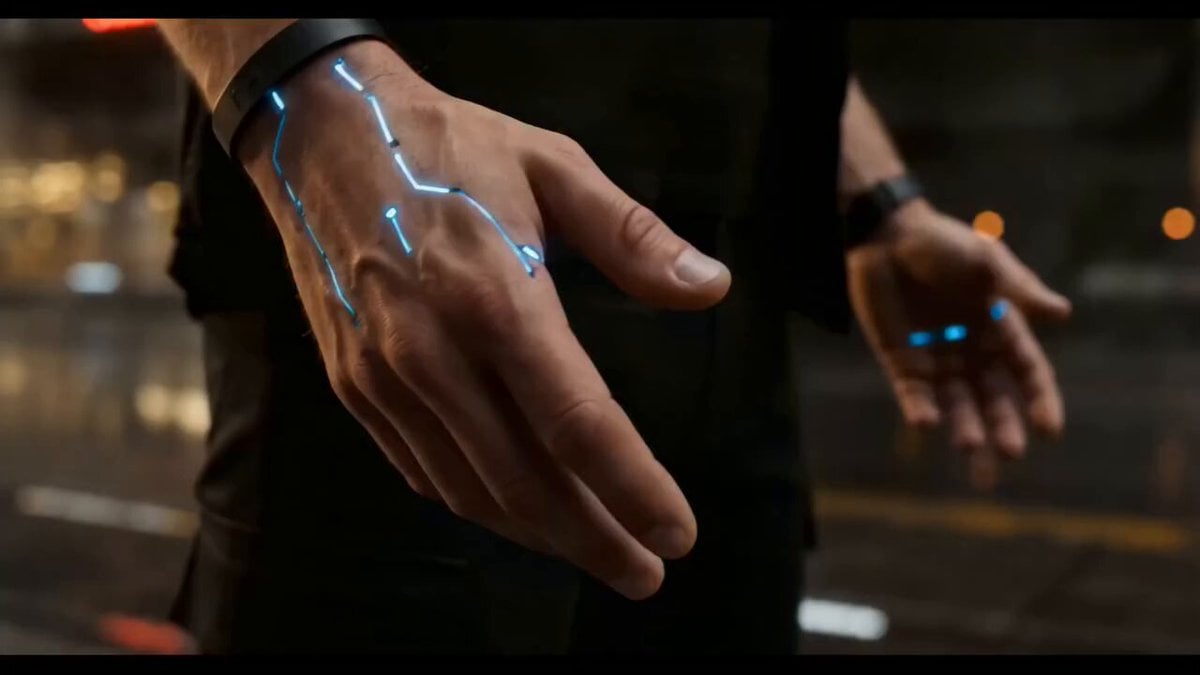
Cyberpunk Exosuit Transformation Sequence
Make it yours
Kamen Rider Villain Transformation Sequence Video works as-is. These are the safest ways to change it without losing the look.
Change one field
Copy a single group, rewrite it, and generate again so you can see what that field is doing.
Keep the frame, change the subject
Hold the composition and light of Kamen Rider Villain Transformation Sequence Video, then swap wardrobe, props or the person for a new take.
| If the result… | Why | Fix |
|---|---|---|
| The result drifts from the preview | Too many fields changed at once. | Reuse Kamen Rider Villain Transformation Sequence Video as-is first, then change one group — subject, light, or setting. |
| The model over-stylizes the scene | The prose prompt leaves finish and camera underspecified. | Add one camera or lighting sentence and stay on Seedance 2.0. |
More Seedance 2.0 templates
Other prompts made for Seedance 2.0.

Comical Martial Arts Punch Scene

Wuxia Protection and Trust Script

Vintage Korean Arcade MiniDV Vlog

Mercedes 190 SL Luxury Ad

Rainy Night Supernatural Reverse Comedy Video Script

Amazon Civilization Discovery

Futuristic South Asian City Transformation

Cozy Luxury Cafe Commercial

Cyber Ronin Nanotech Transformation Video
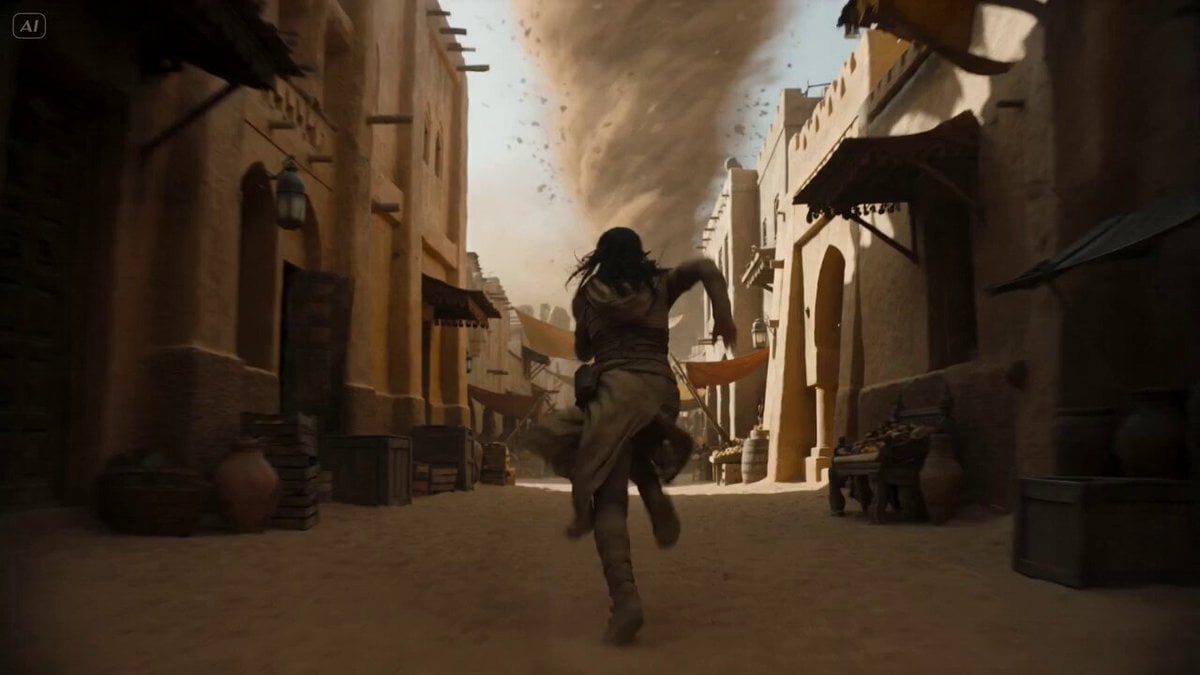
Desert Courier and Sandstorm Leviathan Chase
More video prompts
Fresh picks from across the catalog.
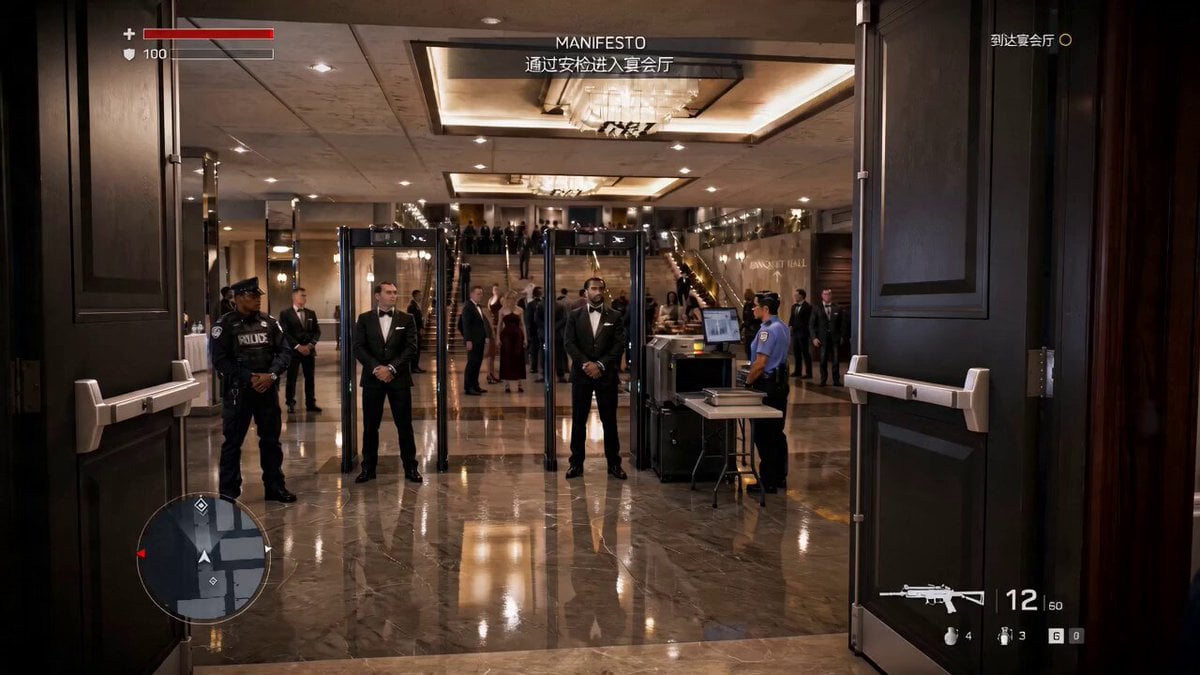
Action Game Combat Sequence

Calm Organic Movement of Otters
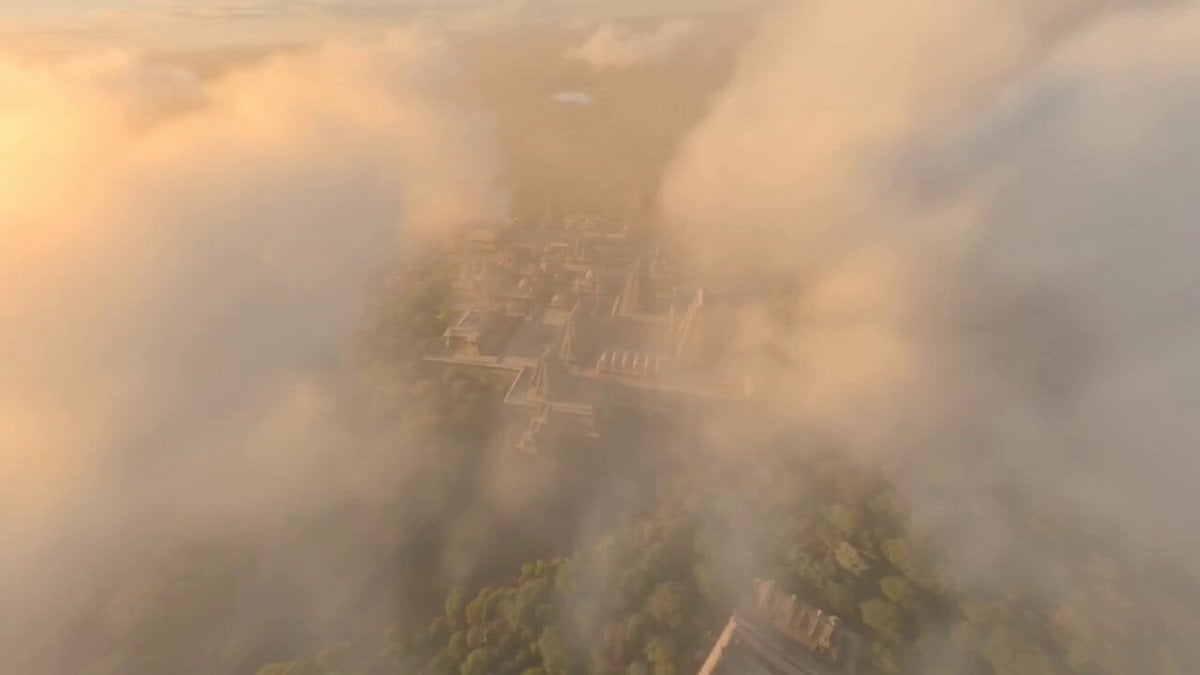
Ancient Indian Kingdom FPV

Alien Screams and T-Rex Roar
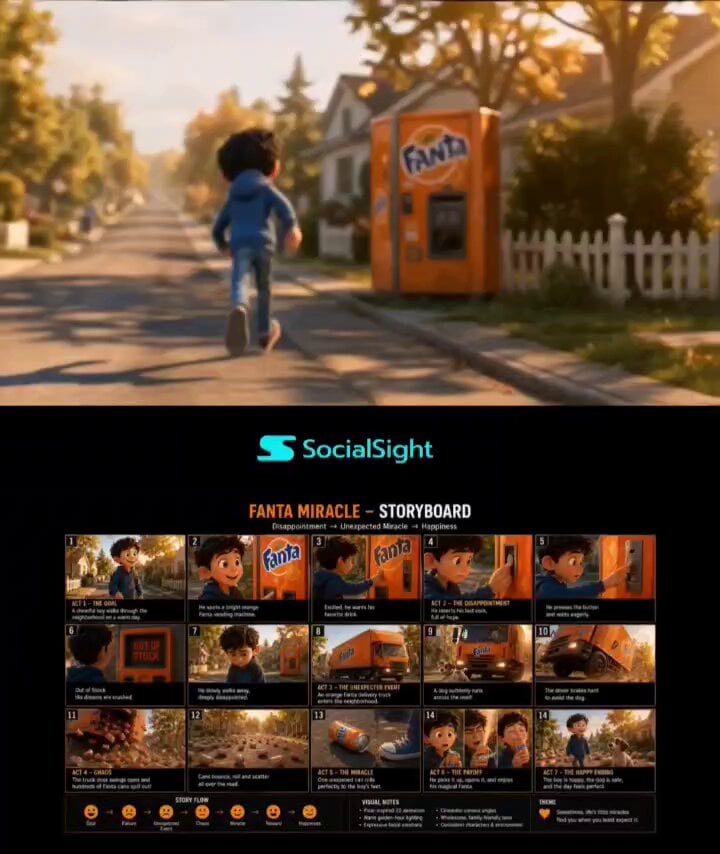
Pixar-Style Boy and Fanta Machine Story
Dancing Buddhist sculptures animation
Abstract Intelligence Formal System

Anime Style Scene Animation
Video Prompt for Stationary Camera and Model Movement
Fashionable Pet Rat Haircut
Browse template categories
Kamen Rider Villain Transformation Sequence Video questions
How do I use the Kamen Rider Villain Transformation Sequence Video template?
Add your photo if the template asks for one, edit the prompt if you like — the template's model and format are already selected — and press Generate. Your version opens in PicX Studio.
Can I customize the Kamen Rider Villain Transformation Sequence Video template?
Yes. You can change the subject, setting, lighting, mood, format, and available model controls before creating your video.
Is the Kamen Rider Villain Transformation Sequence Video template free?
Opening and editing this template is free. Generating uses credits, shown on the Generate button when you are signed in.
Which AI model should I use?
Start with Seedance 2.0, which is the model associated with this template. You can compare another compatible model for a different finish.
Looking for something else? Browse all templates.

Your photo, any look
Thousands of ready templates for every top image and video model, from one credit balance.