
Pixar-Style Boy and Fanta Machine Story
A cinematic narrative prompt for an animated short film about a boy's emotional journey from disappointment at a vending machine to a magical sunset ending.
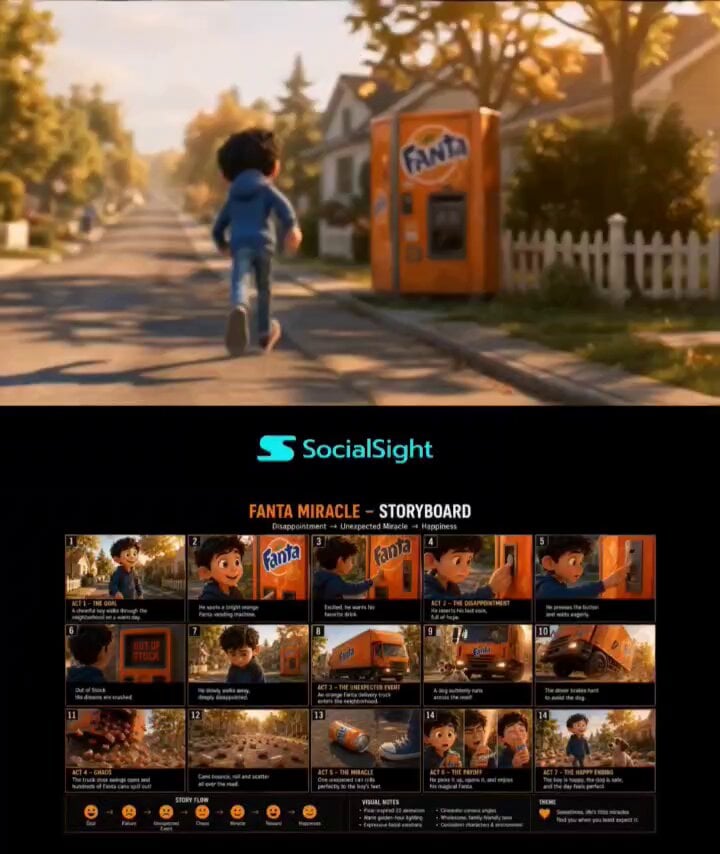
- Prompt included
- Model and format preset
- Free template
The prompt behind this video
Copy the exact prompt behind Pixar-Style Boy and Fanta Machine Story, or open it in the studio and make it yours.
Pixar-quality cinematic animated short film, warm golden-hour suburban neighborhood, consistent young boy character in blue hoodie, expressive facial animation, emotional storytelling, seamless scene transitions. The boy happily walks through a sunlit street and spots a bright orange Fanta vending machine. Excited, he inserts his last coin, presses the button, and waits. The screen flashes “OUT OF STOCK.” His smile fades, shoulders drop, and he slowly walks away disappointed. A large orange Fanta delivery truck enters the neighborhood. Suddenly a playful dog runs across the road. The driver brakes hard and swerves to avoid it. The rear cargo door bursts open and hundreds of orange soda cans explode onto the street, bouncing, spinning, and rolling everywhere in beautiful golden sunlight. One unopened can breaks away from the chaos, rolling naturally through the neighborhood. The camera follows the can in a smooth cinematic tracking shot as it bounces over cracks, spins across the road, and gradually slows before stopping perfectly beside the boy’s sneaker. The boy notices it, looks down in disbelief, picks it up, opens it with a loud PSHHH, and takes a refreshing sip. His face lights up with joy. Final wide aerial pullback: the smiling boy, the safe dog nearby, hundreds of scattered cans glowing in the sunset, wholesome Pixar-style ending, cinematic depth of field, emotional music, ultra-detailed animation, magical yet believable storytelling.
How to use Pixar-Style Boy and Fanta Machine Story in 3 steps
- 1
Open
The prompt is already in the box next to the preview, with the template's model and format selected.
- 2…a portrait of your subject in softgolden-hour light, 85mm…
Personalize
Edit the subject and creative details for your destination.
- 3Generate
Generate
Press Generate — your video is created in PicX Studio, so you can compare it with the original and refine one variable at a time.
More like this
Templates with the same subject, style or setup. Open one to see its prompt.

Pigeon Nemesis Pixar Animation Storyboard
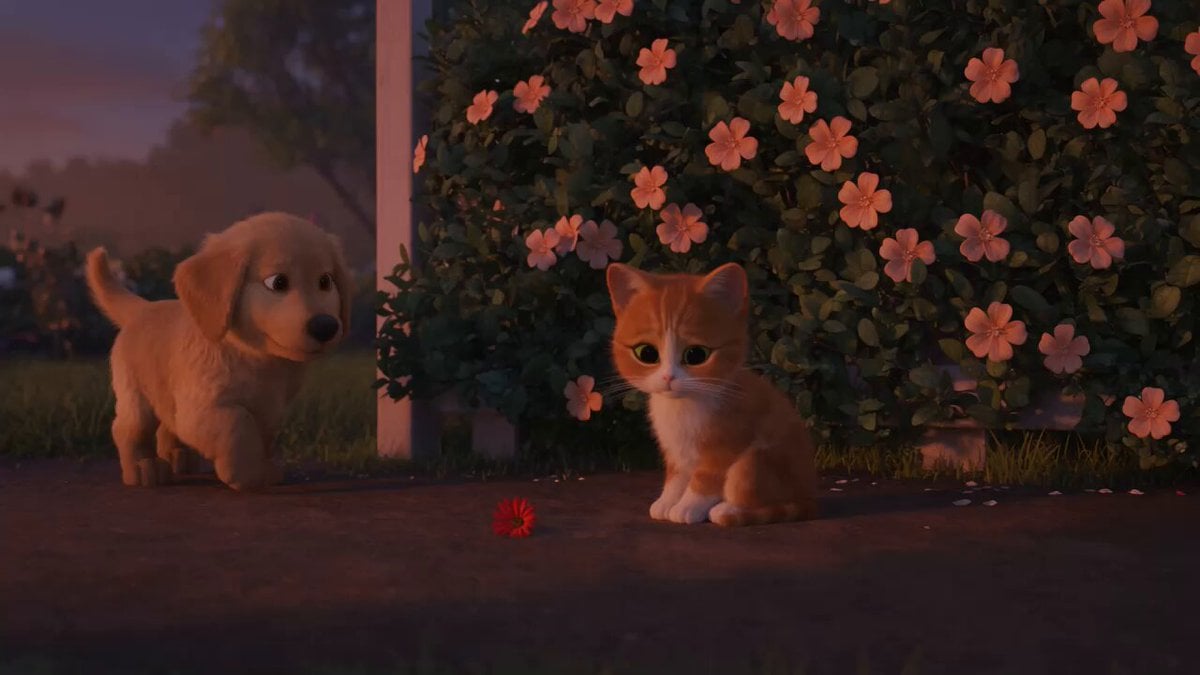
Wholesome Puppy and Kitten Story - Seedance 2.5

Realistic City Street Story Cinematic Video - Seedance
Capsule Coffee Machine Tutorial
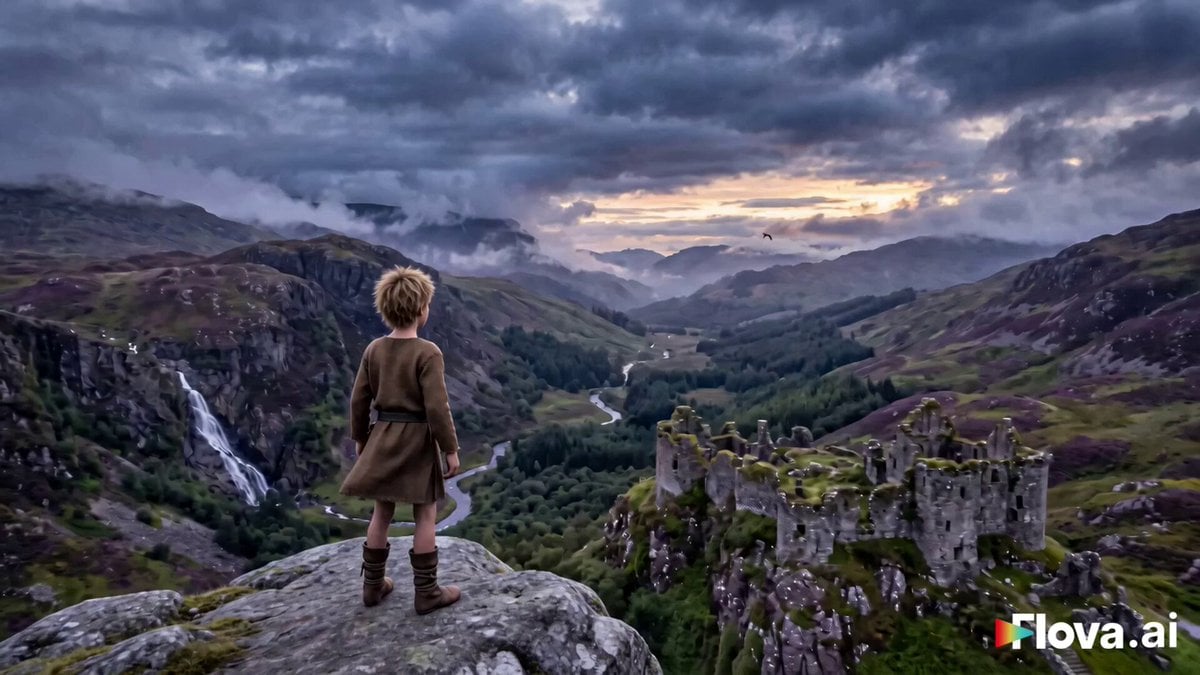
Fantasy Boy and Giant Eagle
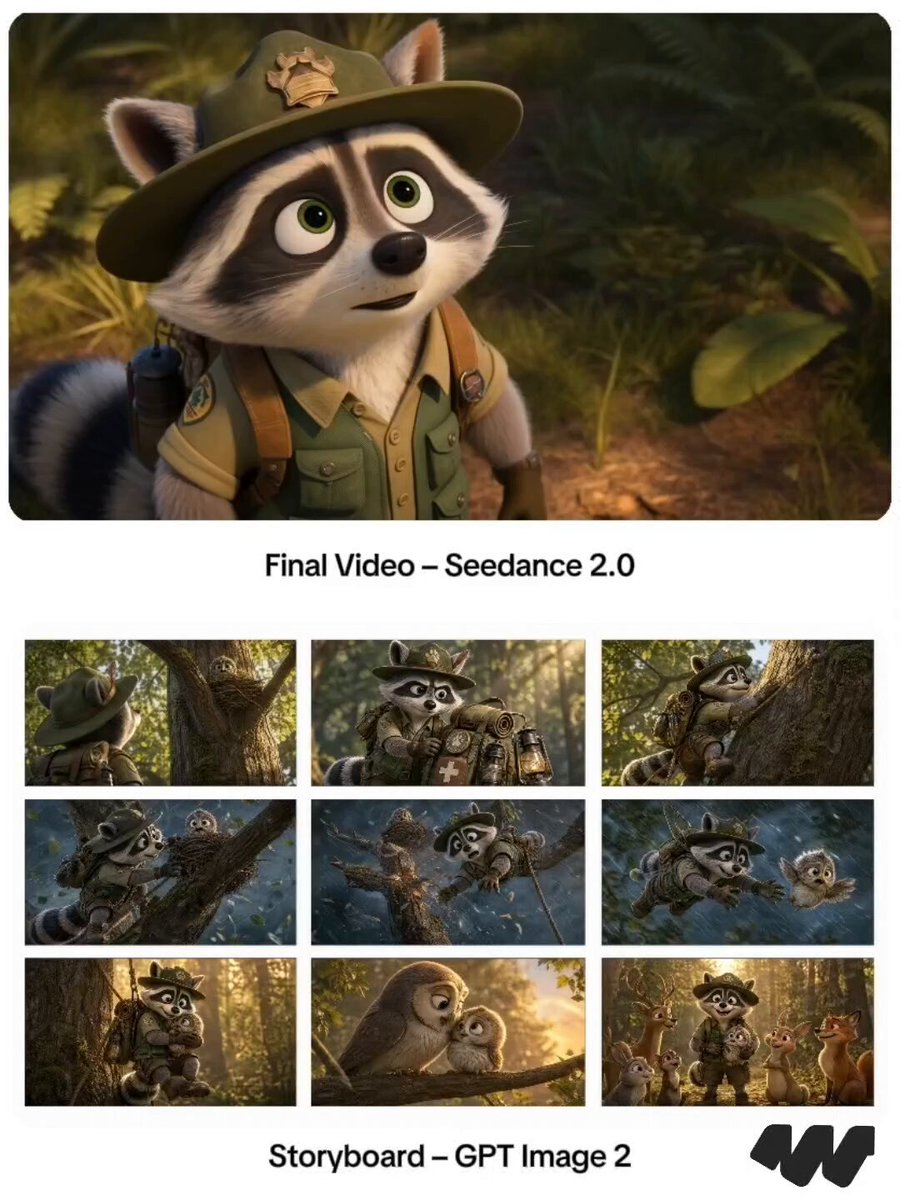
Pixar Raccoon Storyboard

Pixar Style Wok Cooking Animation Storyboard
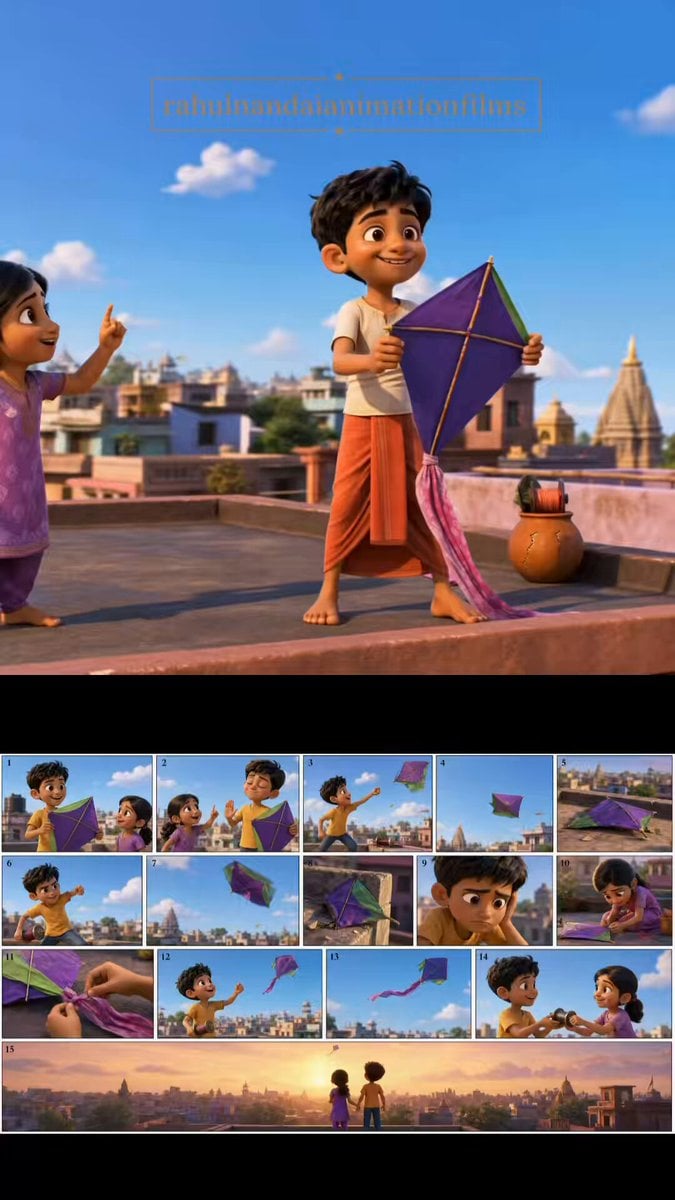
Pixar Style Animated Short Storyboard
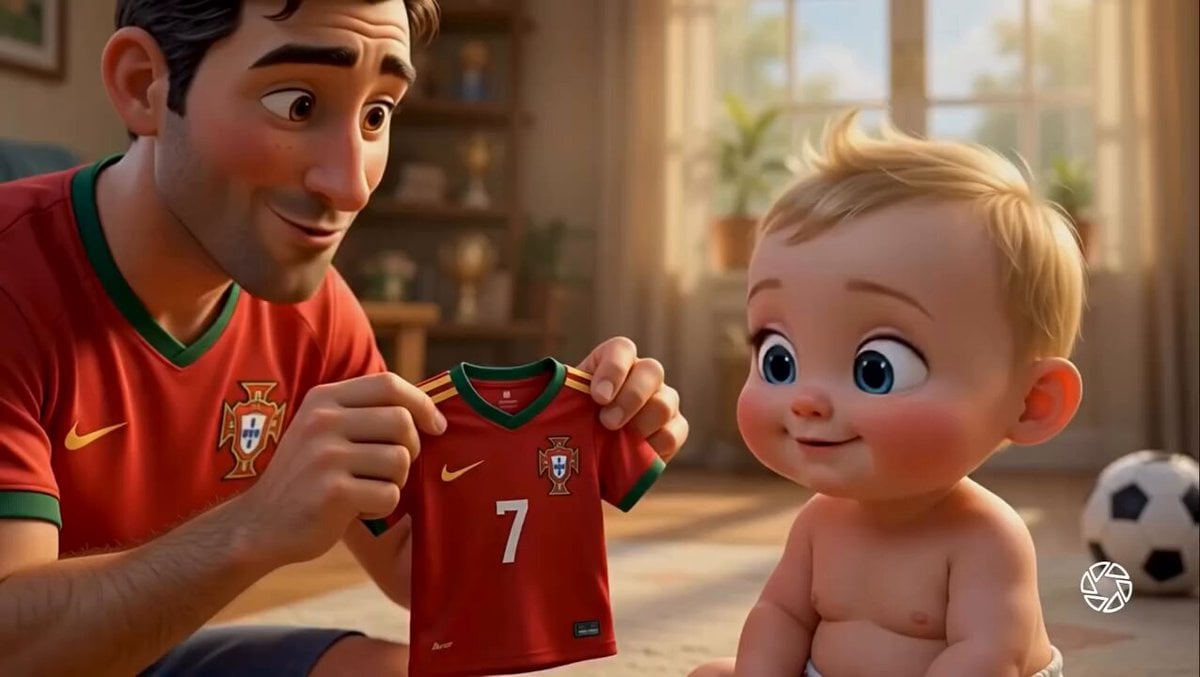
Pixar Style Father Son Football Story
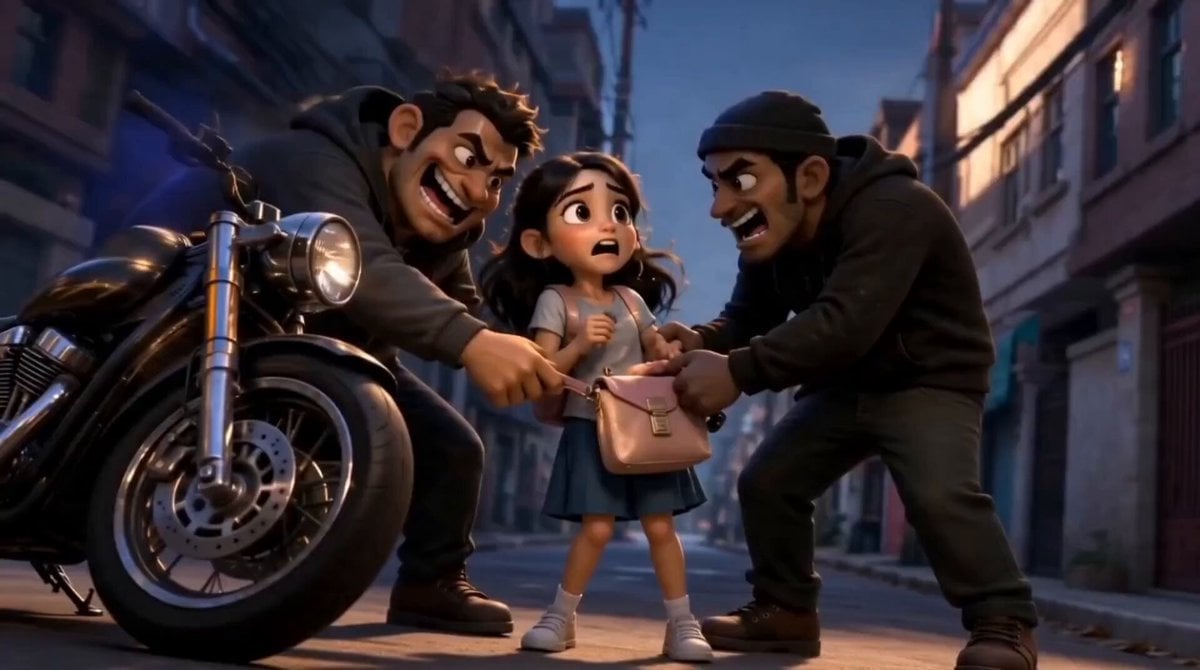
3D Animated Schoolboy Hero Storyboard
Fantasy Boy and Obsidian Dragon
Boy Tinkering with Strange Machine Prompt for Grok Imagine
Make it yours
Pixar-Style Boy and Fanta Machine Story works as-is. These are the safest ways to change it without losing the look.
Change one field
Copy a single group, rewrite it, and generate again so you can see what that field is doing.
Keep the frame, change the subject
Hold the composition and light of Pixar-Style Boy and Fanta Machine Story, then swap wardrobe, props or the person for a new take.
| If the result… | Why | Fix |
|---|---|---|
| The result drifts from the preview | Too many fields changed at once. | Reuse Pixar-Style Boy and Fanta Machine Story as-is first, then change one group — subject, light, or setting. |
| The model over-stylizes the scene | The prose prompt leaves finish and camera underspecified. | Add one camera or lighting sentence and stay on Seedance 2.0. |
More Seedance 2.0 templates
Other prompts made for Seedance 2.0.

Comical Martial Arts Punch Scene

Maglev Train Action Sequence

Martial Arts Fight Sequence

Wuxia Protection and Trust Script

Vintage Korean Arcade MiniDV Vlog

Mercedes 190 SL Luxury Ad

Rainy Night Supernatural Reverse Comedy Video Script

Amazon Civilization Discovery

Futuristic South Asian City Transformation

Cozy Luxury Cafe Commercial
More video prompts
Fresh picks from across the catalog.
Neon Wireframe Parrot

Realistic Cinematic Skydiving Scene
Cinematic Anime Omelet Cooking
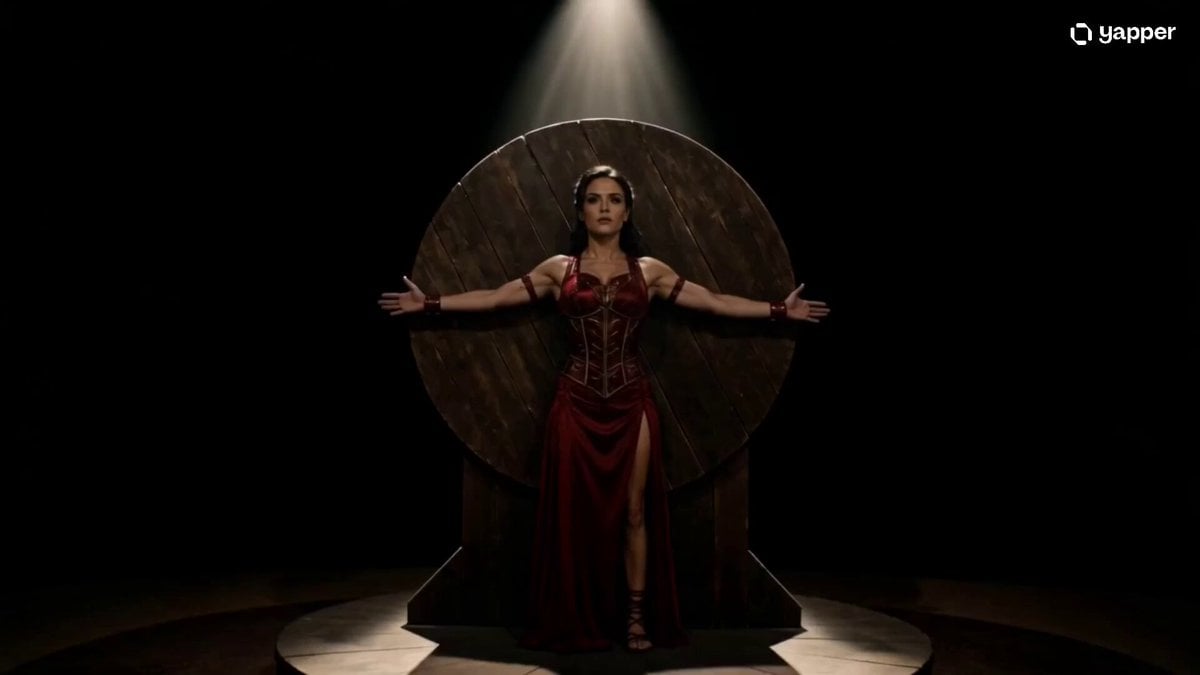
Cinematic Knife Thrower Trust Scene
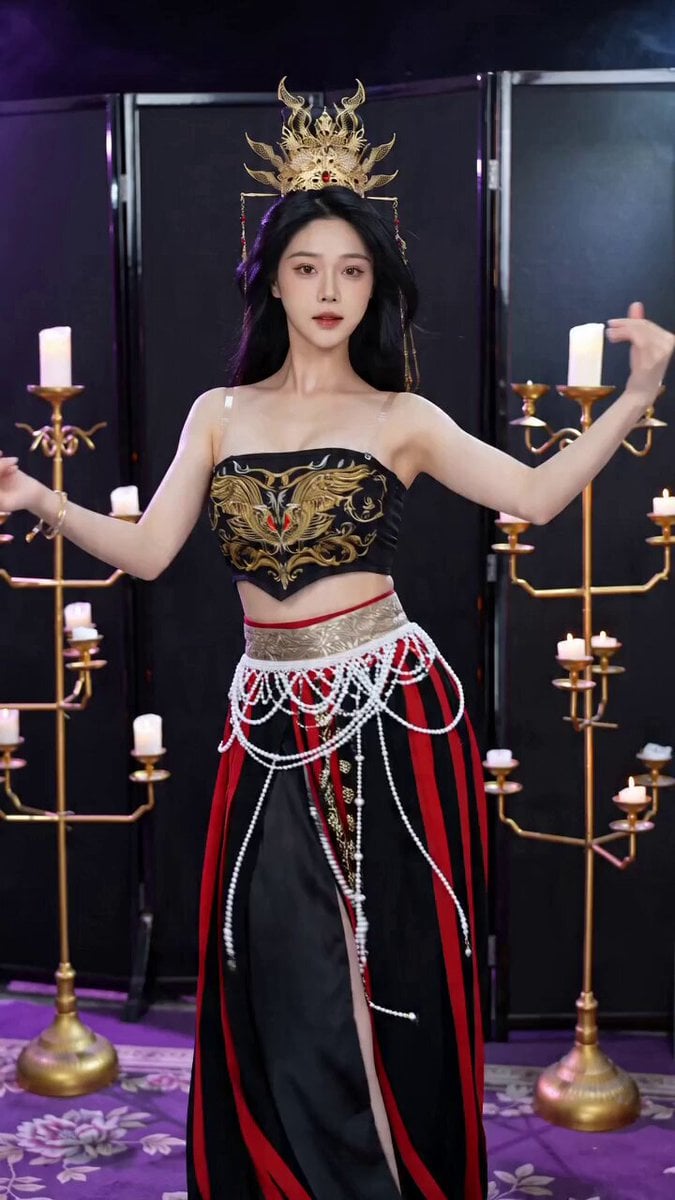
Seedance 2.0 Ancient Style Transformation Video Prompt

Whimsical Fairy Sleeping in a Log
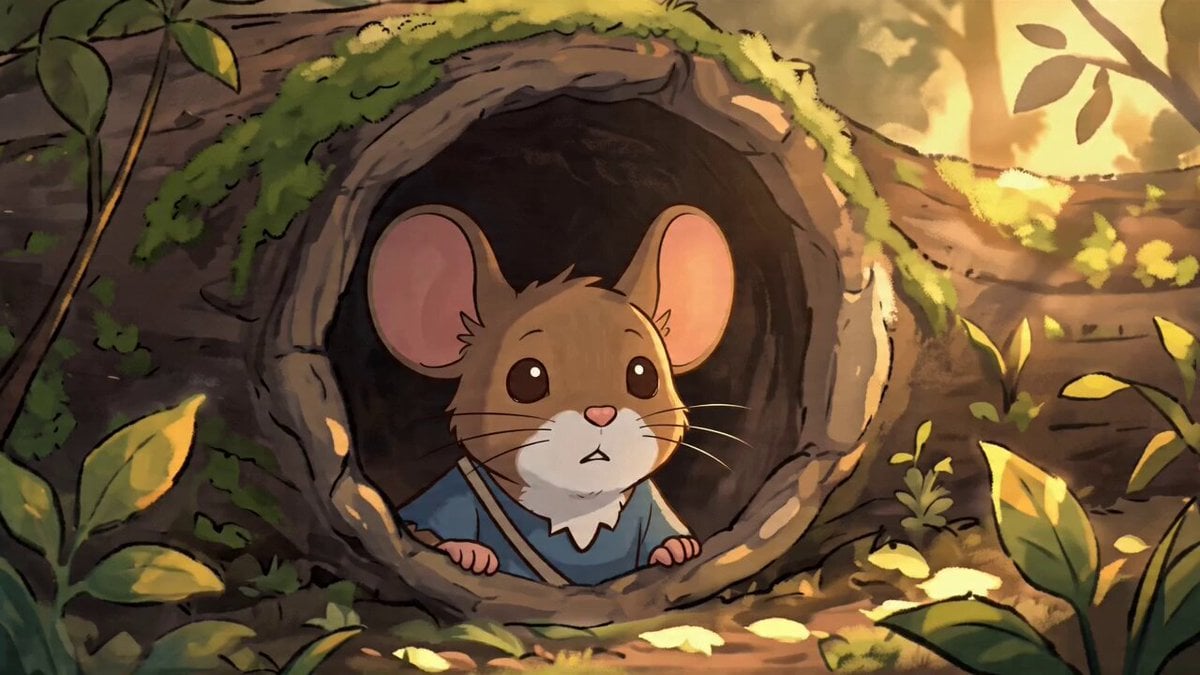
Studio Ghibli Style Animation Scene
Supernatural Woman Lake Transformation
Cyber-Fantasy Elf Queen Transformation
Sorceress Staff Magic Blast
Browse template categories
Pixar-Style Boy and Fanta Machine Story questions
How do I use the Pixar-Style Boy and Fanta Machine Story template?
Add your photo if the template asks for one, edit the prompt if you like — the template's model and format are already selected — and press Generate. Your version opens in PicX Studio.
Can I customize the Pixar-Style Boy and Fanta Machine Story template?
Yes. You can change the subject, setting, lighting, mood, format, and available model controls before creating your video.
Is the Pixar-Style Boy and Fanta Machine Story template free?
Opening and editing this template is free. Generating uses credits, shown on the Generate button when you are signed in.
Which AI model should I use?
Start with Seedance 2.0, which is the model associated with this template. You can compare another compatible model for a different finish.
Looking for something else? Browse all templates.

Your photo, any look
Thousands of ready templates for every top image and video model, from one credit balance.