
Fantasy Boy and Giant Eagle
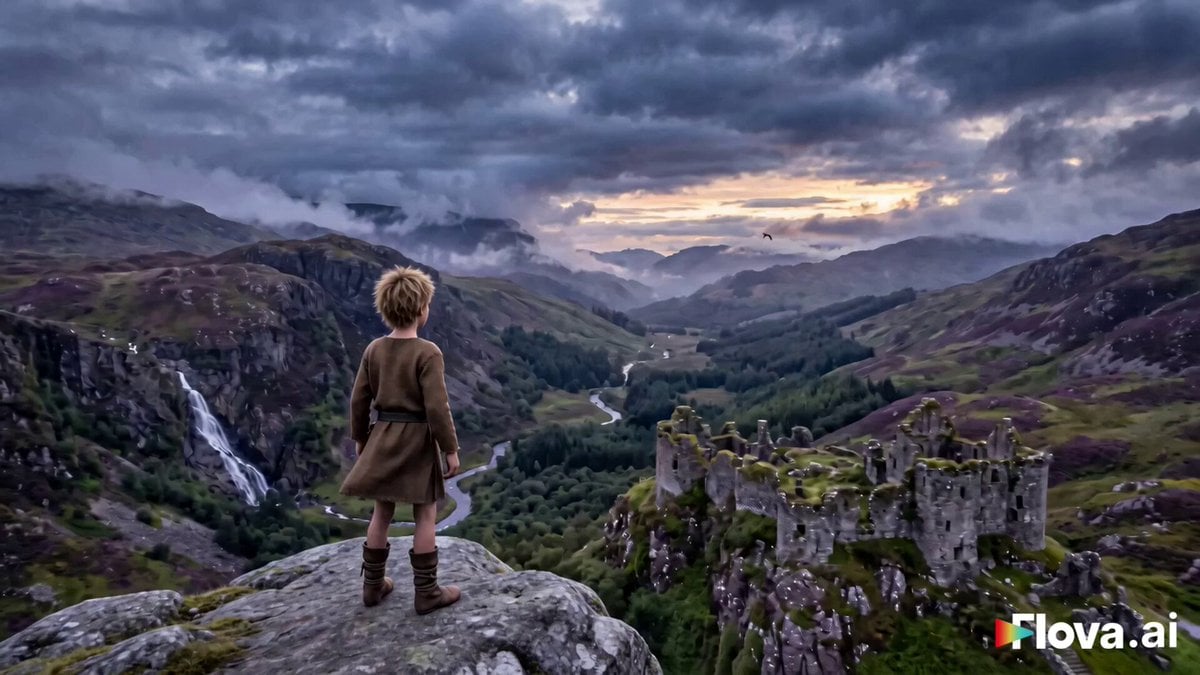
A cinematic fantasy adventure prompt about a young boy and a massive mythical eagle in the Scottish Highlands.
- Prompt included
- Model and format preset
- Premium template
The prompt behind this video
Copy the exact prompt behind Fantasy Boy and Giant Eagle, or open it in the studio and make it yours.
Title: The Boy and the Giant Eagle Create a 50-second cinematic fantasy adventure in 16:9 landscape format with seamless scene continuity. Visual Style: Hollywood fantasy film, ultra-realistic, 4K HDR, handheld + overhead drone hybrid cinematography, subtle motion blur during movement only, volumetric lighting, realistic physics, cinematic depth of field, moody violet and golden color grading, cold desaturated wilderness tones, warm amber lighting during emotional moments. Character Consistency: The same young medieval boy appears in every scene. Age: 12 Messy blond hair Simple brown medieval tunic Leather boots Small travel pouch Maintain identical facial features, clothing, hairstyle and proportions throughout every shot. Creature Consistency: A colossal mythical giant eagle inspired by Aquila and Griffin legends. Golden-brown feathers with white feathered neck. Massive wingspan over 20 meters. Sharp amber eyes. Majestic yet gentle personality. Keep identical appearance in every scene. Scene 1 (0–7s) – The Call A lonely boy stands on a misty cliff overlooking a vast Scottish Highlands valley. Wind blows through his blond hair and loose tunic. He slowly raises two fingers to his mouth and releases a powerful whistle. The echo rolls across the mountains as birds become silent. Camera slowly circles around him while distant clouds move dramatically. Scene 2 (7–15s) – The Arrival Far beyond ancient stone ruins, a giant eagle suddenly emerges from the clouds. It glides gracefully toward the boy, casting a huge shadow across the valley. It lands softly on moss-covered ground, folding its enormous wings. Floating mist and glowing dust particles fill the air. The eagle lowers its head respectfully. The boy gently strokes its soft feathered neck. Warm emotional lighting. Scene 3 (15–24s) – Trust The eagle kneels close to the ground. Without assistance, the boy climbs onto its back using both hands and knees, gripping the thick shoulder feathers. He settles safely between the eagle's wings. Close-up shots show his excitement and the eagle's calm breathing. Scene 4 (24–35s) – First Flight The eagle spreads its enormous wings and launches into the sky with explosive wingbeats. Grass and dust swirl beneath them. The camera follows from below before rotating overhead. They soar above cliffs, waterfalls, forests and mountain peaks. Huge clouds drift around them. Scene 5 (35–44s) – Above the World The eagle glides through brilliant white clouds. Through a break in the clouds, a medieval village appears below with stone cottages, thatched roofs, smoke rising from chimneys, a wooden chapel, green fields and winding dirt roads. The boy smiles with wonder while hugging the eagle's neck tightly. Cinematic drone shot
How to use Fantasy Boy and Giant Eagle in 3 steps
- 1
Open
The prompt is already in the box next to the preview, with the template's model and format selected.
- 2…a portrait of your subject in softgolden-hour light, 85mm…
Personalize
Edit the subject and creative details for your destination.
- 3Generate
Generate
Press Generate — your video is created in PicX Studio, so you can compare it with the original and refine one variable at a time.
More like this
Templates with the same subject, style or setup. Open one to see its prompt.
Tiny Figure Climbing a Giant — Low Angle Seedance

Dragon Rider Cinematic Flight — Seedance 2.5
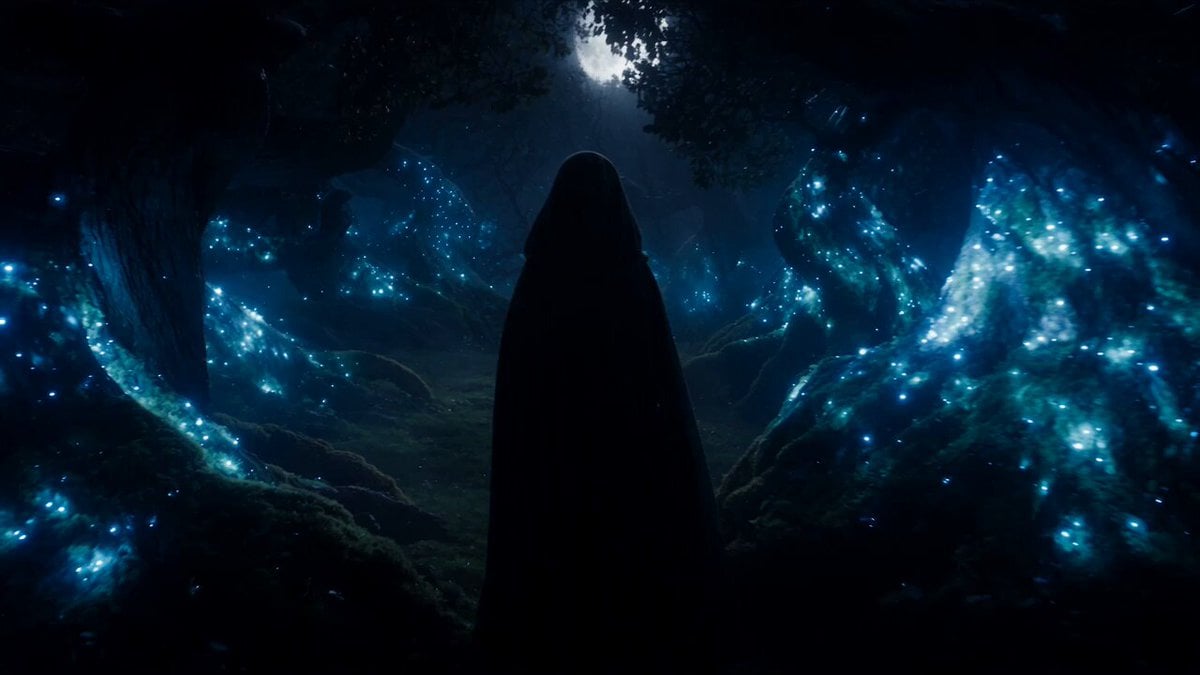
Forest Fantasy Girl Short Film
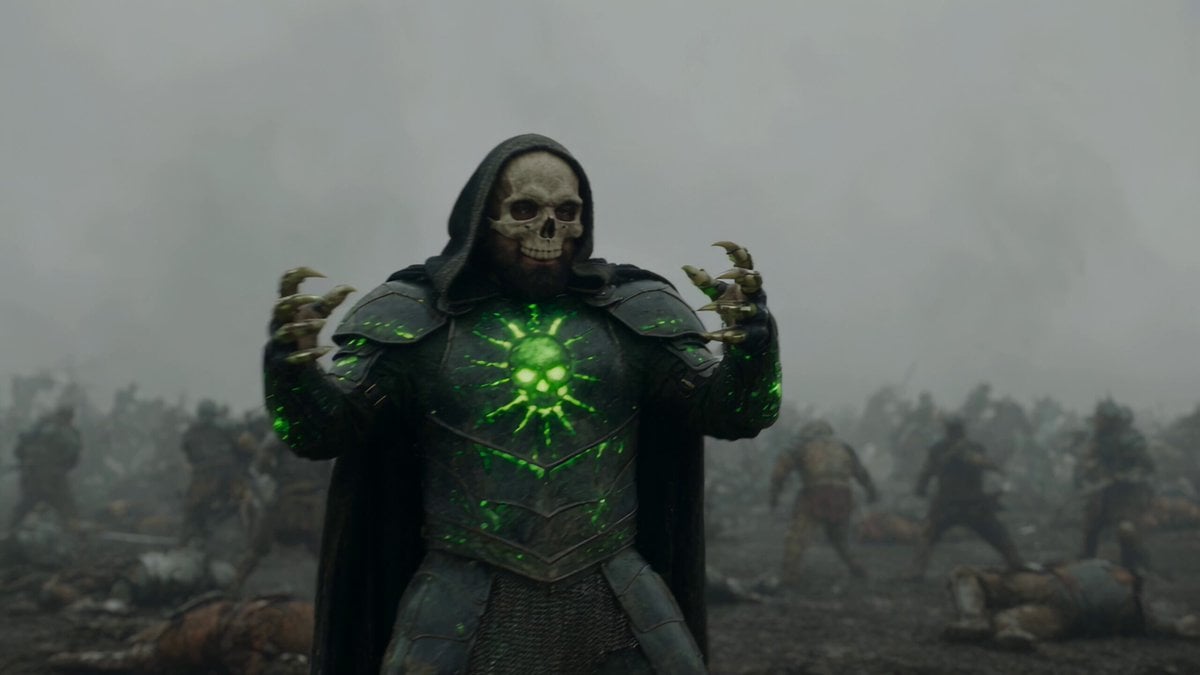
Necromancer Battlefield Orbit
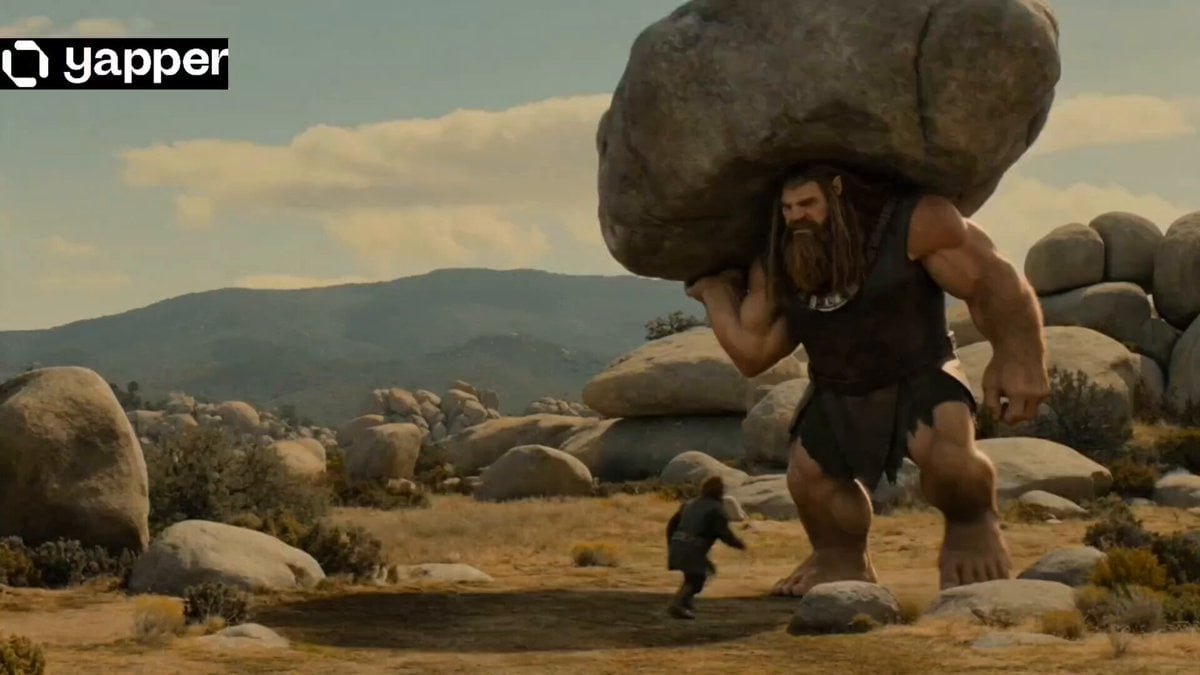
Epic Fantasy Giant Encounter
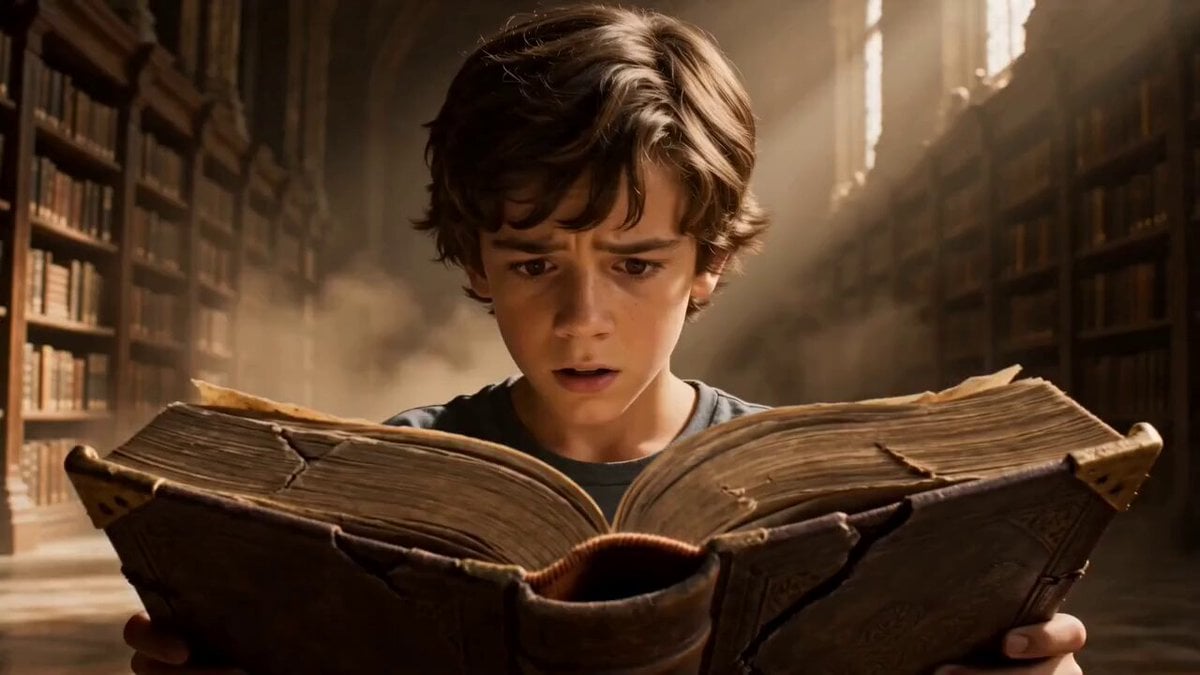
Fantasy Boy and Obsidian Dragon
Griffin Knight Mountain Kingdom — Seedance 2.0
Ice Queen — Frozen Battlefield Time Control (Seedance)
Dragon Rescue — Volcanic Kingdom Collapse (Seedance)
Whale in the Sky — City Shadows (Kling AI)
Swordsman vs Shadow Monster — Bamboo Forest Battle
Stone Colossus Desert Riders — Golden Fire Reveal
Make it yours
Fantasy Boy and Giant Eagle works as-is. These are the safest ways to change it without losing the look.
Change one field
Copy a single group, rewrite it, and generate again so you can see what that field is doing.
Keep the frame, change the subject
Hold the composition and light of Fantasy Boy and Giant Eagle, then swap wardrobe, props or the person for a new take.
| If the result… | Why | Fix |
|---|---|---|
| The result drifts from the preview | Too many fields changed at once. | Reuse Fantasy Boy and Giant Eagle as-is first, then change one group — subject, light, or setting. |
| The model over-stylizes the scene | The prose prompt leaves finish and camera underspecified. | Add one camera or lighting sentence and stay on Seedance 2.0. |
More Seedance 2.0 templates
Other prompts made for Seedance 2.0.

Comical Martial Arts Punch Scene

Maglev Train Action Sequence

Martial Arts Fight Sequence

Wuxia Protection and Trust Script

Vintage Korean Arcade MiniDV Vlog

Mercedes 190 SL Luxury Ad

Rainy Night Supernatural Reverse Comedy Video Script

Amazon Civilization Discovery

Futuristic South Asian City Transformation

Cozy Luxury Cafe Commercial
More video prompts
Fresh picks from across the catalog.

Sailor Moon Dialogue Scene
Seedance 2.0 K-pop Dance Video Prompt
Vintage 16mm Gym Cardio Vlog
Refreshing European Town Soda Commercial
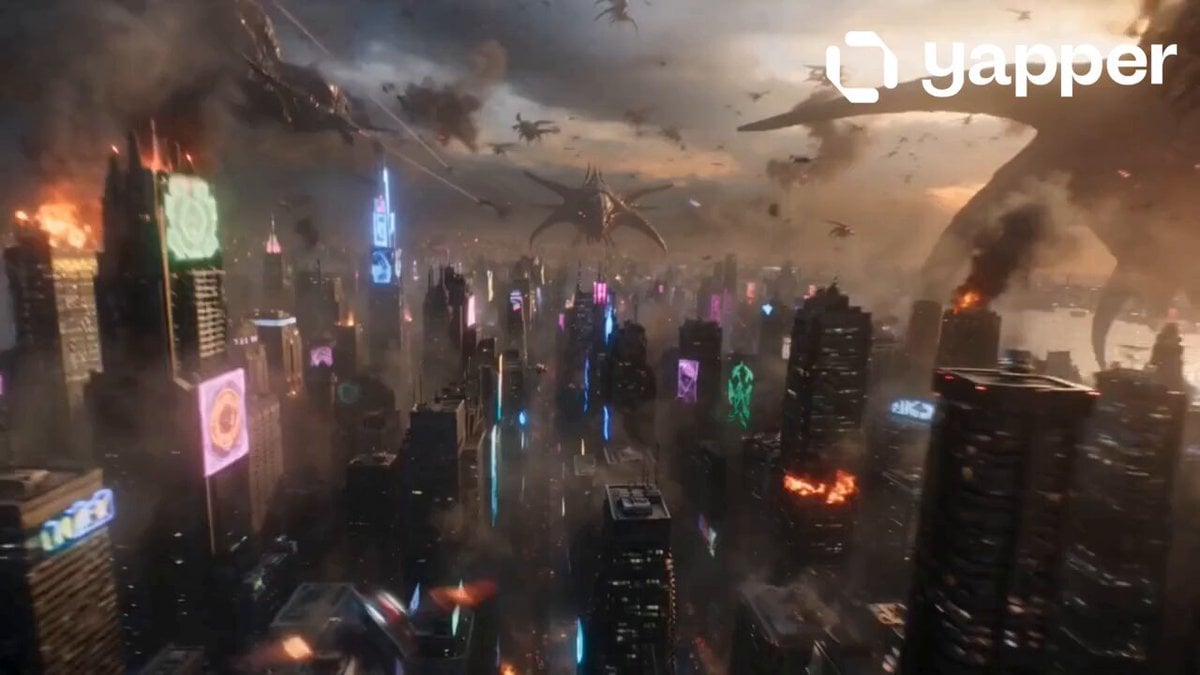
Cyberpunk Alien Invasion Action

Robot Anime Launch Sequence
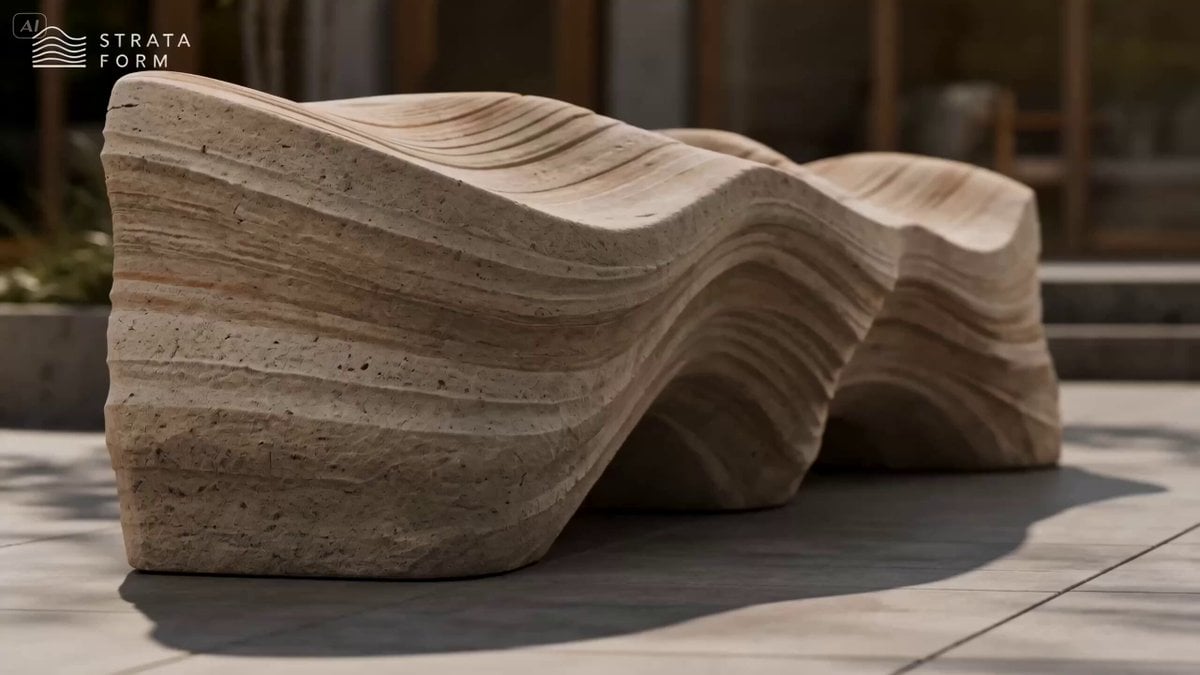
Erosion Bench Furniture Ad
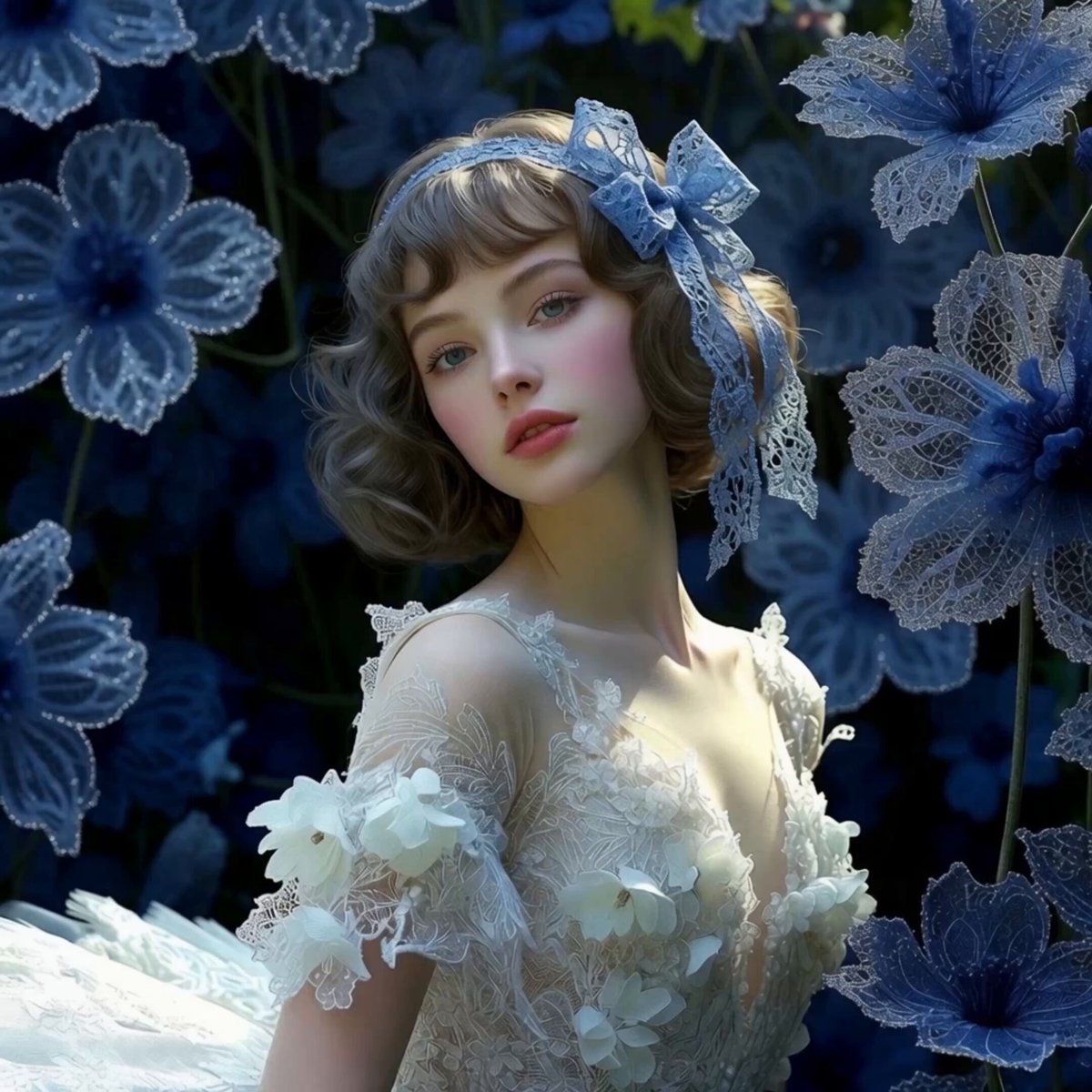
Maiden Among Blue Flowers
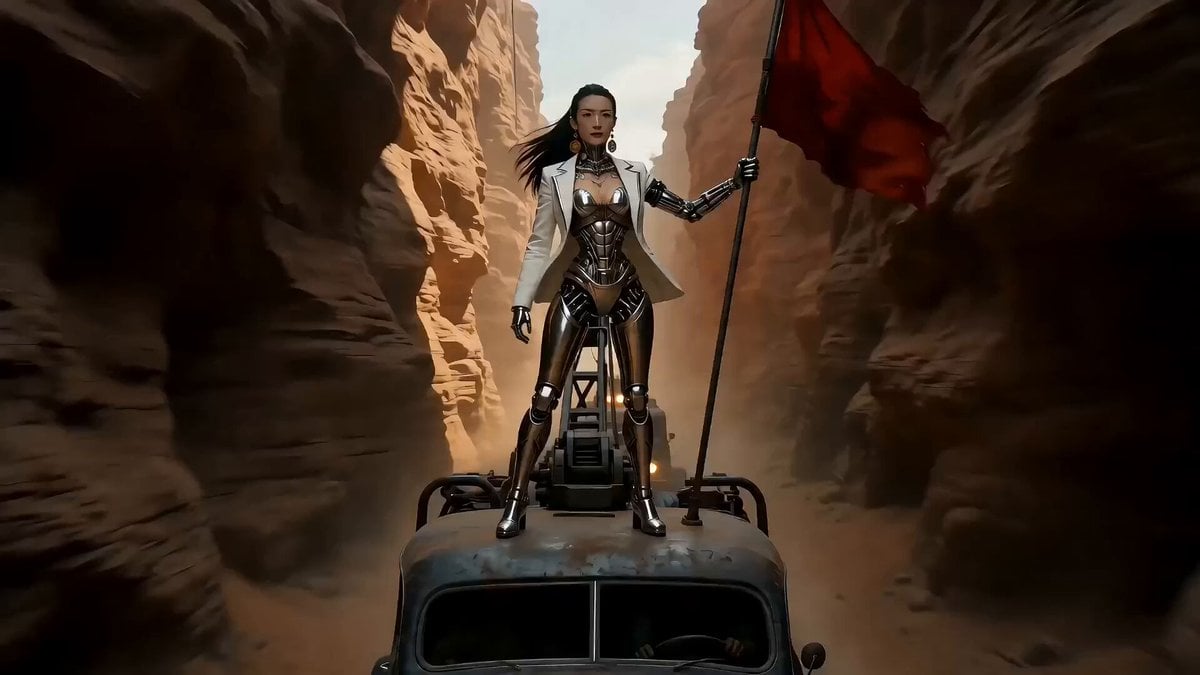
Epic Sci-Fi Action Sequence Prompt for Seedance 2.0
Dynamic Street Dance MV
Browse template categories
Fantasy Boy and Giant Eagle questions
How do I use the Fantasy Boy and Giant Eagle template?
Add your photo if the template asks for one, edit the prompt if you like — the template's model and format are already selected — and press Generate. Your version opens in PicX Studio.
Can I customize the Fantasy Boy and Giant Eagle template?
Yes. You can change the subject, setting, lighting, mood, format, and available model controls before creating your video.
Is the Fantasy Boy and Giant Eagle template free?
Opening and editing this template is free. Generating uses credits, shown on the Generate button when you are signed in.
Which AI model should I use?
Start with Seedance 2.0, which is the model associated with this template. You can compare another compatible model for a different finish.
Looking for something else? Browse all templates.

Your photo, any look
Thousands of ready templates for every top image and video model, from one credit balance.