How do I use the Robot Anime Launch Sequence template?
Edit the prompt in the box under the preview — the template's model and format are already selected — and press Generate. Your version appears right on this page.
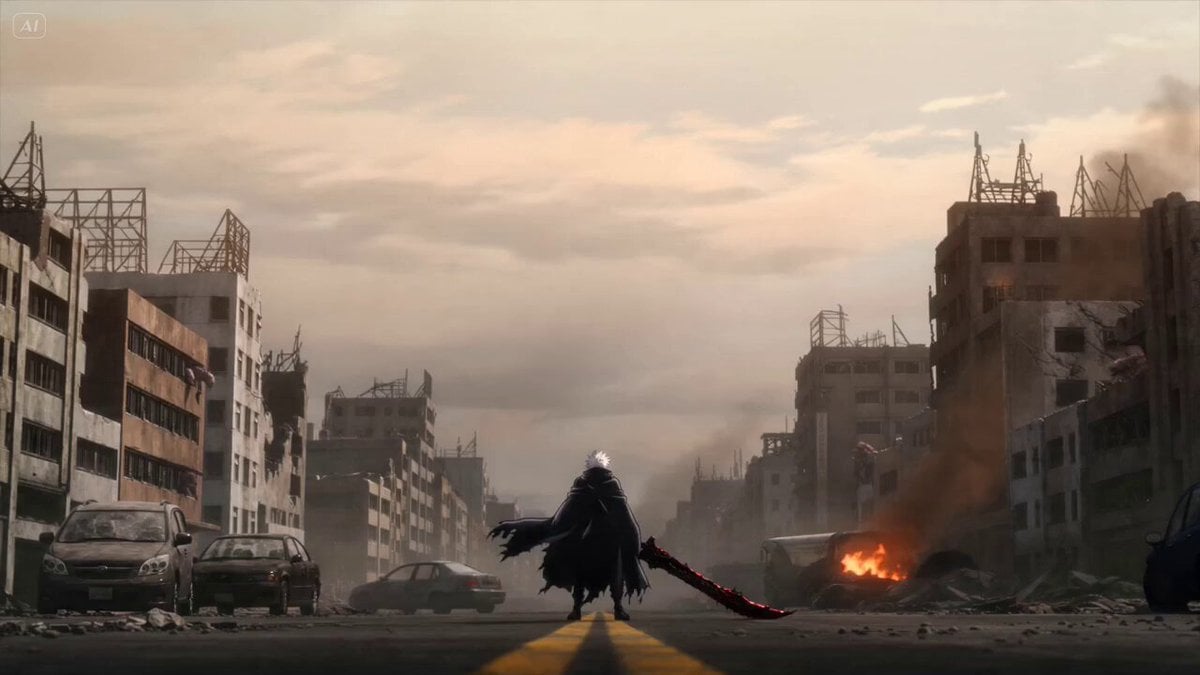
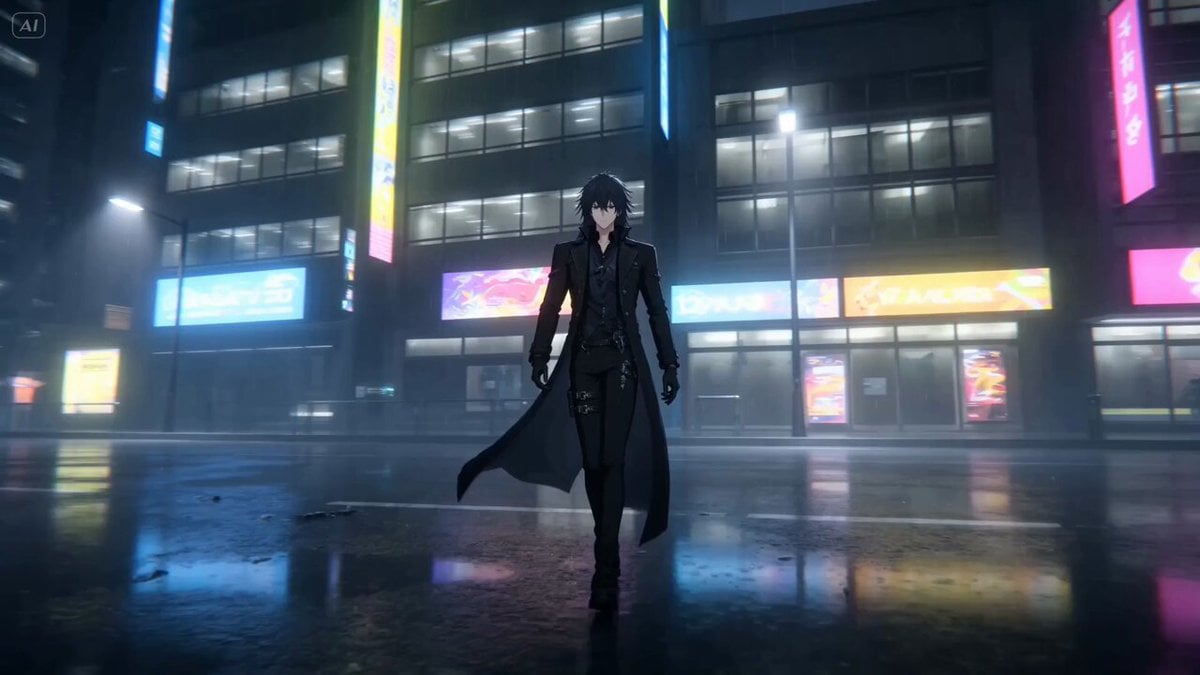
A detailed video generation prompt for creating a theatrical robot anime-style launch sequence, including characters, mechas, and cockpit views.
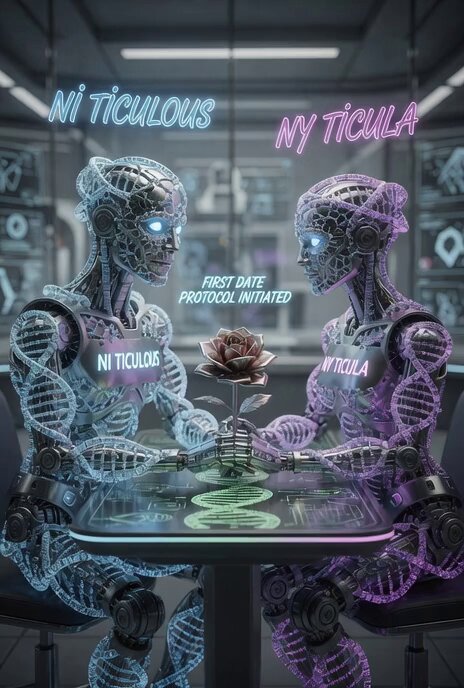
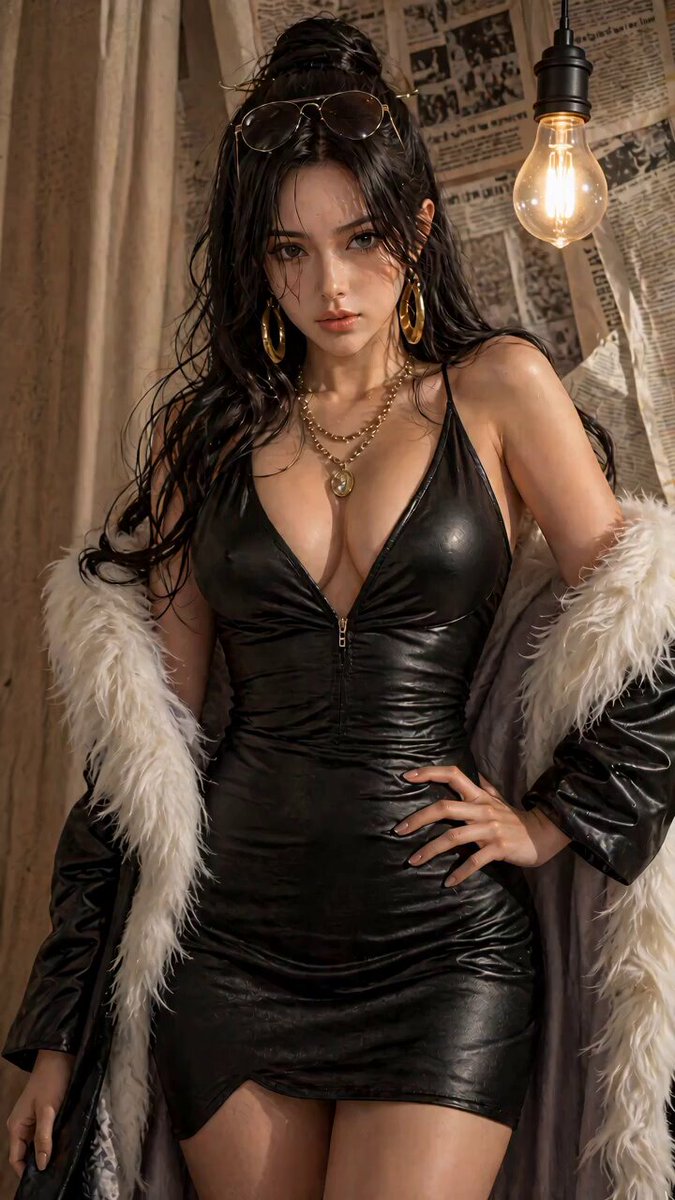
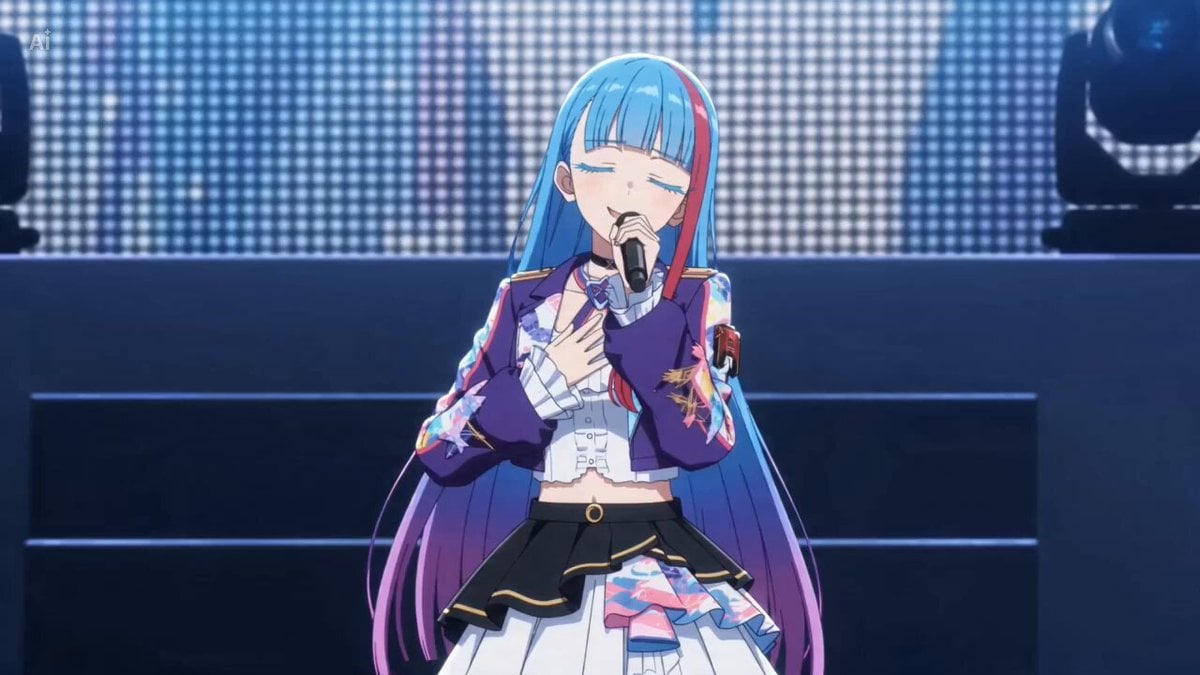
15秒、480p、横長16:9。添付された参照画像の「キャラクター」「有人搭乗型ロボット」「コックピット」を使用した、劇場版ロボットアニメ風の発進シークエンス。
15秒、480p、横長16:9。添付された参照画像の「キャラクター」「有人搭乗型ロボット」「コックピット」を使用した、劇場版ロボットアニメ風の発進シークエンス。
Edit the prompt in the box under the preview — the template's model and format are already selected — and press Generate. Your version appears right on this page.
Yes. You can change the subject, setting, lighting, mood, format, and available model controls before creating your video.
Opening and editing this template is free. Generating uses credits, shown on the Generate button when you are signed in.
Start with Seedance 2.0, which is the model associated with this template. You can compare another compatible model for a different finish.
Follow a topic to a crawlable collection of related PicX Studio templates.