How do I use the Cooking Vlog with 2D Sticker Raccoon template?
Edit the prompt in the box under the preview — the template's model and format are already selected — and press Generate. Your version appears right on this page.
A creative mixed-media prompt blending live-action cooking with a flat 2D sticker character of a raccoon for a humorous vlog.
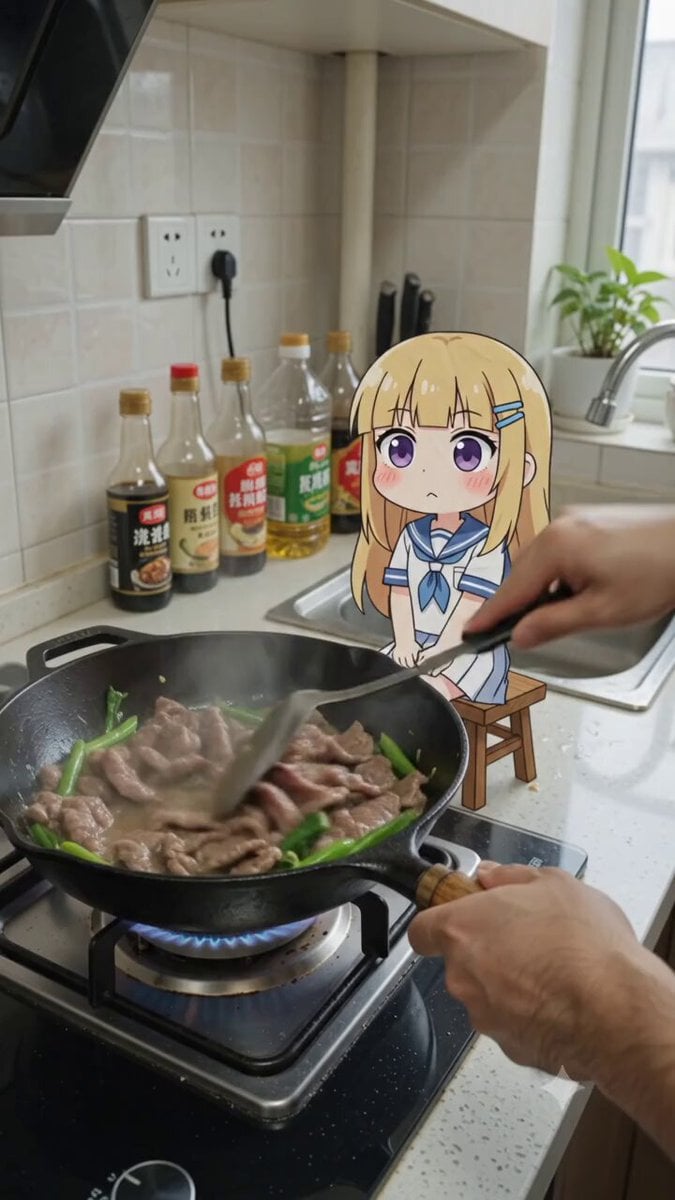
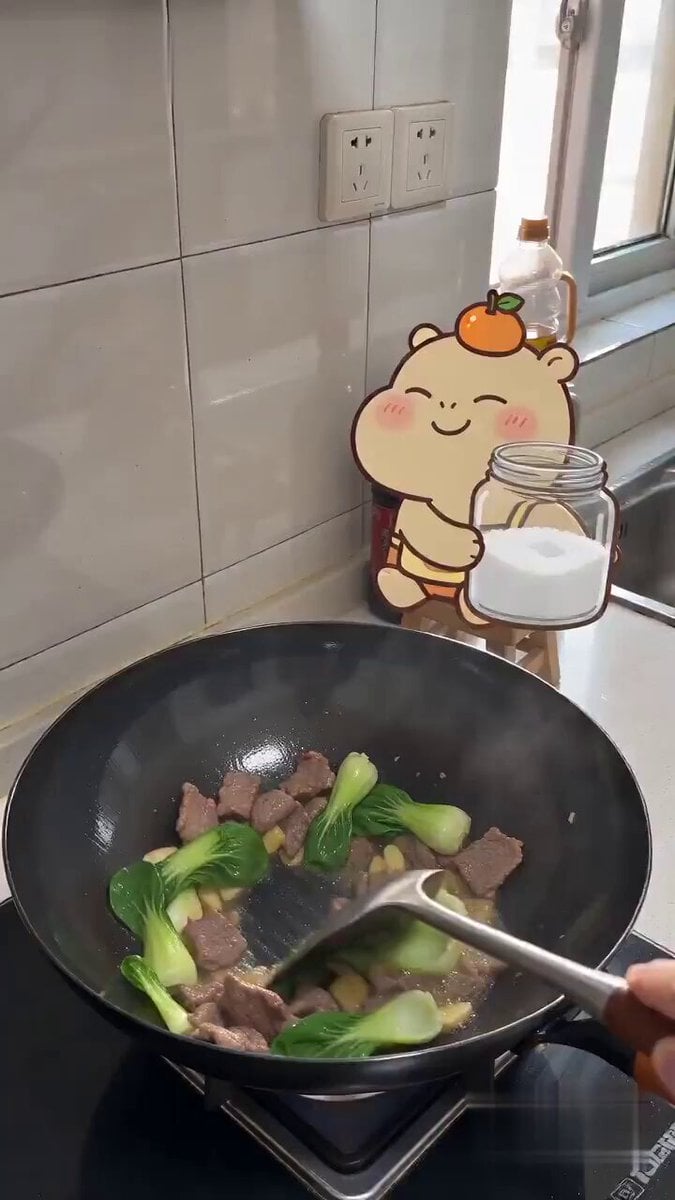
Live-action + flat 2D sticker composite, POV cooking vlog, vertical 9:16, 10 seconds, 8K, light handheld micro-shake. Realistic kitchen + funny flat sticker character. Scene: Home kitchen from first-person perspective. Beef and greens are frying in a black pan, oil sizzles, steam rises. White tiles, sauce bottles, sink on the right, side daylight. Character: Little chibi raccoon Solka as a flat 2D sticker: gray-blue fur, dark mask around eyes, striped tail, big red bow, round black glasses, yellow dress, red shoes. Thick outline, paper texture, colored pencil style. Sitting on a small stool by the stove. 00:00–00:03 — Salty Avalanche Real hand stirs meat with a spatula. Solka smiles cunningly and pours a whole jar of salt into the pan. Salt falls like a waterfall, forming a white mound. SFX: sizzling, salt pouring. 00:03–00:05 — Oops Hand takes the jar away, next to her head the spatula makes a comical "BONK!". Glasses slide down, tail stands on end, Solka jumps. SFX: bonk, cartoon spring. 00:05–00:08 — Salty Payback Solka tastes the oversalted food. Cheeks puff up, eyes become spirals, cartoon tears spray from eyes. SFX: crunch, pause, exaggerated crying. 00:08–00:10 — Salty K.O. She swallows, eyes turn into Xs, falls off the stool like a paper sticker. Stars around head, final freeze-frame. SFX: croak, soft thud, funny spirit sound. Negative prompt: 3D raccoon, realistic fur, redesign, extra limbs, deformed hands, morphing, flicker, blur, fake salt physics, gore, subtitles, watermark, UI.
Live-action + flat 2D sticker composite, POV cooking vlog, vertical 9:16, 10 seconds, 8K, light handheld micro-shake. Realistic kitchen + funny flat sticker character. Scene: Home kitchen from first-person perspective. Beef and greens are frying in a black pan, oil sizzles, steam rises. White tiles, sauce bottles, sink on the right, side daylight. Character: Little chibi raccoon Solka as a flat 2D sticker: gray-blue fur, dark mask around eyes, striped tail, big red bow, round black glasses, yellow dress, red shoes. Thick outline, paper texture, colored pencil style. Sitting on a small stool by the stove. 00:00–00:03 — Salty Avalanche Real hand stirs meat with a spatula. Solka smiles cunningly and pours a whole jar of salt into the pan. Salt falls like a waterfall, forming a white mound. SFX: sizzling, salt pouring. 00:03–00:05 — Oops Hand takes the jar away, next to her head the spatula makes a comical "BONK!". Glasses slide down, tail stands on end, Solka jumps. SFX: bonk, cartoon spring. 00:05–00:08 — Salty Payback Solka tastes the oversalted food. Cheeks puff up, eyes become spirals, cartoon tears spray from eyes. SFX: crunch, pause, exaggerated crying. 00:08–00:10 — Salty K.O. She swallows, eyes turn into Xs, falls off the stool like a paper sticker. Stars around head, final freeze-frame. SFX: croak, soft thud, funny spirit sound. Negative prompt: 3D raccoon, realistic fur, redesign, extra limbs, deformed hands, morphing, flicker, blur, fake salt physics, gore, subtitles, watermark, UI.
Edit the prompt in the box under the preview — the template's model and format are already selected — and press Generate. Your version appears right on this page.
Yes. You can change the subject, setting, lighting, mood, format, and available model controls before creating your video.
Opening and editing this template is free. Generating uses credits, shown on the Generate button when you are signed in.
Start with Seedance 2.0, which is the model associated with this template. You can compare another compatible model for a different finish.
Follow a topic to a crawlable collection of related PicX Studio templates.