
Celestial Star Battle Animation
An epic celestial battle between stars with glowing swords and magical fire bursts in a mystical space field.
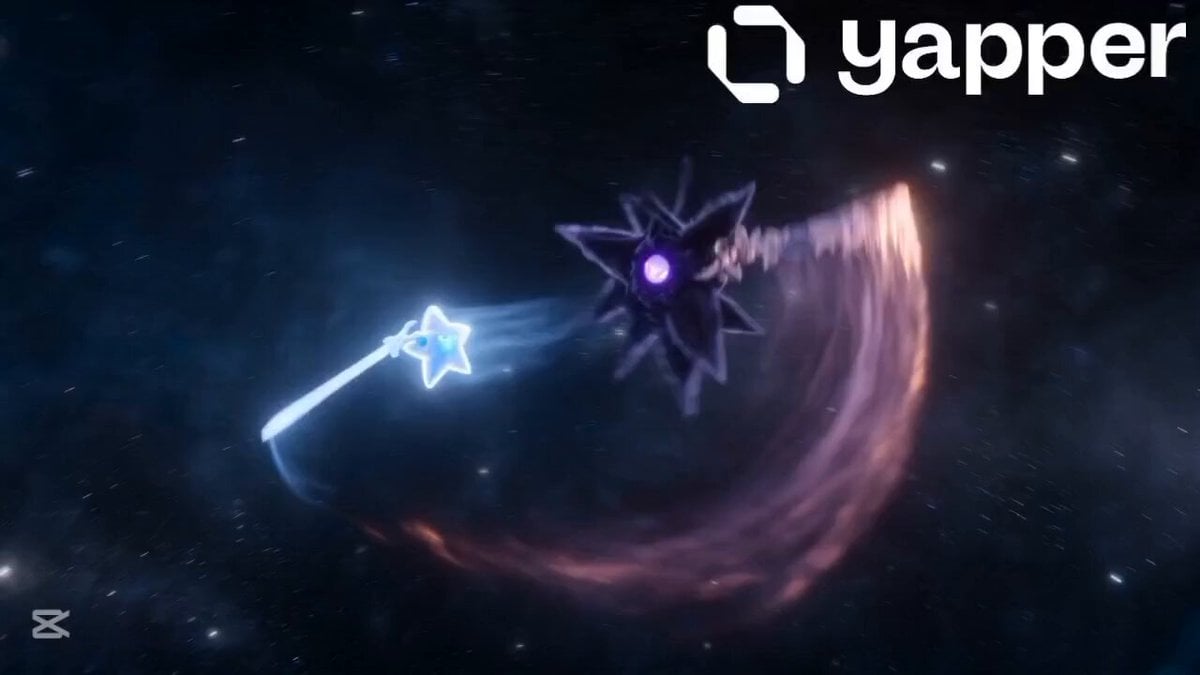
- Prompt included
- Model and format preset
- Premium template
The prompt behind this video
Copy the exact prompt behind Celestial Star Battle Animation, or open it in the studio and make it yours.
In a vast, magical celestial field, two stars are locked in an epic battle. Their swords glimmer as they sweep through the air, and with every strike, bursts of flame erupt. They rise higher and higher into the sky, showcasing their immense power. But it is a small, inexperienced star, fueled by courage and determination, that rises above, persevering step by step until it conquers the heavens, becoming the brightest star and beginning a new legend.
How to use Celestial Star Battle Animation in 3 steps
- 1
Open
The prompt is already in the box next to the preview, with the template's model and format selected.
- 2…a portrait of your subject in softgolden-hour light, 85mm…
Personalize
Edit the subject and creative details for your destination.
- 3Generate
Generate
Press Generate — your video is created in PicX Studio, so you can compare it with the original and refine one variable at a time.
More like this
Templates with the same subject, style or setup. Open one to see its prompt.

3D Glossy Fairy Animation - Seedance 2.5
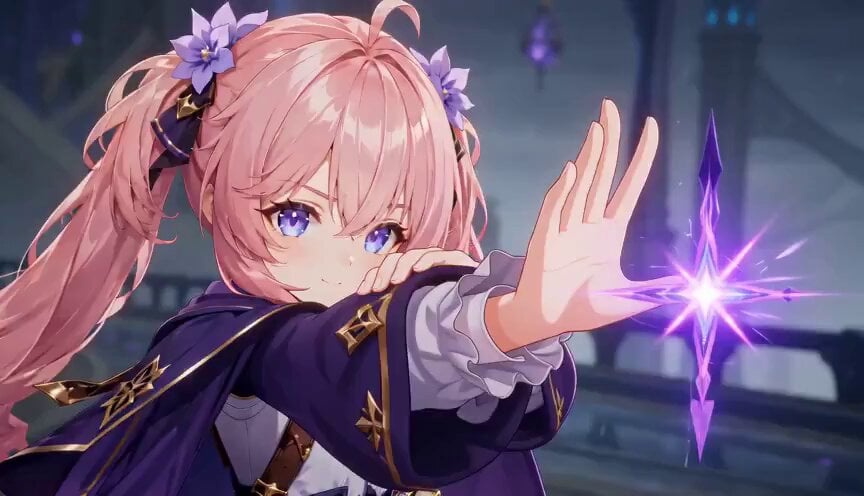
Magic City Fantasy Battle Animation
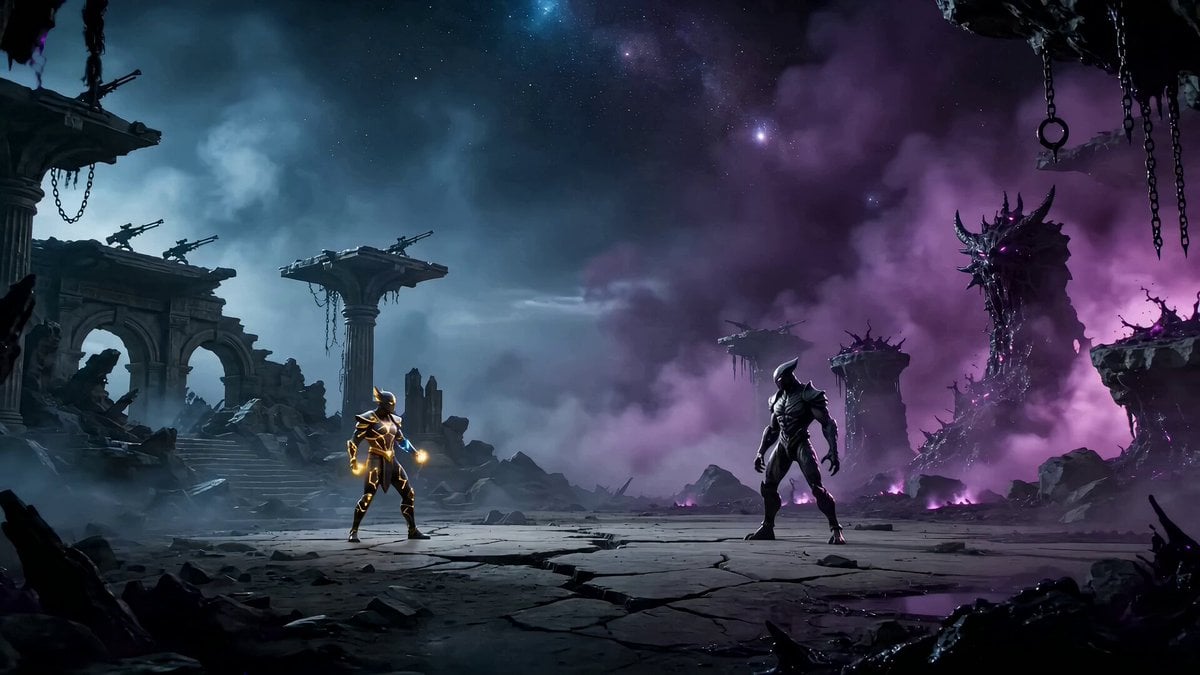
Epic Zodiac Starlight Battle
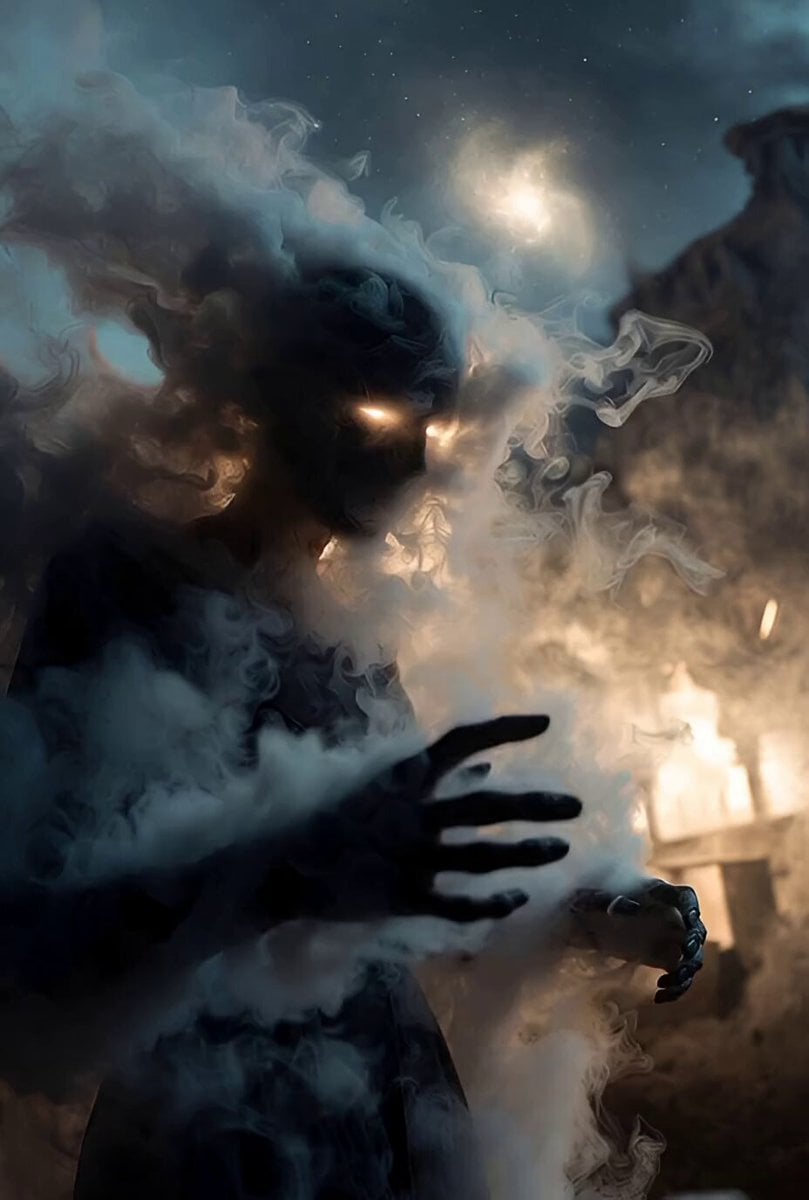
Celestial Veil and Forgotten Stars

Silk Road Pomegranate Folk Animation

Multilingual Creative Typography Loop

High-Speed Magic Battle Animation
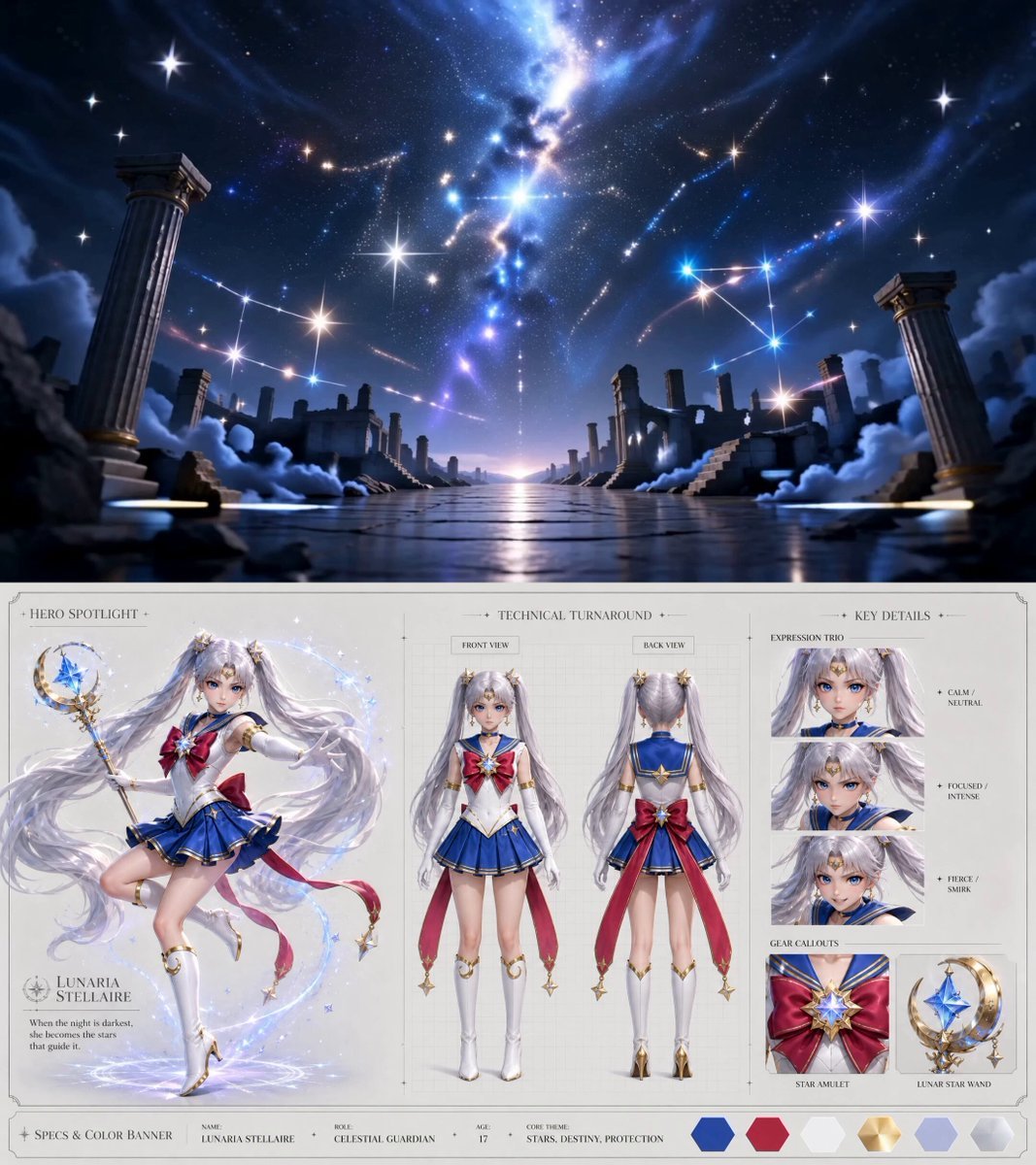
Celestial Awakening Animation
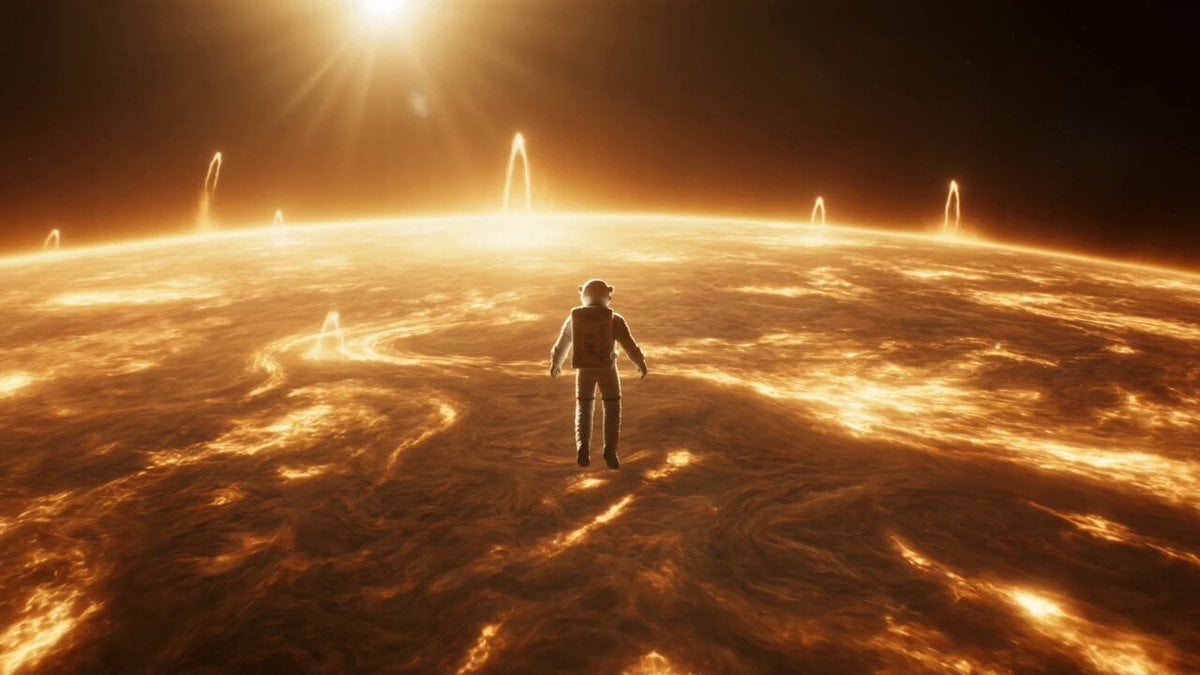
Celestial Star Transformation Sequence
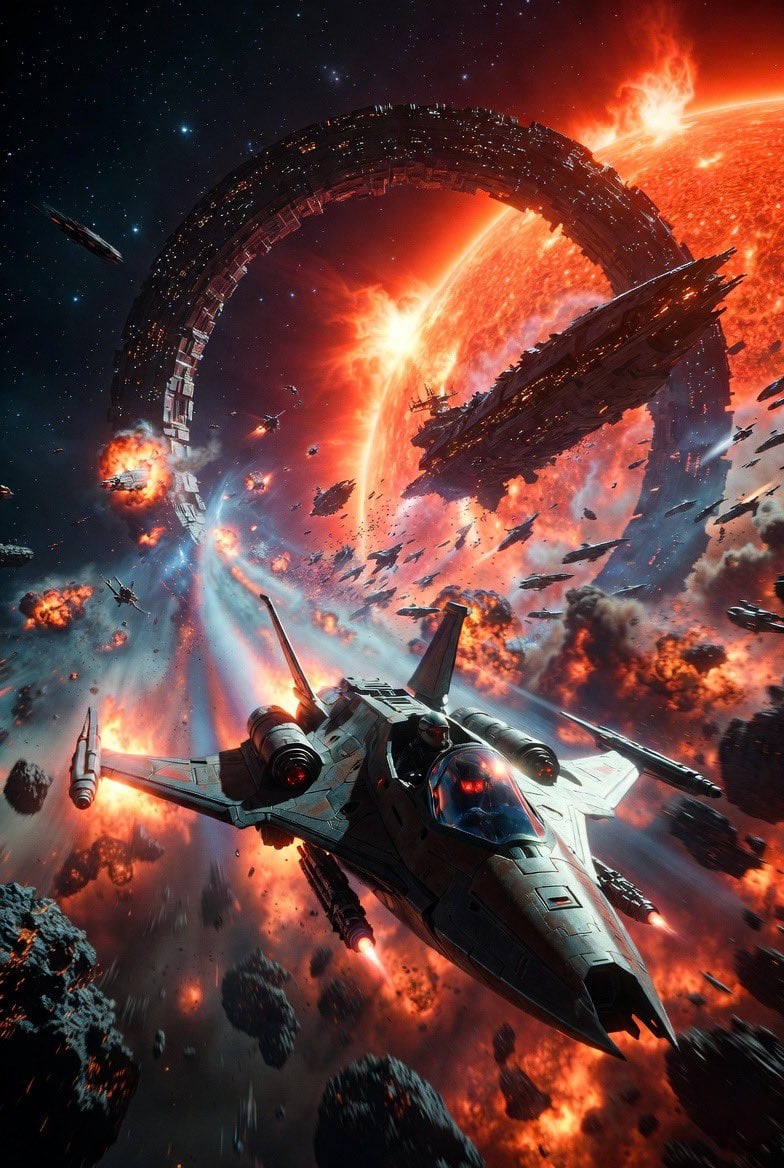
Intense Space Battle Scene with Starfighter and Alien Battle Station

Walking Factory with Rebel on Hoverbike - Wasteland
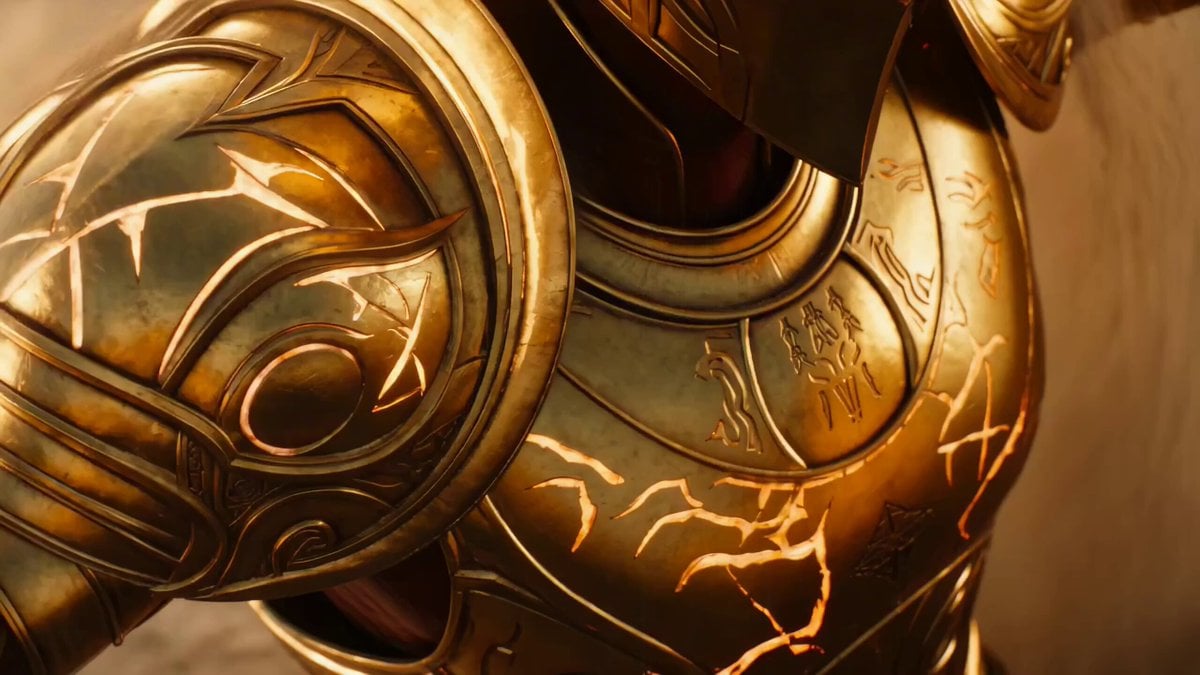
Cinematic Celestial Battle Storyboard Prompt
Make it yours
Celestial Star Battle Animation works as-is. These are the safest ways to change it without losing the look.
Change one field
Copy a single group, rewrite it, and generate again so you can see what that field is doing.
Keep the frame, change the subject
Hold the composition and light of Celestial Star Battle Animation, then swap wardrobe, props or the person for a new take.
| If the result… | Why | Fix |
|---|---|---|
| The result drifts from the preview | Too many fields changed at once. | Reuse Celestial Star Battle Animation as-is first, then change one group — subject, light, or setting. |
| The model over-stylizes the scene | The prose prompt leaves finish and camera underspecified. | Add one camera or lighting sentence and stay on Seedance 2.0. |
More Seedance 2.0 templates
Other prompts made for Seedance 2.0.

Comical Martial Arts Punch Scene

Maglev Train Action Sequence

Martial Arts Fight Sequence

Wuxia Protection and Trust Script

Vintage Korean Arcade MiniDV Vlog

Mercedes 190 SL Luxury Ad

Rainy Night Supernatural Reverse Comedy Video Script

Amazon Civilization Discovery

Futuristic South Asian City Transformation

Cozy Luxury Cafe Commercial
More video prompts
Fresh picks from across the catalog.
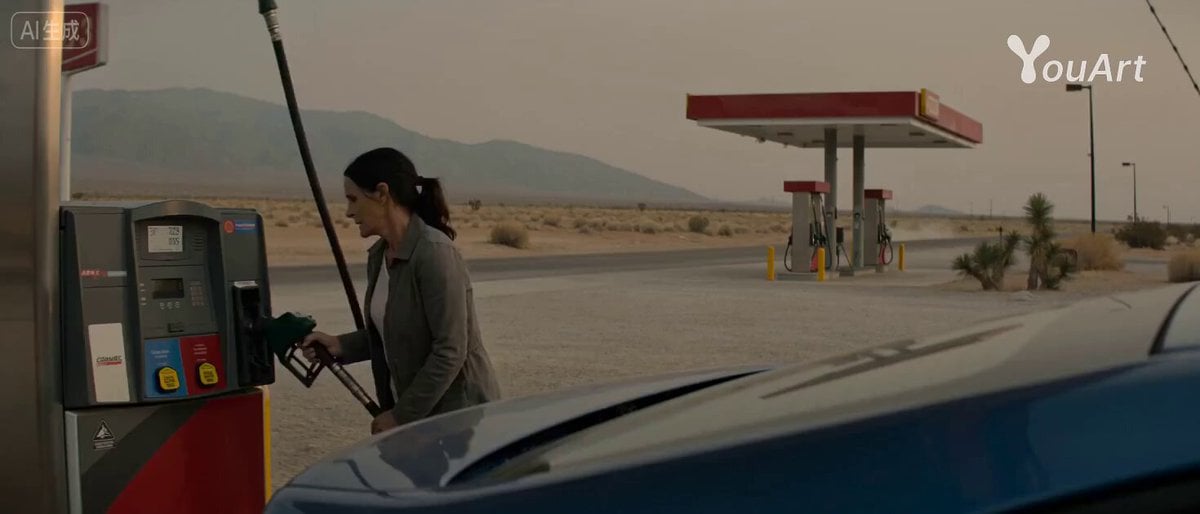
Desert Getaway Cinematic Sequence Prompt
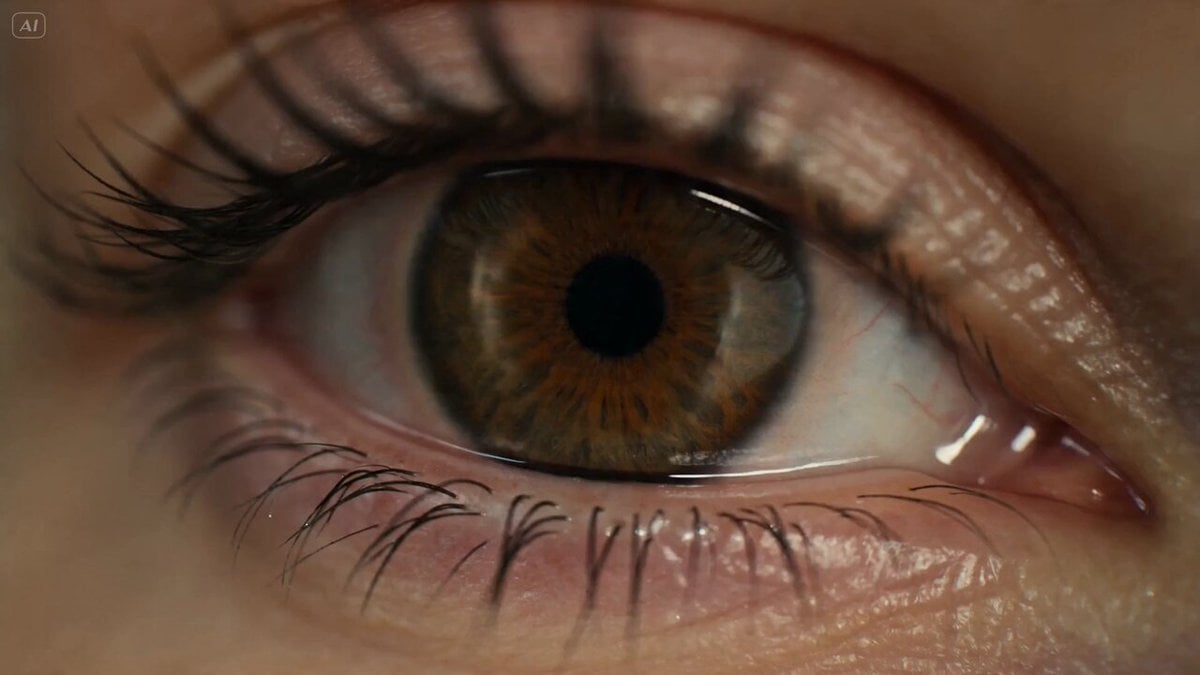
Surreal Eye Ocean Macro

Soldier Raising the American Flag
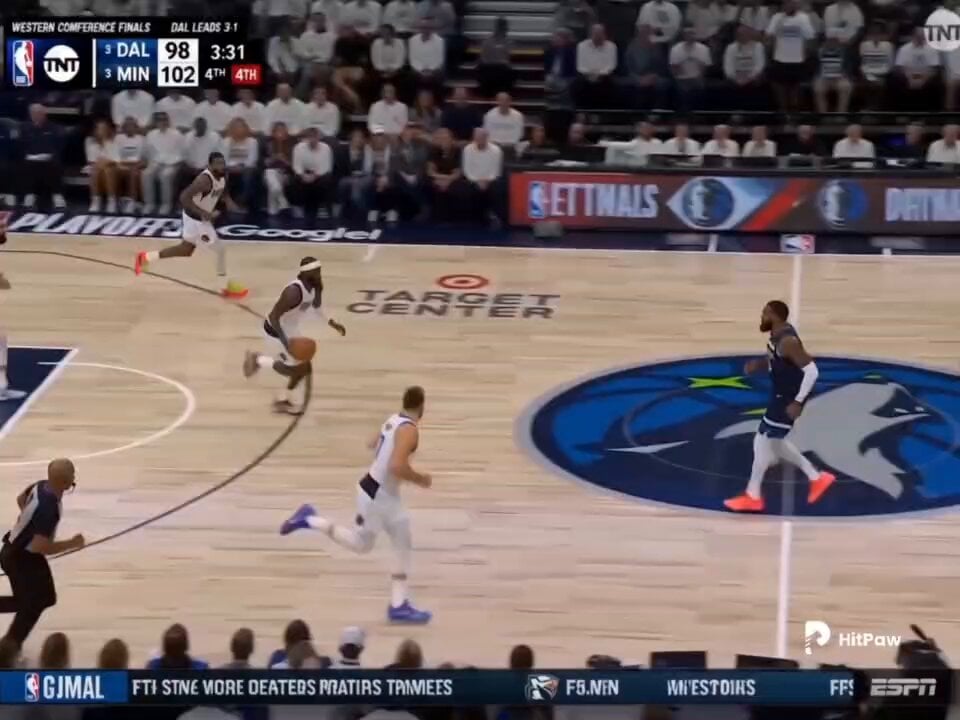
Basketball Broadcast Motion Sequence
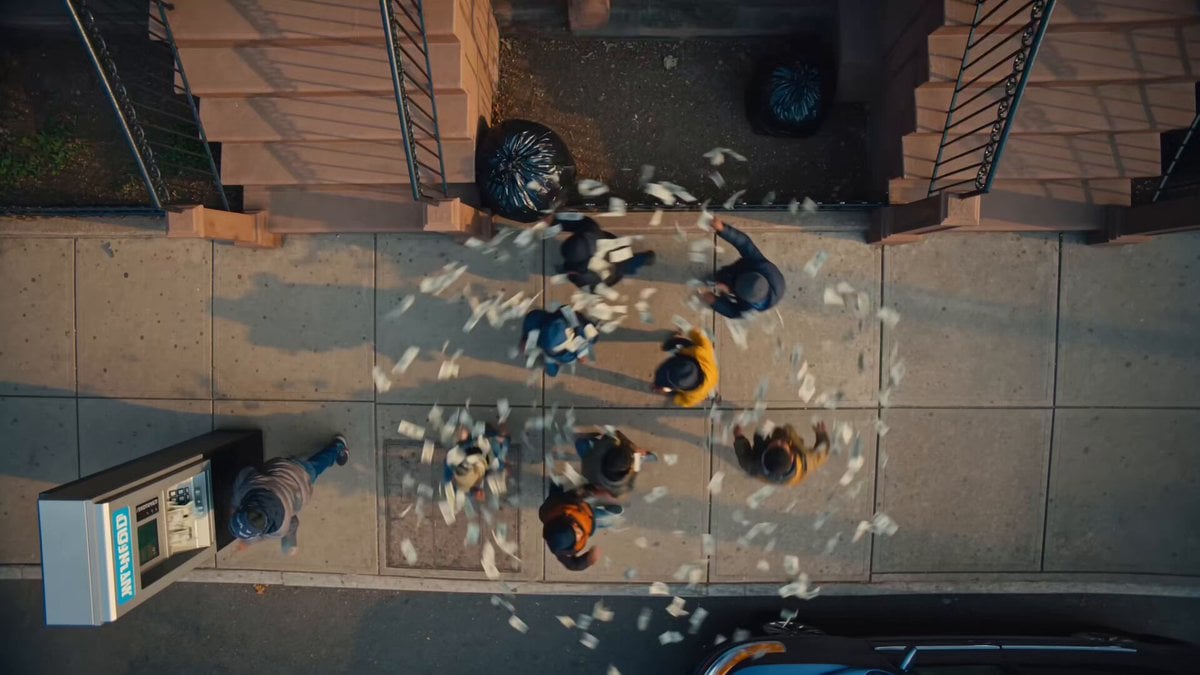
Brooklyn Money Rain Video
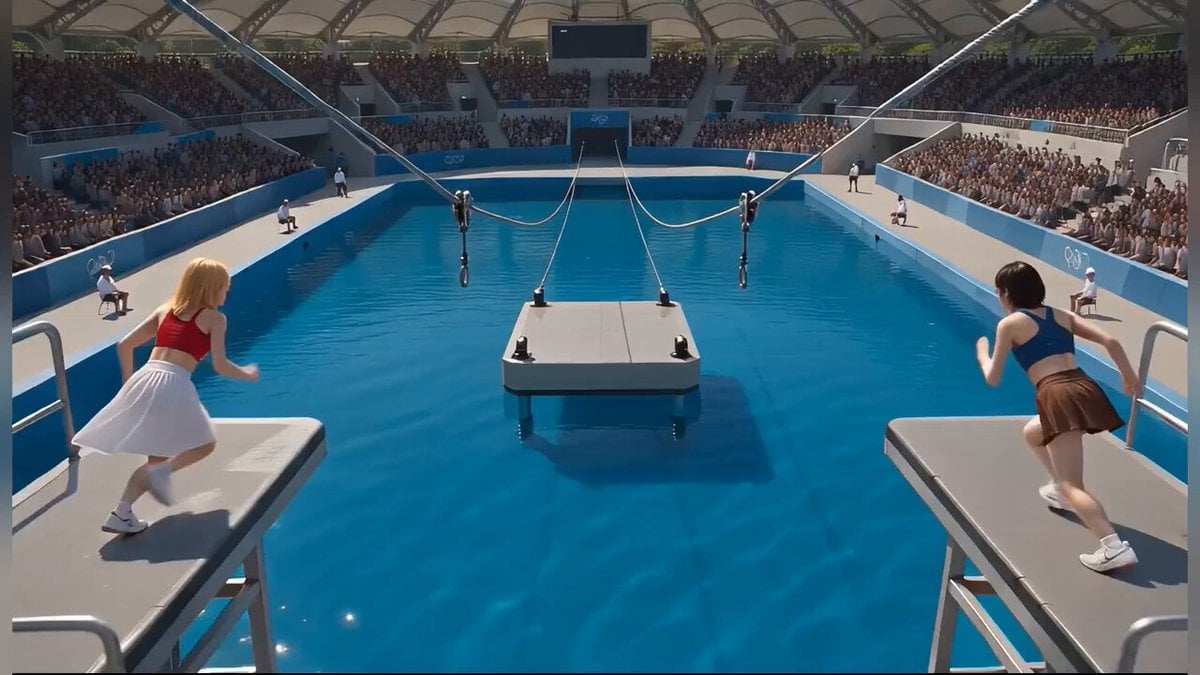
Photorealistic Water Reality Show Action

Dolphins in Yin Yang Waterspout
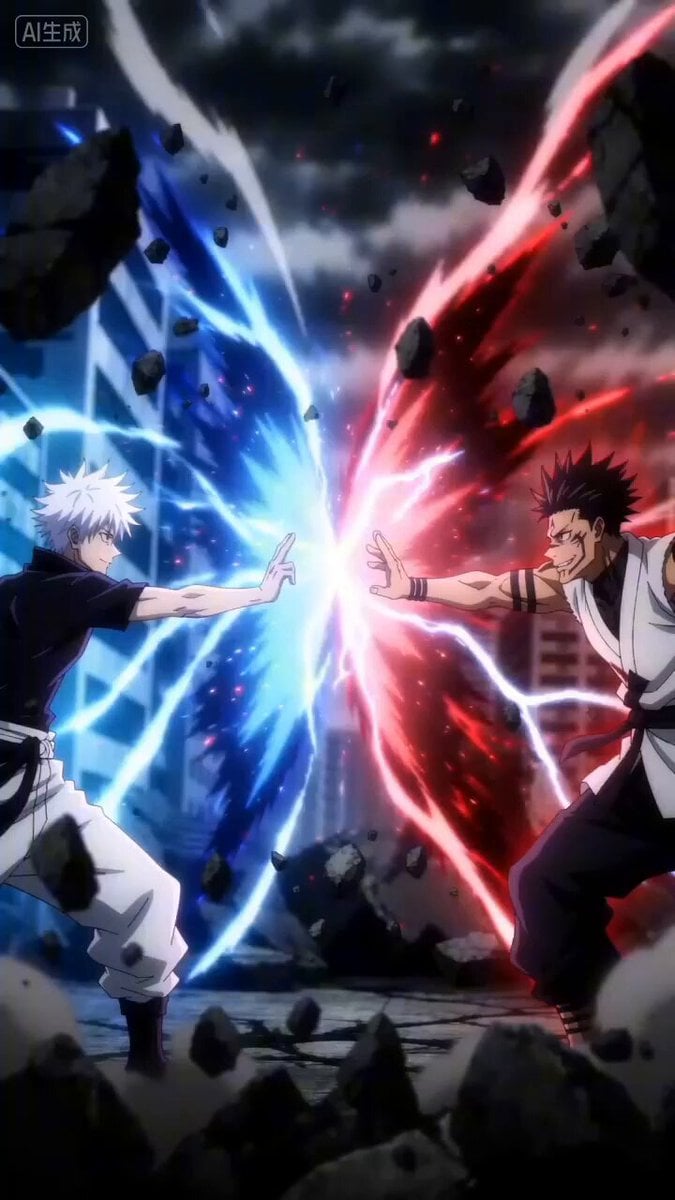
Gojo vs Sukuna Cinematic Battle Prompt
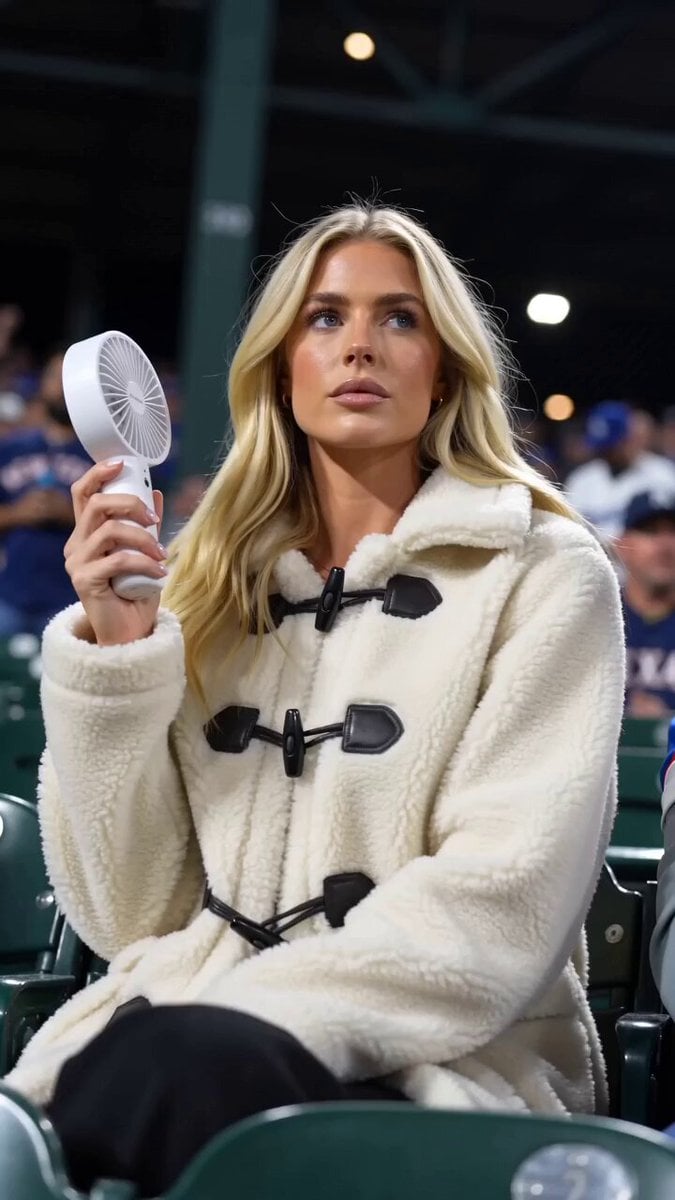
Baseball Crowd Broadcast Portrait
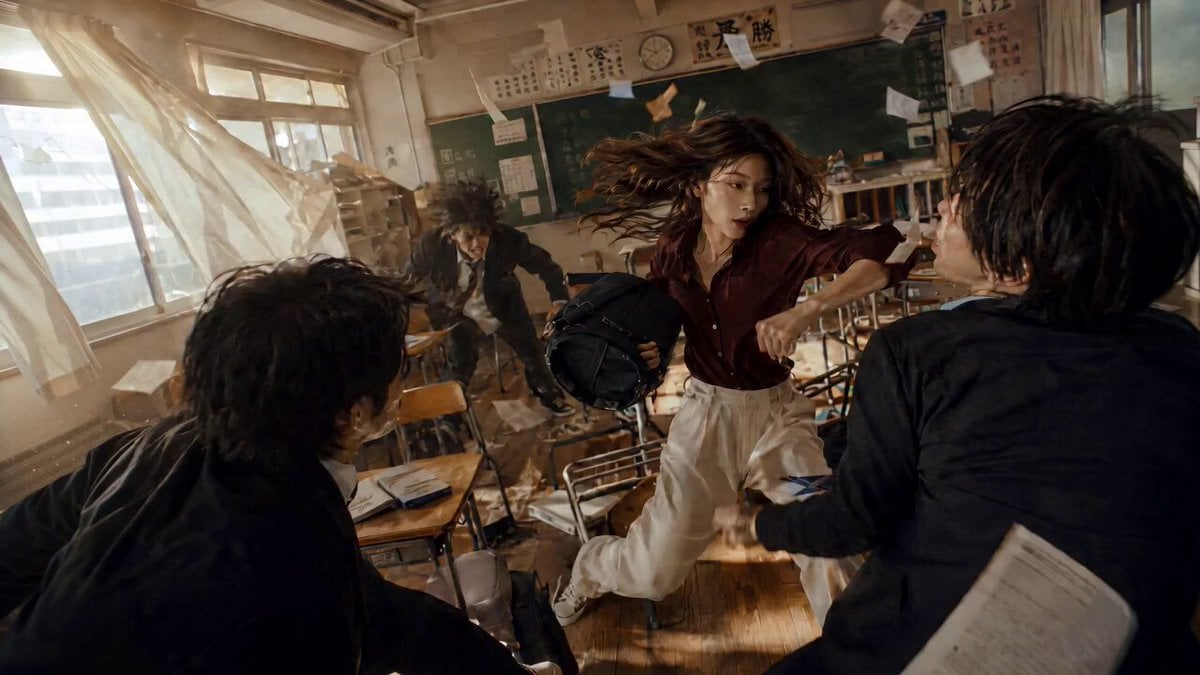
High School Martial Arts One-Shot
Browse template categories
Celestial Star Battle Animation questions
How do I use the Celestial Star Battle Animation template?
Add your photo if the template asks for one, edit the prompt if you like — the template's model and format are already selected — and press Generate. Your version opens in PicX Studio.
Can I customize the Celestial Star Battle Animation template?
Yes. You can change the subject, setting, lighting, mood, format, and available model controls before creating your video.
Is the Celestial Star Battle Animation template free?
Opening and editing this template is free. Generating uses credits, shown on the Generate button when you are signed in.
Which AI model should I use?
Start with Seedance 2.0, which is the model associated with this template. You can compare another compatible model for a different finish.
Looking for something else? Browse all templates.

Your photo, any look
Thousands of ready templates for every top image and video model, from one credit balance.