
Basketball Broadcast Motion Sequence
A comprehensive JSON-formatted prompt for generating a hyper-realistic basketball broadcast including shots, graphics, and synced audio.
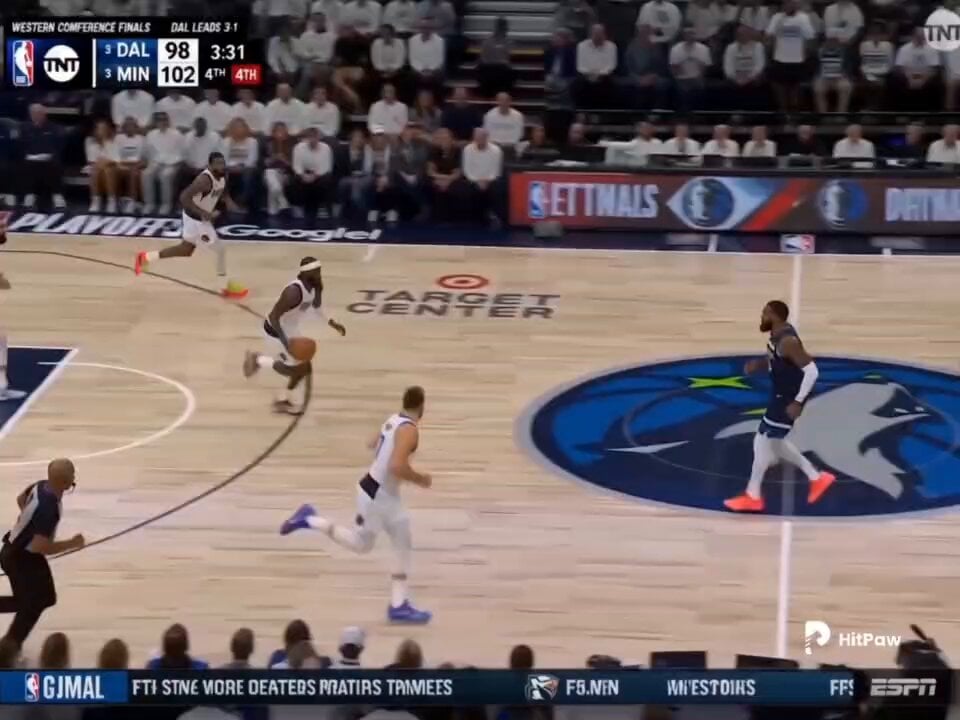
- Prompt included
- Model and format preset
- Premium template
The prompt behind this video
Copy the exact prompt behind Basketball Broadcast Motion Sequence, or open it in the studio and make it yours.
- Animate
- reference image into a 15s hyper-realistic live basketball TV broadcast
- Visuals › Shots
- wide high-angle tracking shot of fast break, side medium shot of contested drive to basket, explosive euro-step or pull-up jumper in paint, last-second shot hangs in air then swishes cleanly, subtle handheld shake during contact drive, crowd erupts with towels waving, CUT TO: exact girl from reference image in arena crowd, oversized team jersey, shocked/euphoric reaction on jumbotron cam, leaning forward slightly, fans blurred behind, warm court lights reflecting on face, telephoto lens compression, identity perfectly preserved
- Visuals › Consistency
- reference subject perfectly recognizable in final reaction shot
- Visuals › Physics
- realistic ball arc, net swish, sneaker squeaks, jersey movement
- Visuals › Grading
- authentic playoff broadcast look
- Visuals › Effects
- anamorphic flares, telephoto compression, natural motion blur
- Graphics › Scorebug
- HOME 108-107 AWAY, 4Q clock from 0:04
- Graphics › Stats Popup
- player number, position, points, FG%
- Graphics › Watermark
- sports network logo top-right
- Graphics › Ticker
- playoff series updates scrolling
- Audio › Style
- high-energy synced basketball commentary with arena ambience
- Audio › Dialogue
- 0-3s: 'Home team in transition! Number 23 ahead to the big man — four seconds left!', 3-7s: 'Strong drive to the rim — contact! Off the glass — IS IT GOOD?!', 7-10s: 'IT COUNTS! AND THE FOUL! This arena has exploded — look at these fans!'
- Audio › Sfx
- massive crowd roar, sneaker squeaks, net swish, backboard rattle, on-court player shouts
- Specs › Quality
- photorealistic broadcast realism
- Specs › Resolution
- 1080p 60fps
- Specs › Style
- cinematic playoff sports broadcast
- Specs › Lip Sync
- perfect
- Specs › Artifacts
- none
- Specs › Identity Preservation
- reference subject likeness must remain exact
Raw JSON
{
  "animate": "reference image into a 15s hyper-realistic live basketball TV broadcast",

  "visuals": {
    "shots": [
      "wide high-angle tracking shot of fast break",
      "side medium shot of contested drive to basket",
      "explosive euro-step or pull-up jumper in paint",
      "last-second shot hangs in air then swishes cleanly",
      "subtle handheld shake during contact drive",
      "crowd erupts with towels waving",
      "CUT TO: exact girl from reference image in arena crowd, oversized team jersey, shocked/euphoric reaction on jumbotron cam, leaning forward slightly, fans blurred behind, warm court lights reflecting on face, telephoto lens compression, identity perfectly preserved"
    ],
    "consistency": "reference subject perfectly recognizable in final reaction shot",
    "physics": "realistic ball arc, net swish, sneaker squeaks, jersey movement",
    "grading": "authentic playoff broadcast look",
    "effects": "anamorphic flares, telephoto compression, natural motion blur"
  },

  "graphics": {
    "scorebug": "HOME 108-107 AWAY, 4Q clock from 0:04",
    "stats_popup": "player number, position, points, FG%",
    "watermark": "sports network logo top-right",
    "ticker": "playoff series updates scrolling"
  },

  "audio": {
    "style": "high-energy synced basketball commentary with arena ambience",
    "dialogue": [
      "0-3s: 'Home team in transition! Number 23 ahead to the big man — four seconds left!'",
      "3-7s: 'Strong drive to the rim — contact! Off the glass — IS IT GOOD?!'",
      "7-10s: 'IT COUNTS! AND THE FOUL! This arena has exploded — look at these fans!'"
    ],
    "sfx": [
      "massive crowd roar",
      "sneaker squeaks",
      "net swish",
      "backboard rattle",
      "on-court player shouts"
    ]
  },

  "specs": {
    "quality": "photorealistic broadcast realism",
    "resolution": "1080p 60fps",
    "style": "cinematic playoff sports broadcast",
    "lip_sync": "perfect",
    "artifacts": "none",
    "identity_preservation": "reference subject likeness must remain exact"
  }
}How to use Basketball Broadcast Motion Sequence in 3 steps
- 1Upload ImagePNG, JPG or paste
Add your photo
Upload the photo the template builds on. The prompt, model and format are already set.
- 2…a portrait of your subject in softgolden-hour light, 85mm…
Personalize
Edit the subject and creative details for your destination.
- 3Generate
Generate
Press Generate — your video is created in PicX Studio, so you can compare it with the original and refine one variable at a time.
More like this
Templates with the same subject, style or setup. Open one to see its prompt.
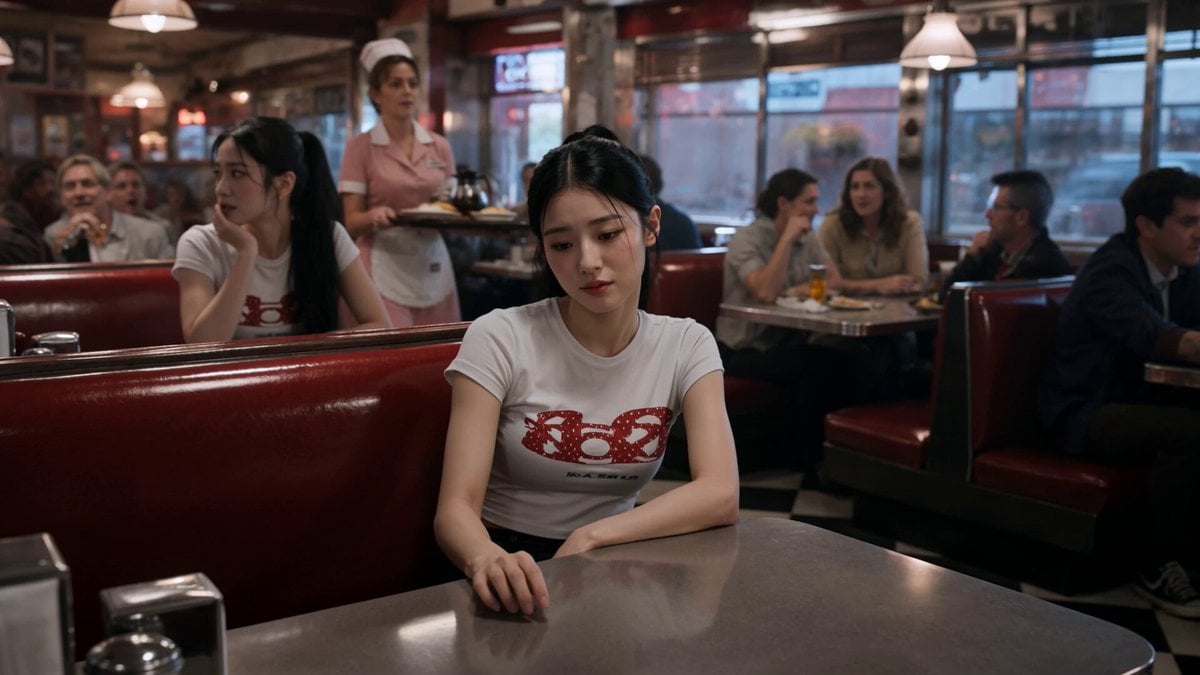
Slow-Motion 90s Diner Explosion - Seedance 2.5
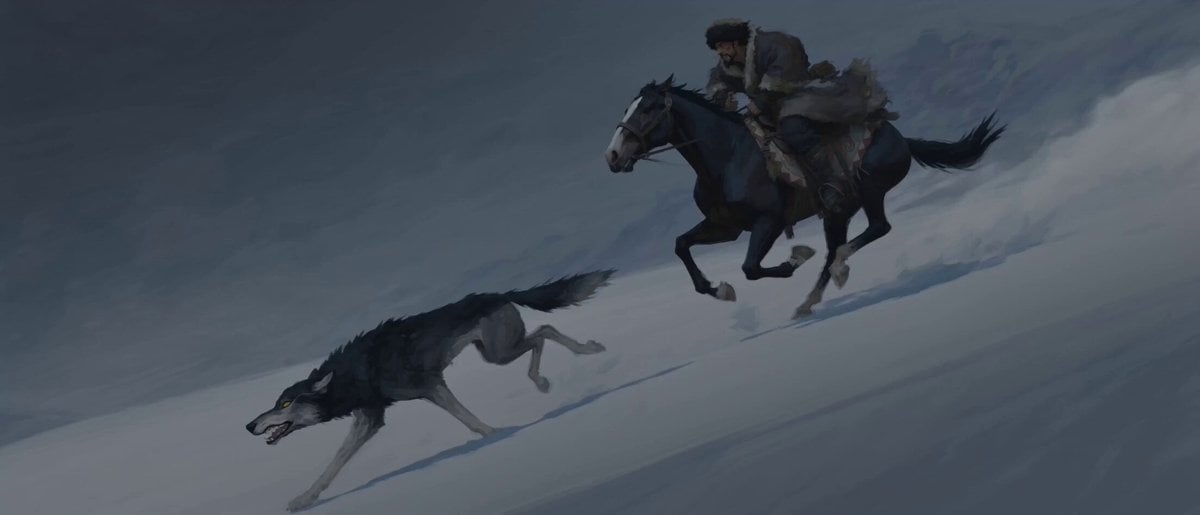
Stop-Motion Wolf Attack Sequence
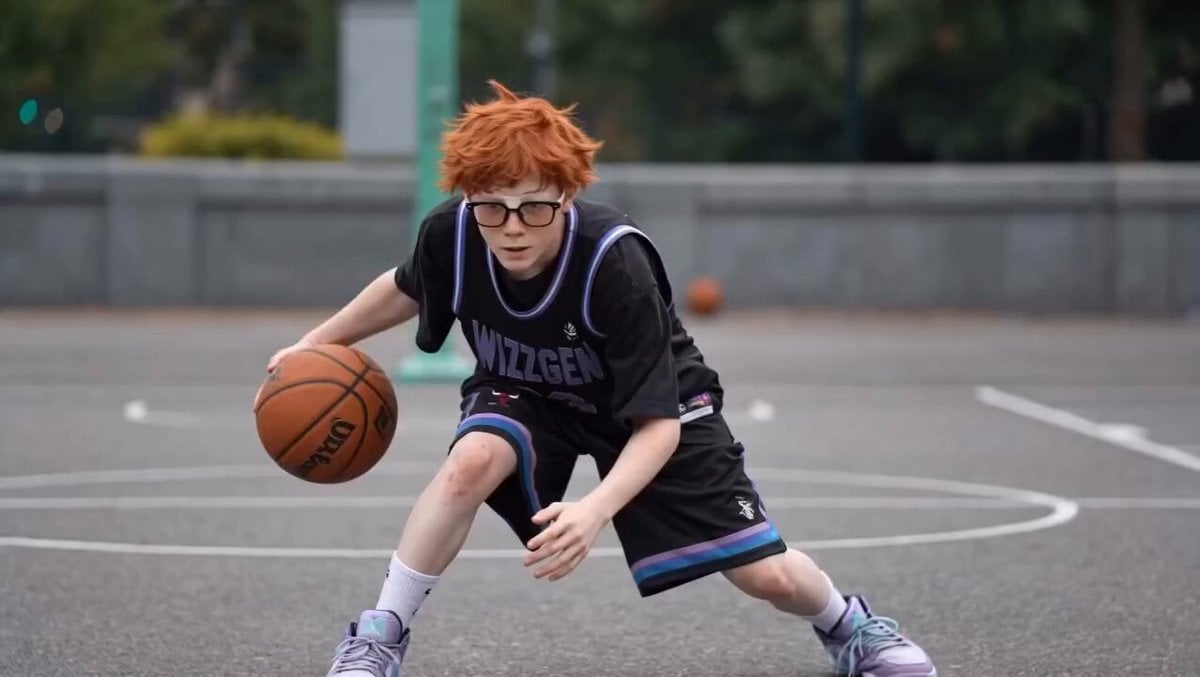
Basketball Player Action Sequence
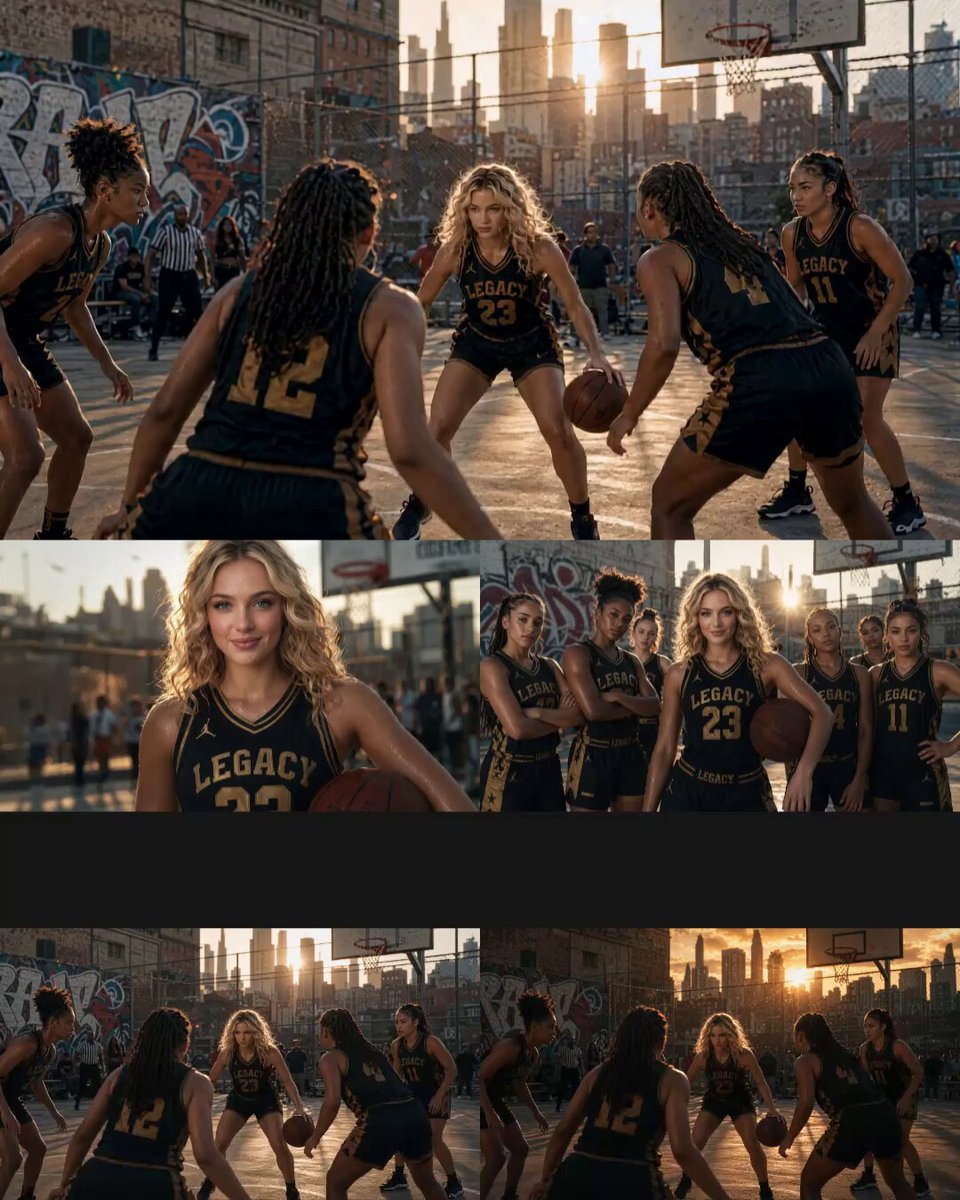
Cinematic Basketball Movie Sequence
Ultra-Refined Motion Design Sequence
Nano Banana Seedance Environment Render Walk
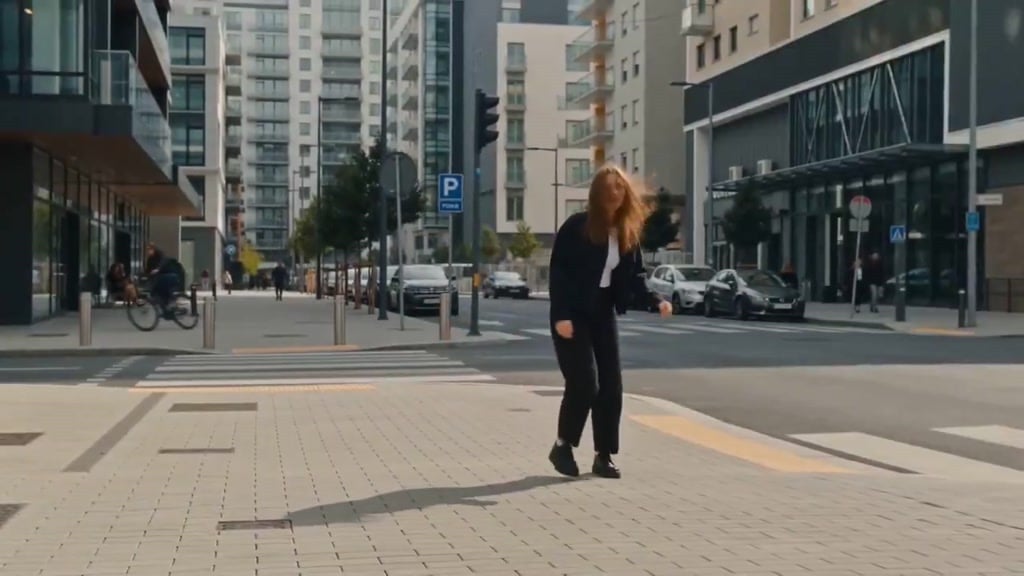
Seedance Wind Guides Path
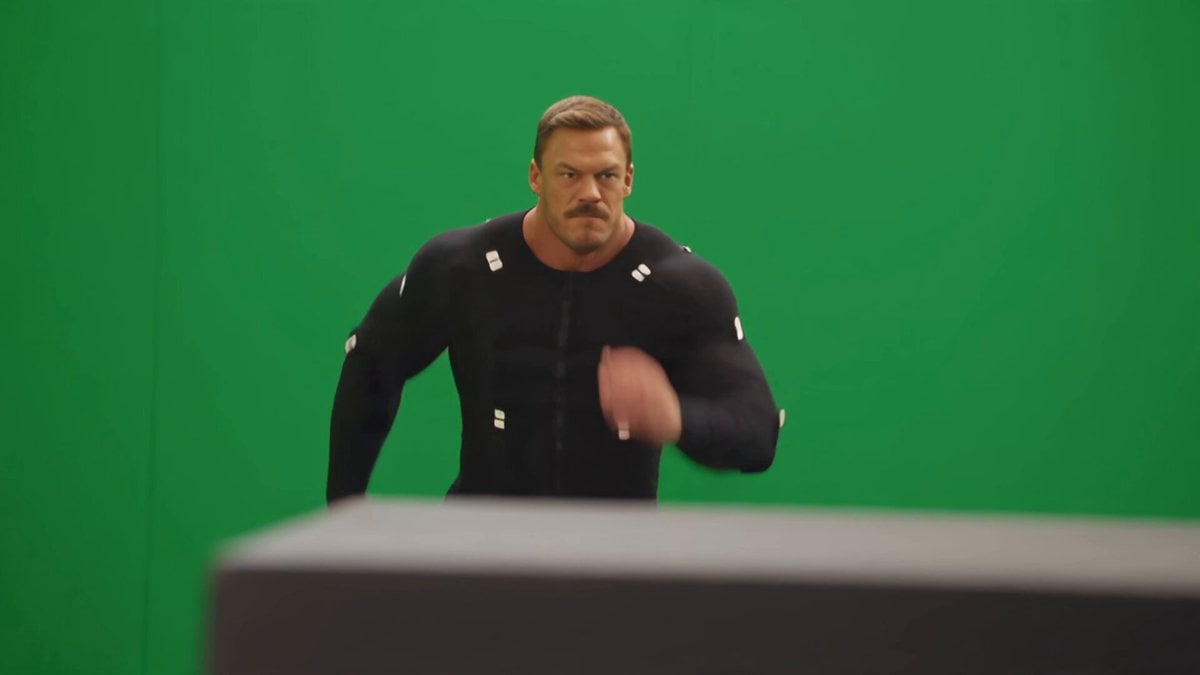
Side-Flip Motion Reproduction and Environment Adaptation

Maglev Train Action Sequence

Martial Arts Fight Sequence
Rooftop Chase Motion Phrases
Anime and Live-Action Basketball Mix
Make it yours
Basketball Broadcast Motion Sequence works as-is. These are the safest ways to change it without losing the look.
Change one field
Copy a single group, rewrite it, and generate again so you can see what that field is doing.
Keep the frame, change the subject
Hold the composition and light of Basketball Broadcast Motion Sequence, then swap wardrobe, props or the person for a new take.
| If the result… | Why | Fix |
|---|---|---|
| The result drifts from the preview | Too many fields changed at once. | Reuse Basketball Broadcast Motion Sequence as-is first, then change one group — subject, light, or setting. |
| Seedance 2.0 ignores part of the JSON | Some models flatten or skip nested keys. | Keep the same values and paste them as a short paragraph instead. |
More Seedance 2.0 templates
Other prompts made for Seedance 2.0.

Comical Martial Arts Punch Scene

Wuxia Protection and Trust Script

Vintage Korean Arcade MiniDV Vlog

Mercedes 190 SL Luxury Ad

Rainy Night Supernatural Reverse Comedy Video Script

Amazon Civilization Discovery

Futuristic South Asian City Transformation

Cozy Luxury Cafe Commercial

Cyber Ronin Nanotech Transformation Video

Desert Courier and Sandstorm Leviathan Chase
More video prompts
Fresh picks from across the catalog.
Car Transformation Sequence Prompt

Forgotten 1980s High School Documentary Seedance
Cinematic Carriage Scene Prompt
Rally Car Avalanche Escape Scene
Chinese Deadpan Comedy Short Drama
Anime Witch Transformation with Bat Wings
Nostalgic Sanya Romance Movie Montage
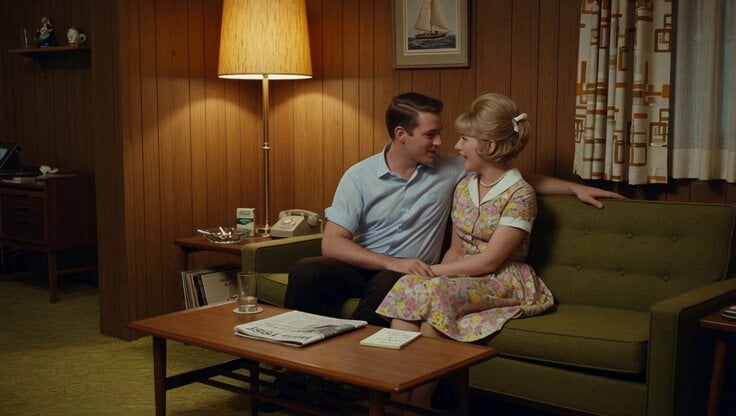
1965 Retro Living Room Scene
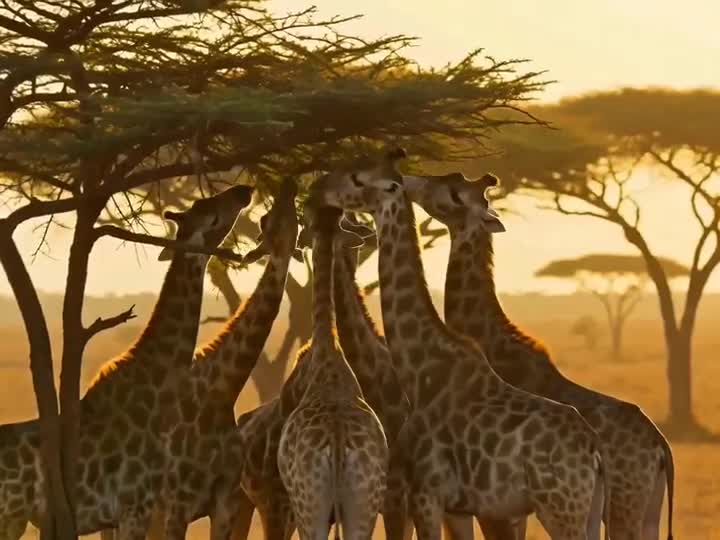
Drone Removal Safari Cleanup
Scrolling to Building Narrative
Browse template categories
Basketball Broadcast Motion Sequence questions
How do I use the Basketball Broadcast Motion Sequence template?
Add your photo if the template asks for one, edit the prompt if you like — the template's model and format are already selected — and press Generate. Your version opens in PicX Studio.
Can I customize the Basketball Broadcast Motion Sequence template?
Yes. You can change the subject, setting, lighting, mood, format, and available model controls before creating your video.
Is the Basketball Broadcast Motion Sequence template free?
Opening and editing this template is free. Generating uses credits, shown on the Generate button when you are signed in.
Which AI model should I use?
Start with Seedance 2.0, which is the model associated with this template. You can compare another compatible model for a different finish.
Looking for something else? Browse all templates.

Your photo, any look
Thousands of ready templates for every top image and video model, from one credit balance.