
Basketball Player Action Sequence
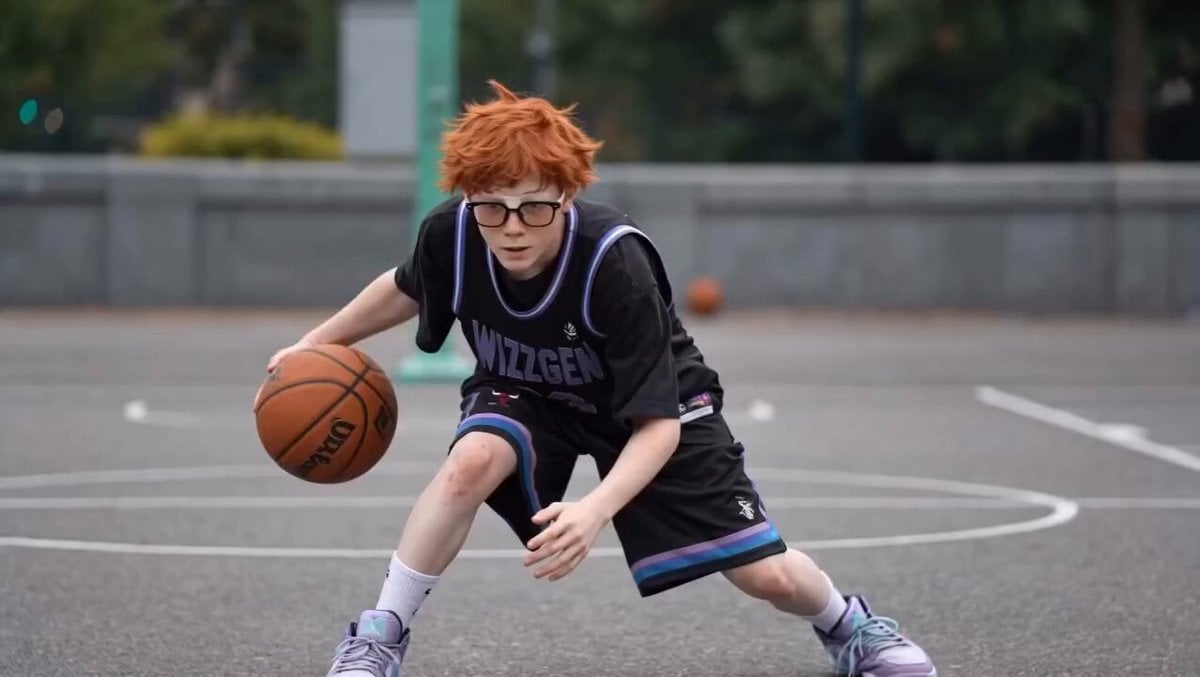
A detailed video prompt using multiple source frames to animate a young boy's basketball session, from dribbling to spinning the ball.
- Prompt included
- Model and format preset
- Free template
The prompt behind this video
Copy the exact prompt behind Basketball Player Action Sequence, or open it in the studio and make it yours.
A photorealistic video sequence captures a young boy with messy orange hair and thick-framed glasses, as seen in image_0.png, image_1.png, and other source frames. He is dressed in a black basketball jersey and matching shorts with purple and blue trim, featuring the text "WIZZGEN 23" on the front and "CHICAGO 23" on the back (image_4.png). The setting is an outdoor asphalt city basketball court with green trees and a visible basketball hoop. The action begins with the boy in a low stance, dribbling the ball between his legs (image_0.png through image_3.png), then transitions to him standing taller and performing crossovers (image_5.png through image_7.png), followed by him successfully spinning the ball on his finger (image_8.png), and finally posing with a peace sign while holding the ball (image_9.png). The lighting is soft daylight under an overcast sky.
How to use Basketball Player Action Sequence in 3 steps
- 1
Open
The prompt is already in the box next to the preview, with the template's model and format selected.
- 2…a portrait of your subject in softgolden-hour light, 85mm…
Personalize
Edit the subject and creative details for your destination.
- 3Generate
Generate
Press Generate — your video is created in PicX Studio, so you can compare it with the original and refine one variable at a time.
More like this
Templates with the same subject, style or setup. Open one to see its prompt.

Maglev Train Action Sequence
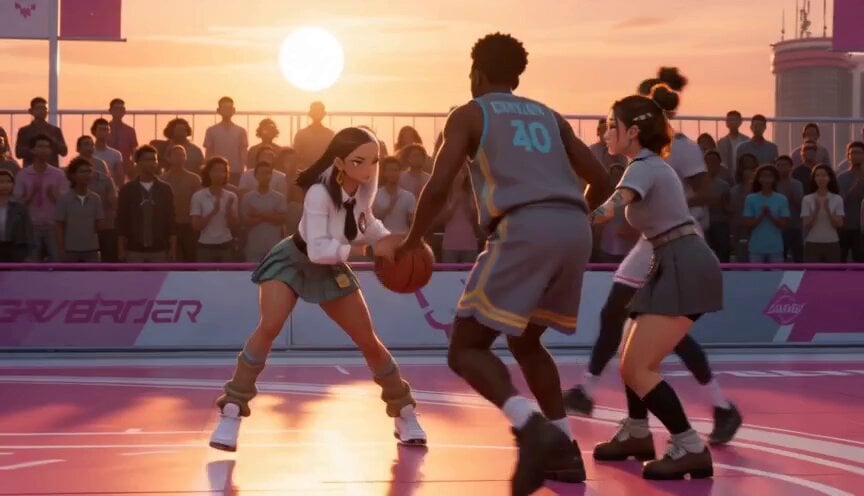
Anime and Live-Action Basketball Mix
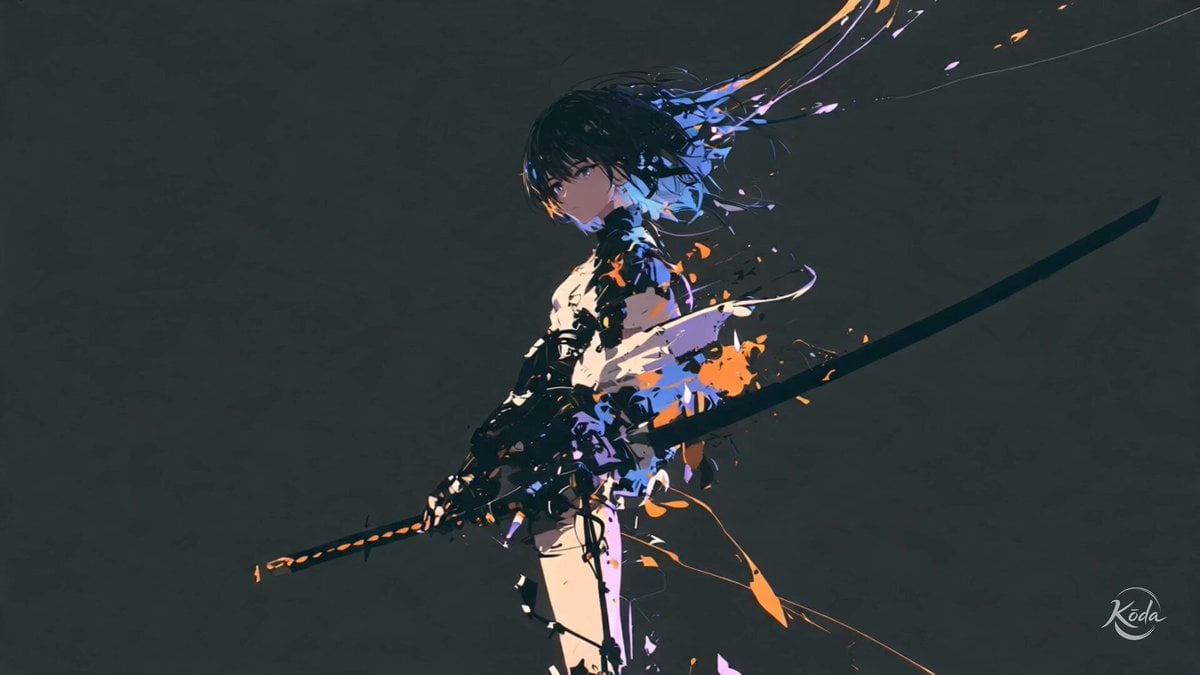
Cinematic Swordswoman Action Sequence
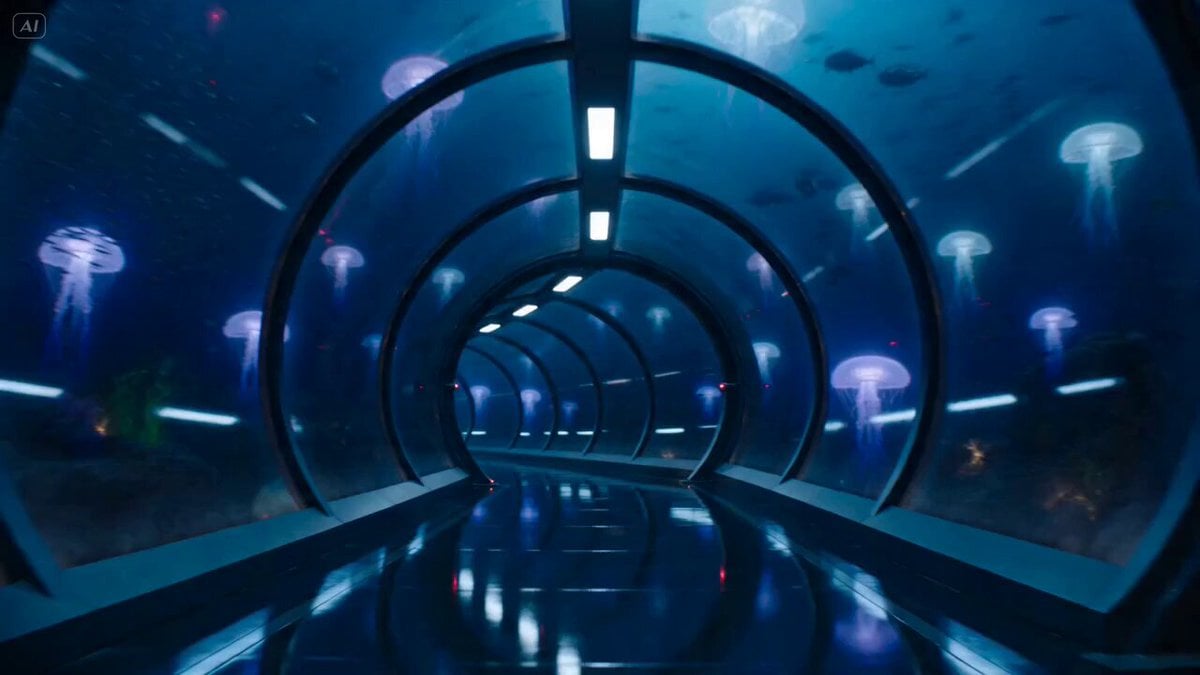
Underwater Glass Tunnel Action Sequence
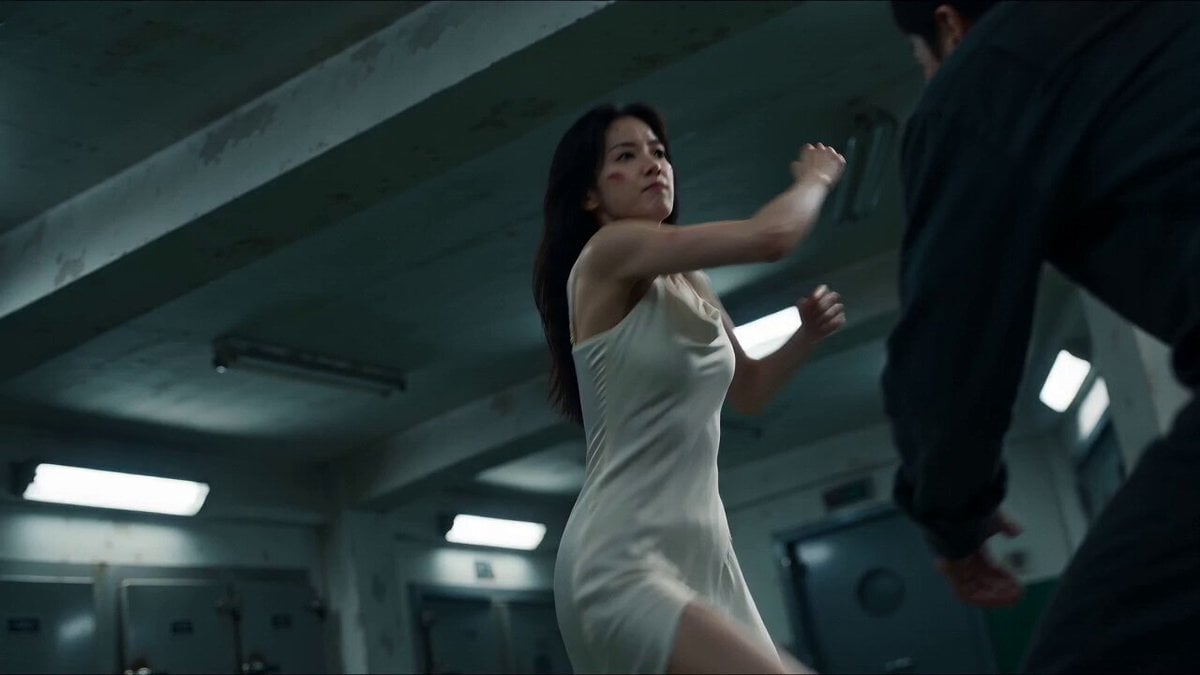
Cinematic Morgue Action Sequence
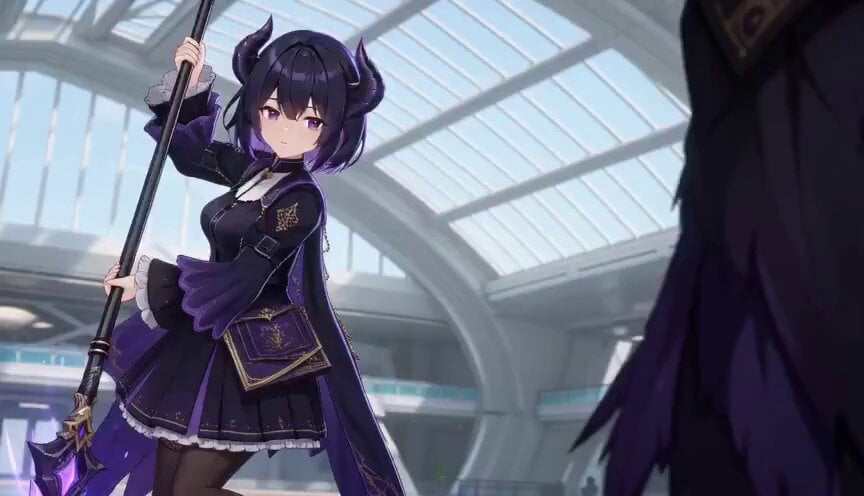
3D Toon Fantasy RPG Action Sequence
Football Player Stadium Tunnel Sequence
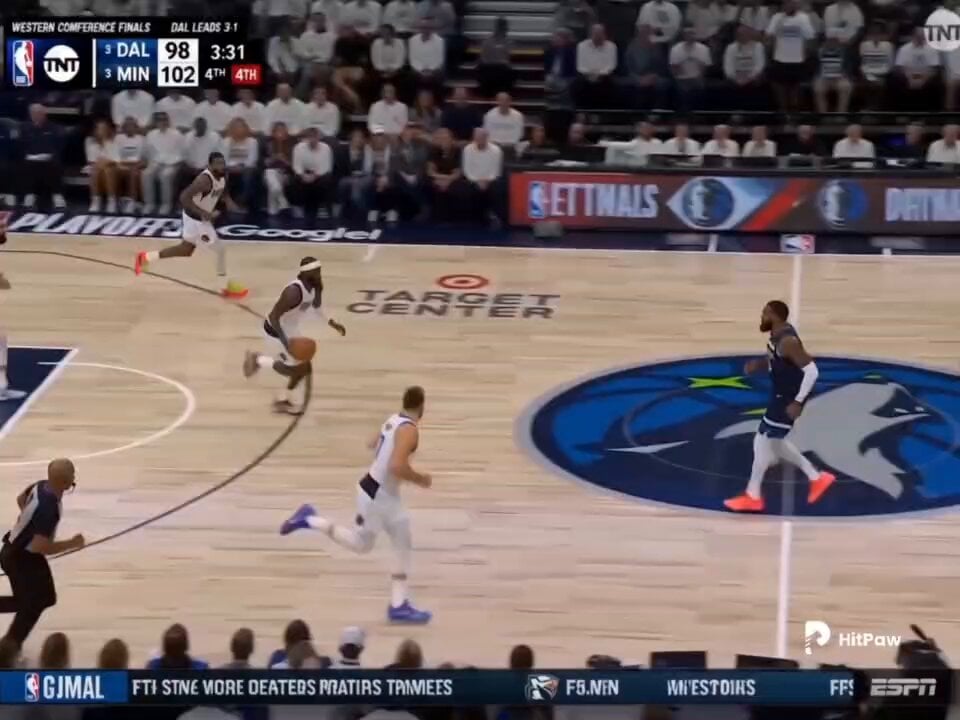
Basketball Broadcast Motion Sequence
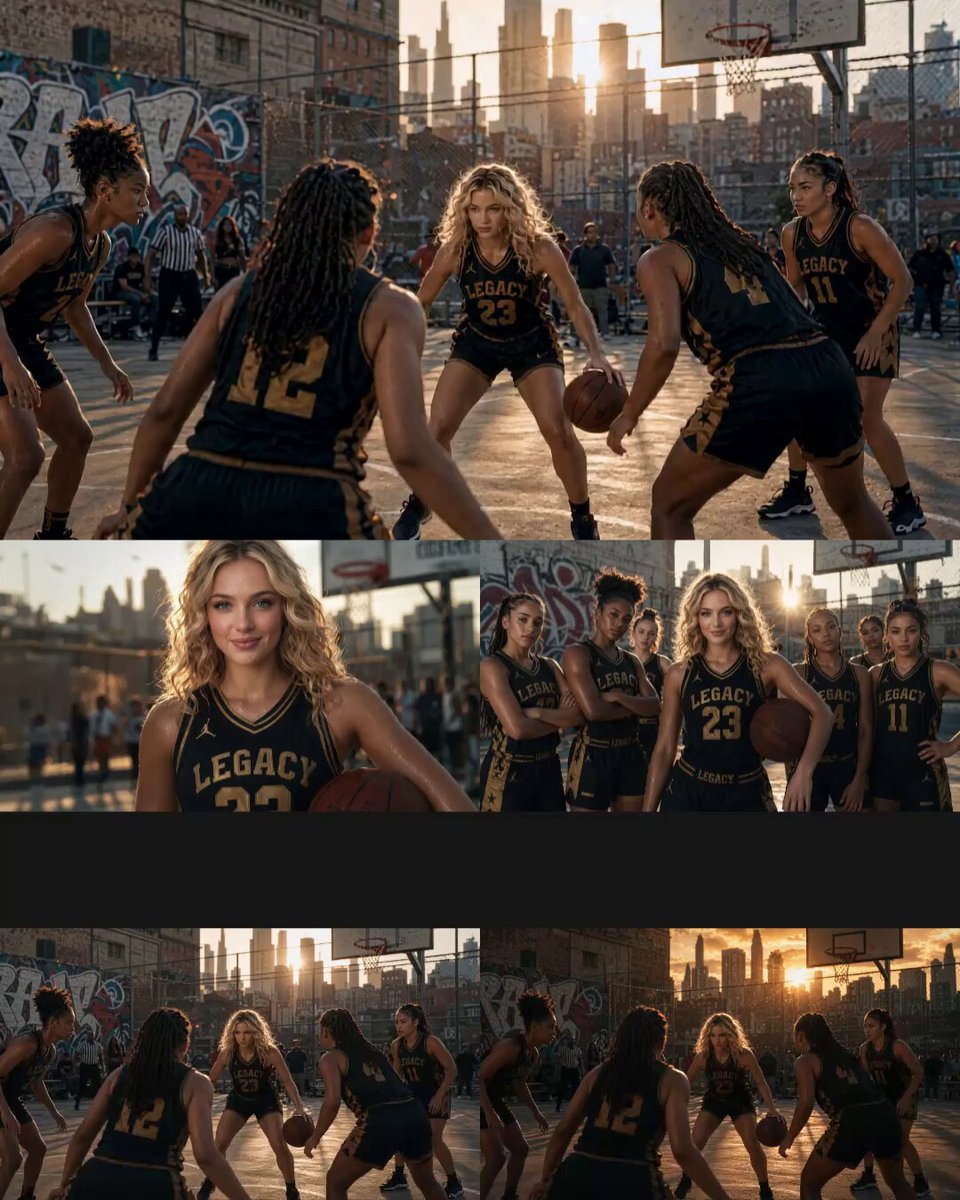
Cinematic Basketball Movie Sequence
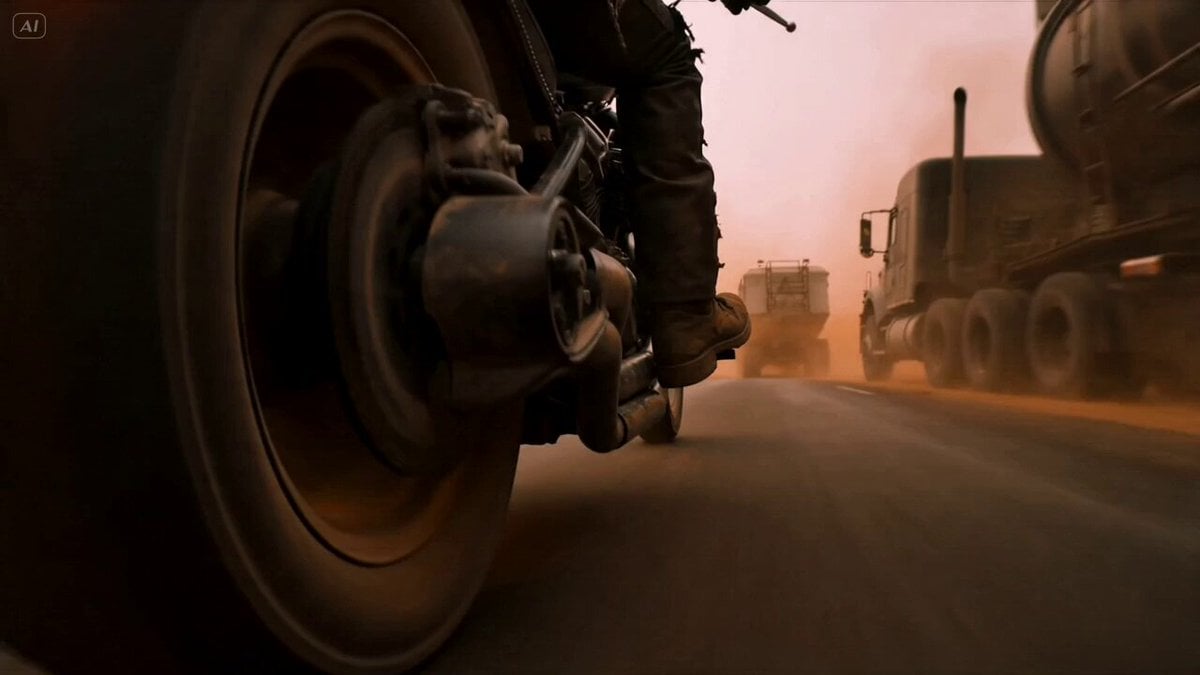
Mad Max Cybernetic Biker Action Sequence

Walking Factory with Rebel on Hoverbike - Wasteland
Thornmaw Monarch — Crimson Glass Desert Beast
Make it yours
Basketball Player Action Sequence works as-is. These are the safest ways to change it without losing the look.
Change one field
Copy a single group, rewrite it, and generate again so you can see what that field is doing.
Keep the frame, change the subject
Hold the composition and light of Basketball Player Action Sequence, then swap wardrobe, props or the person for a new take.
| If the result… | Why | Fix |
|---|---|---|
| The result drifts from the preview | Too many fields changed at once. | Reuse Basketball Player Action Sequence as-is first, then change one group — subject, light, or setting. |
| The model over-stylizes the scene | The prose prompt leaves finish and camera underspecified. | Add one camera or lighting sentence and stay on Seedance 2.0. |
More Seedance 2.0 templates
Other prompts made for Seedance 2.0.

Comical Martial Arts Punch Scene

Martial Arts Fight Sequence

Wuxia Protection and Trust Script

Vintage Korean Arcade MiniDV Vlog

Mercedes 190 SL Luxury Ad

Rainy Night Supernatural Reverse Comedy Video Script

Amazon Civilization Discovery

Futuristic South Asian City Transformation

Cozy Luxury Cafe Commercial

Cyber Ronin Nanotech Transformation Video
More video prompts
Fresh picks from across the catalog.
Grok Imagine prompt: Ultra-realistic cinematic fantasy portrait of a royal woman
X Johnagi168 Work Seedance Video
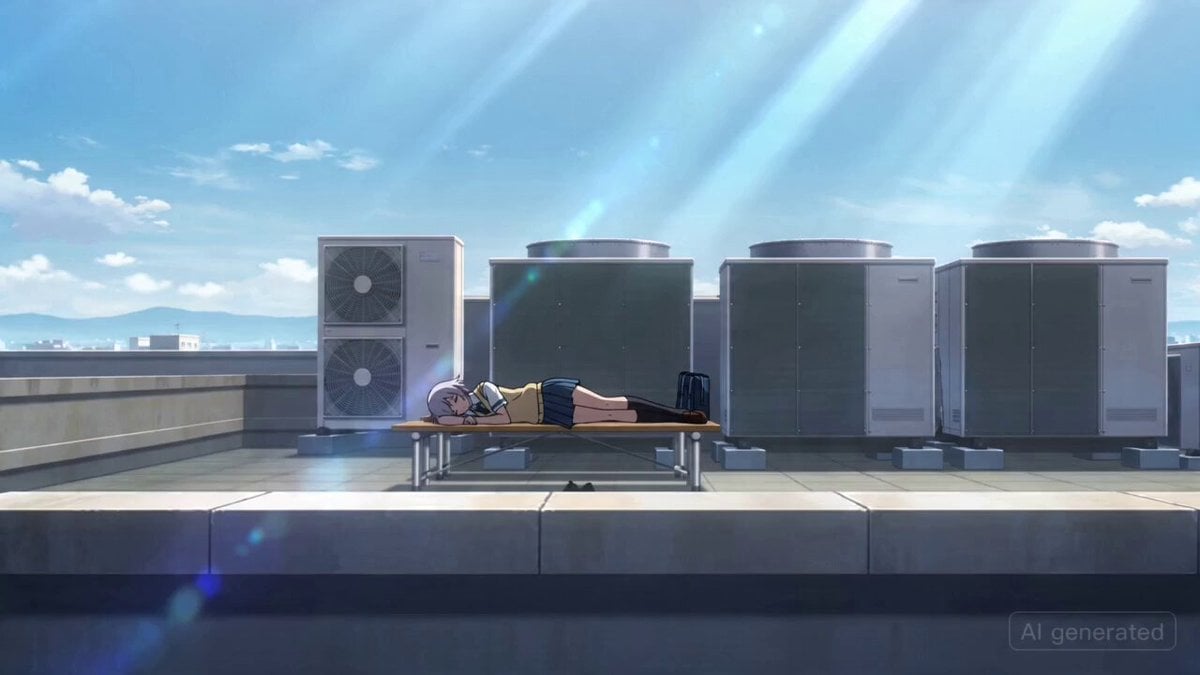
Japanese High School Girl Mecha Transformation

Underwater Submarine Disaster Scene
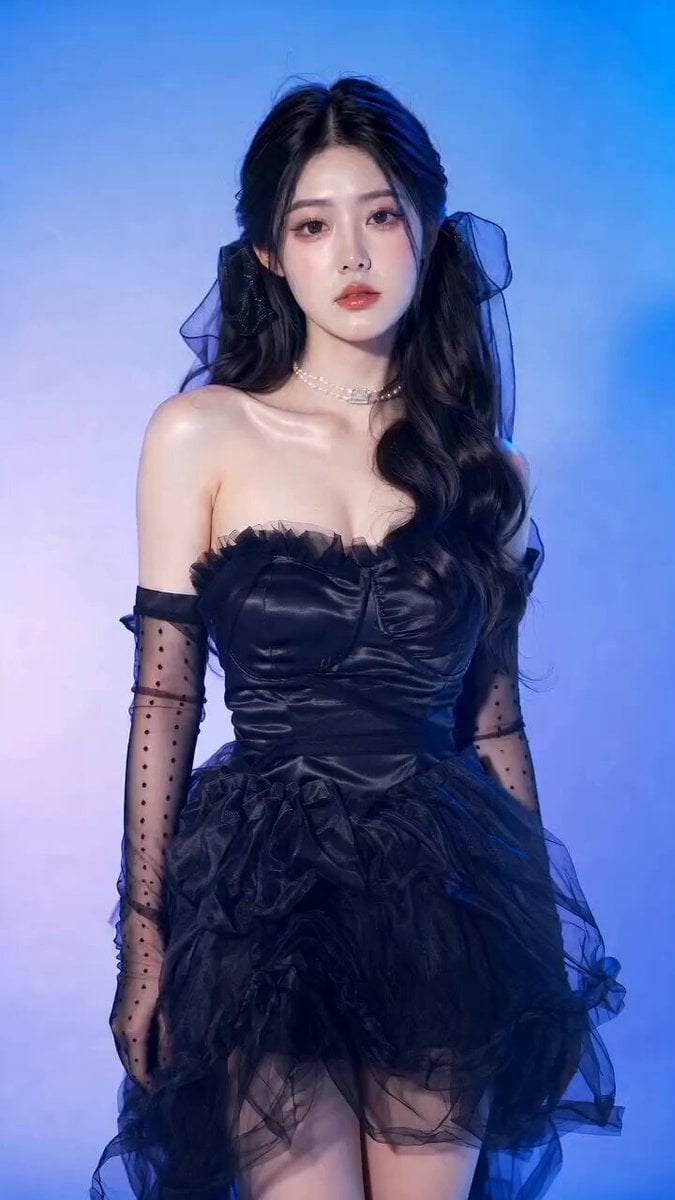
Gothic Coquette Studio Video Portrait
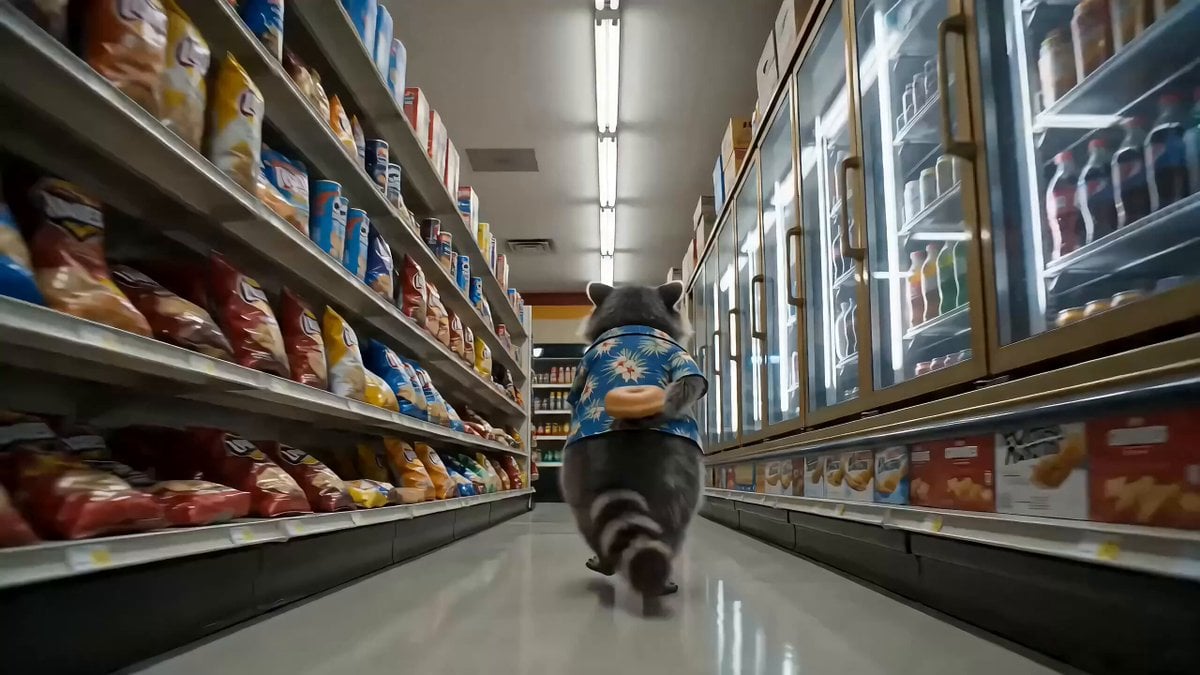
Convenience Store Raccoon and Pug Comedy
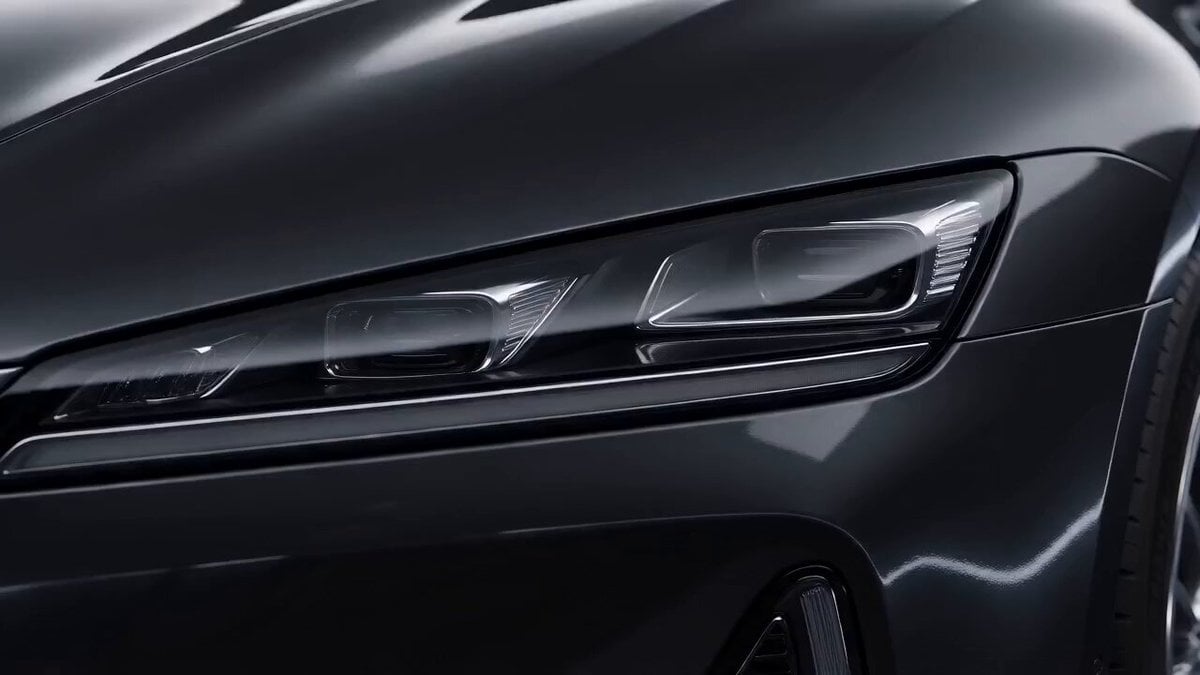
Luxury Sports Sedan Studio Commercial
Grok Imagine prompt for a sci-fi video with internal monologue
The Great Wall Qin Dynasty Comedy Prompt
Epic Cat Kung Fu Animation Trailer
Browse template categories
Basketball Player Action Sequence questions
How do I use the Basketball Player Action Sequence template?
Add your photo if the template asks for one, edit the prompt if you like — the template's model and format are already selected — and press Generate. Your version opens in PicX Studio.
Can I customize the Basketball Player Action Sequence template?
Yes. You can change the subject, setting, lighting, mood, format, and available model controls before creating your video.
Is the Basketball Player Action Sequence template free?
Opening and editing this template is free. Generating uses credits, shown on the Generate button when you are signed in.
Which AI model should I use?
Start with Seedance 2.0, which is the model associated with this template. You can compare another compatible model for a different finish.
Looking for something else? Browse all templates.

Your photo, any look
Thousands of ready templates for every top image and video model, from one credit balance.