
Gothic Coquette Studio Video Portrait
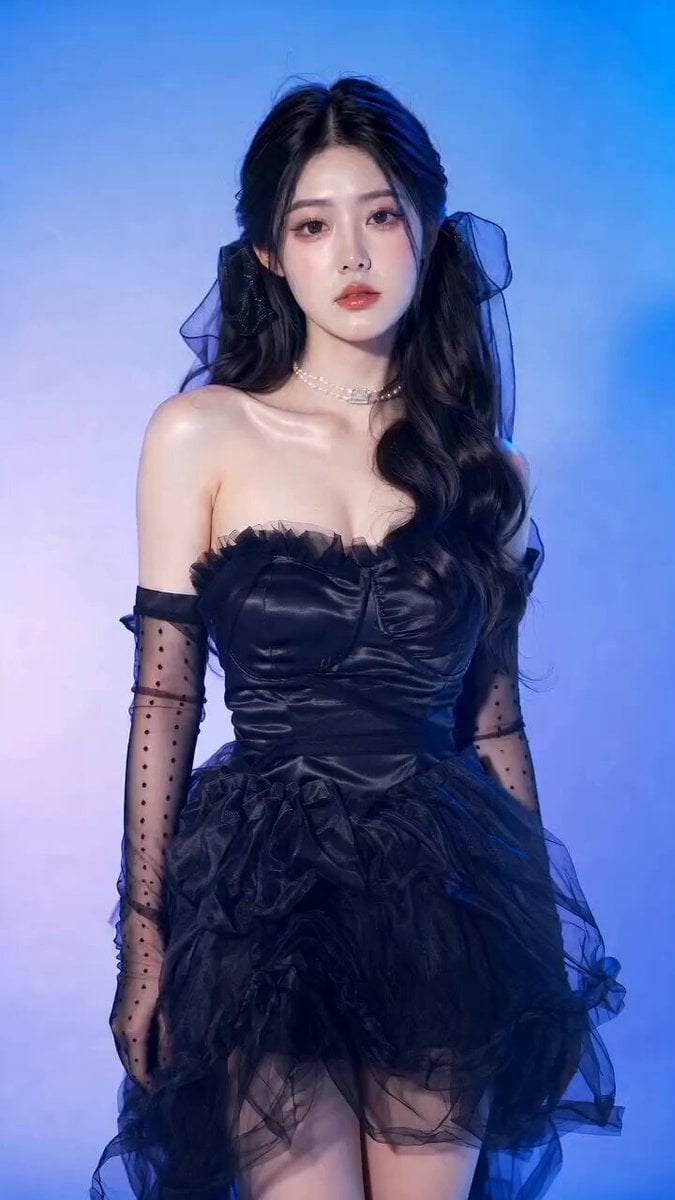
A cinematic video prompt for a young woman in a gothic coquette dress within a neon-lit studio setting, featuring subtle movements and a camera flash effect.
- Prompt included
- Model and format preset
- Free template
The prompt behind this video
Copy the exact prompt behind Gothic Coquette Studio Video Portrait, or open it in the studio and make it yours.
A young East Asian woman in an elegant black gothic coquette dress with layered black tulle skirt and sheer polka-dot opera gloves stands against a blue and lavender gradient studio background, soft neon blue and purple light washing over her porcelain skin. She shifts her weight subtly, tilts her chin down slightly, raises one gloved hand to gently touch her pearl choker, then lifts her gaze directly into the camera with a calm melancholic expression — lips softly closed, lashes still — holding the perfect pose as the studio flash fires with a harsh white burst of light that briefly overexposes her highlights, freezing her in a dreamy cinematic beauty editorial moment. Camera is static, 35mm lens, shallow depth of field, soft focus edges. Ultra detailed studio beauty portrait of a young East Asian woman in a black gothic coquette dress, satin sweetheart neckline, layered tulle skirt, sheer polka-dot opera gloves, pearl choker, black ribbon veils, glossy black wavy half-up twin loop hair, porcelain skin, pink mauve eyeshadow, wispy doll lashes, soft reddish pink lips, calm melancholic expression looking at camera. Blue and lavender gradient studio background, soft cinematic neon blue and purple lighting, glowing skin, harsh direct flash, slightly overexposed highlights, dreamy editorial aesthetic, soft focus, 35mm lens, shallow depth of field, high-end beauty photography, rich saturated colors, candid fashion editorial style --ar 9:16 --v 6.1
How to use Gothic Coquette Studio Video Portrait in 3 steps
- 1
Open
The prompt is already in the box next to the preview, with the template's model and format selected.
- 2…a portrait of your subject in softgolden-hour light, 85mm…
Personalize
Edit the subject and creative details for your destination.
- 3Generate
Generate
Press Generate — your video is created in PicX Studio, so you can compare it with the original and refine one variable at a time.
More like this
Templates with the same subject, style or setup. Open one to see its prompt.
Gothic Elf Moth Portrait

Sneaker Product Commercial

Cinematic Portrait Study 3

Cinematic Portrait Study

Ultra-realistic high fashion studio beauty portrait video prompt
Gothic Woman and Albino Lion Portrait
Seedream 5.0 Photorealistic Studio Portrait Prompt
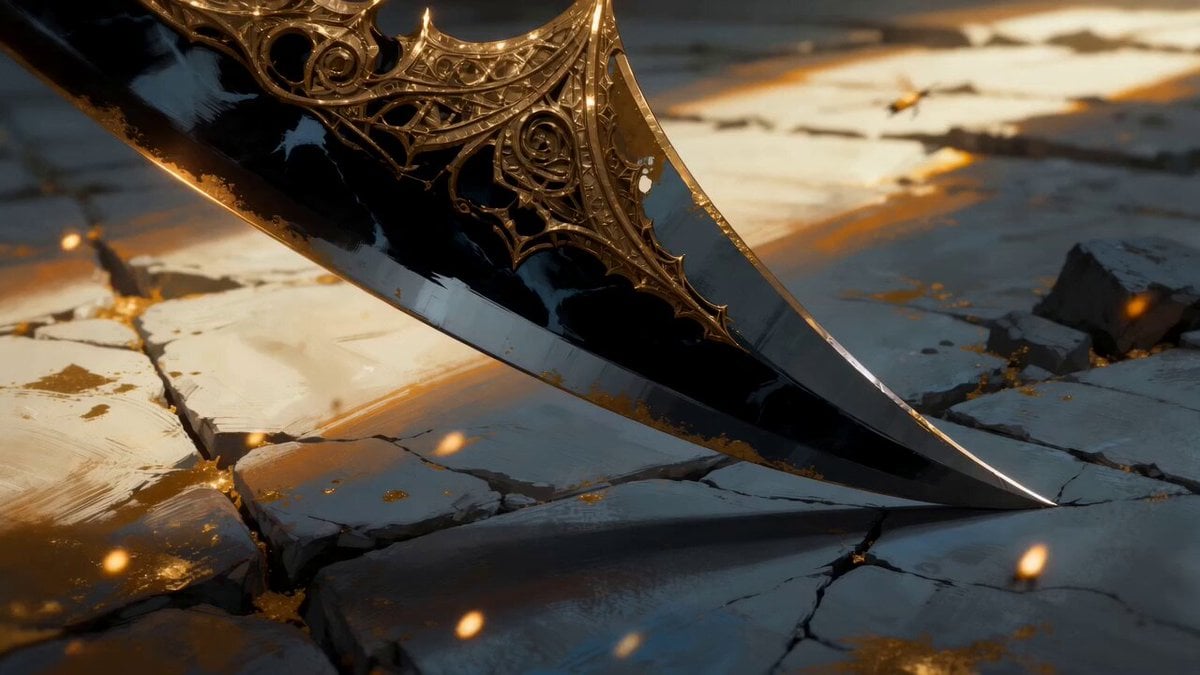
Gothic Cathedral Boss Arena Intro
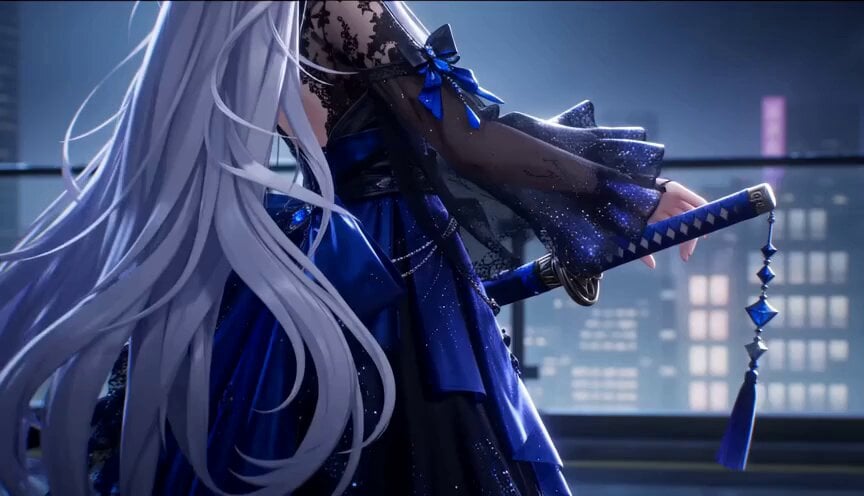
Gothic Anime Sword Slash
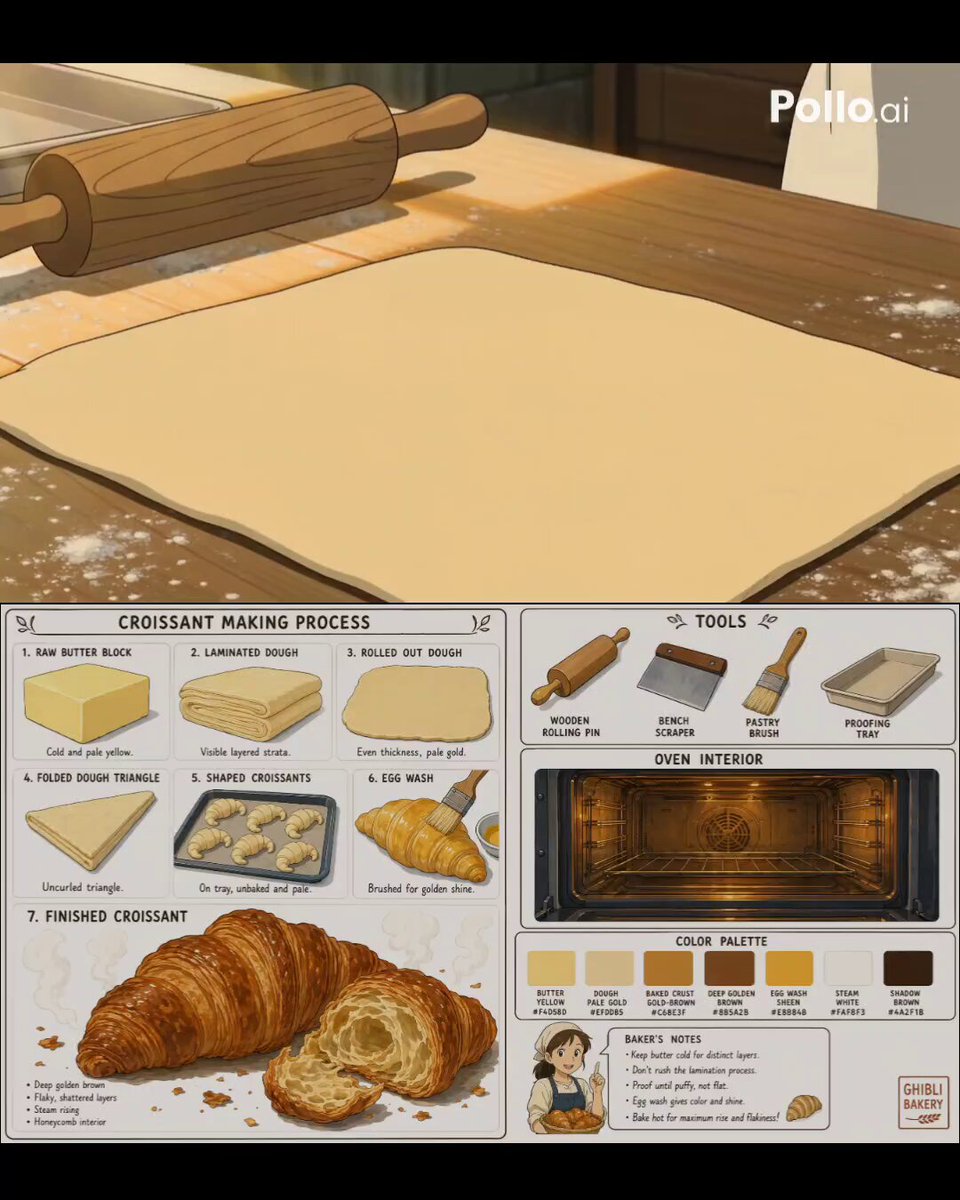
Studio Ghibli Style Croissant Bakery

Studio Ghibli Inspired Bamboo Soup Scene
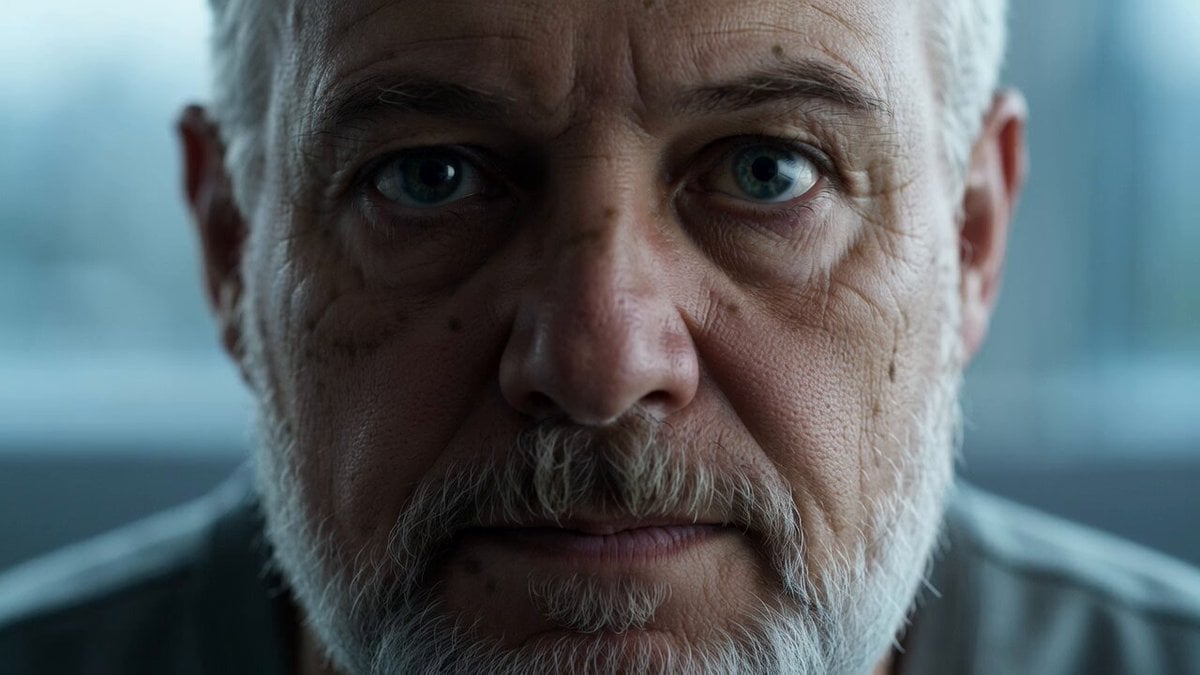
Reflective Elderly Man Documentary Portrait
Make it yours
Gothic Coquette Studio Video Portrait works as-is. These are the safest ways to change it without losing the look.
Change one field
Copy a single group, rewrite it, and generate again so you can see what that field is doing.
Keep the frame, change the subject
Hold the composition and light of Gothic Coquette Studio Video Portrait, then swap wardrobe, props or the person for a new take.
| If the result… | Why | Fix |
|---|---|---|
| The result drifts from the preview | Too many fields changed at once. | Reuse Gothic Coquette Studio Video Portrait as-is first, then change one group — subject, light, or setting. |
| The model over-stylizes the scene | The prose prompt leaves finish and camera underspecified. | Add one camera or lighting sentence and stay on Seedance 2.0. |
More Seedance 2.0 templates
Other prompts made for Seedance 2.0.

Comical Martial Arts Punch Scene

Maglev Train Action Sequence

Martial Arts Fight Sequence

Wuxia Protection and Trust Script

Vintage Korean Arcade MiniDV Vlog

Mercedes 190 SL Luxury Ad

Rainy Night Supernatural Reverse Comedy Video Script

Amazon Civilization Discovery

Futuristic South Asian City Transformation

Cozy Luxury Cafe Commercial
More video prompts
Fresh picks from across the catalog.
NBA Live Game Crowd Reaction
Enchantress in an Ancient Library

Volcanic Rally Stunt Ejection
Kitchen Scene Realistic Lifestyle Footage
Hyperrealistic Physics and Inertia Prompt
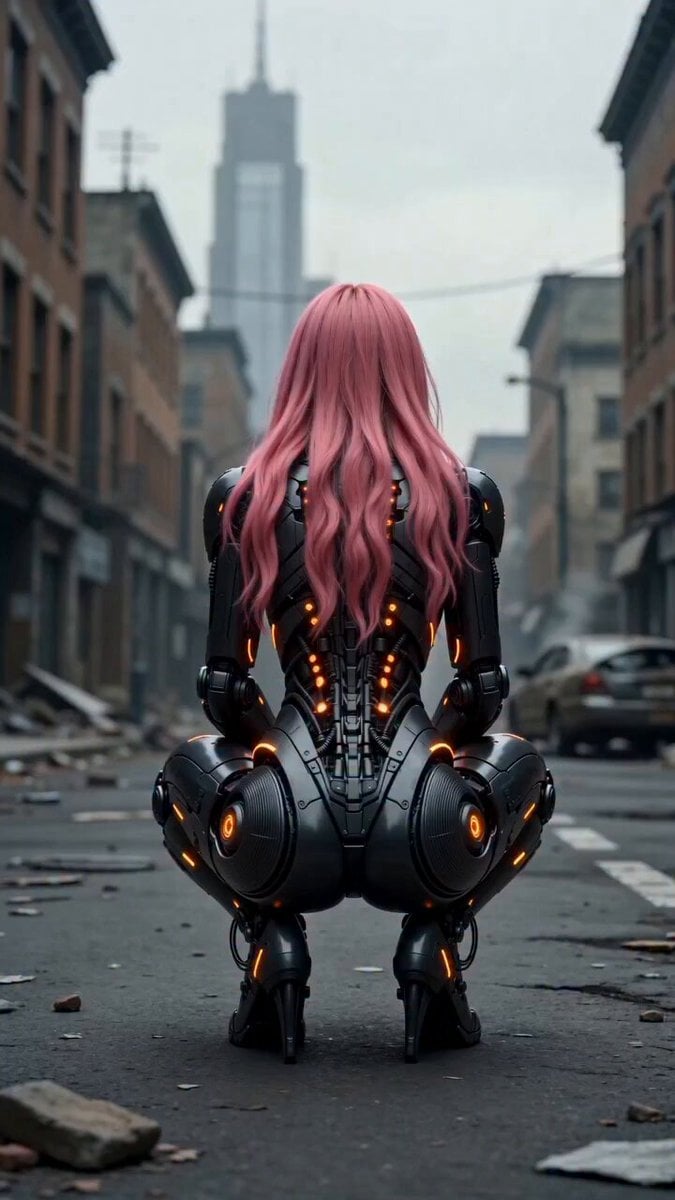
Cinematic female cyborg video
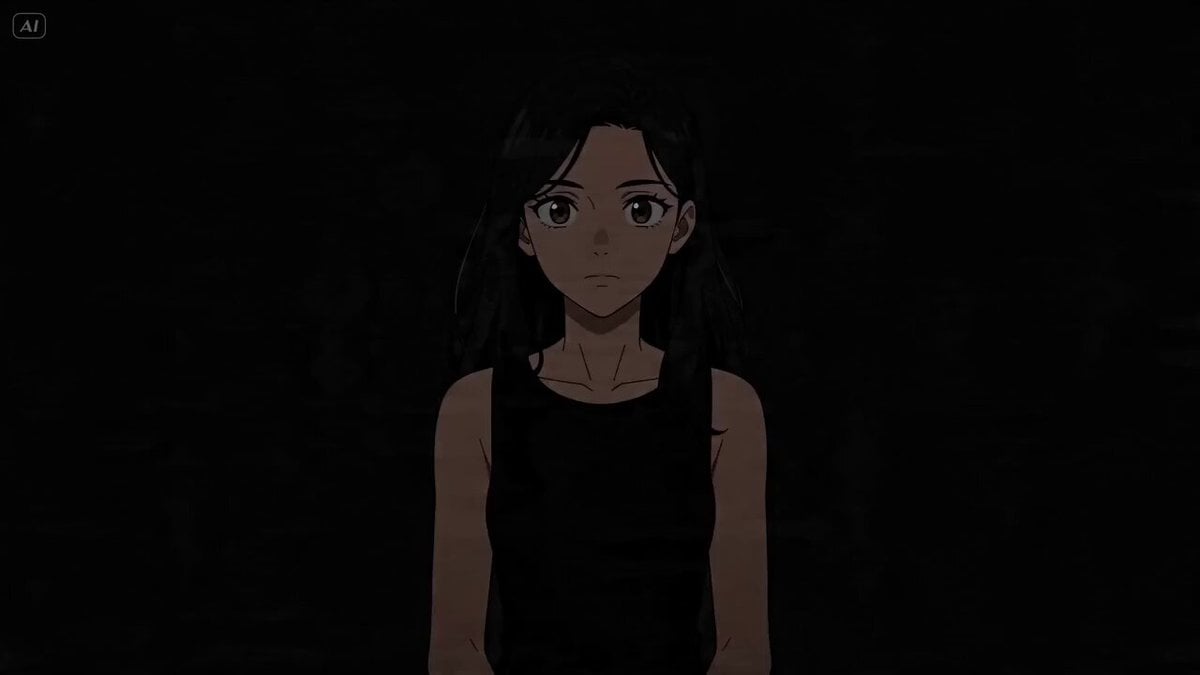
Cinematic Lighting Showcase
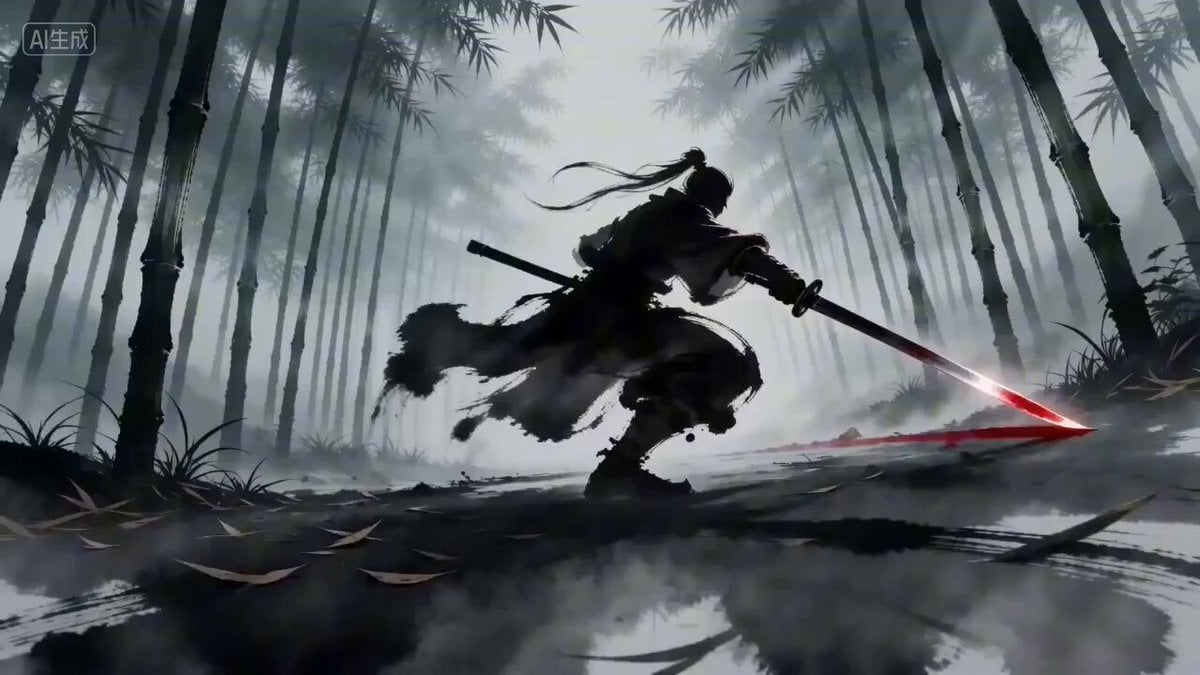
Seedance 2.0 Prompt for 'Twin Duel' Ink Style Video
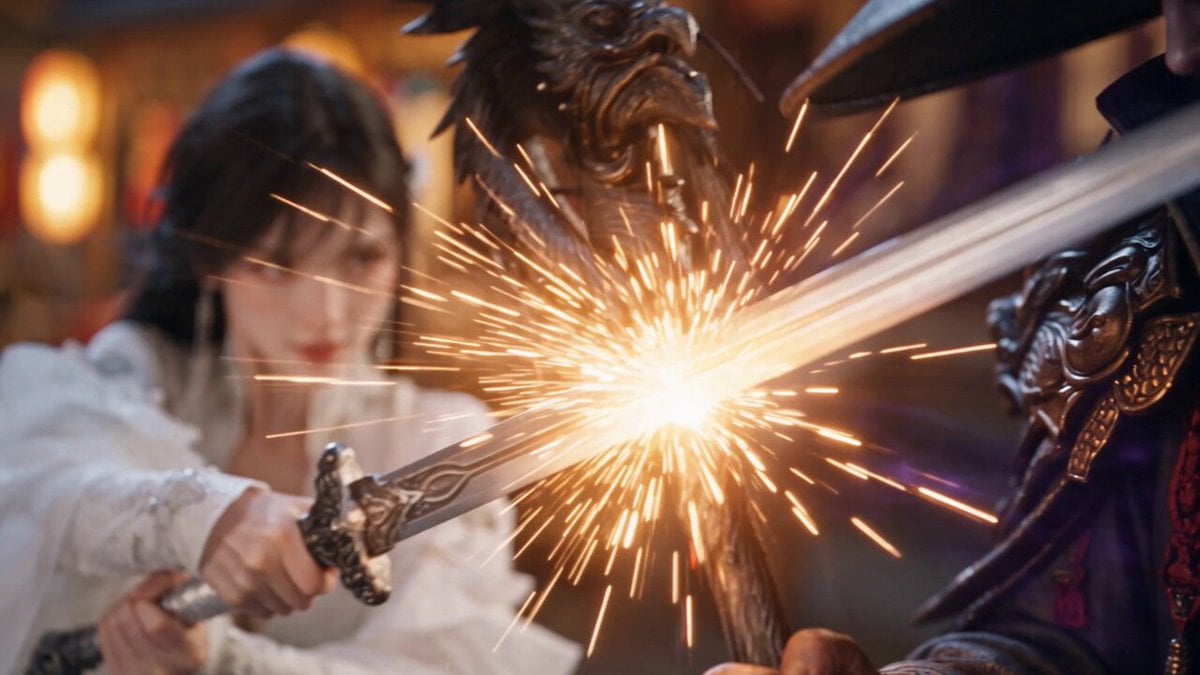
Glacial Martial Arts Duel
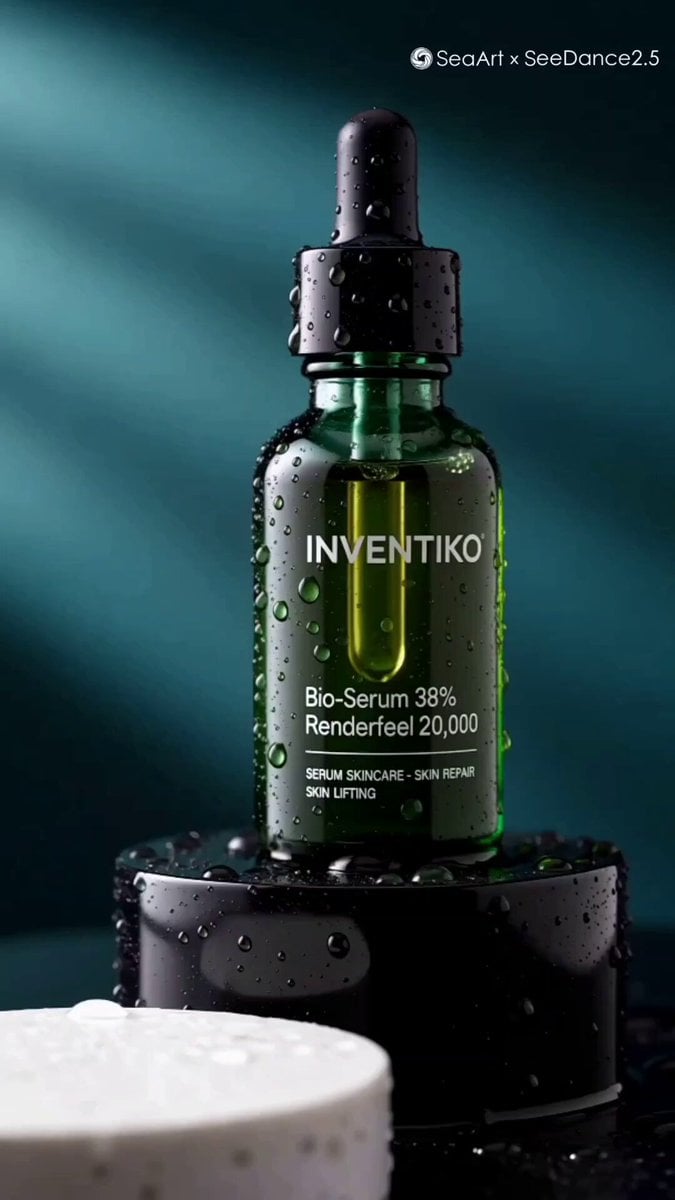
Luxury Skincare Serum Commercial
Browse template categories
Gothic Coquette Studio Video Portrait questions
How do I use the Gothic Coquette Studio Video Portrait template?
Add your photo if the template asks for one, edit the prompt if you like — the template's model and format are already selected — and press Generate. Your version opens in PicX Studio.
Can I customize the Gothic Coquette Studio Video Portrait template?
Yes. You can change the subject, setting, lighting, mood, format, and available model controls before creating your video.
Is the Gothic Coquette Studio Video Portrait template free?
Opening and editing this template is free. Generating uses credits, shown on the Generate button when you are signed in.
Which AI model should I use?
Start with Seedance 2.0, which is the model associated with this template. You can compare another compatible model for a different finish.
Looking for something else? Browse all templates.

Your photo, any look
Thousands of ready templates for every top image and video model, from one credit balance.