
Seedance 2.0 Prompt for 'Twin Duel' Ink Style Video
A detailed, time-coded prompt for Seedance 2.0 to generate an action sequence video titled 'Twin Duel' using a dynamic ink wash painting style, focusing on the clash between red and blue figures and their resulting ink…
- Prompt included
- Model and format preset
- Free template
The prompt behind this video
Copy the exact prompt behind Seedance 2.0 Prompt for 'Twin Duel' Ink Style Video, or open it in the studio and make it yours.
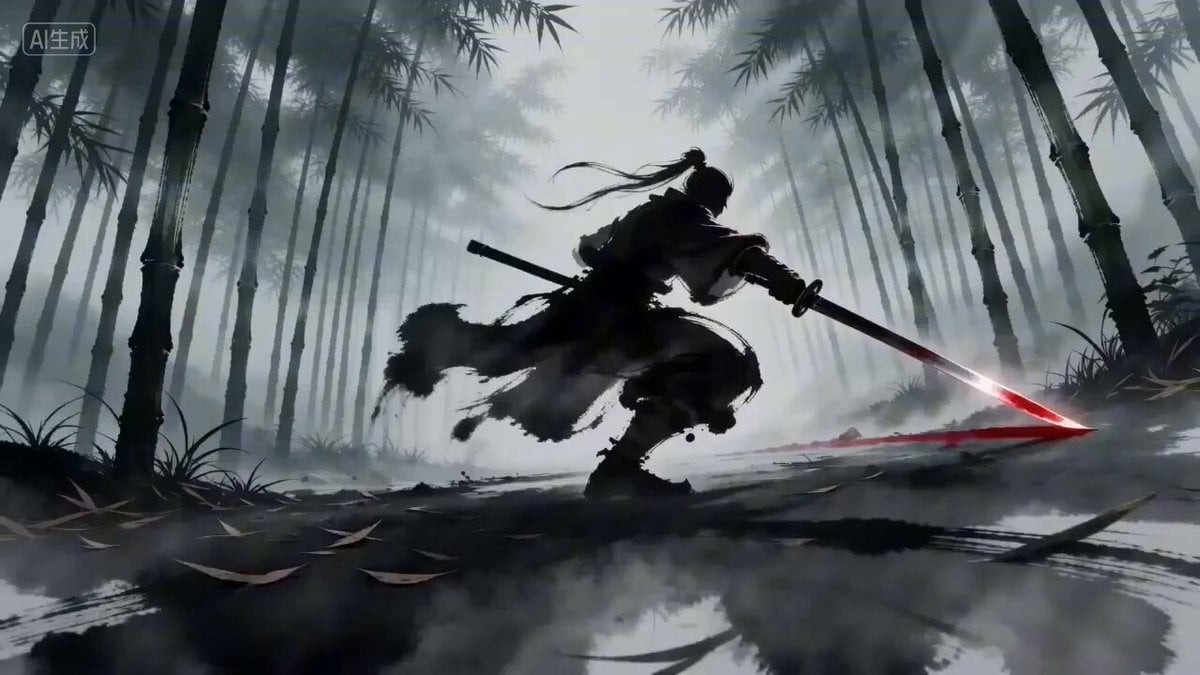
[Second 1] A silhouette in red holds a sword reverse-grip, the tip trailing a thin streak of vermilion, carving a semicircle on the ground — a cinematic opening move. [Second 2] A figure in blue drops from the sky, both palms pressing down, ink pouring down like a waterfall; the red figure dodges to the side, its afterimage left behind and shattered into mist, treated with frame-dropping for a staccato, punchy feel. [Seconds 3-5] Extremely fast sword clashes, the camera cutting every second. Each time the weapons meet, red and blue ink bursts and splatters outward, ink droplets flying to the four corners of the frame, like blood, like fire. [Second 6] The two fighters lock in close, blades pressed against each other, the red and blue ink slowly blending and swirling at the point of contact, tension frozen in an instant, time stretching out. [Second 7] A sudden burst — the two fighters spring apart, the ink at the point of fusion torn into two strands, tracing two intertwined arcs through the air. [Seconds 8-10] Fast cuts: the red figure spins, flinging out a string of vermilion ink dots like hidden weapons; the blue figure tumbles through the air, each spin flinging out a ring of indigo ink that loops toward the opponent. [Second 11] The red figure's blade thrusts straight forward, the tip piercing through the blue figure's chest — but the blue figure dissolves into a pool of scattering ink, its real body already having circled around behind, a shift between illusion and reality. [Seconds 12-13] Back-to-back duel, both fighters strike backward at the same moment, the two streams of ink colliding and coiling in the air, spinning like a taiji (yin-yang) diagram. [Second 14] The camera pulls back, the two silhouettes crossing past each other in the final strike, then stillness. [Second 15] The red and blue ink slowly blend and bleed together in the air, finally settling into a grand freehand ink-splash painting — the two figures standing with their backs to each other, the ink still wet, the moment left lingering and unresolved. Generate the footage in an ink-wash painting visual style.
How to use Seedance 2.0 Prompt for 'Twin Duel' Ink Style Video in 3 steps
- 1
Open
The prompt is already in the box next to the preview, with the template's model and format selected.
- 2…a portrait of your subject in softgolden-hour light, 85mm…
Personalize
Edit the subject and creative details for your destination.
- 3Generate
Generate
Press Generate — your video is created in PicX Studio, so you can compare it with the original and refine one variable at a time.
More like this
Templates with the same subject, style or setup. Open one to see its prompt.
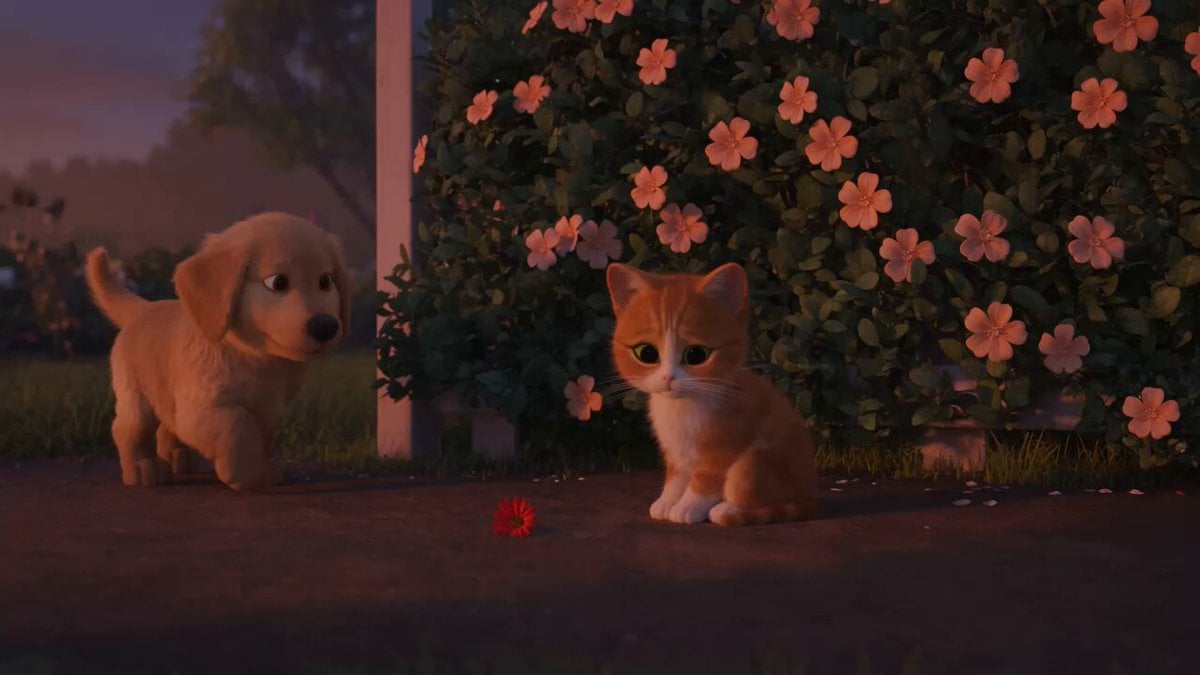
Wholesome Puppy and Kitten Story - Seedance 2.5

Mysterious Home Exploration Vlog - Seedance 2.5
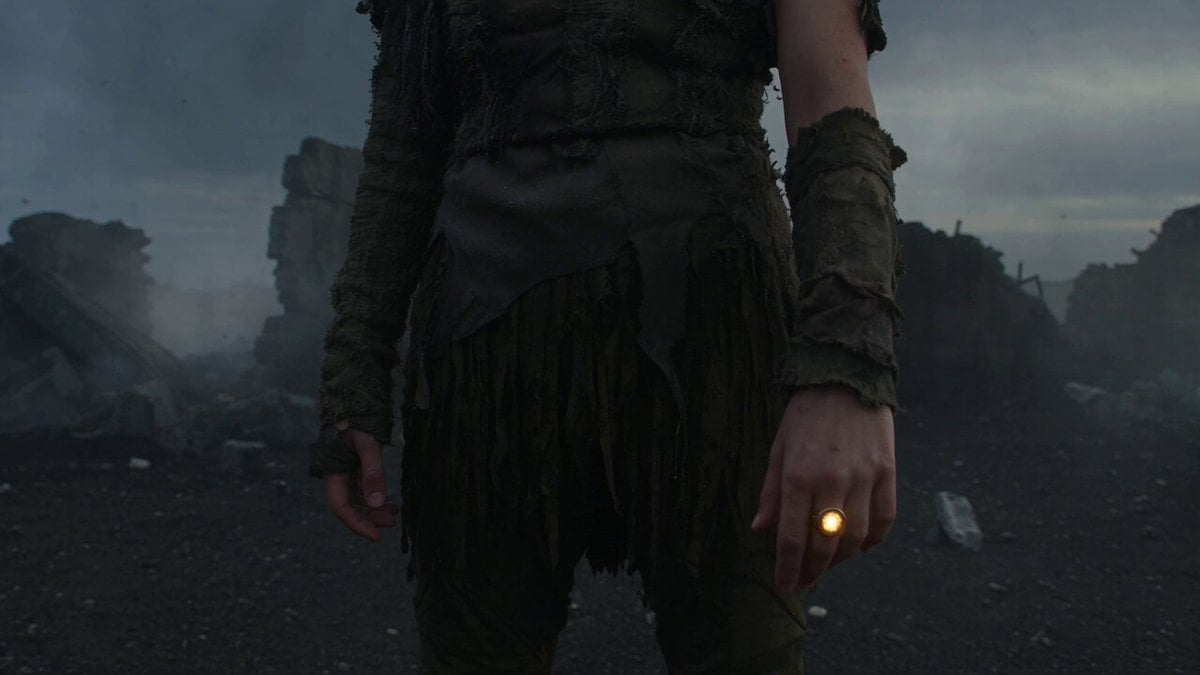
Dark Tokusatsu Transformation - Seedance 2.5
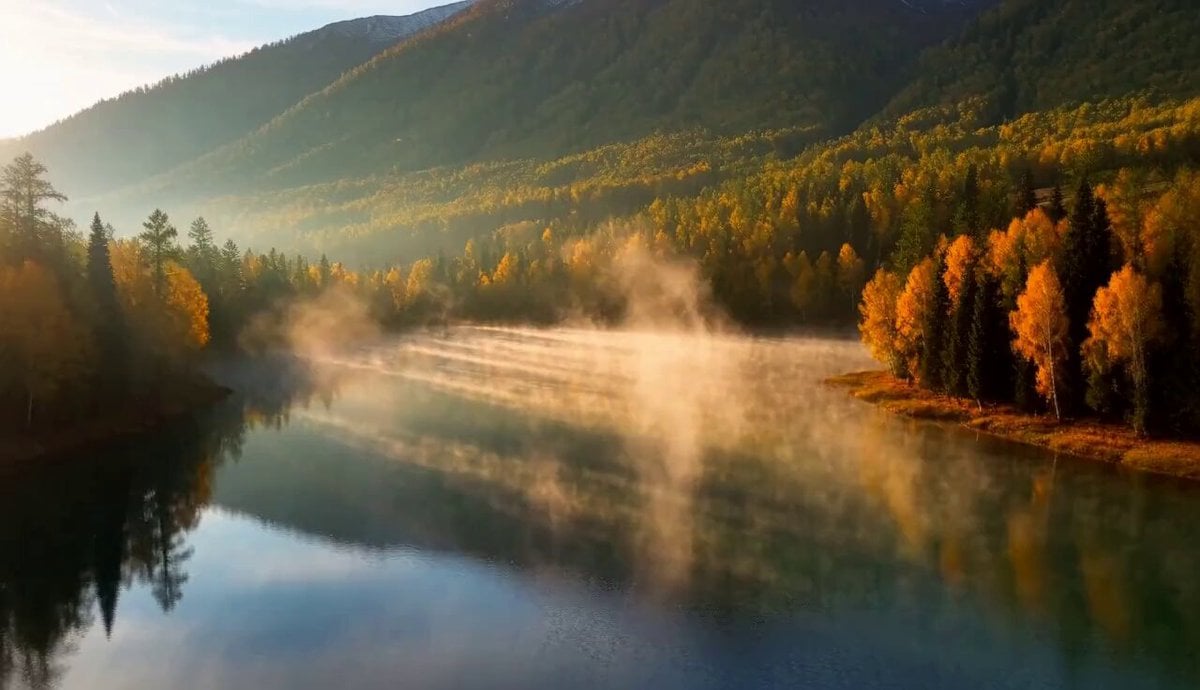
Cinematic Xinjiang Drone Landscapes - Seedance 2.5
Late Night Kitchen Phone Recording - Seedance 2.5
3D Animated Cat and Old Man - Seedance
Realistic City Street Story Cinematic Video - Seedance
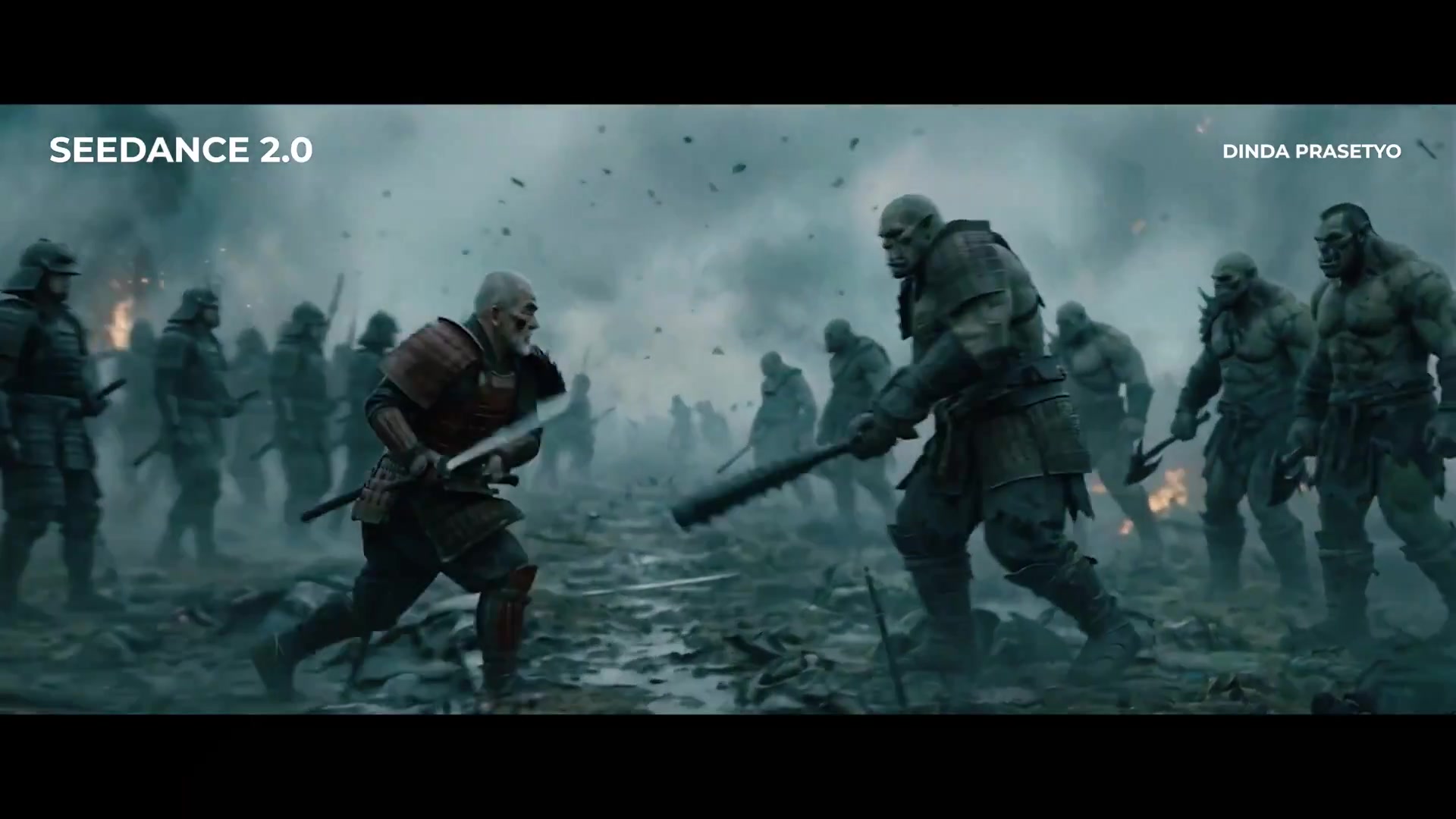
Seedance 2.0 First Test — Dynamic Motion Showcase
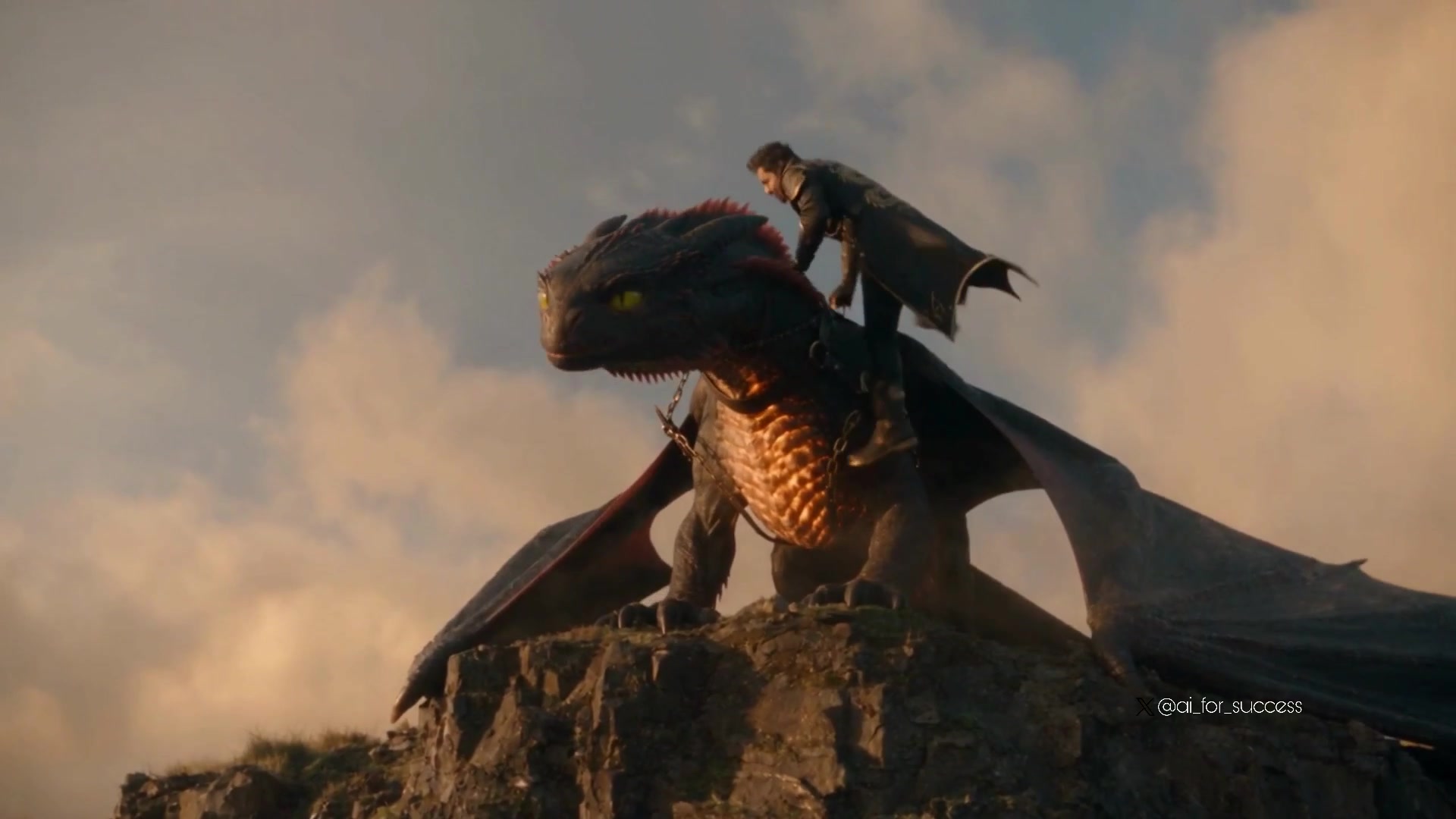
Dragon Rider Cinematic Flight — Seedance 2.5
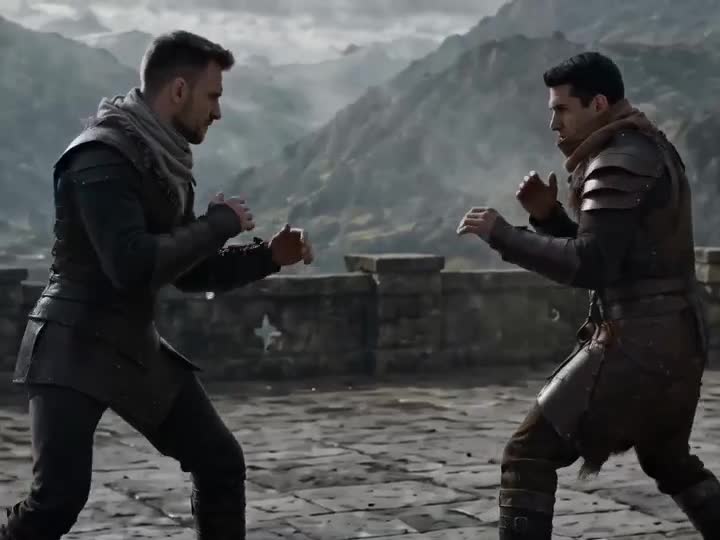
Medieval Duel Style Transfer
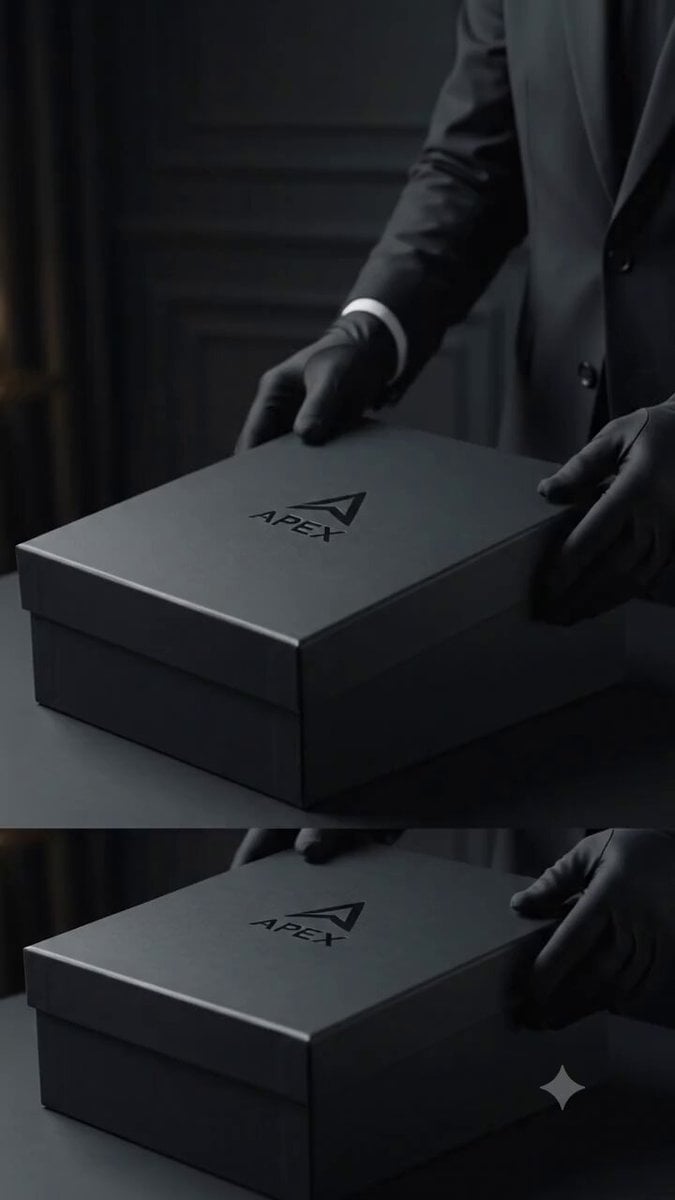
Sneaker Product Commercial
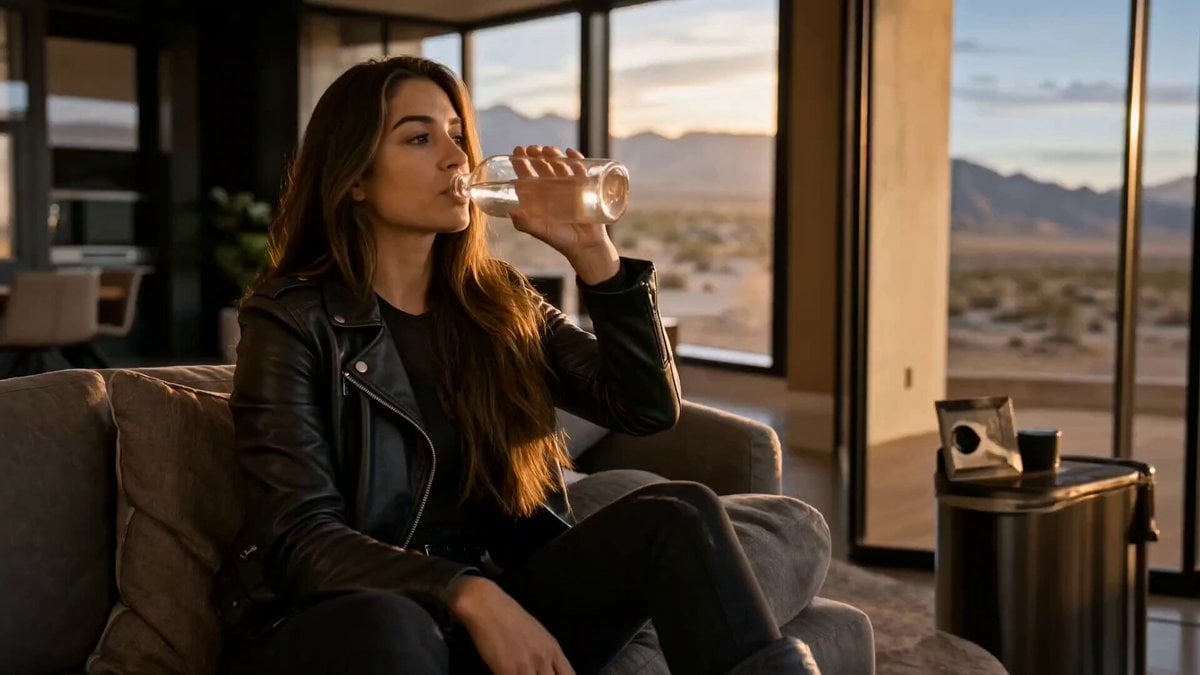
Cinematic Short Film Scene 2
Make it yours
Seedance 2.0 Prompt for 'Twin Duel' Ink Style Video works as-is. These are the safest ways to change it without losing the look.
Change one field
Copy a single group, rewrite it, and generate again so you can see what that field is doing.
Keep the frame, change the subject
Hold the composition and light of Seedance 2.0 Prompt for 'Twin Duel' Ink Style Video, then swap wardrobe, props or the person for a new take.
| If the result… | Why | Fix |
|---|---|---|
| The result drifts from the preview | Too many fields changed at once. | Reuse Seedance 2.0 Prompt for 'Twin Duel' Ink Style Video as-is first, then change one group — subject, light, or setting. |
| The model over-stylizes the scene | The prose prompt leaves finish and camera underspecified. | Add one camera or lighting sentence and stay on Seedance 2.0. |
More Seedance 2.0 templates
Other prompts made for Seedance 2.0.

Comical Martial Arts Punch Scene

Maglev Train Action Sequence

Martial Arts Fight Sequence

Wuxia Protection and Trust Script

Vintage Korean Arcade MiniDV Vlog

Mercedes 190 SL Luxury Ad

Rainy Night Supernatural Reverse Comedy Video Script

Amazon Civilization Discovery

Futuristic South Asian City Transformation

Cozy Luxury Cafe Commercial
More video prompts
Fresh picks from across the catalog.
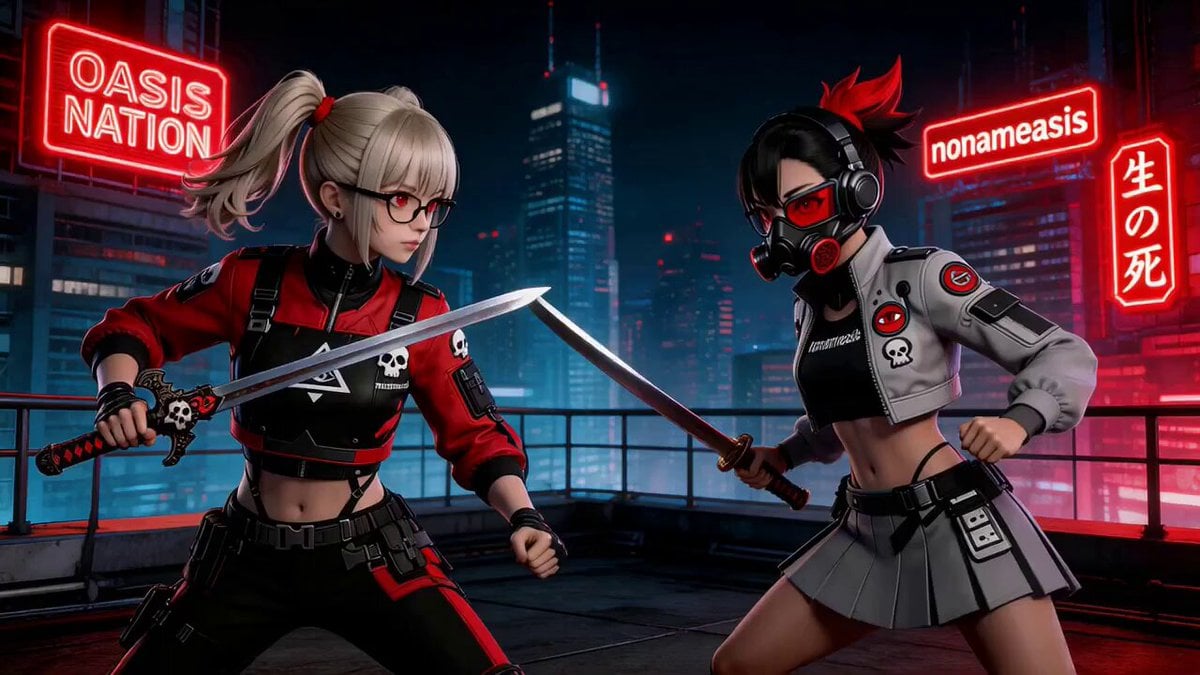
Dynamic Sword Fight on a Neon-Lit Rooftop
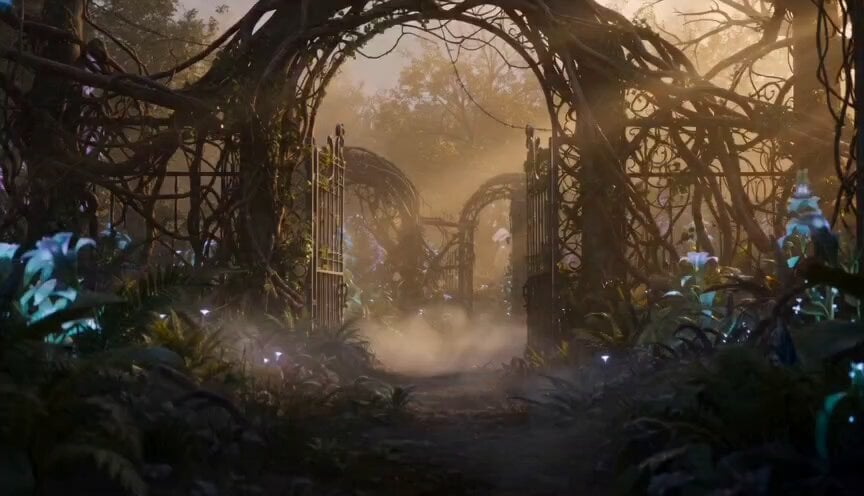
Exploration Robot in Bio-luminescent Garden Prompt
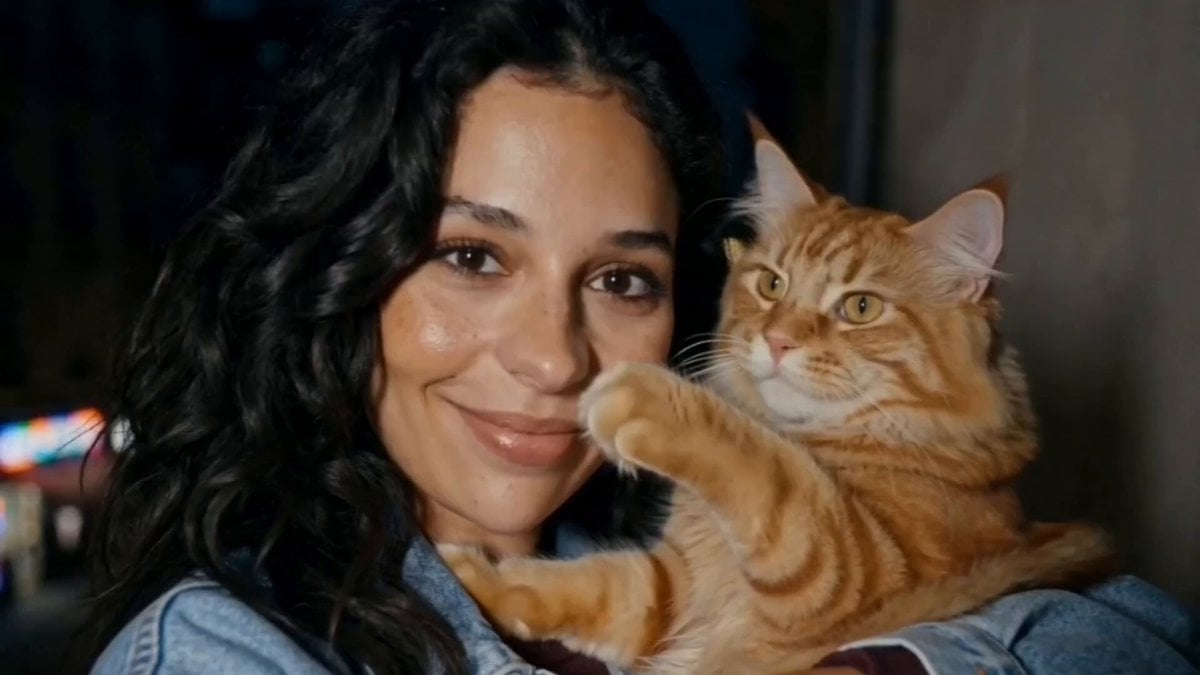
Girl and Cat Heartwarming Interaction
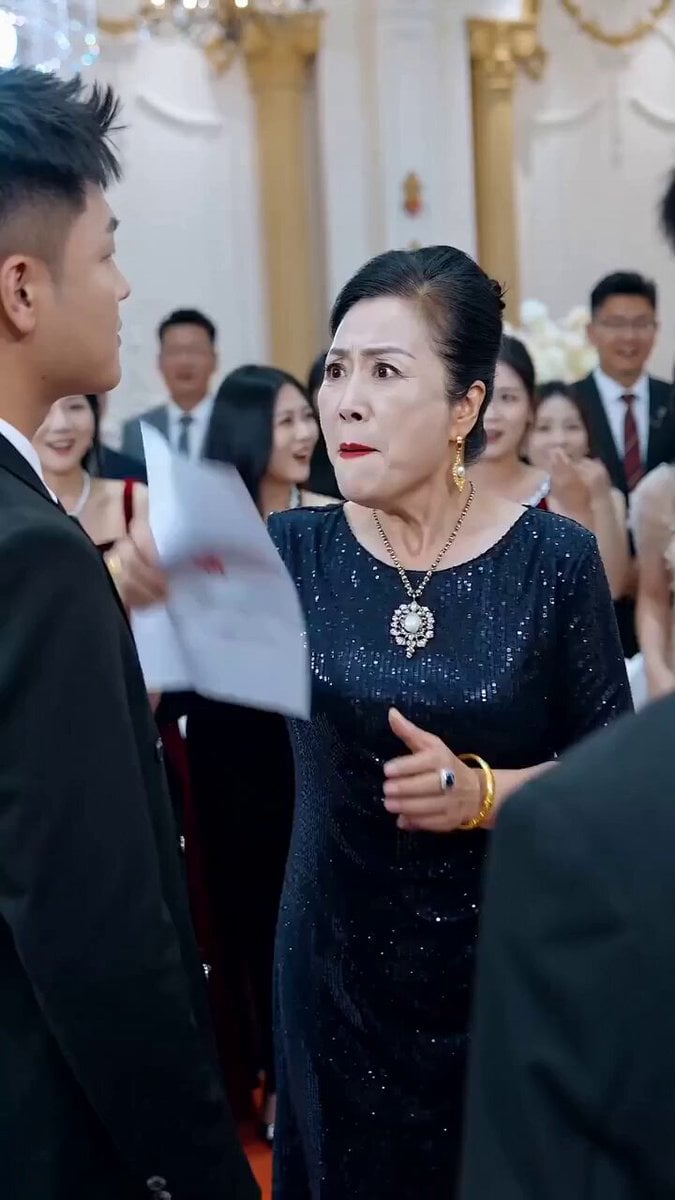
Viral CEO Drama: The Dragon King Reveal Prompt
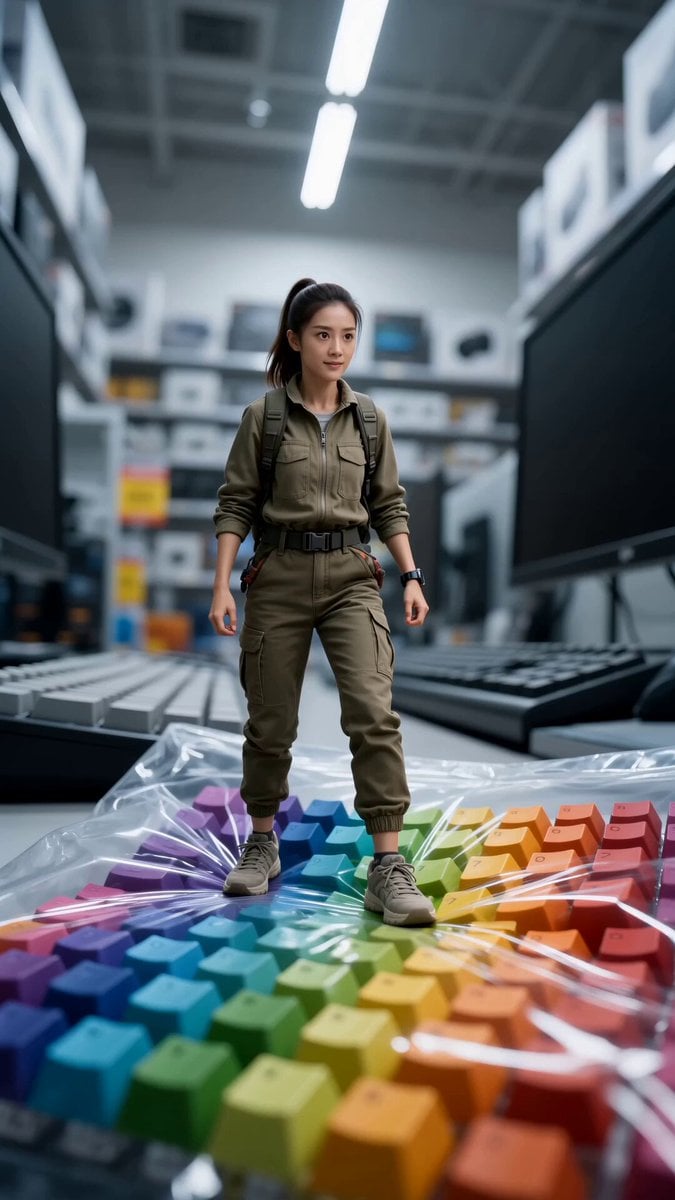
Miniature Tech Store Macro Video
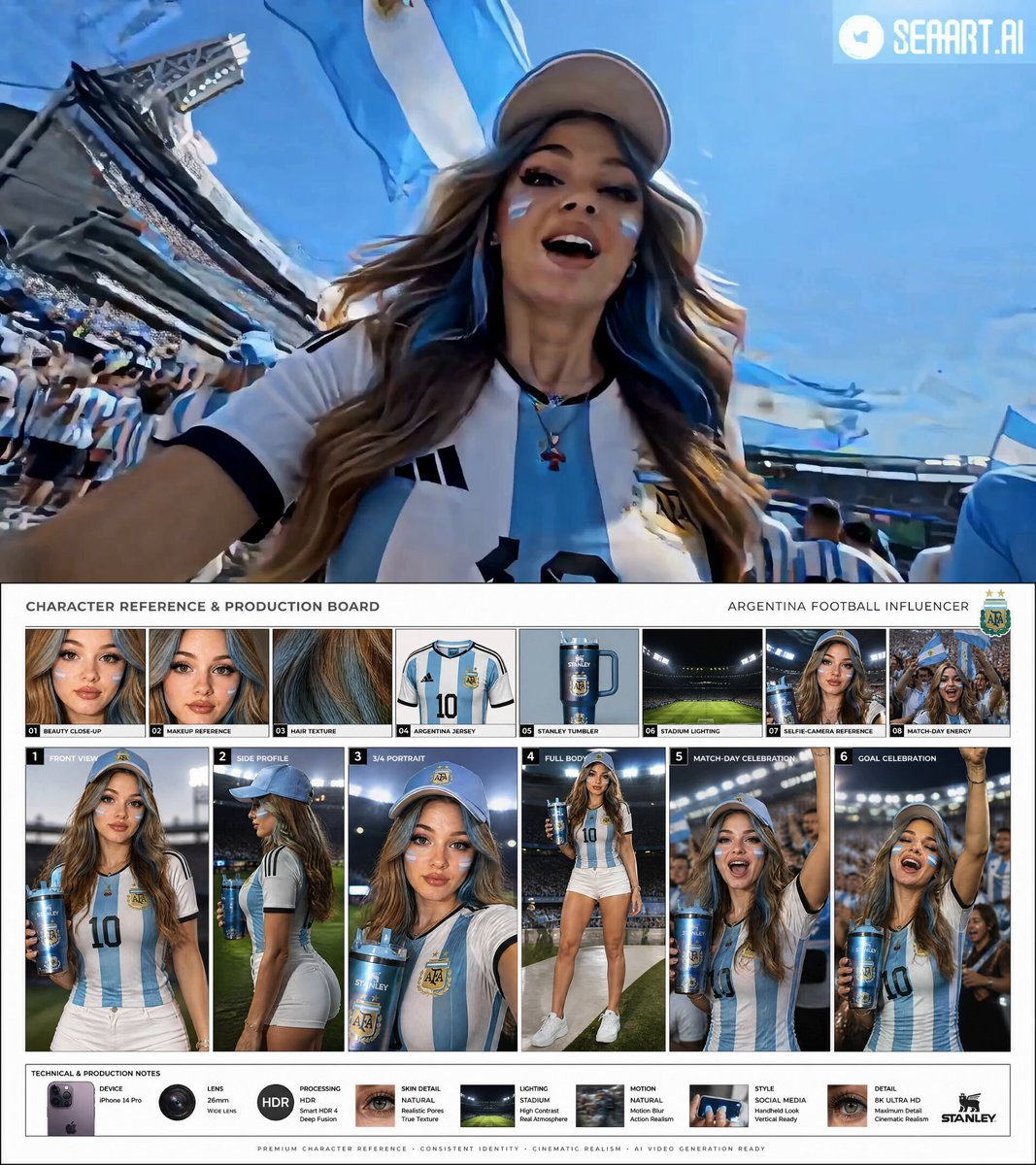
Cinematic Football Vlog Influencer Video
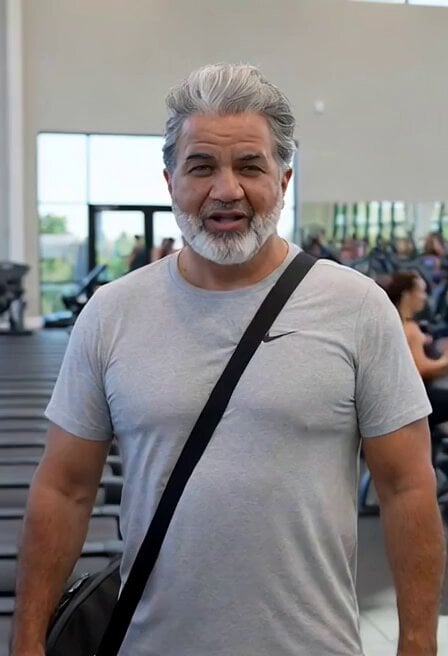
Busy Gym Exercise Scene
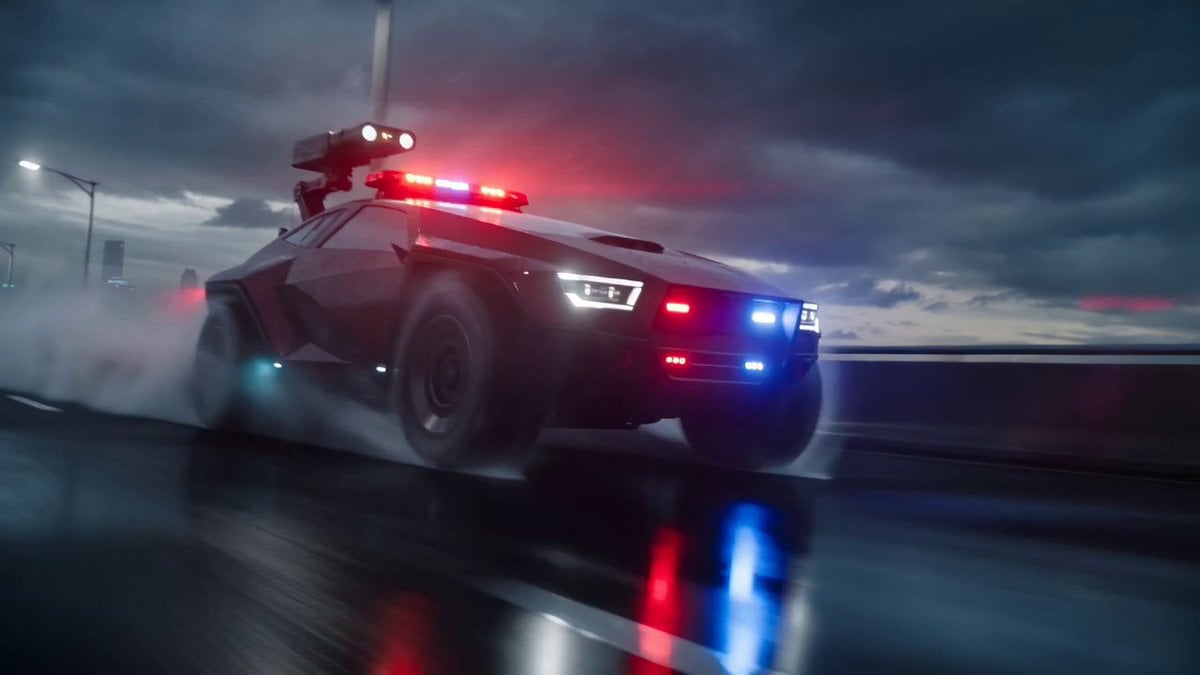
Seedance 2.0 Video Prompt: Vehicle-to-Mech Transformation
Dramatic Character Gacha Reveal Sequence
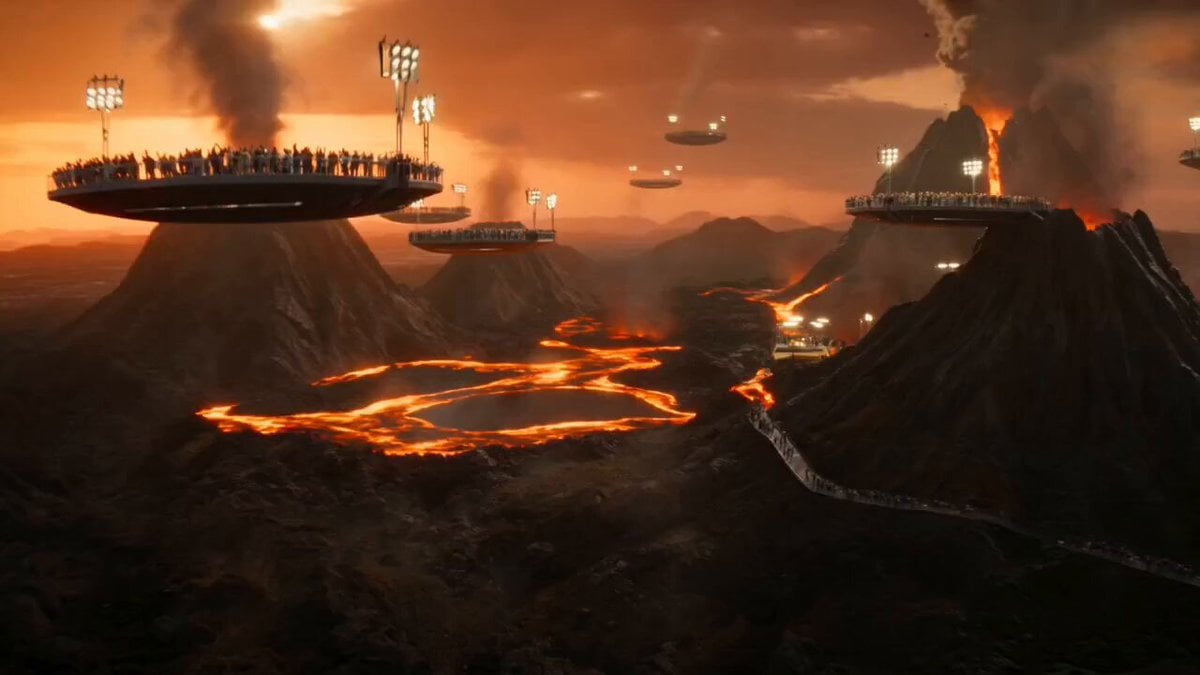
Volcanic Island Skateboard Championship
Browse template categories
Seedance 2.0 Prompt for 'Twin Duel' Ink Style Video questions
How do I use the Seedance 2.0 Prompt for 'Twin Duel' Ink Style Video template?
Add your photo if the template asks for one, edit the prompt if you like — the template's model and format are already selected — and press Generate. Your version opens in PicX Studio.
Can I customize the Seedance 2.0 Prompt for 'Twin Duel' Ink Style Video template?
Yes. You can change the subject, setting, lighting, mood, format, and available model controls before creating your video.
Is the Seedance 2.0 Prompt for 'Twin Duel' Ink Style Video template free?
Opening and editing this template is free. Generating uses credits, shown on the Generate button when you are signed in.
Which AI model should I use?
Start with Seedance 2.0, which is the model associated with this template. You can compare another compatible model for a different finish.
Looking for something else? Browse all templates.

Your photo, any look
Thousands of ready templates for every top image and video model, from one credit balance.