
Seedream 5.0 Photorealistic Studio Portrait Prompt
A highly detailed prompt for generating a photorealistic, cinematic studio portrait of a fashionable East Asian young woman using Seedream 5.0, specifying composition, clothing, background, lighting, camera settings…
- Prompt included
- Model and format preset
- Free template
The prompt behind this video
Copy the exact prompt behind Seedream 5.0 Photorealistic Studio Portrait Prompt, or open it in the studio and make it yours.
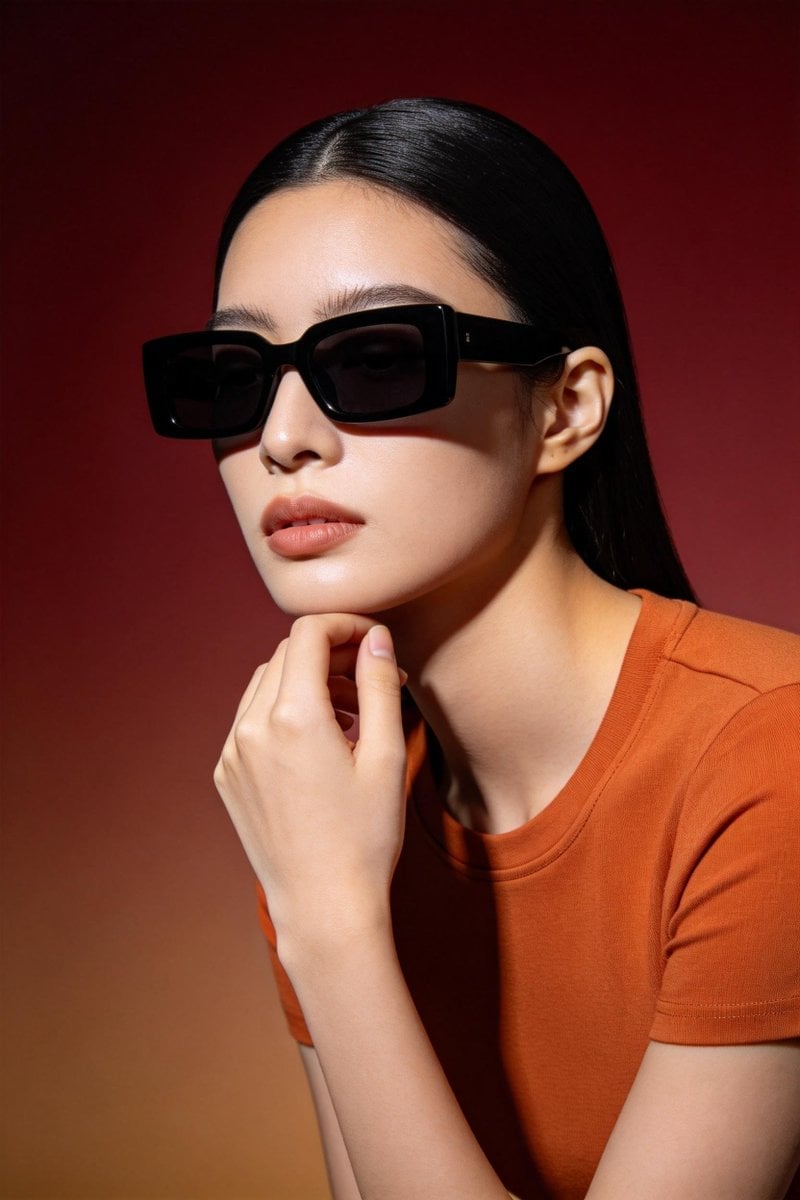
Ultra-realistic cinematic studio portrait, 2:3 aspect ratio, high resolution, photo-level realism A half-body portrait of a fashionable young East Asian woman, her posture slightly tilted, head turned slightly to the side, one hand seemingly absent-mindedly resting against her chin. Her eyes slightly lowered, gaze directed off-frame, expression cool and composed, with an air of quiet certainty about her brow. Clothing/styling: A solid burnt-orange round-neck shirt, simple cut, fabric with a soft, warm texture. Glossy black square-frame sunglasses perched in her hair, the lenses clean and glossy, reflecting the surrounding light. Skin with a naturally healthy sheen. Background: A seamless studio backdrop, deep rust-red gradating forward from the depths of the frame into warm chocolate brown, the tonal transition natural and seamless. Lighting: Mainly soft light, strong yet warm; fill light kept minimal, preserving deep shadow on the right side to strengthen the contrast between light and dark; a rim light from the camera outlines the edges of her figure. Highlights shift across the sunglasses lenses, shadow transitions soft, a strong sense of depth. Shooting: Eye-level framing, full-frame camera with an 85mm prime lens, f/2.2 aperture, shallow depth of field blurring the background, face and fabric texture crisp and sharp. Centered composition, moderate negative space. Texture: Fine, detailed skin texture, realistic fabric texture, clean image, very low noise.
How to use Seedream 5.0 Photorealistic Studio Portrait Prompt in 3 steps
- 1
Open
The prompt is already in the box next to the preview, with the template's model and format selected.
- 2…a portrait of your subject in softgolden-hour light, 85mm…
Personalize
Edit the subject and creative details for your destination.
- 3
 Generate
Press Generate — your video is created in PicX Studio, so you can compare it with the original and refine one variable at a time.
More like this
Templates with the same subject, style or setup. Open one to see its prompt.
Sneaker Product Commercial

Cinematic Portrait Study 3

Cinematic Portrait Study
Luxury Skincare Serum Commercial
NYC Wingsuit Hot Dog Landing
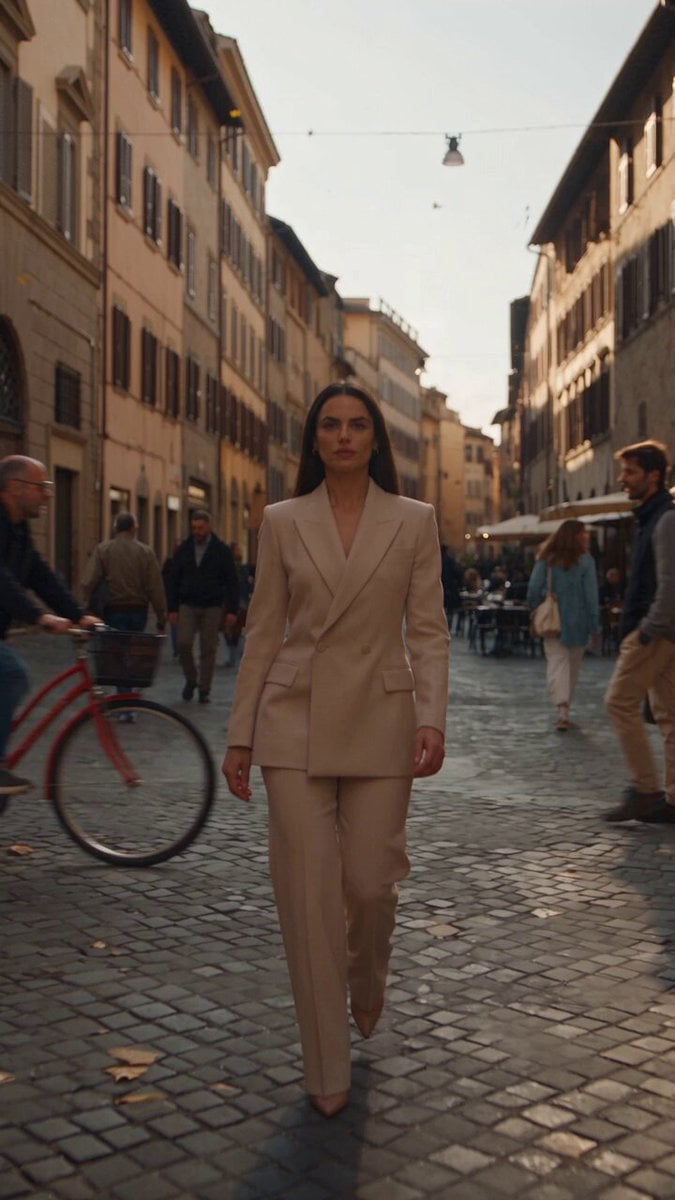
Italian Old-Town Time-Freeze Walk
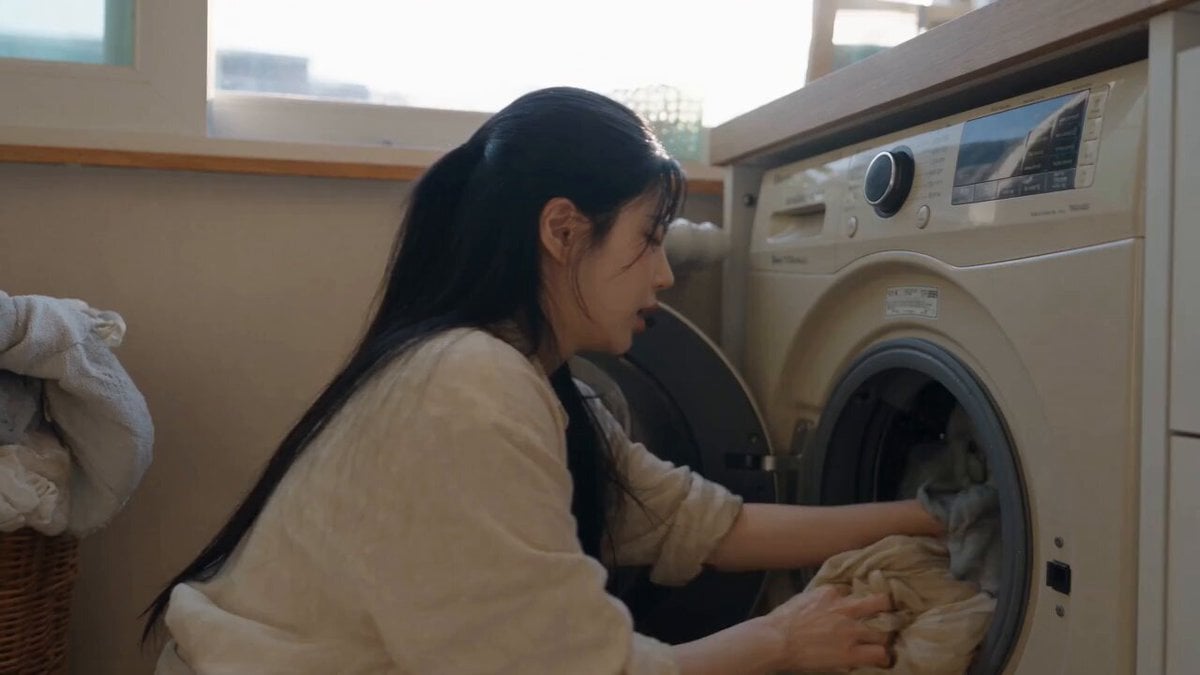
Sunny Morning Laundry Vlog
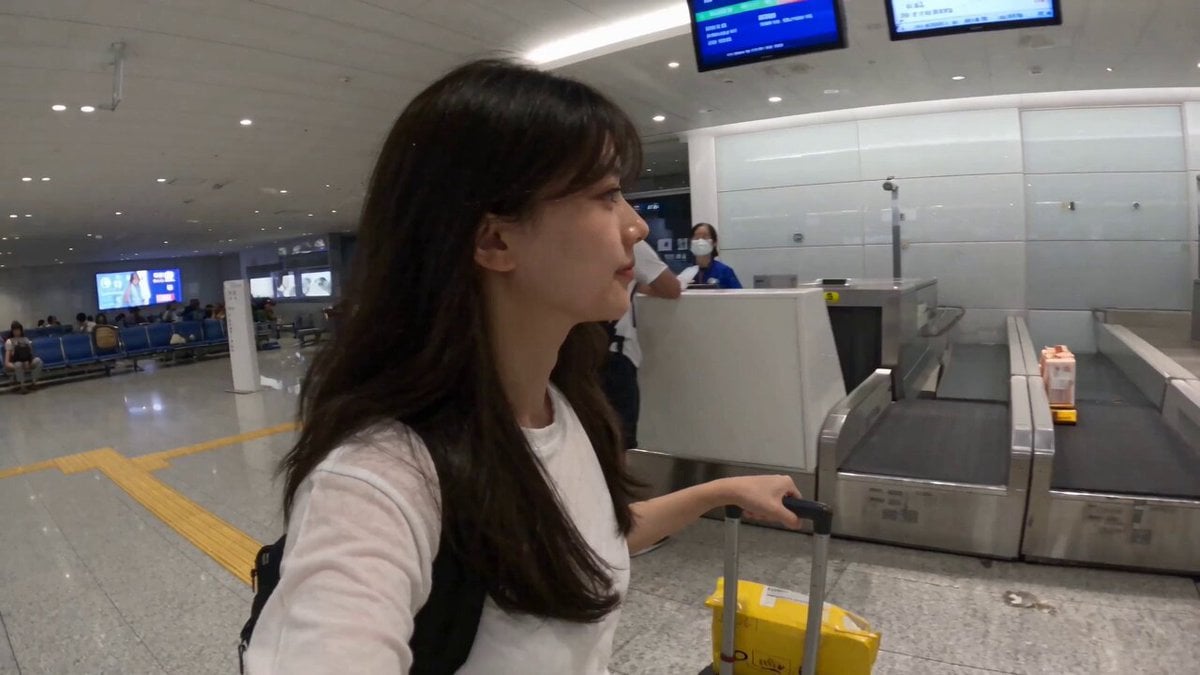
Smartphone Travel Vlog Tokyo Trip Identity Preserved
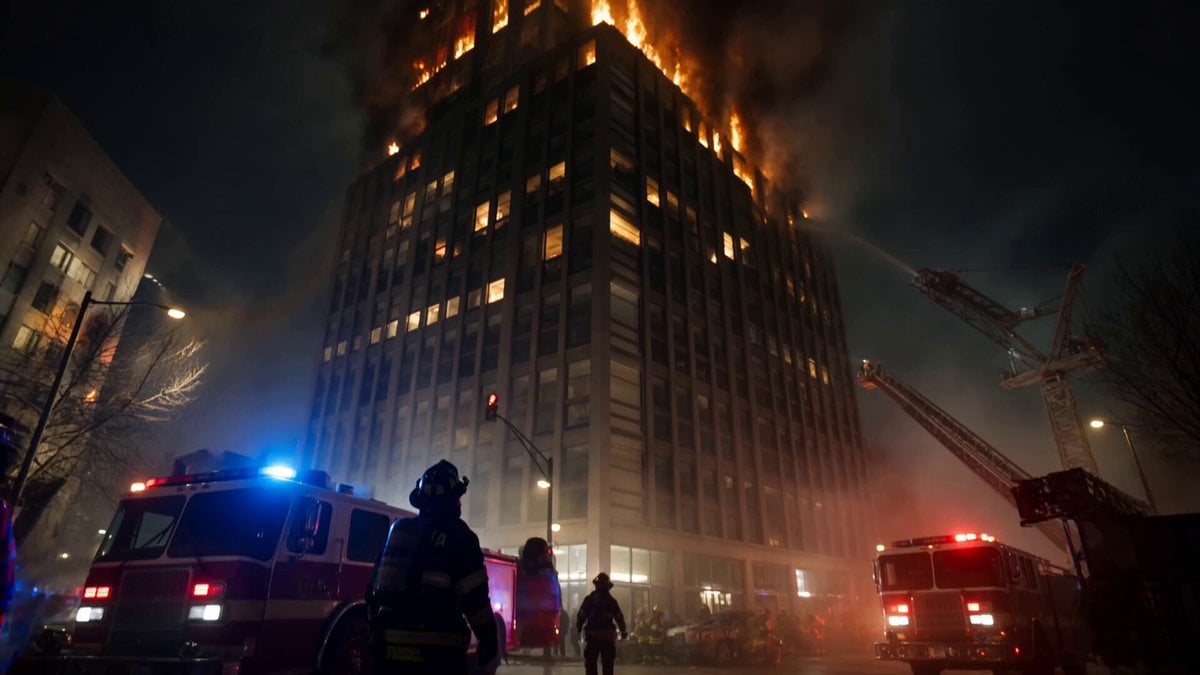
Live-Action Firefighter Rescue Night Scene
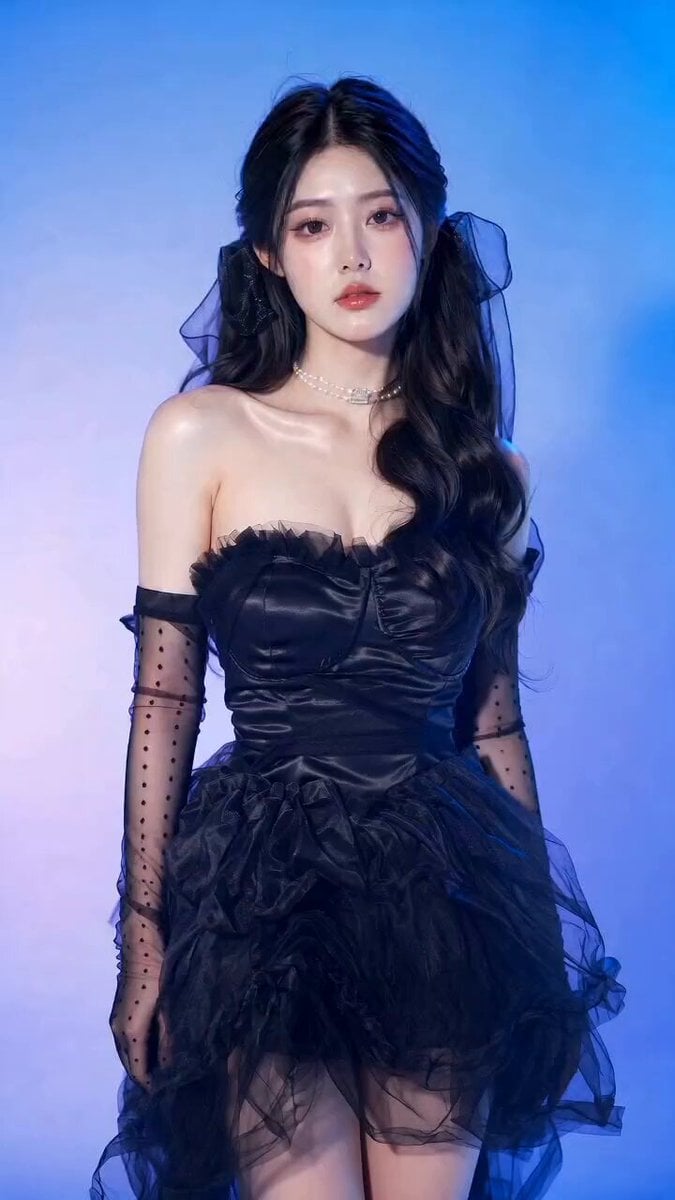
Gothic Coquette Studio Video Portrait

Ultra-realistic high fashion studio beauty portrait video prompt
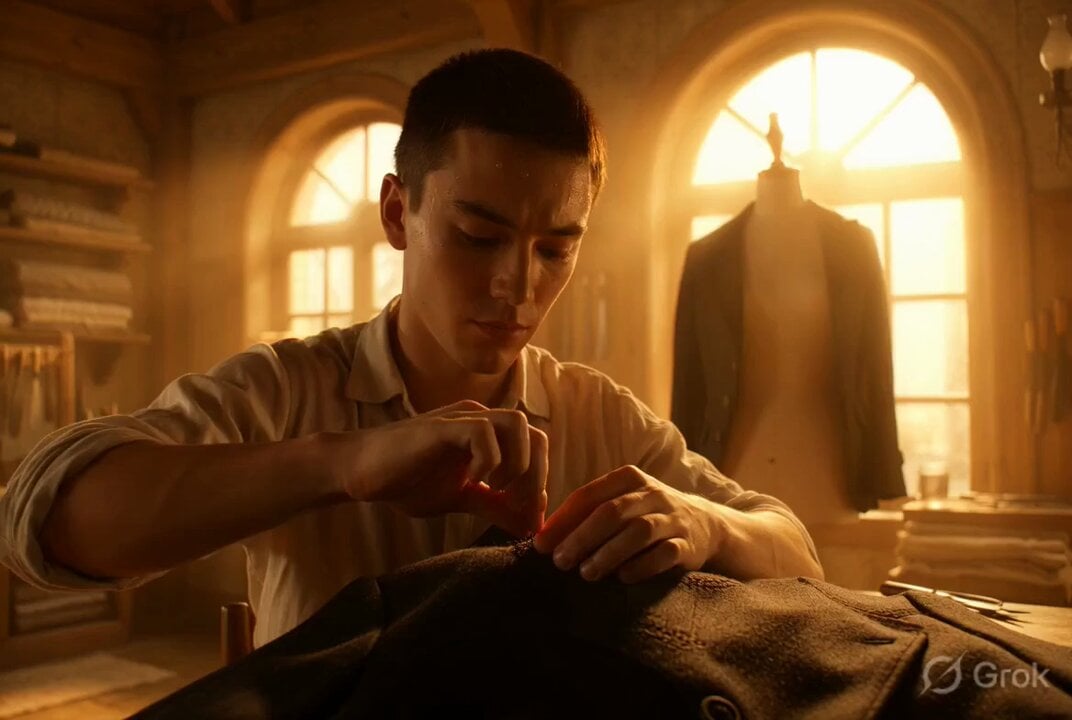
Photorealistic cinematic portrait of a young tailor
Make it yours
Seedream 5.0 Photorealistic Studio Portrait Prompt works as-is. These are the safest ways to change it without losing the look.
Change one field
Copy a single group, rewrite it, and generate again so you can see what that field is doing.
Keep the frame, change the subject
Hold the composition and light of Seedream 5.0 Photorealistic Studio Portrait Prompt, then swap wardrobe, props or the person for a new take.
| If the result… | Why | Fix |
|---|---|---|
| The result drifts from the preview | Too many fields changed at once. | Reuse Seedream 5.0 Photorealistic Studio Portrait Prompt as-is first, then change one group — subject, light, or setting. |
| The model over-stylizes the scene | The prose prompt leaves finish and camera underspecified. | Add one camera or lighting sentence and stay on Seedance 2.0. |
More Seedance 2.0 templates
Other prompts made for Seedance 2.0.

Comical Martial Arts Punch Scene

Maglev Train Action Sequence

Martial Arts Fight Sequence

Wuxia Protection and Trust Script

Vintage Korean Arcade MiniDV Vlog

Mercedes 190 SL Luxury Ad

Rainy Night Supernatural Reverse Comedy Video Script

Amazon Civilization Discovery

Futuristic South Asian City Transformation

Cozy Luxury Cafe Commercial
More video prompts
Fresh picks from across the catalog.
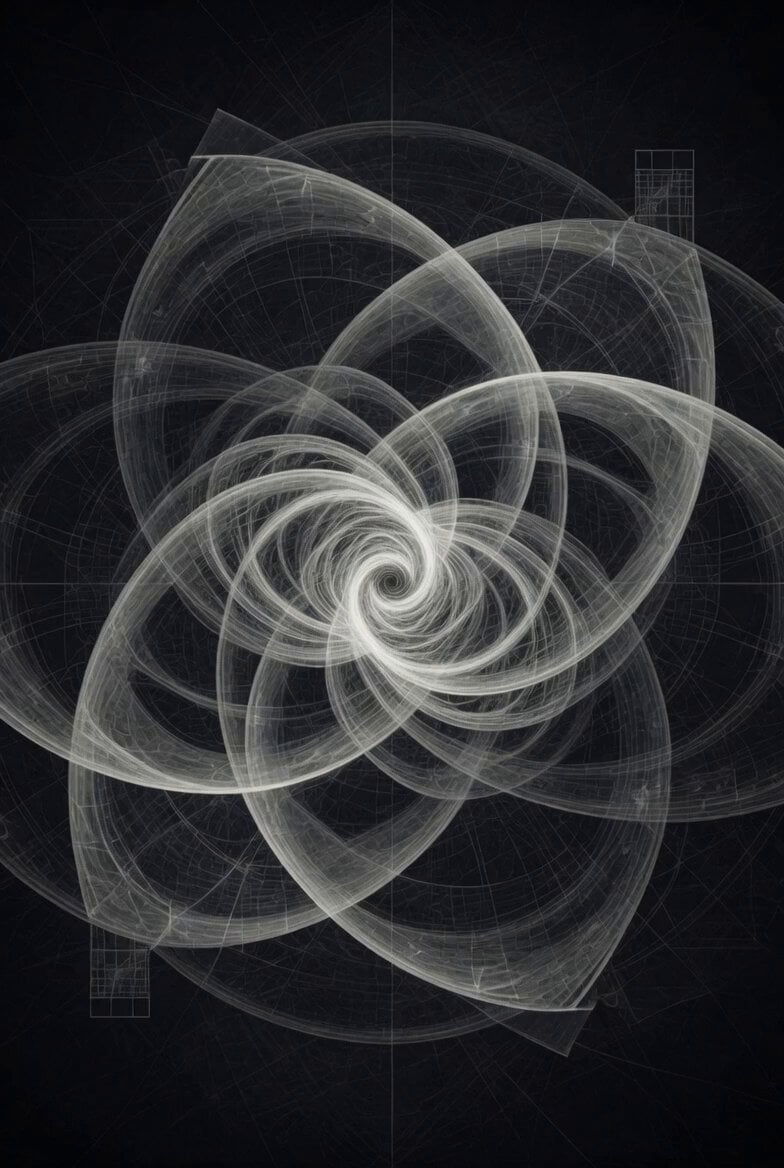
Abstract Intelligence Formal System
1986 Horror Film Iridescent Macropsia
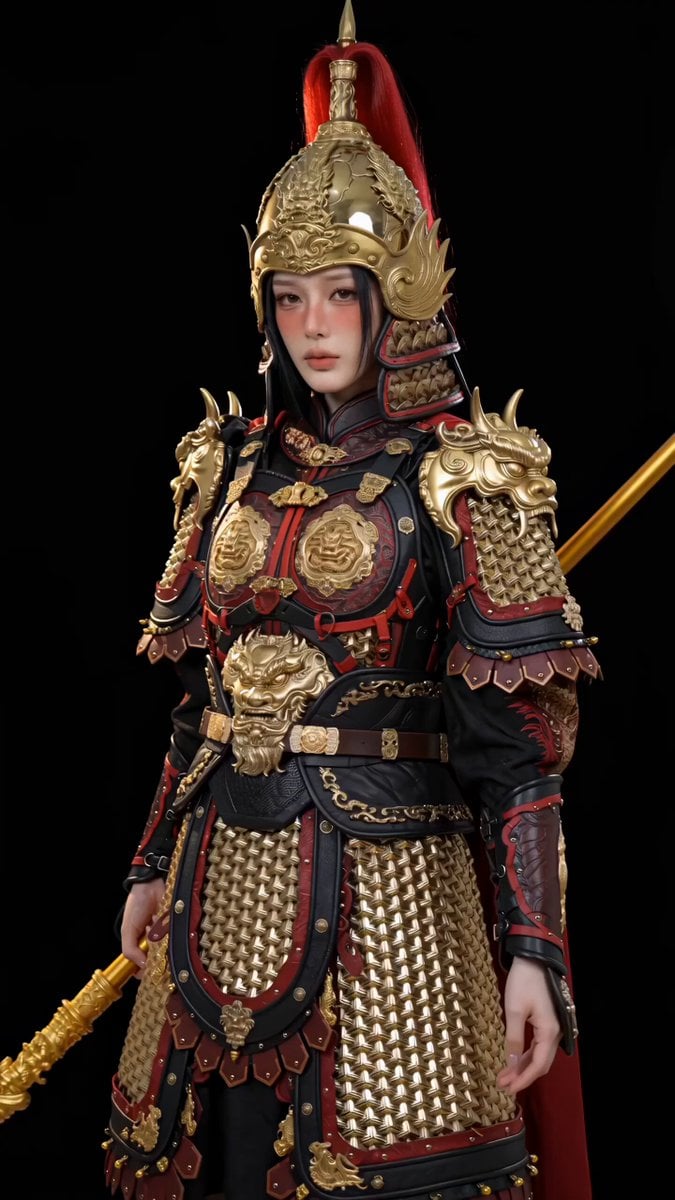
Seedance 2.0 Global Female General Armor Transformation Video Prompt
Second Coffee CM: Japan to Italy Trip

Cyber-Fantasy Elf Queen Transformation
Fantasy Griffin Nesting and Goblin Selfie

Cinematic Chocolate Commercial Storyboard

Elemental Ice vs Fire Battle

Dreaming of Divinity Animation
Dark Fantasy Horror Transformation
Browse template categories
Seedream 5.0 Photorealistic Studio Portrait Prompt questions
How do I use the Seedream 5.0 Photorealistic Studio Portrait Prompt template?
Add your photo if the template asks for one, edit the prompt if you like — the template's model and format are already selected — and press Generate. Your version opens in PicX Studio.
Can I customize the Seedream 5.0 Photorealistic Studio Portrait Prompt template?
Yes. You can change the subject, setting, lighting, mood, format, and available model controls before creating your video.
Is the Seedream 5.0 Photorealistic Studio Portrait Prompt template free?
Opening and editing this template is free. Generating uses credits, shown on the Generate button when you are signed in.
Which AI model should I use?
Start with Seedance 2.0, which is the model associated with this template. You can compare another compatible model for a different finish.
Looking for something else? Browse all templates.

Your photo, any look
Thousands of ready templates for every top image and video model, from one credit balance.