
Cinematic Chocolate Commercial Storyboard
A comprehensive storyboard prompt for a 15-second cinematic chocolate advertisement, featuring specific shot types, brand styling, and character references for high-quality video generation.

- Prompt included
- Model and format preset
- Free template
The prompt behind this video
Copy the exact prompt behind Cinematic Chocolate Commercial Storyboard, or open it in the studio and make it yours.
[브랜드이름] 로고가 있는 [도형]의 맛있어 보이는 초콜렛을 만드세요. [흰색]과 [에메랄드 색]의 조합, 하트 일러스트입니다. 케릭터는 이미지 1을 따르며, 의상은 이미지 2를 따릅니다. 깔끔한 3*3 형식의 스토리 모드를 만들고 각 장면에 대해 아래와 같은 종류의 샷을 원합니다. Shot 1 — 훅 / 시선 강탈 Shot 2 — 기대감 고조 / 행동 Shot 3 — 클라이맥스 1 / 씨즐 Shot 4 — 전환 / 확장 Shot 5 — 시각적 극대화 / 역동성 Shot 6 — 감정 고조 / 제스처 Shot 7 — 공감대 형성 / 라이프스타일 Shot 8 — 브랜드 강조 / 메인 컷 Shot 9 — 아웃트로 / 브랜드 메시지 시네마틱한 15초 초콜렛 광고를 만드세요. 초콜렛 제품을 주력으로 하며, 따뜻하고 달콤하고, 유쾌한 광고를 원합니다. 또한 아기자기한 일러스트도 화면에 등장시키세요. 단, 인물과 배경은 실사입니다. 대사는 [한국어]로 유지되며, 등장인물은 [여성]과 [남성]입니다.
How to use Cinematic Chocolate Commercial Storyboard in 3 steps
- 1
Open
The prompt is already in the box next to the preview, with the template's model and format selected.
- 2…a portrait of your subject in softgolden-hour light, 85mm…
Personalize
Edit the subject and creative details for your destination.
- 3Generate
Generate
Press Generate — your video is created in PicX Studio, so you can compare it with the original and refine one variable at a time.
More like this
Templates with the same subject, style or setup. Open one to see its prompt.
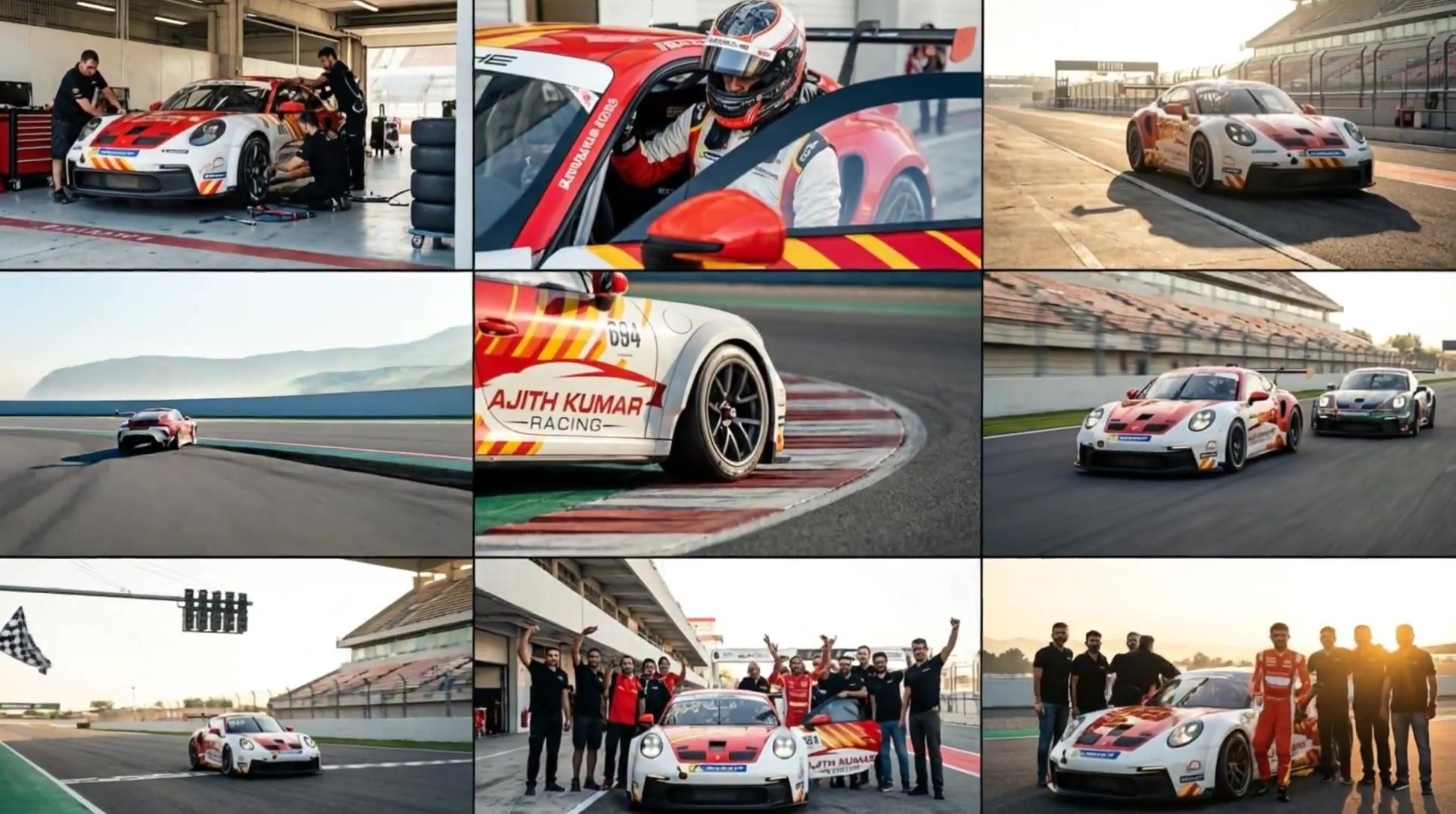
3x3 Grid Storyboard Racing — Kling 3.0 O3 Pro

Dragon Rider Cinematic Flight — Seedance 2.5

Fruit Cookie Commercial

Silk Road Pomegranate Folk Animation

Mechanical Flower Bloom Brand Film
Crystal Ball Match-Cut Brand Film

Sneaker Product Commercial
Skincare Product Commercial 3
Cinematic Portrait Study 3
Product UGC Commercial

Cinematic Portrait Study

Skincare Product Commercial
Make it yours
Cinematic Chocolate Commercial Storyboard works as-is. These are the safest ways to change it without losing the look.
Change one field
Copy a single group, rewrite it, and generate again so you can see what that field is doing.
Keep the frame, change the subject
Hold the composition and light of Cinematic Chocolate Commercial Storyboard, then swap wardrobe, props or the person for a new take.
| If the result… | Why | Fix |
|---|---|---|
| The result drifts from the preview | Too many fields changed at once. | Reuse Cinematic Chocolate Commercial Storyboard as-is first, then change one group — subject, light, or setting. |
| The model over-stylizes the scene | The prose prompt leaves finish and camera underspecified. | Add one camera or lighting sentence and stay on Seedance 2.0. |
More Seedance 2.0 templates
Other prompts made for Seedance 2.0.

Comical Martial Arts Punch Scene

Maglev Train Action Sequence

Martial Arts Fight Sequence

Wuxia Protection and Trust Script

Vintage Korean Arcade MiniDV Vlog

Mercedes 190 SL Luxury Ad

Rainy Night Supernatural Reverse Comedy Video Script

Amazon Civilization Discovery

Futuristic South Asian City Transformation

Cozy Luxury Cafe Commercial
More video prompts
Fresh picks from across the catalog.

Epic Marvel Avengers Style Video Prompt for Grok Imagine

Seedance 2.0 Cinematic Wuxia Combat Prompt
Jean-Jacques Rousseau AI Philosophy
FPV Drone Fantasy Kingdom Flight
AI Emoji Creation Festival prompt example

Spanish Political Voiceover Prompt

Busy Gym Exercise Scene
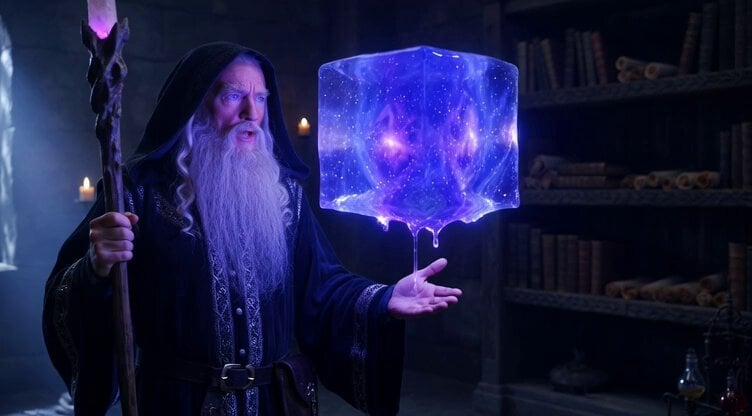
Levitating Gooey Cube Prompt
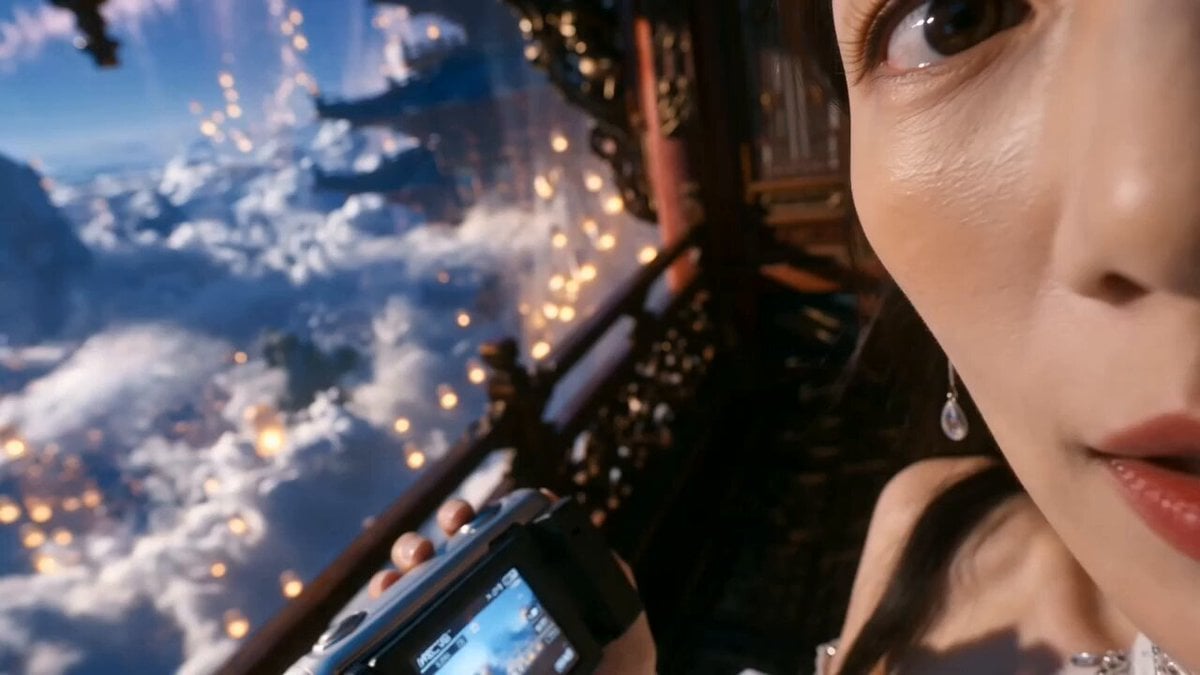
Celestial Palace MiniDV Tour
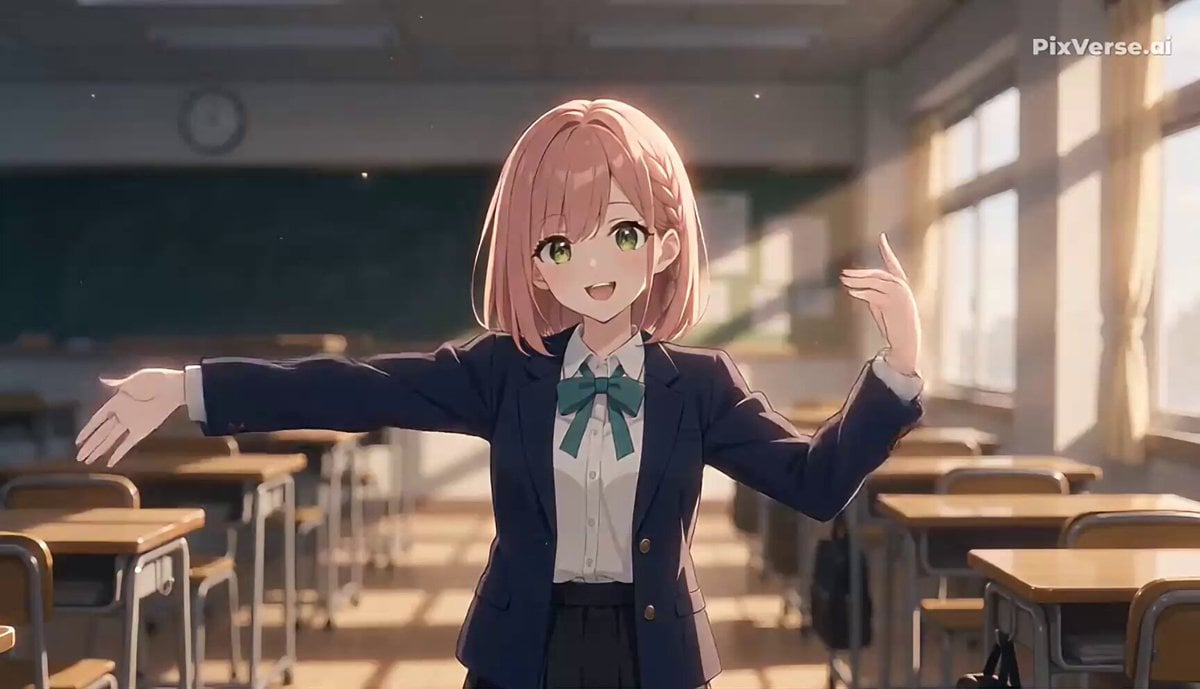
Anime Character Heart Dance Animation
Browse template categories
Cinematic Chocolate Commercial Storyboard questions
How do I use the Cinematic Chocolate Commercial Storyboard template?
Add your photo if the template asks for one, edit the prompt if you like — the template's model and format are already selected — and press Generate. Your version opens in PicX Studio.
Can I customize the Cinematic Chocolate Commercial Storyboard template?
Yes. You can change the subject, setting, lighting, mood, format, and available model controls before creating your video.
Is the Cinematic Chocolate Commercial Storyboard template free?
Opening and editing this template is free. Generating uses credits, shown on the Generate button when you are signed in.
Which AI model should I use?
Start with Seedance 2.0, which is the model associated with this template. You can compare another compatible model for a different finish.
Looking for something else? Browse all templates.

Your photo, any look
Thousands of ready templates for every top image and video model, from one credit balance.