
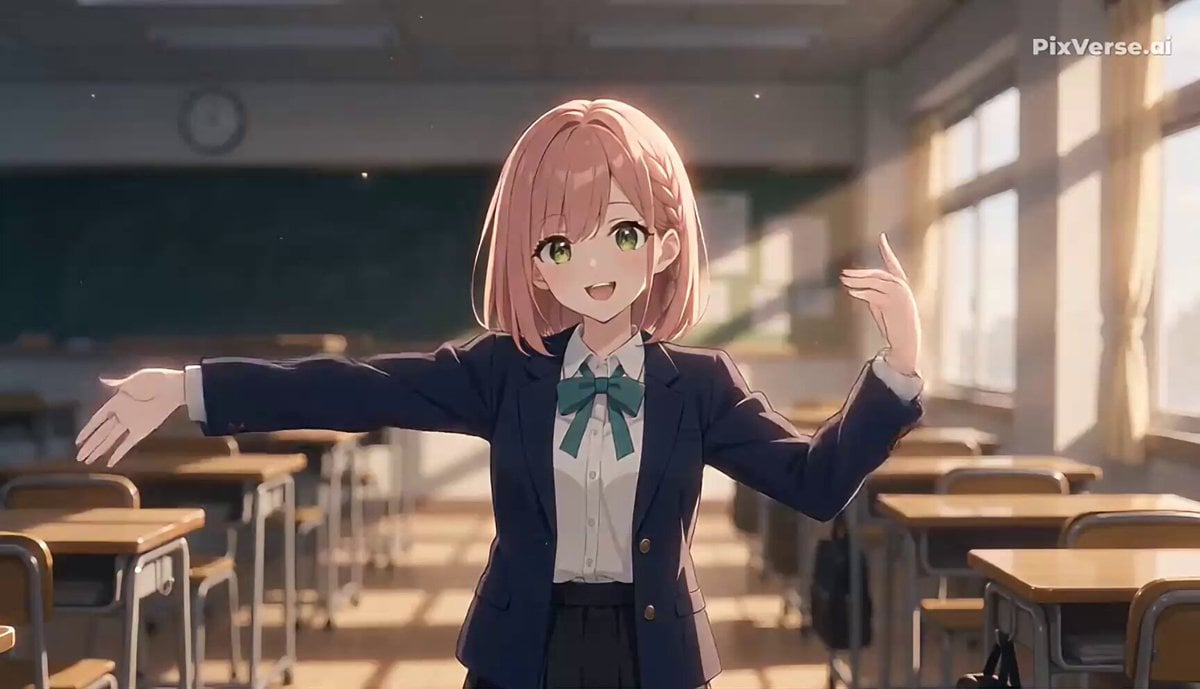
Anime Character Heart Dance Animation
A detailed video generation prompt for creating a cel-shaded anime character performing a rhythmic heart-shaped dance in a nostalgic afternoon classroom setting.
- Prompt included
- Model and format preset
- Free template
The prompt behind this video
Copy the exact prompt behind Anime Character Heart Dance Animation, or open it in the studio and make it yours.
# Main Prompt - A: Clockwise Heart (Classroom Ver.) shot: type: r2v aspect_ratio: "9:16" camera: fixed, single continuous shot, no cuts framing: character occupies lower two-thirds of frame, medium shot from waist up character: reference: use attached reference image for full appearance (face, outfit, colors, proportions) art_style: preserve original character art style / cel-shading from reference, do not blend with background style motion: sequence: - beat_1_2: both arms raised, sweep in a slow clockwise circular motion like clock hands, starting from 12 o'clock position - beat_3: arms cross at chest height, hands open - beat_4: arms draw outward and down into a heart shape formed above the head, hold for half a beat - beat_5_6: small step-touch side to side (left-right), shoulders swaying gently in sync - loop: sequence repeats seamlessly from beat_1 tempo: moderate pop tempo, sharp but not rushed transitions motion_notes: no slow motion, no speed ramping, natural constant playback speed throughout setting: location: after-school classroom, empty of other students time_of_day: late afternoon / early evening, golden hour light through windows environment_details: rows of desks and chairs as soft silhouettes in the background, chalkboard faintly visible, window frames casting long soft shadows across the floor atmosphere: quiet, nostalgic, gentle contrast between the character's lively motion and the stillness of the empty room background: style: simple, uncluttered classroom silhouette, low detail so it doesn't compete with character motion rendering: keep visually separate from character line/shading style; desks/windows rendered with minimal linework, mostly shape and light, not full detail motion: static background, only ambient light shift (e.g. faint dust motes in the light beam), no moving elements lighting: warm golden-hour light streaming through windows from one side, soft rim light on character, gentle long shadows cast by desks expression: light, playful smile, eyes forward toward camera during heart pose
How to use Anime Character Heart Dance Animation in 3 steps
- 1Upload ImagePNG, JPG or paste
Add your photo
Upload the photo the template builds on. The prompt, model and format are already set.
- 2…a portrait of your subject in softgolden-hour light, 85mm…
Personalize
Edit the subject and creative details for your destination.
- 3Generate
Generate
Press Generate — your video is created in PicX Studio, so you can compare it with the original and refine one variable at a time.
More like this
Templates with the same subject, style or setup. Open one to see its prompt.
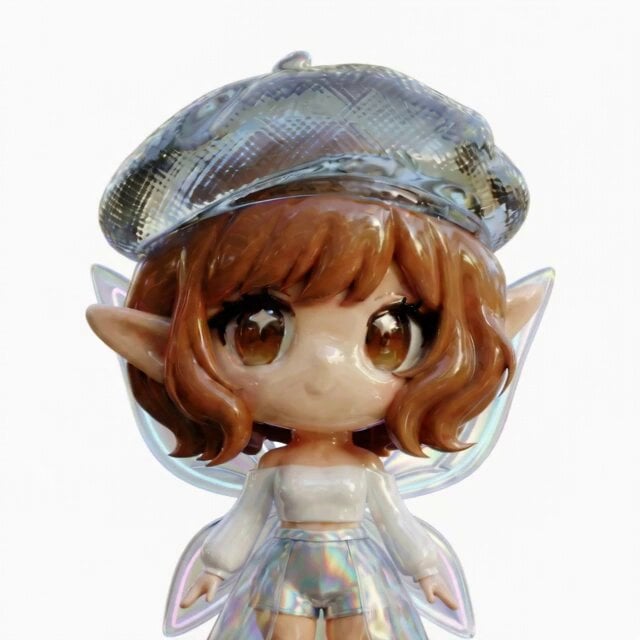
3D Glossy Fairy Animation - Seedance 2.5
Cartoon Bullfight Arena — Girl vs Bull (Seedance)
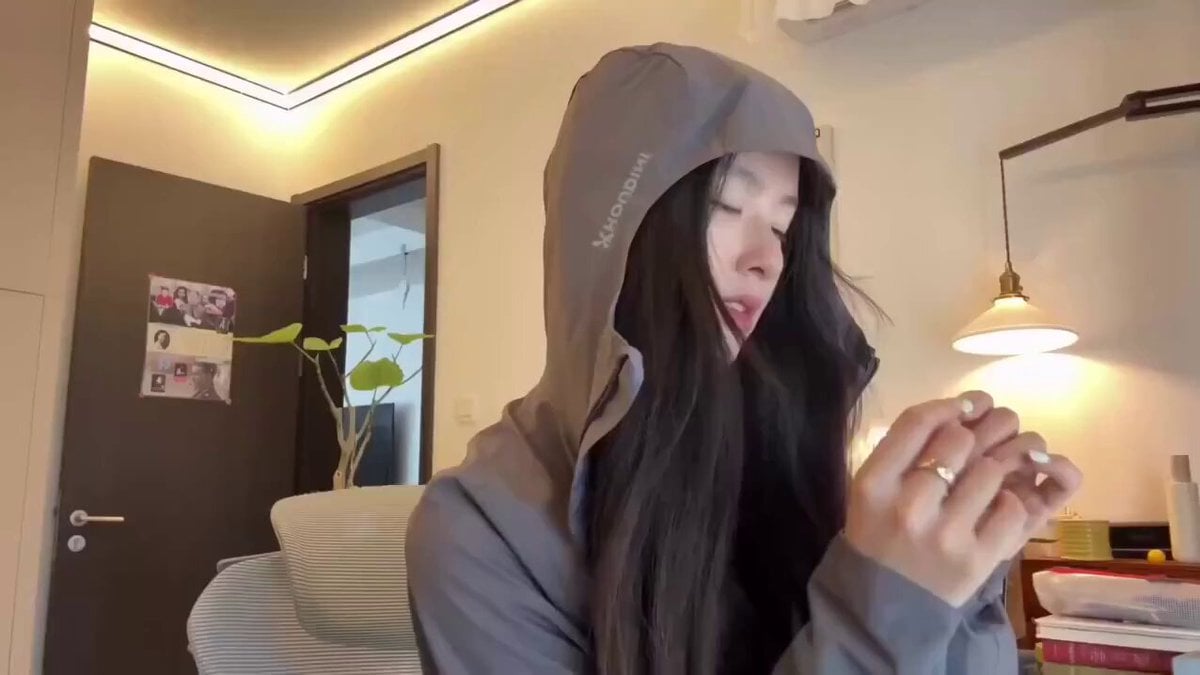
Cyberpunk Holographic Dance Performance - Seedance 2.5

Pulsing Heart Animation with Disappearing Character

MiniMax H3 Character Introduction

Silk Road Pomegranate Folk Animation
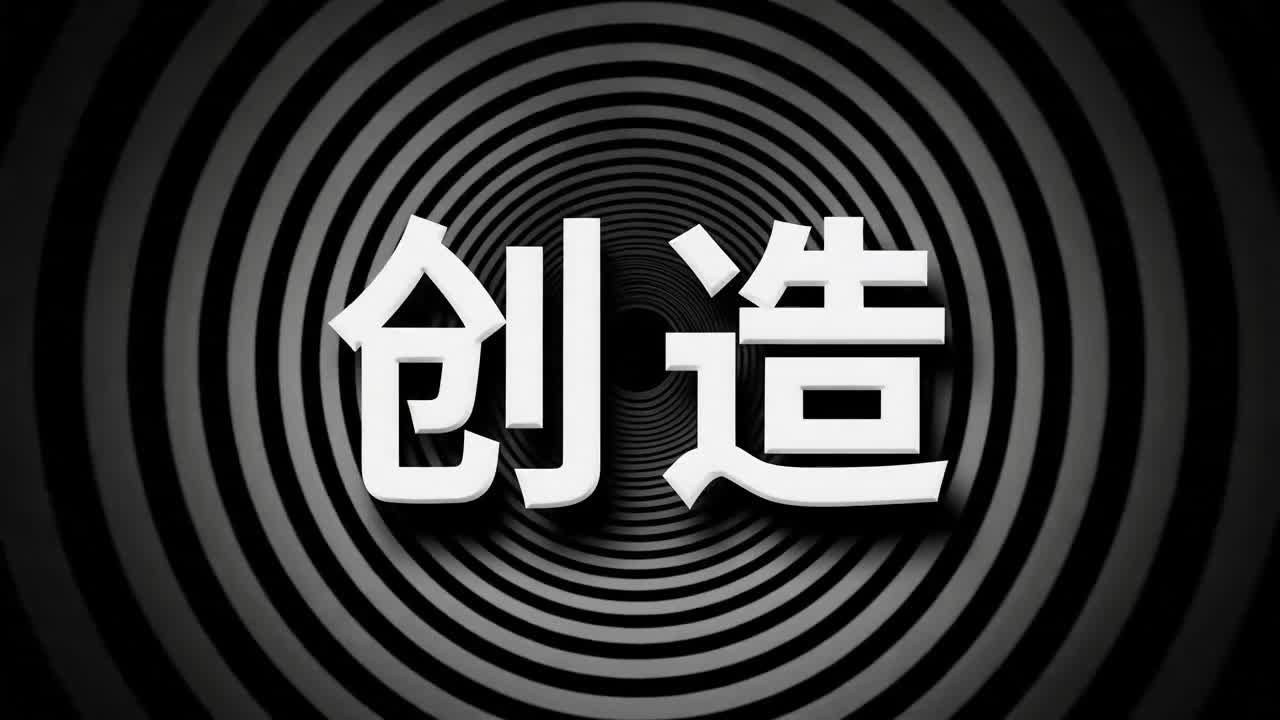
Multilingual Creative Typography Loop
Early-2000s Trainee Flashback Film
Japanese Pure Love Short Film

Luxury Airport Travel Vlog
90s Retro Anime Shell Tower Animation
Anime Style TikTok Dance
Make it yours
Anime Character Heart Dance Animation works as-is. These are the safest ways to change it without losing the look.
Change one field
Copy a single group, rewrite it, and generate again so you can see what that field is doing.
Keep the frame, change the subject
Hold the composition and light of Anime Character Heart Dance Animation, then swap wardrobe, props or the person for a new take.
| If the result… | Why | Fix |
|---|---|---|
| The result drifts from the preview | Too many fields changed at once. | Reuse Anime Character Heart Dance Animation as-is first, then change one group — subject, light, or setting. |
| The model over-stylizes the scene | The prose prompt leaves finish and camera underspecified. | Add one camera or lighting sentence and stay on Seedance 2.0. |
More Seedance 2.0 templates
Other prompts made for Seedance 2.0.

Comical Martial Arts Punch Scene

Maglev Train Action Sequence

Martial Arts Fight Sequence

Wuxia Protection and Trust Script

Vintage Korean Arcade MiniDV Vlog

Mercedes 190 SL Luxury Ad

Rainy Night Supernatural Reverse Comedy Video Script

Amazon Civilization Discovery

Futuristic South Asian City Transformation

Cozy Luxury Cafe Commercial
More video prompts
Fresh picks from across the catalog.
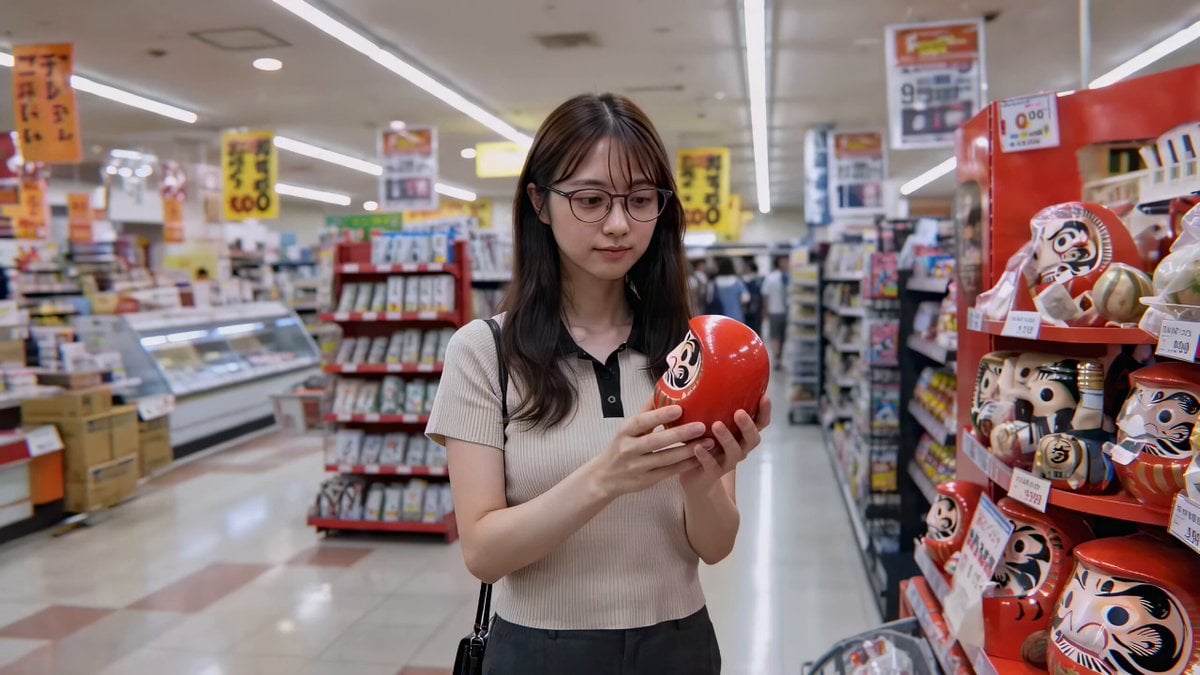
Cute Character and Daruma Doll Interaction
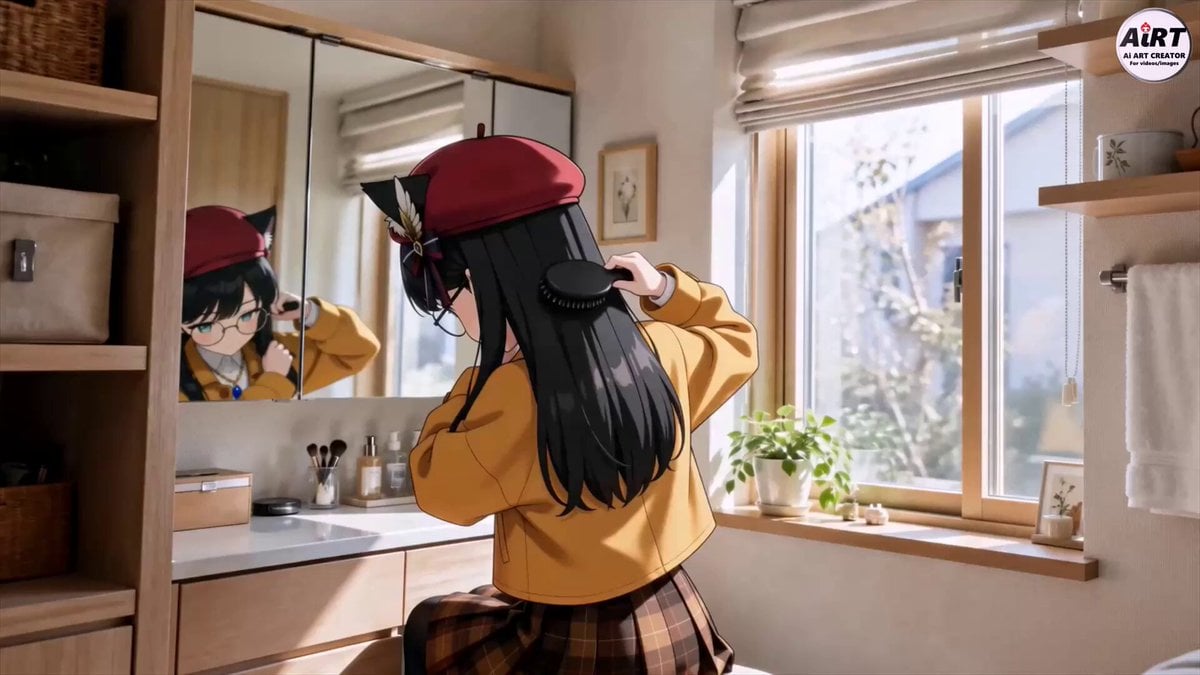
Anime character makeup routine
Training
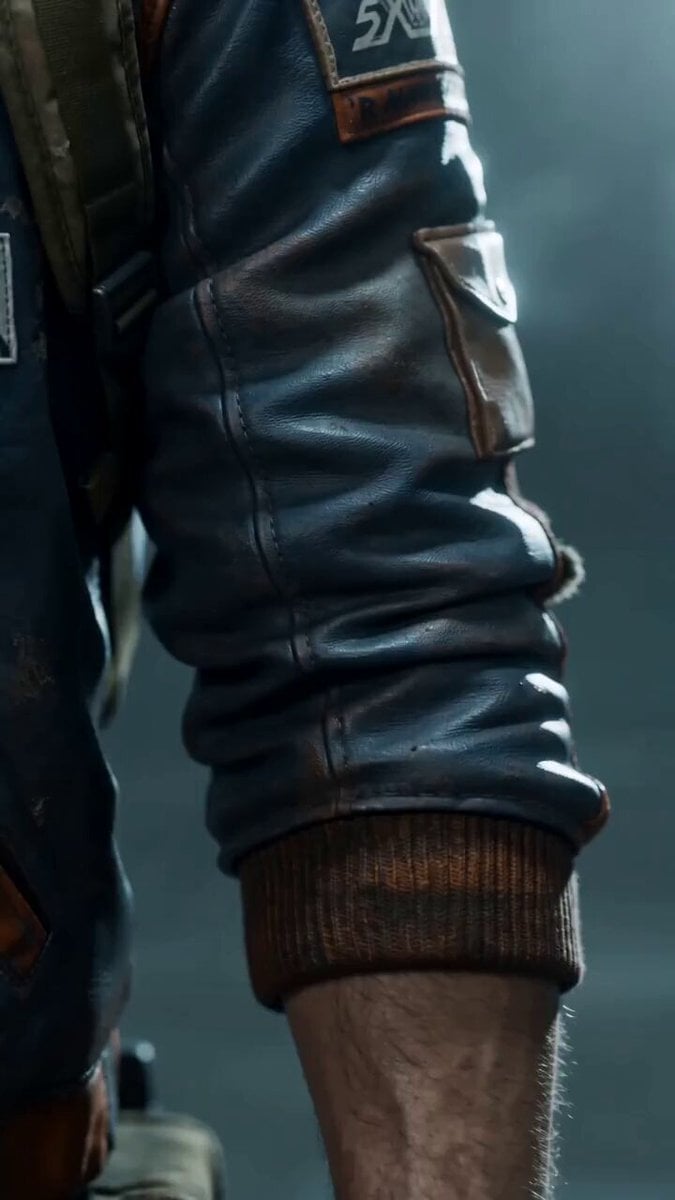
Sci-Fi Interstellar Courier Transformation Scene for Seedance 2.0

Exploding Heart Balloons with Dragons
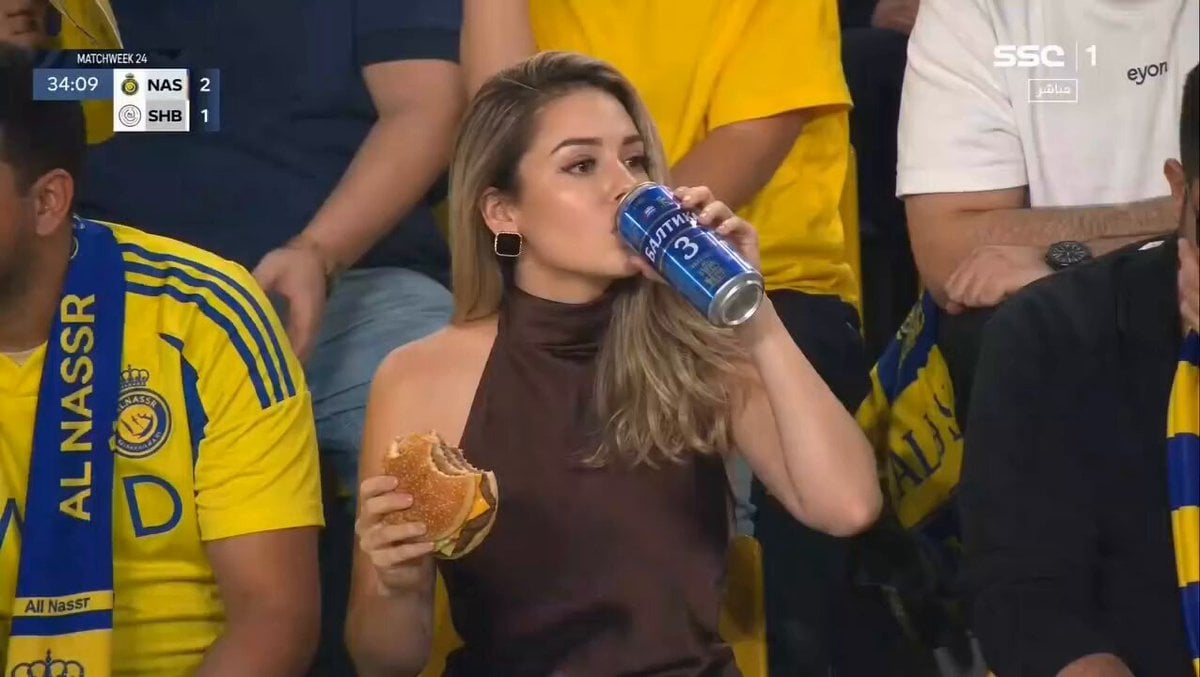
Glamorous Woman Stadium Broadcast
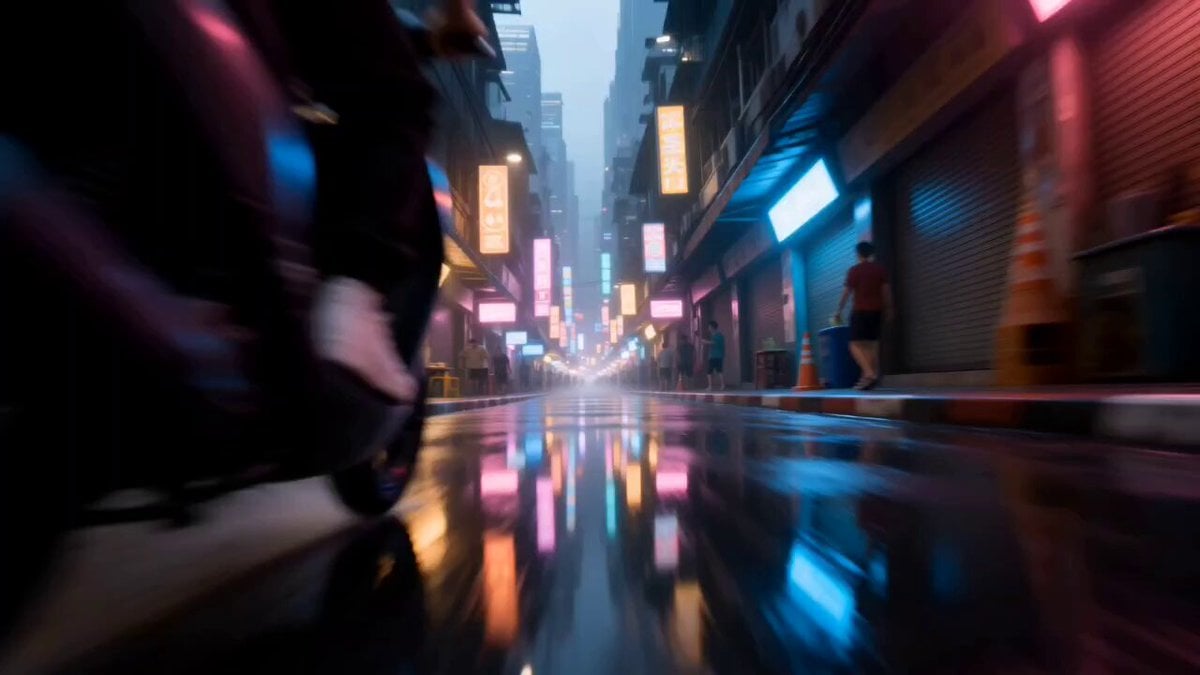
Neon Dystopian Action Sequence

NASCAR Transformer Robot Composite
Luxury Beauty Brand Success Story Film
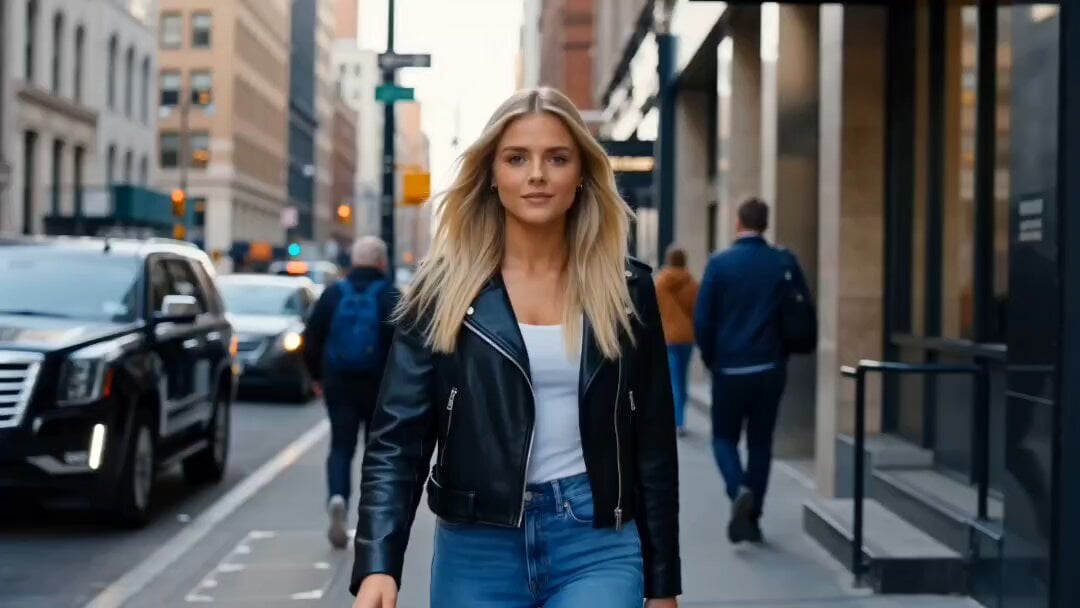
Reality-Warping Meta Cinematic Walk

Browse template categories
Anime Character Heart Dance Animation questions
How do I use the Anime Character Heart Dance Animation template?
Add your photo if the template asks for one, edit the prompt if you like — the template's model and format are already selected — and press Generate. Your version opens in PicX Studio.
Can I customize the Anime Character Heart Dance Animation template?
Yes. You can change the subject, setting, lighting, mood, format, and available model controls before creating your video.
Is the Anime Character Heart Dance Animation template free?
Opening and editing this template is free. Generating uses credits, shown on the Generate button when you are signed in.
Which AI model should I use?
Start with Seedance 2.0, which is the model associated with this template. You can compare another compatible model for a different finish.
Looking for something else? Browse all templates.

Your photo, any look
Thousands of ready templates for every top image and video model, from one credit balance.