
Anime character makeup routine
A highly detailed multi-scene prompt for Seedance 2.0 that describes an anime character performing a makeup routine.
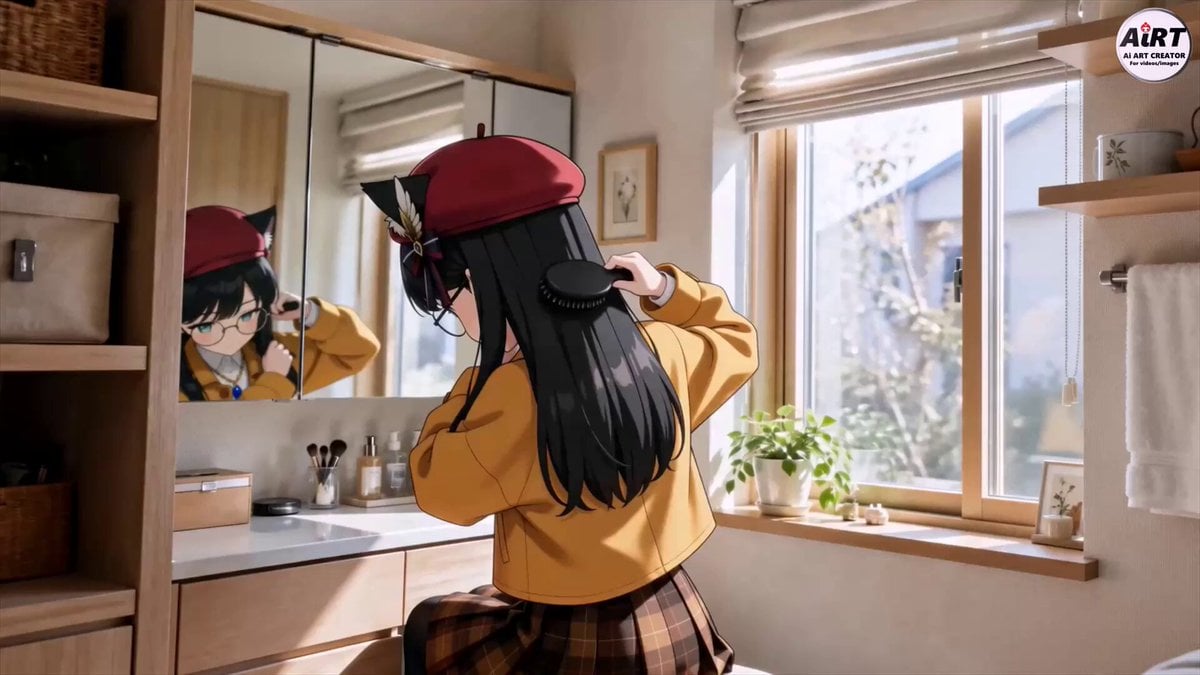
- Prompt included
- Model and format preset
- Free template
The prompt behind this video
Copy the exact prompt behind Anime character makeup routine, or open it in the studio and make it yours.
”化粧台” に座って鏡の前で”女の子”が化粧をしているシーン。明るく朝日が差し込む室内、可愛らしい化粧品が並んでいる。 ”女の子”は2Dアニメ調の絵柄を維持し、それ以外は全て実写とする。 1) ”女の子”はブラシを使って髪の毛を整えている。鼻歌を歌っている。 2) ”女の子”は化粧品棚から口紅を取り出すと、ふたを開けて口紅を出す。淡いピンク色の口紅が見えると image1 はにっこり微笑む。 3)鏡に向かって”女の子”は口紅を自分の口に細く薄く塗る。再び鼻歌を歌い始める。 4)”女の子”は口紅を塗り終わった後、鏡で自分の唇を見る。ほんのり明るいピンク色に塗られた唇を見て「うん、よし!」と言う。 5)”女の子”は鏡を見ている後ろ姿からカメラの方を振り返って見る。「どう、きれい?」といたずらっぽい表情でカメラに問いかけるように話をする。
How to use Anime character makeup routine in 3 steps
- 1
Open
The prompt is already in the box next to the preview, with the template's model and format selected.
- 2…a portrait of your subject in softgolden-hour light, 85mm…
Personalize
Edit the subject and creative details for your destination.
- 3Generate
Generate
Press Generate — your video is created in PicX Studio, so you can compare it with the original and refine one variable at a time.
More like this
Templates with the same subject, style or setup. Open one to see its prompt.
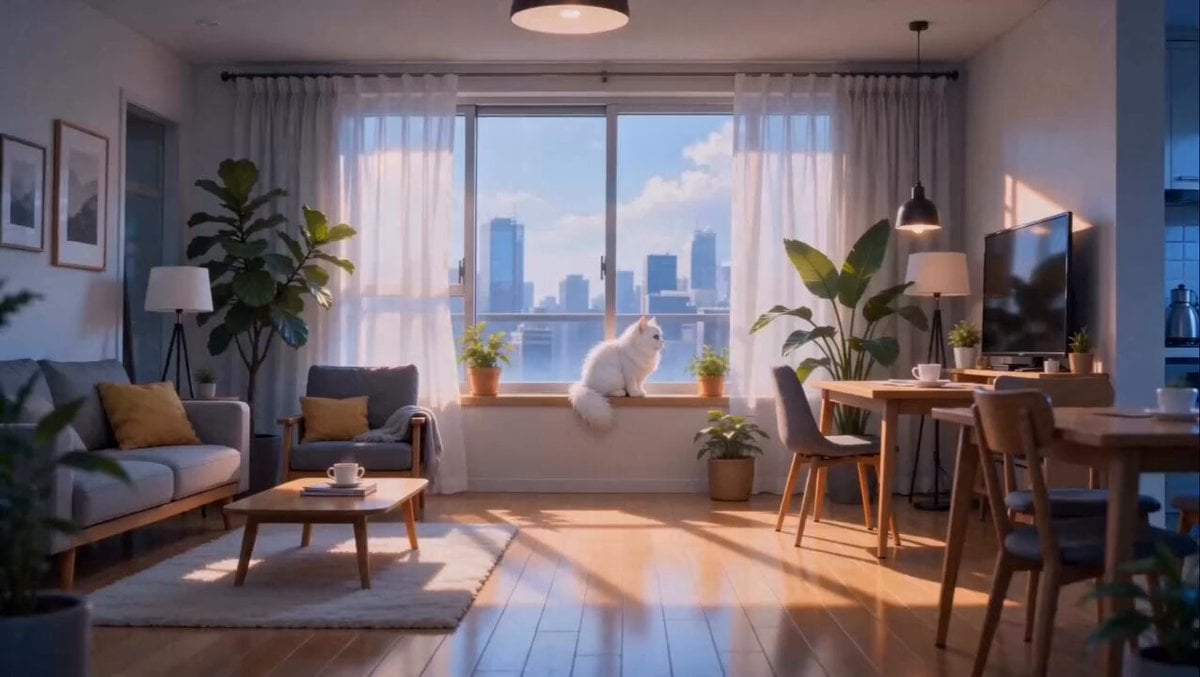
Anime Fluffy Cat Morning Routine

Realistic Morning Routine Lifestyle Vlog - Seedance 2.5

MiniMax H3 Character Introduction

Japanese Pure Love Short Film

Studio Ghibli Dumpling Kitchen Cooking Scene
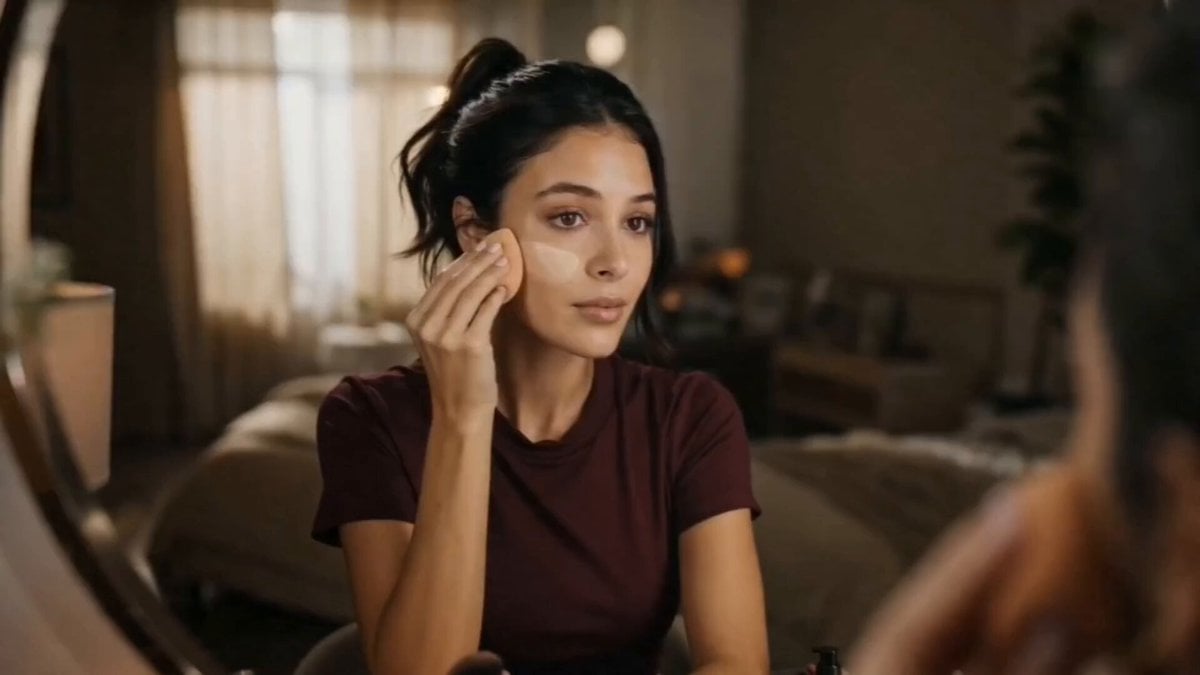
Cinematic Morning Makeup Routine
Mecha Transformation vs Kaiju — 4-Scene Epic
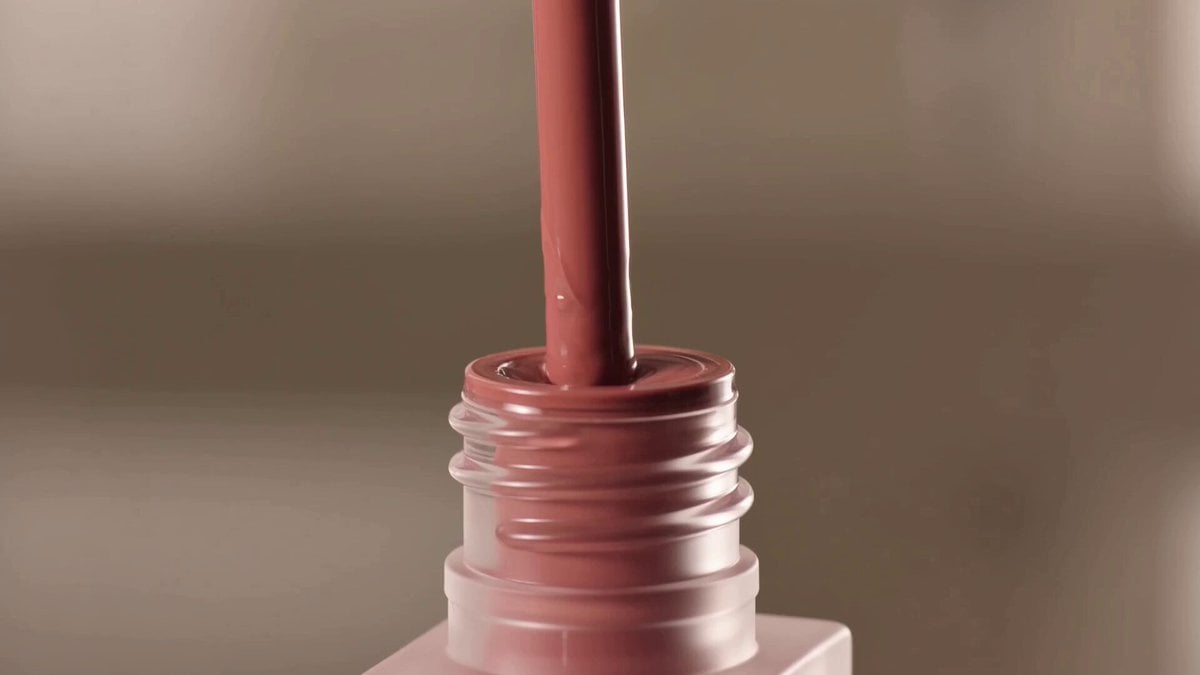
Expensive Makeup Product Promo Videos
Morning Routine Lifestyle Vlog
Pixar Style Beauty Routine Animation
Morning Routine Vlog Aesthetic
Everyday Morning Routine Bathroom Vlog
Make it yours
Anime character makeup routine works as-is. These are the safest ways to change it without losing the look.
Change one field
Copy a single group, rewrite it, and generate again so you can see what that field is doing.
Keep the frame, change the subject
Hold the composition and light of Anime character makeup routine, then swap wardrobe, props or the person for a new take.
| If the result… | Why | Fix |
|---|---|---|
| The result drifts from the preview | Too many fields changed at once. | Reuse Anime character makeup routine as-is first, then change one group — subject, light, or setting. |
| The model over-stylizes the scene | The prose prompt leaves finish and camera underspecified. | Add one camera or lighting sentence and stay on Seedance 2.0. |
More Seedance 2.0 templates
Other prompts made for Seedance 2.0.

Comical Martial Arts Punch Scene

Maglev Train Action Sequence

Martial Arts Fight Sequence

Wuxia Protection and Trust Script

Vintage Korean Arcade MiniDV Vlog

Mercedes 190 SL Luxury Ad

Rainy Night Supernatural Reverse Comedy Video Script

Amazon Civilization Discovery

Futuristic South Asian City Transformation

Cozy Luxury Cafe Commercial
More video prompts
Fresh picks from across the catalog.
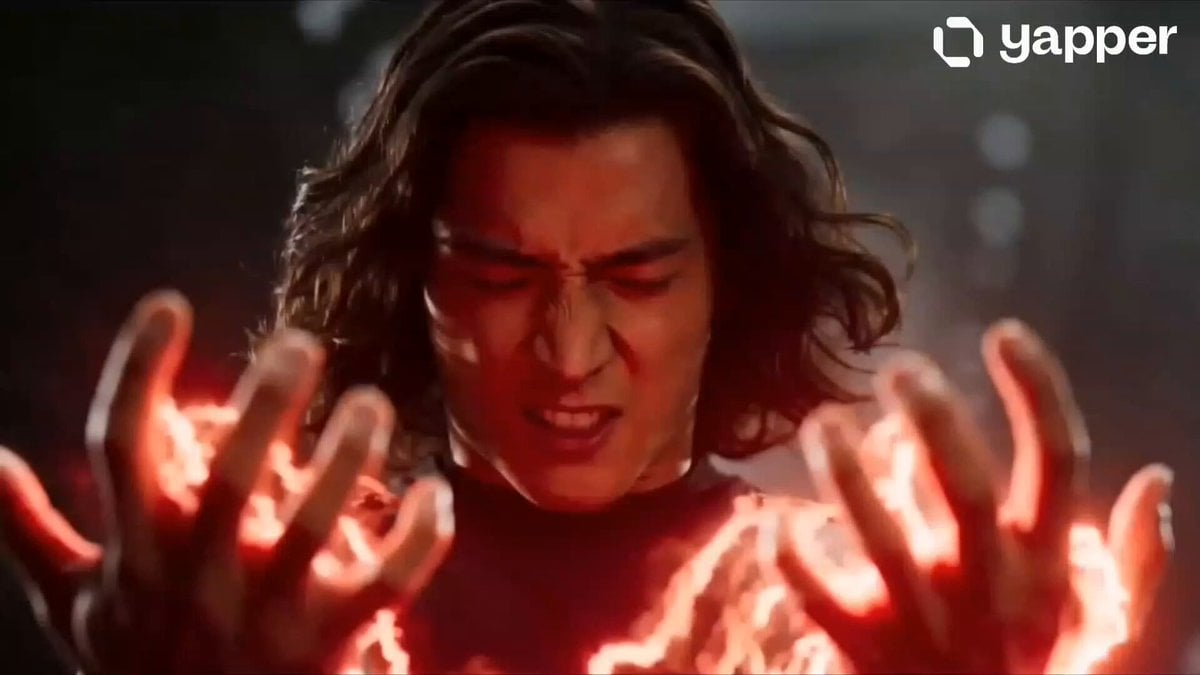
Mecha Exoskeleton Assembly Sequence
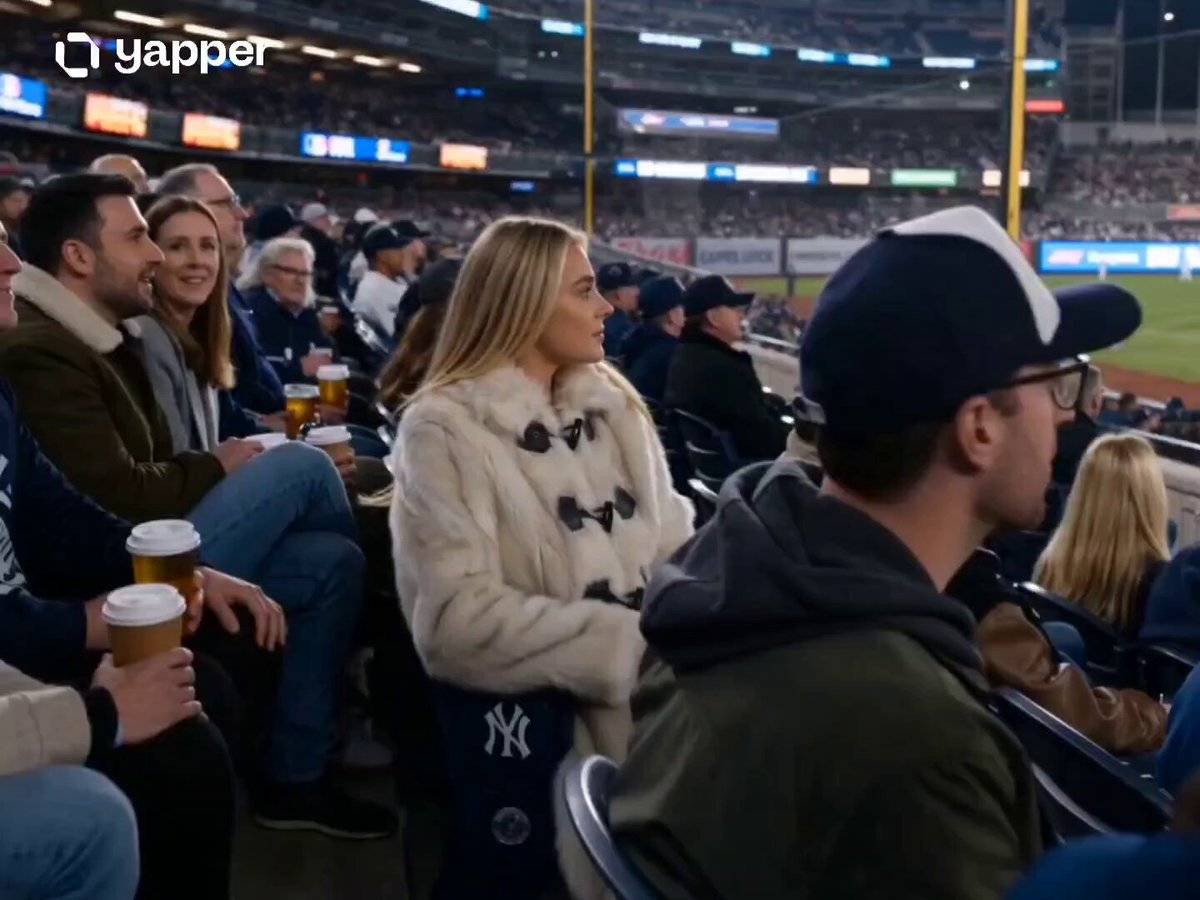
Nighttime Baseball Stadium Glamour Shot
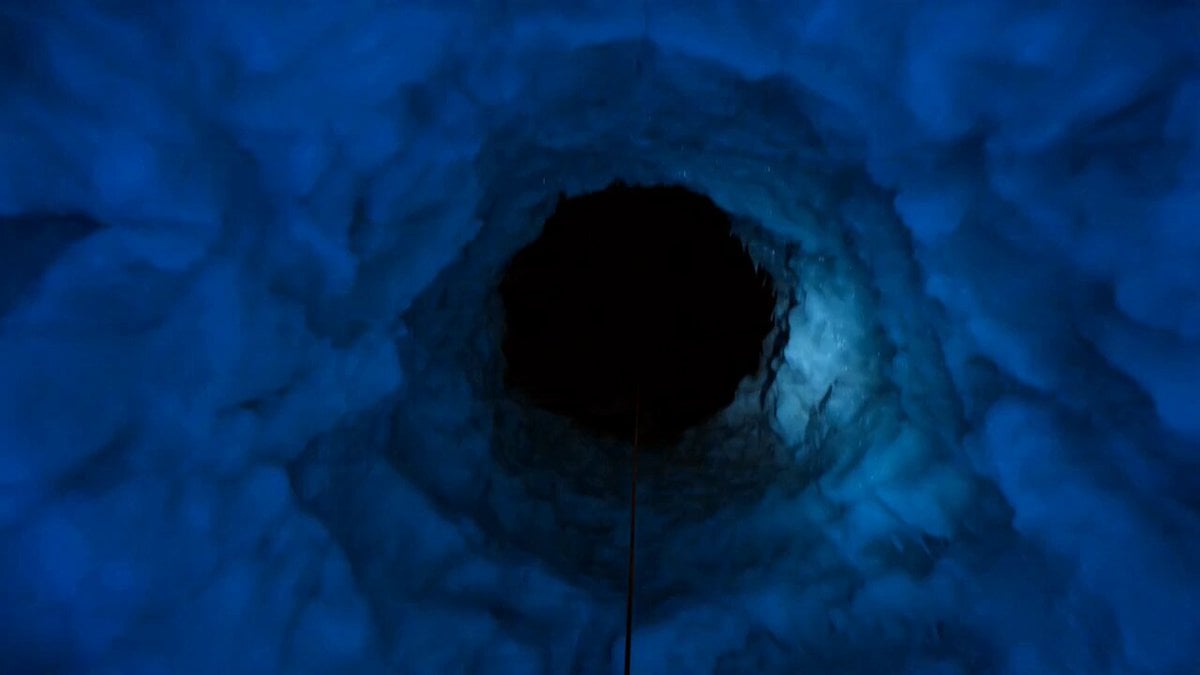
Ice Cave Explorer Sequence
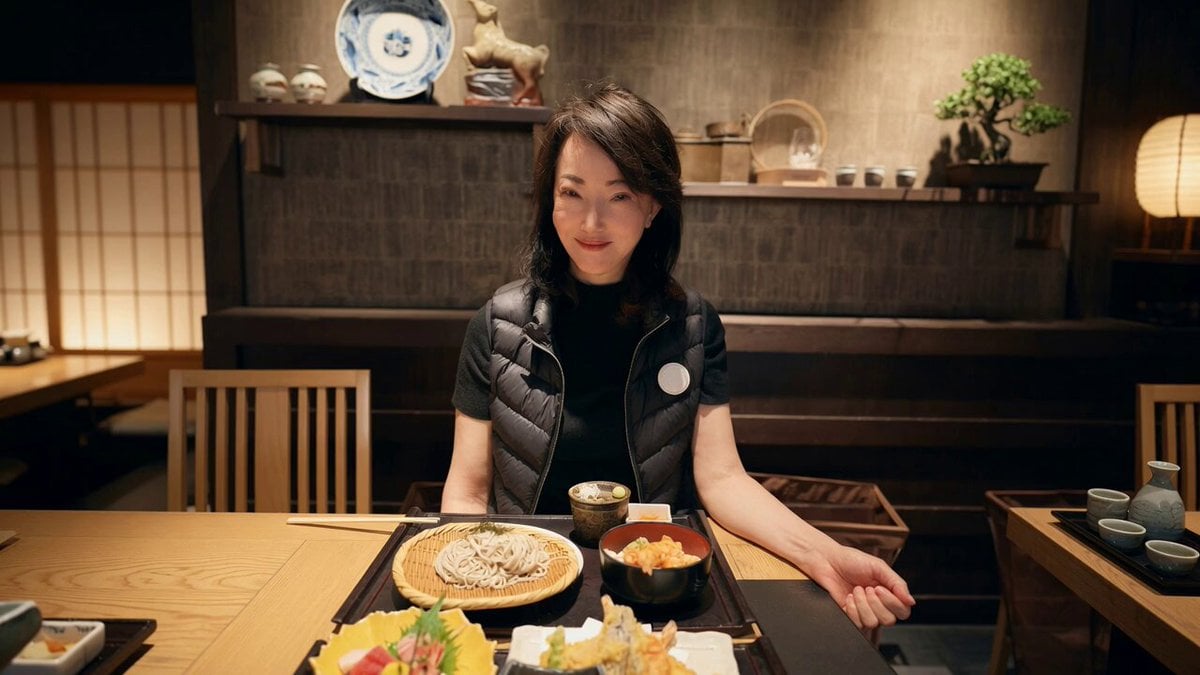
Cinematic Dolly-in to Japanese Table Spread
Cinematic Rally Car Scene
Luxury Perfume Drone Shot Advertisement Prompt
Gritty Night Alleyway Getaway Car
Elemental Battle Short Film Prompt (Fire vs. Ice)

Kraken attacks a pirate ship
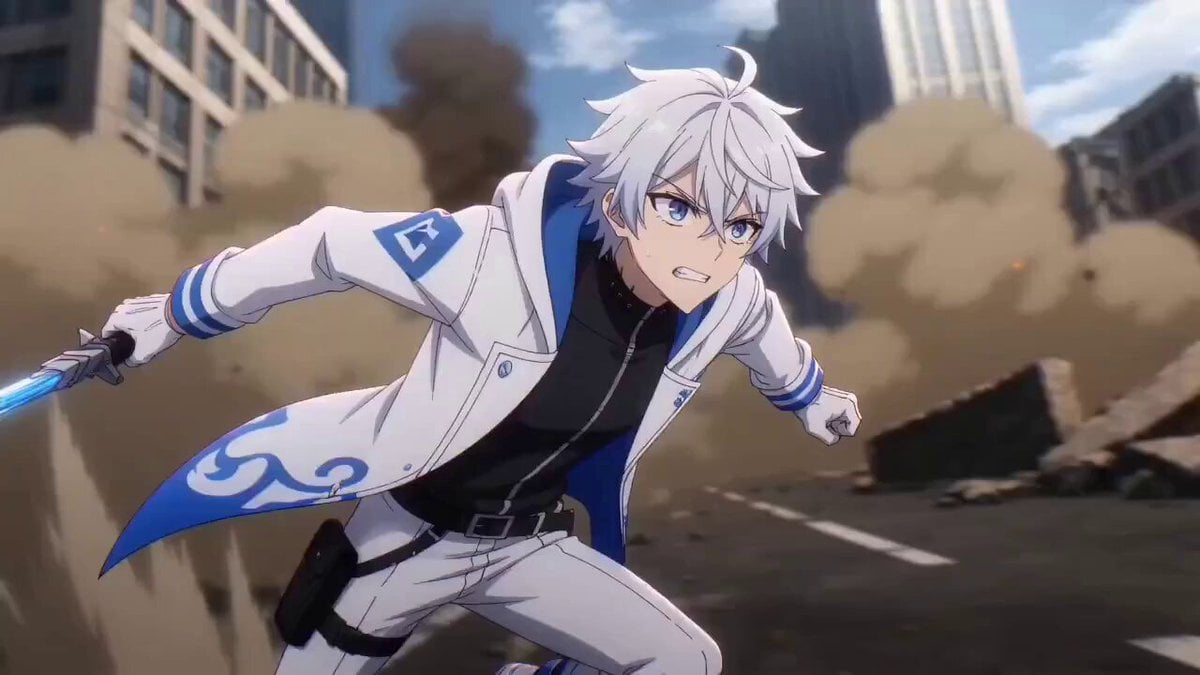
JSON Prompt for Modern Anime Sakuga Fight Sequence
Browse template categories
Anime character makeup routine questions
How do I use the Anime character makeup routine template?
Add your photo if the template asks for one, edit the prompt if you like — the template's model and format are already selected — and press Generate. Your version opens in PicX Studio.
Can I customize the Anime character makeup routine template?
Yes. You can change the subject, setting, lighting, mood, format, and available model controls before creating your video.
Is the Anime character makeup routine template free?
Opening and editing this template is free. Generating uses credits, shown on the Generate button when you are signed in.
Which AI model should I use?
Start with Seedance 2.0, which is the model associated with this template. You can compare another compatible model for a different finish.
Looking for something else? Browse all templates.

Your photo, any look
Thousands of ready templates for every top image and video model, from one credit balance.