
JSON Prompt for Modern Anime Sakuga Fight Sequence
A highly detailed JSON-formatted prompt for Seedance 2.0, designed to generate a professional, high-quality modern anime sakuga fight sequence.
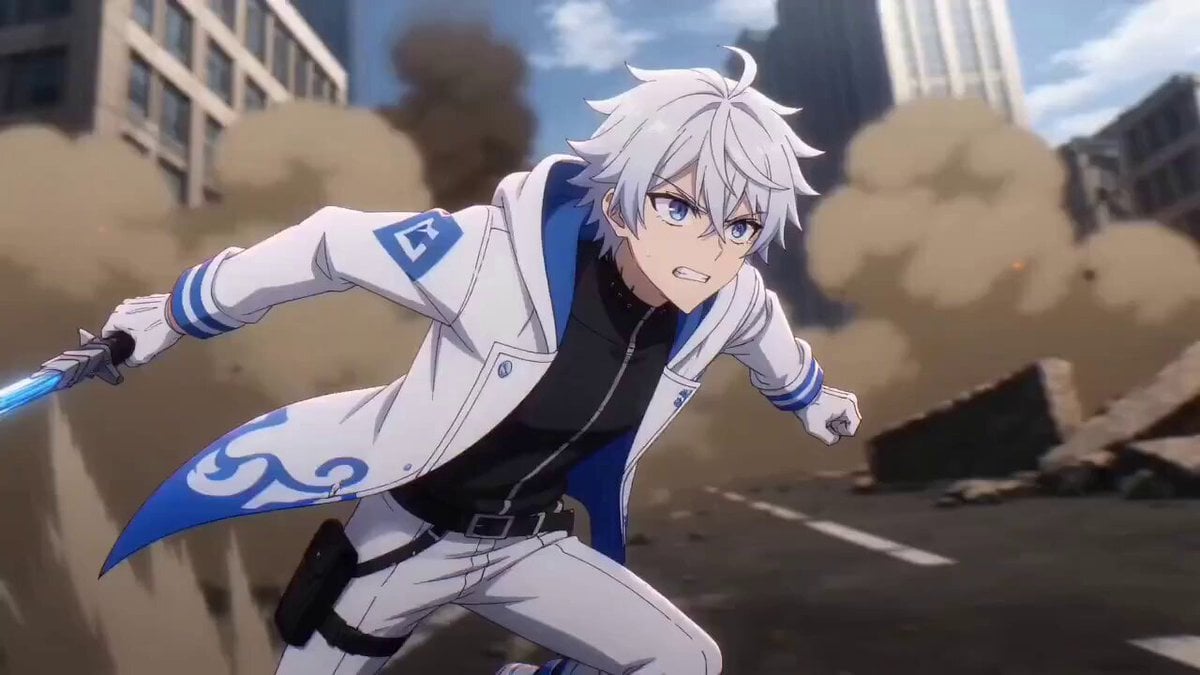
- Prompt included
- Model and format preset
- Free template
The prompt behind this video
Copy the exact prompt behind JSON Prompt for Modern Anime Sakuga Fight Sequence, or open it in the studio and make it yours.
{ "title": "Modern Anime Sakuga Fight Sequence", "format": "text-to-video prompt", "language": "en", "genre": "anime action fight", "style": { "animation_style": "high-quality modern anime sakuga", "aesthetic": "modern anime", "finish": "fully finished professional production quality", "painting": "professional anime painting", "lighting": "cinematic anime lighting", "shadows": "fully rendered shadows with polished depth and contrast", "resolution": "maximum resolution" }, "motion_quality": { "fluidity": "extremely fluid and expertly animated", "sakuga_features": [ "significant background movement", "strong smear frames", "dynamic in-between animation", "high-impact motion accents", "expressive timing variation" ], "body_focus": [ "faces", "eyes", "hair", "fabrics", "arms", "legs" ], "animation_priority": "all character motion must feel alive, responsive, weighty, and continuous" }, "fight_design": { "core_description": "an anime fight with unique, well-executed choreography", "choreography": [ "multiple exchanges", "creative attack and defense flow", "clear impact beats", "distinct motion arcs", "cinematic combat rhythm" ], "shot_structure": [ "multiple cuts", "various camera angles", "close-ups on expressions and eyes", "dynamic medium shots for combat clarity", "wide shots for full choreography visibility", "fast motion perspective shots" ] }, "camera": { "style": "dynamic anime cinematography", "angles": [ "low-angle hero shots", "high-angle impact shots", "close-up reaction shots", "tracking shots during movement", "wide shots during major combat beats", "rotating action shots where appropriate" ], "editing": "sharp, exciting anime action editing with strong visual rhythm" }, "character_animation": { "face": "highly expressive anime facial animation", "eyes": "detailed eye animation with emotional intensity and sharp focus", "hair": "fluid hair animation reacting naturally to motion, force, and speed", "fabric": "cloth and costume movement must be dynamic and physically responsive", "limbs": "arms and legs must be anatomically clear, fast, and expertly animated during combat" }, "backgrounds": { "movement": "backgrounds must have substantial animated motion and visual energy", "integration": "background movement should enhance speed, scale, and impact without reducing combat readability", "quality": "fully painted and polished anime backgrounds" }, "dialogue": { "rule": "if any dialogue is present, it must be in English only" }, "visual_keywords": [ "sakuga", "modern anime", "fluid fight choreography", "smear frames", "dynamic camera angles", "high-detail fac" }
How to use JSON Prompt for Modern Anime Sakuga Fight Sequence in 3 steps
- 1
Open
The prompt is already in the box next to the preview, with the template's model and format selected.
- 2…a portrait of your subject in softgolden-hour light, 85mm…
Personalize
Edit the subject and creative details for your destination.
- 3Generate
Generate
Press Generate — your video is created in PicX Studio, so you can compare it with the original and refine one variable at a time.
More like this
Templates with the same subject, style or setup. Open one to see its prompt.
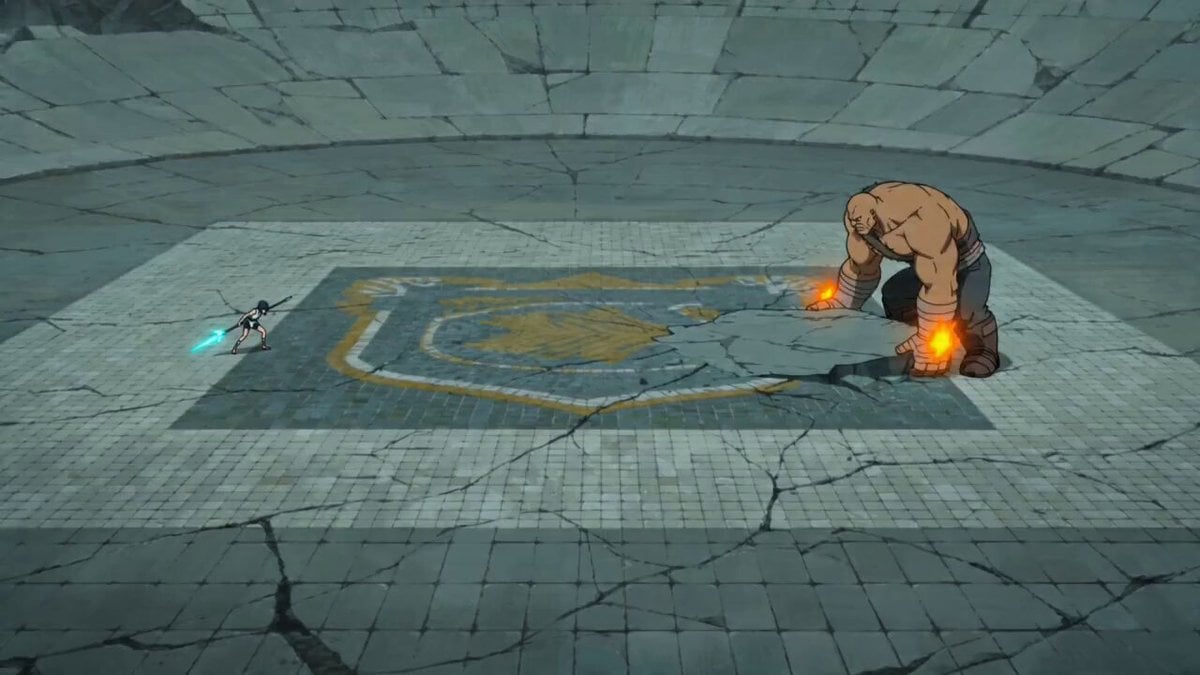
Sakuga Style Anime Arena Fight
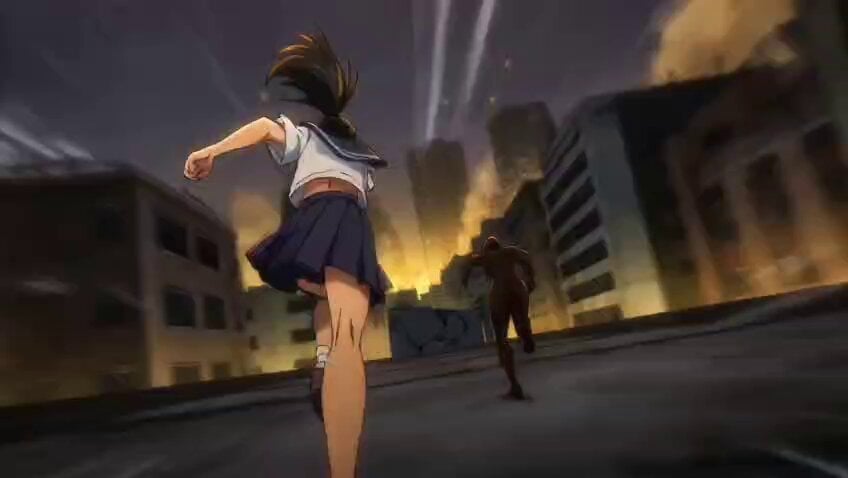
Anime Sakuga Fight Scene Prompt 1

Martial Arts Fight Sequence
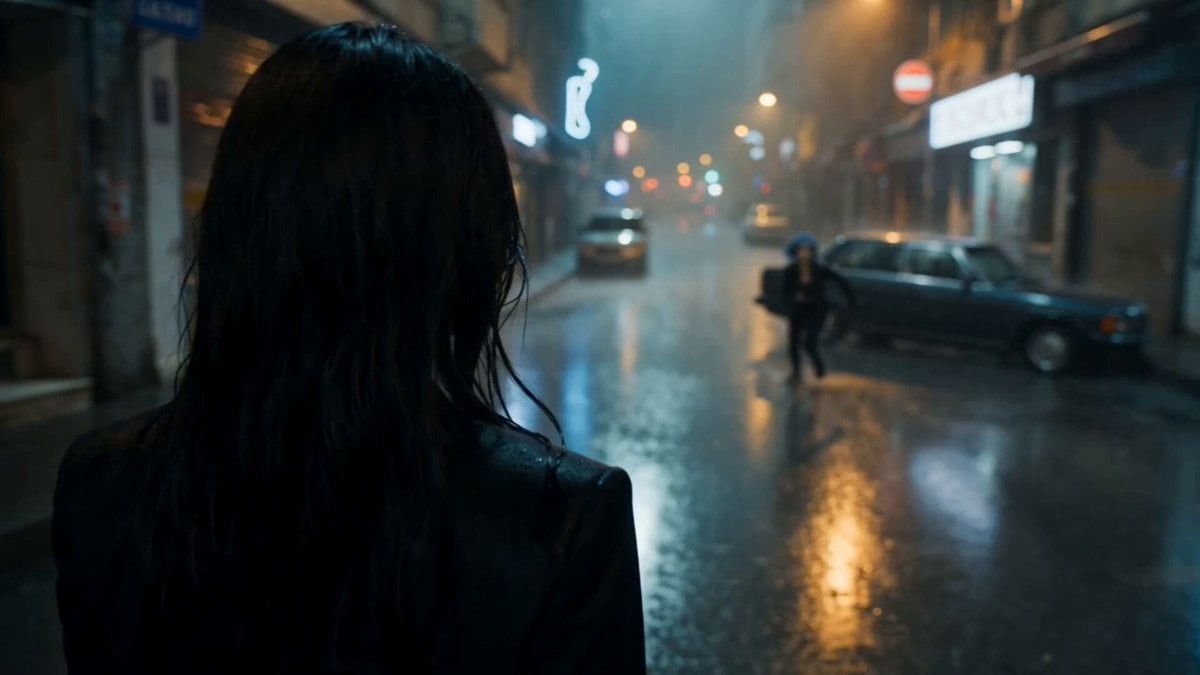
Cinematic Istanbul Night Fight - Seedance 2.5
Viking in Modern America Comedy - Seedance 2.5
Supernatural Sakuga Anime Combat
Modern Fighter Jet Dogfight
Modern Warfare Action Trailer JSON
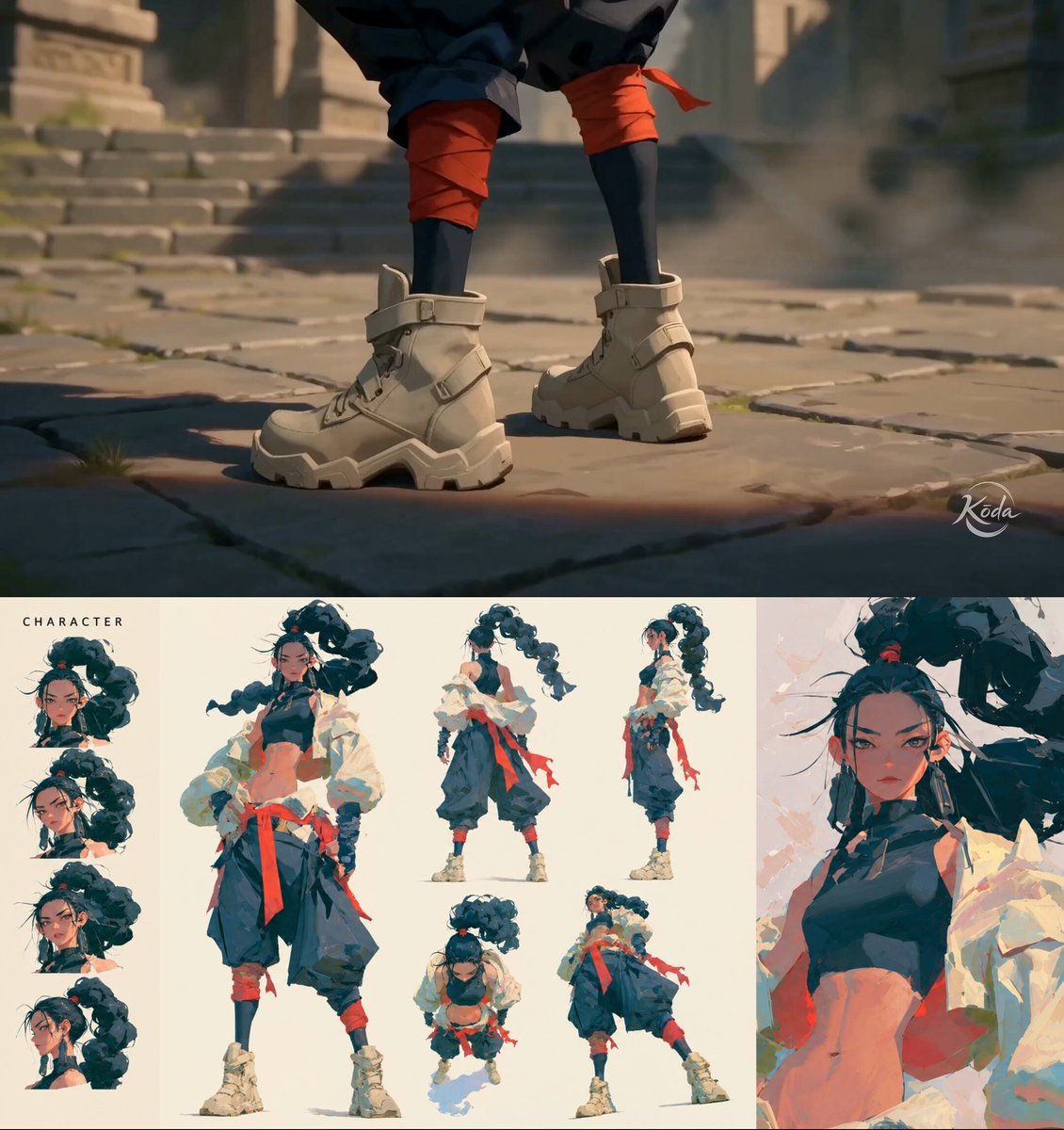
MiniMax H3 Character Introduction
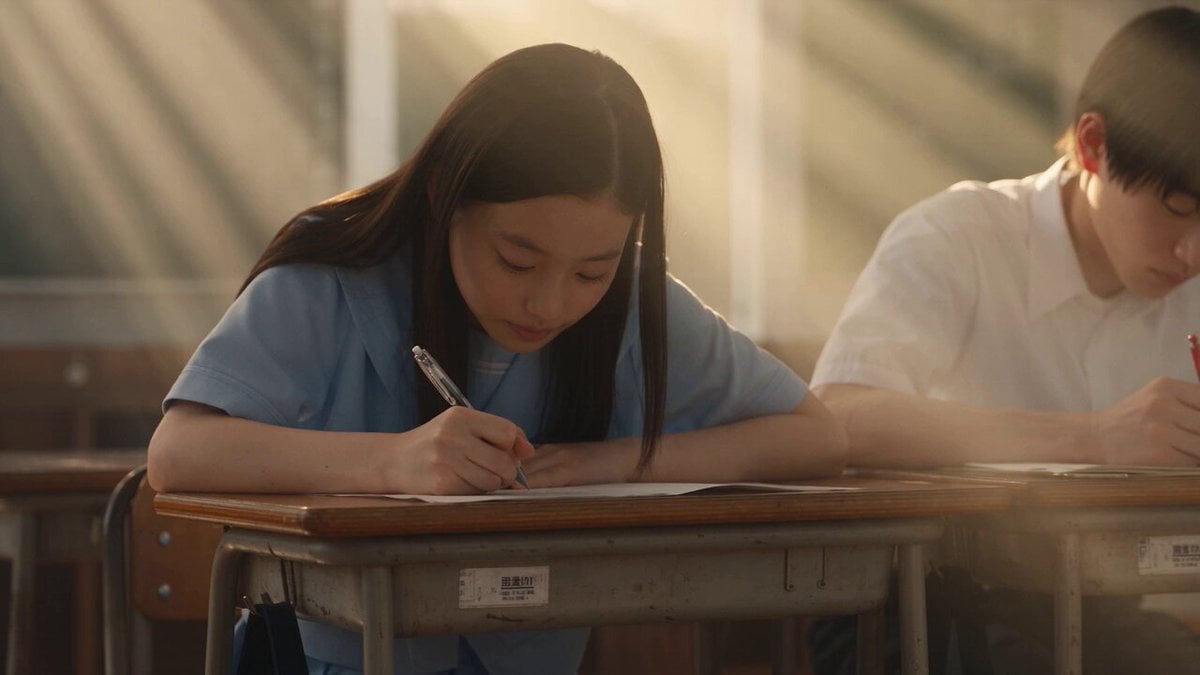
Japanese Pure Love Short Film
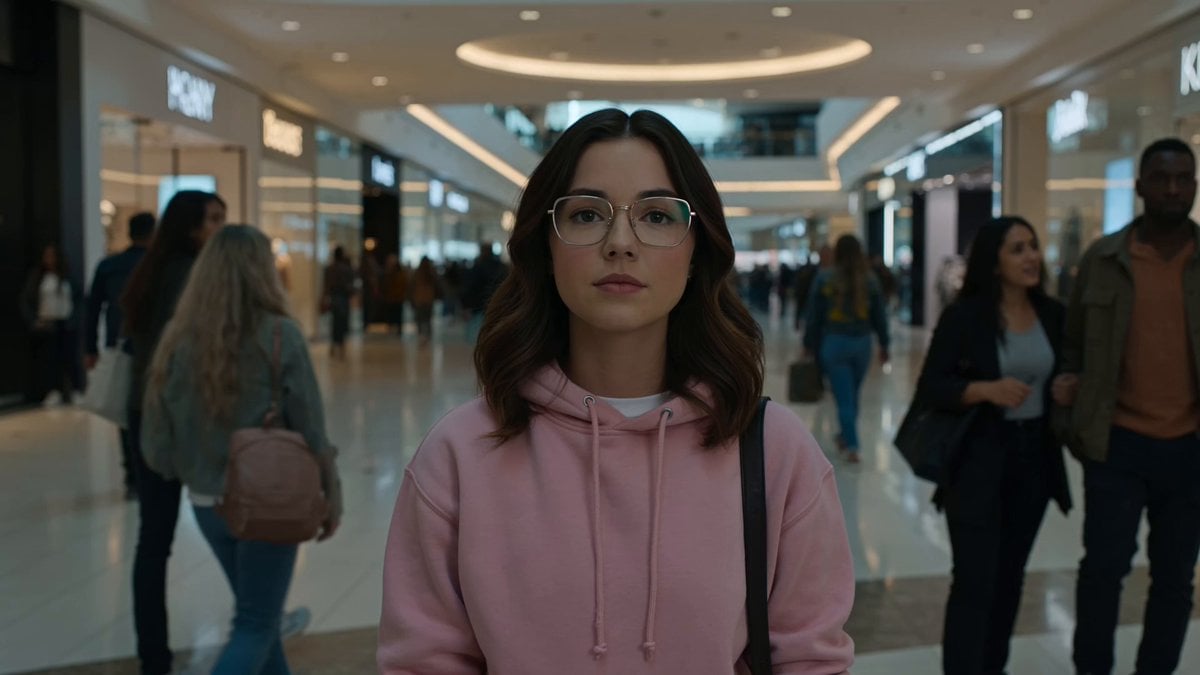
Cinematic Anime Battle in Modern Mall
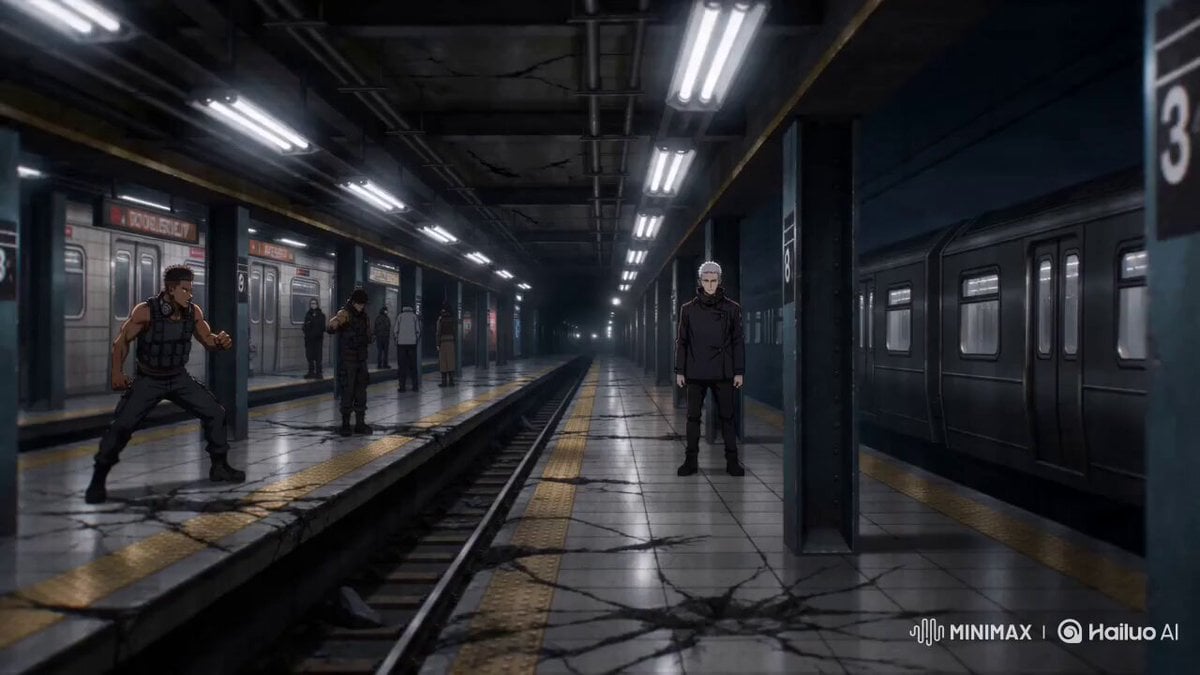
Sakuga Anime Subway Duel
Make it yours
JSON Prompt for Modern Anime Sakuga Fight Sequence works as-is. These are the safest ways to change it without losing the look.
Change one field
Copy a single group, rewrite it, and generate again so you can see what that field is doing.
Keep the frame, change the subject
Hold the composition and light of JSON Prompt for Modern Anime Sakuga Fight Sequence, then swap wardrobe, props or the person for a new take.
| If the result… | Why | Fix |
|---|---|---|
| The result drifts from the preview | Too many fields changed at once. | Reuse JSON Prompt for Modern Anime Sakuga Fight Sequence as-is first, then change one group — subject, light, or setting. |
| The model over-stylizes the scene | The prose prompt leaves finish and camera underspecified. | Add one camera or lighting sentence and stay on Seedance 2.0. |
More Seedance 2.0 templates
Other prompts made for Seedance 2.0.

Comical Martial Arts Punch Scene

Maglev Train Action Sequence

Wuxia Protection and Trust Script

Vintage Korean Arcade MiniDV Vlog

Mercedes 190 SL Luxury Ad

Rainy Night Supernatural Reverse Comedy Video Script

Amazon Civilization Discovery

Futuristic South Asian City Transformation

Cozy Luxury Cafe Commercial

Cyber Ronin Nanotech Transformation Video
More video prompts
Fresh picks from across the catalog.
Emoji Prompt Story for Seedance 2.0
Vibrant Purple Gluco Energy Biscuit Commercial
Ultra Realistic Art Deco Nightclub Queen Video Generation
Elderly Wizard Oil Painting
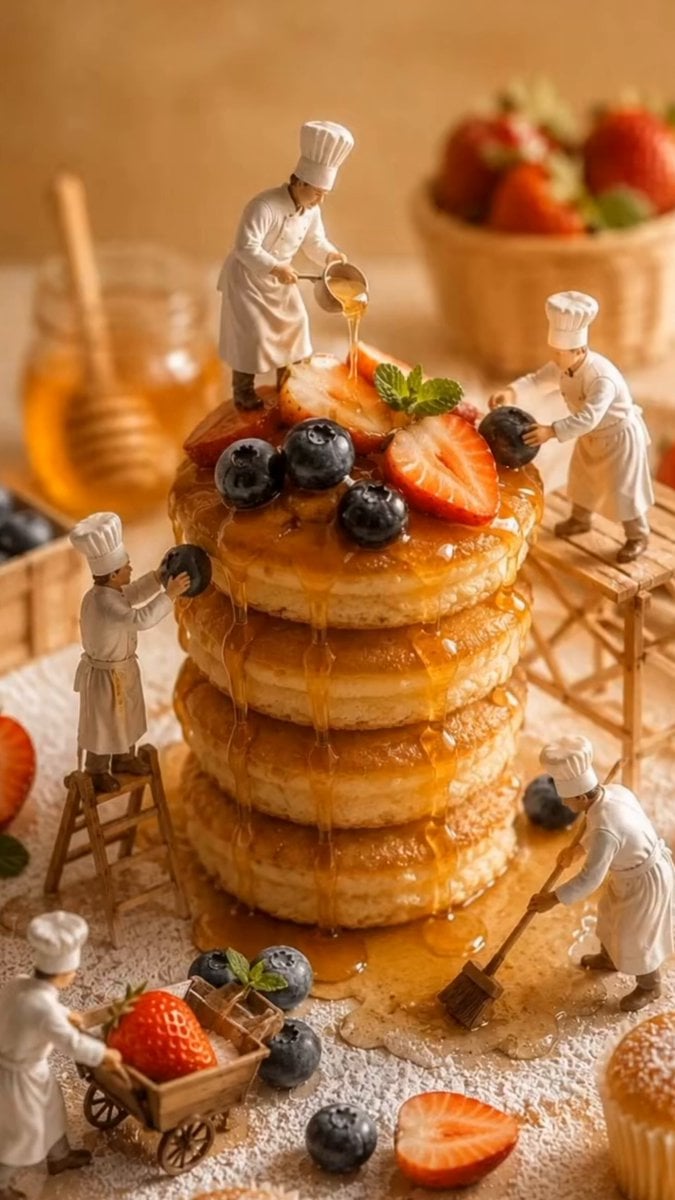
Miniature Bakery Pancake Tower
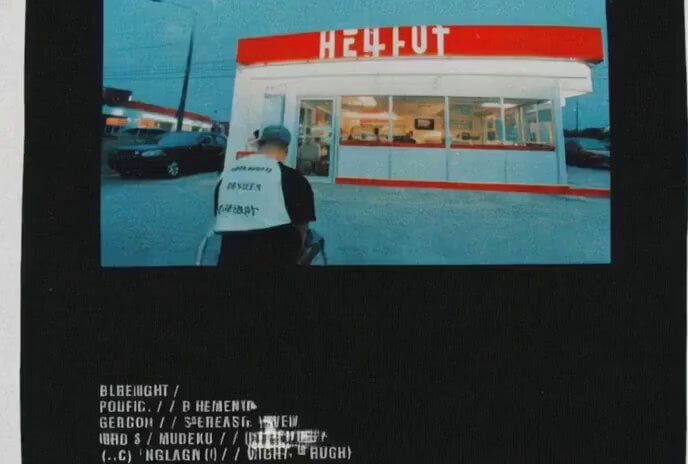
Video prompt for a convenience store devolving into another dimension
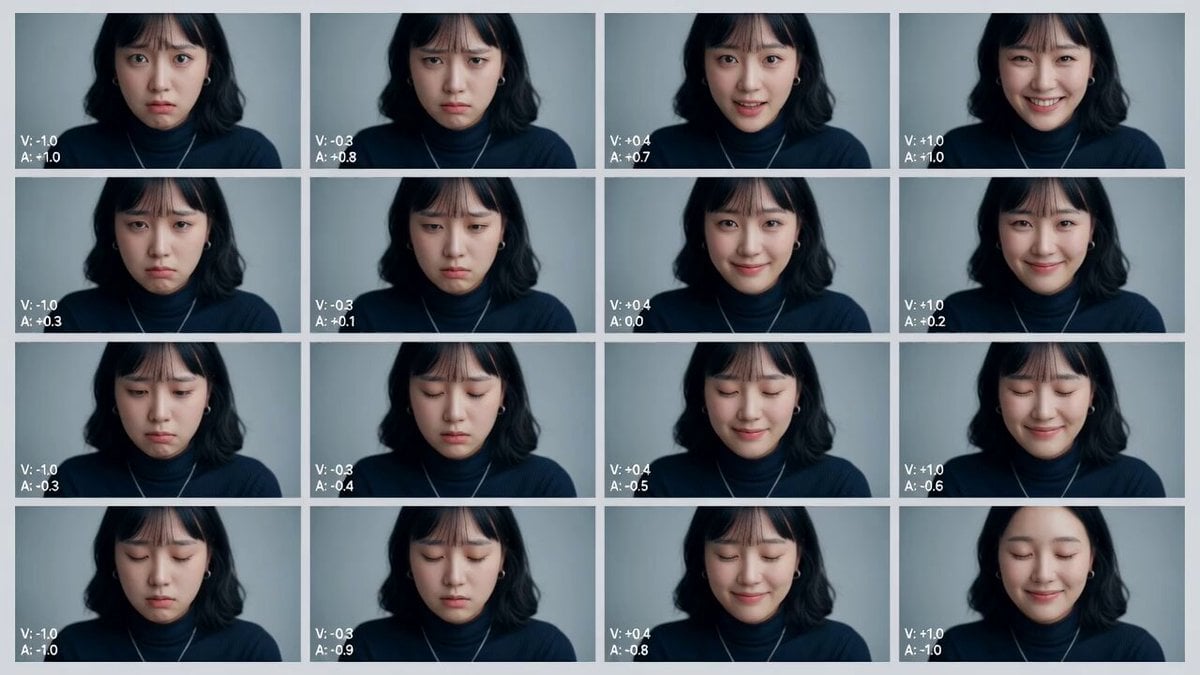
Cinematic Emotional Distress Prompt
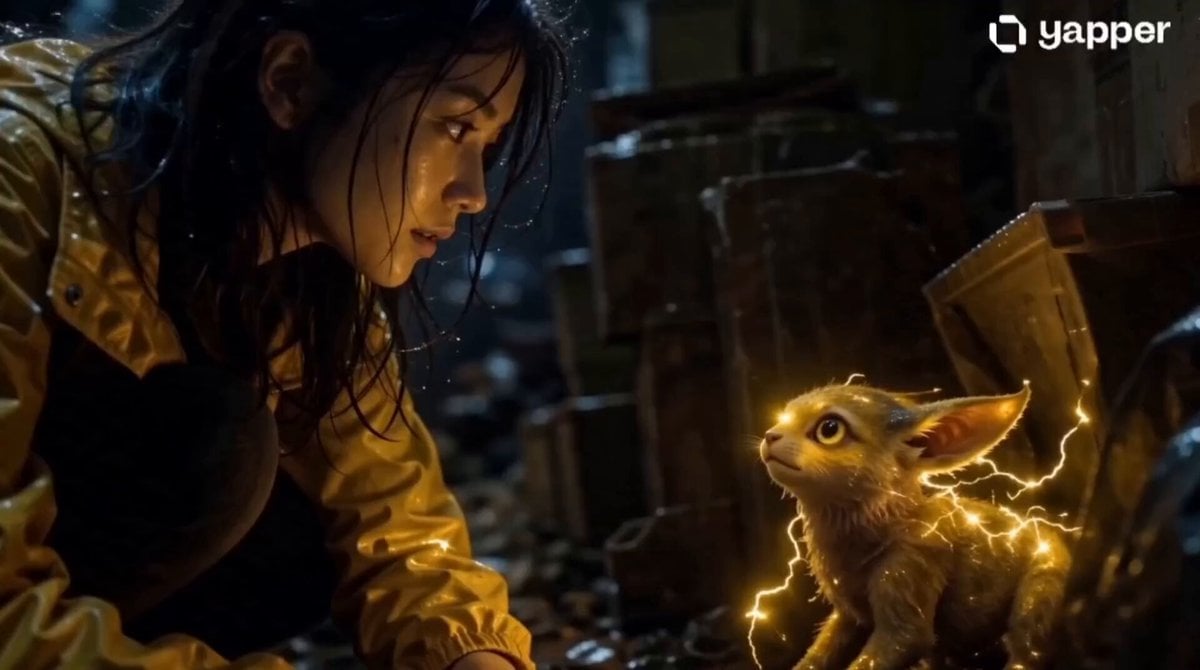
Realistic Girl and Electric Creature
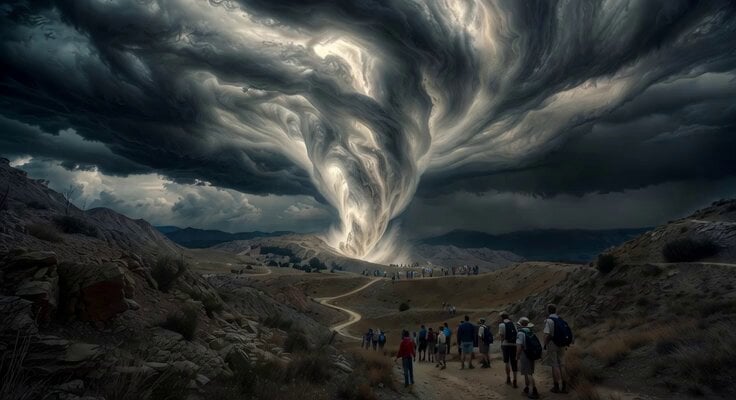
Scouts Camping Escape Plan
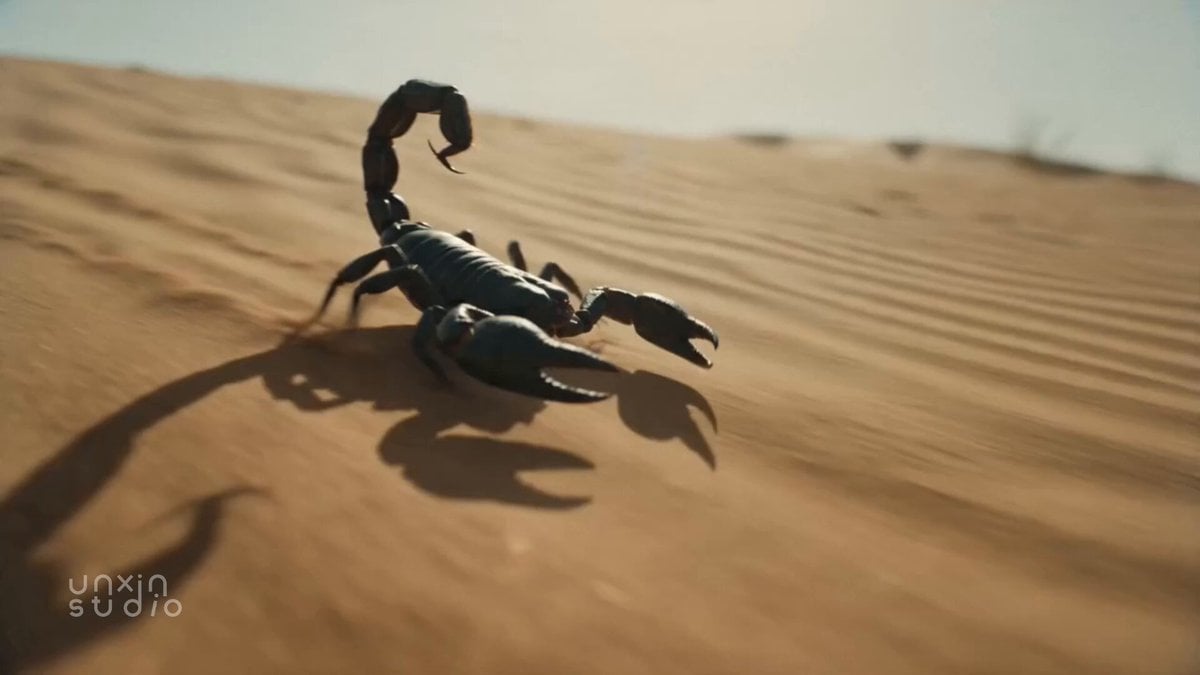
Desert Scorpion Body Horror Transformation
Browse template categories
JSON Prompt for Modern Anime Sakuga Fight Sequence questions
How do I use the JSON Prompt for Modern Anime Sakuga Fight Sequence template?
Add your photo if the template asks for one, edit the prompt if you like — the template's model and format are already selected — and press Generate. Your version opens in PicX Studio.
Can I customize the JSON Prompt for Modern Anime Sakuga Fight Sequence template?
Yes. You can change the subject, setting, lighting, mood, format, and available model controls before creating your video.
Is the JSON Prompt for Modern Anime Sakuga Fight Sequence template free?
Opening and editing this template is free. Generating uses credits, shown on the Generate button when you are signed in.
Which AI model should I use?
Start with Seedance 2.0, which is the model associated with this template. You can compare another compatible model for a different finish.
Looking for something else? Browse all templates.

Your photo, any look
Thousands of ready templates for every top image and video model, from one credit balance.