
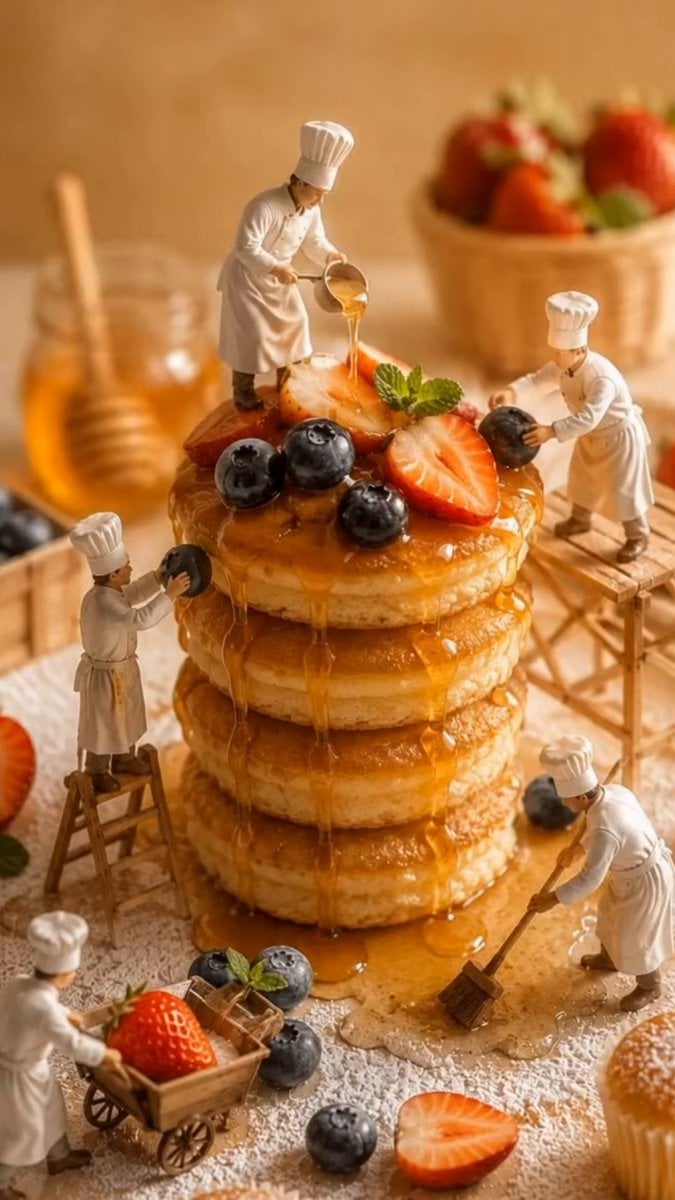
Miniature Bakery Pancake Tower
An elaborate macro video prompt describing a miniature world where tiny chefs work on a massive stack of pancakes, featuring complex continuous camera movements.
- Prompt included
- Model and format preset
- Premium template
The prompt behind this video
Copy the exact prompt behind Miniature Bakery Pancake Tower, or open it in the studio and make it yours.
A cinematic 10-second macro video inside a miniature bakery world built around a towering stack of fluffy golden pancakes covered with flowing honey, fresh strawberries, blueberries, mint leaves and powdered sugar. Tiny chefs continuously work without stopping, each performing a unique task. The camera movement is one continuous shot with no jump cuts or abrupt transitions. The video opens with a smooth cinematic push-in from a medium-wide macro view toward the pancake tower. As the camera approaches, warm honey slowly drips over the pancakes while one chef pours fresh honey from a tiny bucket. The camera continues its forward movement and naturally begins a gentle clockwise orbit around the stack. Without cutting, the orbit becomes faster as the camera glides past a chef carefully placing blueberries onto the honey-covered pancakes. Continuing the same motion path, the camera swoops slightly downward and circles upward to reveal another chef arranging sliced strawberries and fresh mint leaves on the top pancake. The camera flows seamlessly toward the opposite side of the stack, passing close beside dripping honey before revealing a chef sweeping spilled powdered sugar from the tabletop. Maintaining the same continuous movement, the camera performs a dramatic low FPV fly-through between scattered berries and miniature tools, passing a chef pushing a wooden cart loaded with fresh strawberries and blueberries. The movement rises smoothly into a higher orbit, revealing another chef dusting powdered sugar from a ladder while honey glistens under warm golden light. The camera continues its uninterrupted circular flight, weaving naturally between ladders, scaffolding and workers, creating beautiful parallax while every chef remains busy with their own task. For the final seconds the orbit widens into a spectacular cinematic 360-degree hero shot around the completed pancake tower. Honey cascades down every layer, berries shine with fresh moisture, powdered sugar floats through the air, all miniature chefs continue working simultaneously, warm bakery atmosphere, shallow depth of field, macro photography, volumetric lighting, smooth FPV drone movement, elegant speed ramps, cinematic motion blur, ultra-realistic textures, premium food commercial quality, seamless continuous camera movement, no cuts, no text, no logos, 9:16.
How to use Miniature Bakery Pancake Tower in 3 steps
- 1
Open
The prompt is already in the box next to the preview, with the template's model and format selected.
- 2…a portrait of your subject in softgolden-hour light, 85mm…
Personalize
Edit the subject and creative details for your destination.
- 3Generate
Generate
Press Generate — your video is created in PicX Studio, so you can compare it with the original and refine one variable at a time.
More like this
Templates with the same subject, style or setup. Open one to see its prompt.
Miniature City Flood Soundstage
Miniature City Flood Soundstage

Cartoon Donut Heist Bakery Chase
Skybridge Rescue — Supertall Tower Collapse (Seedance)
Miniature Cake Bakery World
Nostalgic MiniDV Korean Bakery
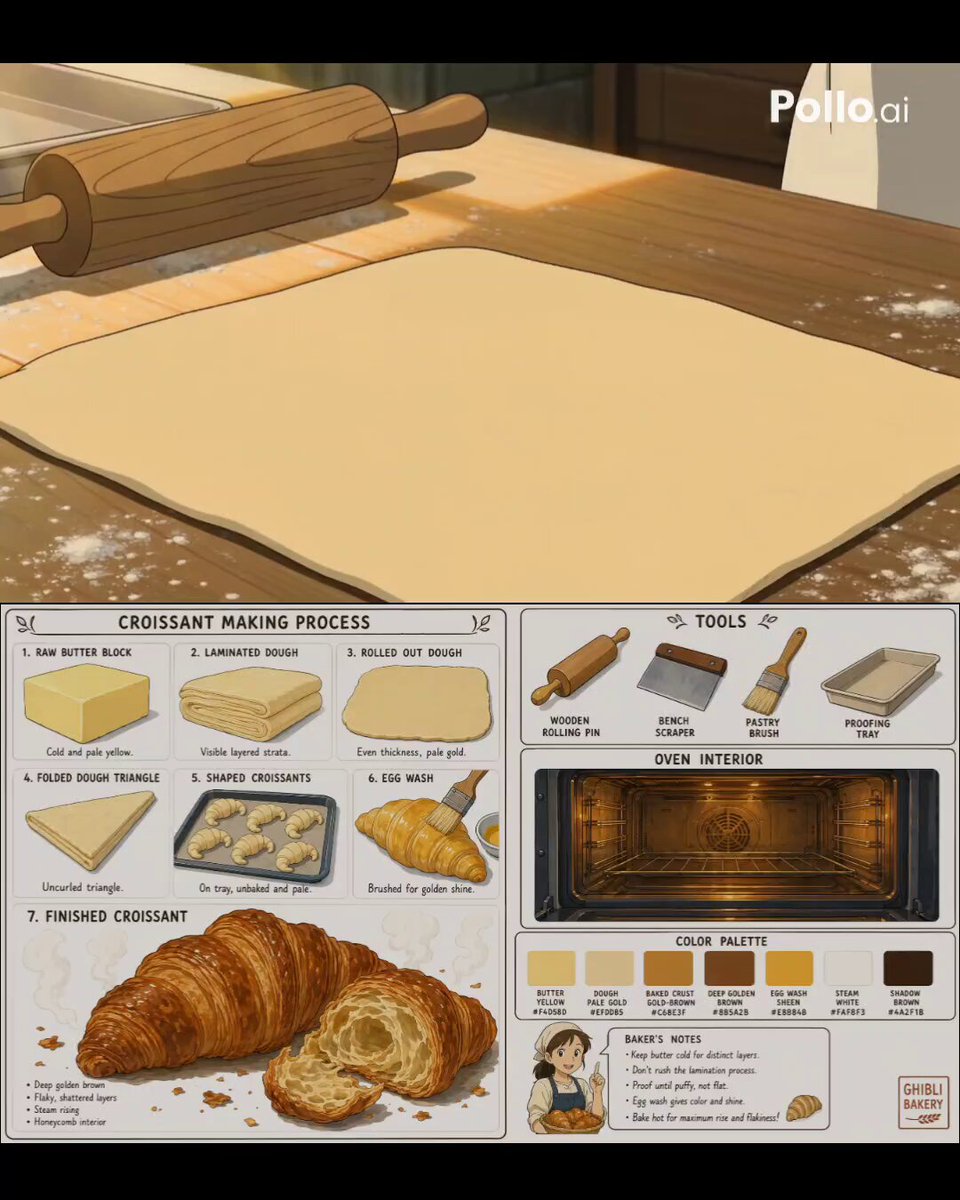
Studio Ghibli Style Croissant Bakery
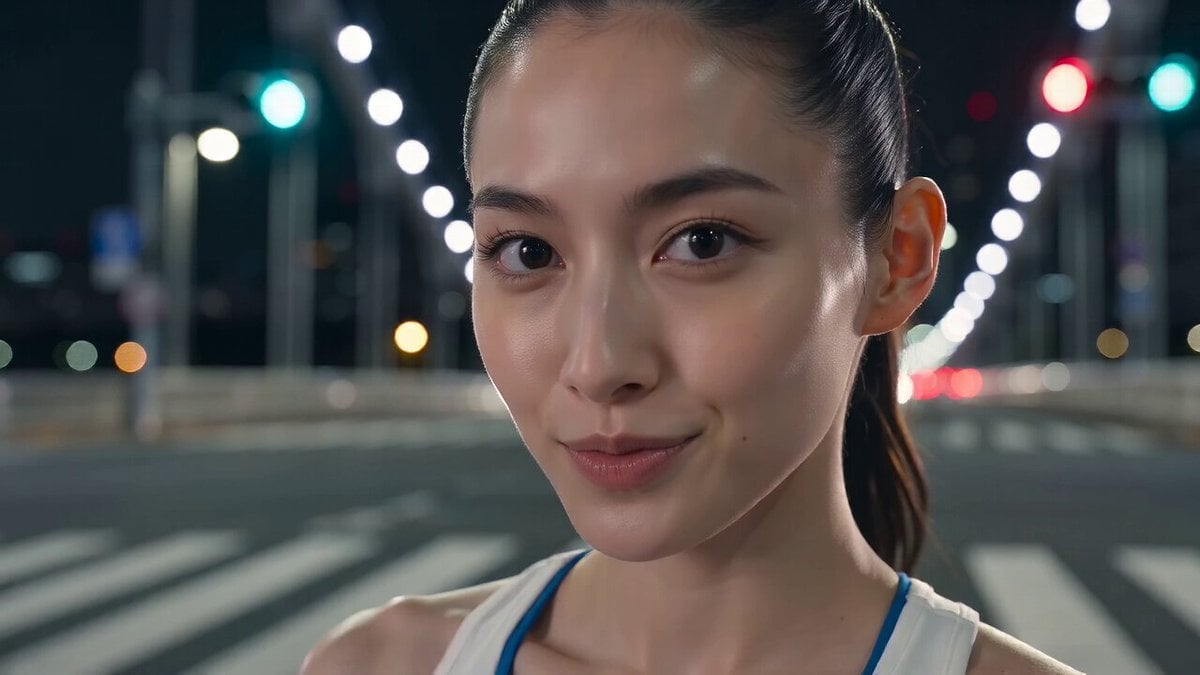
Tokyo Tower Parkour Leap
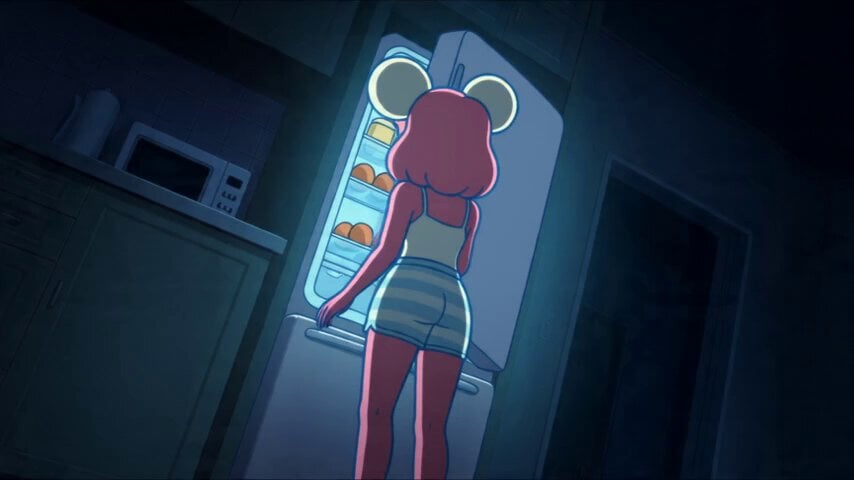
Anime Souffle Pancake Cooking Sequence
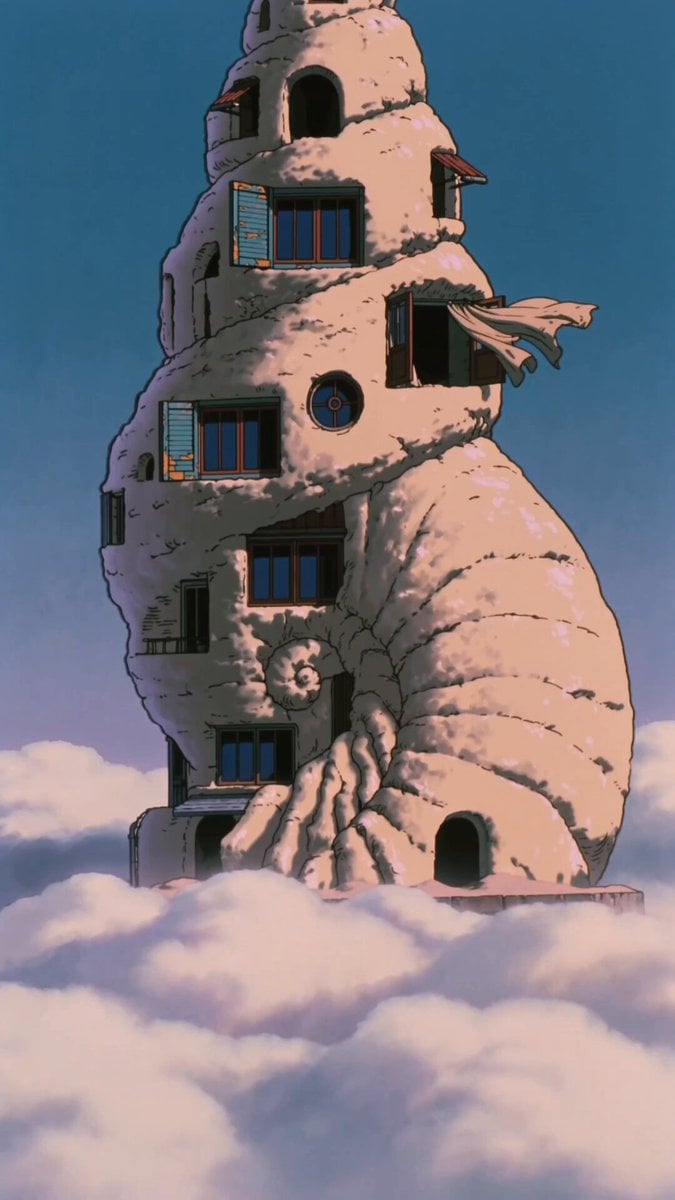
90s Retro Anime Shell Tower Animation
Anime Pancake Cooking Montage
3D Bakery Animation Sequence
Make it yours
Miniature Bakery Pancake Tower works as-is. These are the safest ways to change it without losing the look.
Change one field
Copy a single group, rewrite it, and generate again so you can see what that field is doing.
Keep the frame, change the subject
Hold the composition and light of Miniature Bakery Pancake Tower, then swap wardrobe, props or the person for a new take.
| If the result… | Why | Fix |
|---|---|---|
| The result drifts from the preview | Too many fields changed at once. | Reuse Miniature Bakery Pancake Tower as-is first, then change one group — subject, light, or setting. |
| The model over-stylizes the scene | The prose prompt leaves finish and camera underspecified. | Add one camera or lighting sentence and stay on Seedance 2.0. |
More Seedance 2.0 templates
Other prompts made for Seedance 2.0.

Comical Martial Arts Punch Scene

Maglev Train Action Sequence

Martial Arts Fight Sequence

Wuxia Protection and Trust Script

Vintage Korean Arcade MiniDV Vlog

Mercedes 190 SL Luxury Ad

Rainy Night Supernatural Reverse Comedy Video Script

Amazon Civilization Discovery

Futuristic South Asian City Transformation

Cozy Luxury Cafe Commercial
More video prompts
Fresh picks from across the catalog.
Battle-Damaged Megacity Mech
Troll Finding Flower Cinematic Video
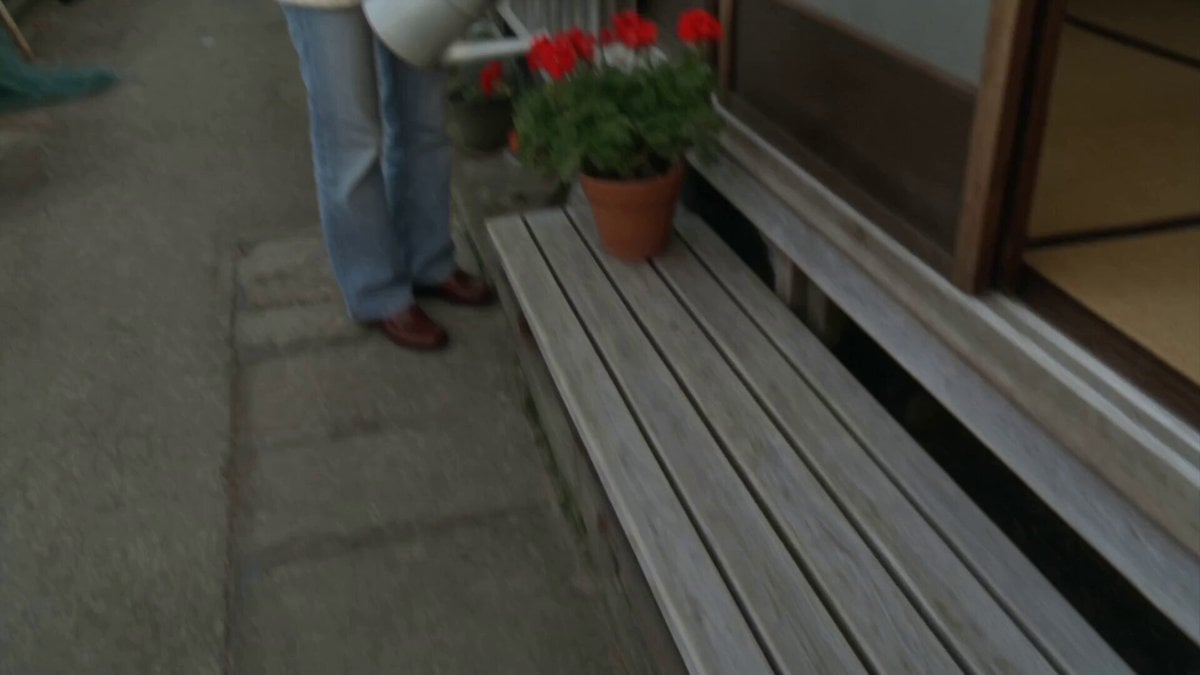
Japanese Seaside Town MiniDV Documentary
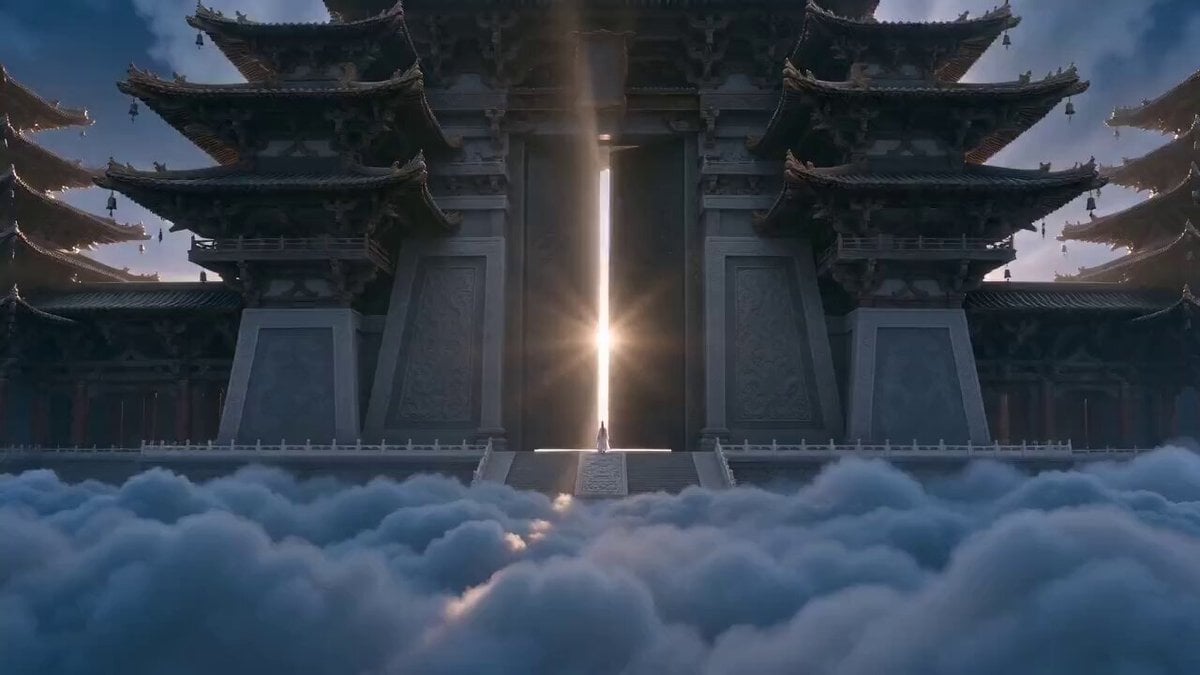
Xianxia Heavenly Gate Side Door Comedy
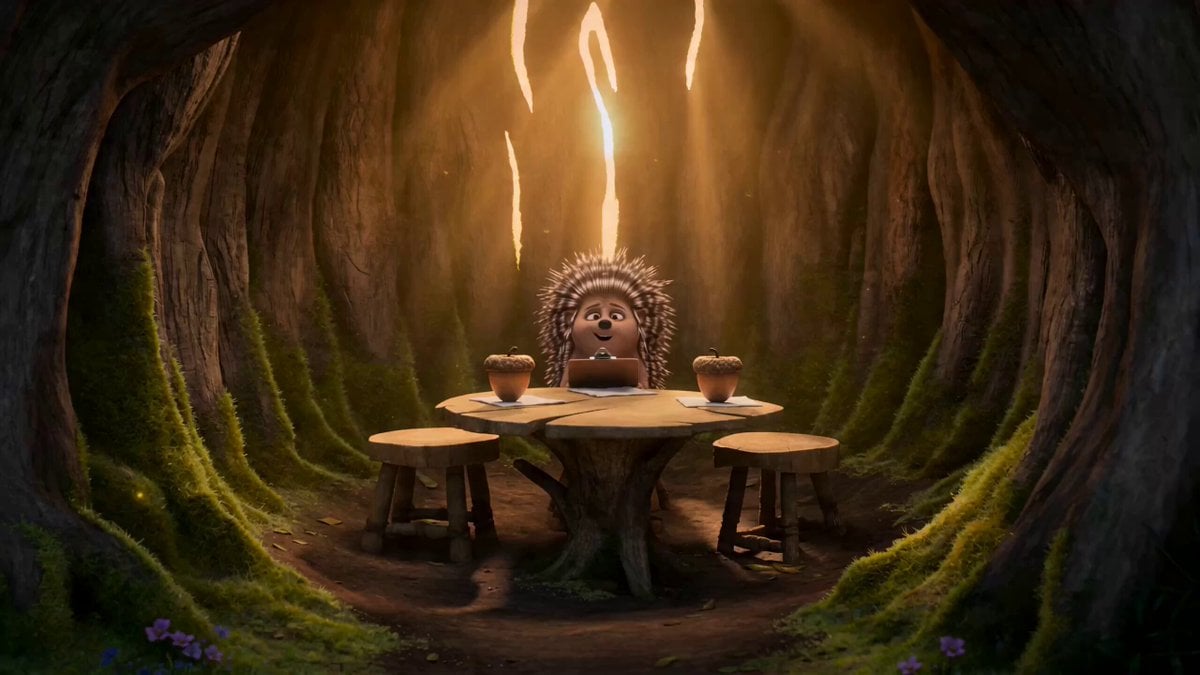
Heartwarming Woodland Comedy Video Prompt
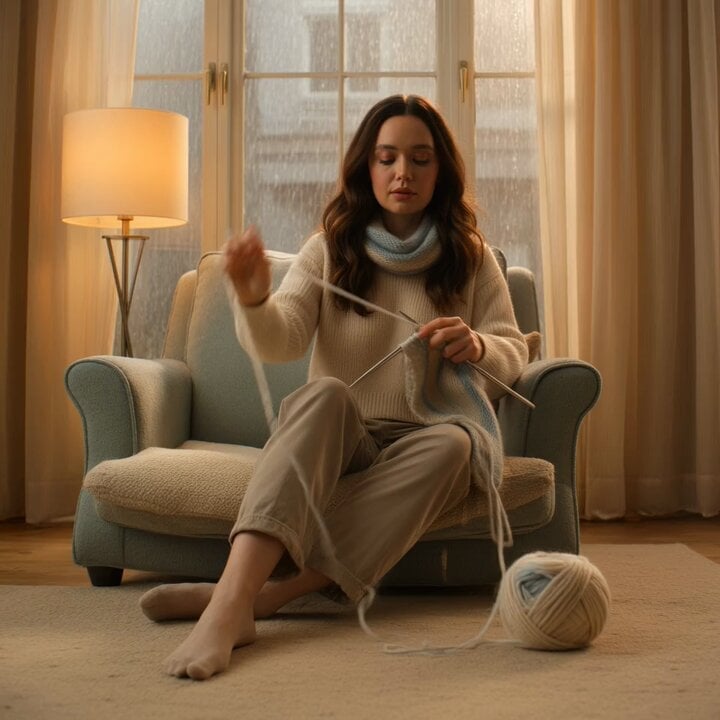
second cozy knitting video prompt
Dramatic School Bathroom Water Fight
Deadpan Alien Bedroom Comedy
Claude Prompt: Deep KPI and Trend Dashboard Generator
Cherry Blossom Lake Video Prompt
Browse template categories
Miniature Bakery Pancake Tower questions
How do I use the Miniature Bakery Pancake Tower template?
Add your photo if the template asks for one, edit the prompt if you like — the template's model and format are already selected — and press Generate. Your version opens in PicX Studio.
Can I customize the Miniature Bakery Pancake Tower template?
Yes. You can change the subject, setting, lighting, mood, format, and available model controls before creating your video.
Is the Miniature Bakery Pancake Tower template free?
Opening and editing this template is free. Generating uses credits, shown on the Generate button when you are signed in.
Which AI model should I use?
Start with Seedance 2.0, which is the model associated with this template. You can compare another compatible model for a different finish.
Looking for something else? Browse all templates.

Your photo, any look
Thousands of ready templates for every top image and video model, from one credit balance.