How do I use the 3D Bakery Animation Sequence template?
Edit the prompt in the box under the preview — the template's model and format are already selected — and press Generate. Your version appears right on this page.
A comprehensive prompt for Seedance 2.0 that translates a visual storyboard into a 10-second 3D animation of a girl baking cupcakes with specific time-coded actions.
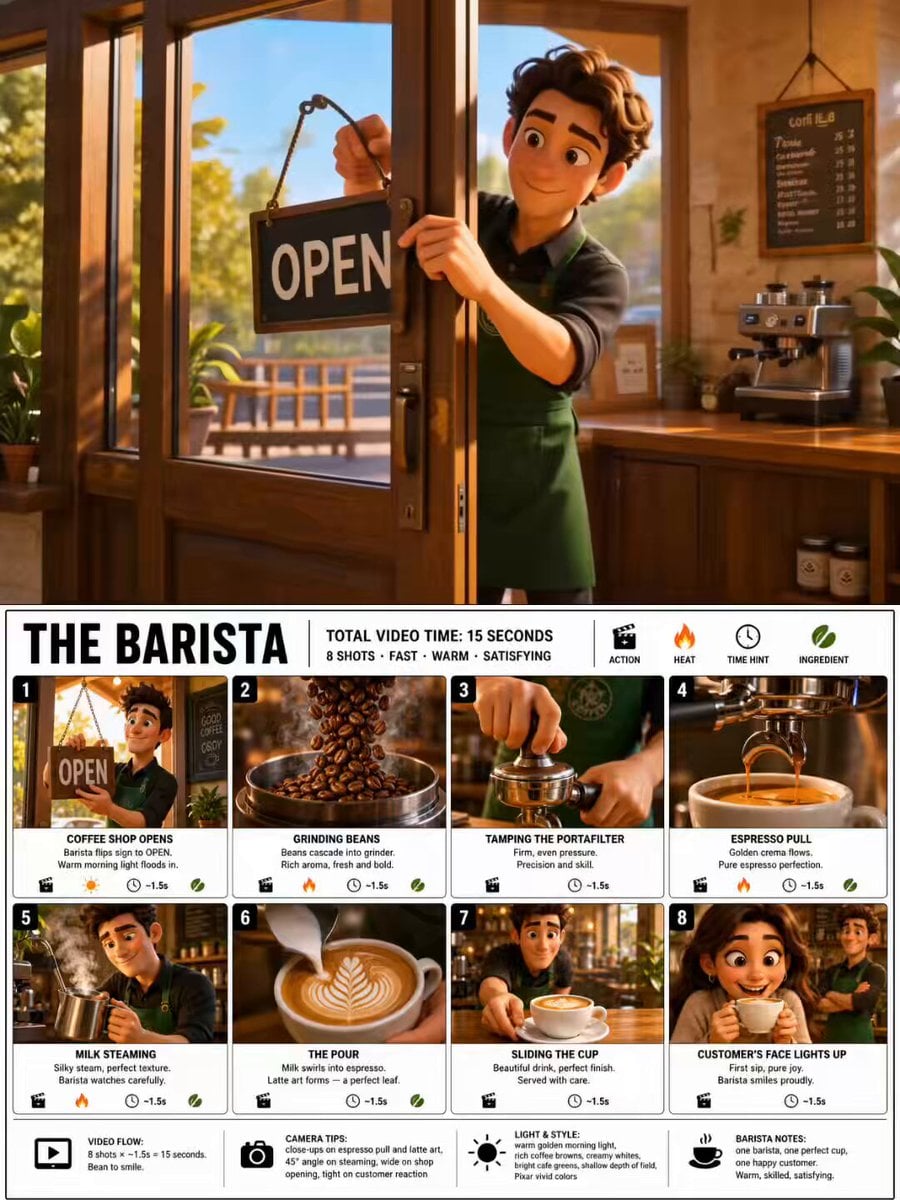
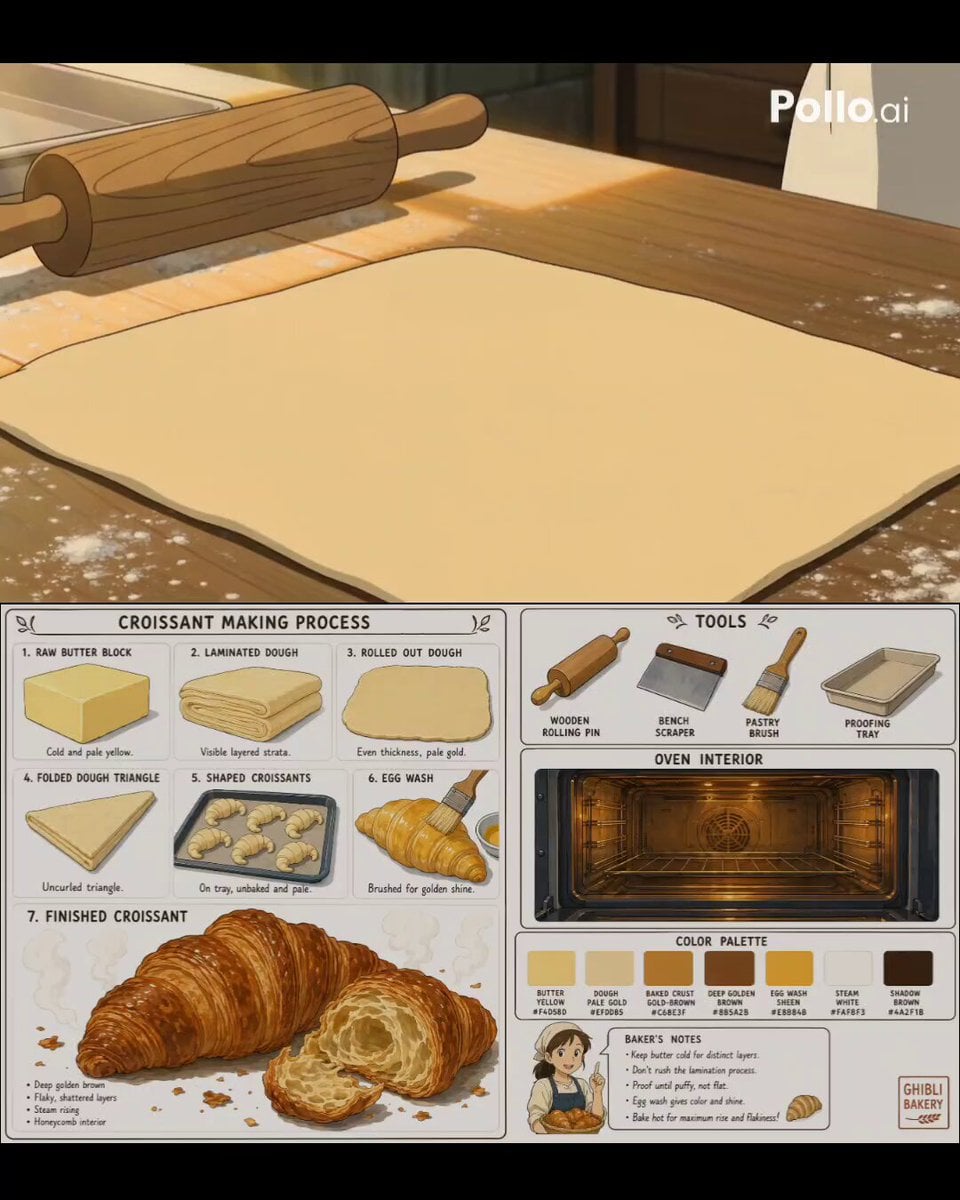
Use the uploaded storyboard image as a visual reference only. Create a single 10-second cinematic 3D animation by recreating every storyboard panel in sequence. Do NOT animate the storyboard page itself. Rebuild every scene as a real animated environment while keeping the exact same girl, outfit, hairstyle, facial features, kitchen, colors, lighting, props, and overall style from the storyboard. 0.00–1.25s: The girl happily waves at the camera and points toward the cupcake ingredients on the table. 1.25–2.50s: She pours flour into a clear glass bowl. Soft flour particles float naturally. 2.50–3.75s: She gently whisks the cupcake batter while smiling. 3.75–5.00s: Extreme close-up of creamy batter being poured into colorful cupcake liners. 5.00–6.25s: She sprinkles rainbow sprinkles over the cupcake batter. 6.25–7.50s: Top-down shot of the cupcake tray as she carefully places it into the oven. 7.50–8.75s: Inside the oven, the cupcakes rise into fluffy golden cupcakes with warm glowing light. 8.75–10.00s: She removes the cupcakes, proudly presents them to the camera, smiles brightly, and gives a cute thumbs-up. Style: Pixar-quality 3D animation, ultra-cute, cozy bakery kitchen, warm golden lighting, soft pastel colors, cinematic depth of field, smooth camera movements, realistic hand movements, natural facial expressions, seamless transitions, high detail, 4K look. Camera: Follow the storyboard camera angles exactly (wide shot, medium shot, close-up, extreme close-up, top-down, close-up, wide shot). Important: Treat the uploaded storyboard only as a reference. Never animate the storyboard page itself. Recreate every scene from scratch in full 3D animation. Do not show storyboard borders or text.
Use the uploaded storyboard image as a visual reference only. Create a single 10-second cinematic 3D animation by recreating every storyboard panel in sequence. Do NOT animate the storyboard page itself. Rebuild every scene as a real animated environment while keeping the exact same girl, outfit, hairstyle, facial features, kitchen, colors, lighting, props, and overall style from the storyboard. 0.00–1.25s: The girl happily waves at the camera and points toward the cupcake ingredients on the table. 1.25–2.50s: She pours flour into a clear glass bowl. Soft flour particles float naturally. 2.50–3.75s: She gently whisks the cupcake batter while smiling. 3.75–5.00s: Extreme close-up of creamy batter being poured into colorful cupcake liners. 5.00–6.25s: She sprinkles rainbow sprinkles over the cupcake batter. 6.25–7.50s: Top-down shot of the cupcake tray as she carefully places it into the oven. 7.50–8.75s: Inside the oven, the cupcakes rise into fluffy golden cupcakes with warm glowing light. 8.75–10.00s: She removes the cupcakes, proudly presents them to the camera, smiles brightly, and gives a cute thumbs-up. Style: Pixar-quality 3D animation, ultra-cute, cozy bakery kitchen, warm golden lighting, soft pastel colors, cinematic depth of field, smooth camera movements, realistic hand movements, natural facial expressions, seamless transitions, high detail, 4K look. Camera: Follow the storyboard camera angles exactly (wide shot, medium shot, close-up, extreme close-up, top-down, close-up, wide shot). Important: Treat the uploaded storyboard only as a reference. Never animate the storyboard page itself. Recreate every scene from scratch in full 3D animation. Do not show storyboard borders or text.
Edit the prompt in the box under the preview — the template's model and format are already selected — and press Generate. Your version appears right on this page.
Yes. You can change the subject, setting, lighting, mood, format, and available model controls before creating your video.
Opening and editing this template is free. Generating uses credits, shown on the Generate button when you are signed in.
Start with Seedance 2.0, which is the model associated with this template. You can compare another compatible model for a different finish.
Follow a topic to a crawlable collection of related PicX Studio templates.