How do I use the Levitating Monk Controlling Cosmic Dust Vortex template?
Edit the prompt in the box under the preview — the template's model and format are already selected — and press Generate. Your version appears right on this page.
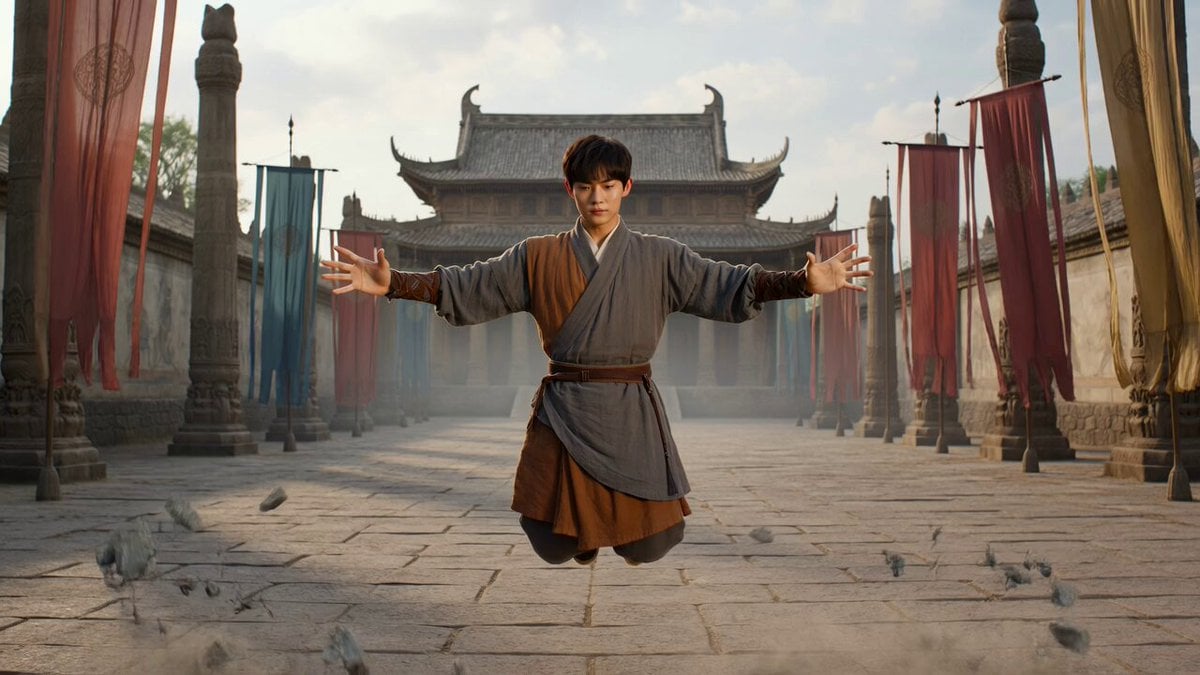
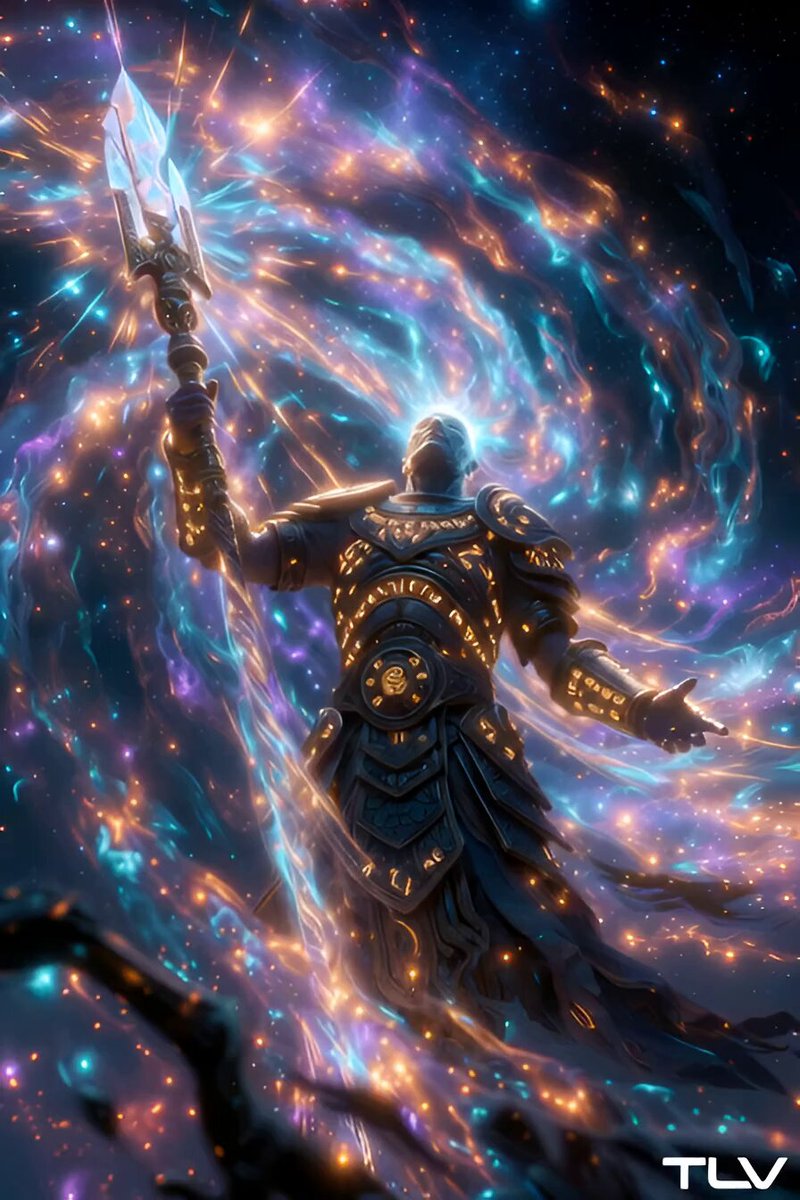
A highly descriptive prompt for Seedance 2.0 generating a mystical, high-end VFX scene of a levitating monk in a temple courtyard controlling a vortex of cosmic dust.
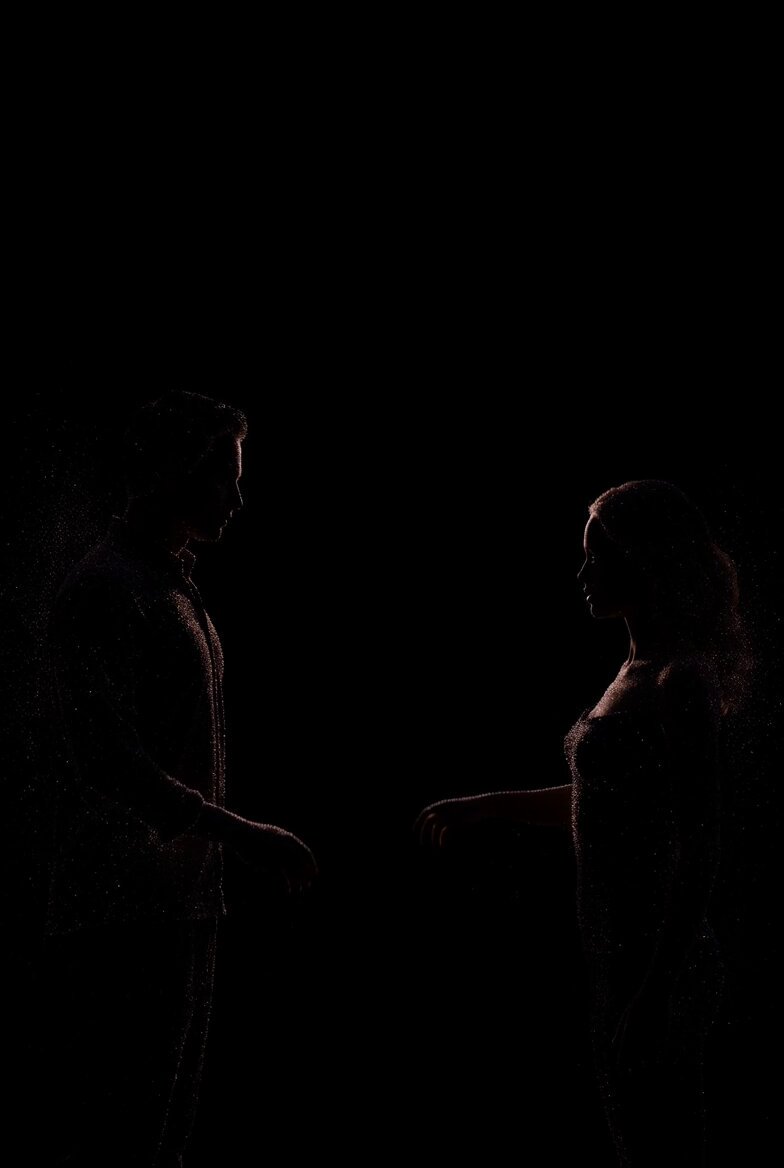
A levitating monk controlling a vortex of cosmic dust in a temple courtyard.The scene starts with dust particles swirling around the still figure. Camera Motion: Circular crane motion rising above, tilting down as the vortex expands outward. Ends with the monk’s robe flowing as stars flicker within the dust spiral. Lighting: Moonlit with inner glow from the vortex, subtle rim light on the figure. Style: Mystical, high-end VFX with cosmic elements, temporal distortion, slow-motion aura ripples.
A levitating monk controlling a vortex of cosmic dust in a temple courtyard.The scene starts with dust particles swirling around the still figure. Camera Motion: Circular crane motion rising above, tilting down as the vortex expands outward. Ends with the monk’s robe flowing as stars flicker within the dust spiral. Lighting: Moonlit with inner glow from the vortex, subtle rim light on the figure. Style: Mystical, high-end VFX with cosmic elements, temporal distortion, slow-motion aura ripples.
Edit the prompt in the box under the preview — the template's model and format are already selected — and press Generate. Your version appears right on this page.
Yes. You can change the subject, setting, lighting, mood, format, and available model controls before creating your video.
Opening and editing this template is free. Generating uses credits, shown on the Generate button when you are signed in.
Start with Seedance 2.0, which is the model associated with this template. You can compare another compatible model for a different finish.
Follow a topic to a crawlable collection of related PicX Studio templates.