
Amber Vortex Light Painting Video
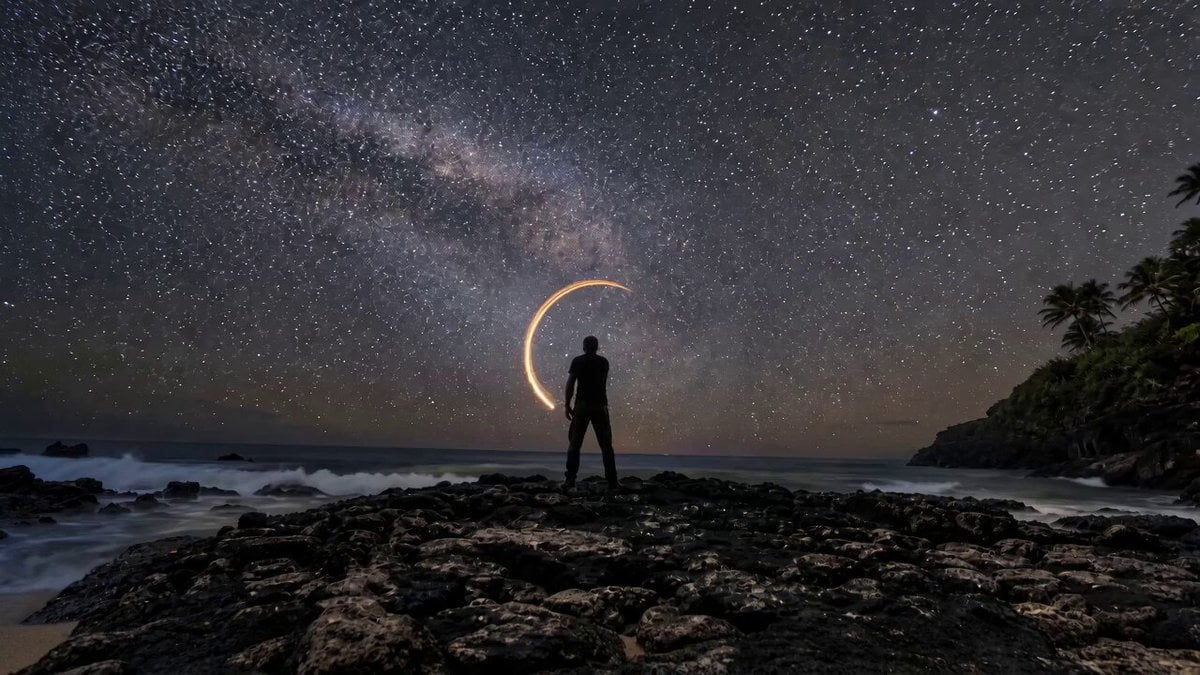
A detailed cinematic prompt for Seedance 2.0 generating a silhouetted figure spinning a light source to create an amber vortex on a volcanic beach under a starry sky.
- Prompt included
- Model and format preset
- Free template
The prompt behind this video
Copy the exact prompt behind Amber Vortex Light Painting Video, or open it in the studio and make it yours.
Scene & Mood: A lone silhouetted figure stands on a dark volcanic rock shelf at the ocean's edge under a dense field of stars, spinning a tethered light source in continuous wide circles to hand paint a glowing amber vortex into the night air primal, meditative, hypnotic.\n\nFrame Map: Wide static composition, 16:9. The figure holds center frame at x=50%, standing on the rock foreground occupying the bottom third. The forming light-circle builds directly around and above the figure through the middle frame. The star field fills the upper two-thirds. The dark ocean stretches as a flat horizontal band across the base, faint white foam catching starlight in the near foreground corners.\n\nSubject Lock: One human figure seen entirely in silhouette against the night sky no visible facial detail, no identifiable features, dark clothing reading as a solid black shape. Feet planted shoulder width apart on the flattest section of the rock shelf, weight low and balanced. One arm extended, rotating in a continuous wide circular motion at the shoulder, swinging a small tethered point-light source around the body in a widening orbit. Head tilted slightly down, tracking the spinning light. Feet stay anchored to the same rock mark for the full runtime only the spinning arm, wrist, and swinging cord move.\n\nCross-Frame Rules: Single subject in frame throughout no other figures, boats, or people enter or cross the shot. Screen position (center, x=50%) and rock contact point never shift.\n\nMovement: The arm completes slow continuous rotations at roughly one revolution every 1.5–2 seconds (0–15s continuous), the tethered light tracing a widening ring of amber-gold trail with each pass, building from a single faint arc at the start to a dense, near-solid glowing halo by the final seconds. Small sparks flick loose from the light source at the outer edge of each rotation, drifting and fading within a second. Fabric shifts subtly with the rotational torque of the swing; loose hair and hems move on a light onshore breeze. Gentle wave-wash rolls in in the near-foreground, small ripples of white foam catching faint ambient light and receding. The star field holds fixed and still throughout no drift on the stars only the light ring intensifies pass over pass.\n\nLast Frame: The full glowing amber circle hangs complete around the figure's silhouette, dense and continuous, stars sharp and undisturbed above, dark rock and faint foam below. No on-screen text, no captions, no signage typography, no rendered text in the frame.\n\nWorld Plate: A remote rocky headland on a tropical island coastline at night, ocean lapping the base of dark volcanic rock, zero light pollution, dense unobstructed star field with the soft band of the Milky Way visible overhead, warm humid air, calm sea state, no artificial light beyond the practical source in the figure's hand.\n\nSound Bed: Steady rhythmic whoosh of the light s
How to use Amber Vortex Light Painting Video in 3 steps
- 1
Open
The prompt is already in the box next to the preview, with the template's model and format selected.
- 2…a portrait of your subject in softgolden-hour light, 85mm…
Personalize
Edit the subject and creative details for your destination.
- 3Generate
Generate
Press Generate — your video is created in PicX Studio, so you can compare it with the original and refine one variable at a time.
More like this
Templates with the same subject, style or setup. Open one to see its prompt.
Ancient Roman Celestial Flight
Flying Sword Traffic Light Violation
Cinematic Symbolic Light Point Journey
Ancient Sci-Fi Vortex Motion
Floating Girl with Star Light
Rococo Painting of Teen Boys
Bioluminescent Dolphins Vortex
Dragon Rider Cinematic Flight — Seedance 2.5
FPV Multilingual Landscape Flight
Battle Mage Lightning Spear Fantasy
Cinematic Fantasy Princess Dragon Flight
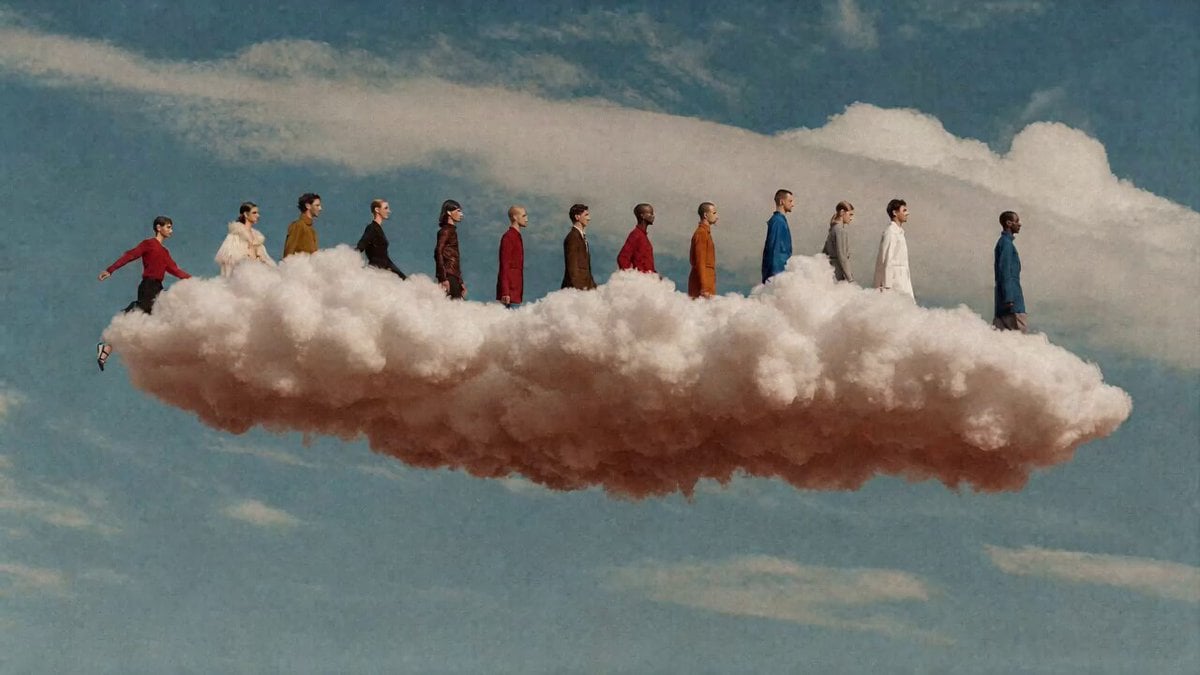
Dreamlike Cloud Walk and Flight Sequence
Make it yours
Amber Vortex Light Painting Video works as-is. These are the safest ways to change it without losing the look.
Change one field
Copy a single group, rewrite it, and generate again so you can see what that field is doing.
Keep the frame, change the subject
Hold the composition and light of Amber Vortex Light Painting Video, then swap wardrobe, props or the person for a new take.
| If the result… | Why | Fix |
|---|---|---|
| The result drifts from the preview | Too many fields changed at once. | Reuse Amber Vortex Light Painting Video as-is first, then change one group — subject, light, or setting. |
| The model over-stylizes the scene | The prose prompt leaves finish and camera underspecified. | Add one camera or lighting sentence and stay on Seedance 2.0. |
More Seedance 2.0 templates
Other prompts made for Seedance 2.0.

Comical Martial Arts Punch Scene

Maglev Train Action Sequence

Martial Arts Fight Sequence

Wuxia Protection and Trust Script

Vintage Korean Arcade MiniDV Vlog

Mercedes 190 SL Luxury Ad

Rainy Night Supernatural Reverse Comedy Video Script

Amazon Civilization Discovery

Futuristic South Asian City Transformation

Cozy Luxury Cafe Commercial
More video prompts
Fresh picks from across the catalog.
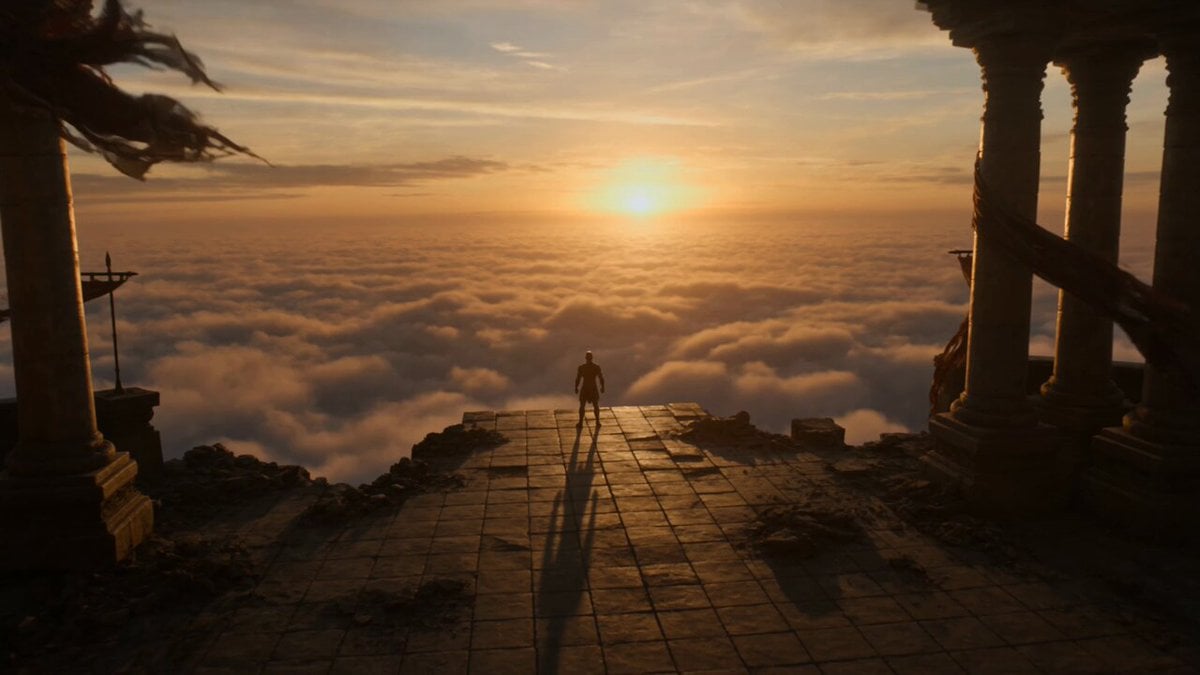
Phoenix Transformation Sequence
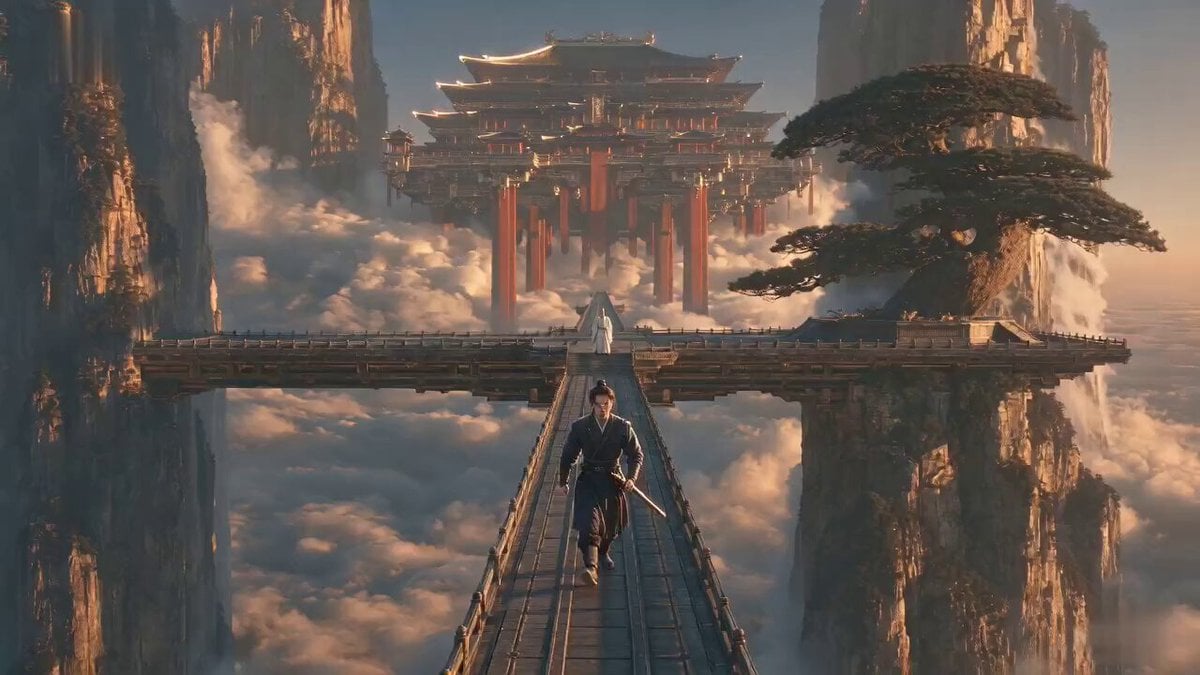
Xianxia Cold Comedy Short Film
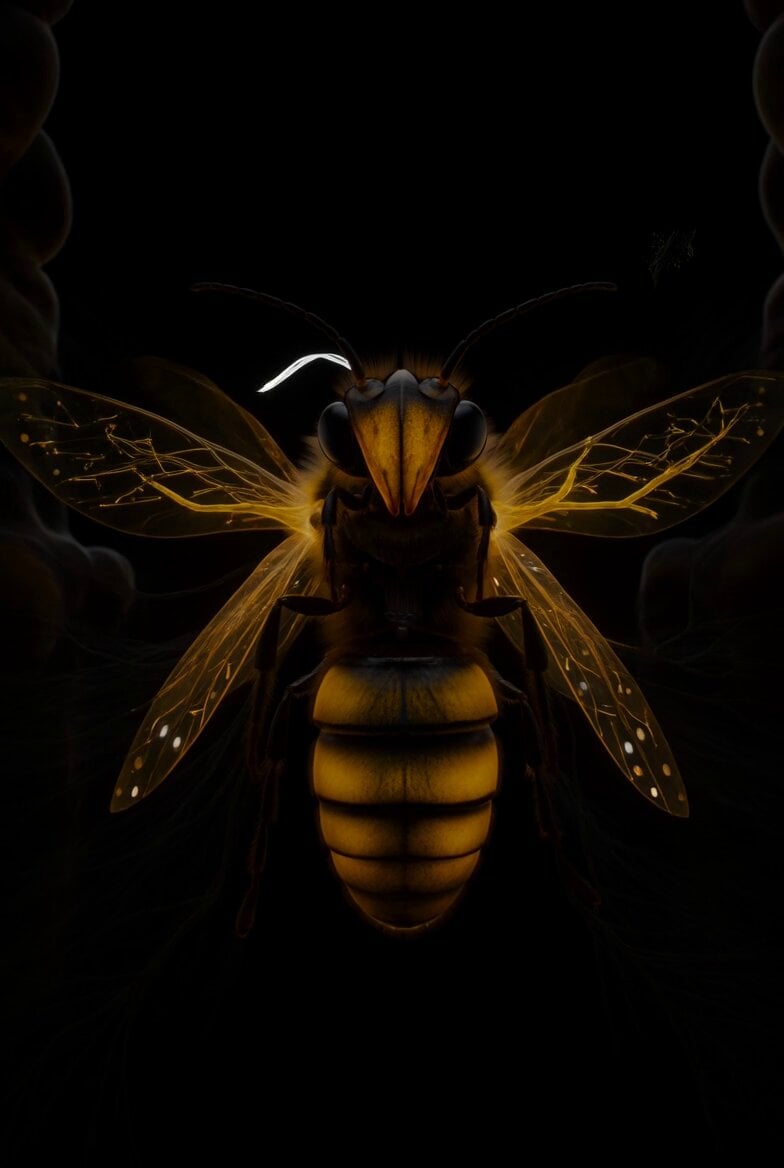
Bioluminescent Bee Circuit
3D Animated Cat and Old Man - Seedance
Firefly Fields Narrative Poem
Superhuman Battle Found Footage

Young Fashion Designer Lifestyle Vlog
Wind Guided Street Walk
Antarctic Aurora Ice ASMR Eating
Enchanted Kitchen Tea Magic
Browse template categories
Amber Vortex Light Painting Video questions
How do I use the Amber Vortex Light Painting Video template?
Add your photo if the template asks for one, edit the prompt if you like — the template's model and format are already selected — and press Generate. Your version opens in PicX Studio.
Can I customize the Amber Vortex Light Painting Video template?
Yes. You can change the subject, setting, lighting, mood, format, and available model controls before creating your video.
Is the Amber Vortex Light Painting Video template free?
Opening and editing this template is free. Generating uses credits, shown on the Generate button when you are signed in.
Which AI model should I use?
Start with Seedance 2.0, which is the model associated with this template. You can compare another compatible model for a different finish.
Looking for something else? Browse all templates.

Your photo, any look
Thousands of ready templates for every top image and video model, from one credit balance.