
Enchanted Kitchen Tea Magic
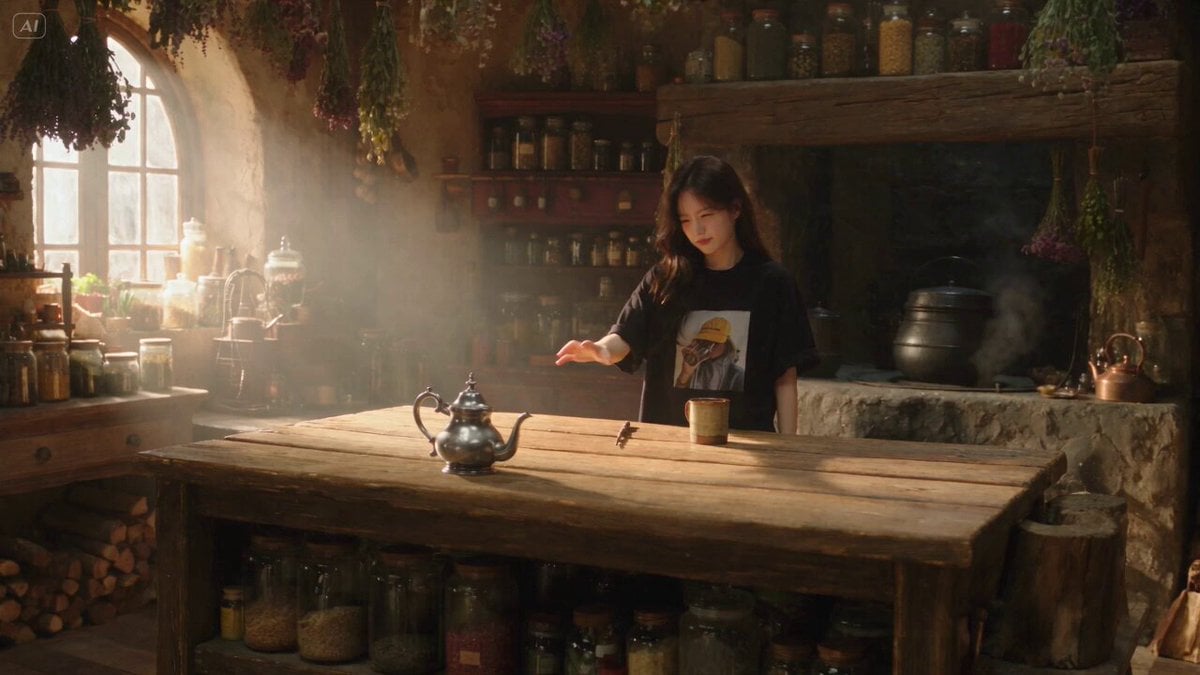
A slice-of-life fantasy scene where a character uses magic to fetch a teapot that pours tea automatically in a cozy, rustic kitchen.
- Prompt included
- Model and format preset
- Free template
The prompt behind this video
Copy the exact prompt behind Enchanted Kitchen Tea Magic, or open it in the studio and make it yours.
Duration: 15s | 16:9 Landscape | Native 4K UHD | 24fps Genre: Cinematic Slice-of-Life Fantasy Comedy Target: Ultra-realistic premium live-action fantasy cinema REFERENCE LOCK — @<image1 Use @<image1 as the sole identity reference. Preserve Character A exactly as shown. Exactly one Character A. No redesign, duplication, morphing, identity drift, outfit change, or hairstyle change. CORE CONCEPT Inside an old witch’s cozy kitchen, Character A tries to pour tea from an enchanted silver teapot. The teapot is sitting too far away on a wooden counter. Character A uses one wand to magically pull it closer, but the spell is far too strong. The teapot rockets across the kitchen, flies directly toward Character A, then stops inches before impact and gently pours tea into a cup by itself. SHOT 1 — 0s–4s | THE PROBLEM Wide cinematic kitchen shot. Character A reaches toward a silver teapot positioned far across the wooden counter. The hand clearly cannot reach it. Character A tries once, fails, then gives a tired annoyed look toward the teapot. Slow push-in. Warm morning light through dusty windows. Steam from an old kettle. Natural fabric movement and realistic hand anatomy. SHOT 2 — 4s–7s | THE SPELL Medium profile shot. Character A slowly raises one wand. Extreme close-up of wand tip. Silver-blue magic activates with a restrained glow. Cut to an aligned side angle showing: WAND → OPEN KITCHEN SPACE → TEAPOT At 6s, a thin blue-white magical tether directly connects to the teapot handle. Contact spark. The teapot immediately begins moving. SHOT 3 — 7s–11s | TOO MUCH POWER The teapot suddenly launches across the counter with realistic inertia. Low tracking camera follows it. Tea inside visibly sloshes naturally. Character A's eyes widen slightly but expression remains restrained. At 9.5s, teapot rapidly enters foreground. Character A instinctively leans back. At 10s, teapot stops suddenly just inches from Character A's face. No collision. A brief silence. SHOT 4 — 11s–15s | PERFECTLY USELESS MAGIC Character A slowly looks at the floating teapot. The teapot gently rotates itself. Tea pours perfectly into a waiting cup. Character A watches silently. One tiny exhausted blink. Character A takes the cup and walks away. End while moving. No smile, no camera look, no victory pose. AUDIO + MUSIC Cozy room ambience, wood creaks, ceramic movement, wand ignition, magical hum, rushing air, tea sloshing, pouring tea and footsteps. Music: acoustic guitar, muted piano, soft pizzicato strings, playful clarinet and brushed percussion. Music remains below SFX. No dialogue, vocals, boing, circus music, laugh track or meme sounds. CAUSALITY TEAPOT TOO FAR → HAND FAILS → WAND RAISES → MAGIC CONNECTS → TEAPOT LAUNCHES → RAPID APPROACH → SUDDEN STOP → TEA POURS → CHARACTER A LEAVES. NEGATIVE PROMPT Extra characters, duplicate teapot, duplicate wand, floating objects
How to use Enchanted Kitchen Tea Magic in 3 steps
- 1
Open
The prompt is already in the box next to the preview, with the template's model and format selected.
- 2…a portrait of your subject in softgolden-hour light, 85mm…
Personalize
Edit the subject and creative details for your destination.
- 3Generate
Generate
Press Generate — your video is created in PicX Studio, so you can compare it with the original and refine one variable at a time.
More like this
Templates with the same subject, style or setup. Open one to see its prompt.
Magic Baking Kitchen Cat Transformation
Late Night Kitchen Phone Recording - Seedance 2.5
Forest Fantasy Girl Short Film
Luxury House Tour — 15 Shots in 15 Seconds (Seedance)
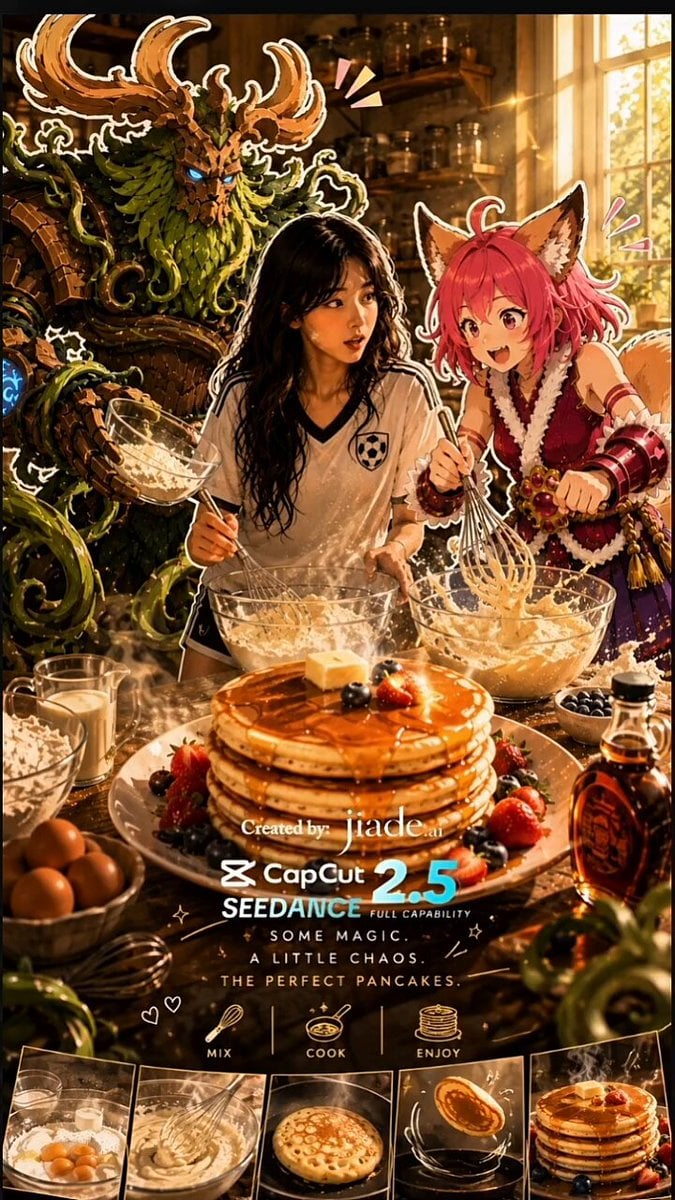
Mixed-Media Kitchen Cooking Animation
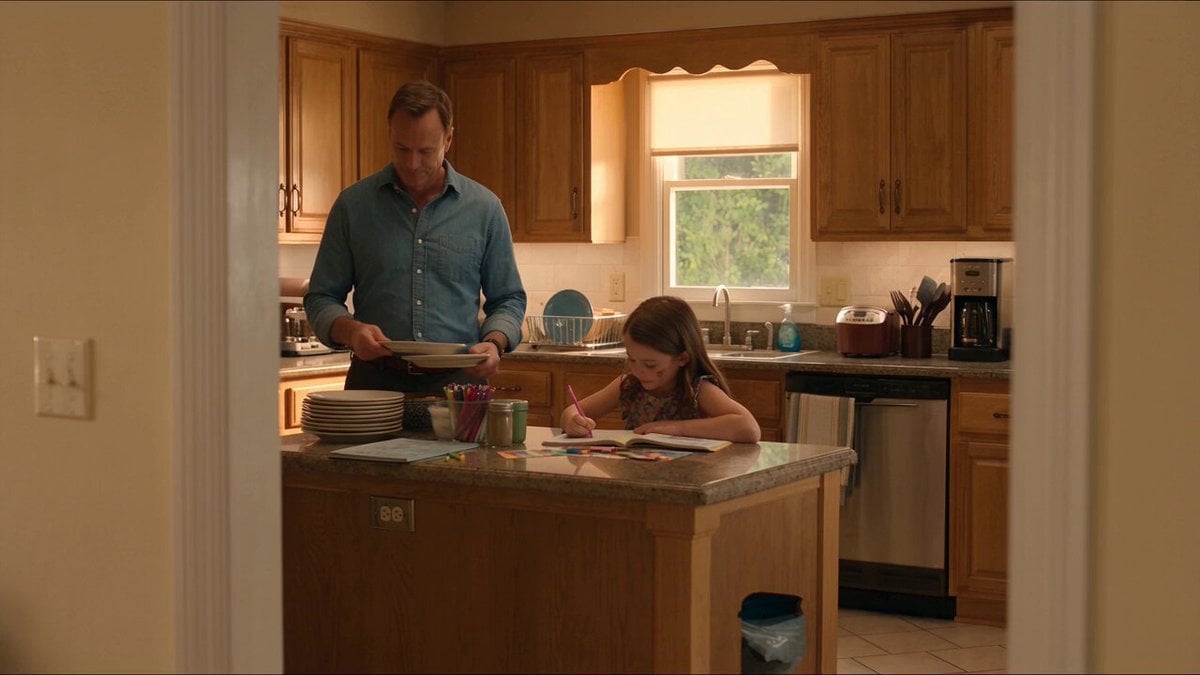
Kitchen Intruder Action Sequence

Magic City Fantasy Battle Animation

Floating Magic City Aerial Combat
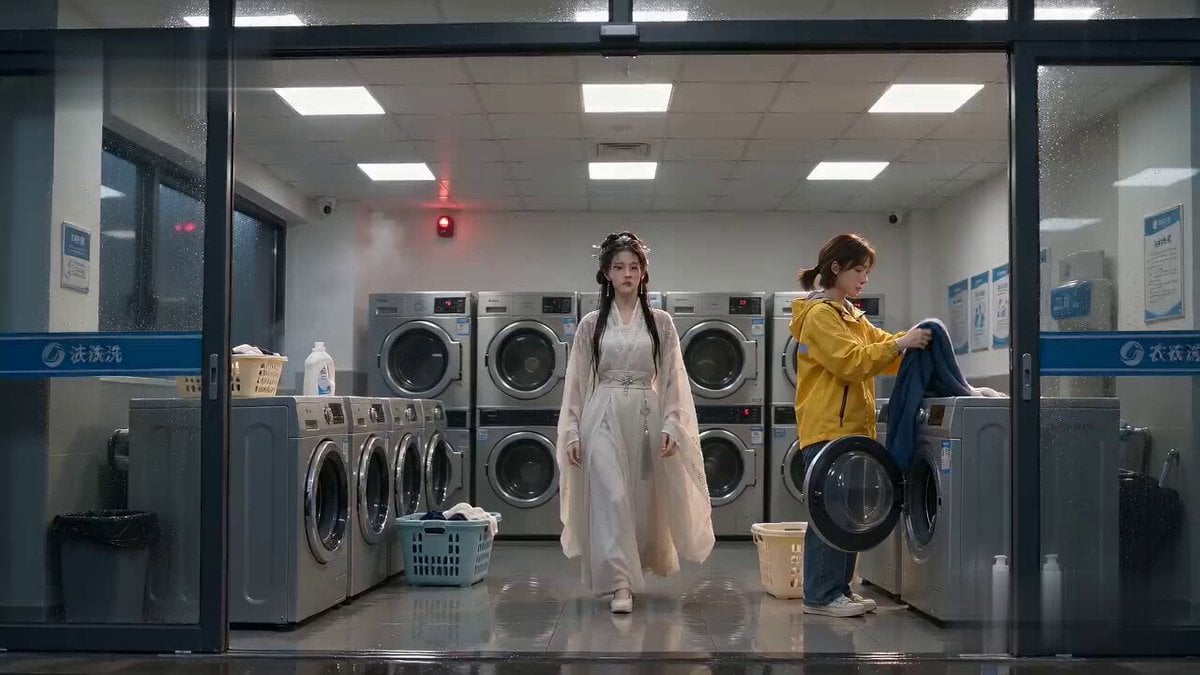
Laundromat Xianxia Drying Magic Comedy
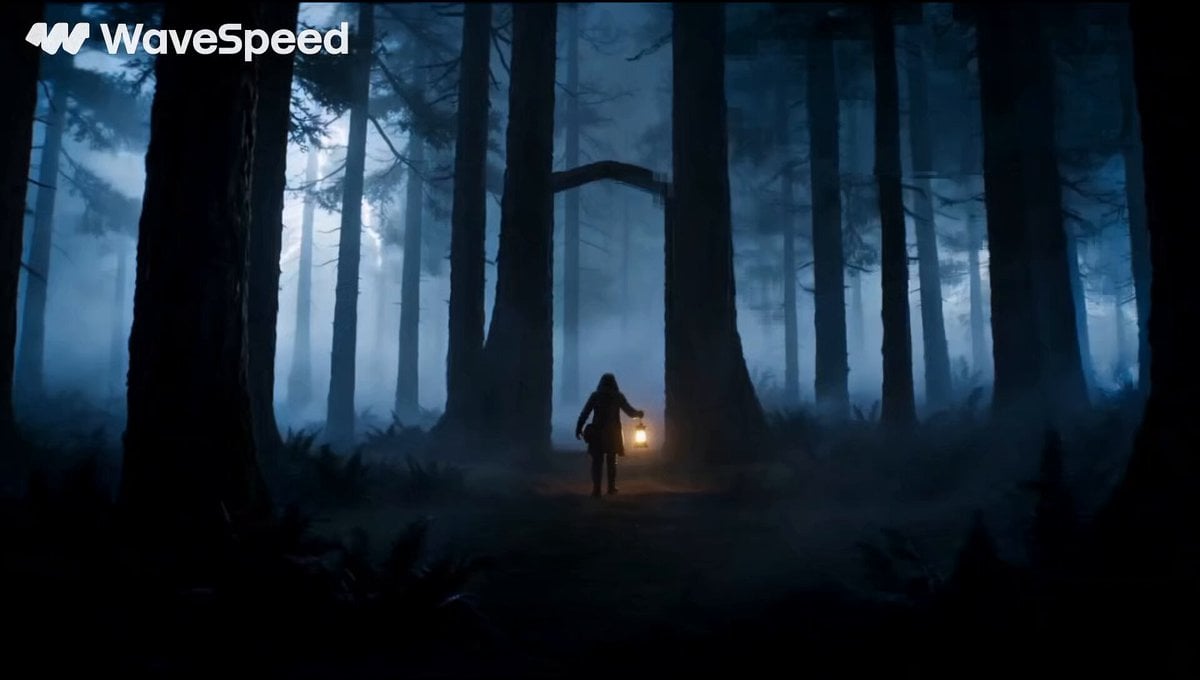
Magical Glowing Forest Portal Journey
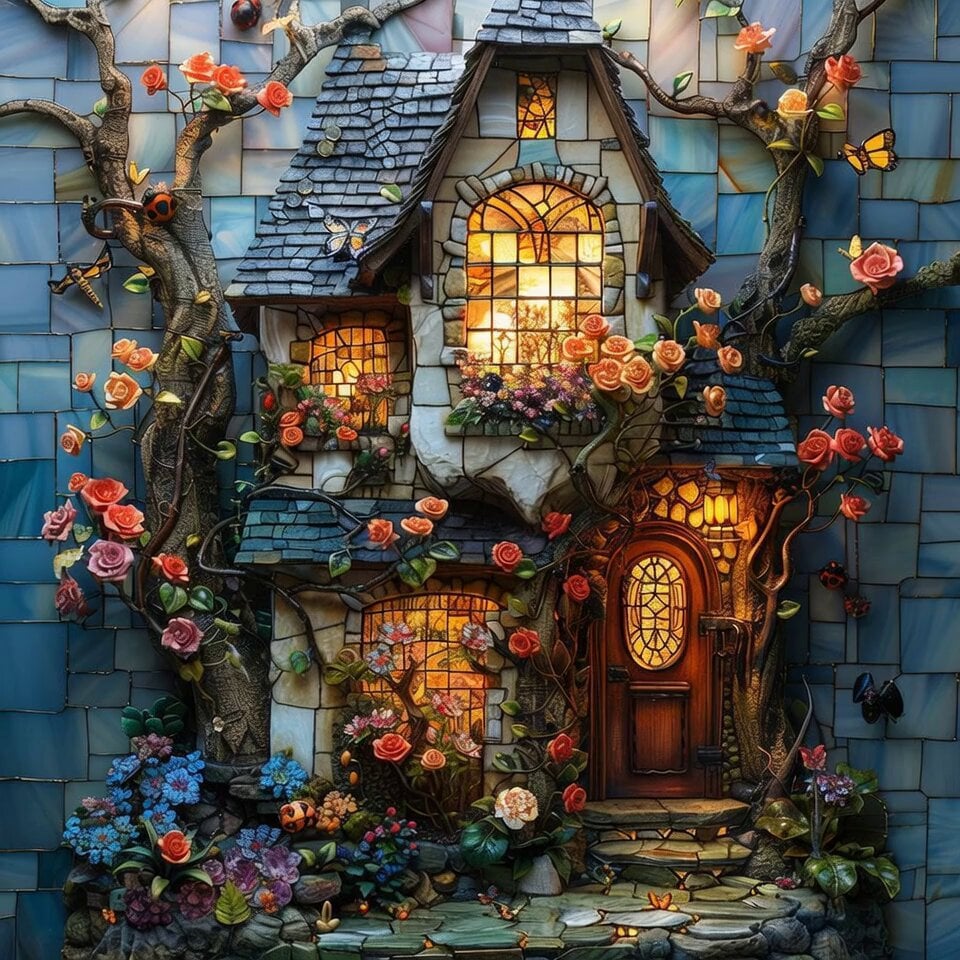
Enchanted Twilight Fairy Tale Cottage
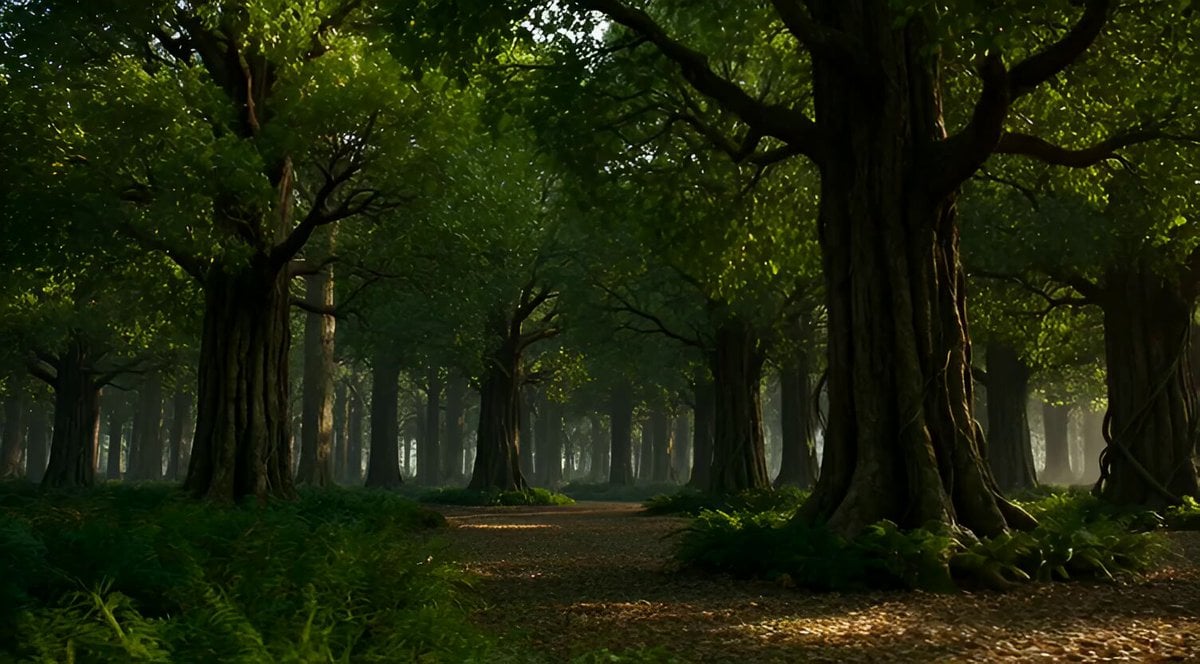
Enchanted Forest Mythical Transformation
Make it yours
Enchanted Kitchen Tea Magic works as-is. These are the safest ways to change it without losing the look.
Change one field
Copy a single group, rewrite it, and generate again so you can see what that field is doing.
Keep the frame, change the subject
Hold the composition and light of Enchanted Kitchen Tea Magic, then swap wardrobe, props or the person for a new take.
| If the result… | Why | Fix |
|---|---|---|
| The result drifts from the preview | Too many fields changed at once. | Reuse Enchanted Kitchen Tea Magic as-is first, then change one group — subject, light, or setting. |
| The model over-stylizes the scene | The prose prompt leaves finish and camera underspecified. | Add one camera or lighting sentence and stay on Seedance 2.0. |
More Seedance 2.0 templates
Other prompts made for Seedance 2.0.

Comical Martial Arts Punch Scene

Maglev Train Action Sequence

Martial Arts Fight Sequence

Wuxia Protection and Trust Script

Vintage Korean Arcade MiniDV Vlog

Mercedes 190 SL Luxury Ad

Rainy Night Supernatural Reverse Comedy Video Script

Amazon Civilization Discovery

Futuristic South Asian City Transformation

Cozy Luxury Cafe Commercial
More video prompts
Fresh picks from across the catalog.
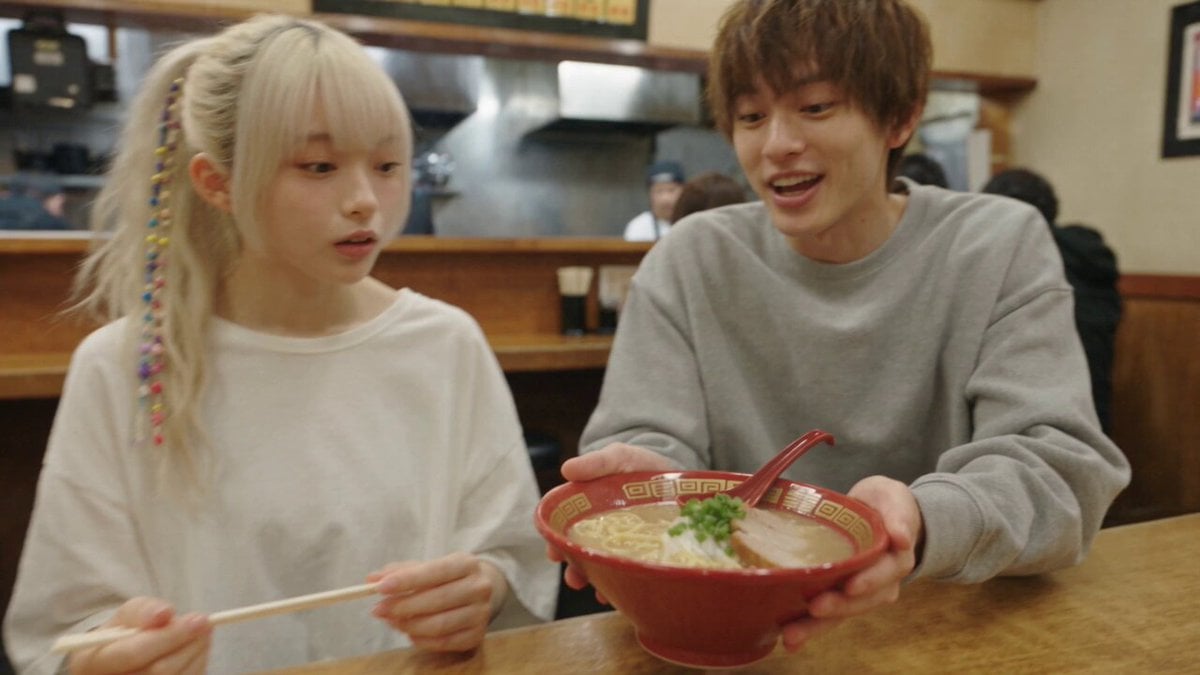
Cinematic Personal Vlog Scene Generation

Slow Head Tilt and Camera Zoom

Space Station Solar Flare Emergency

Adorable 3D Animated Kitten Rescue Story
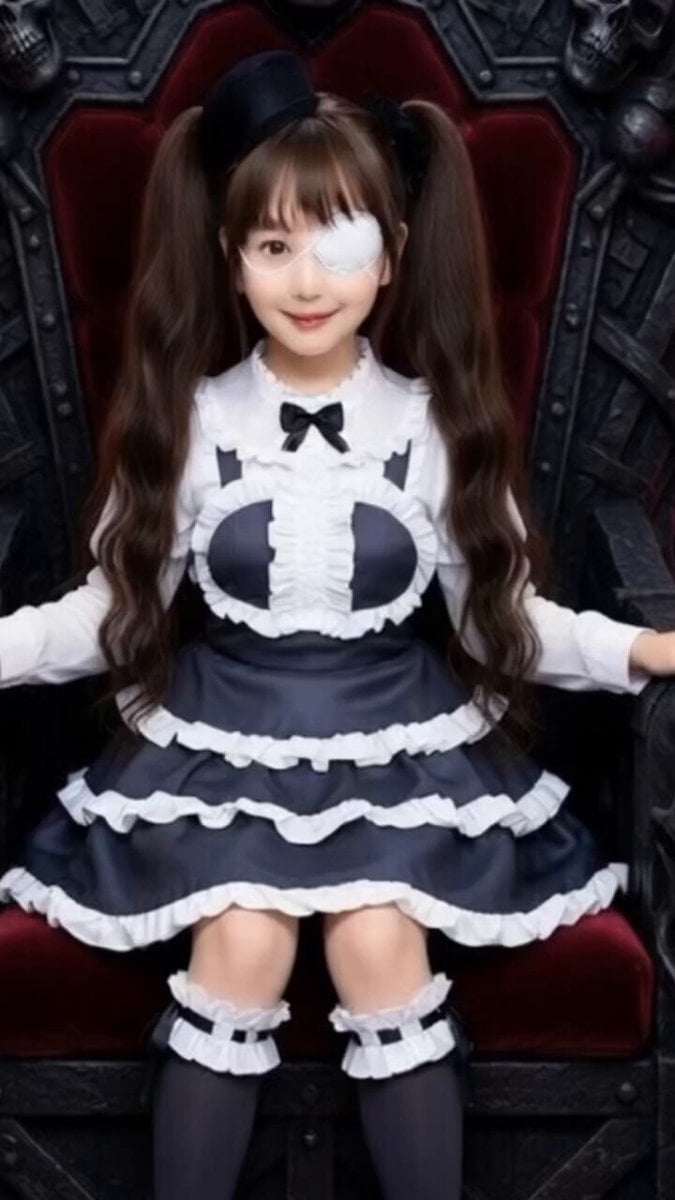
Grok Imagine Prompt: Yurine Kingdom Apocalypse Day

Lone Ship and Island Elephant
Dramatic Surf Sequence Video Prompt
Swimming with an octopus and dolphins in an alternate reality

Medieval Knight and Queen Cinematic Close-up
Anime Girl Stage Dance with Motion Capture
Browse template categories
Enchanted Kitchen Tea Magic questions
How do I use the Enchanted Kitchen Tea Magic template?
Add your photo if the template asks for one, edit the prompt if you like — the template's model and format are already selected — and press Generate. Your version opens in PicX Studio.
Can I customize the Enchanted Kitchen Tea Magic template?
Yes. You can change the subject, setting, lighting, mood, format, and available model controls before creating your video.
Is the Enchanted Kitchen Tea Magic template free?
Opening and editing this template is free. Generating uses credits, shown on the Generate button when you are signed in.
Which AI model should I use?
Start with Seedance 2.0, which is the model associated with this template. You can compare another compatible model for a different finish.
Looking for something else? Browse all templates.

Your photo, any look
Thousands of ready templates for every top image and video model, from one credit balance.