How do I use the Magical Glowing Forest Portal Journey template?
Edit the prompt in the box under the preview — the template's model and format are already selected — and press Generate. Your version appears right on this page.
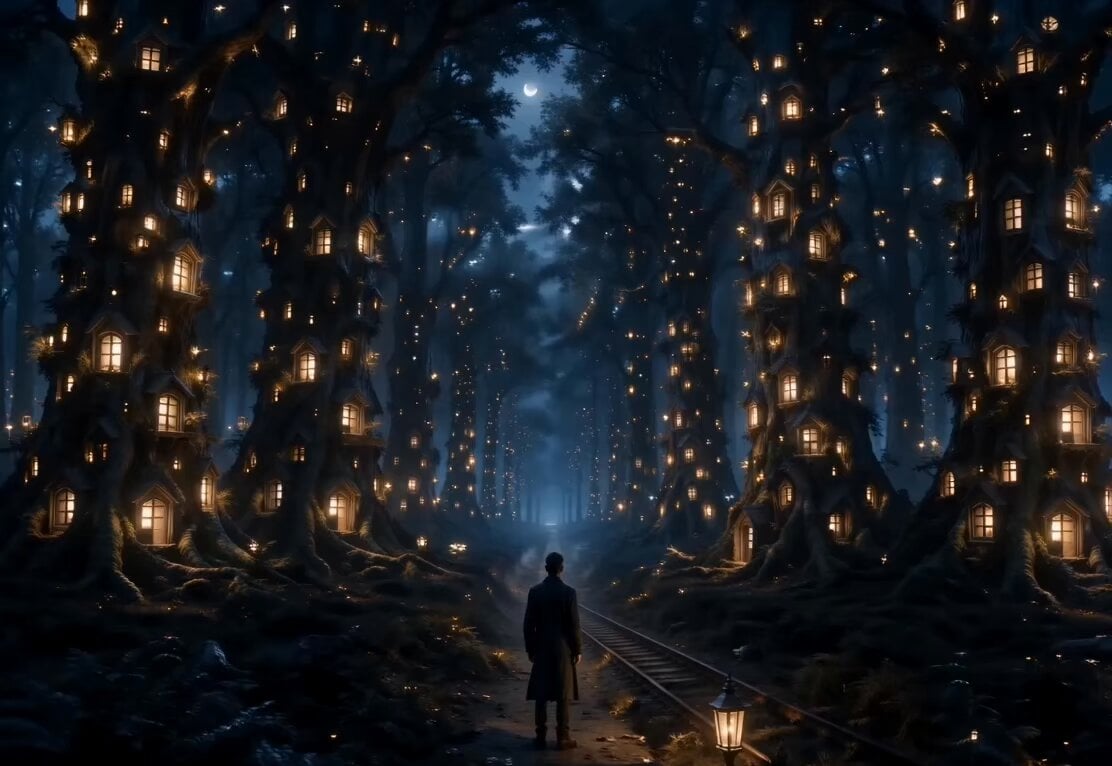
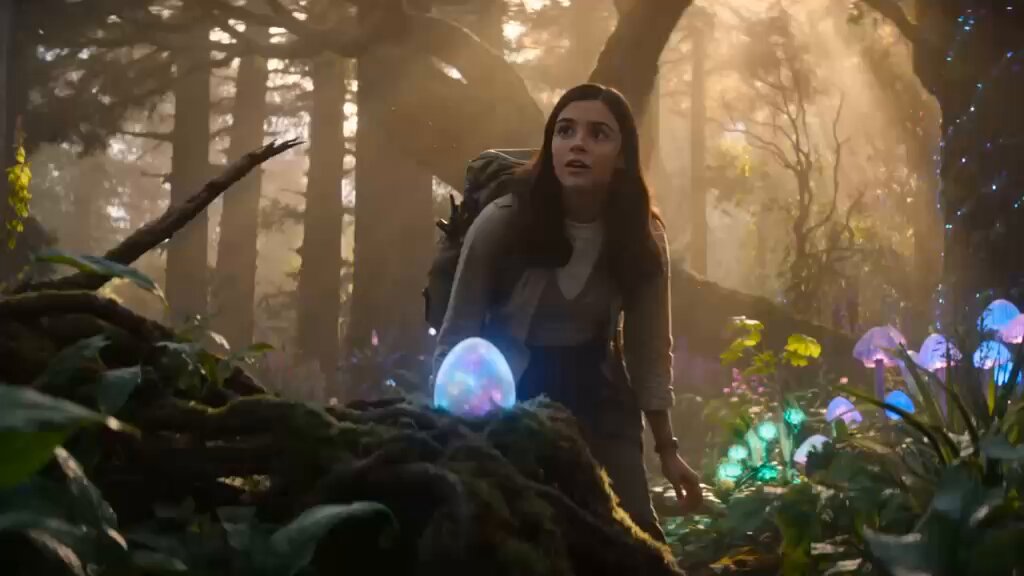
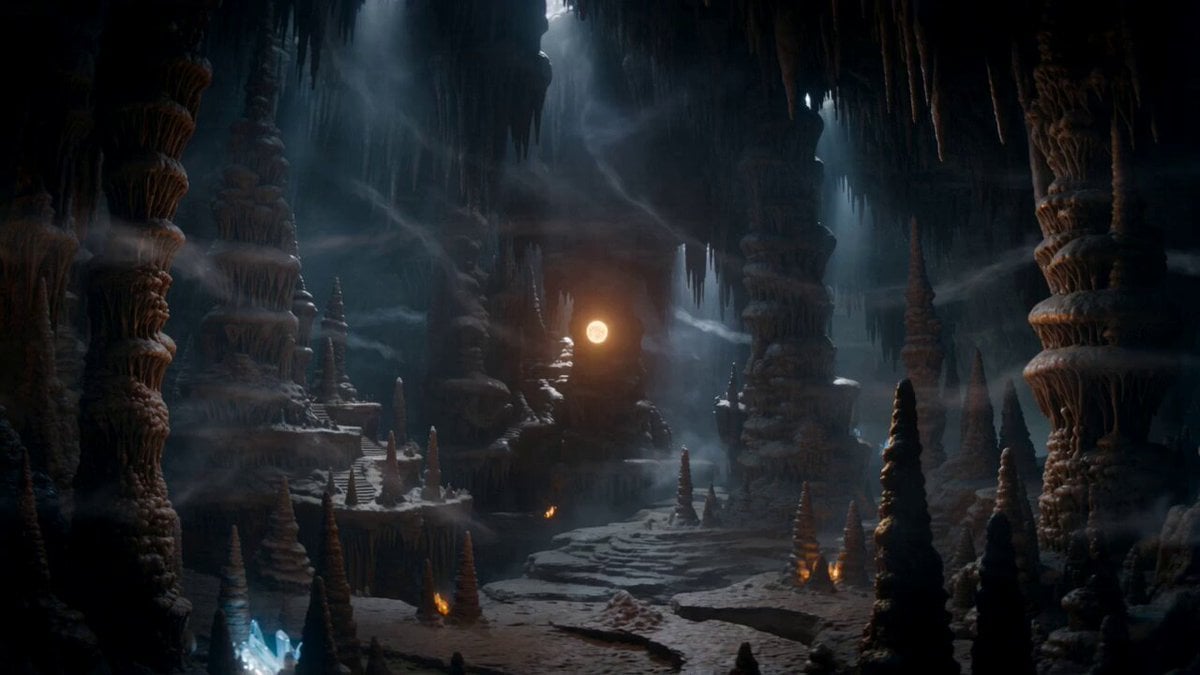
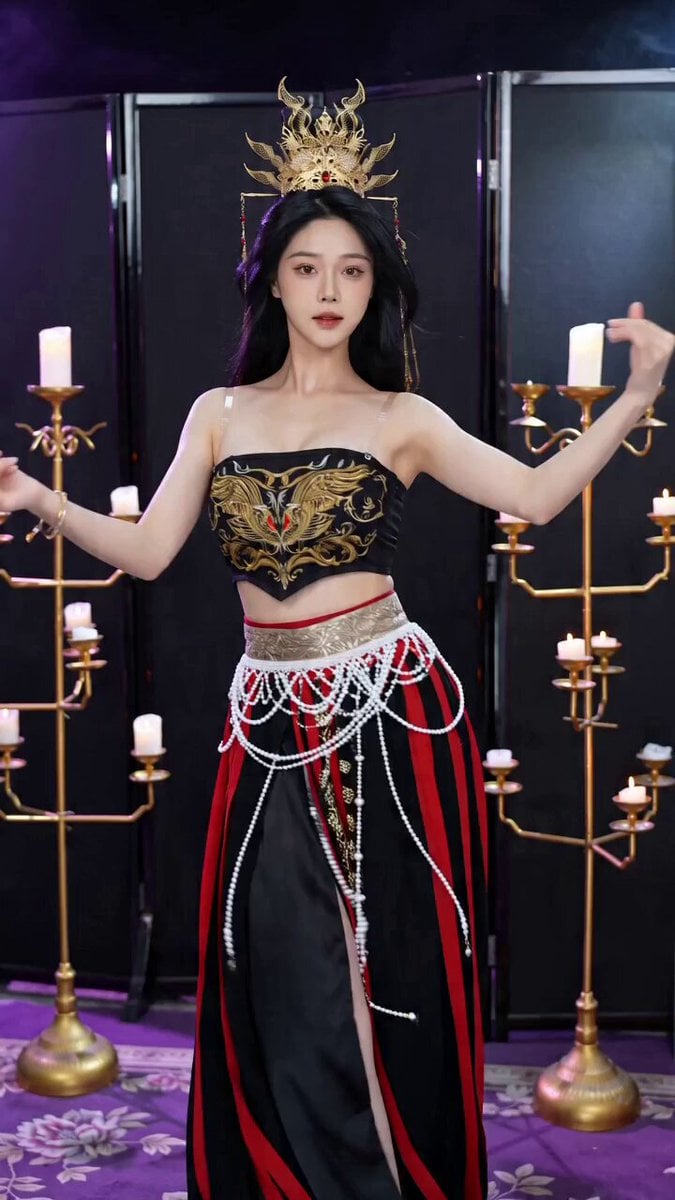
A cinematic fantasy video prompt describing an explorer entering a magical portal in a forest, leading to a world of floating islands and giant waterfalls.
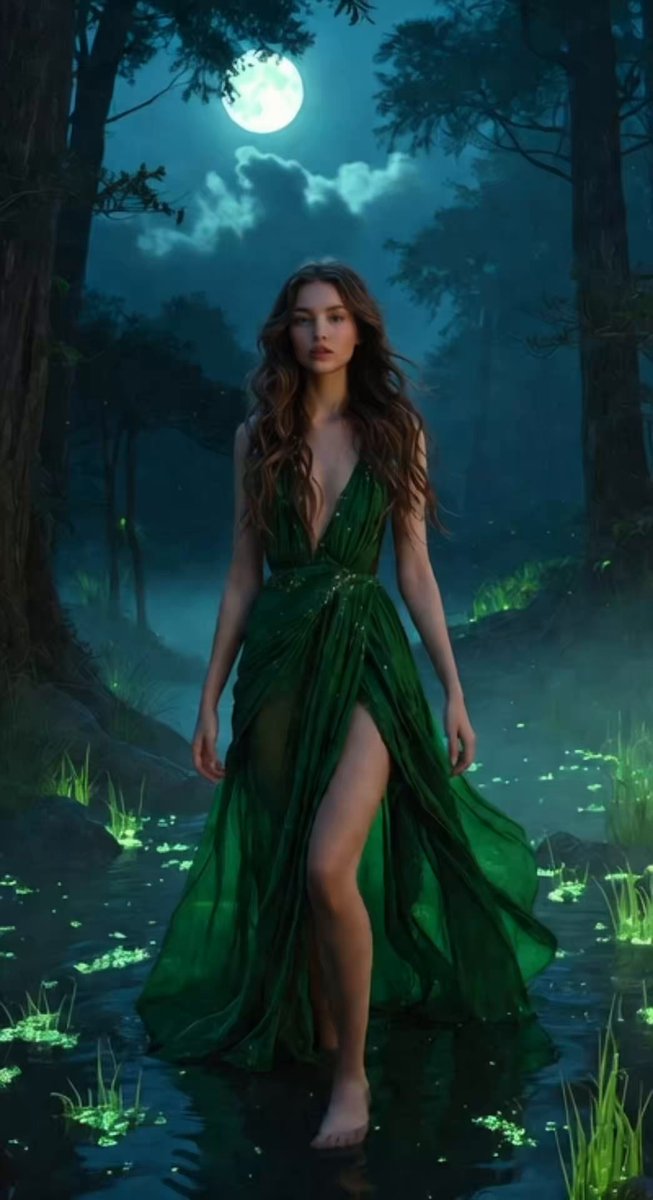
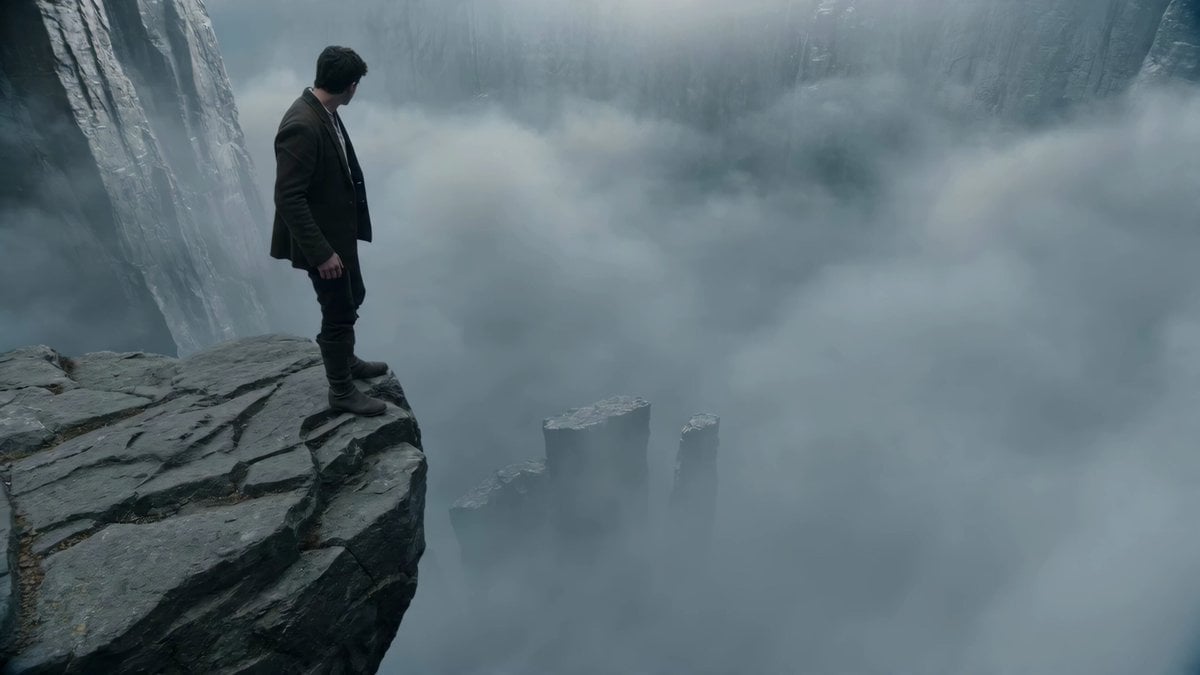
During a stormy night, an ancient glowing door suddenly appears in the middle of a dense forest. A lone explorer approaches cautiously, holding a lantern. As they slowly open the door, a blinding golden light reveals a breathtaking world filled with floating islands, giant waterfalls, glowing trees, and a sky with two moons. The explorer takes one step through the doorway, and reality instantly transforms around them—ordinary clothes become mystical armor as magical energy swirls through the air. Suddenly, the ancient door vanishes forever. A distant voice whispers, “You can never return.” The explorer looks toward the endless magical horizon as the screen fades to black. Ultra-realistic visuals, cinematic fantasy, volumetric lighting, dramatic camera movement, seamless transitions, movie-quality VFX, emotional atmosphere, highly detailed environments, and an epic cinematic ending.
During a stormy night, an ancient glowing door suddenly appears in the middle of a dense forest. A lone explorer approaches cautiously, holding a lantern. As they slowly open the door, a blinding golden light reveals a breathtaking world filled with floating islands, giant waterfalls, glowing trees, and a sky with two moons. The explorer takes one step through the doorway, and reality instantly transforms around them—ordinary clothes become mystical armor as magical energy swirls through the air. Suddenly, the ancient door vanishes forever. A distant voice whispers, “You can never return.” The explorer looks toward the endless magical horizon as the screen fades to black. Ultra-realistic visuals, cinematic fantasy, volumetric lighting, dramatic camera movement, seamless transitions, movie-quality VFX, emotional atmosphere, highly detailed environments, and an epic cinematic ending.
Edit the prompt in the box under the preview — the template's model and format are already selected — and press Generate. Your version appears right on this page.
Yes. You can change the subject, setting, lighting, mood, format, and available model controls before creating your video.
Opening and editing this template is free. Generating uses credits, shown on the Generate button when you are signed in.
Start with Seedance 2.0, which is the model associated with this template. You can compare another compatible model for a different finish.
Follow a topic to a crawlable collection of related PicX Studio templates.