
First-Person Wingsuit VR Pilot
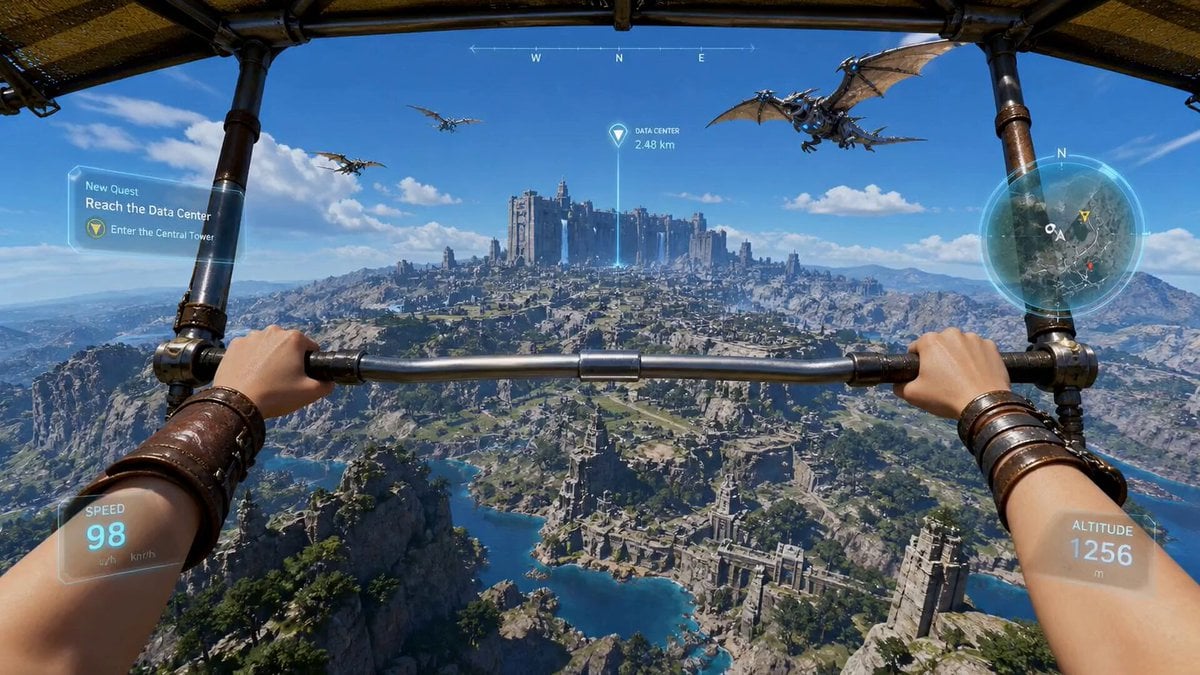
An immersive FPV video prompt for a fantasy sci-fi wingsuit flight through floating islands and ancient ruins.
- Prompt included
- Model and format preset
- Premium template
The prompt behind this video
Copy the exact prompt behind First-Person Wingsuit VR Pilot, or open it in the studio and make it yours.
[ Subject: First-person VR-player POV (female pilot), two gloved hands visible in frame gripping a sleek hybrid wingsuit-glider rig with glowing rune-circuit accents along the wrists. A faint reflection of glowing eyes flickers in the visor between cuts. Style: Live-action cinematic realism fused with next-gen game-engine clarity. Razor-sharp detail, physically accurate motion, controlled camera inertia, subtle motion blur on speed peaks, crisp readable action even at maximum chaos. Colors are natural but slightly punched — vibrant skies, deep aqua water, warm stone tones. No haze, no fog, infinite draw distance. Environment: A vast fantasy sci-fi open world: floating sky islands tethered by chains of light, a colossal stone-built Data Center pulsing with glowing glyph circuits in the distance, a mirror-flat reflective ocean below, towering cliffs, ancient ruins fused with holographic tech, and dragon-shaped drones patrolling the airspace. A medieval-meets-cyber stone castle on a cliff is the final waypoint. HUD / Spatial UI (always on, glassmorphism): Semi-transparent rounded panels with soft shadows and glowing edges, slight parallax with head motion. Visible elements: Quest marker beam over the castle ("FINAL WAYPOINT — 4.2 KM") Floating minimap (slight tilt, side-mounted) Speed bar + altimeter near peripheral vision Combo / trick counter that ticks up live Floating "+XP" pickups, achievement pop-ups, and dragon threat-level indicator Mood: Hyper-immersive, high-tension, "holy-sh*t-did-you-see-that" energy. Big spectacle, big payoffs, every 2 seconds something to clip. Timeline (0:00 – 0:15): 0:00 – 0:02 — The Hook Cold open: pitch-black visor, then a snap boot-up — glassmorphism HUD assembles around the view in one fluid sweep. Hands clamp the rig. Camera tilts forward, revealing a jaw-dropping vertical plunge: the player is already falling off a sky island. A neon "MISSION START" pop-up flashes and shatters into particles. SFX: bass-drop boot tone, sharp inhale, wind ignition. 0:02 – 0:04 — Vertical Dive + Ring Combo Near-vertical dive toward the ocean. Speed bar fills fast. The player threads through three glowing holographic checkpoint rings — each one triggers a satisfying ding, a "+250 XP" pop-up, and a combo multiplier (×2, ×3, ×4). Dragon drones streak past in a coordinated V-formation. SFX: rising wind rush, three crisp chime hits, low whoosh. 0:04 – 0:06 — Water Skim Pull-Up Last-second hard pull-up. Strong G-force inertia compresses the camera. The player skims centimeters above the mirror-water — fingertips of one glove drag a perfect rooster-tail spray. The water reflects the entire HUD and a fleet of dragon drones above. A "PERFECT SKIM +1000 XP" banner flashes. SFX: deep camera-rumble, water hiss, slow-mo whoosh, triumphant sub-chime. 0:06 – 0:08 — Cliff Tunnel & Drone Swarm Stable forward flight transitions into a tight cliff canyon laced with floating ruins and holographic glyphs. A dragon-drone swarm pee
How to use First-Person Wingsuit VR Pilot in 3 steps
- 1
Open
The prompt is already in the box next to the preview, with the template's model and format selected.
- 2…a portrait of your subject in softgolden-hour light, 85mm…
Personalize
Edit the subject and creative details for your destination.
- 3Generate
Generate
Press Generate — your video is created in PicX Studio, so you can compare it with the original and refine one variable at a time.
More like this
Templates with the same subject, style or setup. Open one to see its prompt.

NYC Wingsuit Hot Dog Landing
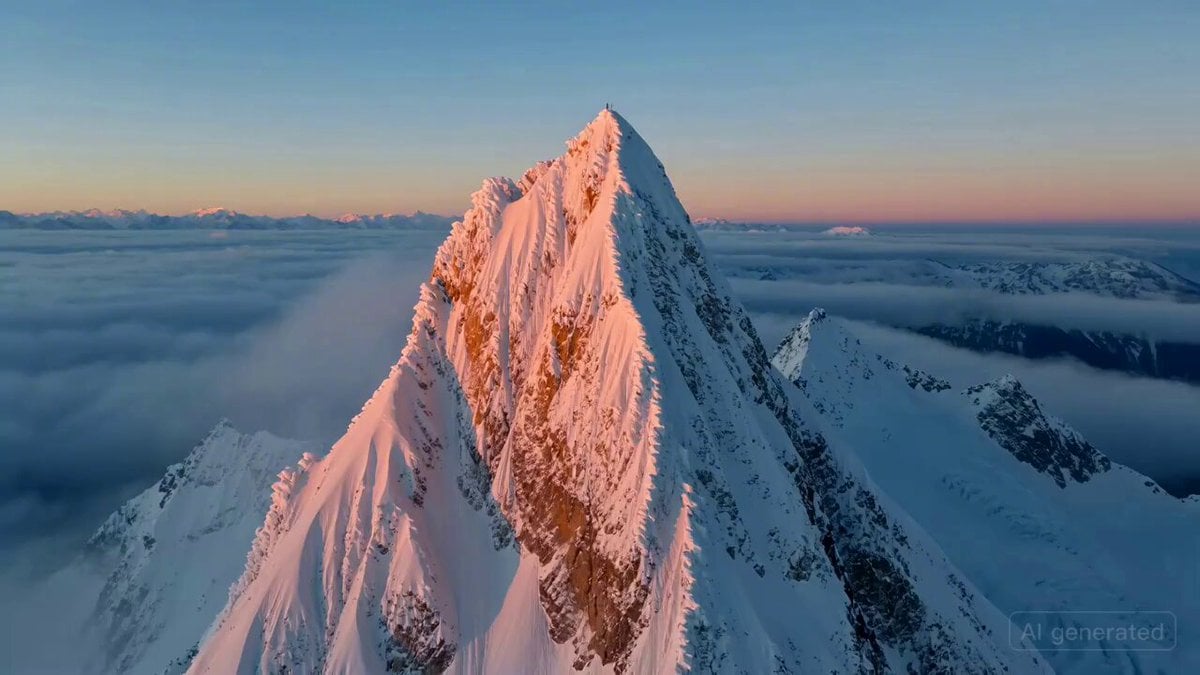
Cinematic Aerial Shot of Wingsuit Pilot in Alpine Valley
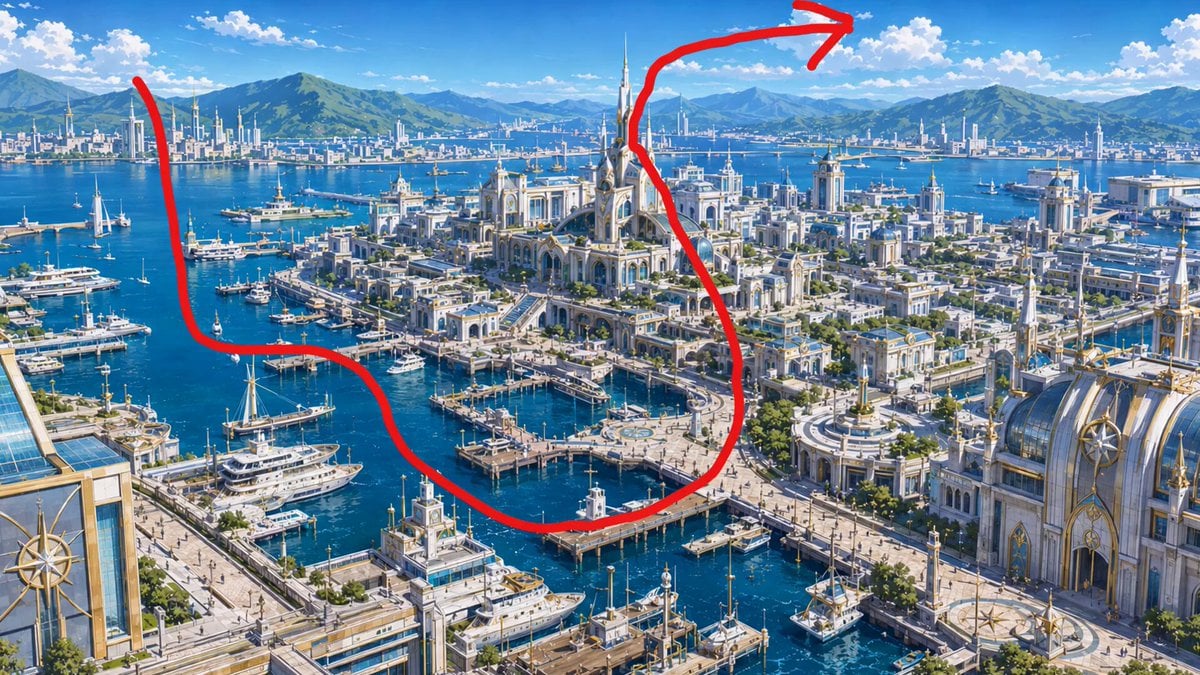
Anime Pilot First-Person Flight
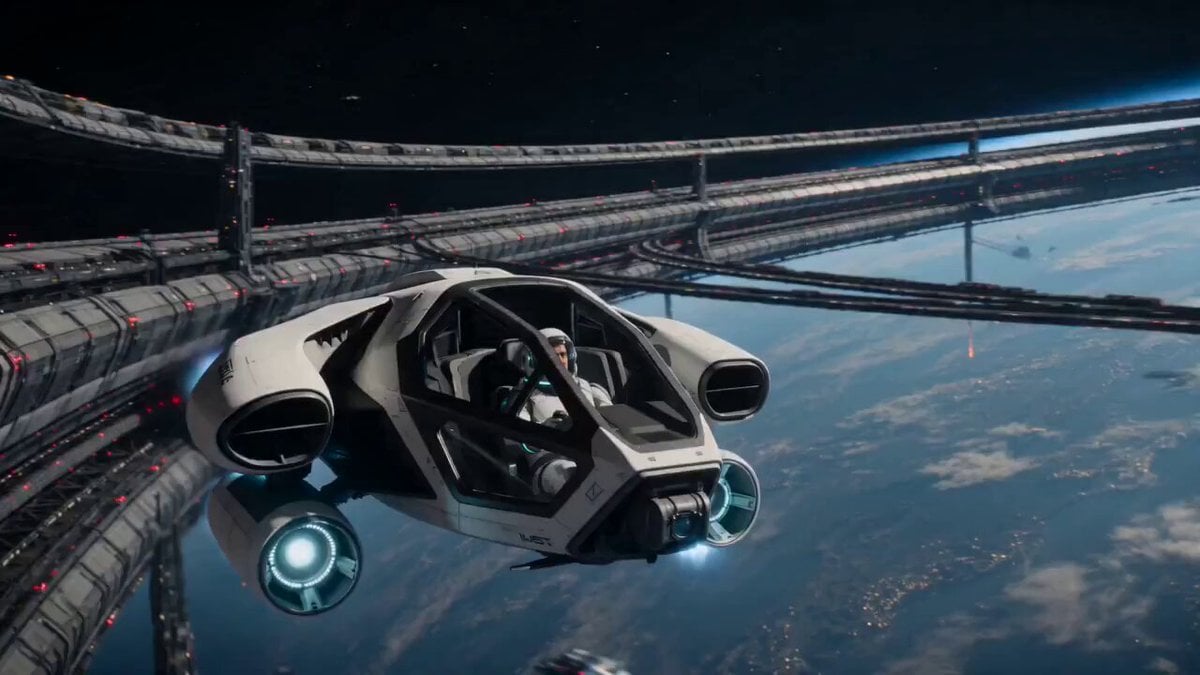
Orbital Rescue Pilot Sci-Fi Cinematic
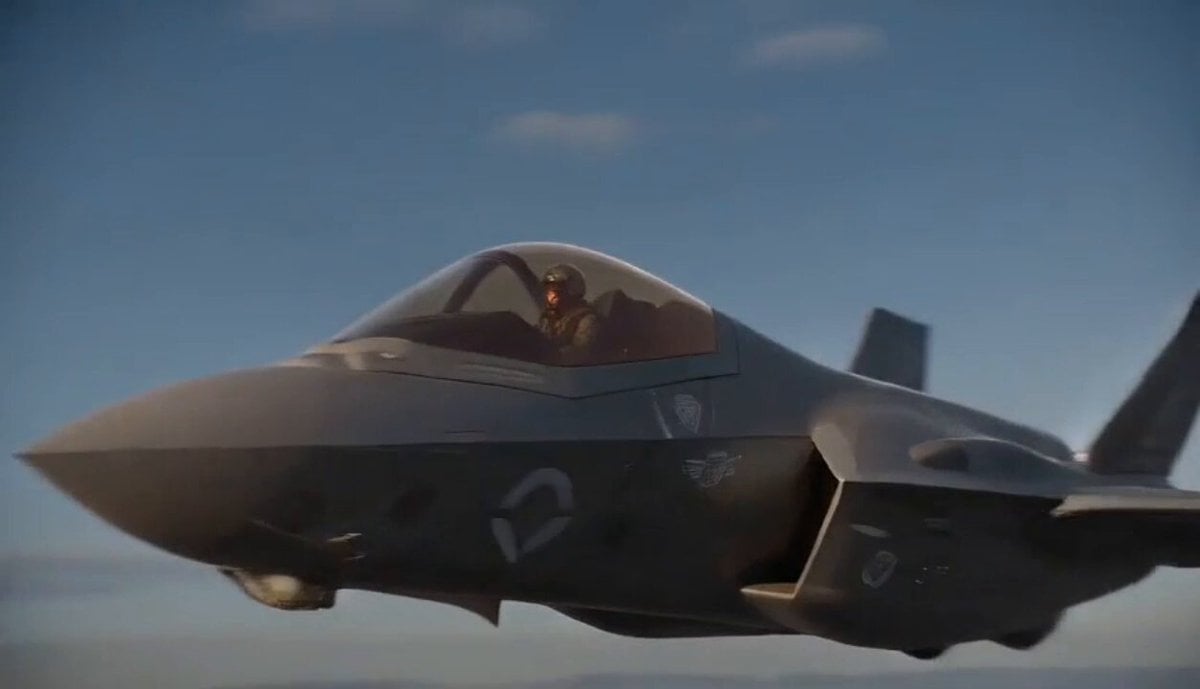
Jet Pilot Ejection Sequence
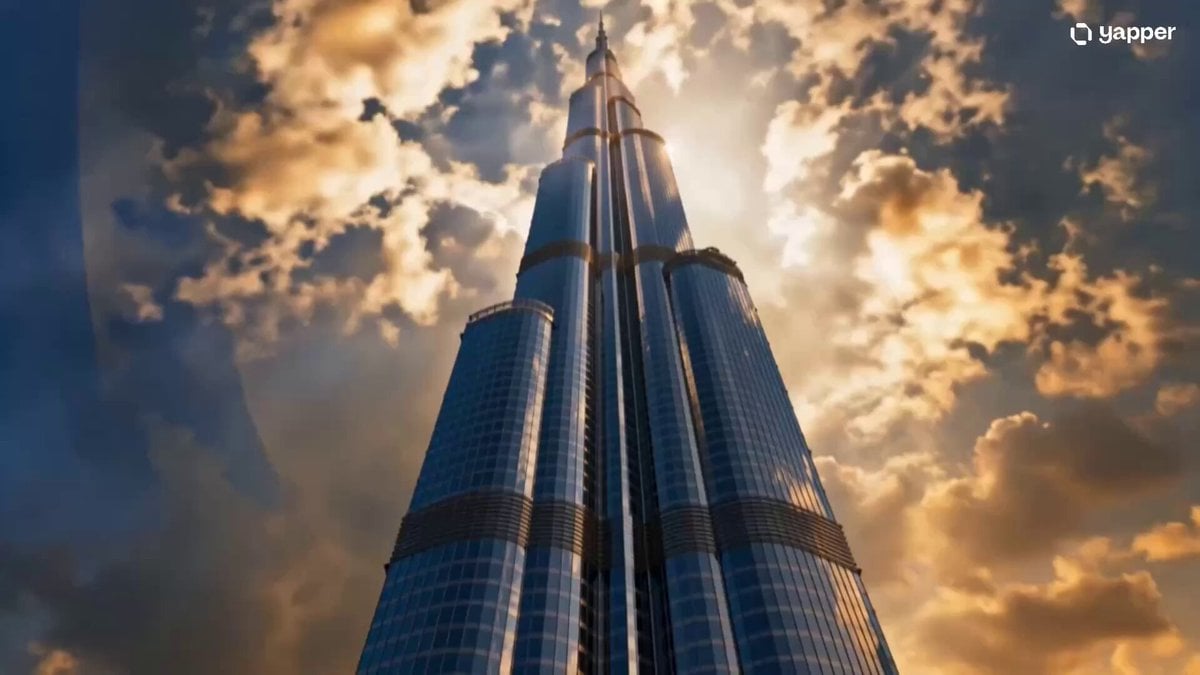
Wingsuit Jump Dubai Cinematic
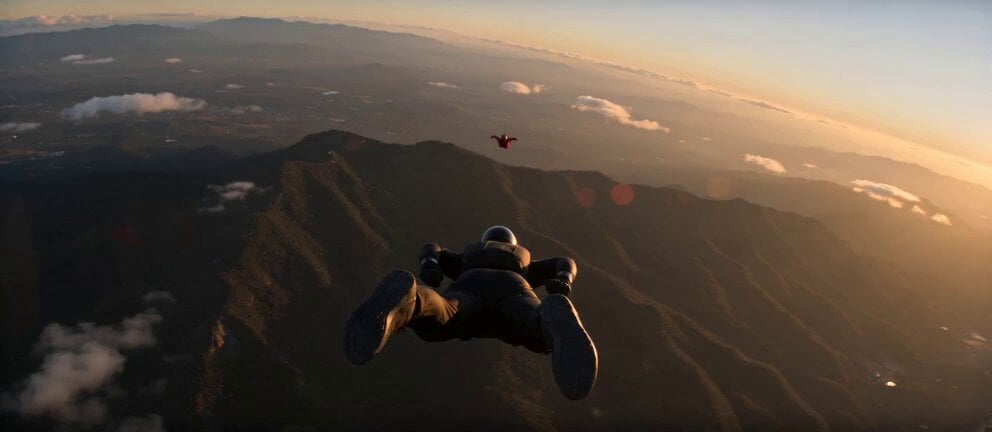
Skydiving Wingsuit Chase Action Sequence
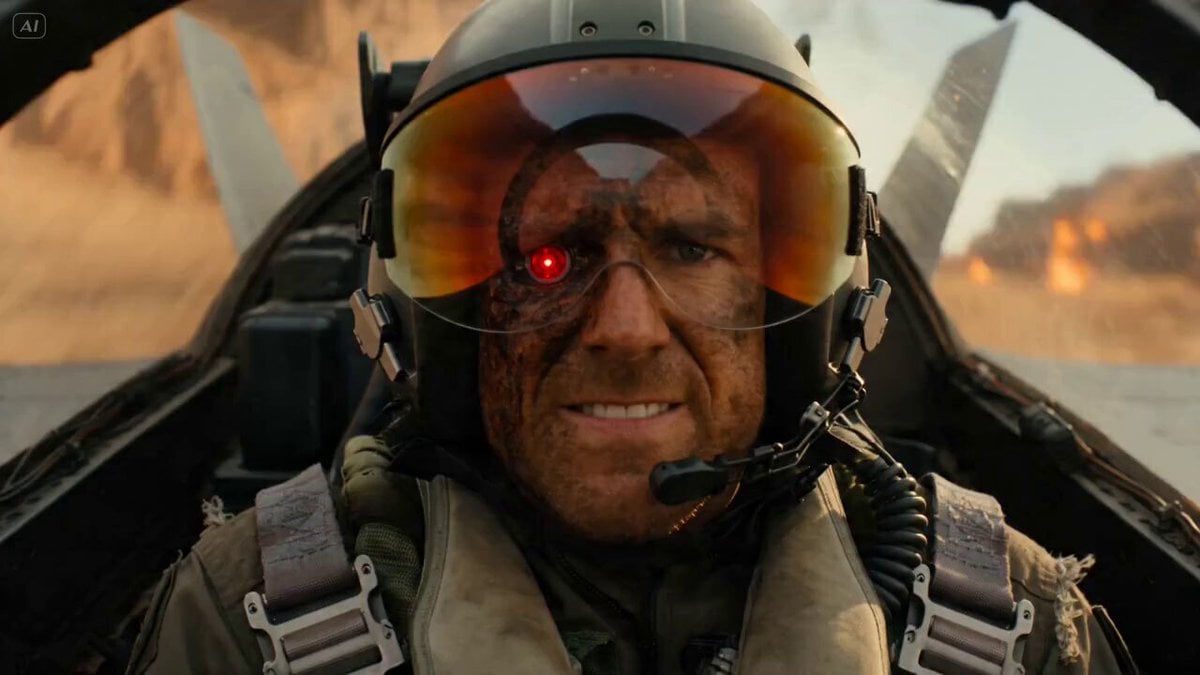
Rogue Pilot Canyon Dogfight
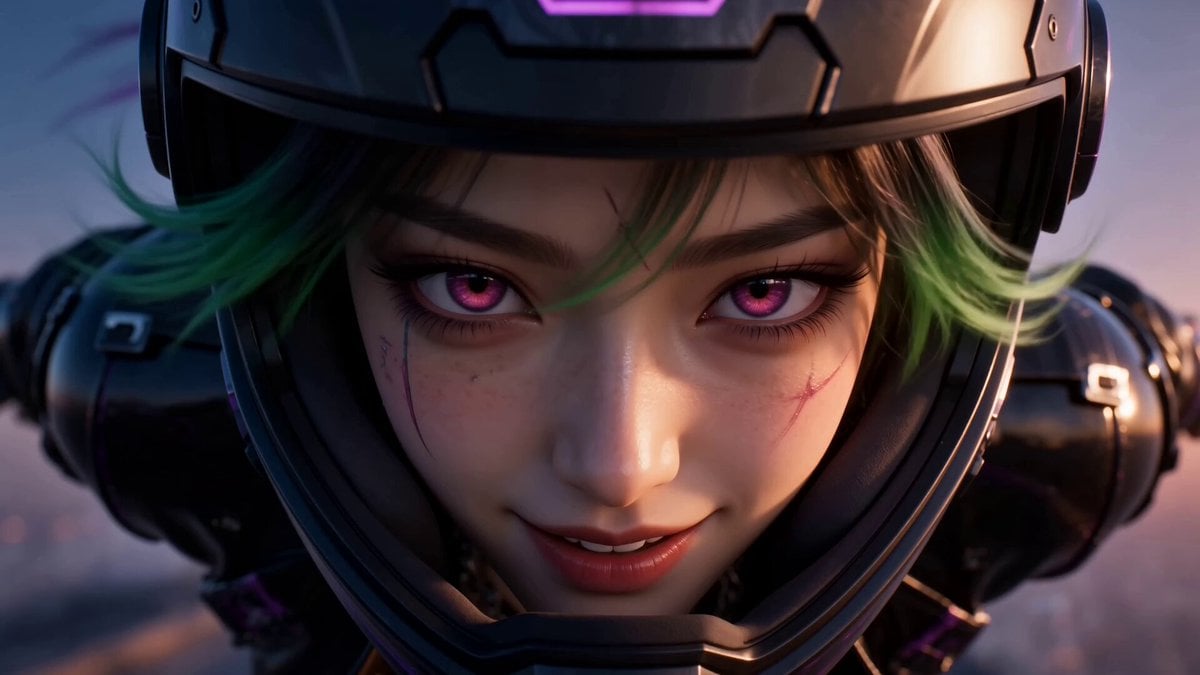
Cyberpunk Anime Wingsuit Proximity Flight Prompt
Star Wars Rottweiler Pilot and Cat Co-Pilot
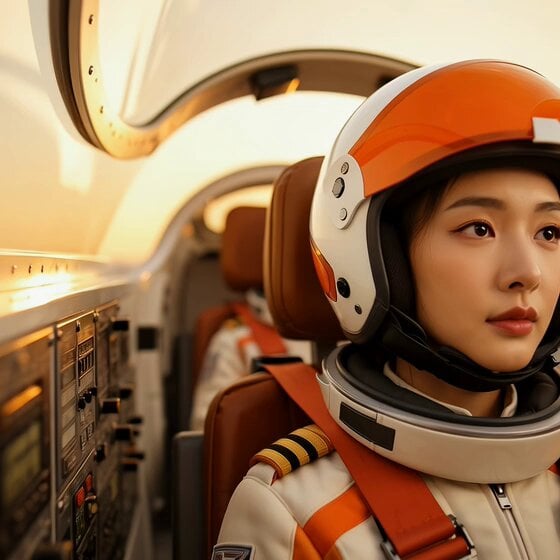
East Asian Fighter Pilot Video
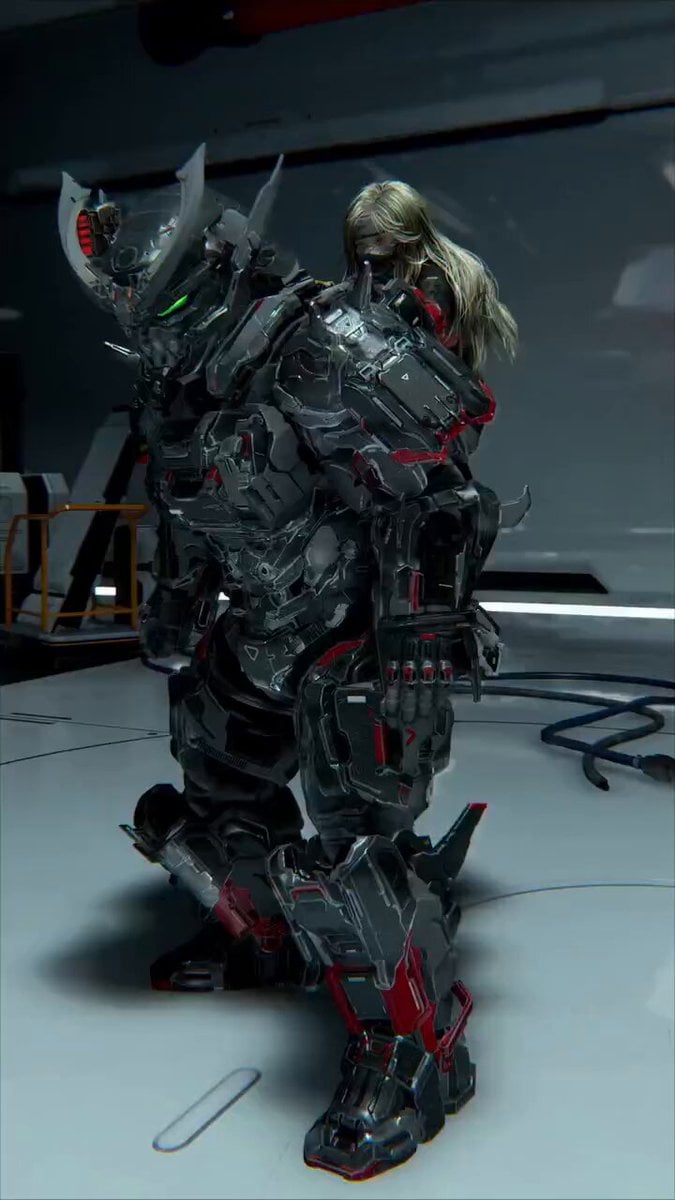
Futuristic Mech and Pilot Orbiting Shot
Make it yours
First-Person Wingsuit VR Pilot works as-is. These are the safest ways to change it without losing the look.
Change one field
Copy a single group, rewrite it, and generate again so you can see what that field is doing.
Keep the frame, change the subject
Hold the composition and light of First-Person Wingsuit VR Pilot, then swap wardrobe, props or the person for a new take.
| If the result… | Why | Fix |
|---|---|---|
| The result drifts from the preview | Too many fields changed at once. | Reuse First-Person Wingsuit VR Pilot as-is first, then change one group — subject, light, or setting. |
| The model over-stylizes the scene | The prose prompt leaves finish and camera underspecified. | Add one camera or lighting sentence and stay on Seedance 2.0. |
More Seedance 2.0 templates
Other prompts made for Seedance 2.0.

Comical Martial Arts Punch Scene

Maglev Train Action Sequence

Martial Arts Fight Sequence

Wuxia Protection and Trust Script

Vintage Korean Arcade MiniDV Vlog

Mercedes 190 SL Luxury Ad

Rainy Night Supernatural Reverse Comedy Video Script

Amazon Civilization Discovery

Futuristic South Asian City Transformation

Cozy Luxury Cafe Commercial
More video prompts
Fresh picks from across the catalog.
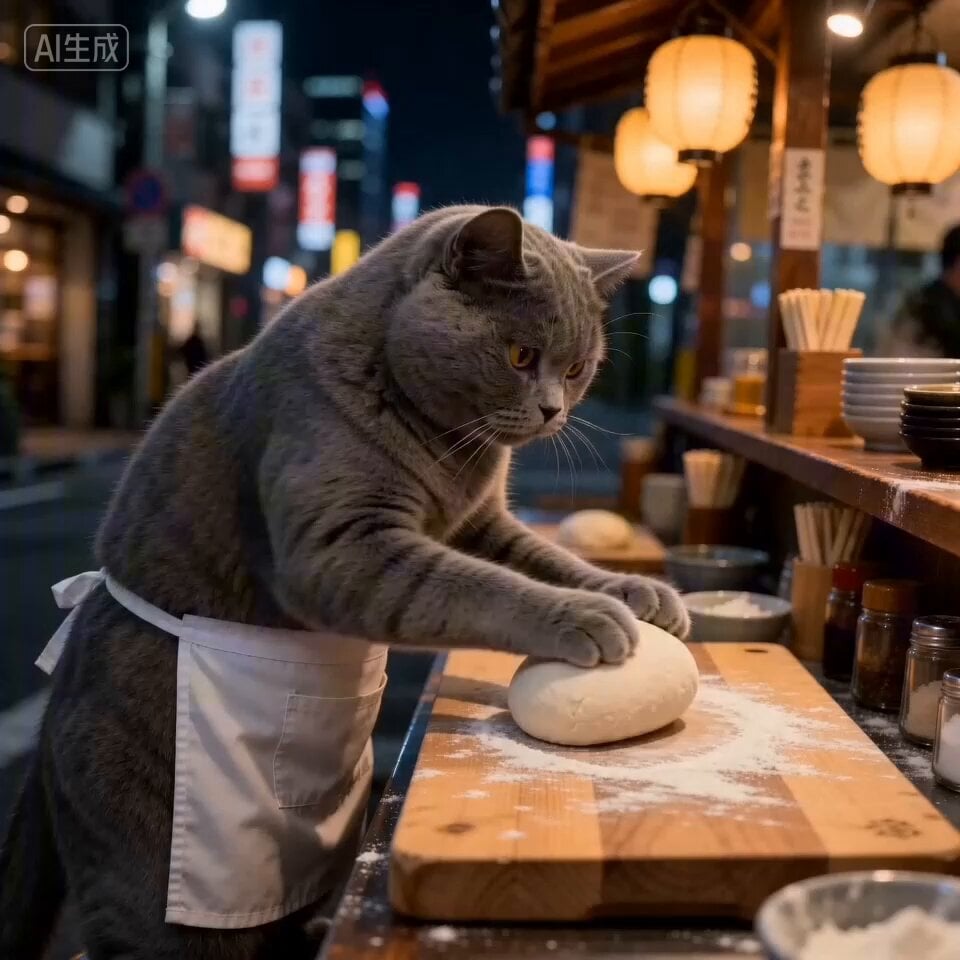
Cat Ramen Chef ASMR Video Prompt for Seedance 2.0

Luxury Lifestyle Day Vlog
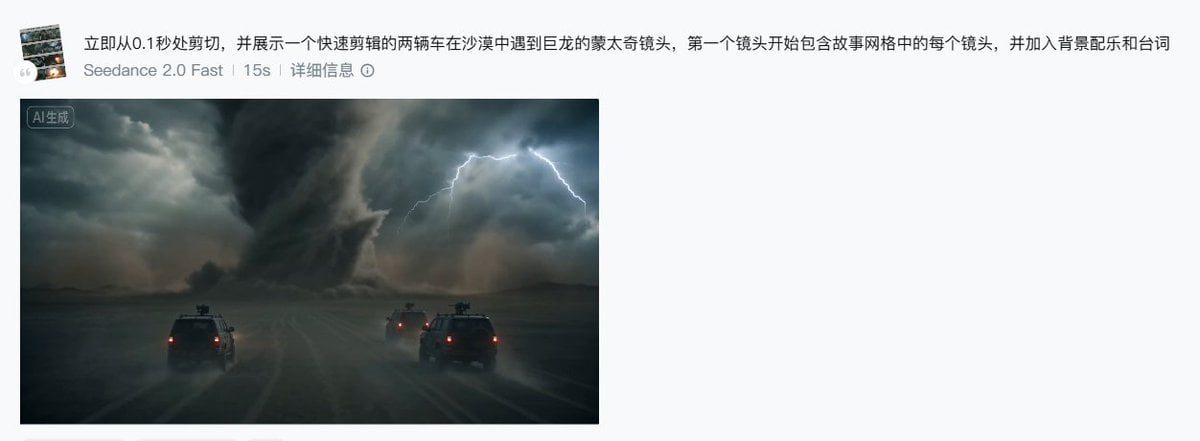
Seedance 2.0 Storyboard Prompt Example

Emotional Breakdown Sequence
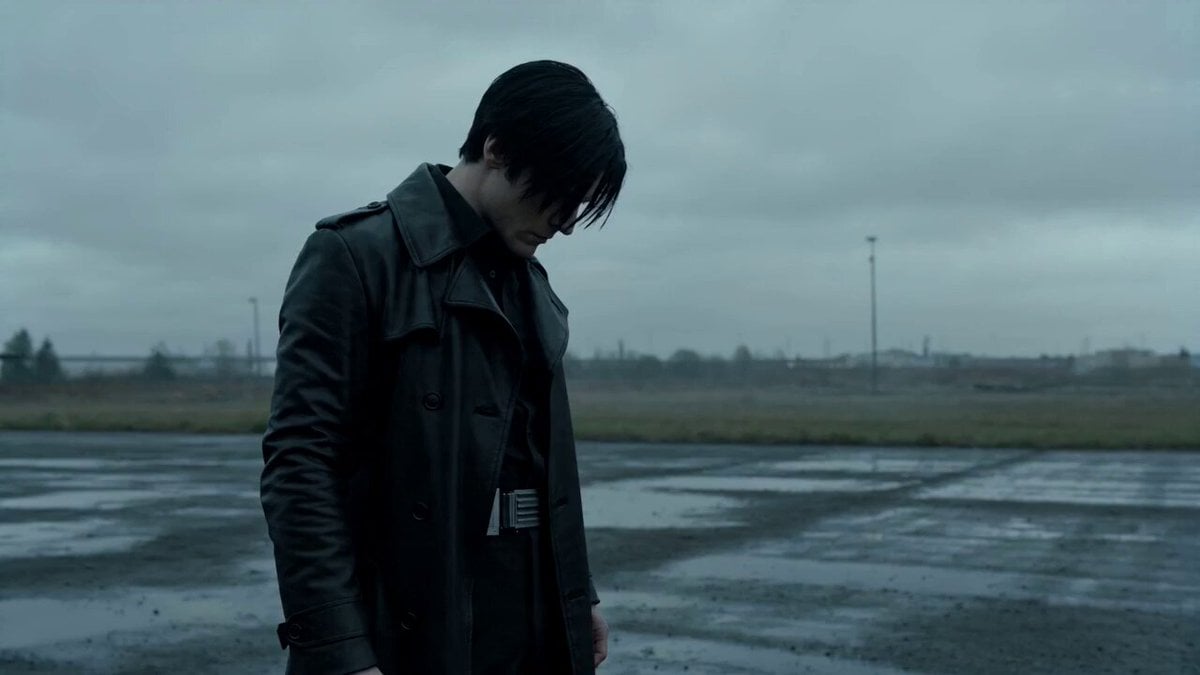
Biotech Alien Suit Metamorphosis
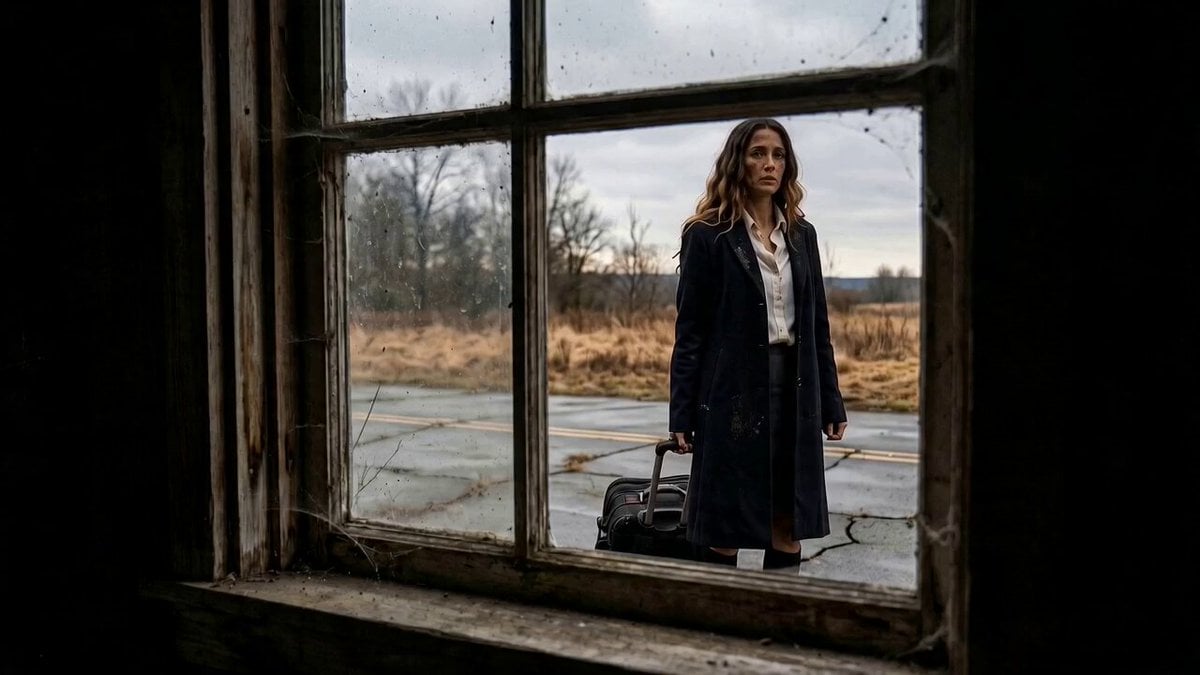
Mystery Horror Scene Transition
Formula Race Warzone Sequence
Humorous Persian Calf Haircut Transformation Video Prompt
Formula 1 Sketch Transformation
Celestial Warrior Combat Scene
Browse template categories
First-Person Wingsuit VR Pilot questions
How do I use the First-Person Wingsuit VR Pilot template?
Add your photo if the template asks for one, edit the prompt if you like — the template's model and format are already selected — and press Generate. Your version opens in PicX Studio.
Can I customize the First-Person Wingsuit VR Pilot template?
Yes. You can change the subject, setting, lighting, mood, format, and available model controls before creating your video.
Is the First-Person Wingsuit VR Pilot template free?
Opening and editing this template is free. Generating uses credits, shown on the Generate button when you are signed in.
Which AI model should I use?
Start with Seedance 2.0, which is the model associated with this template. You can compare another compatible model for a different finish.
Looking for something else? Browse all templates.

Your photo, any look
Thousands of ready templates for every top image and video model, from one credit balance.