
Wingsuit Jump Dubai Cinematic
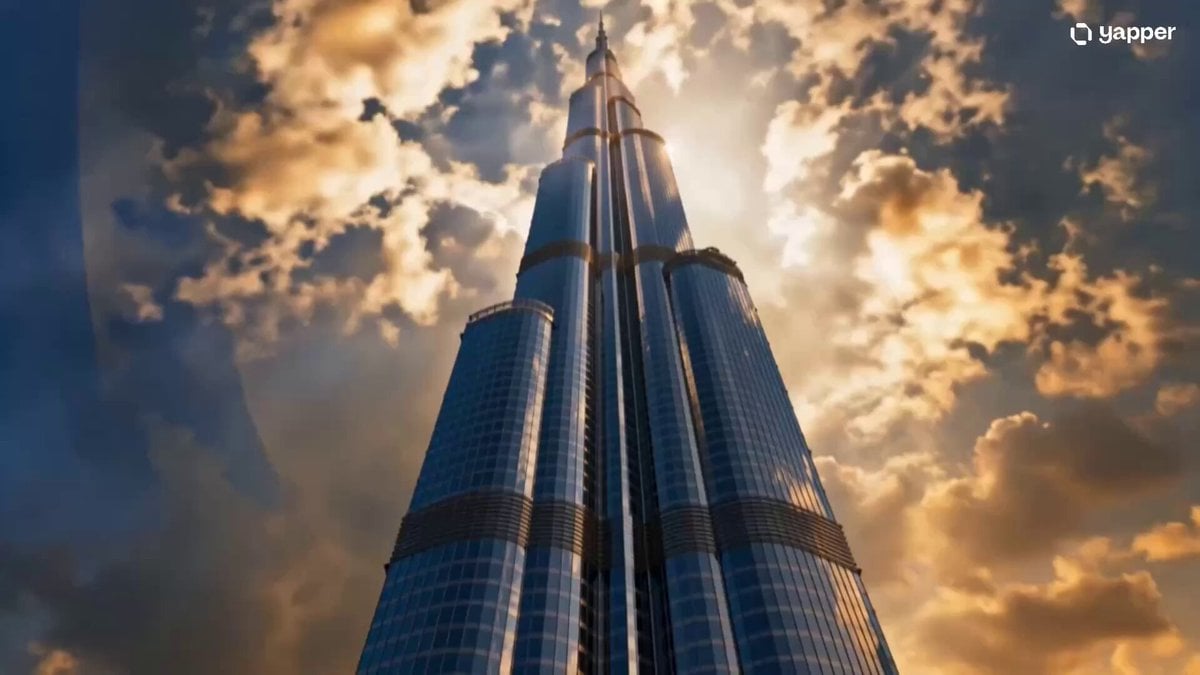
A high-stakes cinematic storyboard prompt for a wingsuit jump from the Burj Khalifa, detailing multiple shots from the preparation to the flight.
- Prompt included
- Model and format preset
- Free template
The prompt behind this video
Copy the exact prompt behind Wingsuit Jump Dubai Cinematic, or open it in the studio and make it yours.
[0:00 – 0:03 | ESTABLISHING SHOT] Extreme low-angle shot looking straight up at the Burj Khalifa piercing through golden morning clouds. Camera slowly tilts down to reveal Maya — a young woman in a sleek wingsuit — standing alone on the observation deck, wind whipping her hair. Dubai glitters endlessly below. She grips the railing. Her knuckles are white. [0:03 – 0:06 | CLOSE-UP CUT] Tight close-up on her eyes — determined, terrified, alive. A crumpled letter escapes her fingers and disappears into the void below. She exhales slowly. She lets go of the railing. [0:06 – 0:10 | THE LEAP] Wide cinematic shot — she steps off the edge. Sudden silence for half a second — then the world EXPLODES into motion. She plunges downward, the entire Dubai skyline rushing upward past her. The wingsuit catches air. She extends her arms. Her body transforms from falling to flying. Golden light floods the frame. [0:10 – 0:13 | AERIAL FREEDOM] Sweeping drone-style shot from below — Maya soaring horizontally above the city, clouds parting around her, skyscrapers like tiny toys beneath her. Slow motion. Her face — pure, electric joy. [0:13 – 0:15 | FADE OUT] She disappears into a blazing golden horizon. Screen fades to black. Voiceover (calm, feminine, powerful): "They told her the sky was the limit. So she jumped from the top of it."
How to use Wingsuit Jump Dubai Cinematic in 3 steps
- 1
Open
The prompt is already in the box next to the preview, with the template's model and format selected.
- 2…a portrait of your subject in softgolden-hour light, 85mm…
Personalize
Edit the subject and creative details for your destination.
- 3Generate
Generate
Press Generate — your video is created in PicX Studio, so you can compare it with the original and refine one variable at a time.
More like this
Templates with the same subject, style or setup. Open one to see its prompt.

NYC Wingsuit Hot Dog Landing
Dubai Good Evening Cityscape
Luxury Travel Vlog in Dubai
Dubai Travel Vlog Mini
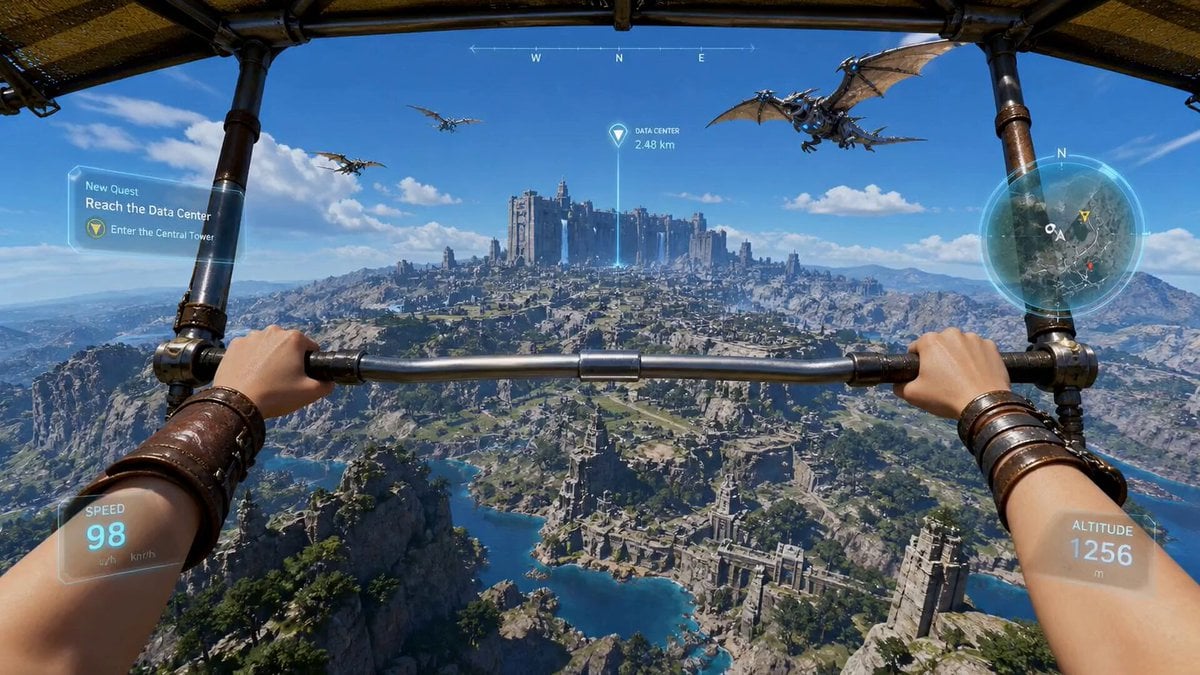
First-Person Wingsuit VR Pilot
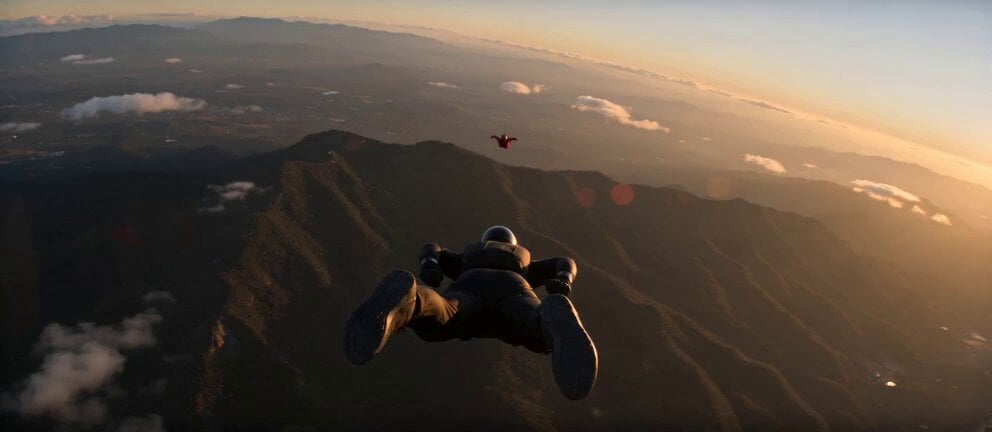
Skydiving Wingsuit Chase Action Sequence
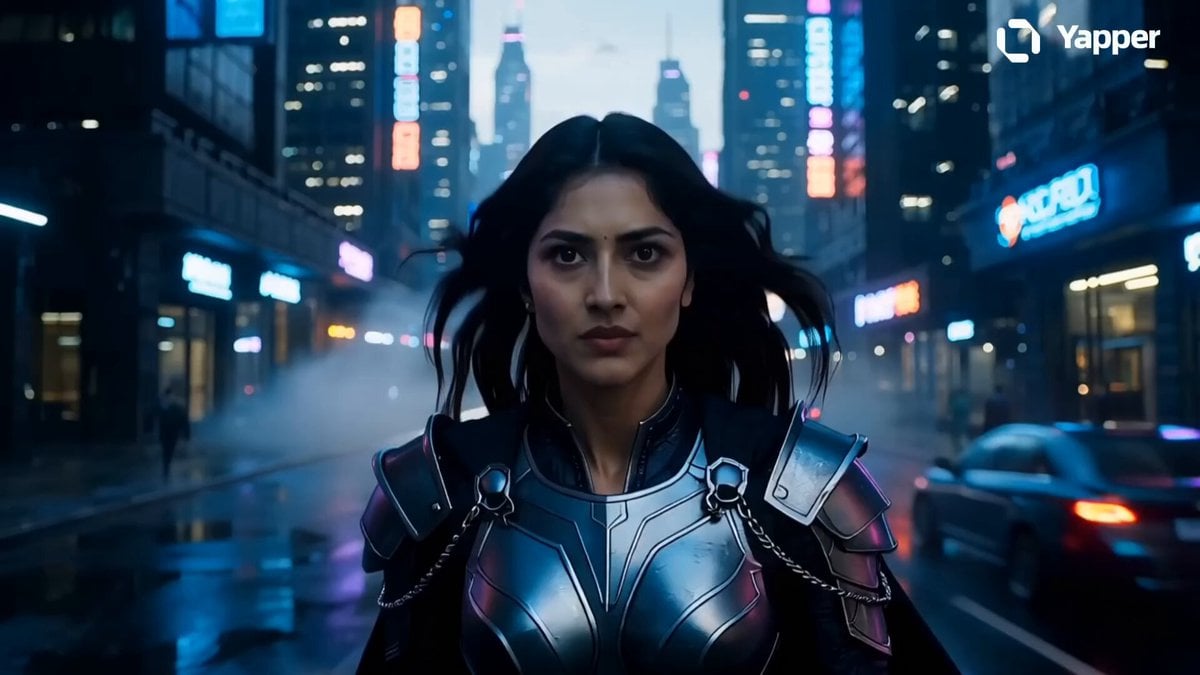
Futuristic Dubai Warrior Scene
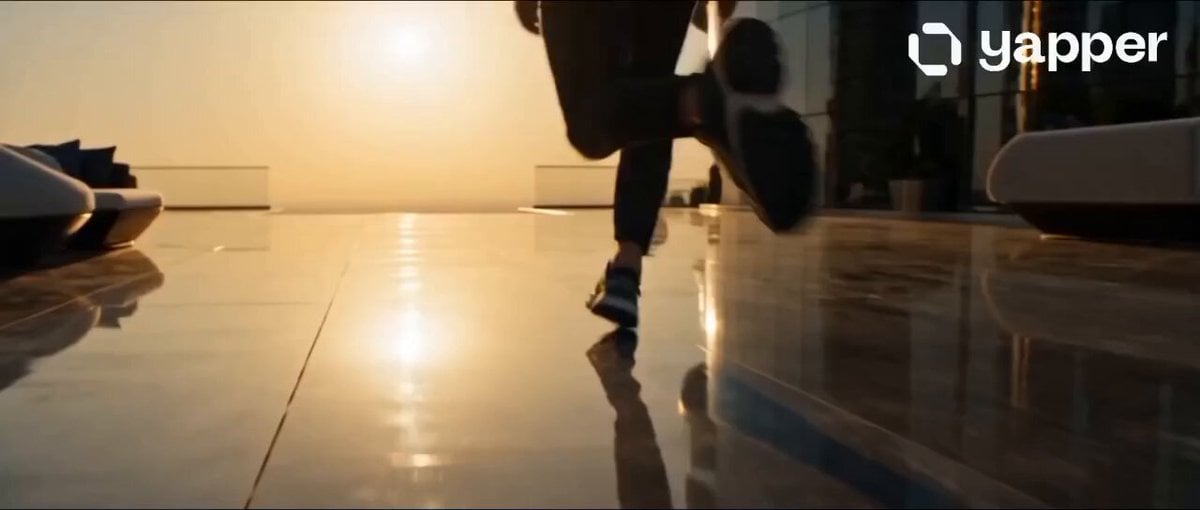
Dubai Rooftop Parkour Action Sequence
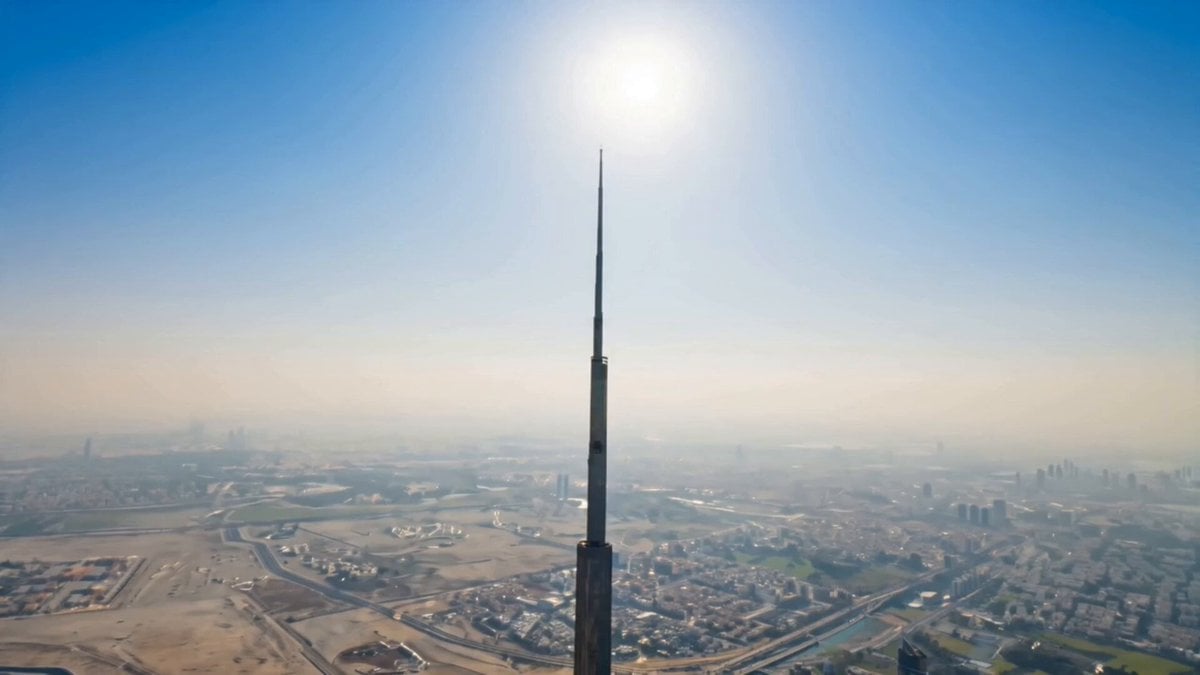
Dubai Hypercar Chase Commercial
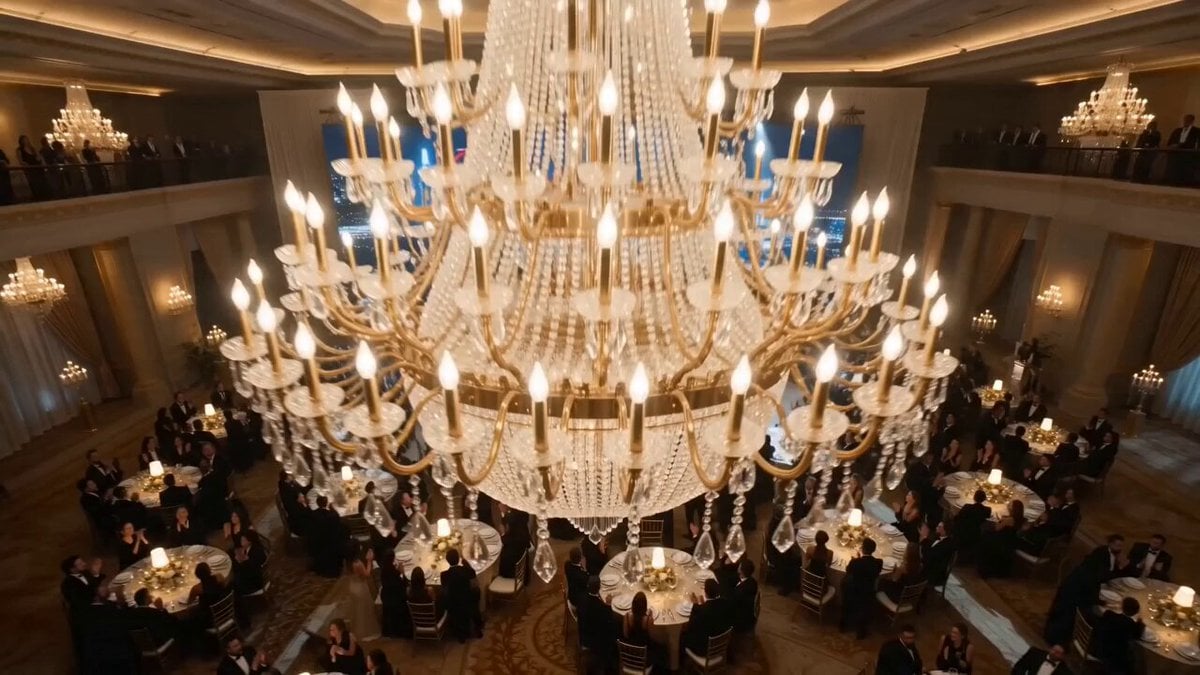
Dubai CEO Short Drama with Cat Twist
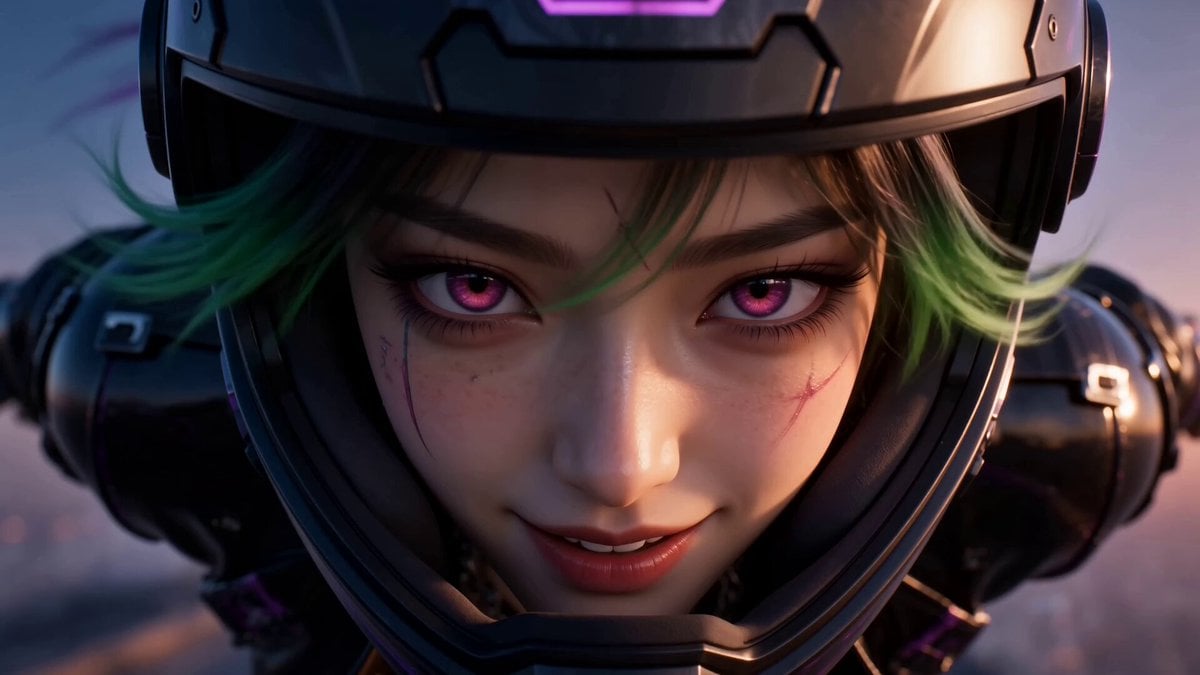
Cyberpunk Anime Wingsuit Proximity Flight Prompt
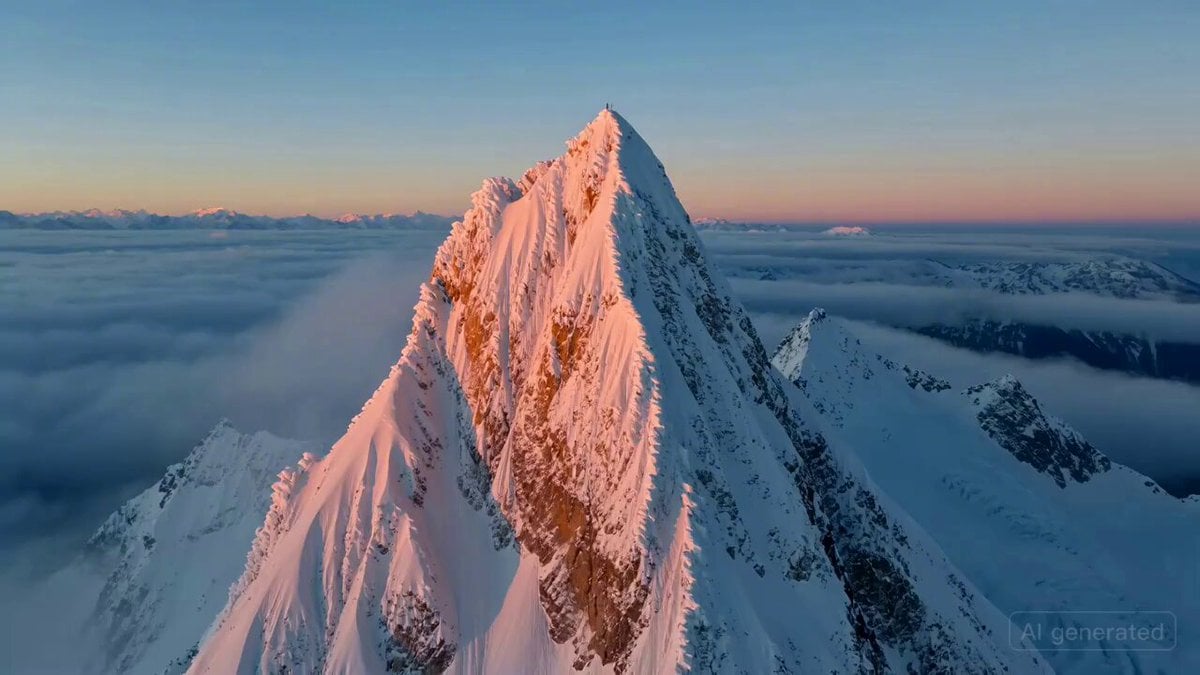
Cinematic Aerial Shot of Wingsuit Pilot in Alpine Valley
Make it yours
Wingsuit Jump Dubai Cinematic works as-is. These are the safest ways to change it without losing the look.
Change one field
Copy a single group, rewrite it, and generate again so you can see what that field is doing.
Keep the frame, change the subject
Hold the composition and light of Wingsuit Jump Dubai Cinematic, then swap wardrobe, props or the person for a new take.
| If the result… | Why | Fix |
|---|---|---|
| The result drifts from the preview | Too many fields changed at once. | Reuse Wingsuit Jump Dubai Cinematic as-is first, then change one group — subject, light, or setting. |
| The model over-stylizes the scene | The prose prompt leaves finish and camera underspecified. | Add one camera or lighting sentence and stay on Seedance 2.0. |
More Seedance 2.0 templates
Other prompts made for Seedance 2.0.

Comical Martial Arts Punch Scene

Maglev Train Action Sequence

Martial Arts Fight Sequence

Wuxia Protection and Trust Script

Vintage Korean Arcade MiniDV Vlog

Mercedes 190 SL Luxury Ad

Rainy Night Supernatural Reverse Comedy Video Script

Amazon Civilization Discovery

Futuristic South Asian City Transformation

Cozy Luxury Cafe Commercial
More video prompts
Fresh picks from across the catalog.
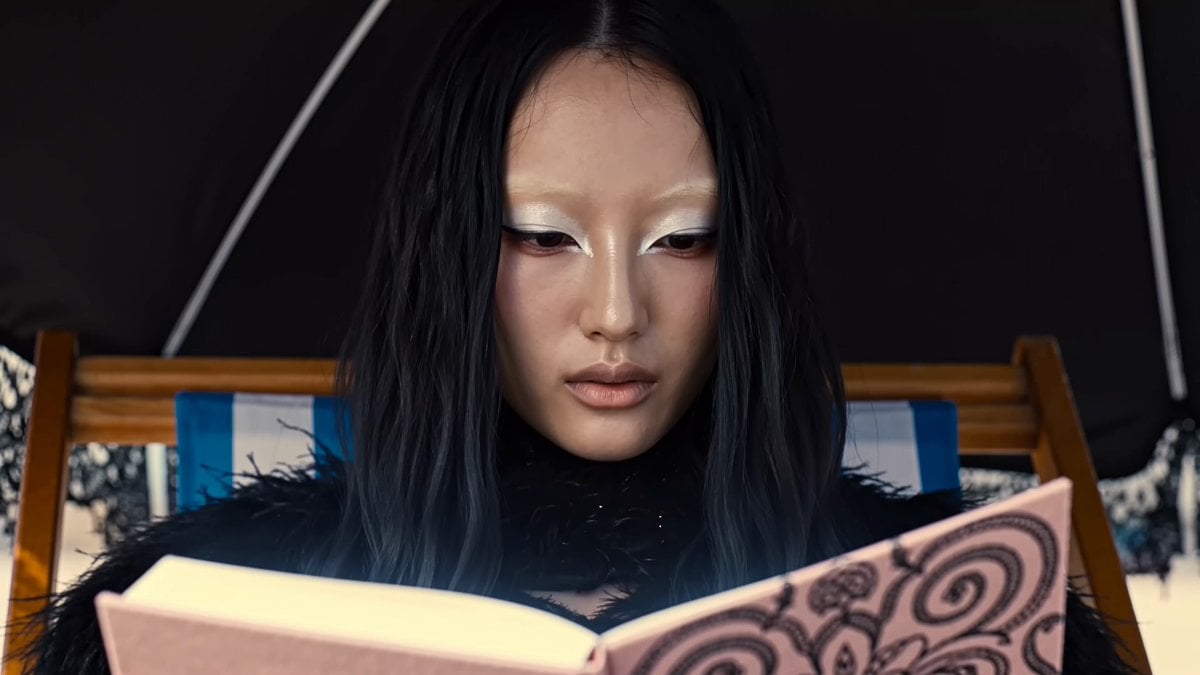
Magical Glowing Notebook Flicker
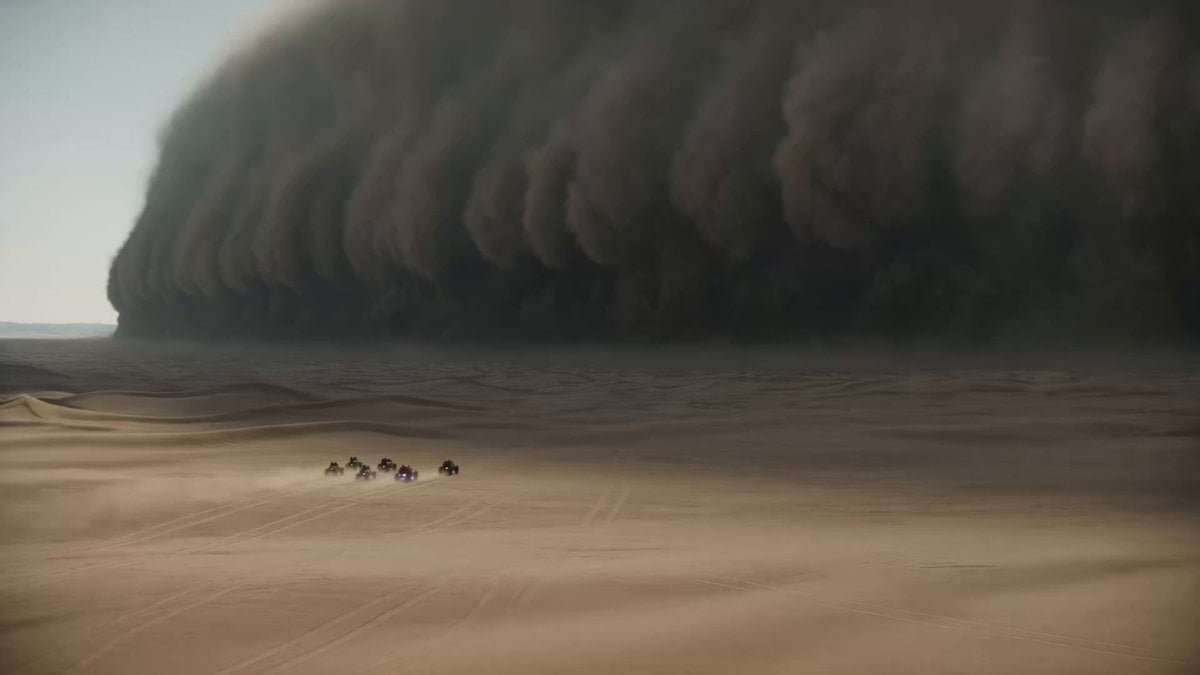
Epic Sci-Fi Sandstorm Desert Convoy
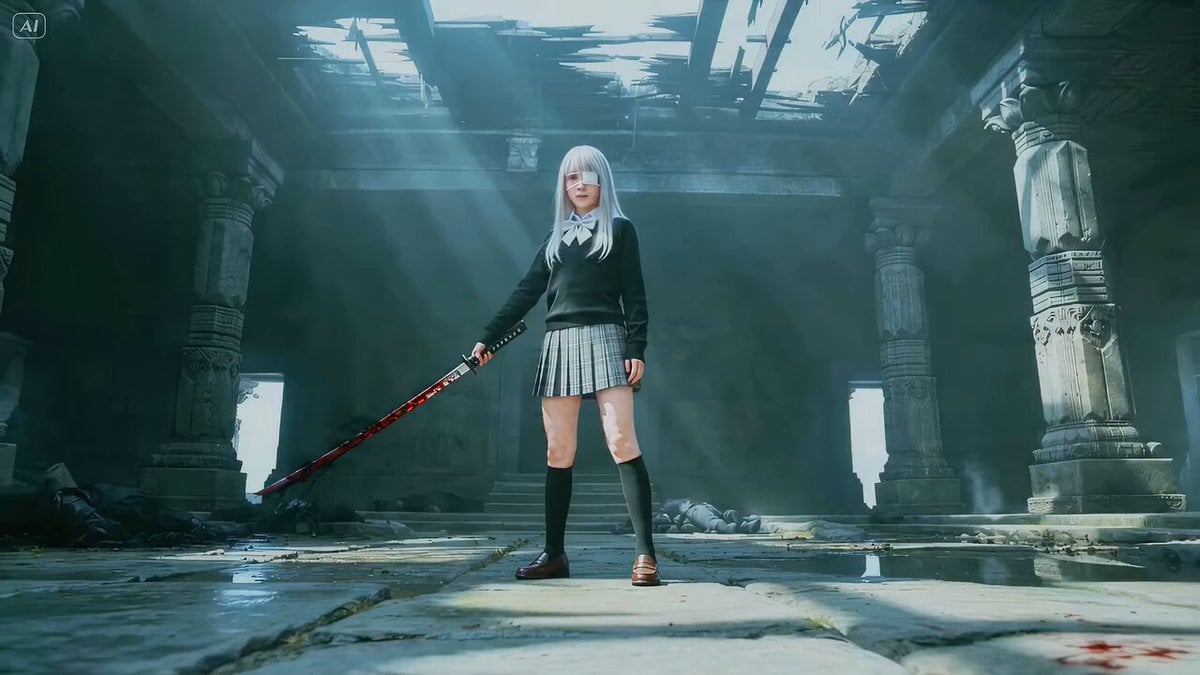
Shadow Slash Frenzy Cinematic Prompt
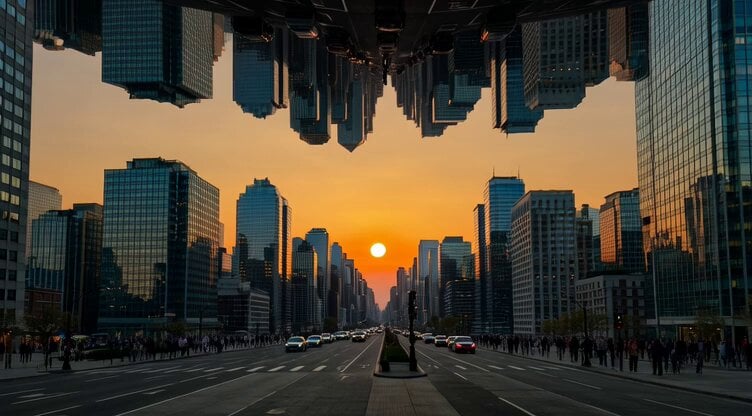
Grok Imagine prompt: A second city hangs upside down above a real one
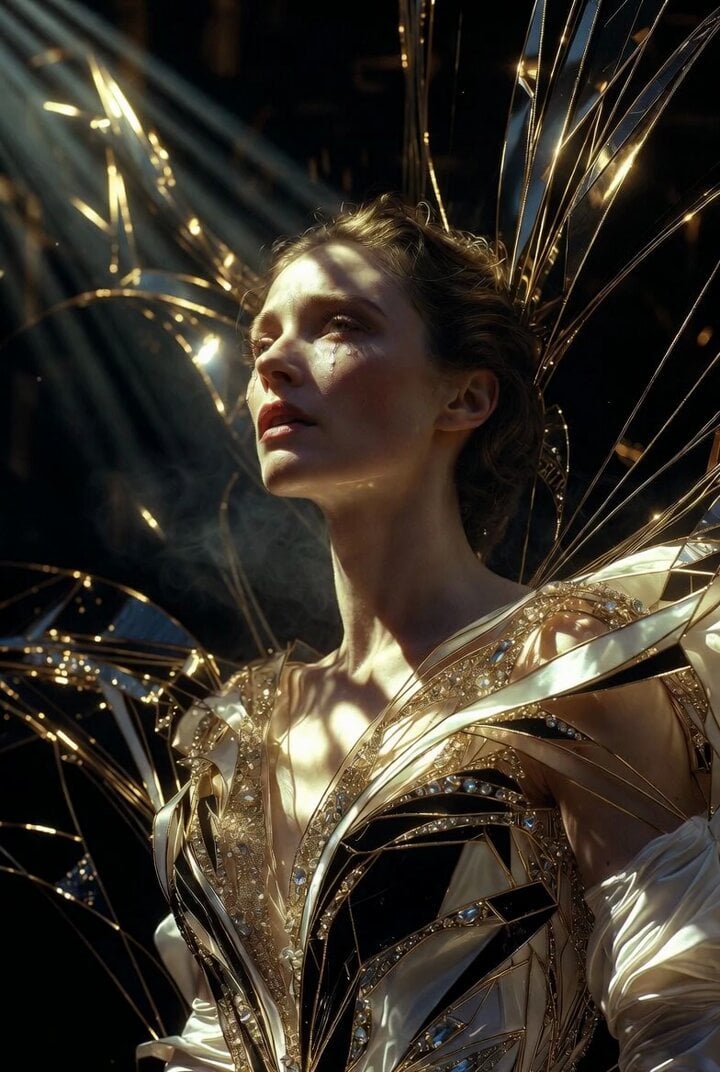
Grok Imagine Prompt: Ultra Luxurious Art Deco Imperial Opera Scene
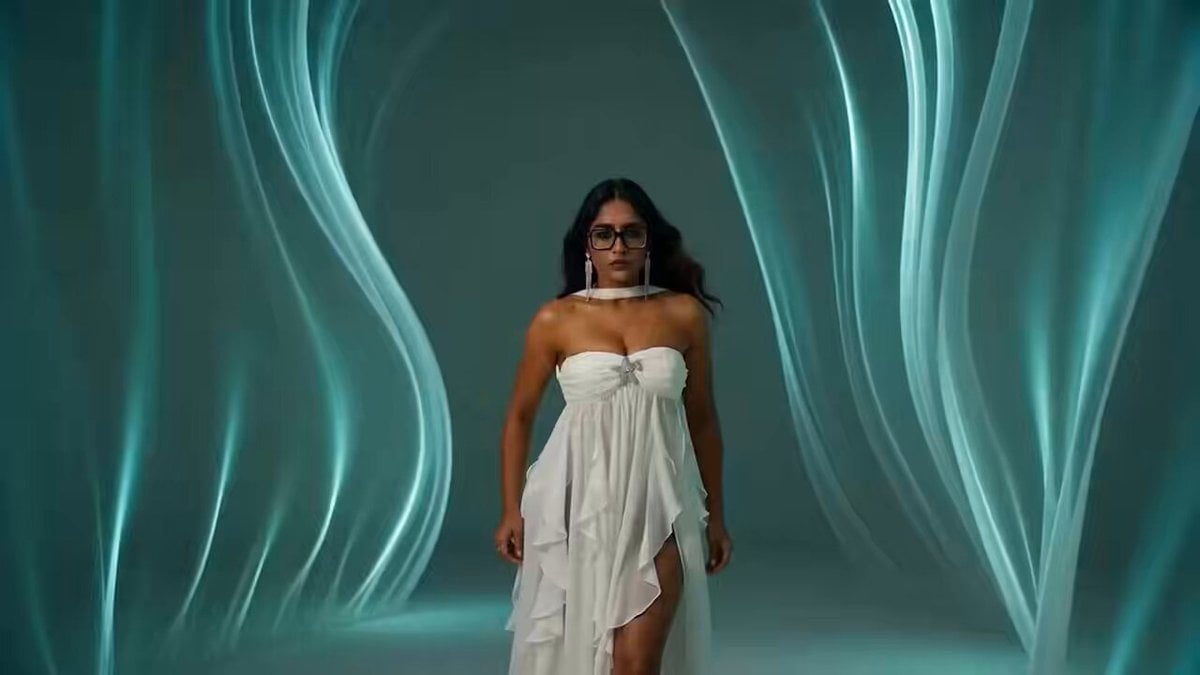
South Asian Woman Dancing in Void
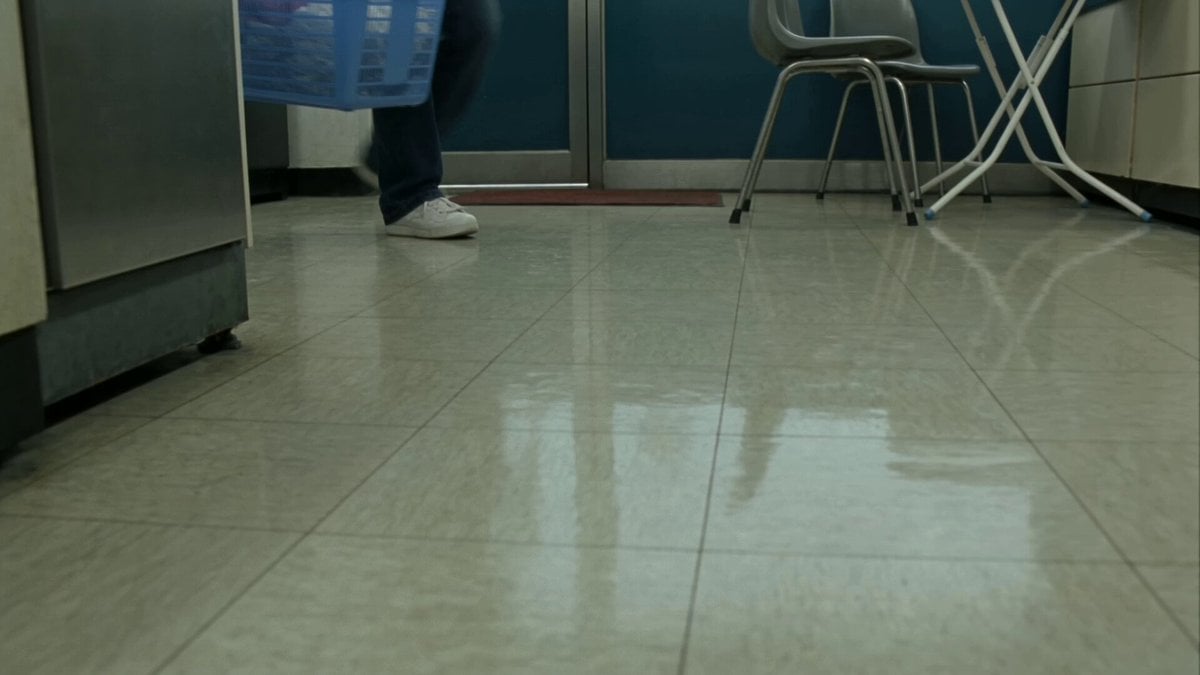
Seoul Laundromat MiniDV Nostalgia
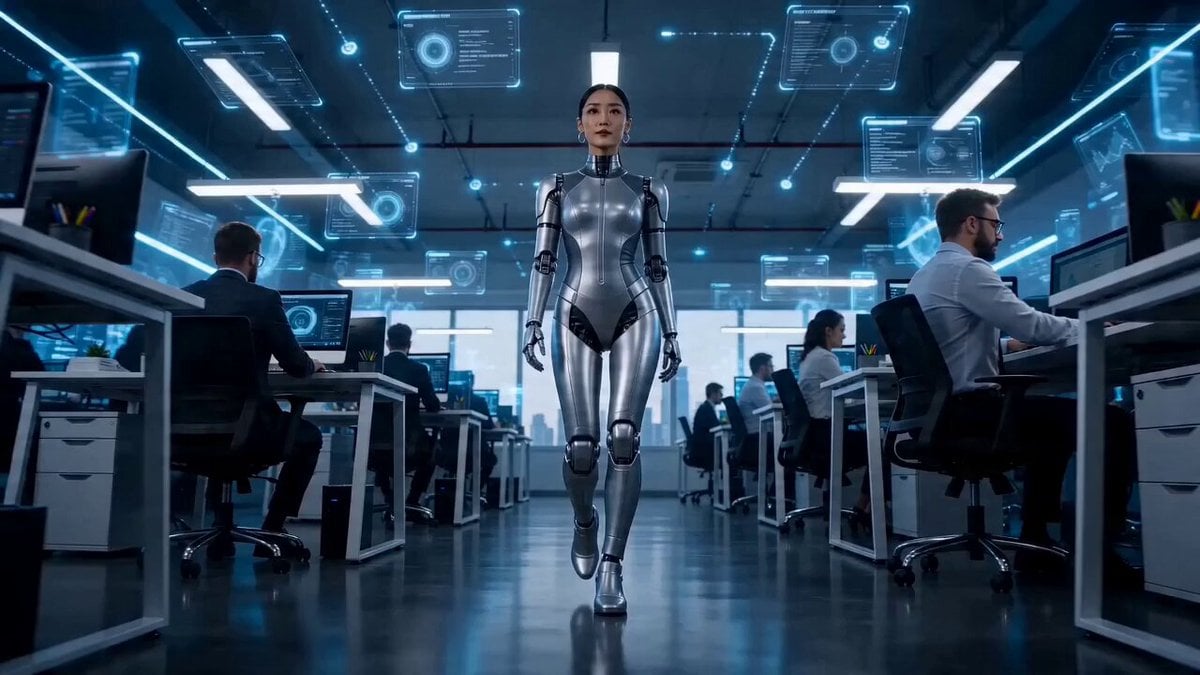
Second Seedance 2.0 Fast Commercial
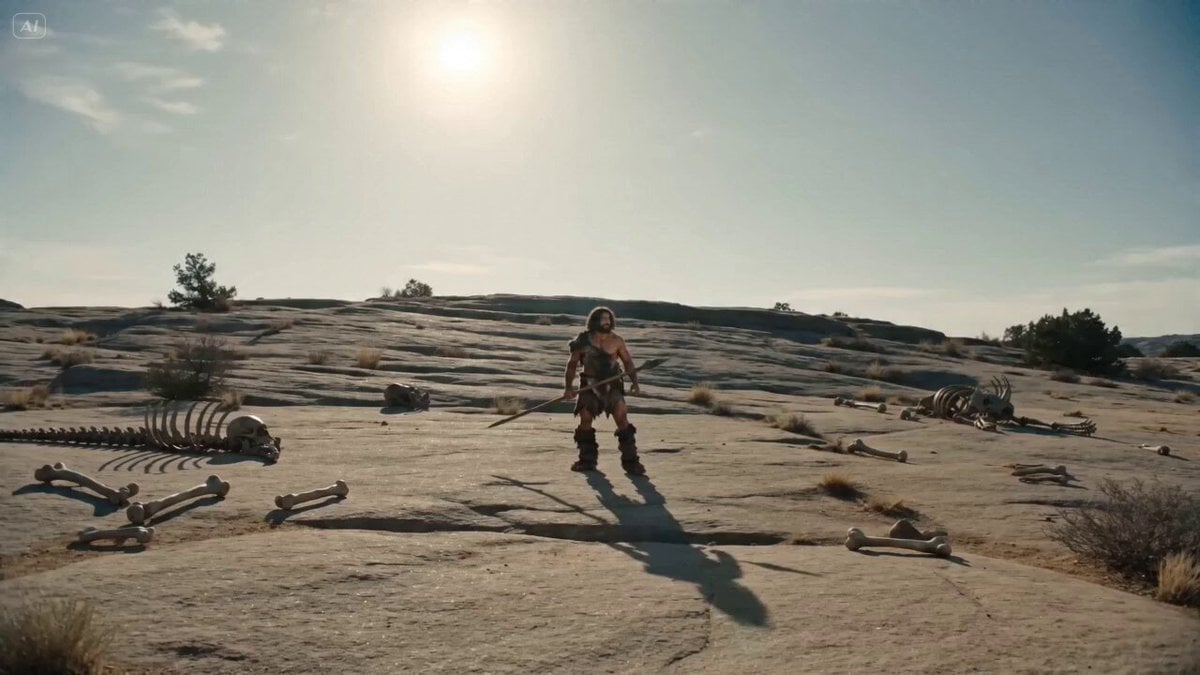
Bullet Time Selfie - Primitive Caveman
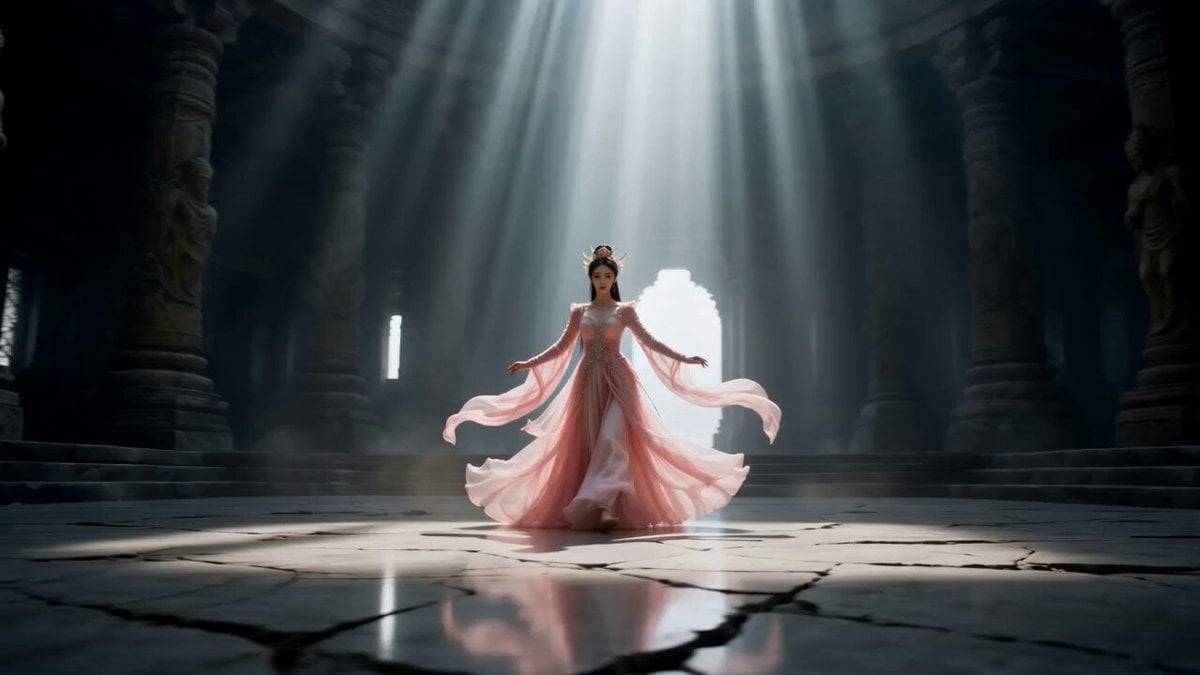
Cinematic Wuxia Celestial Warrior Dance
Browse template categories
Wingsuit Jump Dubai Cinematic questions
How do I use the Wingsuit Jump Dubai Cinematic template?
Add your photo if the template asks for one, edit the prompt if you like — the template's model and format are already selected — and press Generate. Your version opens in PicX Studio.
Can I customize the Wingsuit Jump Dubai Cinematic template?
Yes. You can change the subject, setting, lighting, mood, format, and available model controls before creating your video.
Is the Wingsuit Jump Dubai Cinematic template free?
Opening and editing this template is free. Generating uses credits, shown on the Generate button when you are signed in.
Which AI model should I use?
Start with Seedance 2.0, which is the model associated with this template. You can compare another compatible model for a different finish.
Looking for something else? Browse all templates.

Your photo, any look
Thousands of ready templates for every top image and video model, from one credit balance.