
Cyberpunk Anime Wingsuit Proximity Flight Prompt
An ultra-dynamic prompt for a single-take cyberpunk anime flight sequence featuring high-energy action, character consistency, and detailed futuristic environment descriptions.
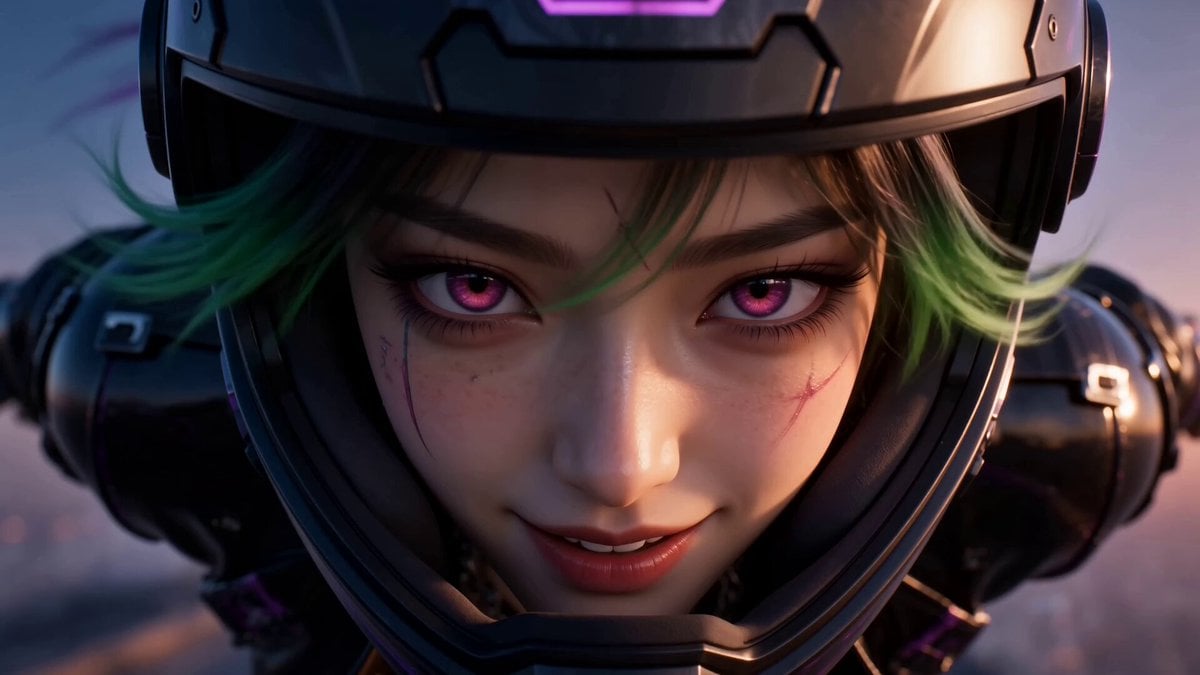
- Prompt included
- Model and format preset
- Free template
The prompt behind this video
Copy the exact prompt behind Cyberpunk Anime Wingsuit Proximity Flight Prompt, or open it in the studio and make it yours.
use @[Image 1] as character sheet An ultra-dynamic cyberpunk anime cinematic wingsuit proximity-flying video featuring Jax Storm. Preserve his exact face, glowing cyan cybernetic eyes, messy neon-green hair styled in a sharp undercut, sleek matte-black tech wingsuit with glowing green circuitry lines, integrated helmet with a retractable mirrored visor, carbon-fiber gauntlets, and a pulsing energy core on his chest. Keep perfect character consistency the whole time. Never change his outfit, hair, or face. STYLE: ultra-premium anime feature-film quality, high-energy futuristic sports-anime cinematography, aggressive dynamic action animation, realistic aerodynamics in an stylized anime aesthetic, dramatic twilight lighting, detailed wind and particle simulation, lively expressive facial acting. Absolutely no slow motion at any point. Constant high speed and momentum. SETTING: high-speed flight through a massive futuristic canyon city at dusk, brilliant neon sun flares from towering skyscrapers, fast-rushing holographic advertisements, distant streams of hover-traffic far below, vivid cyberpunk summer atmosphere. FORMAT: one continuous single-take shot, no cuts, no transitions, no montage, one uninterrupted aggressive camera move. HOOK (first 2 seconds): open EXTREMELY close on Jax's face mid-dive from a skyscraper ledge, looking straight into the lens with a fearless, confident smirk, neon hair whipping violently in the wind, helmet visor retracted up. He gives a quick nod toward the camera. Instant speed and energy from frame one. CAMERA: the camera rips backward off his face and whips into a fast 360-degree orbit around his body as he drops. In one unbroken motion, it swings overhead, revealing the massive vertical city drop below, then dives down alongside him. It chases tightly, snapping between front, side, and over-the-shoulder angles, always fast, always handheld-energetic, never static. ACTION FLOW: Jax slams his visor down, snaps his arms out to engage the wingsuit, and slices through the air, accelerating hard as neon clouds blast past. He spreads into a tight tracking glide, weaving dangerously close between two holographic billboards, his body angling sideways across the screen. He throws a cheeky thumbs-up at the camera mid-turn. Then, with a sudden powerful shift in body weight, he pulls up hard—his suit's thrusters fire open with a neon green burst, snapping him upward into a hard, punchy braking maneuver (fast and forceful, NOT slow). The air ripples, his body tenses, and the camera shakes violently with the impact of the deceleration. FINAL MOMENT: now dropping cleanly onto a high-altitude landing platform, the camera swings around to his front. He slides to a halt, the glowing city horizon stretching behind him. He stands up, flips his visor open, grins, and gives a confident two-finger salute toward the lens. The camera pushes in slightly on his smile as the video ends on his triumphant exp
How to use Cyberpunk Anime Wingsuit Proximity Flight Prompt in 3 steps
- 1Upload ImagePNG, JPG or paste
Add your photo
Upload the photo the template builds on. The prompt, model and format are already set.
- 2…a portrait of your subject in softgolden-hour light, 85mm…
Personalize
Edit the subject and creative details for your destination.
- 3Generate
Generate
Press Generate — your video is created in PicX Studio, so you can compare it with the original and refine one variable at a time.
More like this
Templates with the same subject, style or setup. Open one to see its prompt.
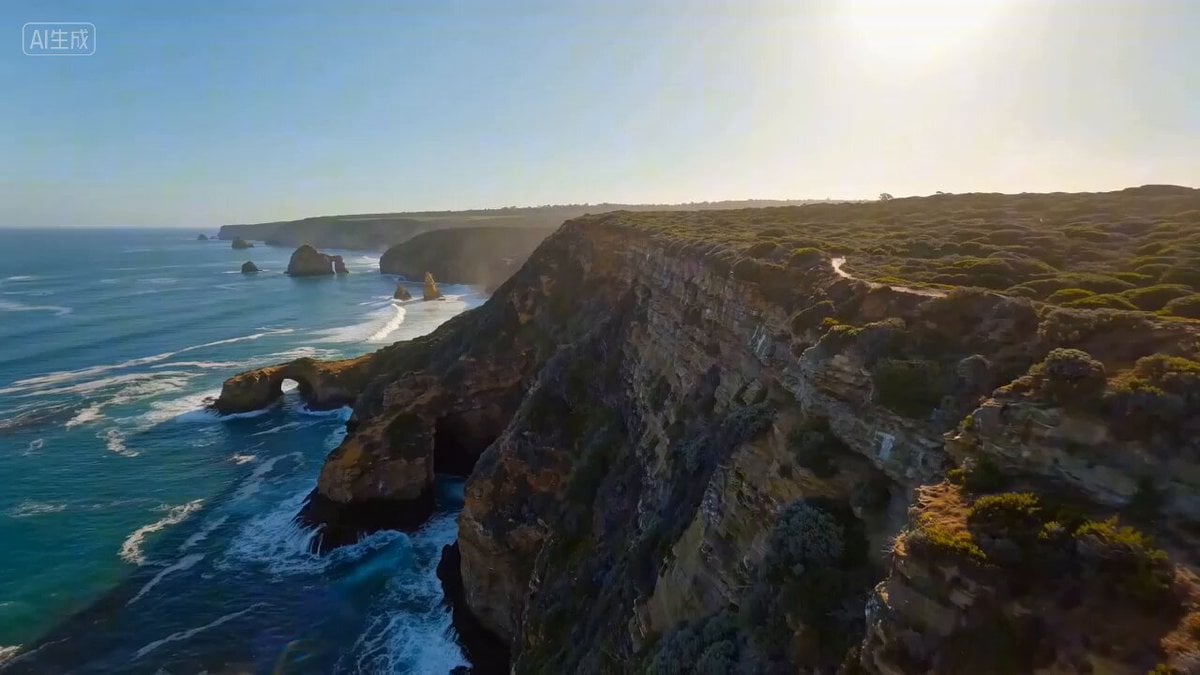
Wingsuit Proximity Flight along the Great Ocean Road

Cyberpunk RPG Anime Action

Cyberpunk Holographic Dance Performance - Seedance 2.5

RX-7 to Mech Transformation Cyberpunk

MiniMax H3 Character Introduction
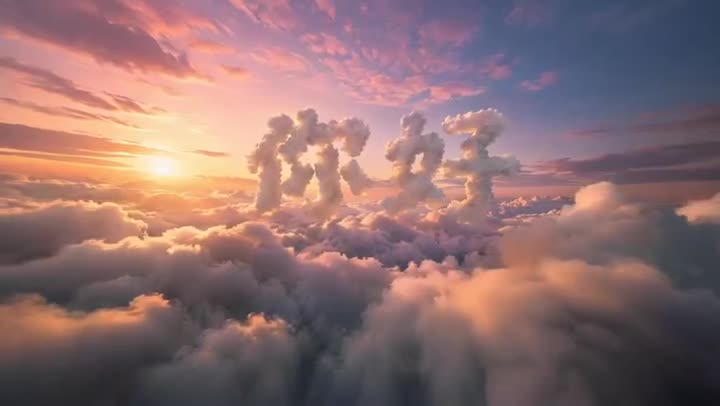
FPV Multilingual Landscape Flight

Japanese Pure Love Short Film

NYC Wingsuit Hot Dog Landing
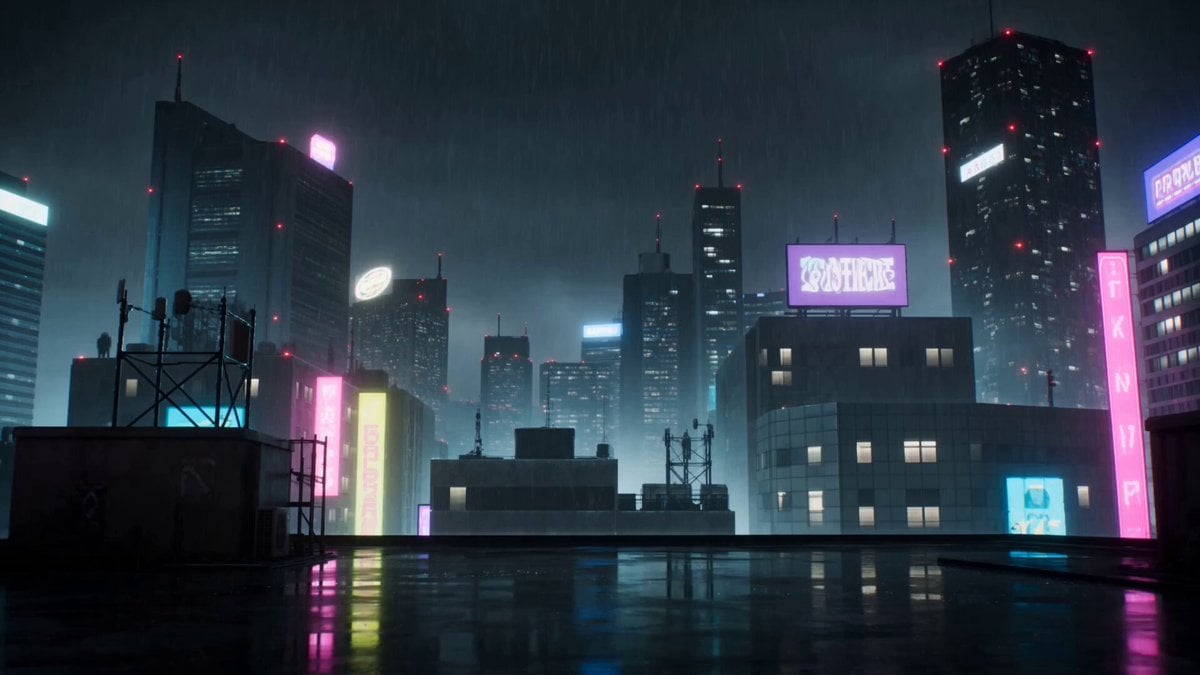
Cyberpunk Anime Duel Action

Studio Ghibli Dumpling Kitchen Cooking Scene
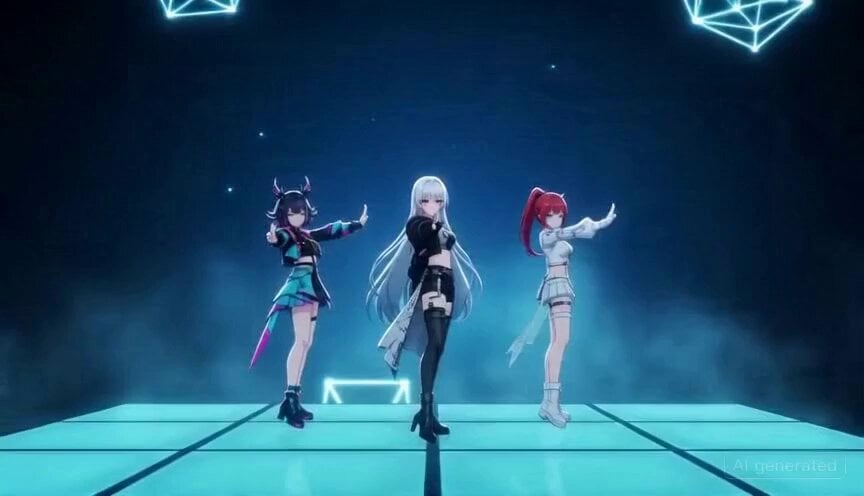
Anime Girls Cyberpunk Scene Prompt for Seedance 2.0
Mecha Transformation vs Kaiju — 4-Scene Epic
Make it yours
Cyberpunk Anime Wingsuit Proximity Flight Prompt works as-is. These are the safest ways to change it without losing the look.
Change one field
Copy a single group, rewrite it, and generate again so you can see what that field is doing.
Keep the frame, change the subject
Hold the composition and light of Cyberpunk Anime Wingsuit Proximity Flight Prompt, then swap wardrobe, props or the person for a new take.
| If the result… | Why | Fix |
|---|---|---|
| The result drifts from the preview | Too many fields changed at once. | Reuse Cyberpunk Anime Wingsuit Proximity Flight Prompt as-is first, then change one group — subject, light, or setting. |
| The model over-stylizes the scene | The prose prompt leaves finish and camera underspecified. | Add one camera or lighting sentence and stay on Seedance 2.0. |
More Seedance 2.0 templates
Other prompts made for Seedance 2.0.

Comical Martial Arts Punch Scene

Maglev Train Action Sequence

Martial Arts Fight Sequence

Wuxia Protection and Trust Script

Vintage Korean Arcade MiniDV Vlog

Mercedes 190 SL Luxury Ad

Rainy Night Supernatural Reverse Comedy Video Script

Amazon Civilization Discovery

Futuristic South Asian City Transformation

Cozy Luxury Cafe Commercial
More video prompts
Fresh picks from across the catalog.
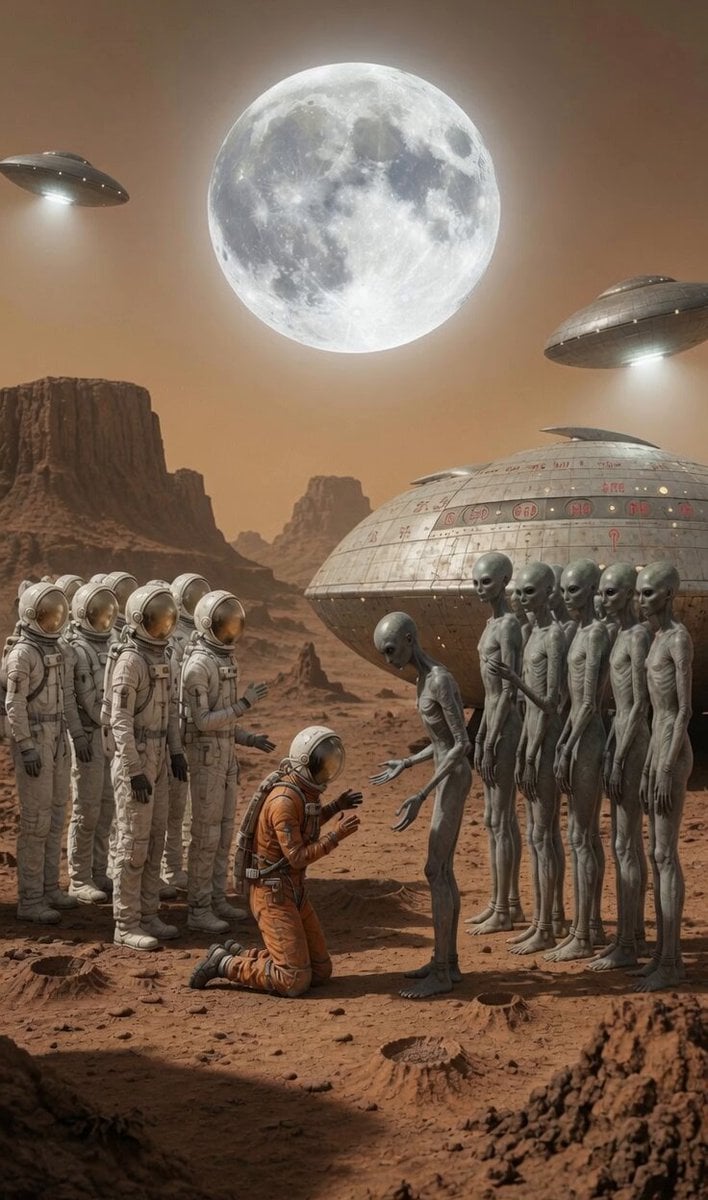
Alien Bowing and Spaceship Animation
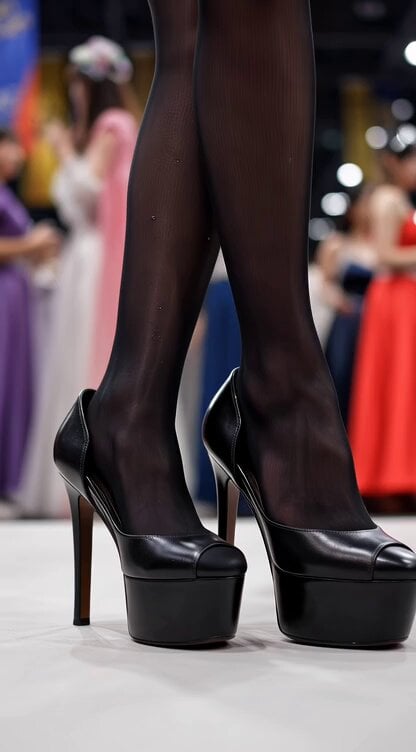
Video generation prompt for a cosplay model's foot and leg focus

Angel Flight Sequence Prompt
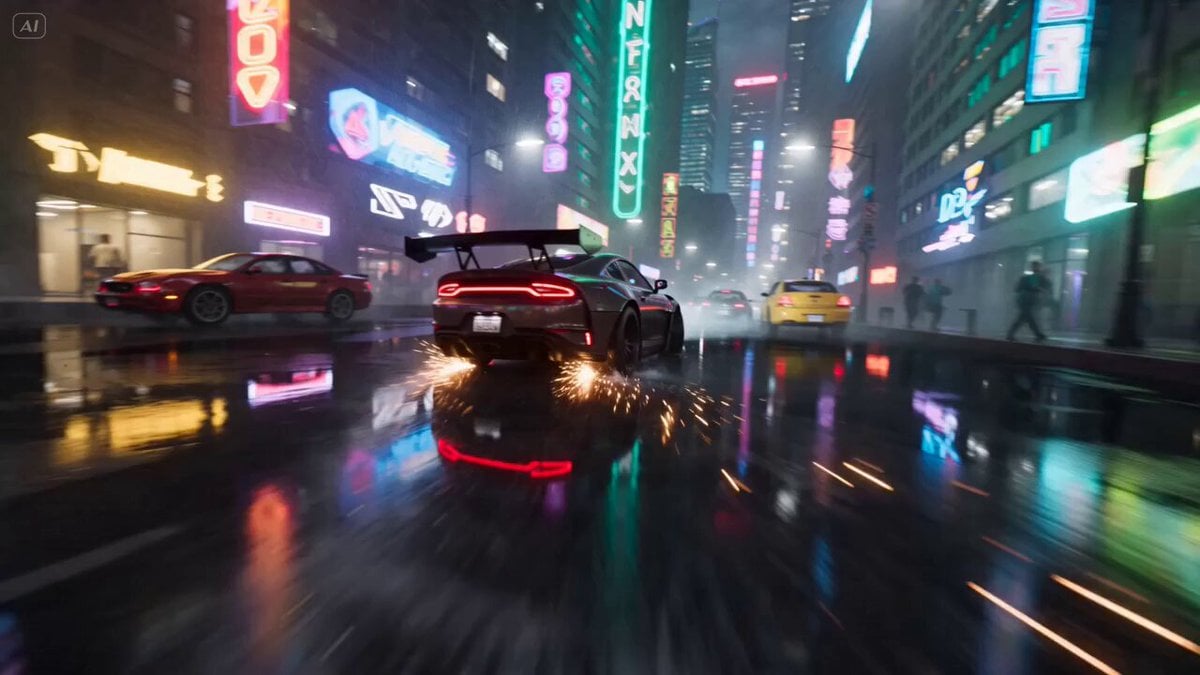
Cyberpunk Drift Time Freeze

Pixar-Style Hairbun Transformation Animation
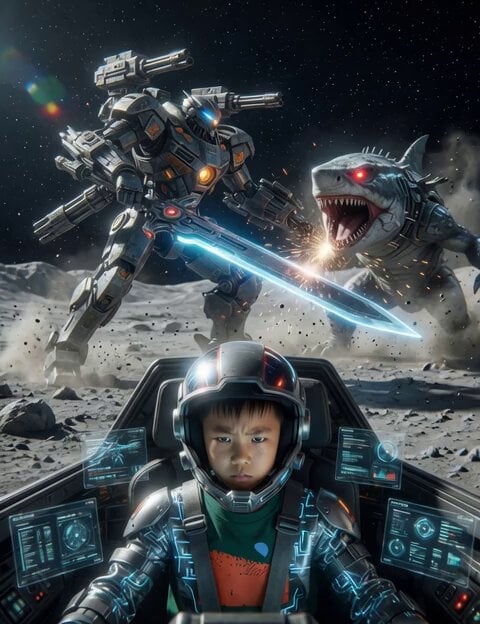
Giant Robot Pilot on Moon

Video Prompt for Defeated Female Villains in Tokusatsu Style
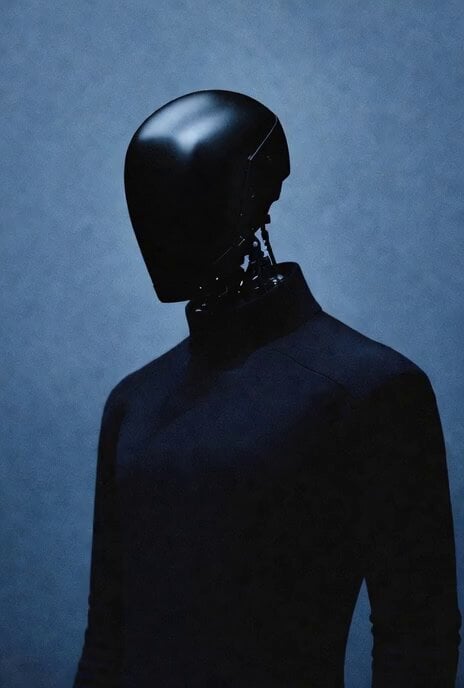
Cinematic Wormhole POV Fly Scene Prompt

Fantasy Dragon Chase Sequence
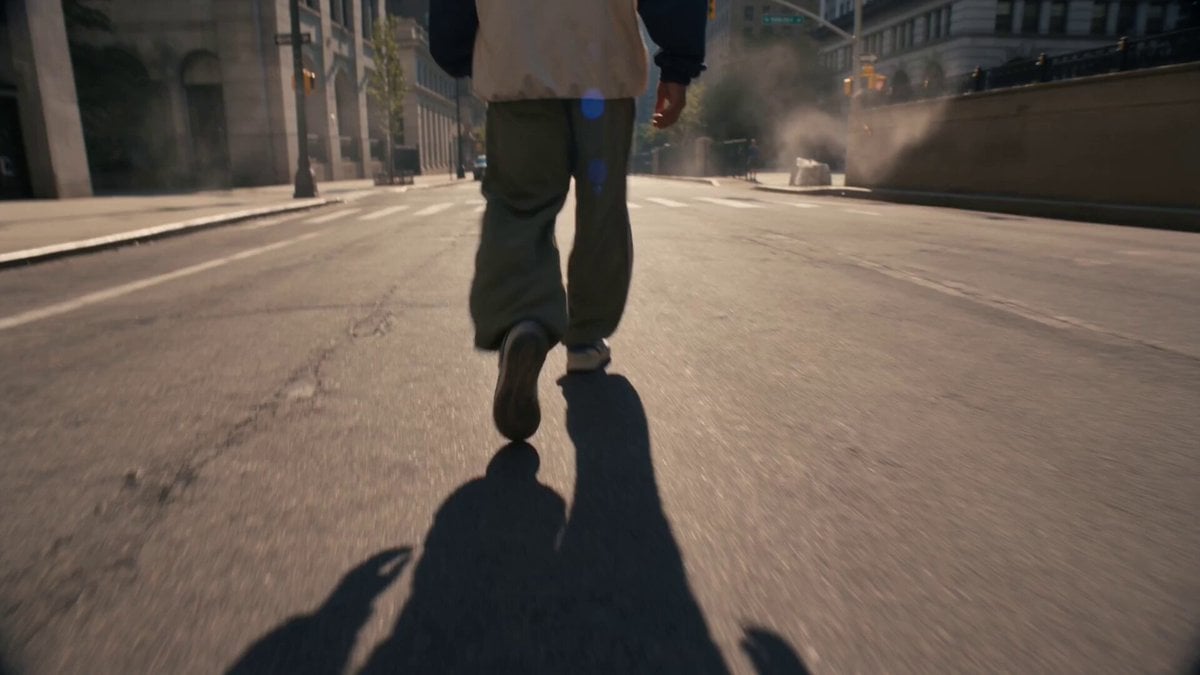
Floating Soda Bottle Urban Magic
Browse template categories
Cyberpunk Anime Wingsuit Proximity Flight Prompt questions
How do I use the Cyberpunk Anime Wingsuit Proximity Flight Prompt template?
Add your photo if the template asks for one, edit the prompt if you like — the template's model and format are already selected — and press Generate. Your version opens in PicX Studio.
Can I customize the Cyberpunk Anime Wingsuit Proximity Flight Prompt template?
Yes. You can change the subject, setting, lighting, mood, format, and available model controls before creating your video.
Is the Cyberpunk Anime Wingsuit Proximity Flight Prompt template free?
Opening and editing this template is free. Generating uses credits, shown on the Generate button when you are signed in.
Which AI model should I use?
Start with Seedance 2.0, which is the model associated with this template. You can compare another compatible model for a different finish.
Looking for something else? Browse all templates.

Your photo, any look
Thousands of ready templates for every top image and video model, from one credit balance.