
Video generation prompt for a cosplay model's foot and leg focus
A video generation prompt describing a scene where a real actor, dressed as a cosplay model at an exhibition, is filmed with an ultra-high-definition camera.
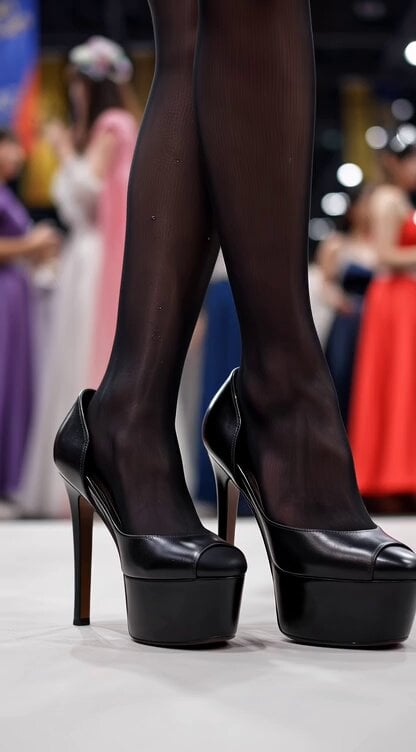
- Prompt included
- Model and format preset
- Free template
The prompt behind this video
Copy the exact prompt behind Video generation prompt for a cosplay model's foot and leg focus, or open it in the studio and make it yours.
真人演员扮演实拍,模特在参加cosplay漫展,超高清摄像机对着一双穿着高跟鞋的玉足,镜头环绕着角色,缓慢网上拉,腿穿着黑丝,来到角色臀部,最后镜头落在角色下巴,看不到整张脸。
How to use Video generation prompt for a cosplay model's foot and leg focus in 3 steps
- 1
Open
The prompt is already in the box next to the preview, with the template's model and format selected.
- 2…a portrait of your subject in softgolden-hour light, 85mm…
Personalize
Edit the subject and creative details for your destination.
- 3Generate
Generate
Press Generate — your video is created in PicX Studio, so you can compare it with the original and refine one variable at a time.
More like this
Templates with the same subject, style or setup. Open one to see its prompt.

Cinematic LEGO Football Match Storyboard
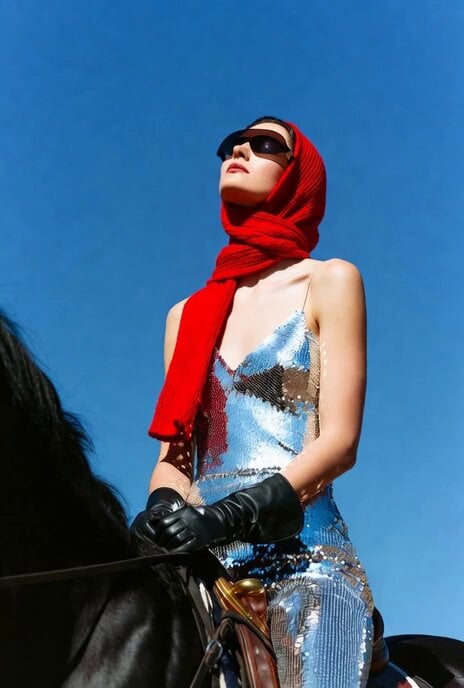
Video generation prompt for a model mounting a horse
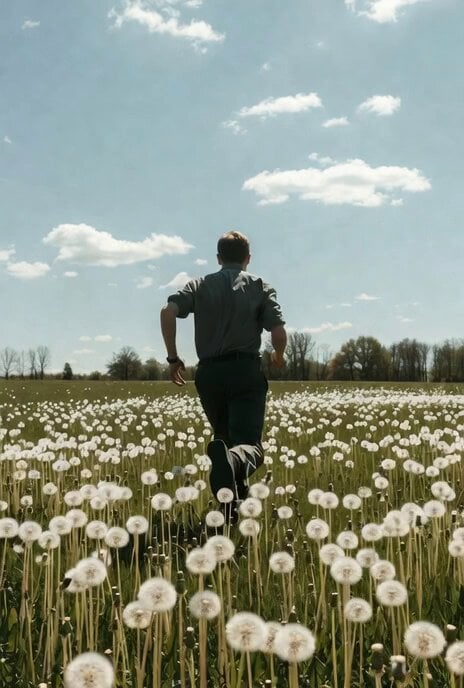
Video generation prompt focusing on camera movement and depth of field
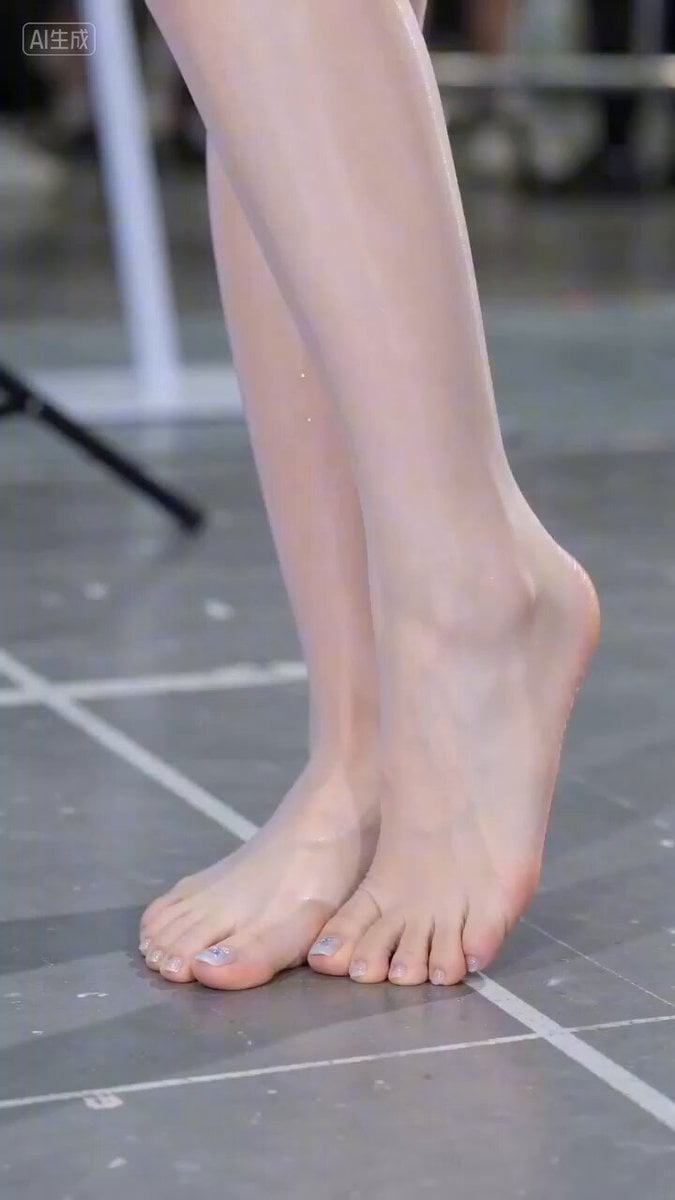
Hyperrealistic Close-up Video of Cosplay Model
Outcome-Focused Product Commercial Workflow
Anime Football Striker Dragon Strike
Cinematic Urban Foot Chase Escape
Seedance 2.0 Fashion Model Video Prompt
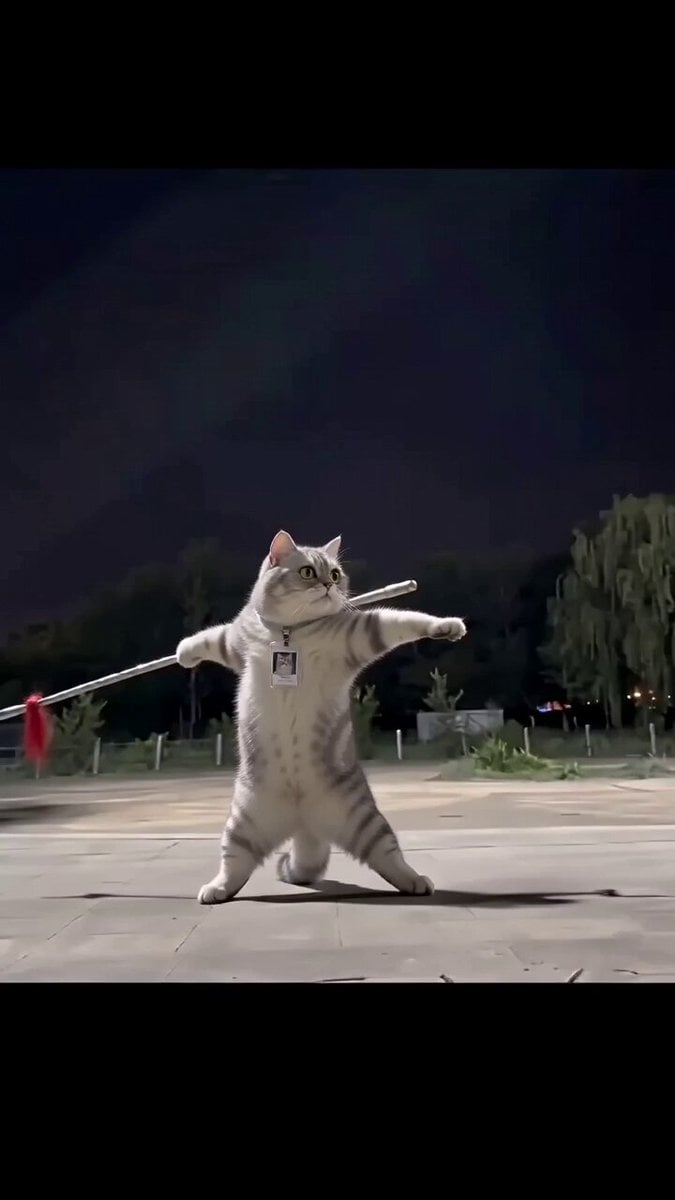
Real Animal Spear Dance Video Generation
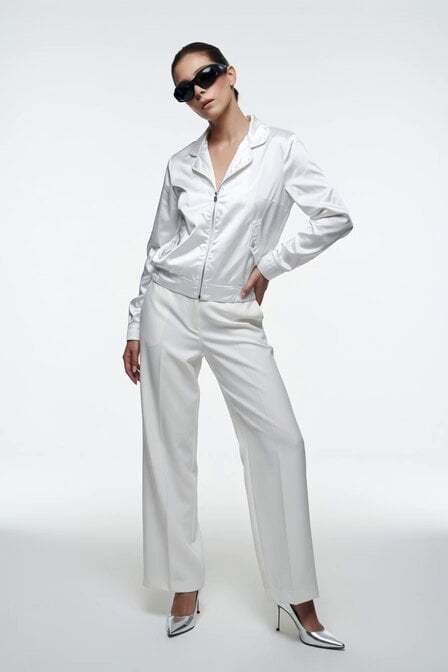
Fashion Model Studio Portrait
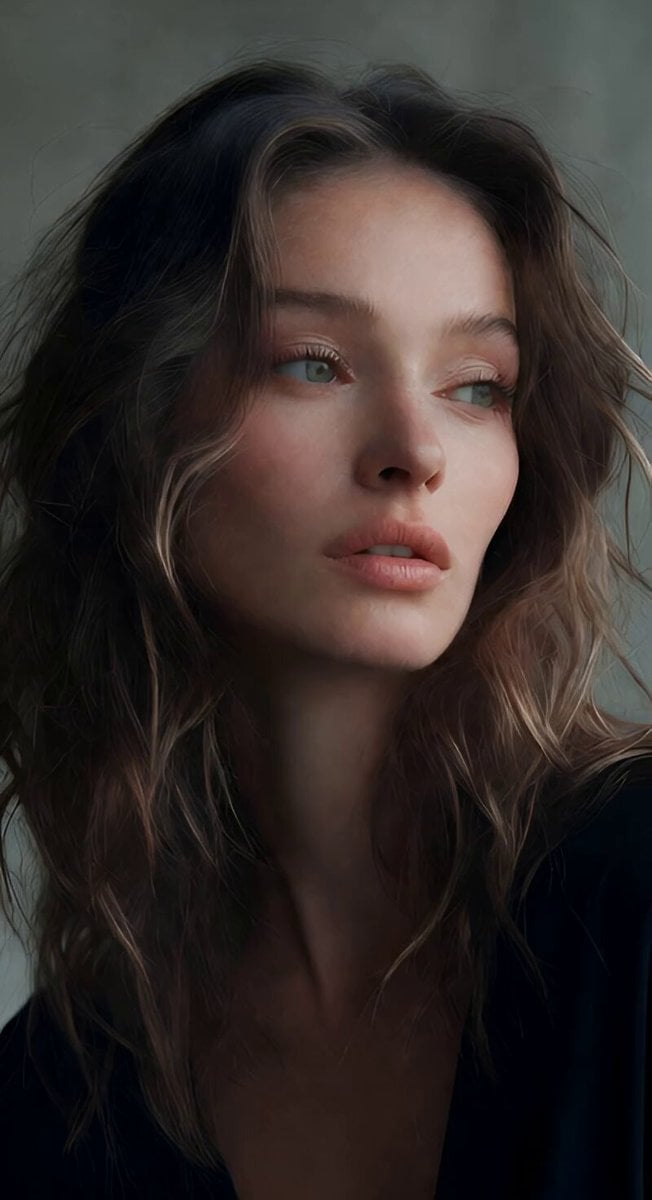
Soft Spoken Fashion Model Video
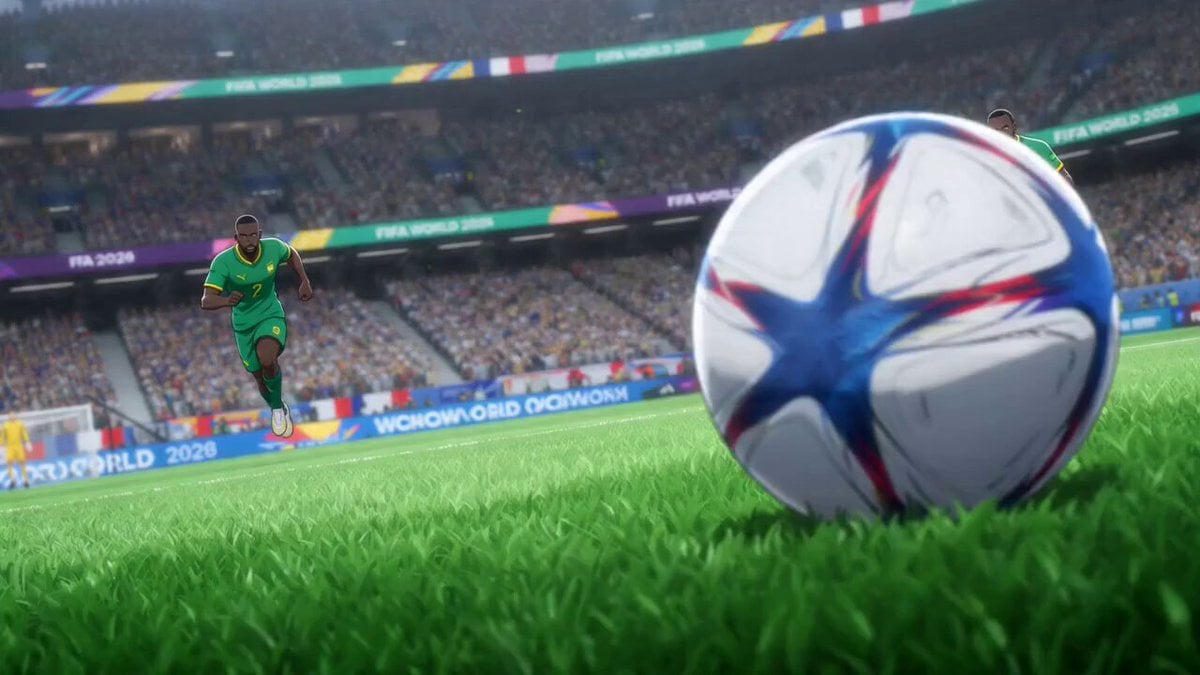
Anime Style World Cup Football Climax
Make it yours
Video generation prompt for a cosplay model's foot and leg focus works as-is. These are the safest ways to change it without losing the look.
Change one field
Copy a single group, rewrite it, and generate again so you can see what that field is doing.
Keep the frame, change the subject
Hold the composition and light of Video generation prompt for a cosplay model's foot and leg focus, then swap wardrobe, props or the person for a new take.
| If the result… | Why | Fix |
|---|---|---|
| The result drifts from the preview | Too many fields changed at once. | Reuse Video generation prompt for a cosplay model's foot and leg focus as-is first, then change one group — subject, light, or setting. |
| The model over-stylizes the scene | The prose prompt leaves finish and camera underspecified. | Add one camera or lighting sentence and stay on Seedance 2.0. |
More Seedance 2.0 templates
Other prompts made for Seedance 2.0.

Comical Martial Arts Punch Scene

Maglev Train Action Sequence

Martial Arts Fight Sequence

Wuxia Protection and Trust Script

Vintage Korean Arcade MiniDV Vlog

Mercedes 190 SL Luxury Ad

Rainy Night Supernatural Reverse Comedy Video Script

Amazon Civilization Discovery

Futuristic South Asian City Transformation

Cozy Luxury Cafe Commercial
More video prompts
Fresh picks from across the catalog.
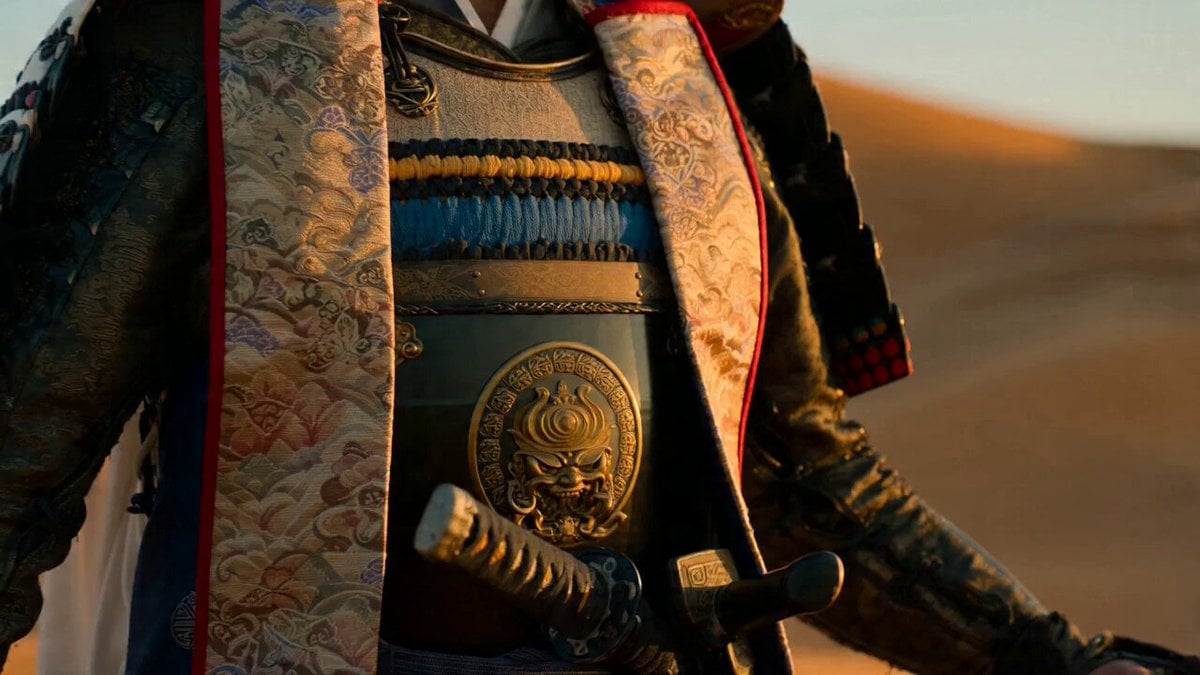
Samurai Desert Action Sequence Prompt
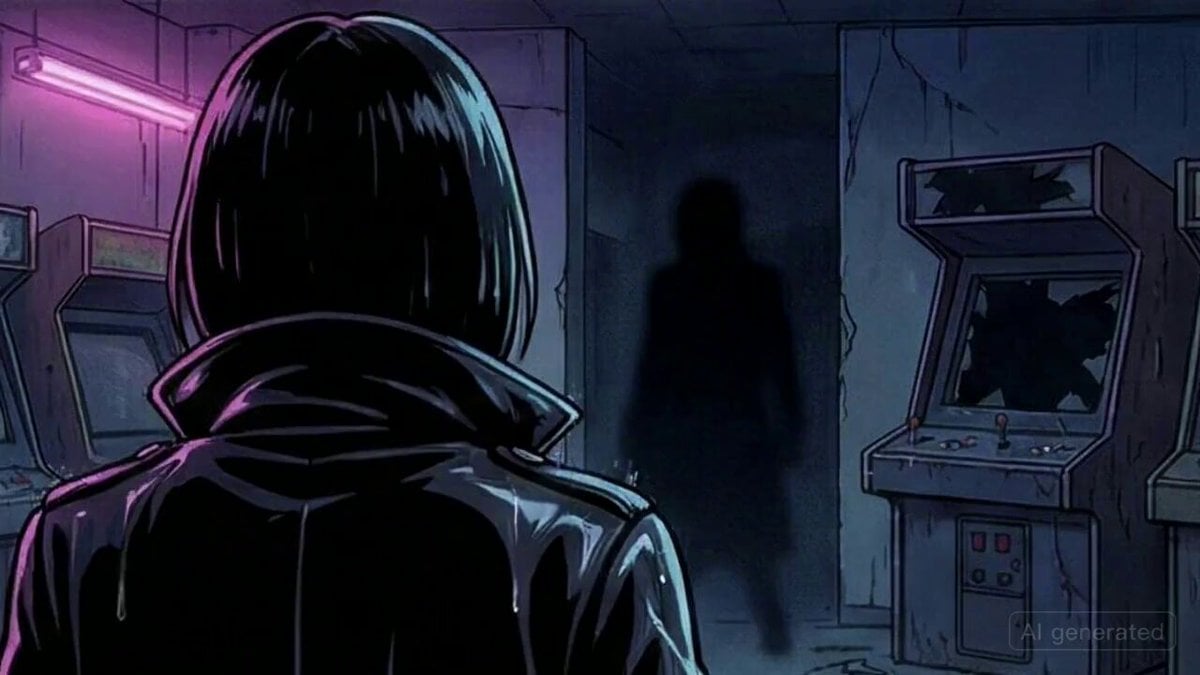
Woman confronts man in shadows

Volcanic Dragon Transformation Sequence

Victims inheriting the whip and swinging it harder
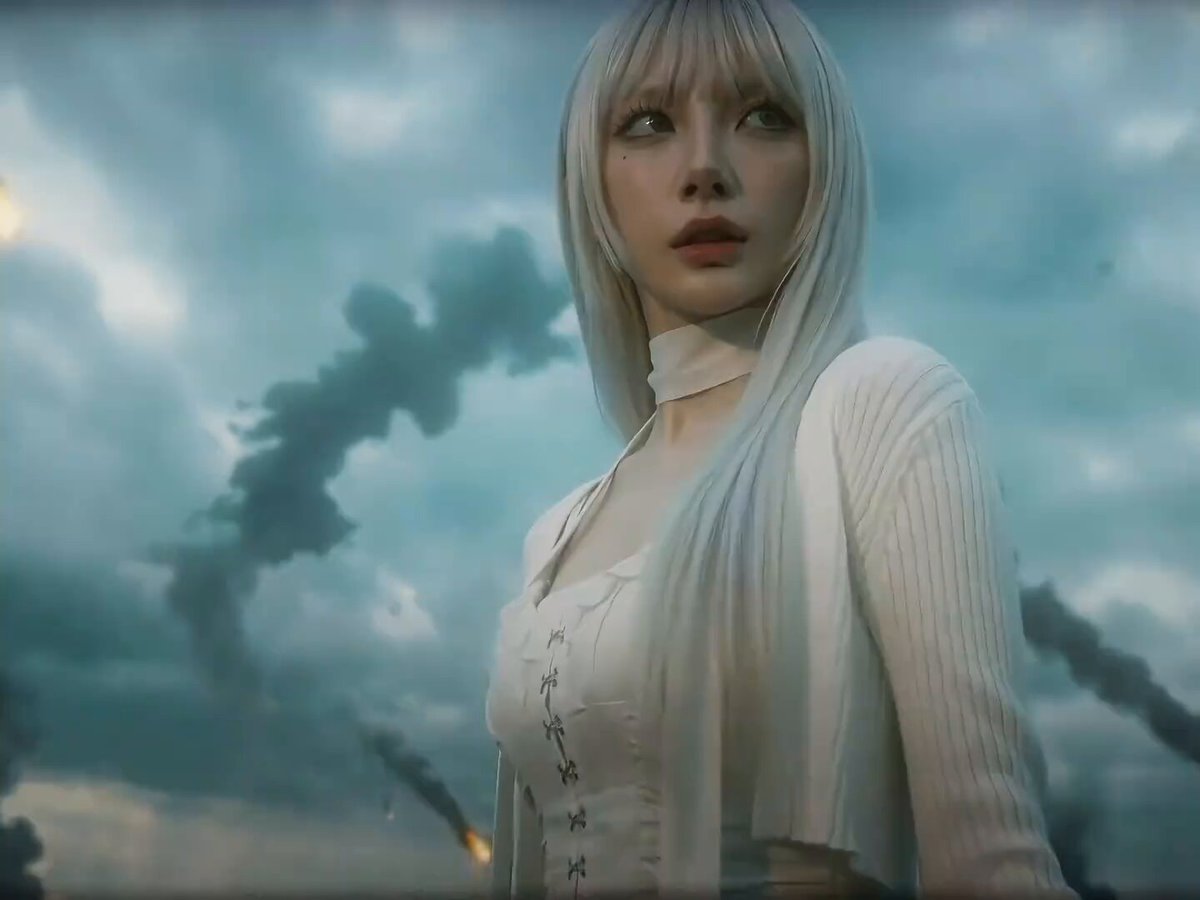
Seedance 2.0 Prompt for Dark Sci-Fi Transformation Video
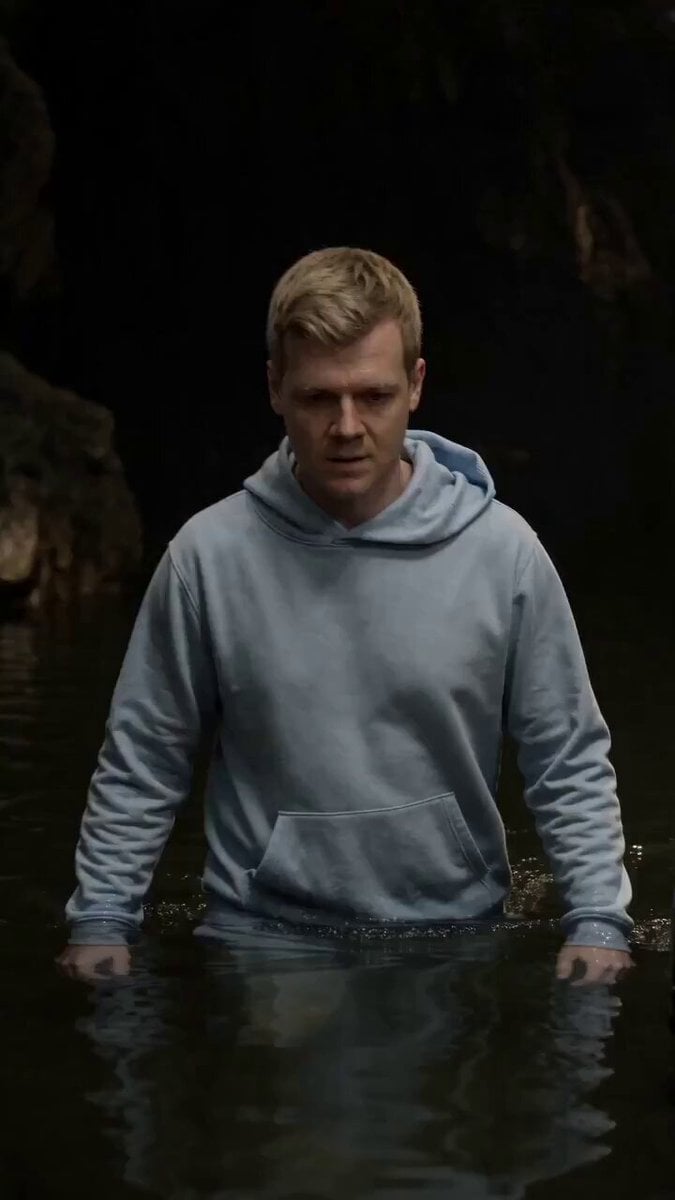
Cinematic Cave Exploration Multi-Shot Sequence
Grok Imagine Prompt: Closet Door Revealing Infinite Void
Cinematic Horror Elevator Transition
Woman Galloping on Horse
Cleopatra Dancing with Sun and Moon
Browse template categories
Video generation prompt for a cosplay model's foot and leg focus questions
How do I use the Video generation prompt for a cosplay model's foot and leg focus template?
Add your photo if the template asks for one, edit the prompt if you like — the template's model and format are already selected — and press Generate. Your version opens in PicX Studio.
Can I customize the Video generation prompt for a cosplay model's foot and leg focus template?
Yes. You can change the subject, setting, lighting, mood, format, and available model controls before creating your video.
Is the Video generation prompt for a cosplay model's foot and leg focus template free?
Opening and editing this template is free. Generating uses credits, shown on the Generate button when you are signed in.
Which AI model should I use?
Start with Seedance 2.0, which is the model associated with this template. You can compare another compatible model for a different finish.
Looking for something else? Browse all templates.

Your photo, any look
Thousands of ready templates for every top image and video model, from one credit balance.