
Volcanic Dragon Transformation Sequence
A highly detailed cinematic prompt for a 15-second video showing a dragon forming from molten lava in a volcanic environment.
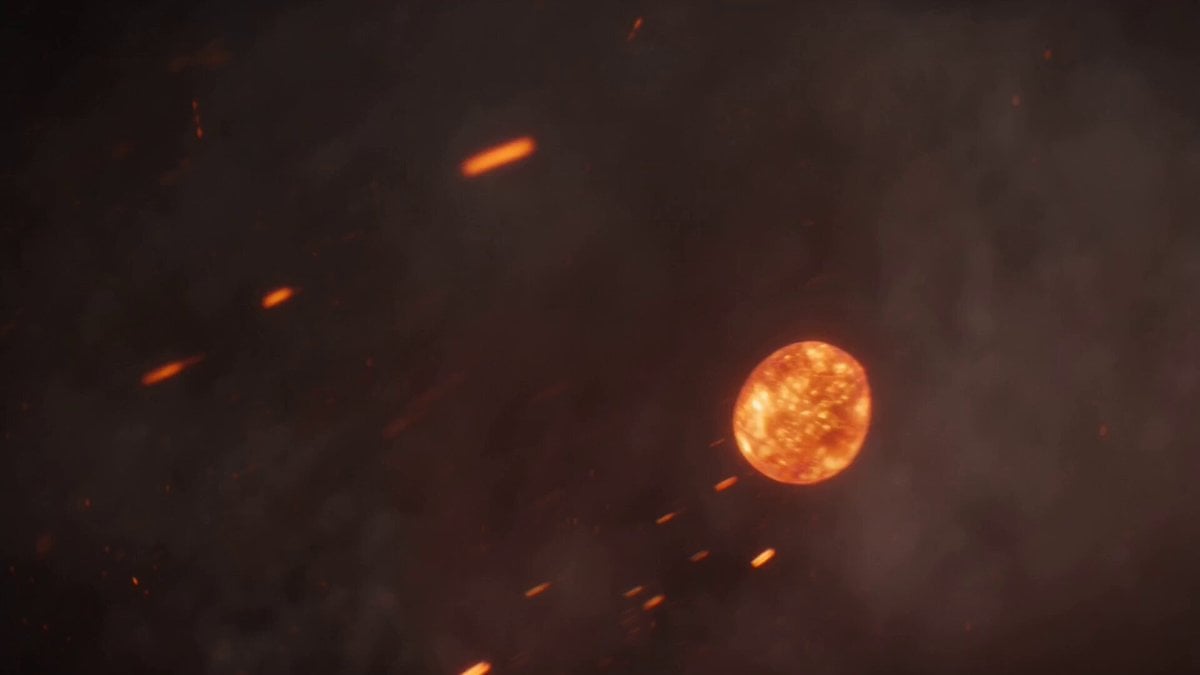
- Prompt included
- Model and format preset
- Free template
The prompt behind this video
Copy the exact prompt behind Volcanic Dragon Transformation Sequence, or open it in the studio and make it yours.
Generate a 15-second ultra-realistic cinematic transformation in a volcanic dark fantasy environment illuminated by molten lava glow and deep crimson firelight: glowing embers and streams of molten metal float in slow motion through dense smoke, colliding and merging into flowing liquid fire that coils like a living serpent in the air; the molten mass expands into massive abstract skeletal wing structures and twisting horns, gradually morphing into a colossal dragon forming mid-flight. Lava cracks spread across its body as molten scales emerge and cool into hyper-detailed obsidian armor with glowing magma beneath the surface; fiery veins pulse through its wings while sparks and ash erupt from every movement. The transformation remains seamless as liquid flames stretch into claws, teeth, and layered scales with realistic fluid physics and cinematic slow motion. The camera begins with extreme macro shots of molten droplets, transitions into dynamic aerial tracking around the forming dragon, then pulls into an epic orbiting hero shot as the dragon unleashes a burst of fire into the sky and ascends above volcanic mountains, leaving a blazing trail of embers and smoke. Subtle surreal effects occur where parts of the wings briefly dissolve back into liquid magma before reforming, creating a dreamlike morphing illusion with cinematic depth of field, volumetric smoke, atmospheric particles, dramatic lighting, and ultra-detailed textures throughout.
How to use Volcanic Dragon Transformation Sequence in 3 steps
- 1
Open
The prompt is already in the box next to the preview, with the template's model and format selected.
- 2…a portrait of your subject in softgolden-hour light, 85mm…
Personalize
Edit the subject and creative details for your destination.
- 3Generate
Generate
Press Generate — your video is created in PicX Studio, so you can compare it with the original and refine one variable at a time.
More like this
Templates with the same subject, style or setup. Open one to see its prompt.
Dragon Rescue — Volcanic Kingdom Collapse (Seedance)

Magical Room Transformation - Seedance 2.5

Dark Tokusatsu Transformation - Seedance 2.5
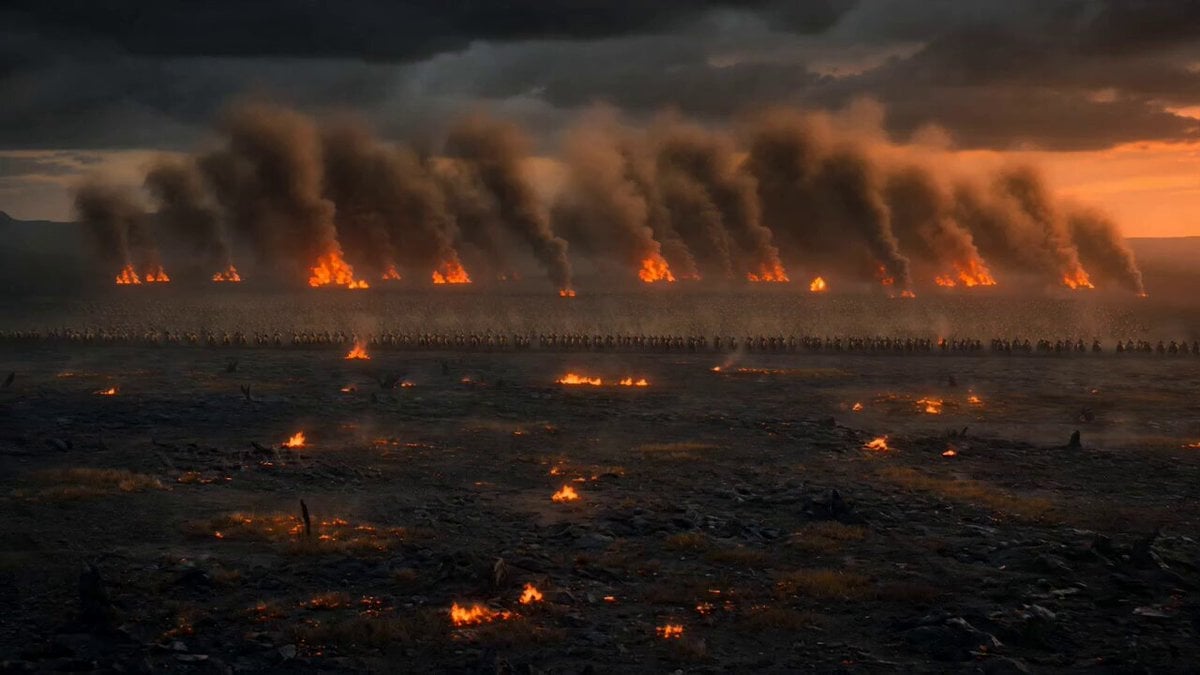
Dark Fantasy Volcanic War Sequence

Dragon Rider Cinematic Flight — Seedance 2.5

RX-7 to Mech Transformation Cyberpunk
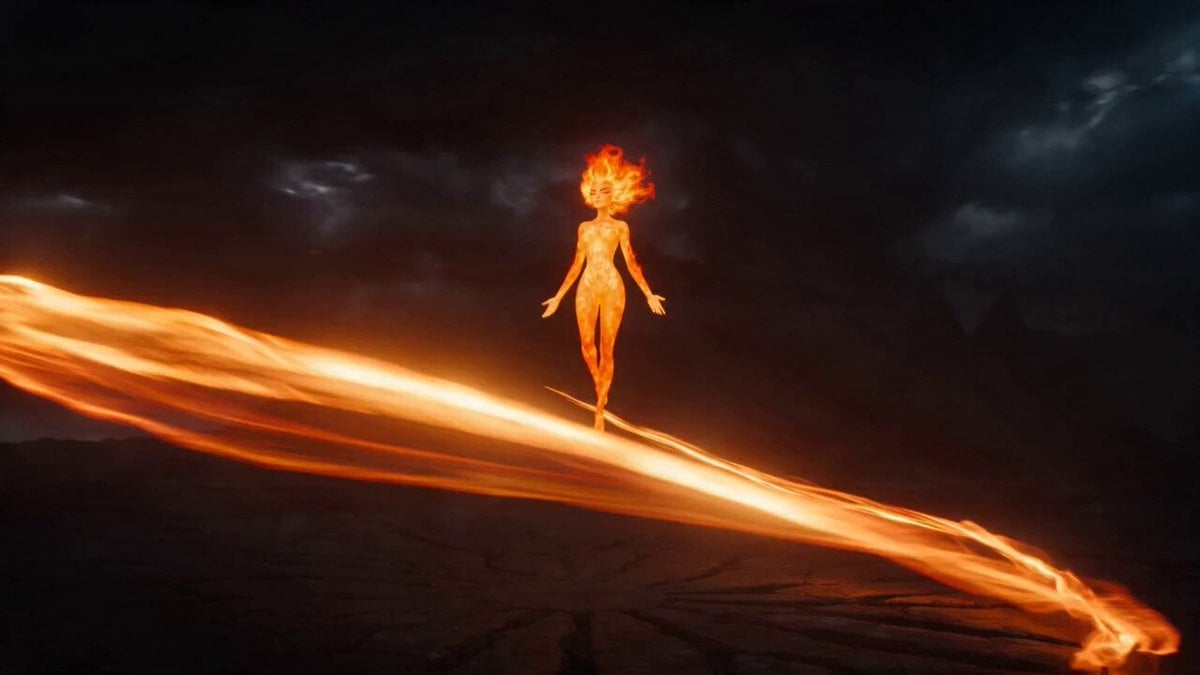
Magical Transformation Sequence
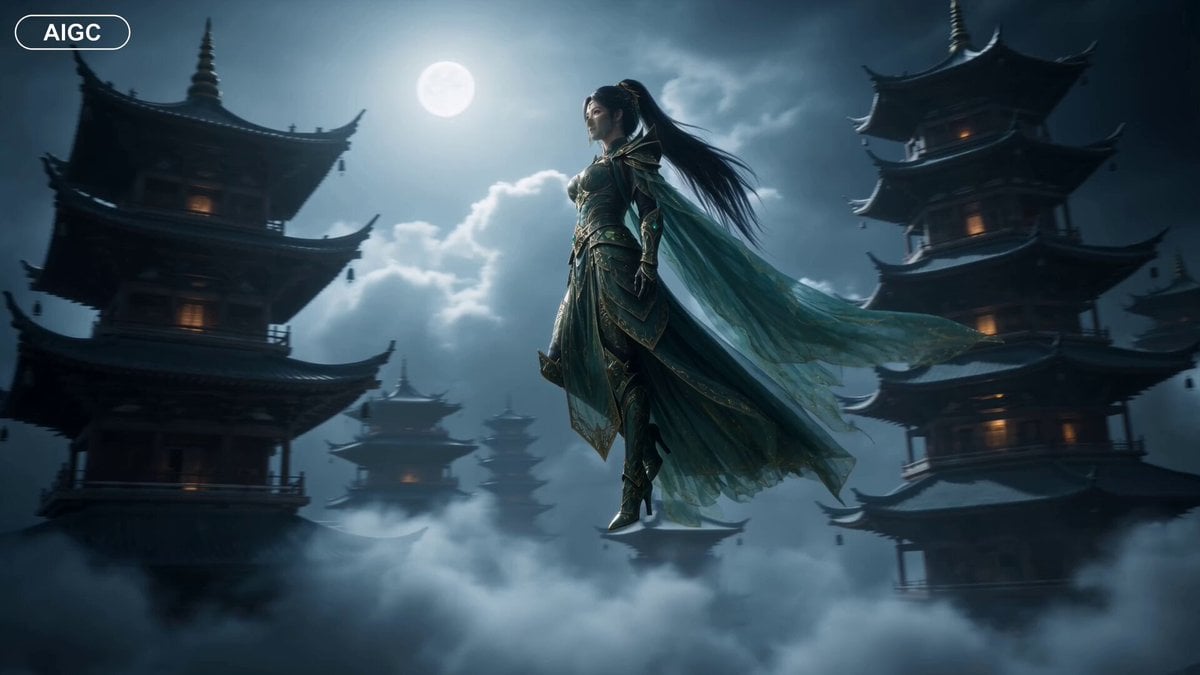
Fantasy Warrior Transformation Sequence

Fantasy Dragon Chase Sequence
Neon Armor Epic Transformation Sequence
Cyberpunk Exosuit Transformation Sequence
Volcanic Rail Rider Action Sequence
Make it yours
Volcanic Dragon Transformation Sequence works as-is. These are the safest ways to change it without losing the look.
Change one field
Copy a single group, rewrite it, and generate again so you can see what that field is doing.
Keep the frame, change the subject
Hold the composition and light of Volcanic Dragon Transformation Sequence, then swap wardrobe, props or the person for a new take.
| If the result… | Why | Fix |
|---|---|---|
| The result drifts from the preview | Too many fields changed at once. | Reuse Volcanic Dragon Transformation Sequence as-is first, then change one group — subject, light, or setting. |
| The model over-stylizes the scene | The prose prompt leaves finish and camera underspecified. | Add one camera or lighting sentence and stay on Seedance 2.0. |
More Seedance 2.0 templates
Other prompts made for Seedance 2.0.

Comical Martial Arts Punch Scene

Wuxia Protection and Trust Script

Vintage Korean Arcade MiniDV Vlog

Mercedes 190 SL Luxury Ad

Rainy Night Supernatural Reverse Comedy Video Script

Amazon Civilization Discovery

Futuristic South Asian City Transformation

Cozy Luxury Cafe Commercial

Cyber Ronin Nanotech Transformation Video

Desert Courier and Sandstorm Leviathan Chase
More video prompts
Fresh picks from across the catalog.
Girl and Cat Transformation Video Prompt (Seedance 2.0)

Summer Poolside Daydreaming Video
Cinematic Aerial Shot of Wingsuit Pilot in Alpine Valley
Concentric Rings Flowing Around a Black Void

Cinematic surreal 'Time Freeze' workflow
Viral Construction Stools Footage
Kung Fu Culinary Master Action Part 1
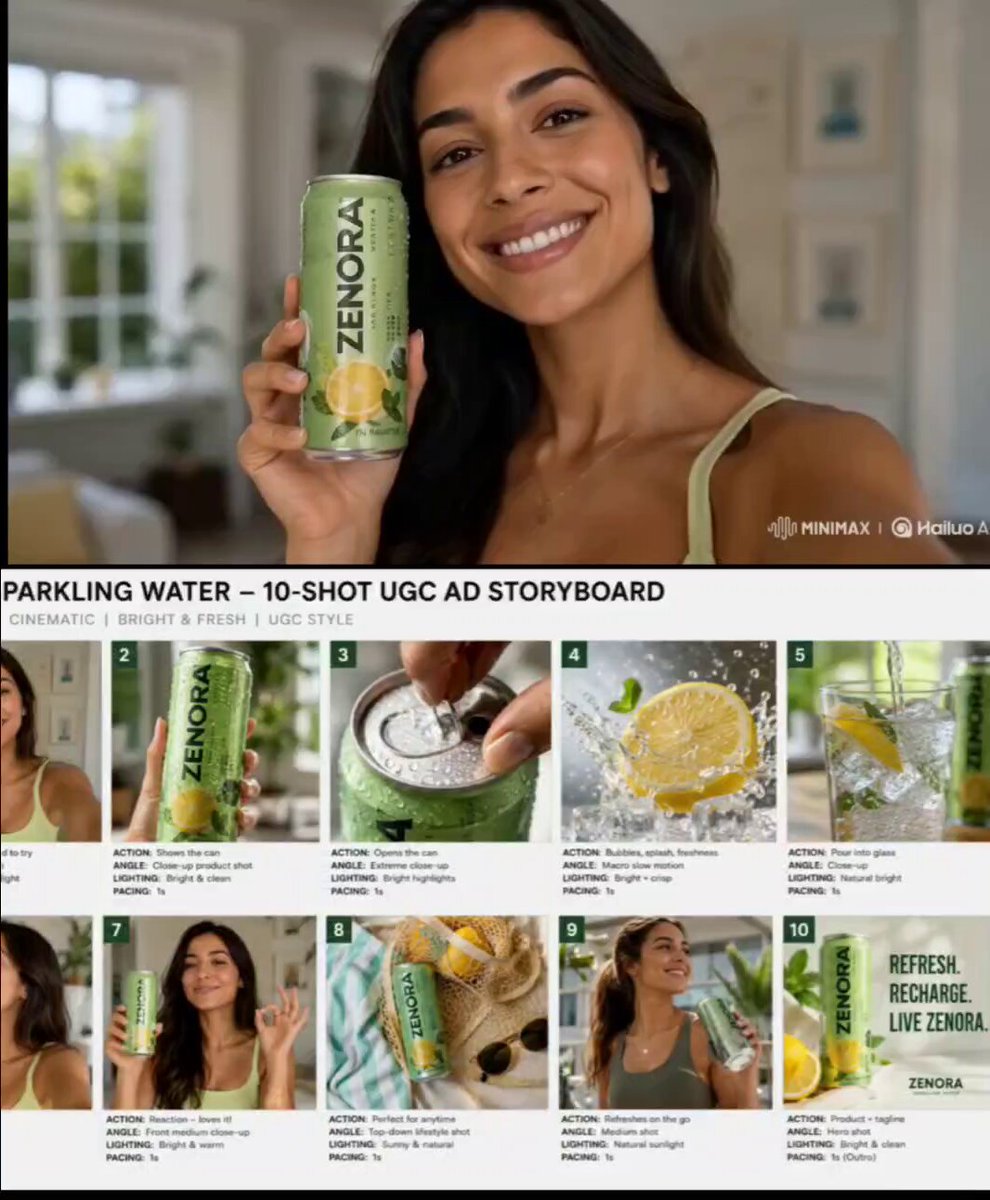
Premium Beverage UGC Commercial
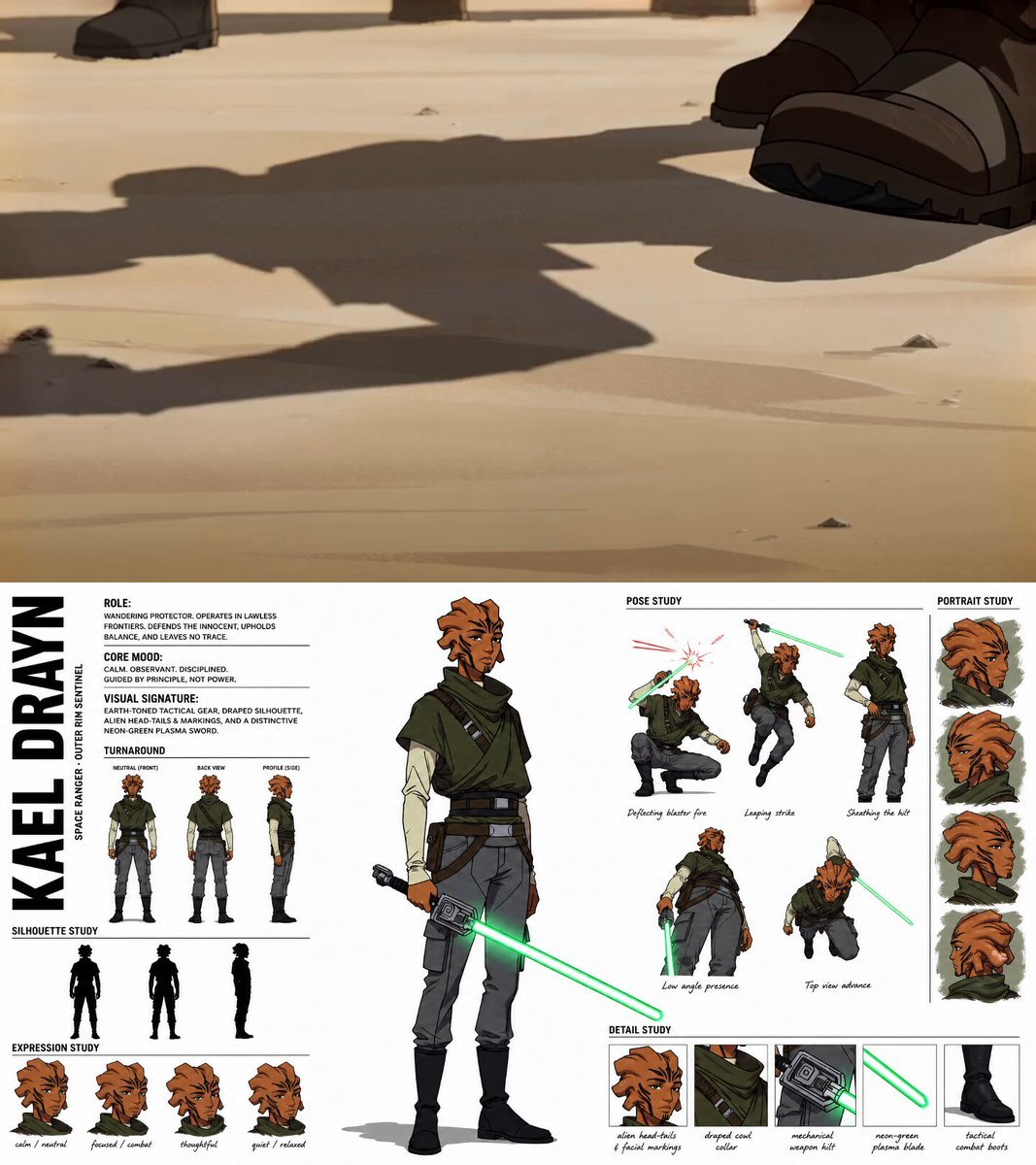
Gritty Sci-Fi Anime Montage
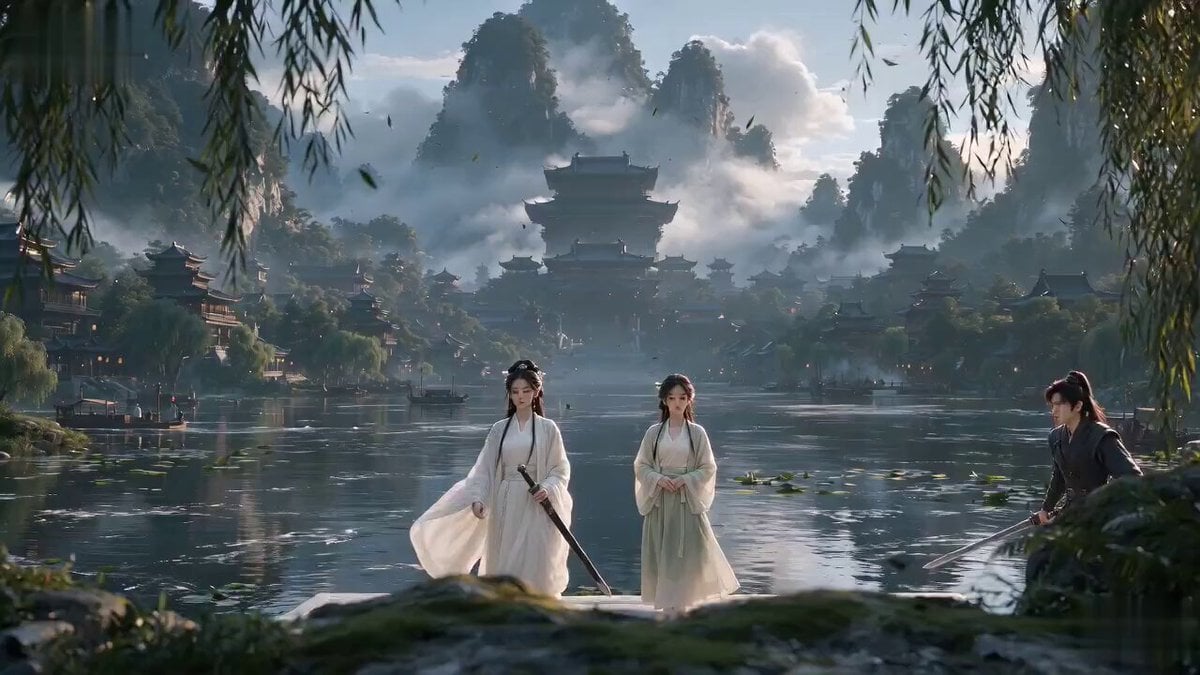
Xianxia Sect Administrative Comedy Short
Browse template categories
Volcanic Dragon Transformation Sequence questions
How do I use the Volcanic Dragon Transformation Sequence template?
Add your photo if the template asks for one, edit the prompt if you like — the template's model and format are already selected — and press Generate. Your version opens in PicX Studio.
Can I customize the Volcanic Dragon Transformation Sequence template?
Yes. You can change the subject, setting, lighting, mood, format, and available model controls before creating your video.
Is the Volcanic Dragon Transformation Sequence template free?
Opening and editing this template is free. Generating uses credits, shown on the Generate button when you are signed in.
Which AI model should I use?
Start with Seedance 2.0, which is the model associated with this template. You can compare another compatible model for a different finish.
Looking for something else? Browse all templates.

Your photo, any look
Thousands of ready templates for every top image and video model, from one credit balance.