
Cinematic Cave Exploration Multi-Shot Sequence
A detailed multi-shot video prompt for a dramatic cave sequence featuring character interactions and specific lighting conditions, optimized for continuous motion across shots.
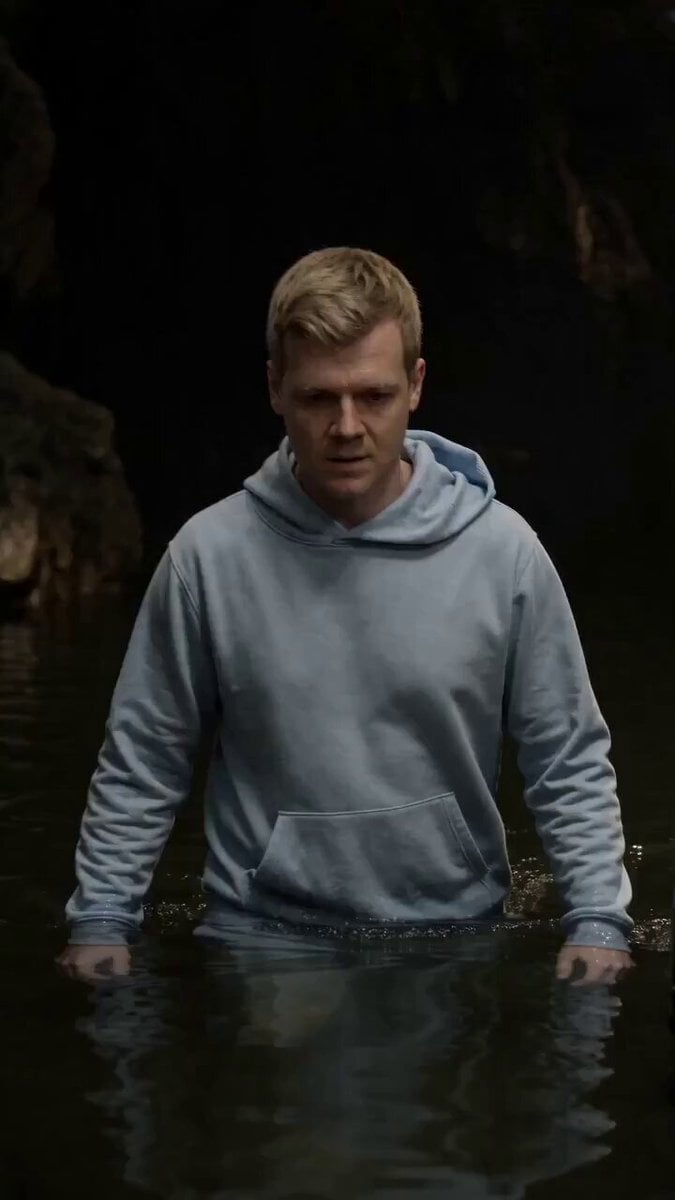
- Prompt included
- Model and format preset
- Premium template
The prompt behind this video
Copy the exact prompt behind Cinematic Cave Exploration Multi-Shot Sequence, or open it in the studio and make it yours.
3-shot sequence, 12 seconds. Refer to Image 1 for both characters, cave environment, water level, and lighting. ARRI Alexa. Dramatic chiaroscuro, cool desaturated ambient light filtering from above, deep shadow falloff into cave walls. Waist-deep still murky water, dark stone cave interior. Shot 1 [00:00–00:05]: A man in a light blue hoodie (Image 2 )wades forward through the dark murky water, water rippling and pushing against his torso with each step. Cave walls recede into darkness behind him. Handheld follow tracking alongside him at medium shot, slight handheld shake, camera moving with him through the water. No cuts, continuous motion. Shot 2 [00:05–00:09]: He stops, now standing beside the armored warrior — matching the wide two-shot composition from Image 1 . Both face forward into darkness. The man in the blue hoodie slowly tilts his gaze upward; his expression shifts from neutral to wide-eyed, mouth slightly open — concern setting in. Static locked-off wide shot. Shot 3 [00:09–00:12]: Extreme close-up on the man in the blue hoodie's face (Image 2)— damp skin, underlit, expression landing on flat resigned dread. He says, deadpan: "That is a big space snake." Display subtitles bottom-center, synchronized with audio. Consistent characters throughout, no deformation or drift. No background music. Ambient water sounds, distant cave drip, low cave reverb throughout.
How to use Cinematic Cave Exploration Multi-Shot Sequence in 3 steps
- 1Upload ImagePNG, JPG or paste
Add your photo
Upload the photo the template builds on. The prompt, model and format are already set.
- 2…a portrait of your subject in softgolden-hour light, 85mm…
Personalize
Edit the subject and creative details for your destination.
- 3Generate
Generate
Press Generate — your video is created in PicX Studio, so you can compare it with the original and refine one variable at a time.
More like this
Templates with the same subject, style or setup. Open one to see its prompt.

Extended Multi-Shot Xianxia Battle Sequence

Mysterious Home Exploration Vlog - Seedance 2.5
Multi-Character Parkour Action Sequence
Multi-Shot Heist Sequence — Kling 3.0 O3 Pro
Epic Samurai Multi-Slash Sequence
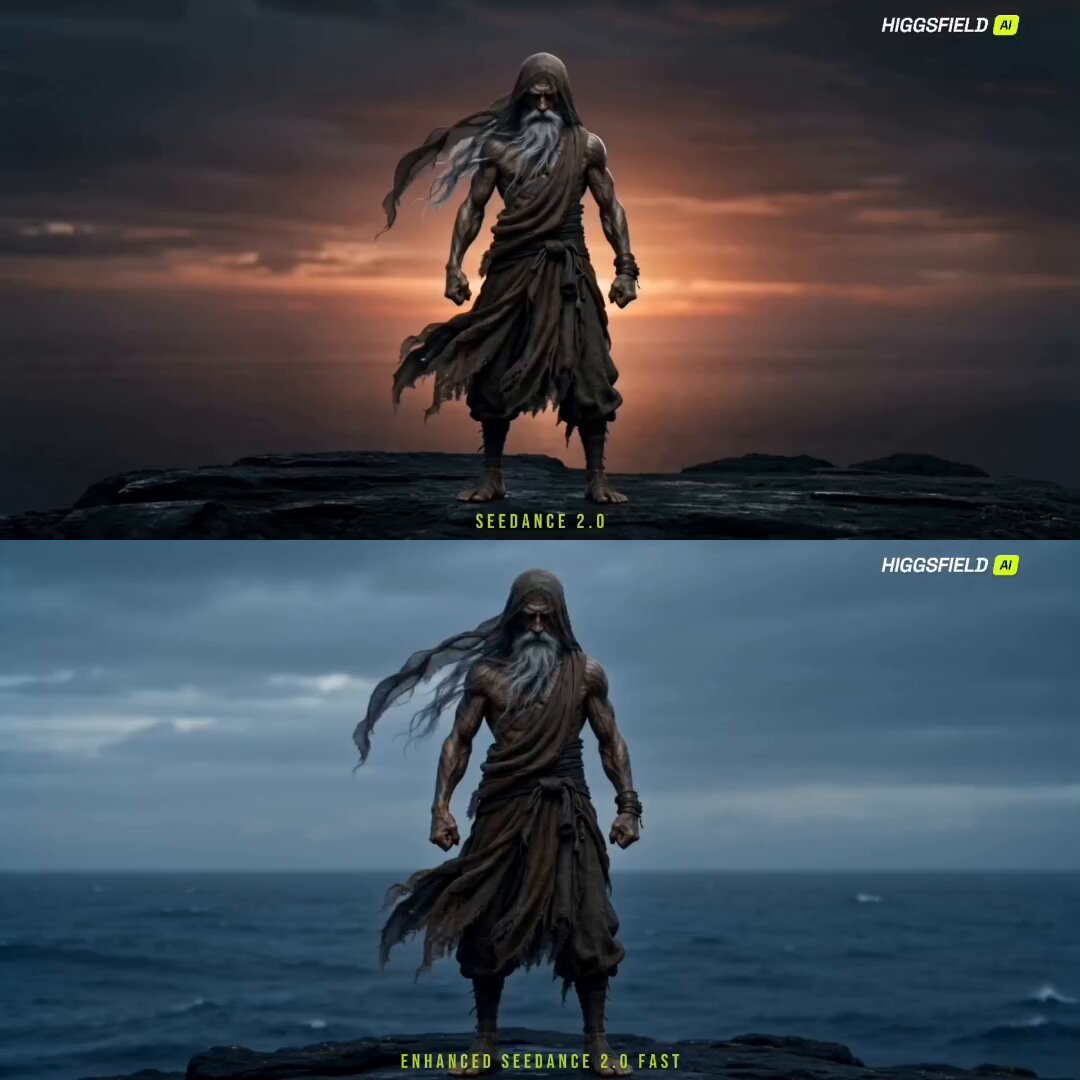
Cinematic Sorcerer vs Leviathan Multi-Shot Sequence
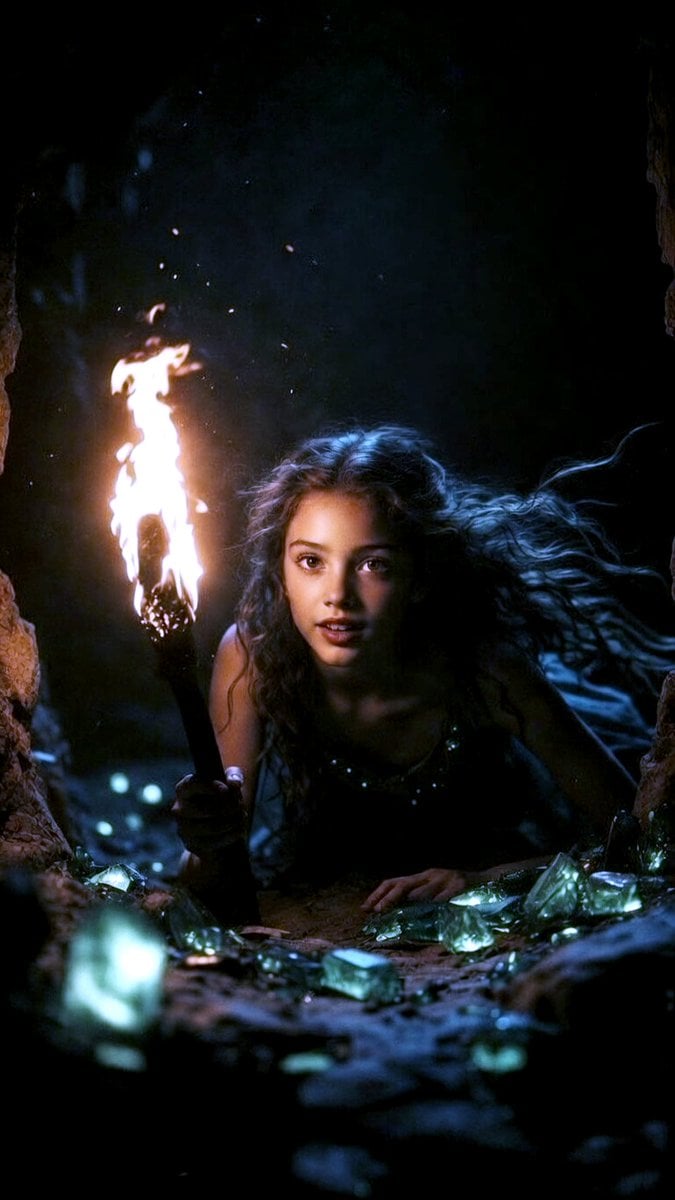
Grok Imagine Multi-Shot Fairy and Girl Cave Animation Prompt
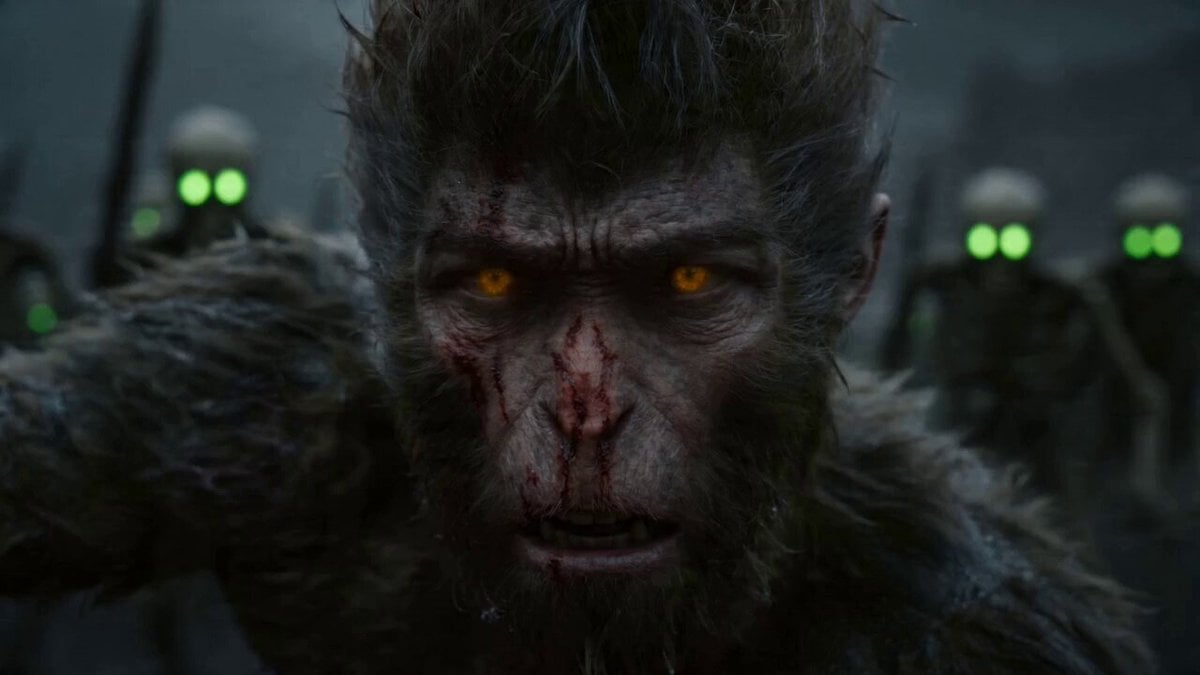
Epic Multi-Shot Sequence of Sun Wukong on a Mythological Battlefield

Multi-Cut Western Duel and Arm Wrestling Sequence
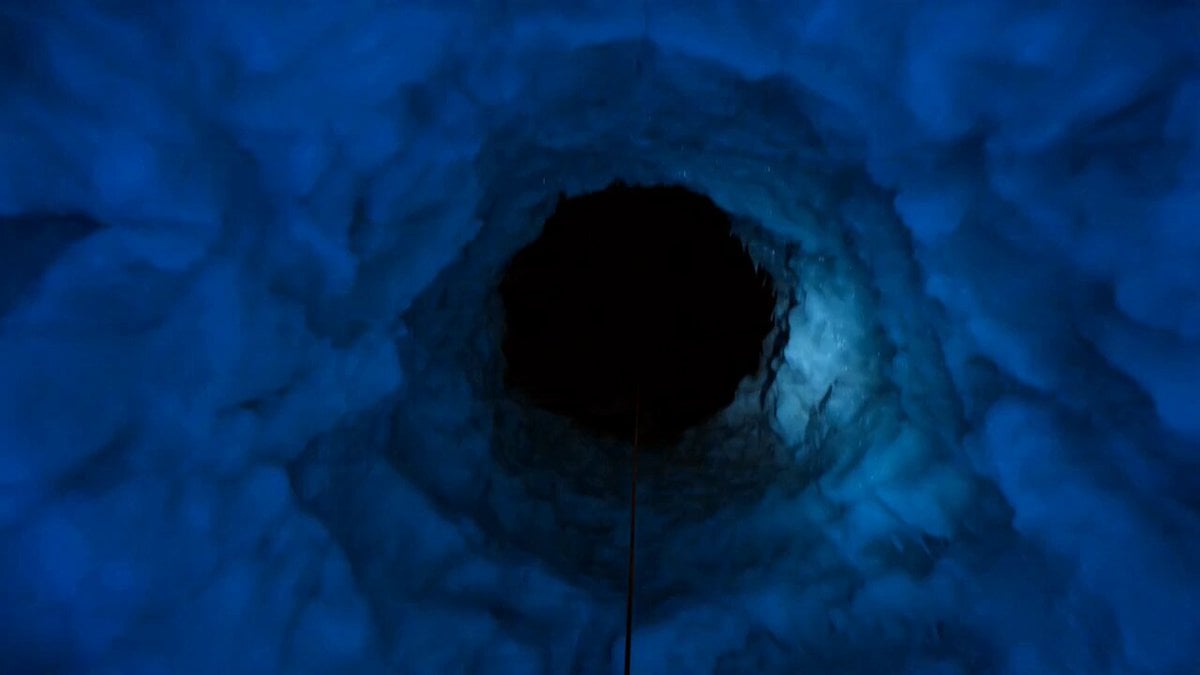
Ice Cave Explorer Sequence
Daily Routine Multi-Shot Sequence
Chibi Cave Adventure — He Doesn't Know What's Coming
Make it yours
Cinematic Cave Exploration Multi-Shot Sequence works as-is. These are the safest ways to change it without losing the look.
Change one field
Copy a single group, rewrite it, and generate again so you can see what that field is doing.
Keep the frame, change the subject
Hold the composition and light of Cinematic Cave Exploration Multi-Shot Sequence, then swap wardrobe, props or the person for a new take.
| If the result… | Why | Fix |
|---|---|---|
| The result drifts from the preview | Too many fields changed at once. | Reuse Cinematic Cave Exploration Multi-Shot Sequence as-is first, then change one group — subject, light, or setting. |
| The model over-stylizes the scene | The prose prompt leaves finish and camera underspecified. | Add one camera or lighting sentence and stay on Seedance 2.0. |
More Seedance 2.0 templates
Other prompts made for Seedance 2.0.

Comical Martial Arts Punch Scene

Wuxia Protection and Trust Script

Vintage Korean Arcade MiniDV Vlog

Mercedes 190 SL Luxury Ad

Rainy Night Supernatural Reverse Comedy Video Script

Amazon Civilization Discovery

Futuristic South Asian City Transformation

Cozy Luxury Cafe Commercial

Cyber Ronin Nanotech Transformation Video

Desert Courier and Sandstorm Leviathan Chase
More video prompts
Fresh picks from across the catalog.
Futuristic Graphene Water Sports Resort
Premium Mech Toy Commercial Sequence
Fantasy Dragon River Reveal
The Woman Who Stopped Time Narrative
Samurai Odachi Overhead Strike
Cinematic Gaming Short with Seamless Transitions
Japanese Urban Parkour Commercial

Global Football Cinematic Journey
Tactical Agent Hotel Combat Sequence
Surreal Charcoal Mirror Scene
Browse template categories
Cinematic Cave Exploration Multi-Shot Sequence questions
How do I use the Cinematic Cave Exploration Multi-Shot Sequence template?
Add your photo if the template asks for one, edit the prompt if you like — the template's model and format are already selected — and press Generate. Your version opens in PicX Studio.
Can I customize the Cinematic Cave Exploration Multi-Shot Sequence template?
Yes. You can change the subject, setting, lighting, mood, format, and available model controls before creating your video.
Is the Cinematic Cave Exploration Multi-Shot Sequence template free?
Opening and editing this template is free. Generating uses credits, shown on the Generate button when you are signed in.
Which AI model should I use?
Start with Seedance 2.0, which is the model associated with this template. You can compare another compatible model for a different finish.
Looking for something else? Browse all templates.

Your photo, any look
Thousands of ready templates for every top image and video model, from one credit balance.