How do I use the Multi-Shot Heist Sequence — Kling 3.0 O3 Pro template?
Edit the prompt in the box under the preview — the template's model and format are already selected — and press Generate. Your version appears right on this page.
From 1LittleCoder's '12 Kling 3.0 Prompts That Actually Work' article (Feb 11, 2026).
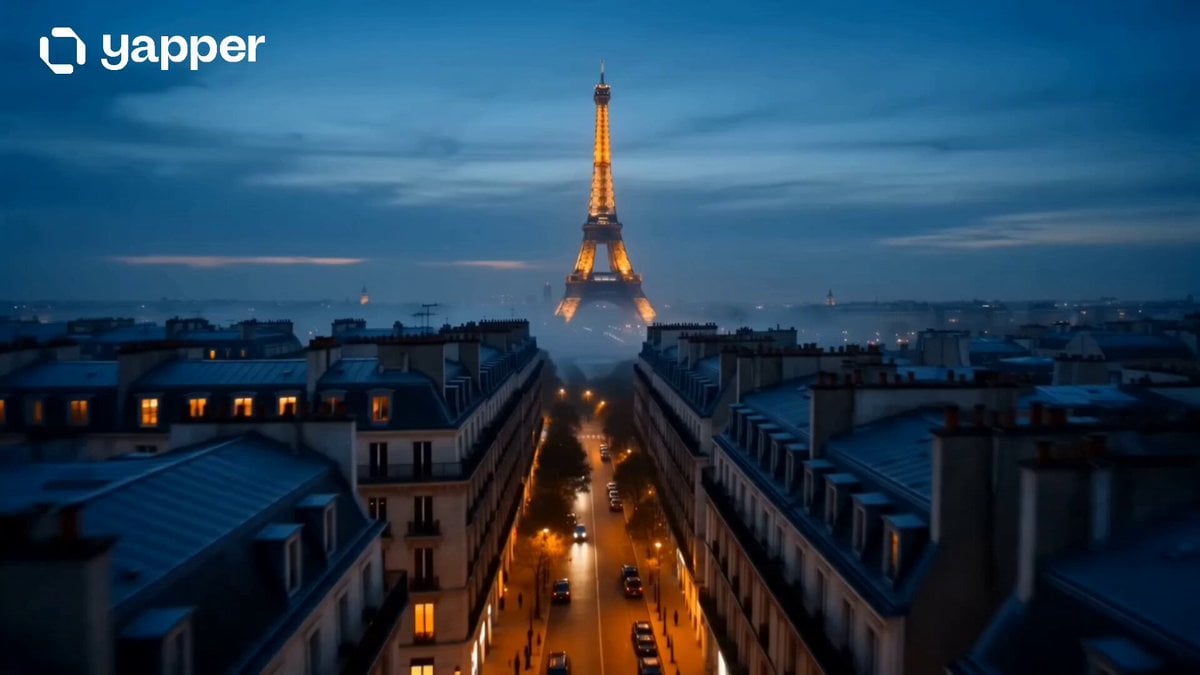
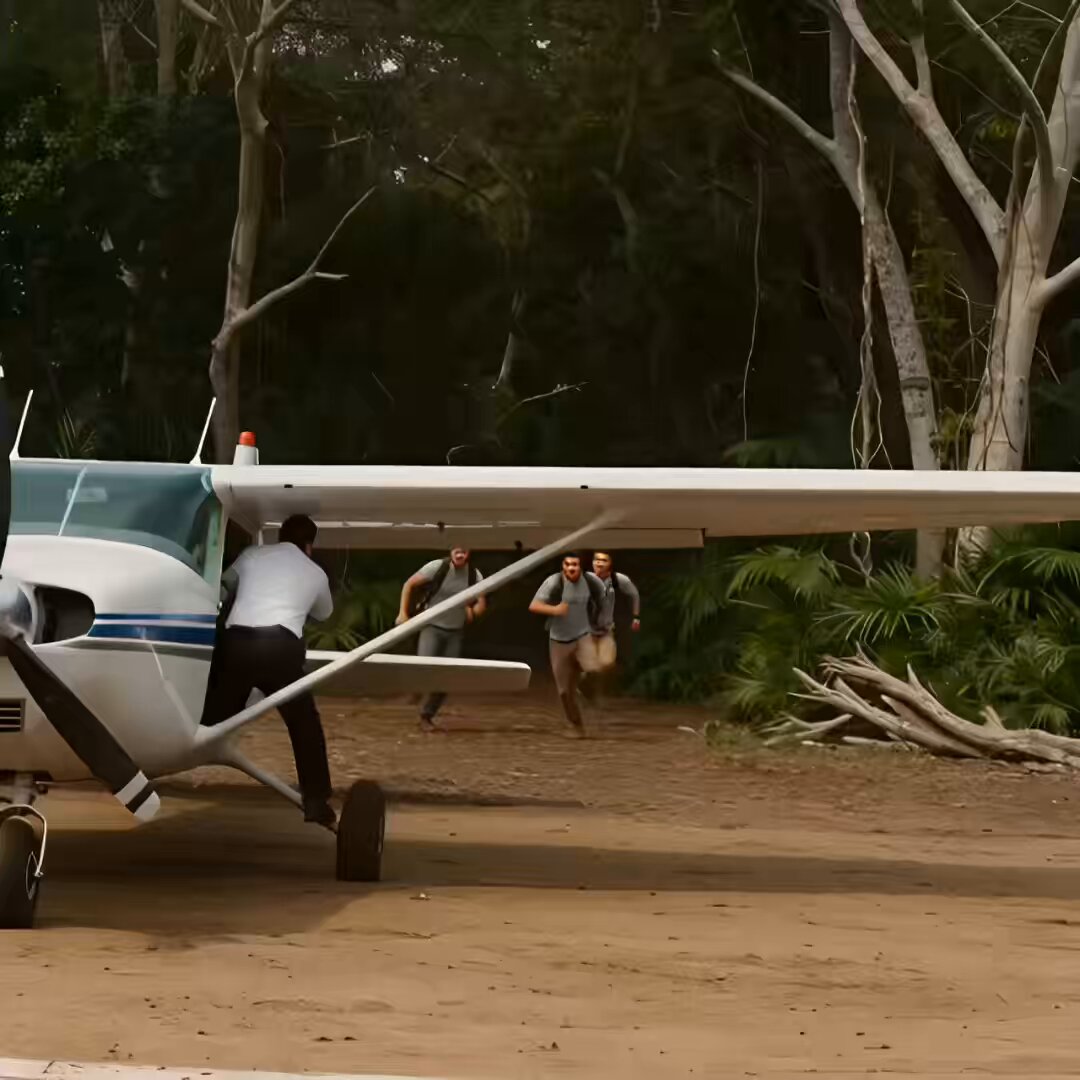
ultra-wide aerial of a financial district at dawn, close-up of a gloved hand placing a suction cup on glass, figures on ropes, interior corridor dolly, fiber-optic camera under a door, masked figures in a service hall, bus cutaway, keypad device, door release, vault antechamber, macro drill on metal, bus accelerating. Every shot spells out the camera (stabilized glide, locked macro, Steadicam), the lens (wide, deep focus), and the light (predawn steel-blue, cool diffuse, backlit silver rims, fluorescents).
ultra-wide aerial of a financial district at dawn, close-up of a gloved hand placing a suction cup on glass, figures on ropes, interior corridor dolly, fiber-optic camera under a door, masked figures in a service hall, bus cutaway, keypad device, door release, vault antechamber, macro drill on metal, bus accelerating. Every shot spells out the camera (stabilized glide, locked macro, Steadicam), the lens (wide, deep focus), and the light (predawn steel-blue, cool diffuse, backlit silver rims, fluorescents).
Edit the prompt in the box under the preview — the template's model and format are already selected — and press Generate. Your version appears right on this page.
Yes. You can change the subject, setting, lighting, mood, format, and available model controls before creating your video.
Opening and editing this template is free. Generating uses credits, shown on the Generate button when you are signed in.
Start with kling-3.0, which is the model associated with this template. You can compare another compatible model for a different finish.
Follow a topic to a crawlable collection of related PicX Studio templates.