
Claymation Evolution Sequence
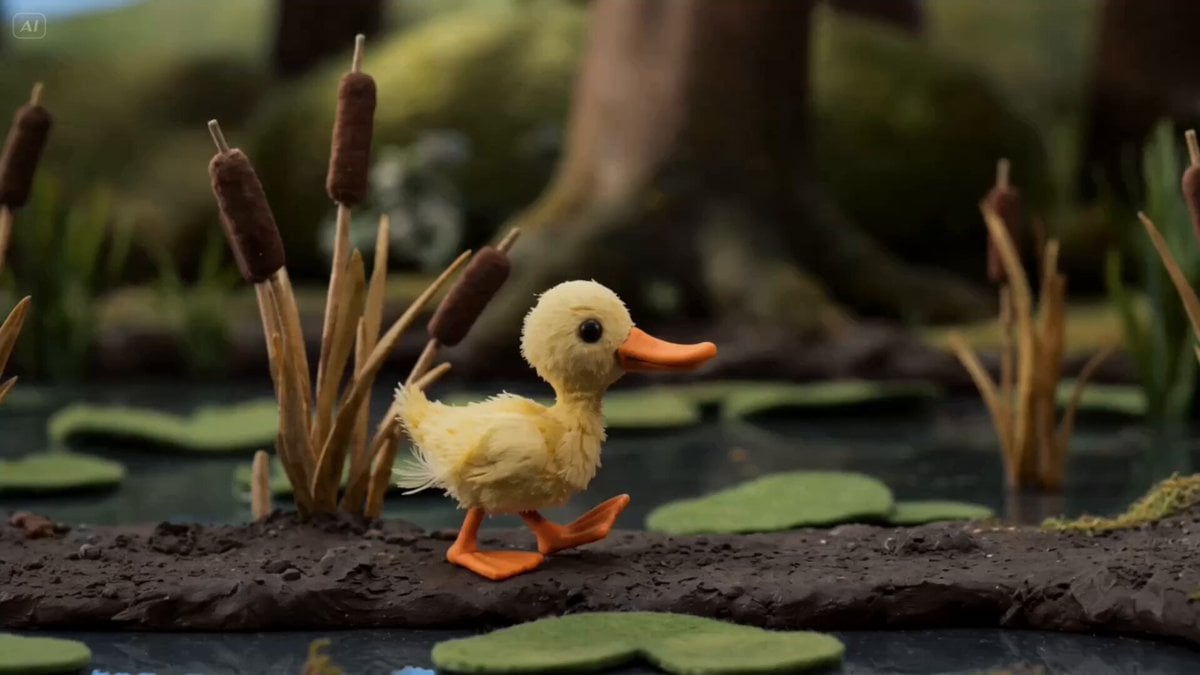
A detailed stop-motion prompt for an evolution sequence from a duckling to a woman, using tactile materials and a tracking shot.
- Prompt included
- Model and format preset
- Premium template
The prompt behind this video
Copy the exact prompt behind Claymation Evolution Sequence, or open it in the studio and make it yours.
Stop motion claymation, handcrafted tactile materials, mixed real materials, — continuous lateral tracking shot, the camera gliding alongside the subject at her own walking pace, macro photography depth of field. The piece opens at a forest pond in deep mossy greens under soft morning light and ends on a city sidewalk under cold tungsten glow. [cut] A tiny clay duckling, soft with real yellow down, waddles along the muddy shore of a forest pond, real dried reeds and real felt lily pads beside it, real moss underfoot; the body gives a soft shiver and a few yellow feathers loosen at the back, drifting onto the mud behind it. [cut] Mid-stride the body has lengthened, real yellow down still clinging to the chest while real brown-and-white pheasant feathers spread across the back and tail, the orange clay beak darkening to a deeper amber, the muddy shore giving way to a forest path of real dried oak leaves under the webbed feet. [cut] Now a fully grown clay duck — real felt webbed feet pressing into the leaves while the legs draw upward like slow-pulled clay strings over an exposed copper wire armature, the spine lifting, two soft tufts of real blonde human hair pushing through the skull around the still-orange clay beak, the path fading into a moss-edged suburban verge. [cut] Standing tall on thin clay shins, the orange beak half-retracted and softening into clay flesh that swells into puffy lips, the remaining pheasant feathers slipping downward along the body and unspooling into threads of real pink silk that weave themselves around the waist as a fitted mini dress takes shape, the verge dissolving into a sidewalk of real grey cardboard with painted rain sheen. [cut] A clay woman strides onto the city sidewalk in the finished real pink silk mini dress, real tiny pink leather high-heels clicking softly on the cardboard pavement, the glossy lips quietly swelling another half-size as she walks, painted miniature shopfronts dissolving into a cool tungsten haze behind her. [cut] She stops in front of a shop window — the camera holds steady — she raises a tiny clay smartphone, purses her lips into a duck-face pose for a selfie, and the lips keep inflating in real time, swelling and rebounding gently with every soft click of the shutter until they cover the lower half of her face, her eyes still smiling, her body unmoving, deadpan.
How to use Claymation Evolution Sequence in 3 steps
- 1
Open
The prompt is already in the box next to the preview, with the template's model and format selected.
- 2…a portrait of your subject in softgolden-hour light, 85mm…
Personalize
Edit the subject and creative details for your destination.
- 3Generate
Generate
Press Generate — your video is created in PicX Studio, so you can compare it with the original and refine one variable at a time.
More like this
Templates with the same subject, style or setup. Open one to see its prompt.
Claymation Western Action Sequence
Stop-Motion Claymation Nutella Cafe
Evolution of Chinese Flight Technology
Claymation Odysseus and Cyclops Animation

Claymation Cat World Transformation

Human Evolution Hyper-lapse
Ape to Human Evolution Space Transition
History of Dance Evolution
Historical Settlement Aerial Evolution
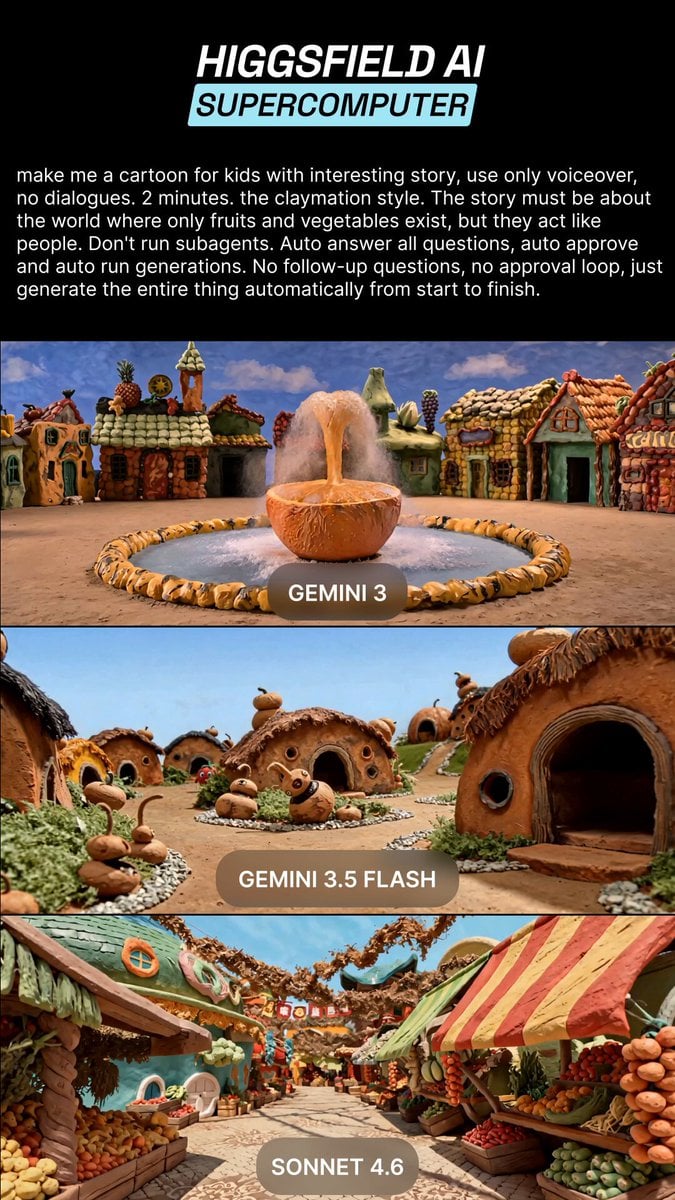
Claymation Fruit Kids Cartoon
Product Evolution Eye Reflection
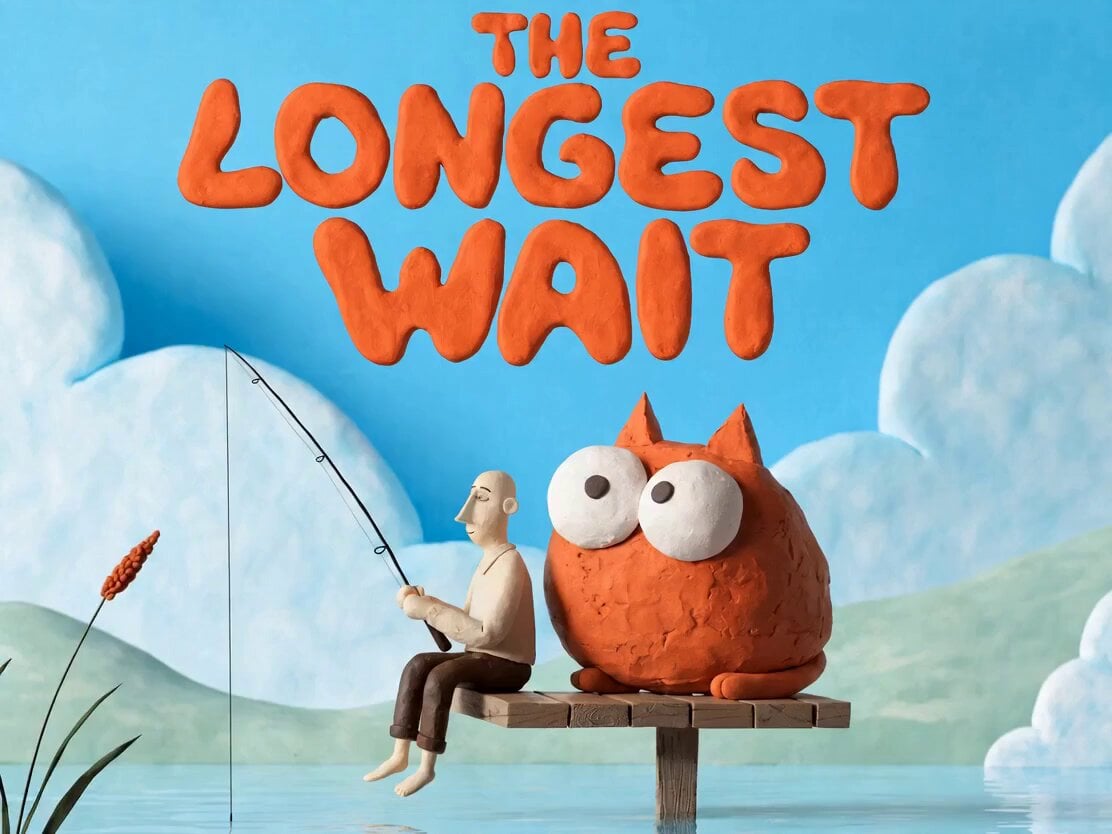
Plasticine Claymation Fisherman Animation
Make it yours
Claymation Evolution Sequence works as-is. These are the safest ways to change it without losing the look.
Change one field
Copy a single group, rewrite it, and generate again so you can see what that field is doing.
Keep the frame, change the subject
Hold the composition and light of Claymation Evolution Sequence, then swap wardrobe, props or the person for a new take.
| If the result… | Why | Fix |
|---|---|---|
| The result drifts from the preview | Too many fields changed at once. | Reuse Claymation Evolution Sequence as-is first, then change one group — subject, light, or setting. |
| The model over-stylizes the scene | The prose prompt leaves finish and camera underspecified. | Add one camera or lighting sentence and stay on Seedance 2.0. |
More Seedance 2.0 templates
Other prompts made for Seedance 2.0.

Comical Martial Arts Punch Scene

Maglev Train Action Sequence

Martial Arts Fight Sequence

Wuxia Protection and Trust Script

Vintage Korean Arcade MiniDV Vlog

Mercedes 190 SL Luxury Ad

Rainy Night Supernatural Reverse Comedy Video Script

Amazon Civilization Discovery

Futuristic South Asian City Transformation

Cozy Luxury Cafe Commercial
More video prompts
Fresh picks from across the catalog.
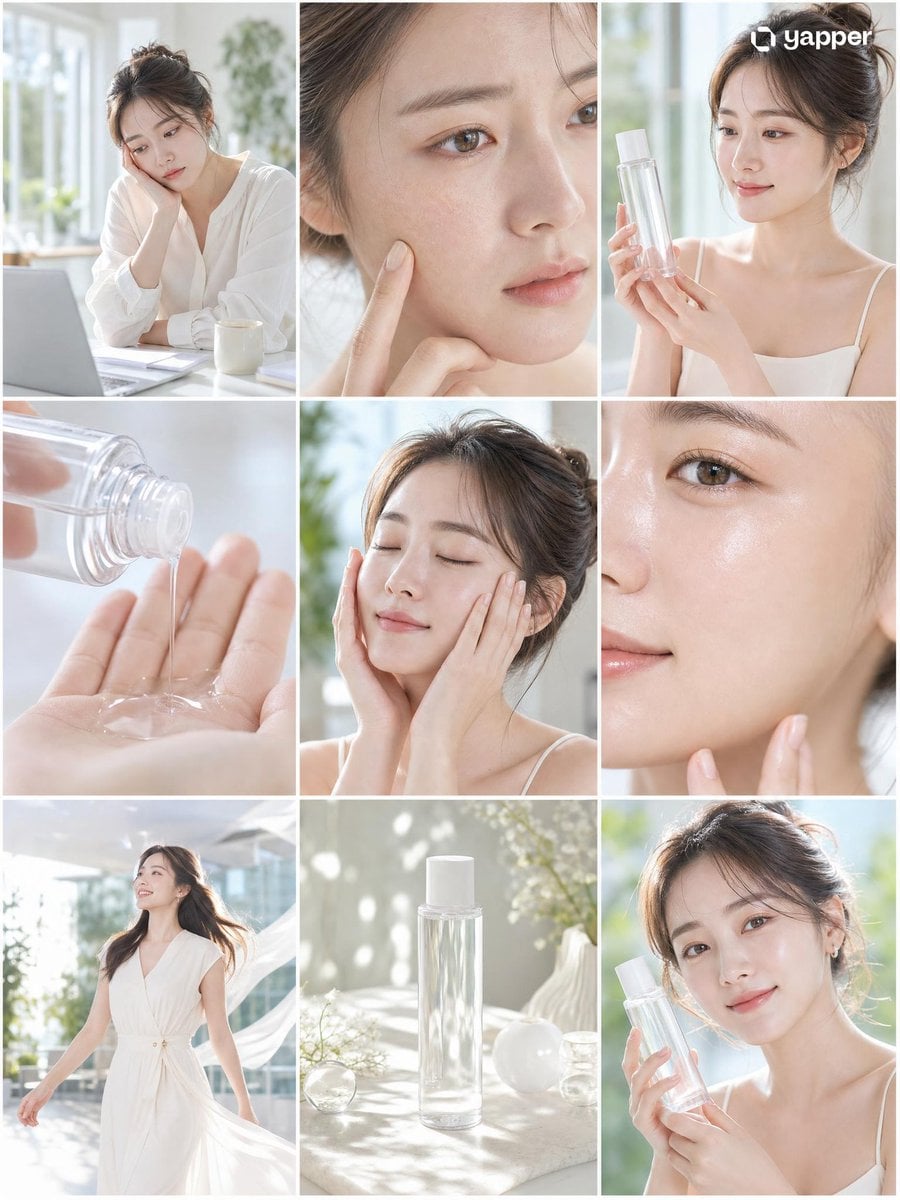
Skincare Commercial Storyboard
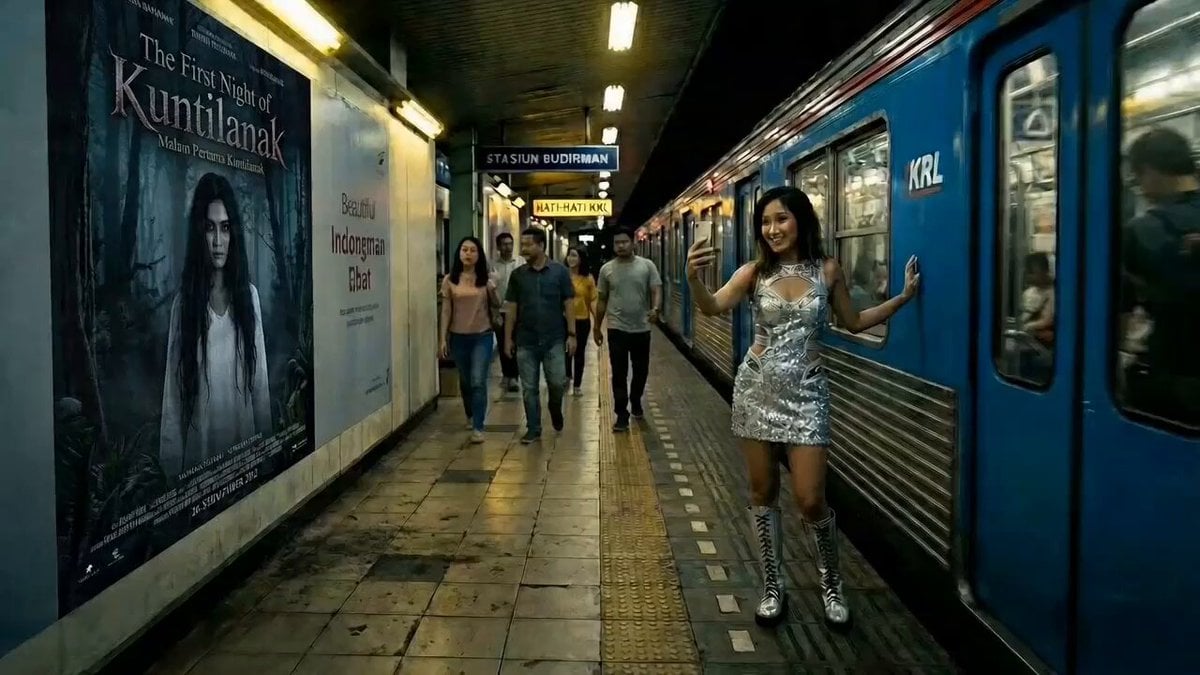
Cinematic Horror at Jakarta KRL Commuter Line Station
Urban Survival Street Chase Short

Fantasy Romance Short Drama Script: 'Good Luck Descends'
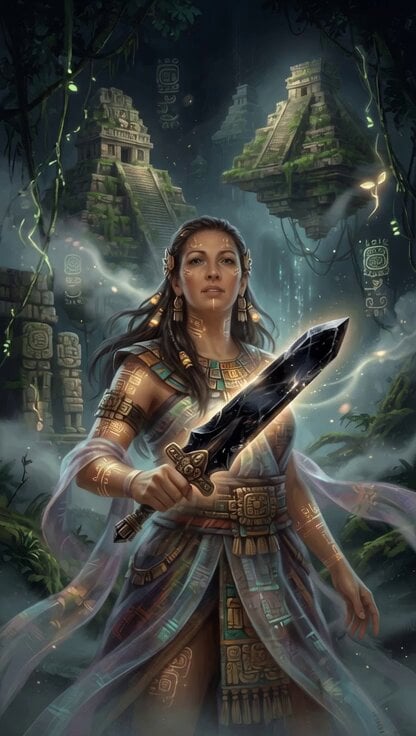
Mayan Warrior Digital Codex

Dinosaur War Military Jets
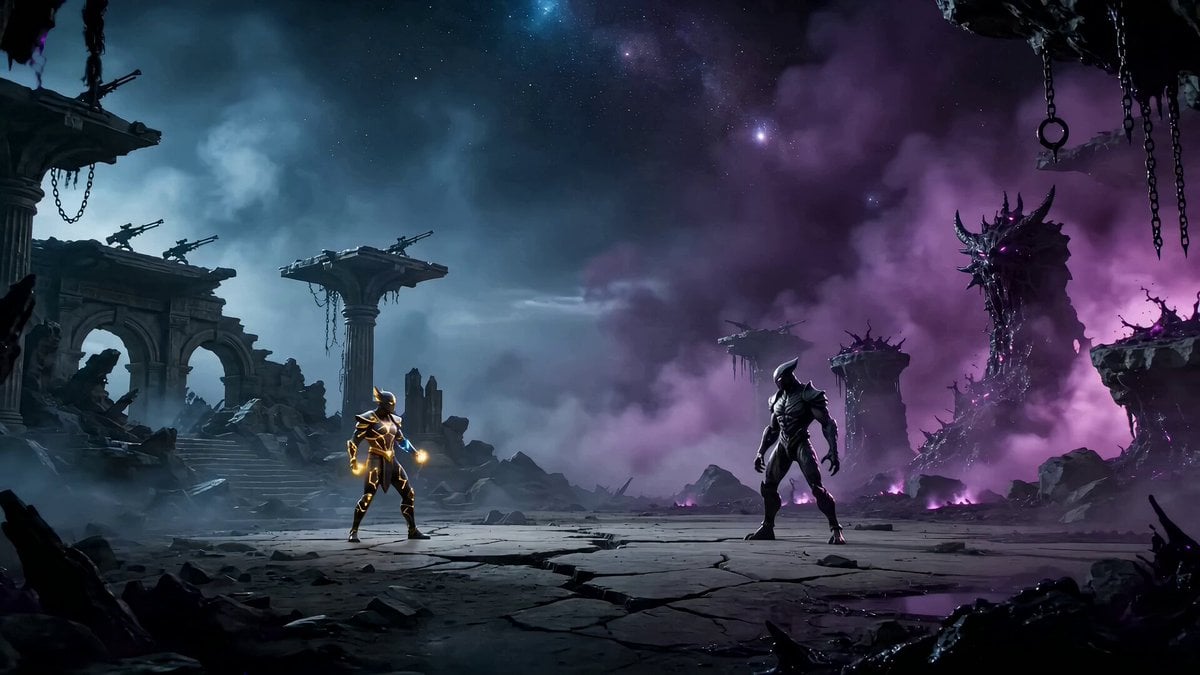
Epic Zodiac Starlight Battle
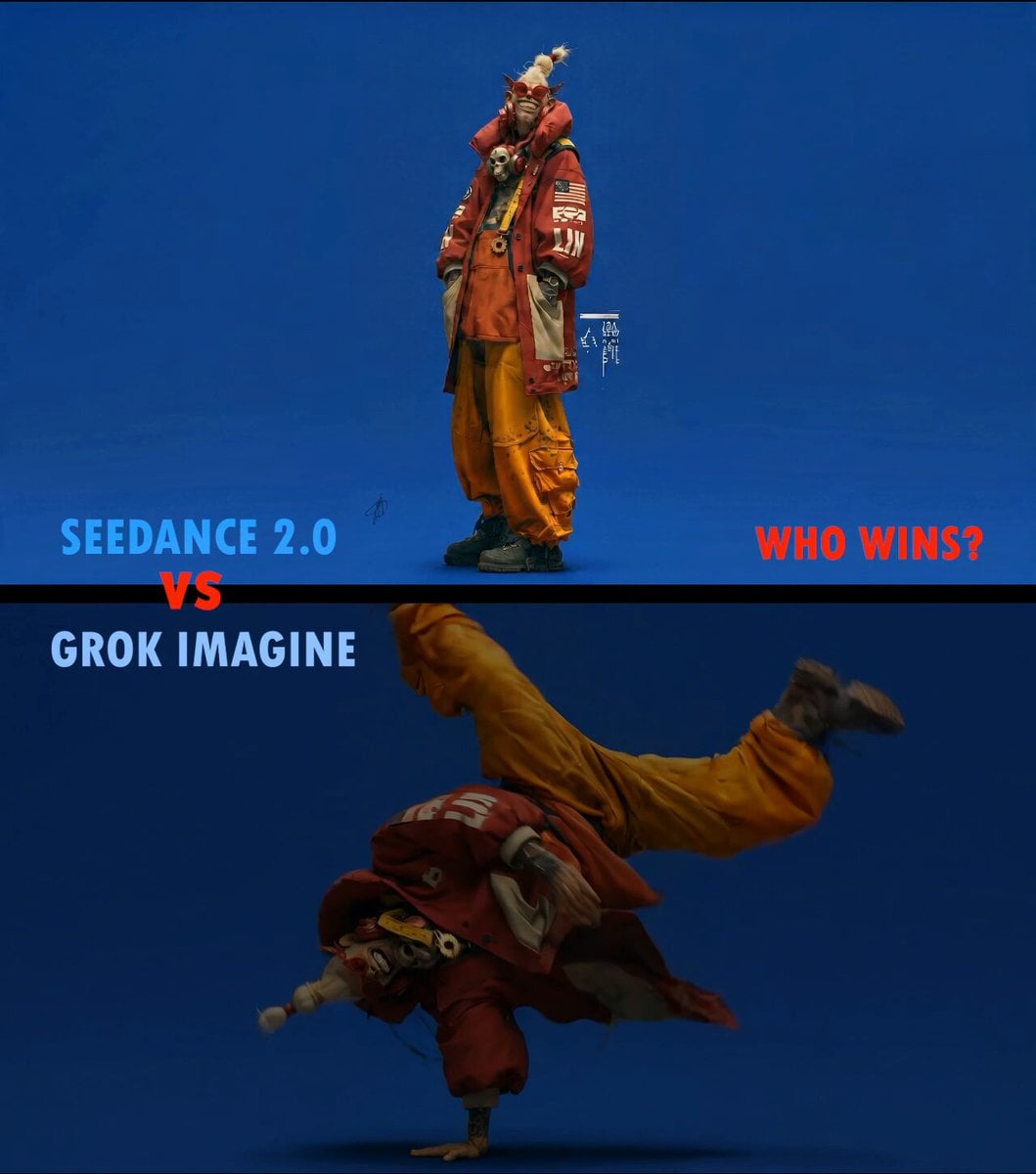
Slow Motion ASMR Breakdance Flip

Kitten CEO Office Animation
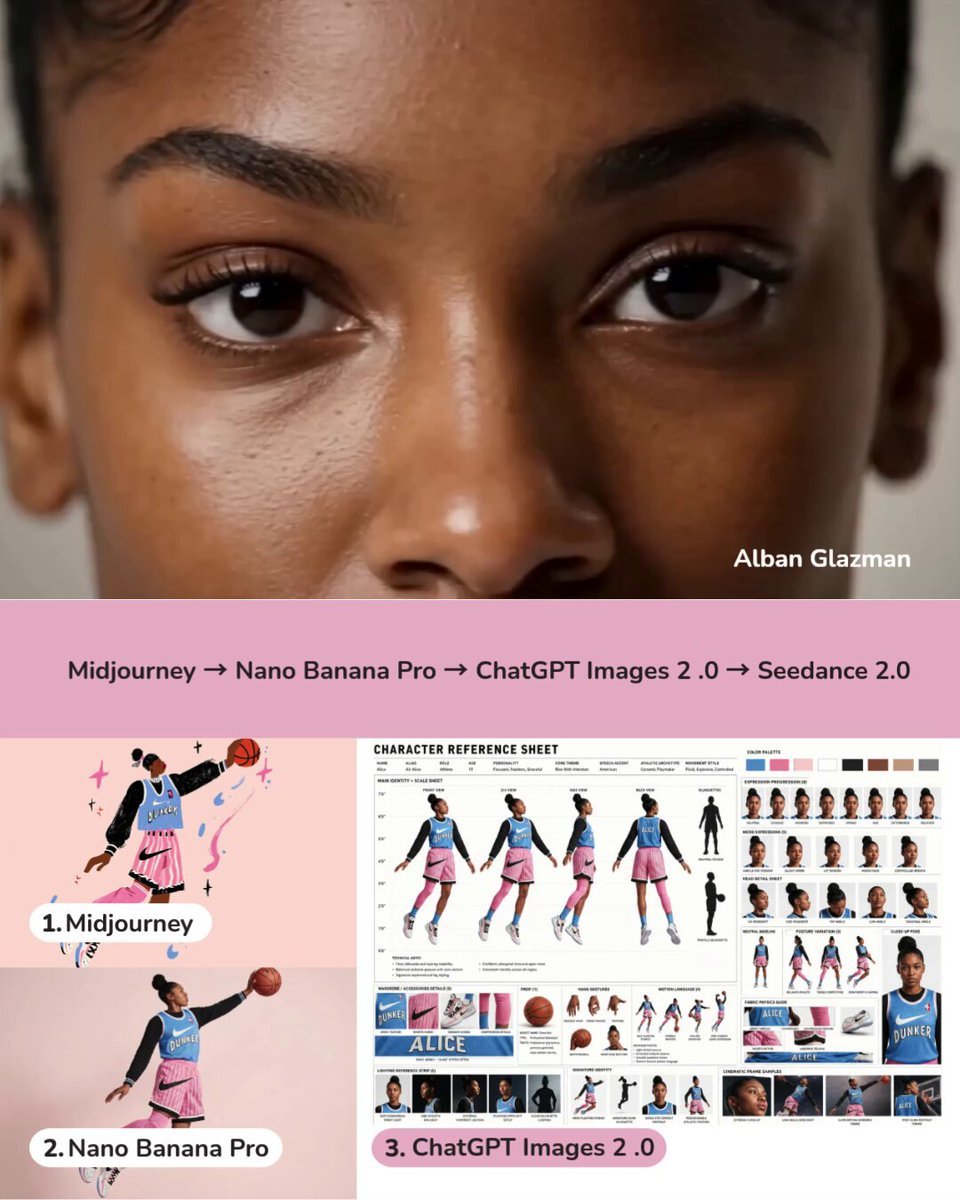
Dynamic Character Sheet Reference
Browse template categories
Claymation Evolution Sequence questions
How do I use the Claymation Evolution Sequence template?
Add your photo if the template asks for one, edit the prompt if you like — the template's model and format are already selected — and press Generate. Your version opens in PicX Studio.
Can I customize the Claymation Evolution Sequence template?
Yes. You can change the subject, setting, lighting, mood, format, and available model controls before creating your video.
Is the Claymation Evolution Sequence template free?
Opening and editing this template is free. Generating uses credits, shown on the Generate button when you are signed in.
Which AI model should I use?
Start with Seedance 2.0, which is the model associated with this template. You can compare another compatible model for a different finish.
Looking for something else? Browse all templates.

Your photo, any look
Thousands of ready templates for every top image and video model, from one credit balance.