
Dinosaur War Military Jets
An IMAX-scale cinematic prompt for an epic battle between elite special forces with jets and tanks against colossal dinosaur creatures.
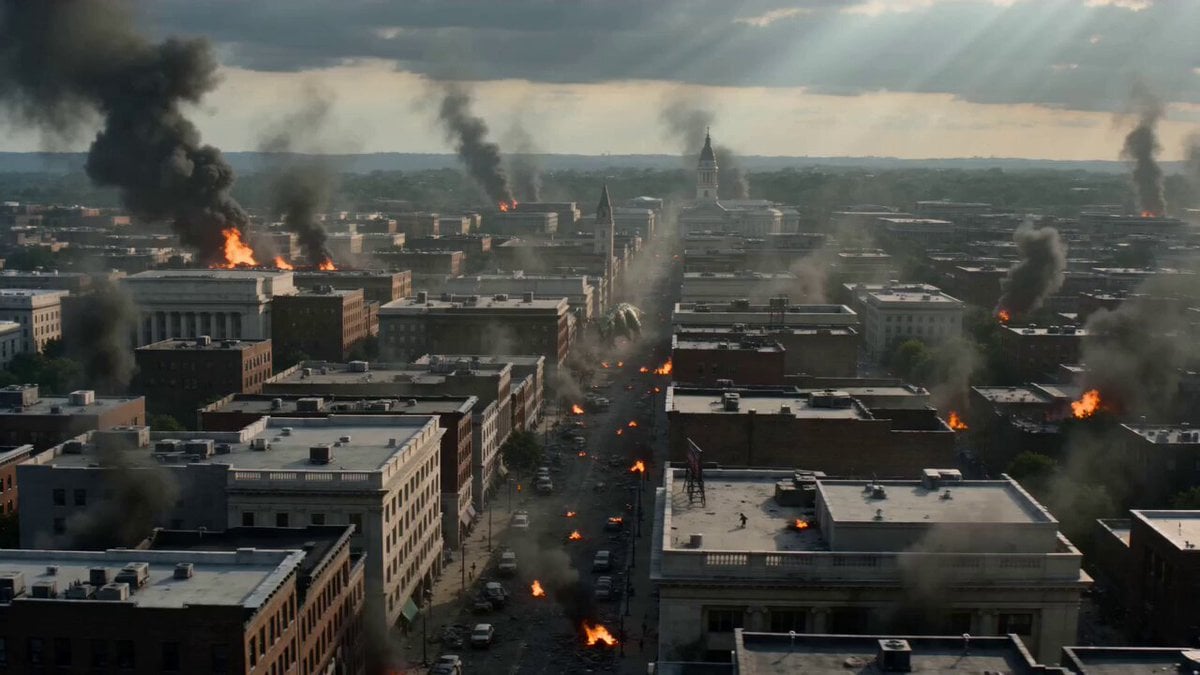
- Prompt included
- Model and format preset
- Free template
The prompt behind this video
Copy the exact prompt behind Dinosaur War Military Jets, or open it in the studio and make it yours.
Epic large-scale war on American soil, elite special forces battling colossal dinosaur-like creatures, massive coordinated assault with advanced F-22 fighter jets, heavy tanks, and precision missile strikes, continuous explosions tearing across both sky and ground, a fully chaotic multi-layer battlefield where air supremacy and ground forces collide in relentless, high-intensity warfare. Ultra-cinematic style, IMAX-scale realism, 8K ultra-high definition, hyper-detailed textures, volumetric smoke, firestorms, shockwaves, and debris simulations, dramatic environmental destruction with controlled intensity, no gore, emphasizing scale, impact, and spectacle, cinematic color grading with warm highlights and cool shadows, high contrast, grounded lighting physics. Dynamic war cinematography with aggressive trajectory camera movement: high-speed aerial tracking following jet formations, rapid dive shots through missile paths, low-angle tank advances crushing terrain, wide panoramic battlefield sweeps, seamless transitions between air and ground combat, enhanced with motion blur, afterimage trails on fast-moving objects, rhythmic editing synced to explosive impacts, creating a breathless, immersive, and visually overwhelming experience.
How to use Dinosaur War Military Jets in 3 steps
- 1
Open
The prompt is already in the box next to the preview, with the template's model and format selected.
- 2…a portrait of your subject in softgolden-hour light, 85mm…
Personalize
Edit the subject and creative details for your destination.
- 3Generate
Generate
Press Generate — your video is created in PicX Studio, so you can compare it with the original and refine one variable at a time.
More like this
Templates with the same subject, style or setup. Open one to see its prompt.
Pearl Harbor Attack — Seedance 2.0 FPV
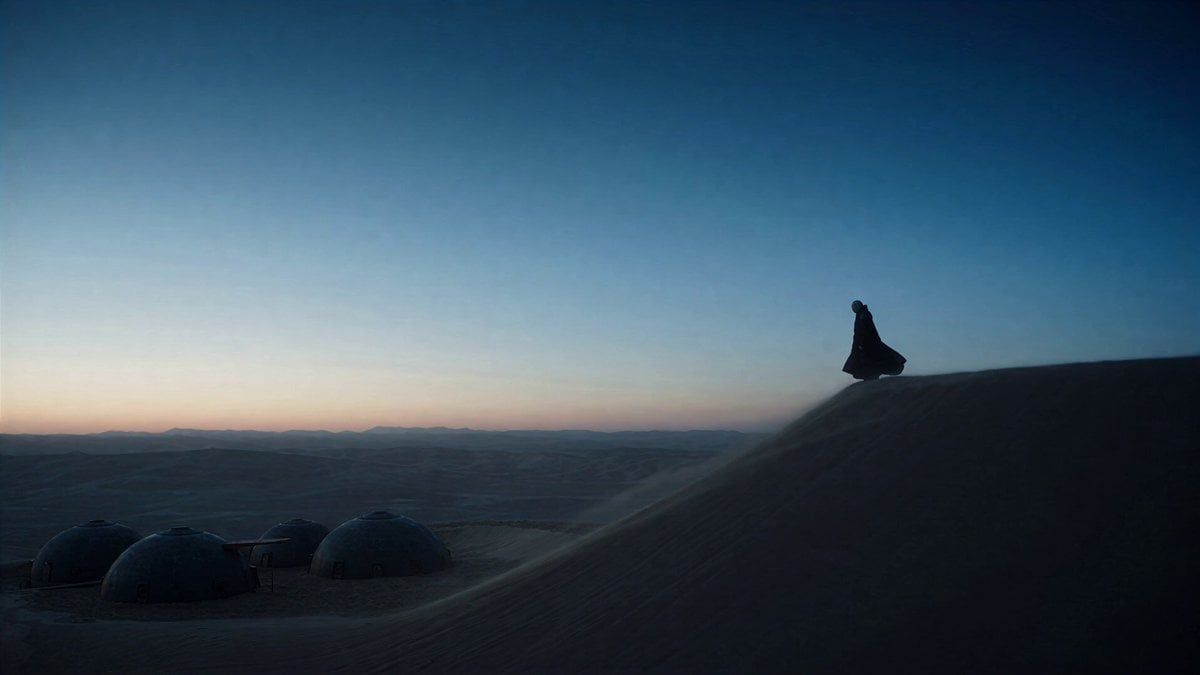
Dune Ridge Military Base Sequence
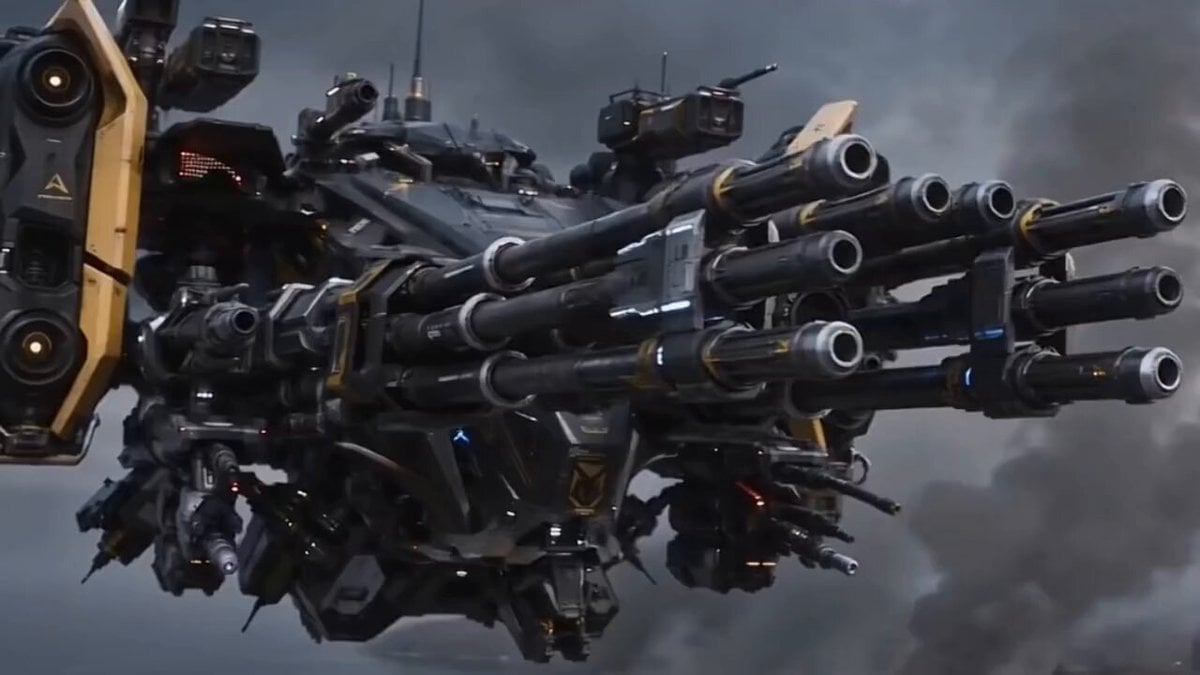
Futuristic Military Gunship Combat Scene
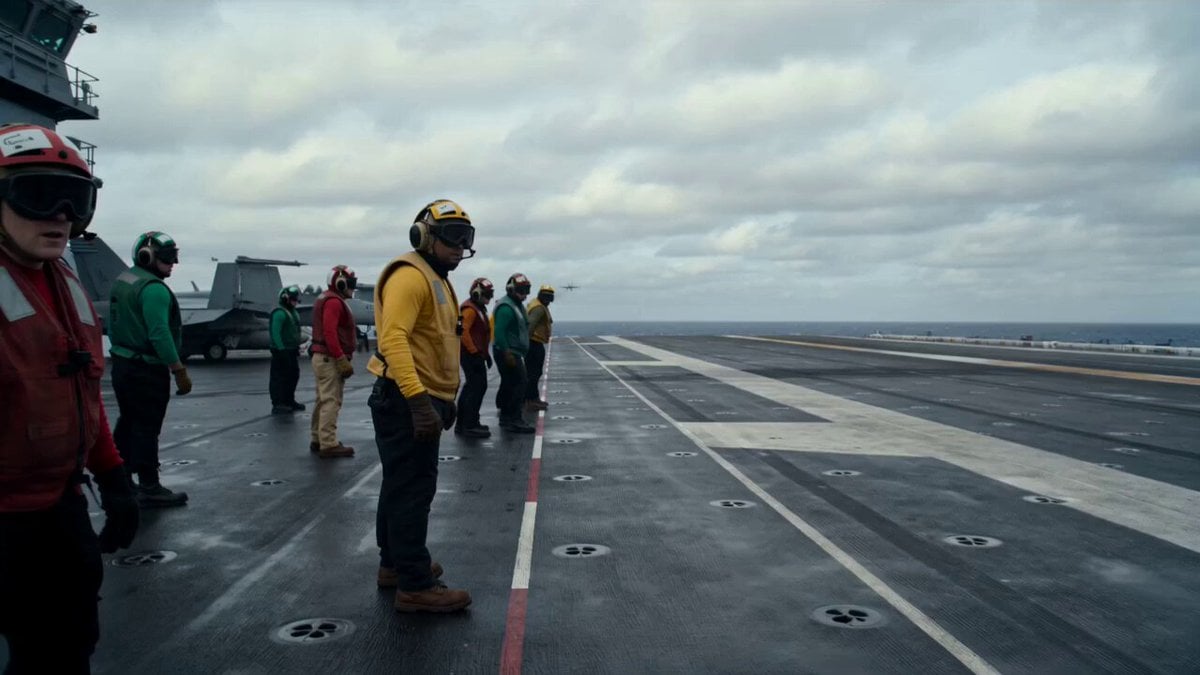
Military Carrier Emergency Documentary Prompt
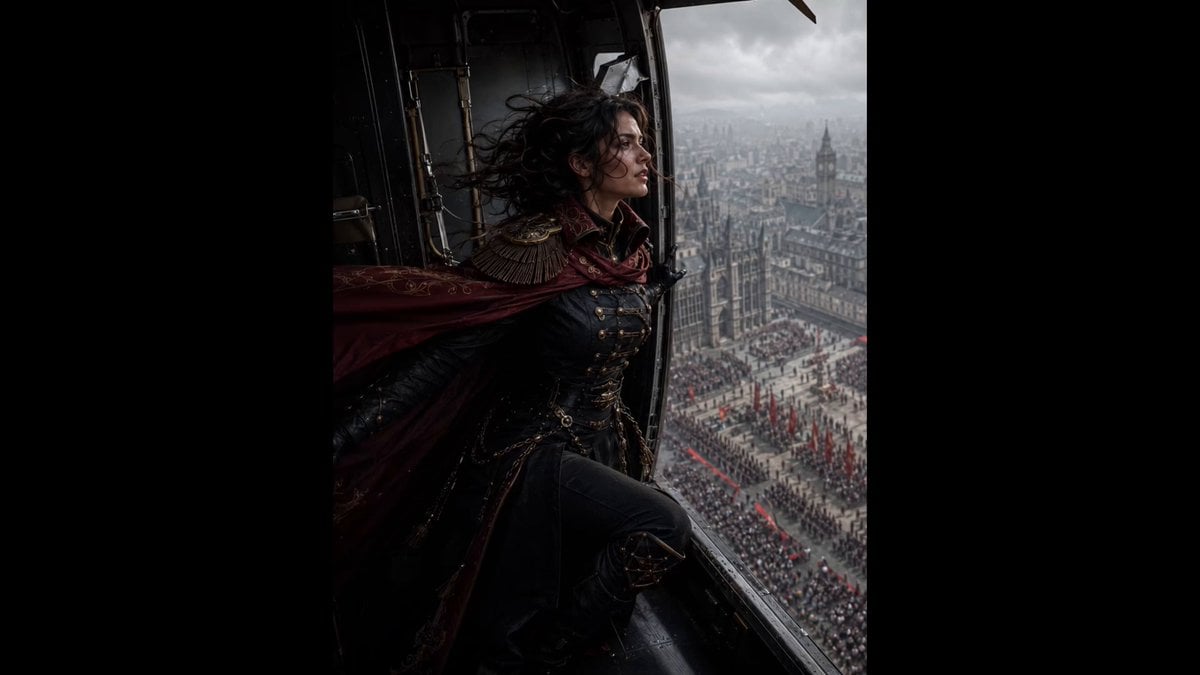
Cinematic Gothic Military Parade
Military Convoy Desert Chase
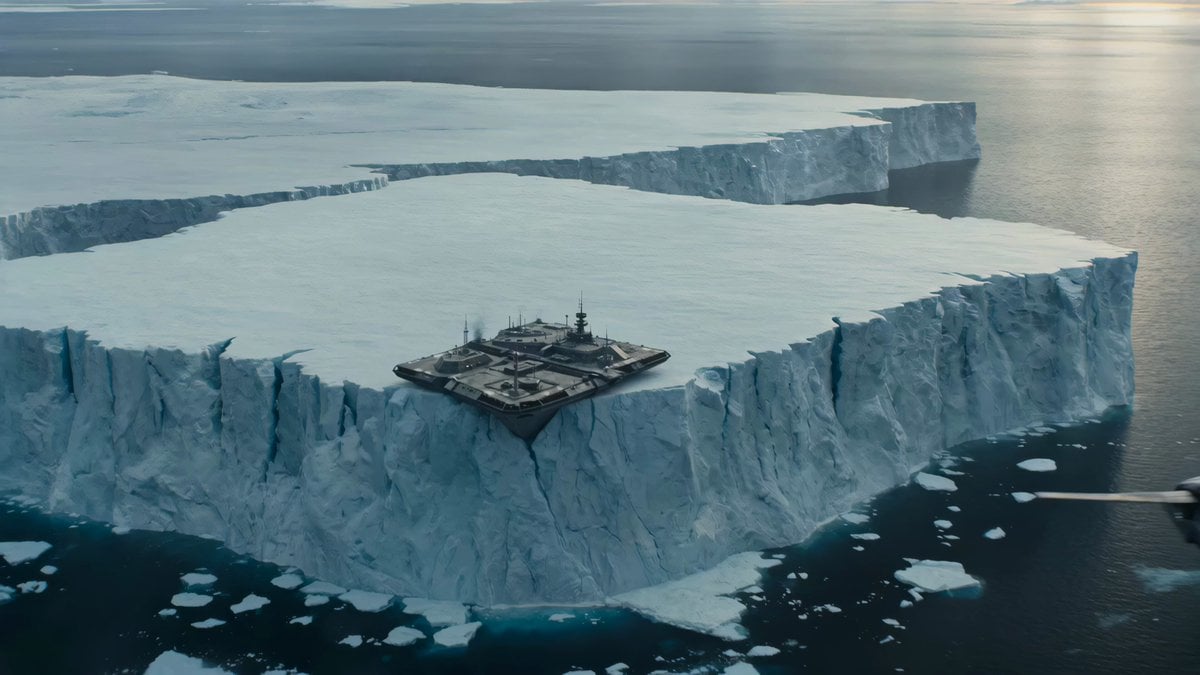
Iceberg Military Base Collapse
Armored Dinosaur Volcanic Jungle
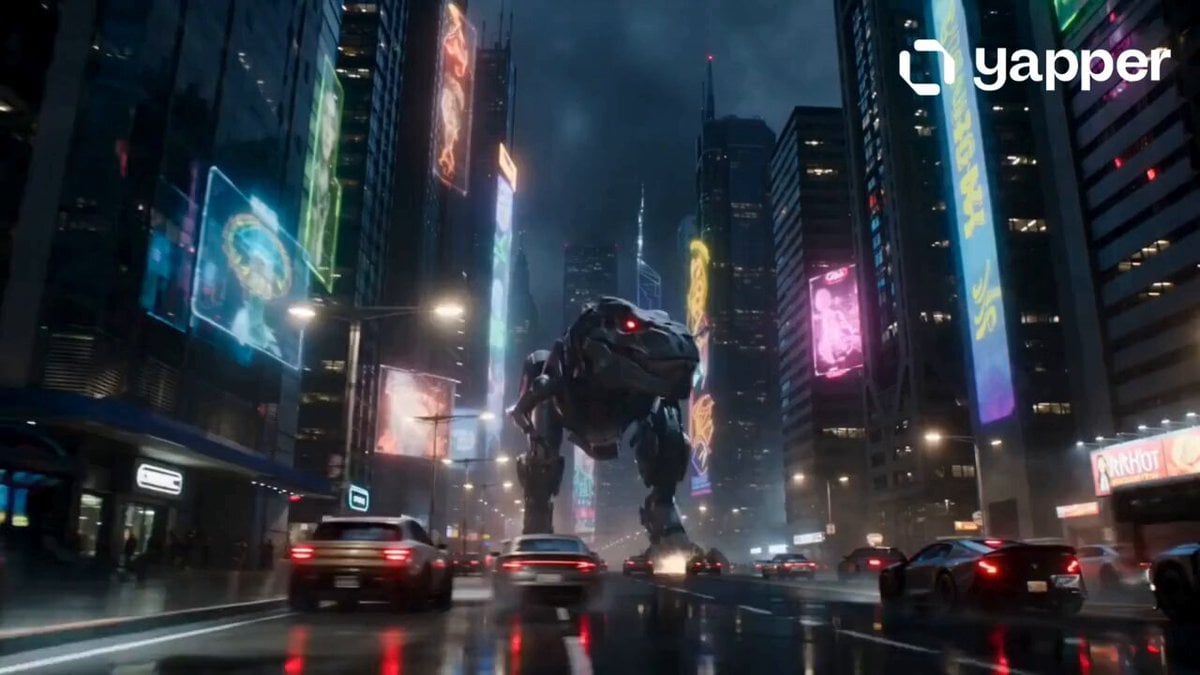
Robotic Dinosaur Cyberpunk Attack
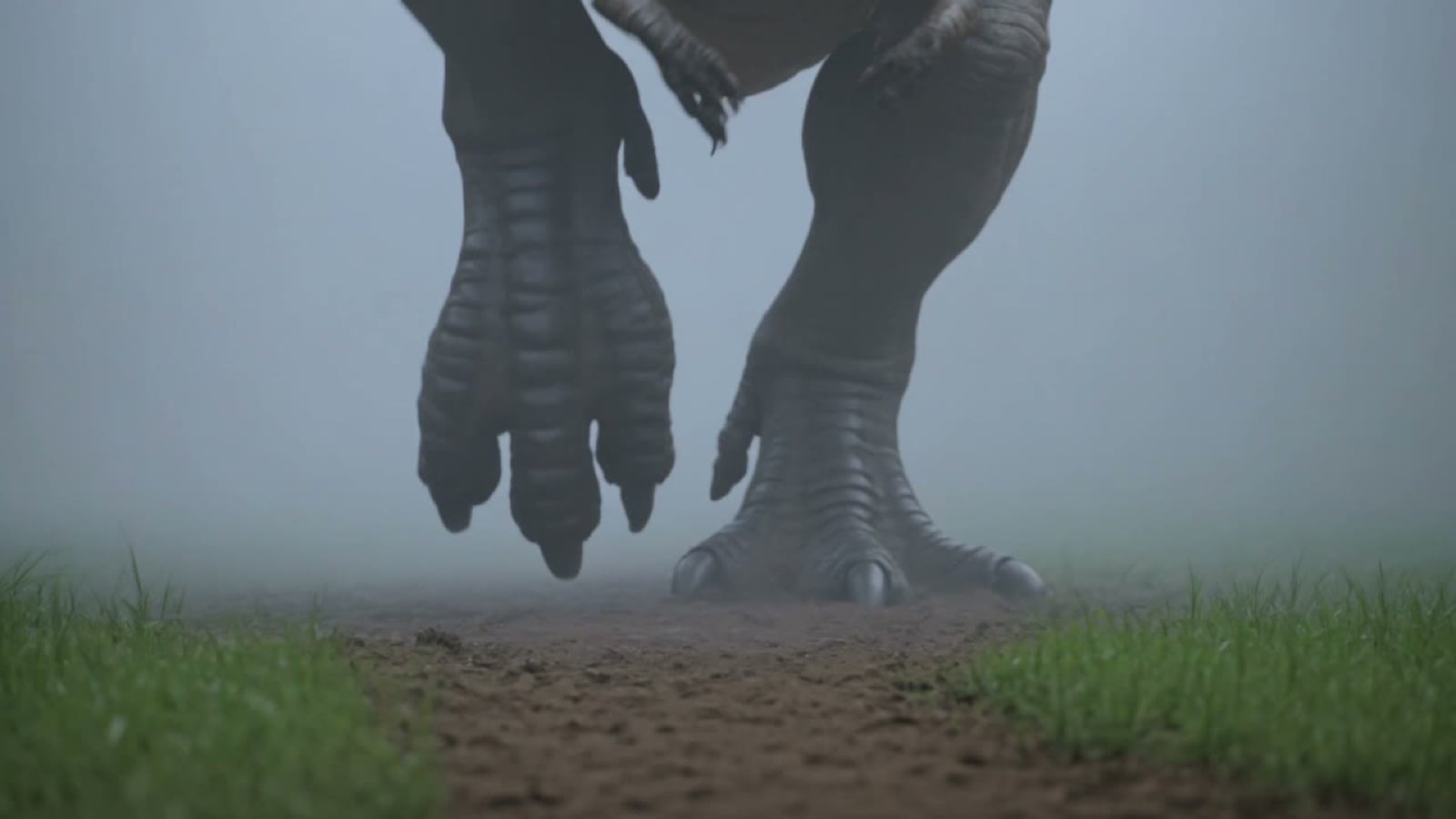
Prehistoric Titan Dinosaur Battle

Military Thriller Typography Animation
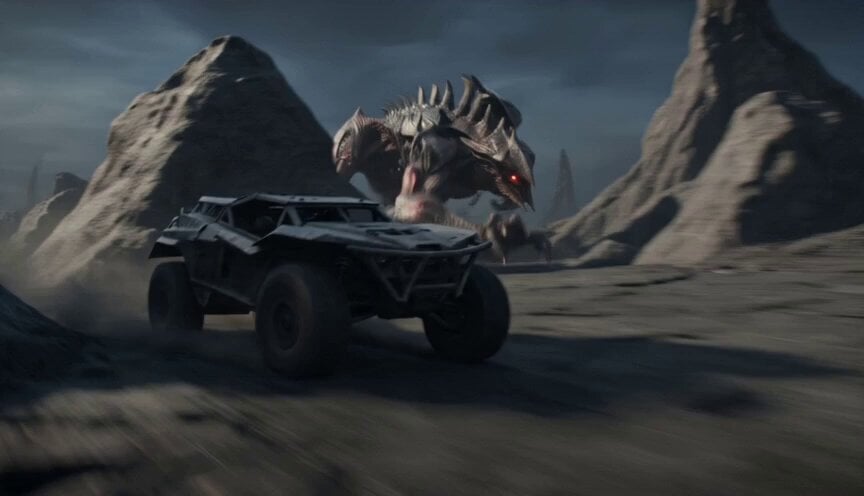
Alien Terrain Military Buggy Chase
Make it yours
Dinosaur War Military Jets works as-is. These are the safest ways to change it without losing the look.
Change one field
Copy a single group, rewrite it, and generate again so you can see what that field is doing.
Keep the frame, change the subject
Hold the composition and light of Dinosaur War Military Jets, then swap wardrobe, props or the person for a new take.
| If the result… | Why | Fix |
|---|---|---|
| The result drifts from the preview | Too many fields changed at once. | Reuse Dinosaur War Military Jets as-is first, then change one group — subject, light, or setting. |
| The model over-stylizes the scene | The prose prompt leaves finish and camera underspecified. | Add one camera or lighting sentence and stay on Seedance 2.0. |
More Seedance 2.0 templates
Other prompts made for Seedance 2.0.

Comical Martial Arts Punch Scene

Maglev Train Action Sequence

Martial Arts Fight Sequence

Wuxia Protection and Trust Script

Vintage Korean Arcade MiniDV Vlog

Mercedes 190 SL Luxury Ad

Rainy Night Supernatural Reverse Comedy Video Script

Amazon Civilization Discovery

Futuristic South Asian City Transformation

Cozy Luxury Cafe Commercial
More video prompts
Fresh picks from across the catalog.
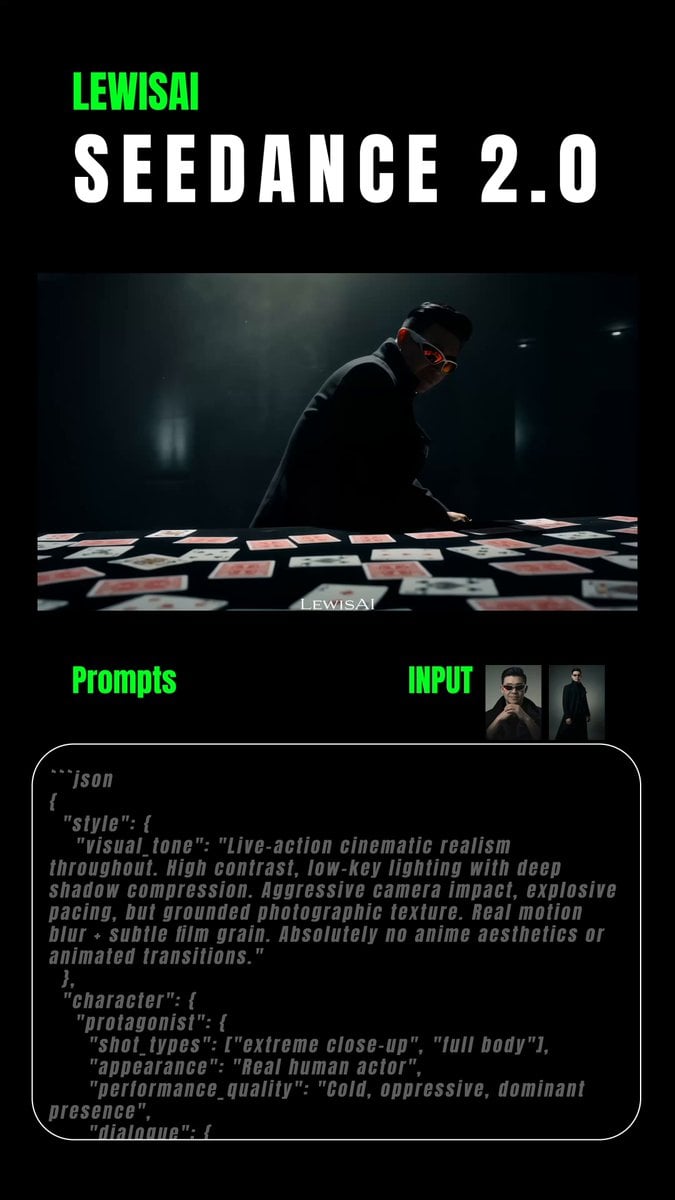
Cinematic Realism Style Prompt
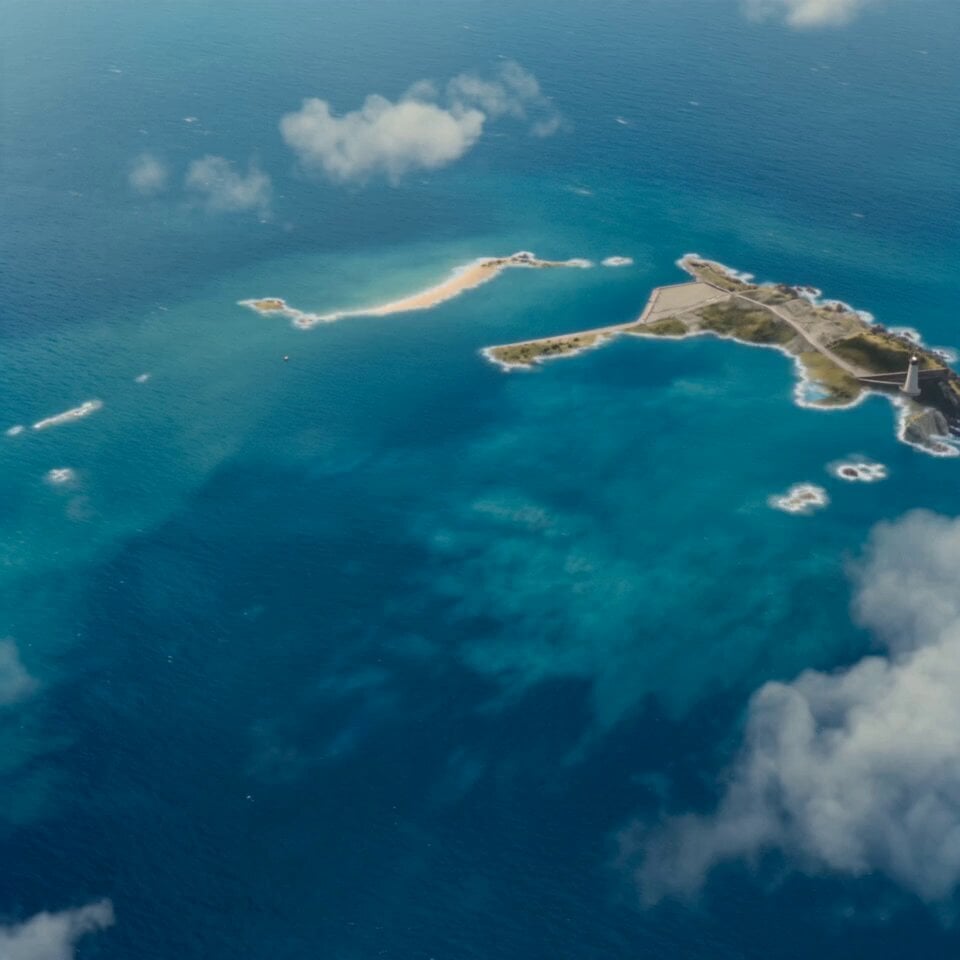
Island Diorama Harbor City Montage
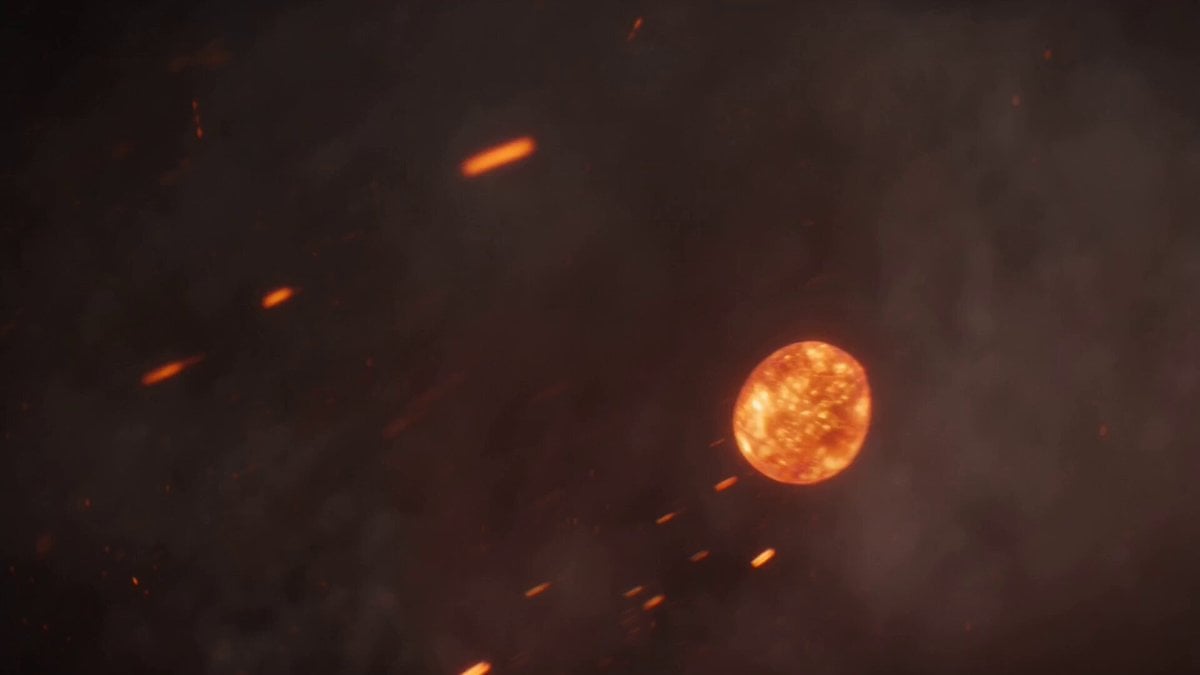
Volcanic Dragon Transformation Sequence
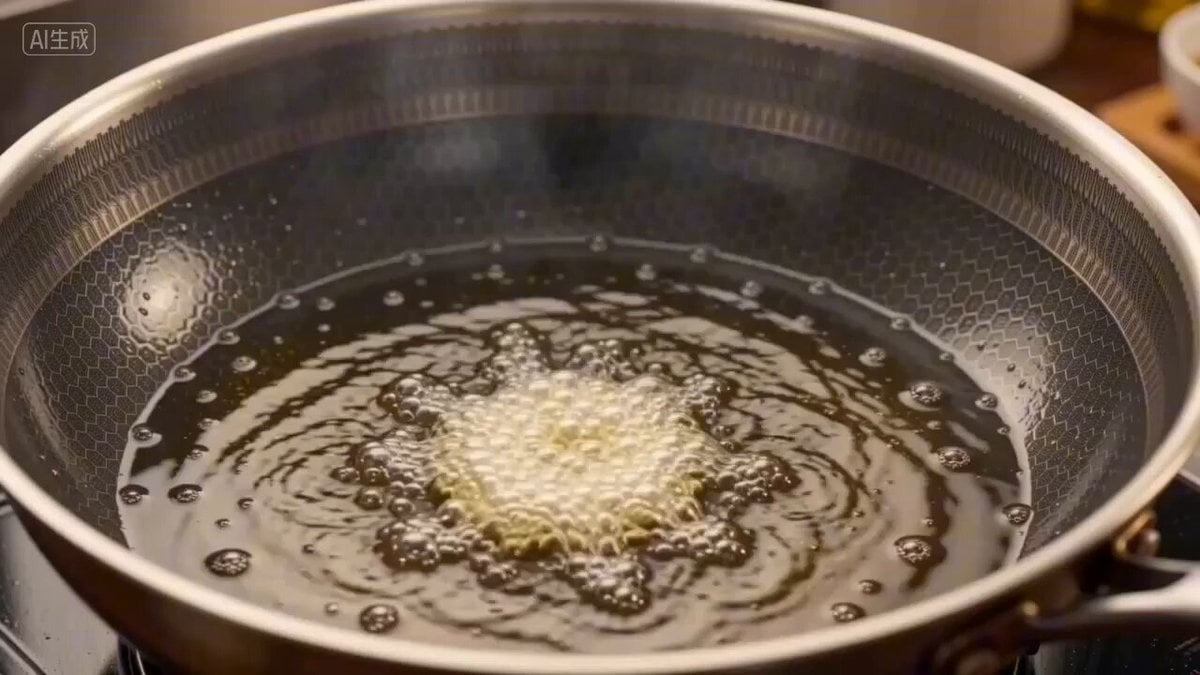
A Bite of China Style New Year's Eve Dinner Video Prompt for Seedance 2.0
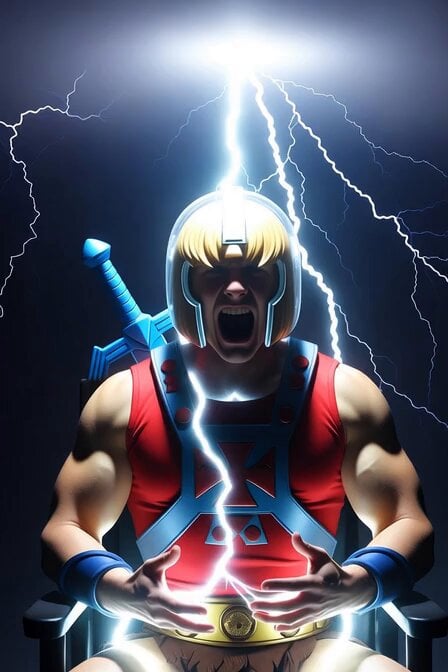
He-Man Lightning Transformation Video
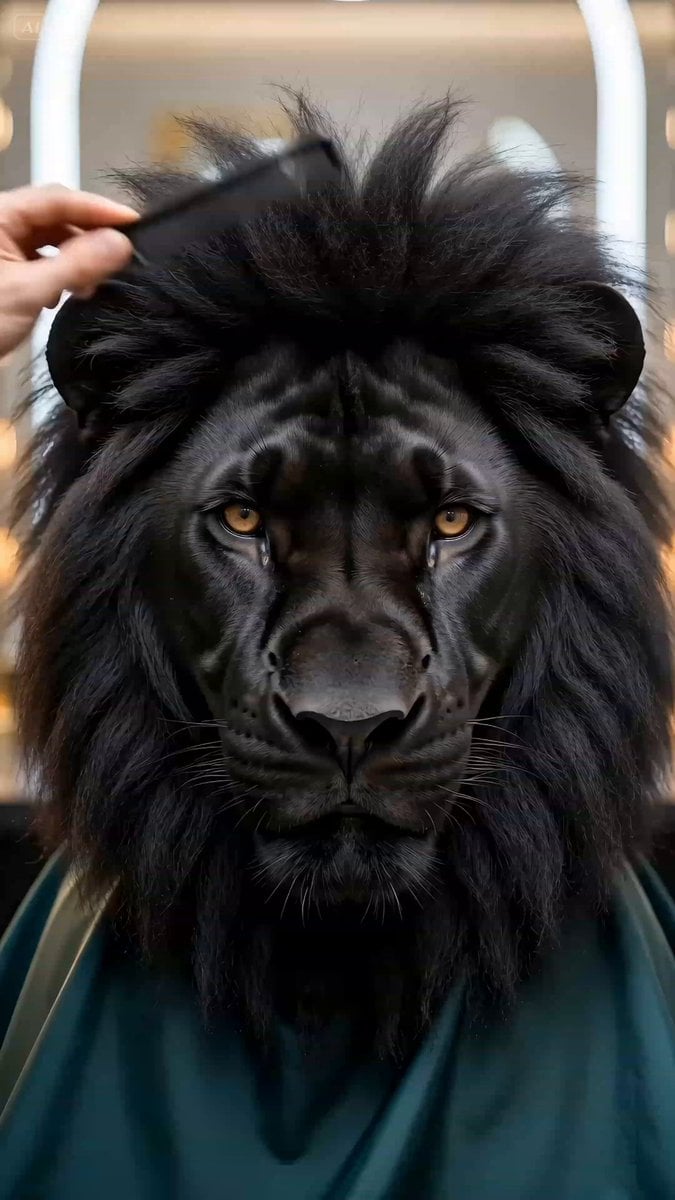
Ultra-realistic Black Lion Grooming Commercial
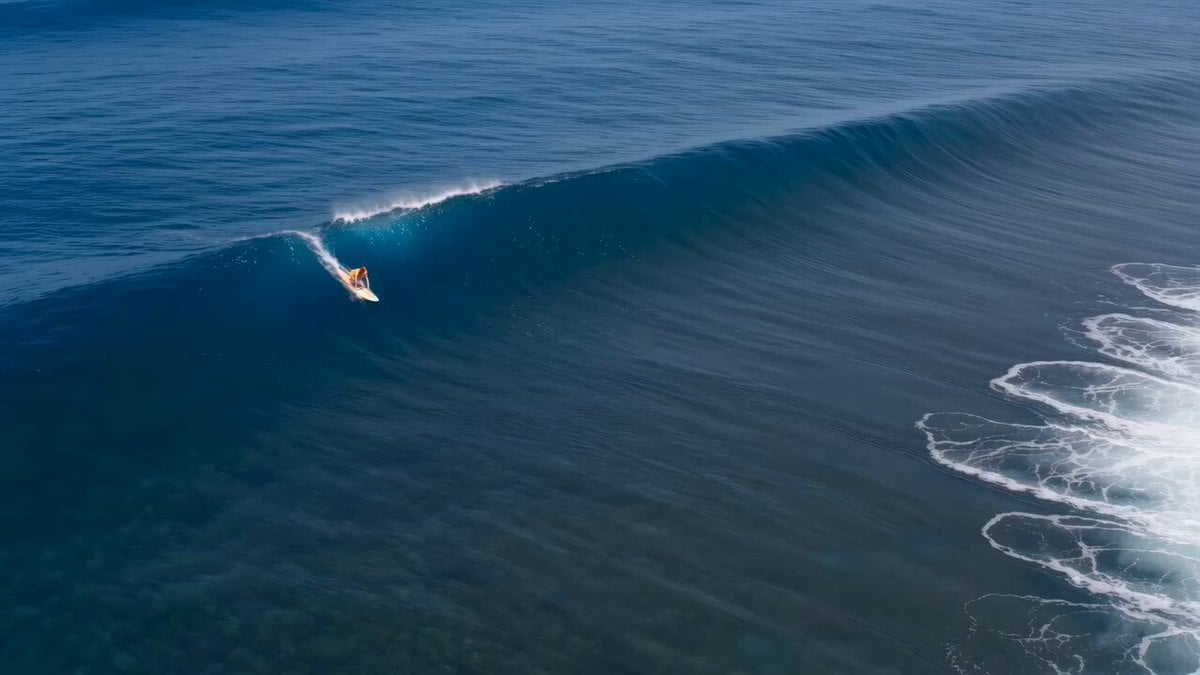
Red Haired Surfer Commercial Shot
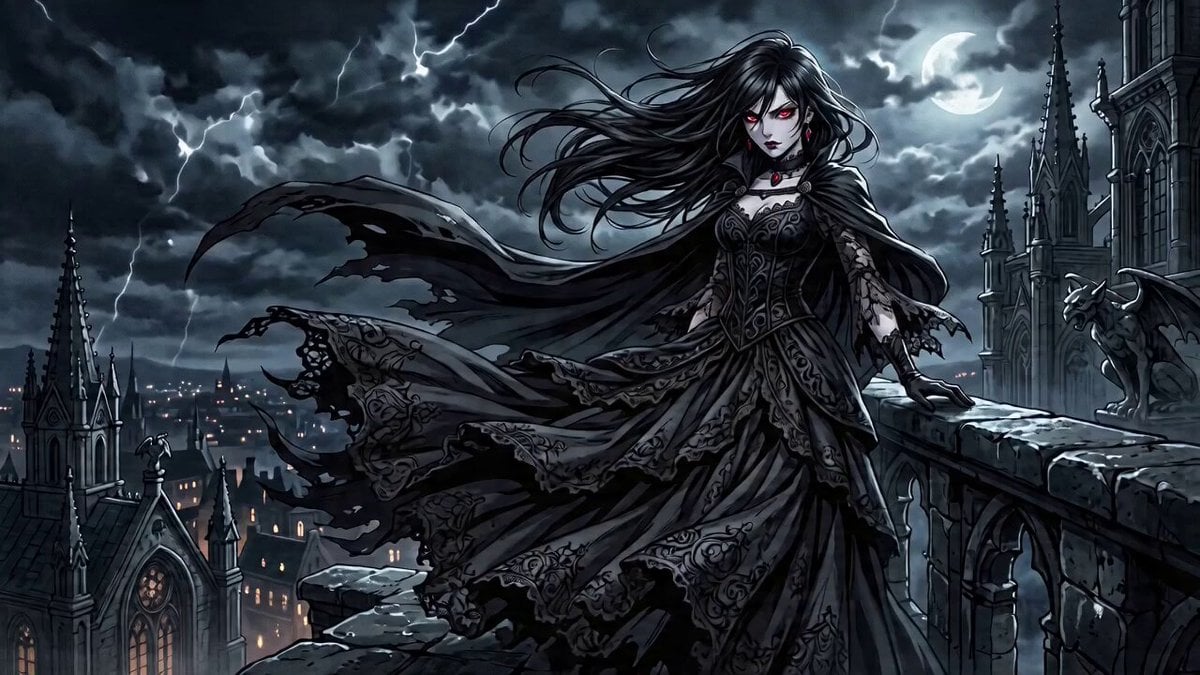
Anime-Style Rooftop Fight Scene Prompt for Seedance 2.0

Seedance 2.0 Fashion Lookbook Video Prompt
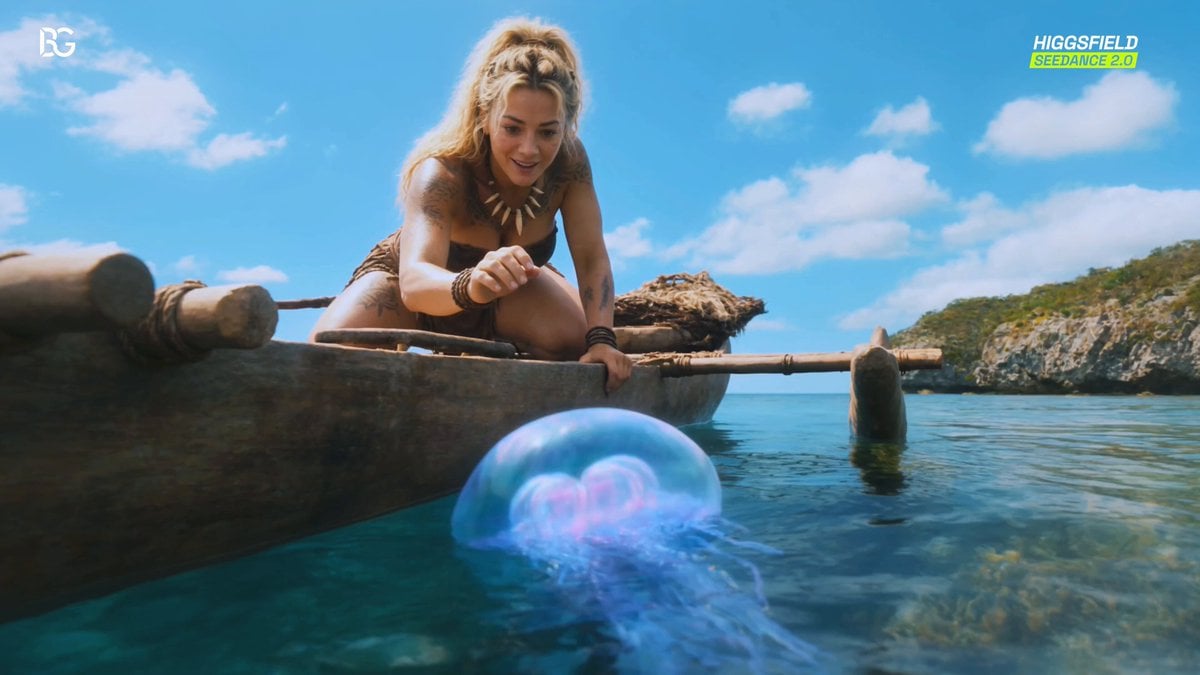
Luminous Jellyfish and Kronosaurus Ambush
Browse template categories
Dinosaur War Military Jets questions
How do I use the Dinosaur War Military Jets template?
Add your photo if the template asks for one, edit the prompt if you like — the template's model and format are already selected — and press Generate. Your version opens in PicX Studio.
Can I customize the Dinosaur War Military Jets template?
Yes. You can change the subject, setting, lighting, mood, format, and available model controls before creating your video.
Is the Dinosaur War Military Jets template free?
Opening and editing this template is free. Generating uses credits, shown on the Generate button when you are signed in.
Which AI model should I use?
Start with Seedance 2.0, which is the model associated with this template. You can compare another compatible model for a different finish.
Looking for something else? Browse all templates.

Your photo, any look
Thousands of ready templates for every top image and video model, from one credit balance.