
Ultra-realistic Black Lion Grooming Commercial
A detailed cinematic sequence for a humorous yet premium video of a black lion undergoing a blunt bowl-cut transformation in a luxury salon.
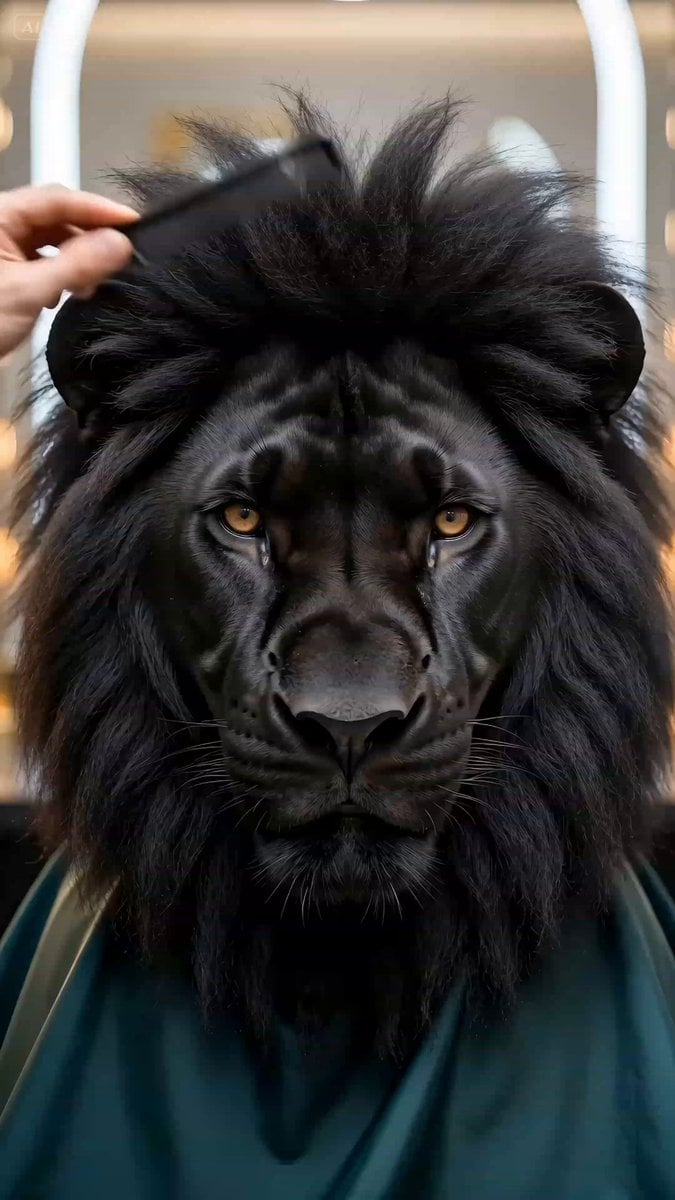
- Prompt included
- Model and format preset
- Free template
The prompt behind this video
Copy the exact prompt behind Ultra-realistic Black Lion Grooming Commercial, or open it in the studio and make it yours.
Concept: A humorous lion grooming transformation video featuring an ultra-realistic black lion inside a luxury animal styling studio. The tone is polished and premium but subtly ridiculous, like high-end salon content made for viral pet entertainment. Environment: An elegant boutique grooming lounge with matte black counters, warm vanity bulbs, soft mirror reflections, polished metal tools, and a clean editorial backdrop. The room feels upscale and cinematic rather than like a standard pet salon. A soft beauty-ring glow wraps around the subject, creating glossy highlights on the lion’s fur and tools. Main Subject: A hyper-realistic black lion with deep charcoal fur, a dense textured mane, powerful facial structure, expressive amber eyes, and extremely detailed whiskers. The lion wears a rich dark emerald grooming cape fastened around the neck. Its mane is being transformed into an intentionally comedic but perfectly executed rounded blunt bowl-cut style with an absurdly neat salon finish. Visual Language: Macro beauty shots, ultra-detailed close-ups, alternating between frontal portrait view, side profile, and overhead grooming angles. Shallow depth of field, clean focus pulls, precise autofocus tracking on the lion’s eyes, mane texture, scissors, and comb. Realistic salon tools include a metal comb, mist spray bottle, professional shears, thinning scissors, and a handheld dryer. Look and Feel: Bright luxury lighting, crisp clean aesthetic, tactile fur detail, premium grooming-commercial energy mixed with comedy. The overall style should feel realistic, pristine, and oddly satisfying, with a subtle ASMR grooming mood. 4K, ultra-detailed, sharp texture rendering, believable salon atmosphere. Sequence: Opening: The black lion sits calmly in the styling chair wearing the emerald cape, mane slightly overgrown, fluffy, and uneven. A human groomer’s hand enters frame and slowly lifts the messy mane with a fine comb, brushing upward through the thick fur. The strands separate naturally with soft rustling and tactile movement. Transition. Moistening Pass: From the side angle, a delicate mist is sprayed across the top and front of the lion’s mane. Tiny droplets catch the light. The thick black fur darkens, clumps slightly, and settles into a sleek damp texture as the lion remains still and dignified. Transition. Structural Cut: Overhead angle. A comb lifts a section of the damp mane, and sharp professional scissors remove the excess in one clean, deliberate line. The trim feels precise and intentional, with crisp satisfying snips and visible chunks of dark fur falling away. Transition. Softening the Shape: Front-facing close-up. Thinning shears work quickly across the front edge and sides of the mane, subtly softening the heavy cut. The movement is fast and delicate, producing a rapid series of light salon snips while the lion stares forward with regal seriousness. Transition. Blow-Dry: Side profile. Warm air from a dryer pushes through the dark fur, making it billow and expand into the finished bowl shape. The strands dance in the airflow. Closing: The final perfectly round bowl-cut mane is revealed. The lion looks directly into the lens with a stoic, kingly expression. Screen fades to black.
How to use Ultra-realistic Black Lion Grooming Commercial in 3 steps
- 1
Open
The prompt is already in the box next to the preview, with the template's model and format selected.
- 2…a portrait of your subject in softgolden-hour light, 85mm…
Personalize
Edit the subject and creative details for your destination.
- 3Generate
Generate
Press Generate — your video is created in PicX Studio, so you can compare it with the original and refine one variable at a time.
More like this
Templates with the same subject, style or setup. Open one to see its prompt.
Fruit Cookie Commercial
Silk Road Pomegranate Folk Animation
Mechanical Flower Bloom Brand Film
Crystal Ball Match-Cut Brand Film

Sneaker Product Commercial
Skincare Product Commercial 3
Cinematic Portrait Study 3
Product UGC Commercial
Cinematic Portrait Study
Skincare Product Commercial
Luxury Handbag Commercial — Hollywood VFX Ad
Stone Lions Coming to Life
Make it yours
Ultra-realistic Black Lion Grooming Commercial works as-is. These are the safest ways to change it without losing the look.
Change one field
Copy a single group, rewrite it, and generate again so you can see what that field is doing.
Keep the frame, change the subject
Hold the composition and light of Ultra-realistic Black Lion Grooming Commercial, then swap wardrobe, props or the person for a new take.
| If the result… | Why | Fix |
|---|---|---|
| The result drifts from the preview | Too many fields changed at once. | Reuse Ultra-realistic Black Lion Grooming Commercial as-is first, then change one group — subject, light, or setting. |
| The model over-stylizes the scene | The prose prompt leaves finish and camera underspecified. | Add one camera or lighting sentence and stay on Seedance 2.0. |
More Seedance 2.0 templates
Other prompts made for Seedance 2.0.

Comical Martial Arts Punch Scene

Maglev Train Action Sequence

Martial Arts Fight Sequence

Wuxia Protection and Trust Script

Vintage Korean Arcade MiniDV Vlog

Mercedes 190 SL Luxury Ad

Rainy Night Supernatural Reverse Comedy Video Script

Amazon Civilization Discovery

Futuristic South Asian City Transformation

Cozy Luxury Cafe Commercial
More video prompts
Fresh picks from across the catalog.
Alien Ice Canyon Escape
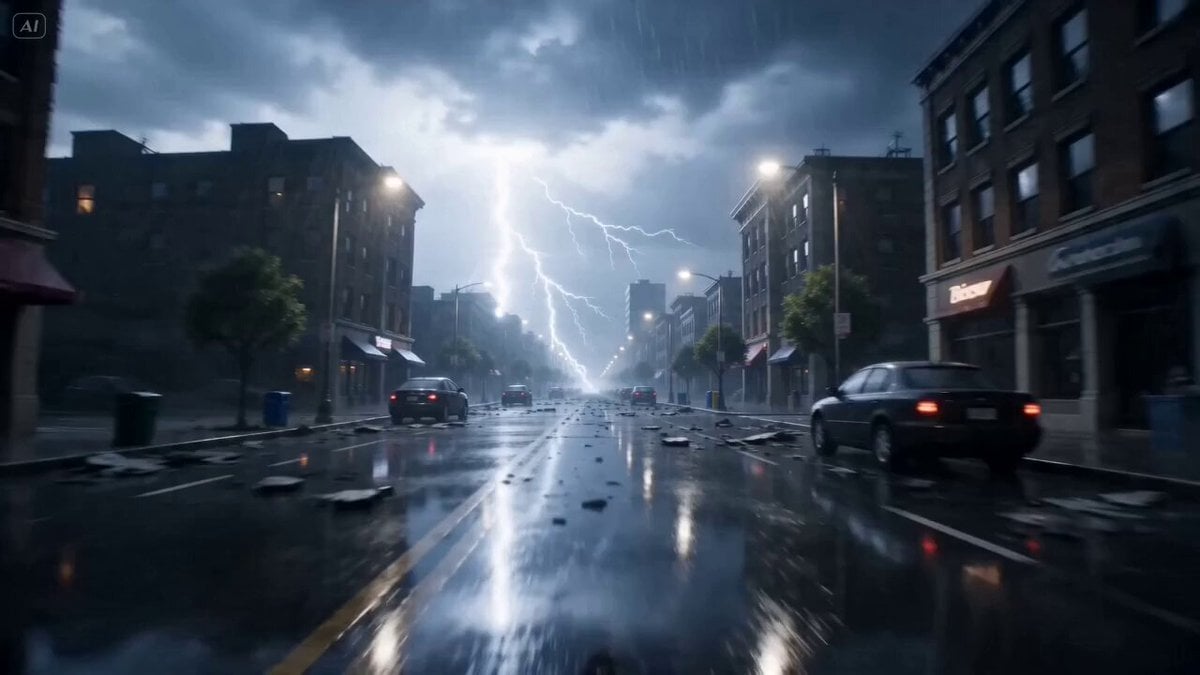
Cinematic Electrical Storm Prompt
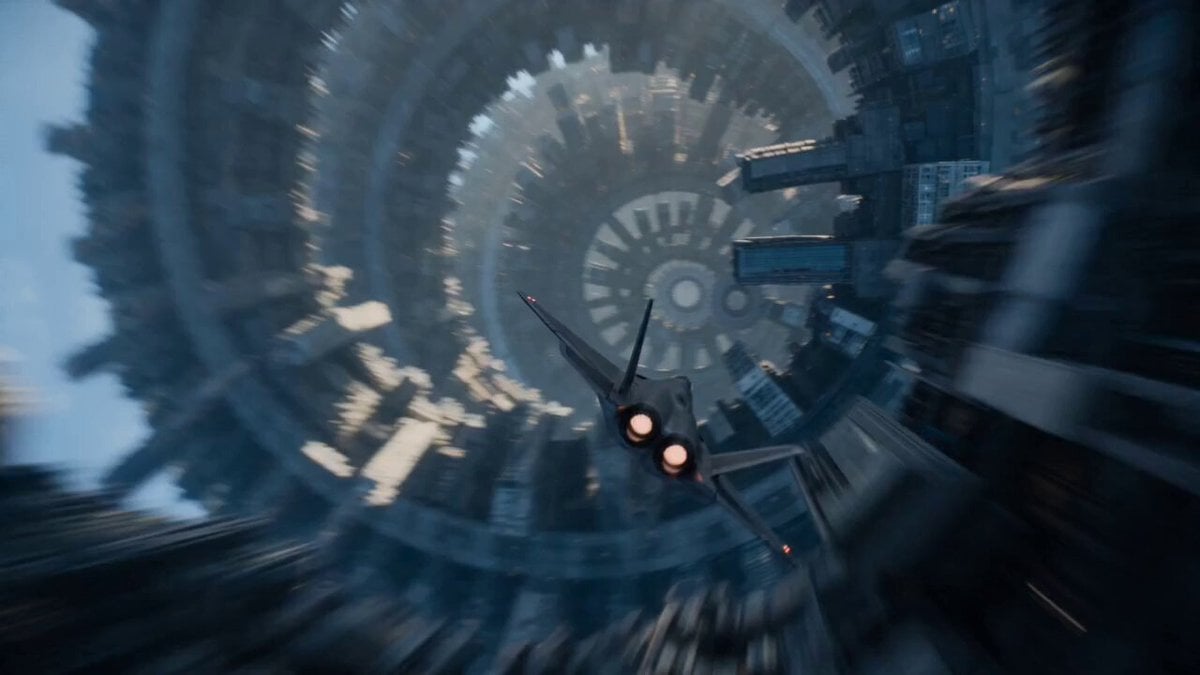
Sci-Fi Fighter Ring World Escape
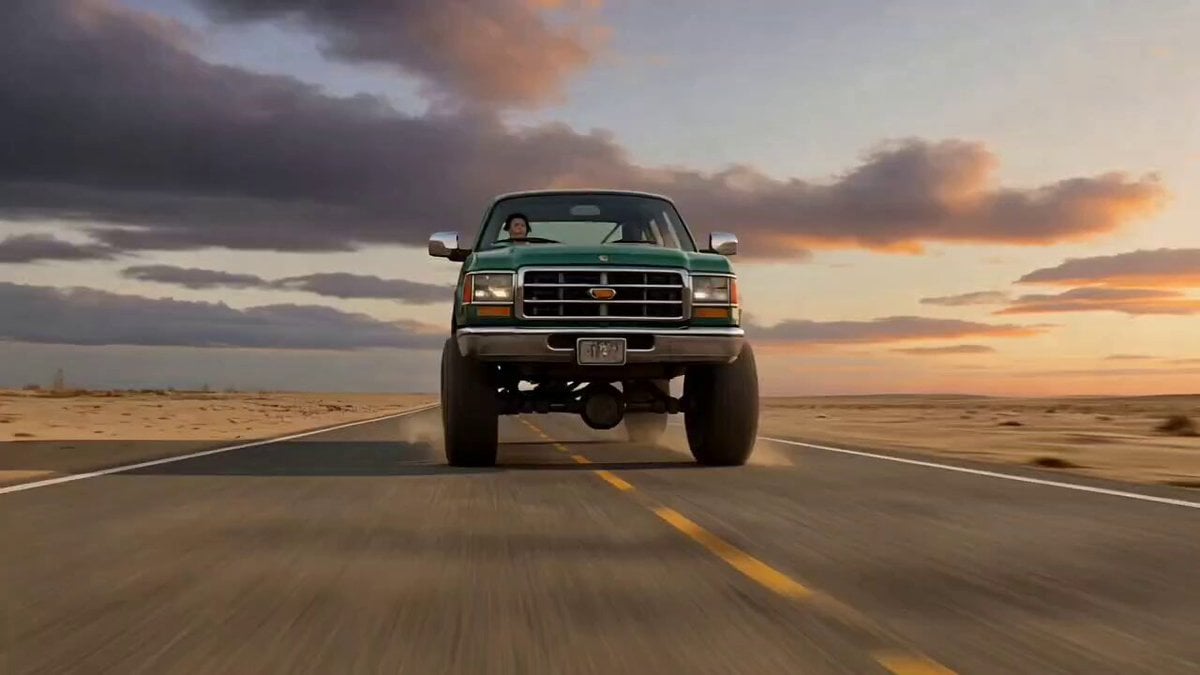
Ultra-Cinematic Transformation of a Pickup Truck into a Stone Mech Rhino
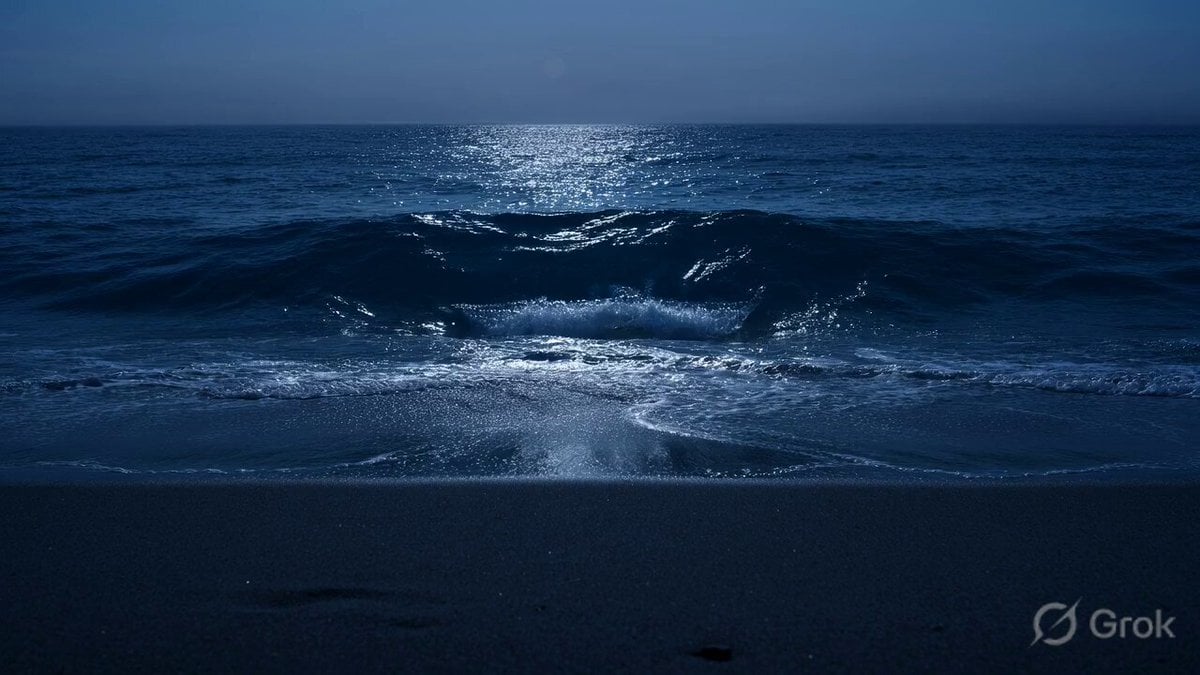
Glass Shard Beach Waves
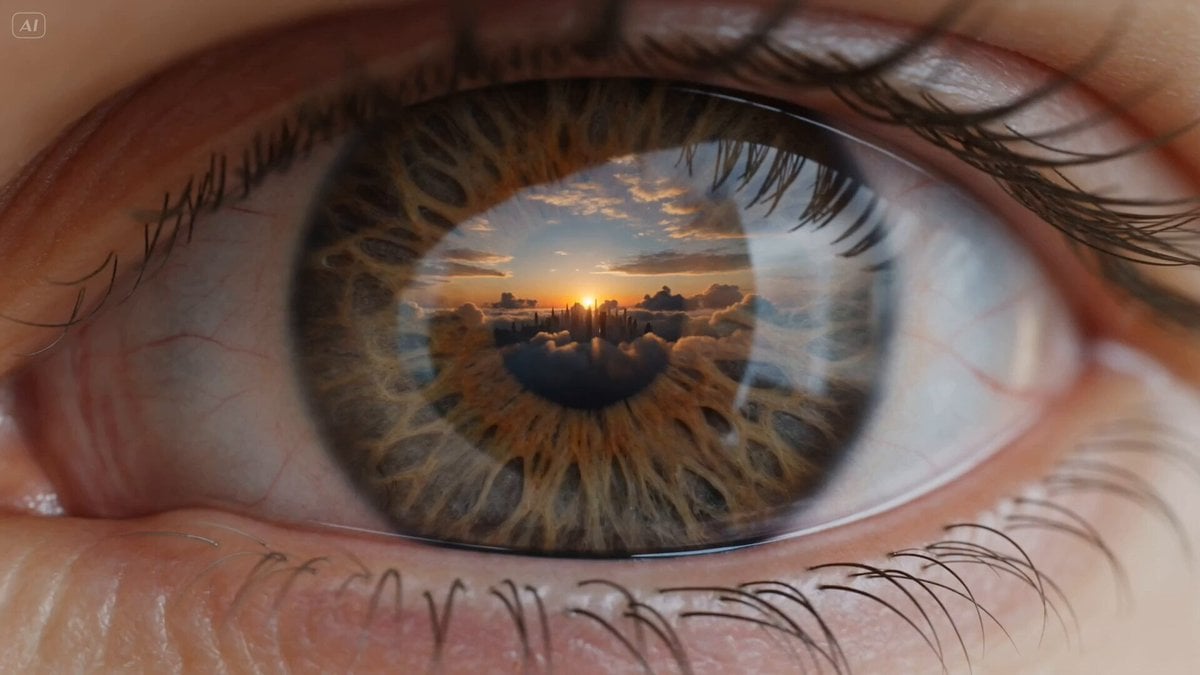
Futuristic Eye Universe Transition
3D CG Animation of a Monk Riding a White Horse
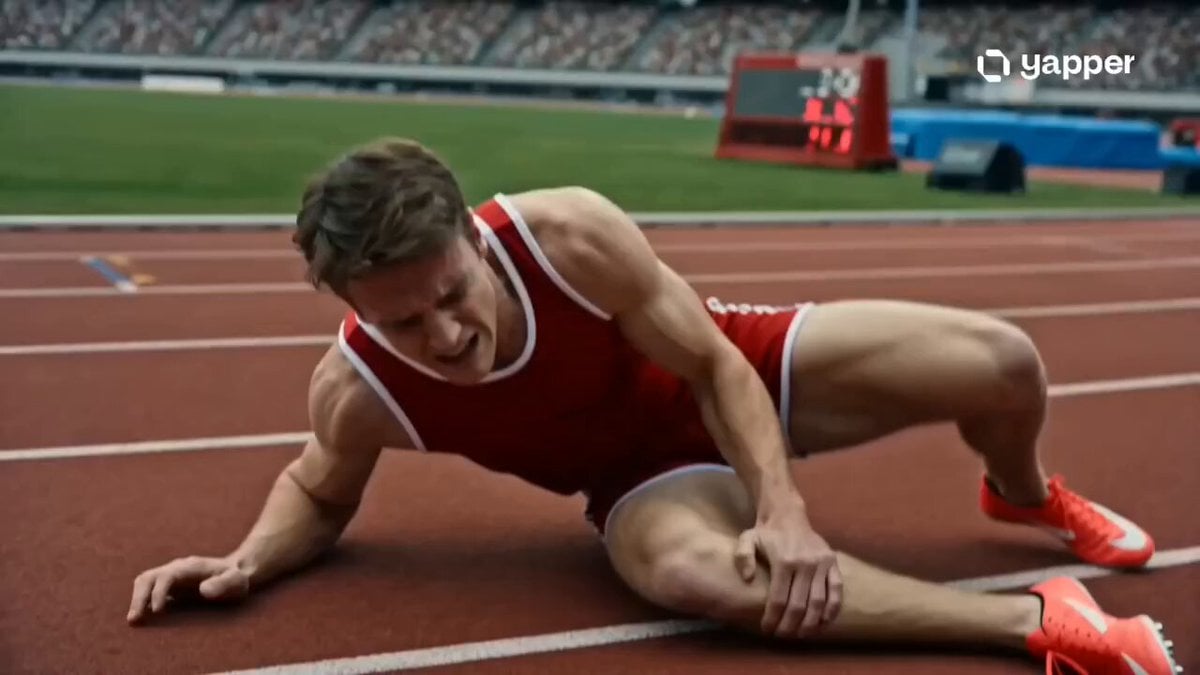
Inspirational Athlete Comeback Narrative
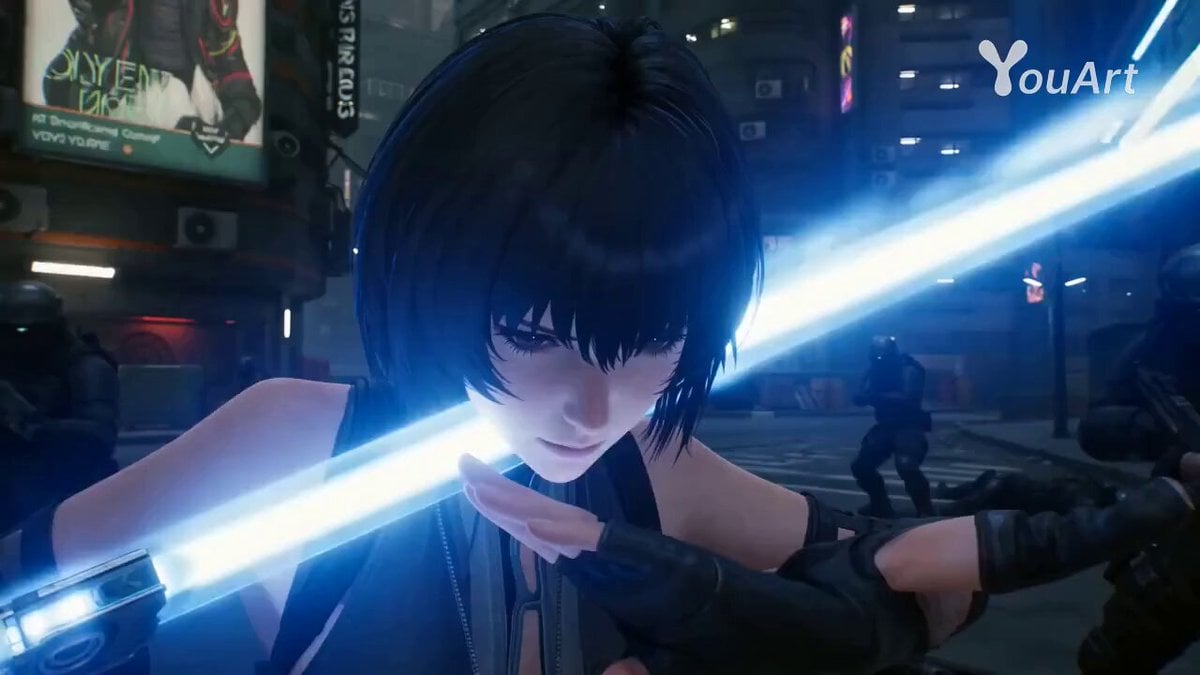
Cyberpunk Assassin CGI Scene
Baseball Stadium Spectator Shot
Browse template categories
Ultra-realistic Black Lion Grooming Commercial questions
How do I use the Ultra-realistic Black Lion Grooming Commercial template?
Add your photo if the template asks for one, edit the prompt if you like — the template's model and format are already selected — and press Generate. Your version opens in PicX Studio.
Can I customize the Ultra-realistic Black Lion Grooming Commercial template?
Yes. You can change the subject, setting, lighting, mood, format, and available model controls before creating your video.
Is the Ultra-realistic Black Lion Grooming Commercial template free?
Opening and editing this template is free. Generating uses credits, shown on the Generate button when you are signed in.
Which AI model should I use?
Start with Seedance 2.0, which is the model associated with this template. You can compare another compatible model for a different finish.
Looking for something else? Browse all templates.

Your photo, any look
Thousands of ready templates for every top image and video model, from one credit balance.