
Inspirational Athlete Comeback Narrative
An emotional cinematic sports sequence following an athlete's journey from injury and recovery to a victorious comeback.
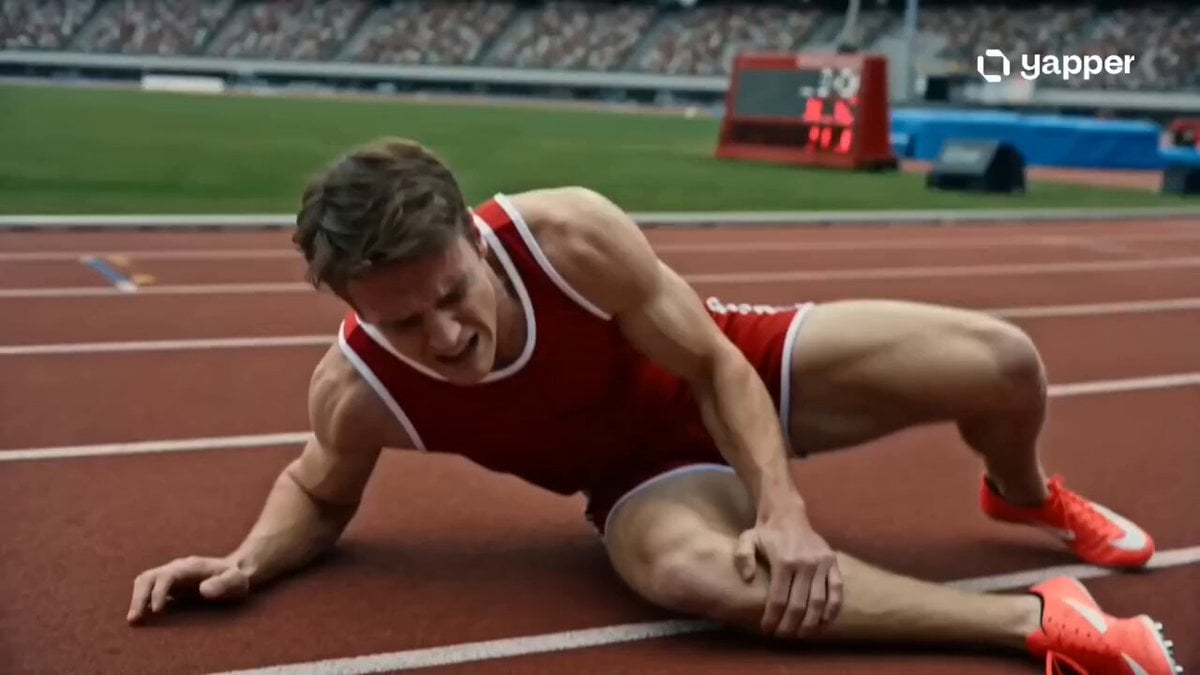
- Prompt included
- Model and format preset
- Free template
The prompt behind this video
Copy the exact prompt behind Inspirational Athlete Comeback Narrative, or open it in the studio and make it yours.
Emotional cinematic sports realism, inspirational comeback narrative, muted-to-vibrant color grading shift, slow-motion training sequences, intimate close-ups, natural light progression from cold to sunrise warmth, dramatic orchestral build. 0–3s — The Injury Moment Close-up of an athlete collapsing mid-run on a track/field. Sudden impact of pain. Stadium sound drops into near silence. Camera tightens on trembling hands gripping the injured leg, breath uneven, world slightly blurred around them. 3–6s — Isolation & Struggle Montage of recovery: MRI scans, bandages being wrapped, sterile hospital lighting, empty stadium seats. The athlete sits alone in silence, staring at distant trophies. Cold, desaturated tones dominate every frame. 6–9s — Painful Rebuild Slow-motion rehab training: stretching under strain, sweat dripping during physiotherapy, shaky assisted steps, resistance band work. Extreme close-ups of focused eyes. Subtle heartbeat sound grows stronger with effort. 9–12s — Return Preparation Dawn light on an empty track/field. The athlete laces shoes tightly. Muscles tense, deep breath in. Camera slowly circles as confidence rebuilds. Colors begin warming. Distant crowd ambience faintly fades in like memory returning. 12–15s — Victory Comeback Moment Explosive return to competition. Fast cuts of running/playing intensity shifting into slow-motion final push. The athlete crosses the finish line / scores the winning point. Crowd roar erupts. Camera tilts upward into rising sunlight, fully transforming the scene into a moment of rebirth and victory.
How to use Inspirational Athlete Comeback Narrative in 3 steps
- 1
Open
The prompt is already in the box next to the preview, with the template's model and format selected.
- 2…a portrait of your subject in softgolden-hour light, 85mm…
Personalize
Edit the subject and creative details for your destination.
- 3Generate
Generate
Press Generate — your video is created in PicX Studio, so you can compare it with the original and refine one variable at a time.
More like this
Templates with the same subject, style or setup. Open one to see its prompt.
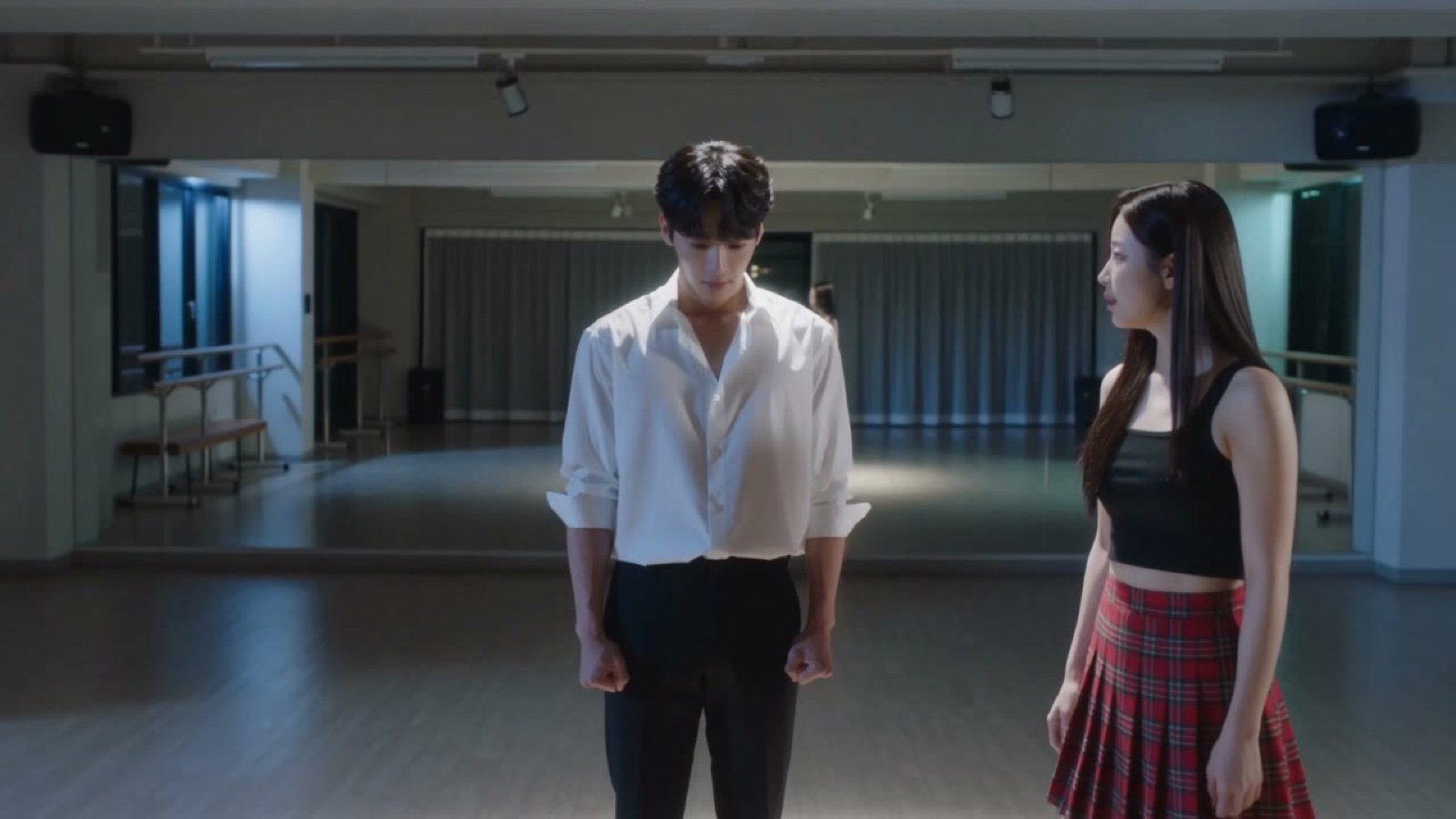
Seedance V2 One Minute K Drama Omni
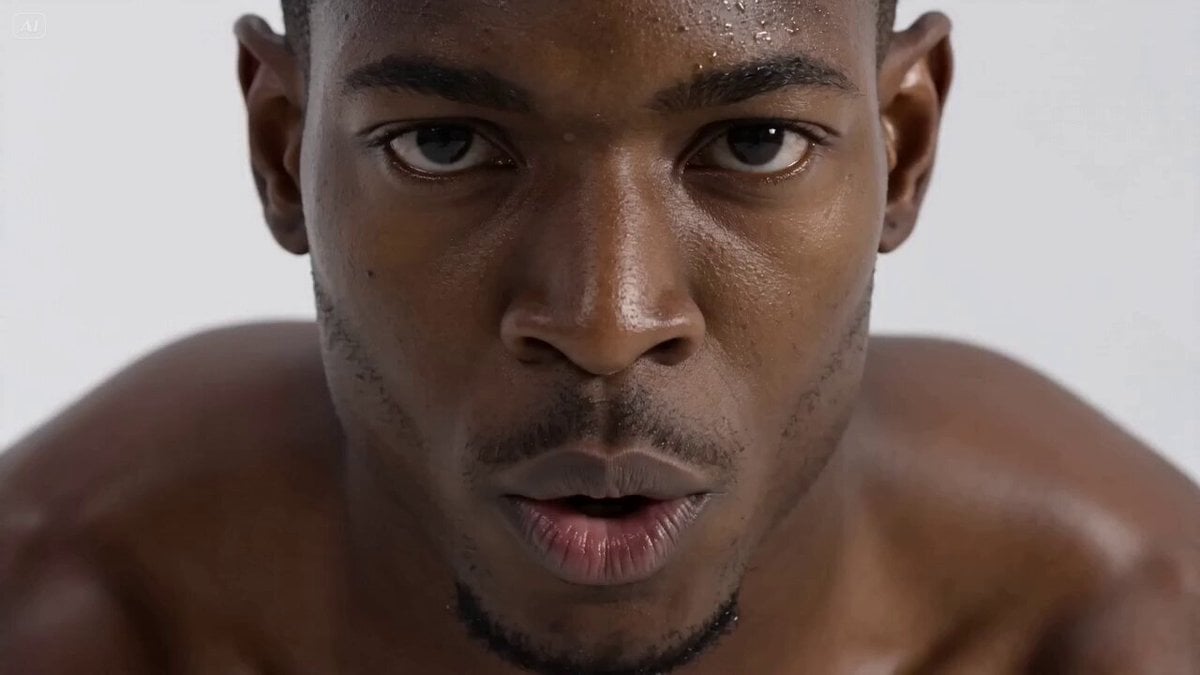
Hyperrealistic Fitness Athlete Cinematic
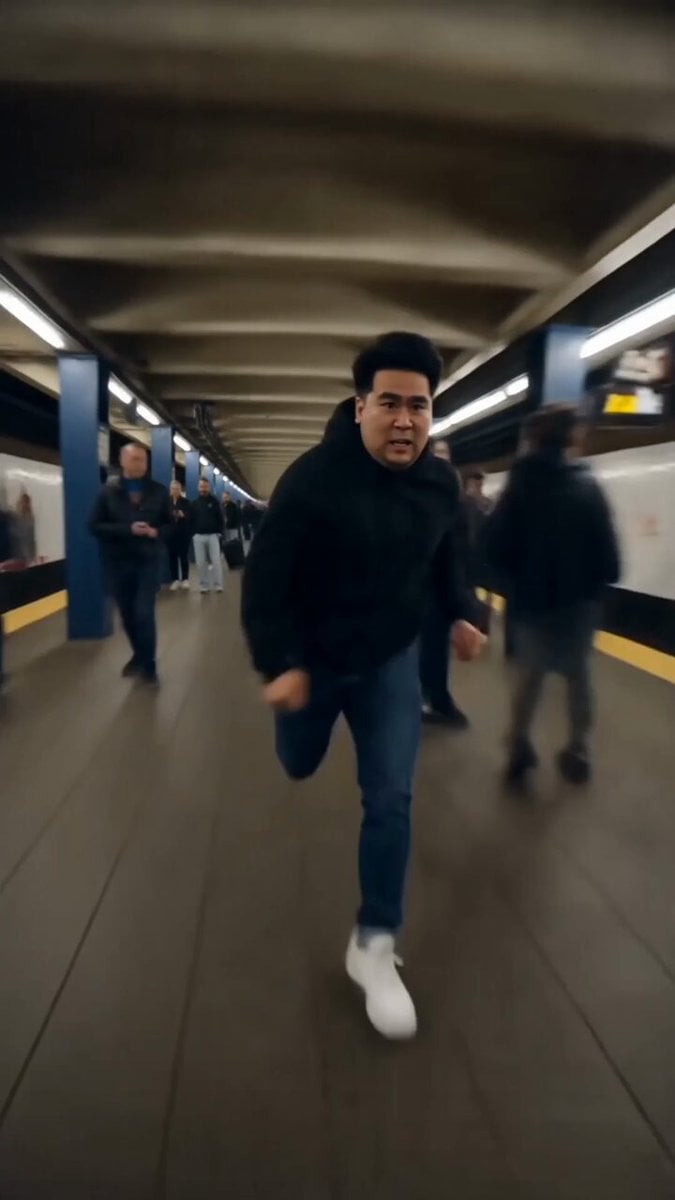
Athlete Obstacle Course Sprint
Inspirational business speech short video prompt
Surreal Lipstick Commercial Narrative
Anthropomorphic Cats Playing Mahjong Narrative Video

Office Executive Cinematic Narrative
Suburban Earthquake Survival Narrative
Peaceful Daily Routine Narrative Prompt

Luxury Supercar Cinematic Narrative
Ancient Tree Narrative Sequence
Scrolling to Building Narrative
Make it yours
Inspirational Athlete Comeback Narrative works as-is. These are the safest ways to change it without losing the look.
Change one field
Copy a single group, rewrite it, and generate again so you can see what that field is doing.
Keep the frame, change the subject
Hold the composition and light of Inspirational Athlete Comeback Narrative, then swap wardrobe, props or the person for a new take.
| If the result… | Why | Fix |
|---|---|---|
| The result drifts from the preview | Too many fields changed at once. | Reuse Inspirational Athlete Comeback Narrative as-is first, then change one group — subject, light, or setting. |
| The model over-stylizes the scene | The prose prompt leaves finish and camera underspecified. | Add one camera or lighting sentence and stay on Seedance 2.0. |
More Seedance 2.0 templates
Other prompts made for Seedance 2.0.

Comical Martial Arts Punch Scene

Maglev Train Action Sequence

Martial Arts Fight Sequence

Wuxia Protection and Trust Script

Vintage Korean Arcade MiniDV Vlog

Mercedes 190 SL Luxury Ad

Rainy Night Supernatural Reverse Comedy Video Script

Amazon Civilization Discovery

Futuristic South Asian City Transformation

Cozy Luxury Cafe Commercial
More video prompts
Fresh picks from across the catalog.

High-speed anime duel in sky ruins
Alien UFO Comedy Scene
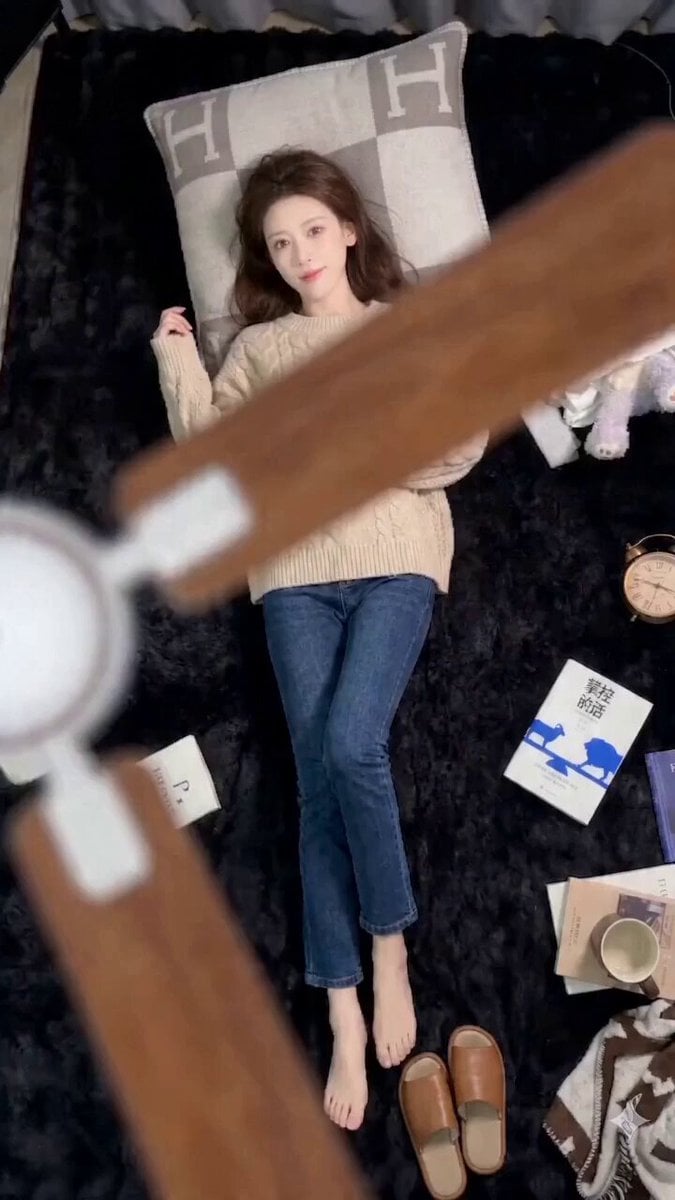
Seedance 2.0 Seamless Outfit Change Prompt (Fan Blade Transition)
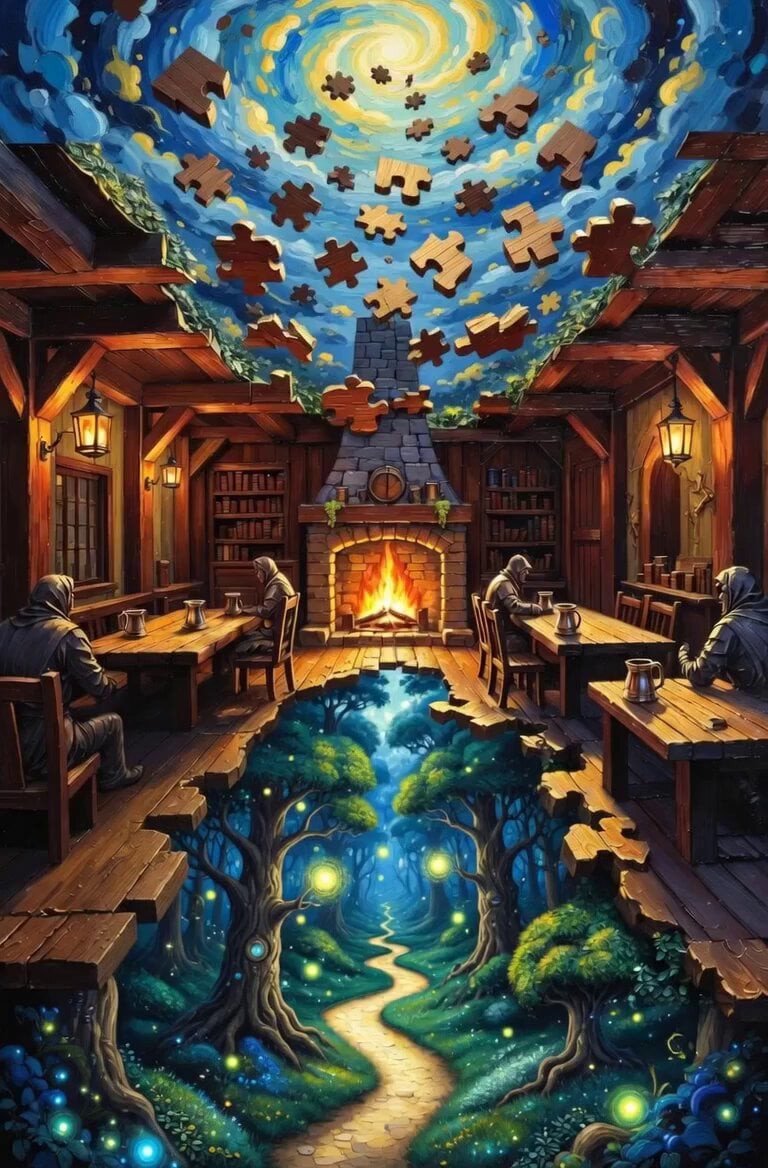
Surreal Tavern Puzzle Transformation
Vertical City — São Paulo Parkour at Sunset
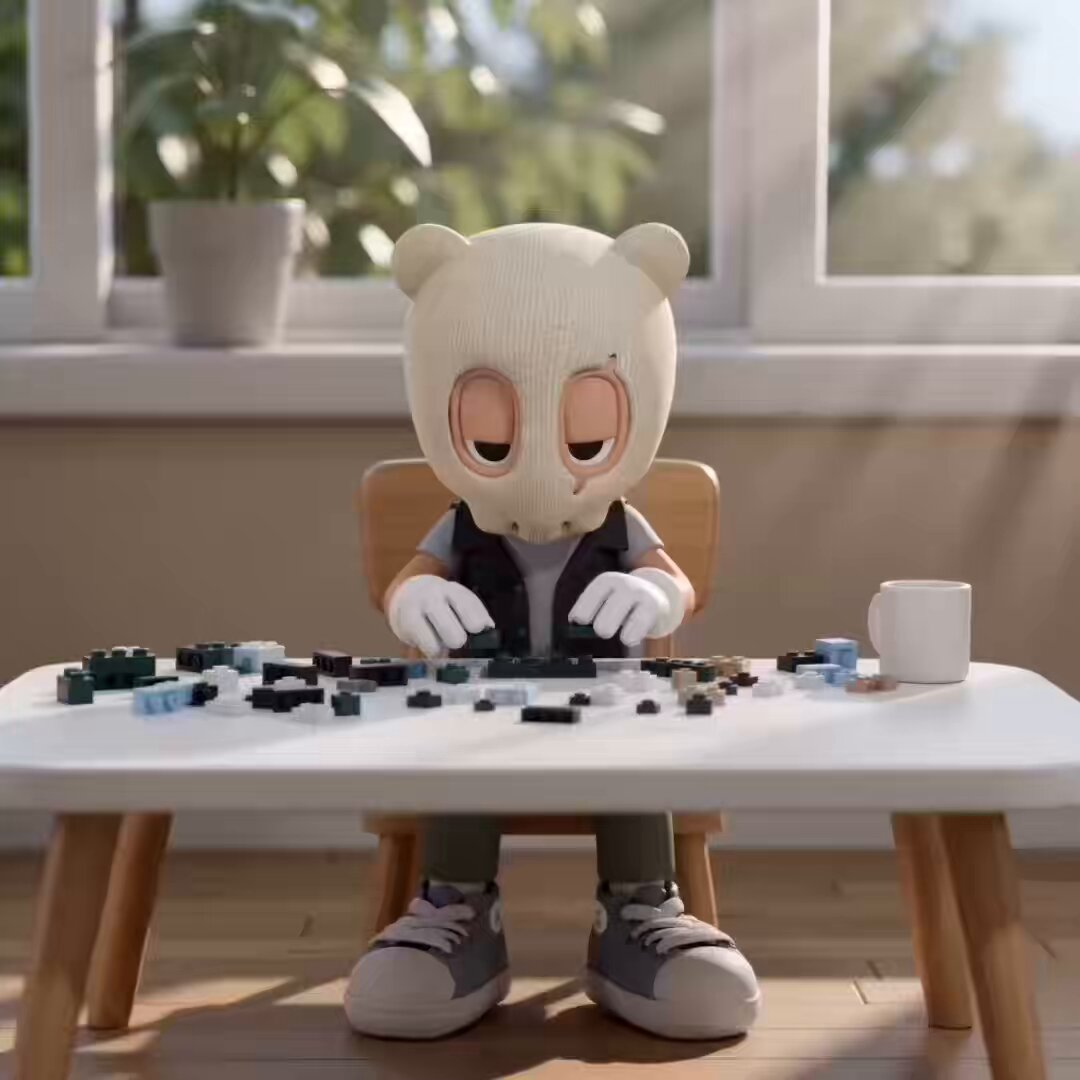
LEGO Time-Lapse Build Sequence
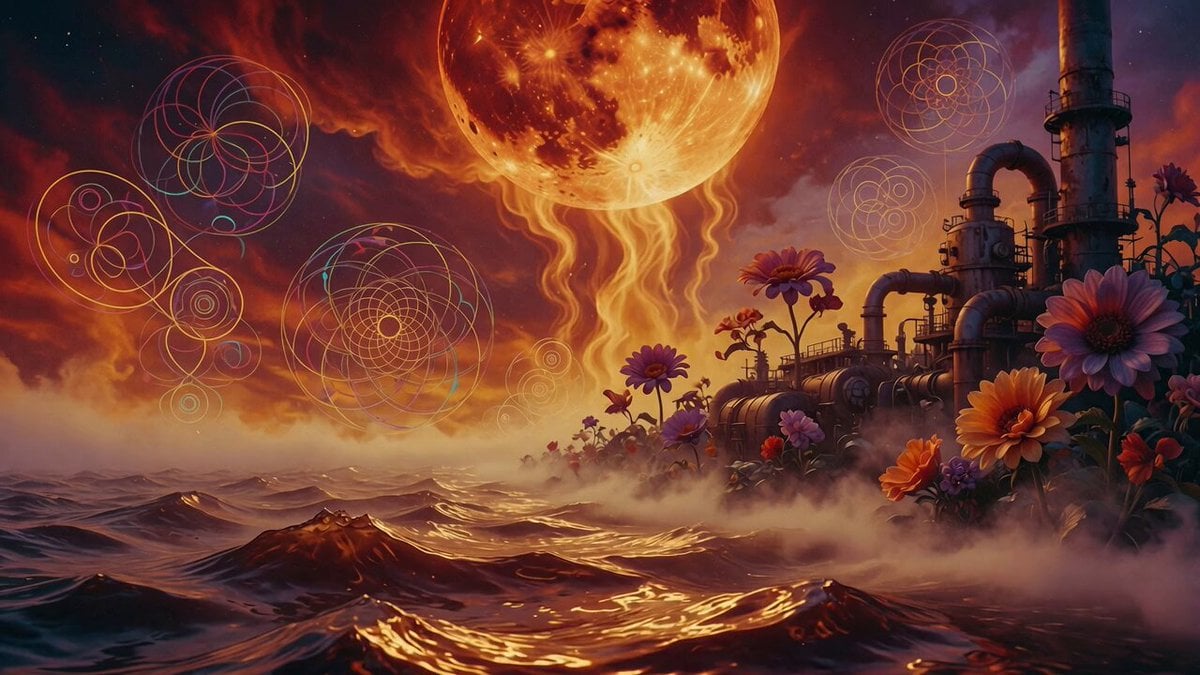
Psychedelic Thermodynamic Moon Animation
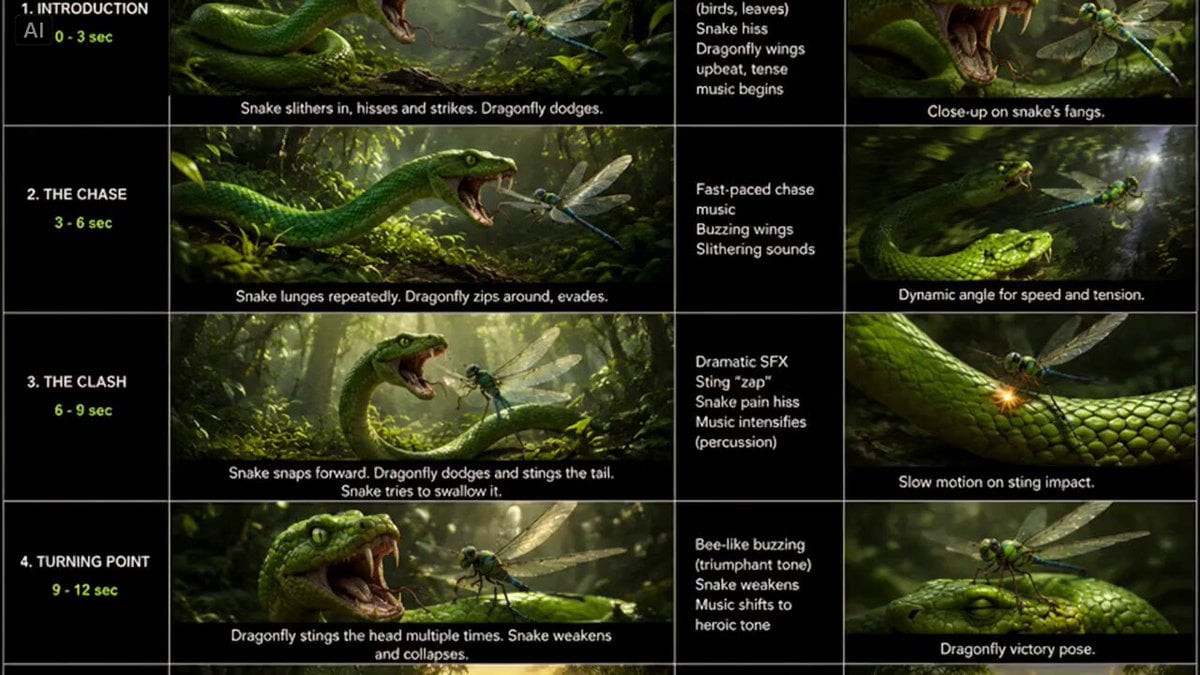
Snake vs Dragonfly Wildlife Battle
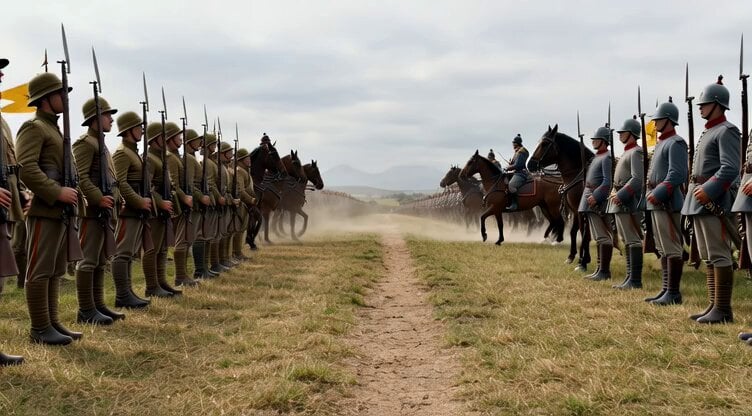
Grok Imagine prompt for a large army standoff
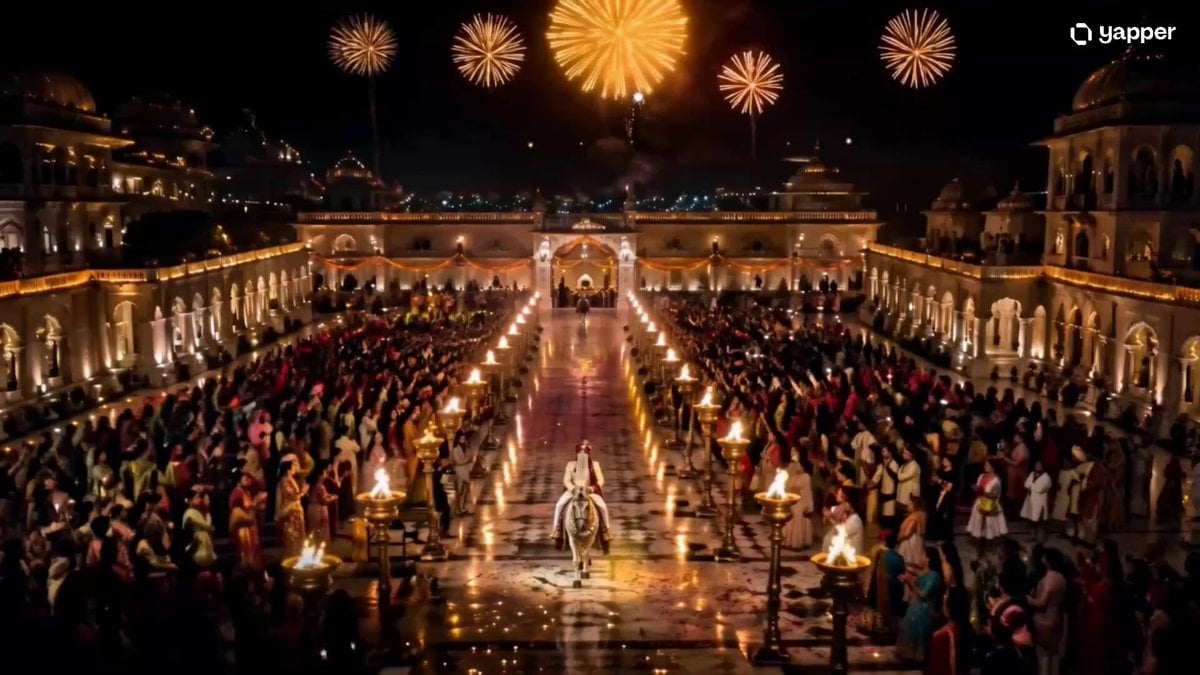
Royal Indian Wedding Procession Sequence
Browse template categories
Inspirational Athlete Comeback Narrative questions
How do I use the Inspirational Athlete Comeback Narrative template?
Add your photo if the template asks for one, edit the prompt if you like — the template's model and format are already selected — and press Generate. Your version opens in PicX Studio.
Can I customize the Inspirational Athlete Comeback Narrative template?
Yes. You can change the subject, setting, lighting, mood, format, and available model controls before creating your video.
Is the Inspirational Athlete Comeback Narrative template free?
Opening and editing this template is free. Generating uses credits, shown on the Generate button when you are signed in.
Which AI model should I use?
Start with Seedance 2.0, which is the model associated with this template. You can compare another compatible model for a different finish.
Looking for something else? Browse all templates.

Your photo, any look
Thousands of ready templates for every top image and video model, from one credit balance.