
Seedance V2 One Minute K Drama Omni
Model: Seedance V2 Omni model One minute K-Drama, long-form storytelling, practice in longer narratives
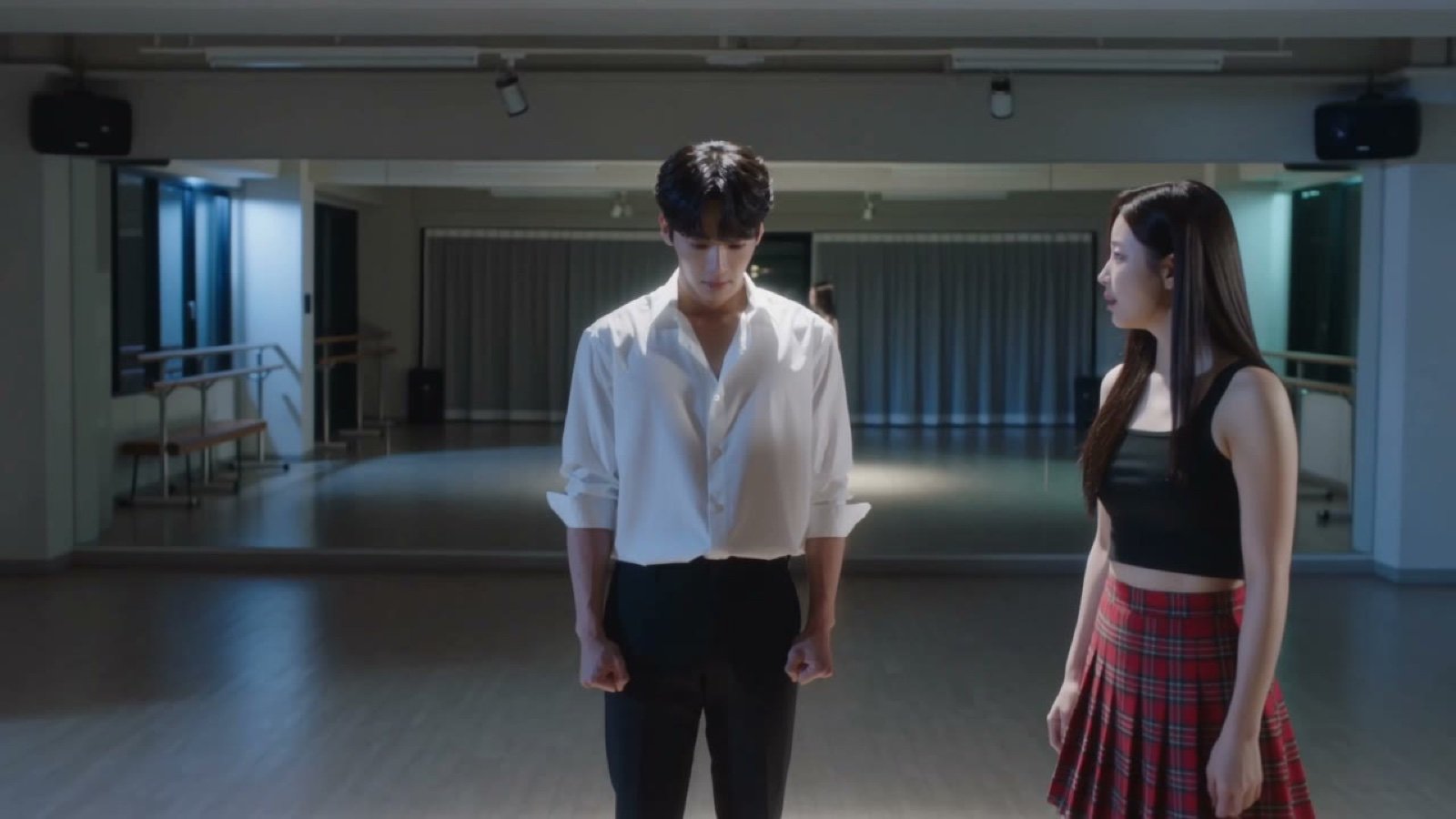
- Prompt included
- Model and format preset
- Free template
The prompt behind this video
Copy the exact prompt behind Seedance V2 One Minute K Drama Omni, or open it in the studio and make it yours.
Seedance V2 | One minute K-Drama. The Omni model sometimes shows weird colours and style drift. Still far from perfect Omni model - requires time to edit, clean up and upscale for perfect long video. Best time to practice doing longer stories. Anything below one minute lacks skill from the creator. K-Drama style, cinematic storytelling, emotional narrative arc.
How to use Seedance V2 One Minute K Drama Omni in 3 steps
- 1
Open
The prompt is already in the box next to the preview, with the template's model and format selected.
- 2…a portrait of your subject in softgolden-hour light, 85mm…
Personalize
Edit the subject and creative details for your destination.
- 3Generate
Generate
Press Generate — your video is created in PicX Studio, so you can compare it with the original and refine one variable at a time.
More like this
Templates with the same subject, style or setup. Open one to see its prompt.
Cinematic Short Film Scene
Time Stealer — Seedance 2.0
Coward King — Seedance 2.0 Dark Fantasy
Out of Control — Seedance 2.0
Nano Banana Seedance Time Control Streets
Dragon Rider Cinematic Flight — Seedance 2.5
Sneaker Product Commercial
Cinematic Short Film Scene 2
Skincare Product Commercial 3
Blonde Woman Driving Green 1960s Mustang Golden Hour
Ice Queen — Frozen Battlefield Time Control (Seedance)
Colossal Sea Creature — Stormy Shore Charge (Seedance)
Make it yours
Seedance V2 One Minute K Drama Omni works as-is. These are the safest ways to change it without losing the look.
Change one field
Copy a single group, rewrite it, and generate again so you can see what that field is doing.
Keep the frame, change the subject
Hold the composition and light of 781-seedance-v2-one-minute-k-drama-omni, then swap wardrobe, props or the person for a new take.
| If the result… | Why | Fix |
|---|---|---|
| The result drifts from the preview | Too many fields changed at once. | Reuse 781-seedance-v2-one-minute-k-drama-omni as-is first, then change one group — subject, light, or setting. |
| The model over-stylizes the scene | The prose prompt leaves finish and camera underspecified. | Add one camera or lighting sentence and stay on Seedance 2.0 Standard. |
More Seedance 2.0 Standard templates
Other prompts made for Seedance 2.0 Standard.
More video prompts
Fresh picks from across the catalog.
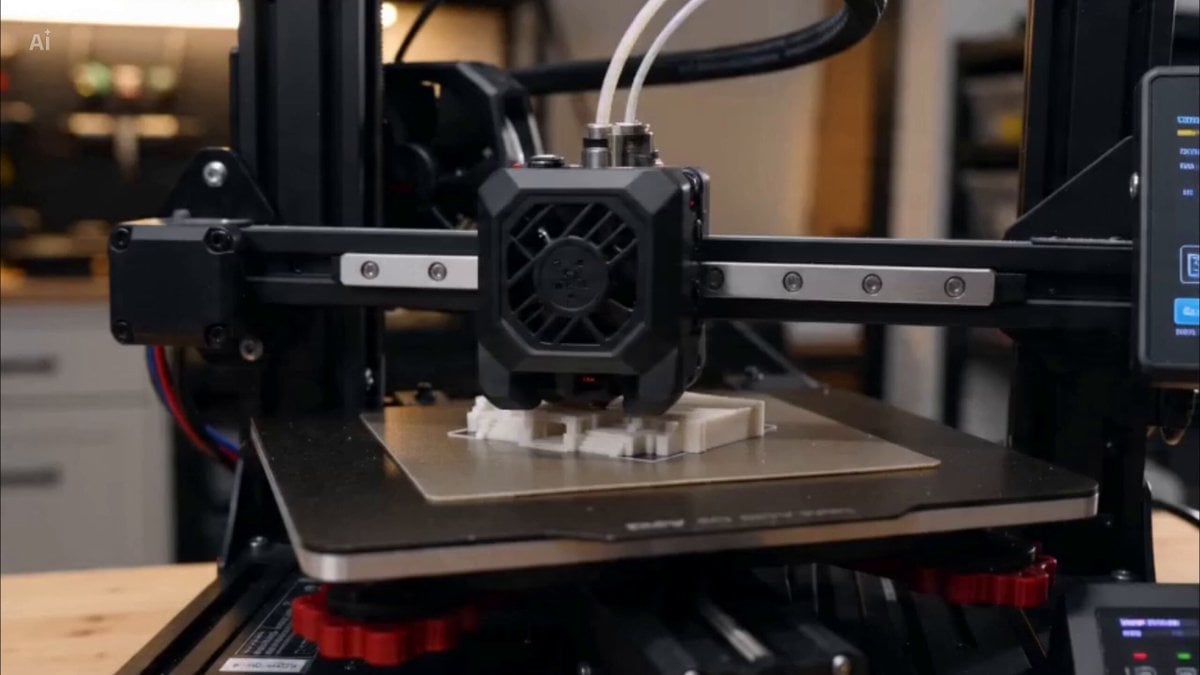
3D Printer Time-lapse Prompt
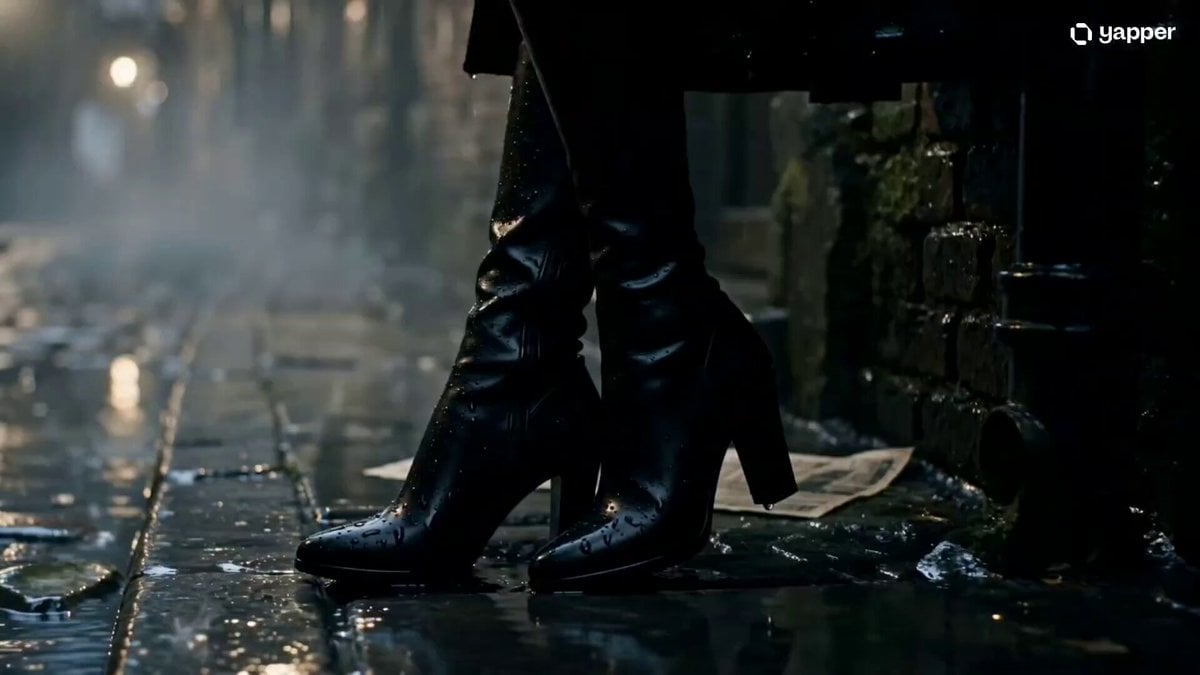
Cinematic Gothic Vampire Reveal
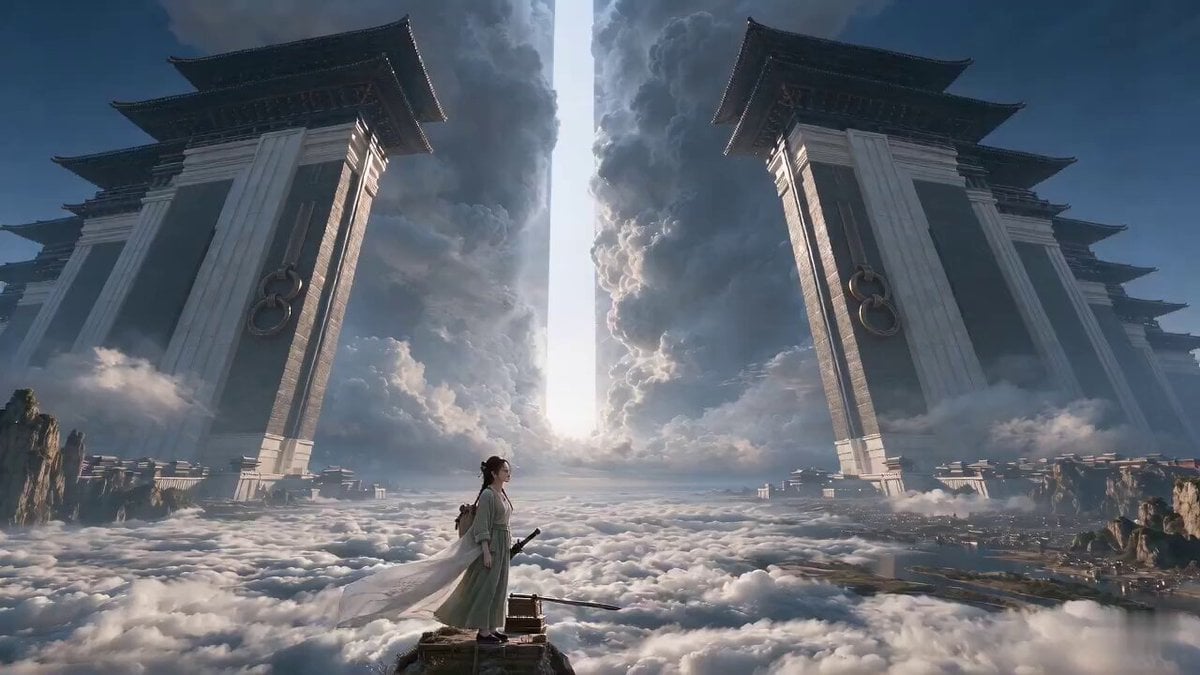
Wuxia Letting Go Drama Script
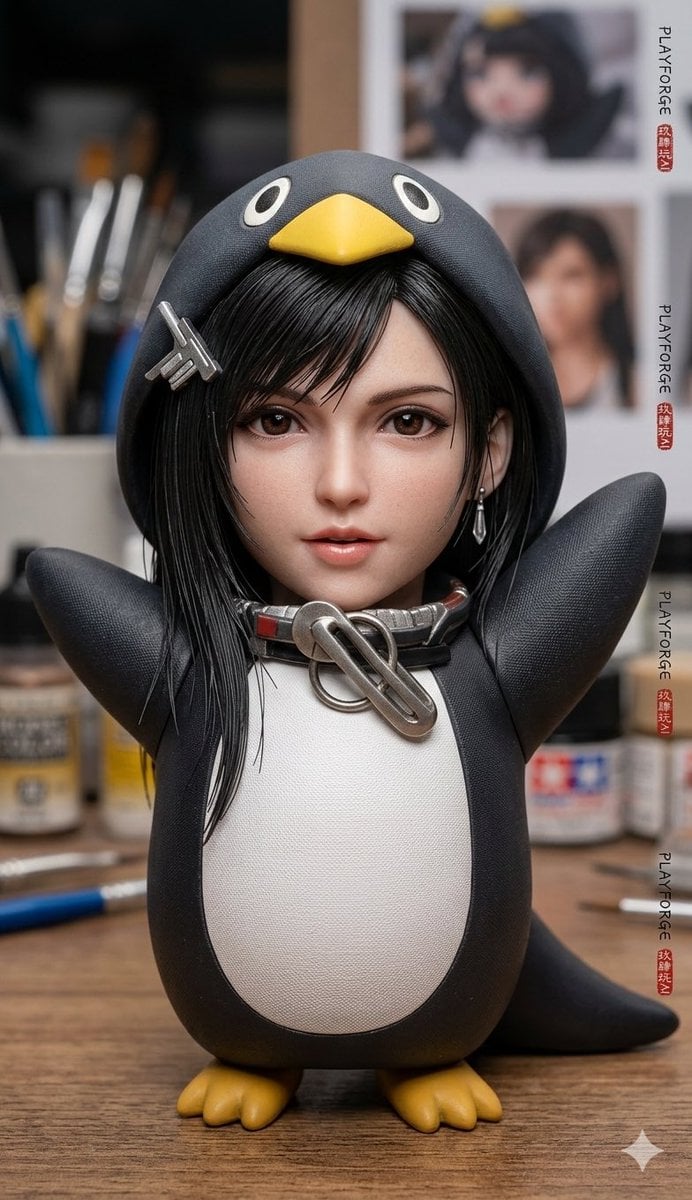
Seedance 2.0 Video Prompt: Cute Creature Waking Up
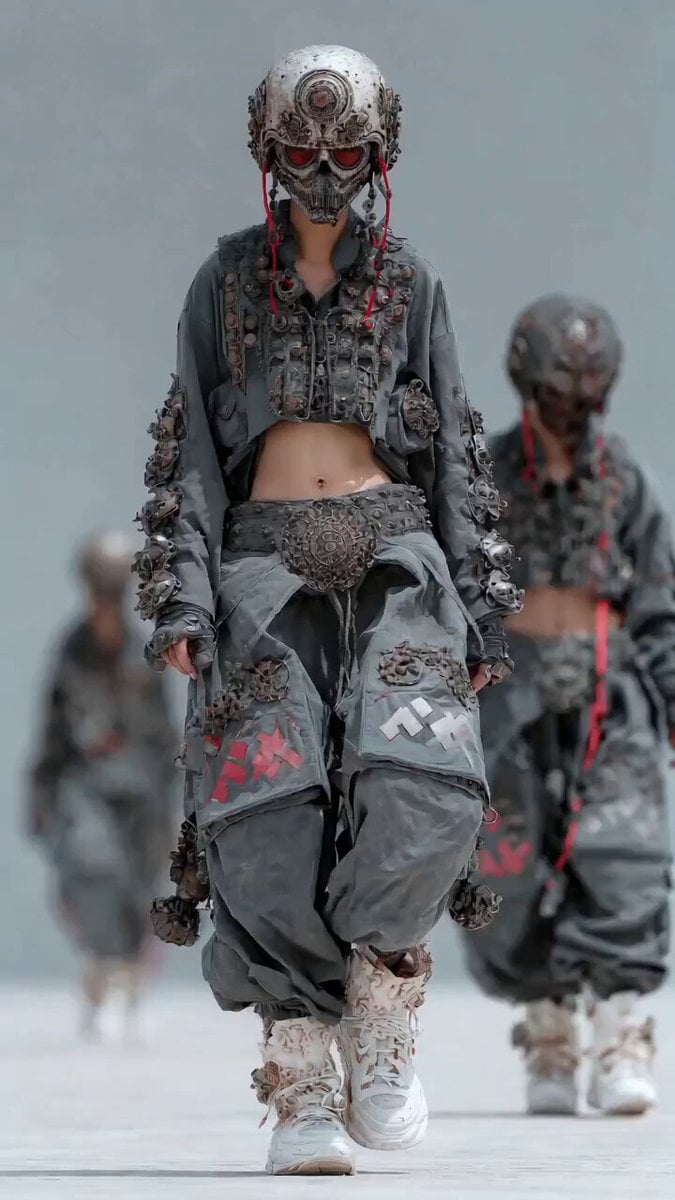
Dynamic Cinematic Hip-Hop Dance Video
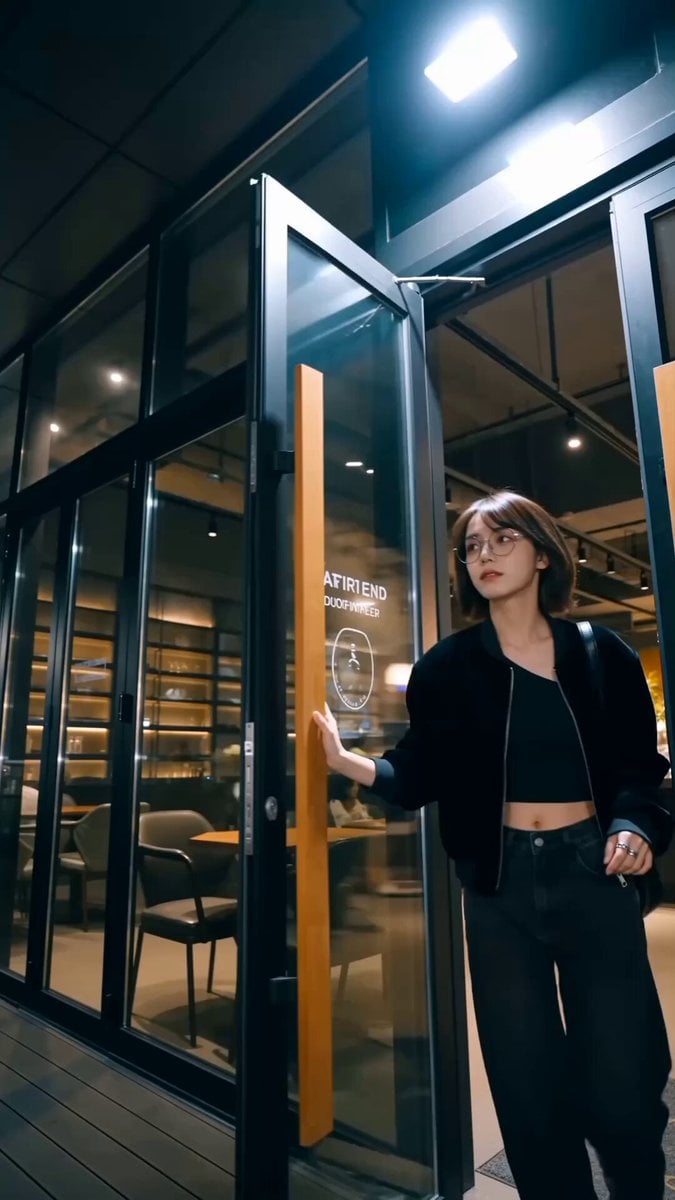
Handheld Influencer Night Vlog
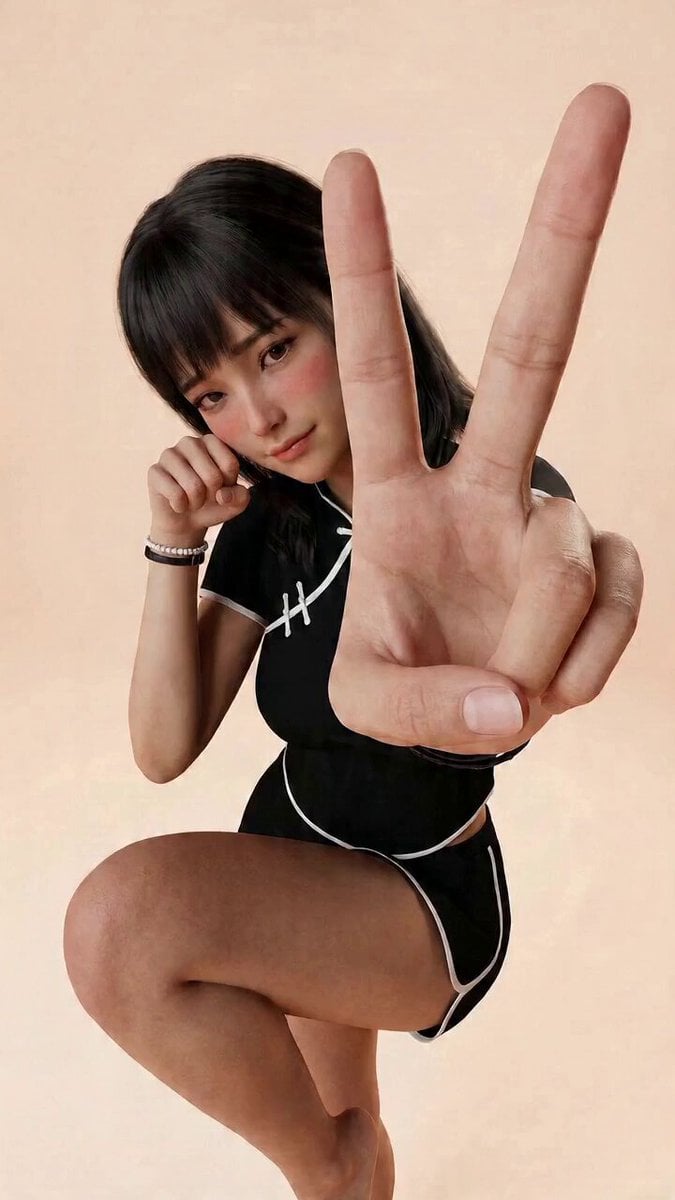
Kung Fu Girl Image-to-Video Action Scene
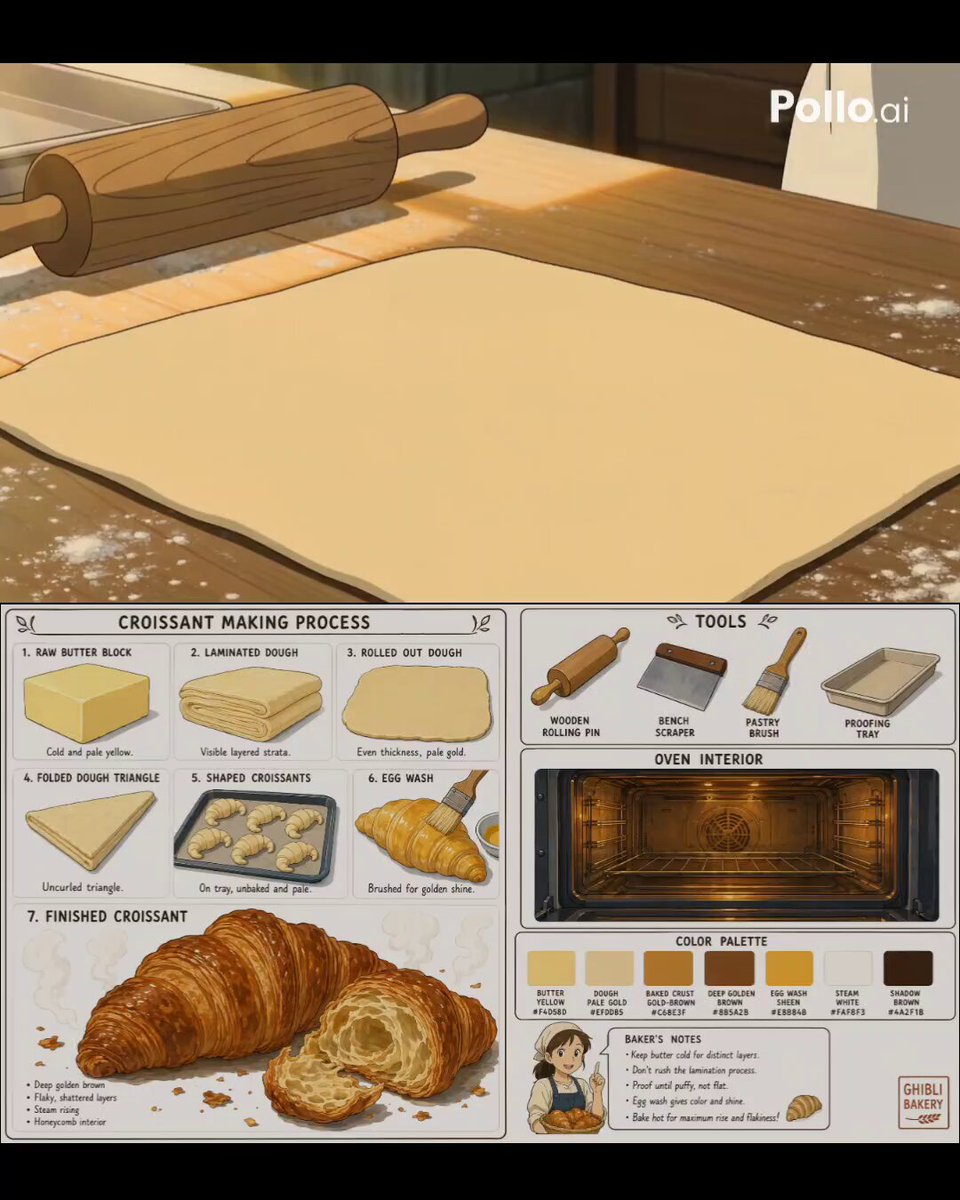
Studio Ghibli Style Croissant Bakery
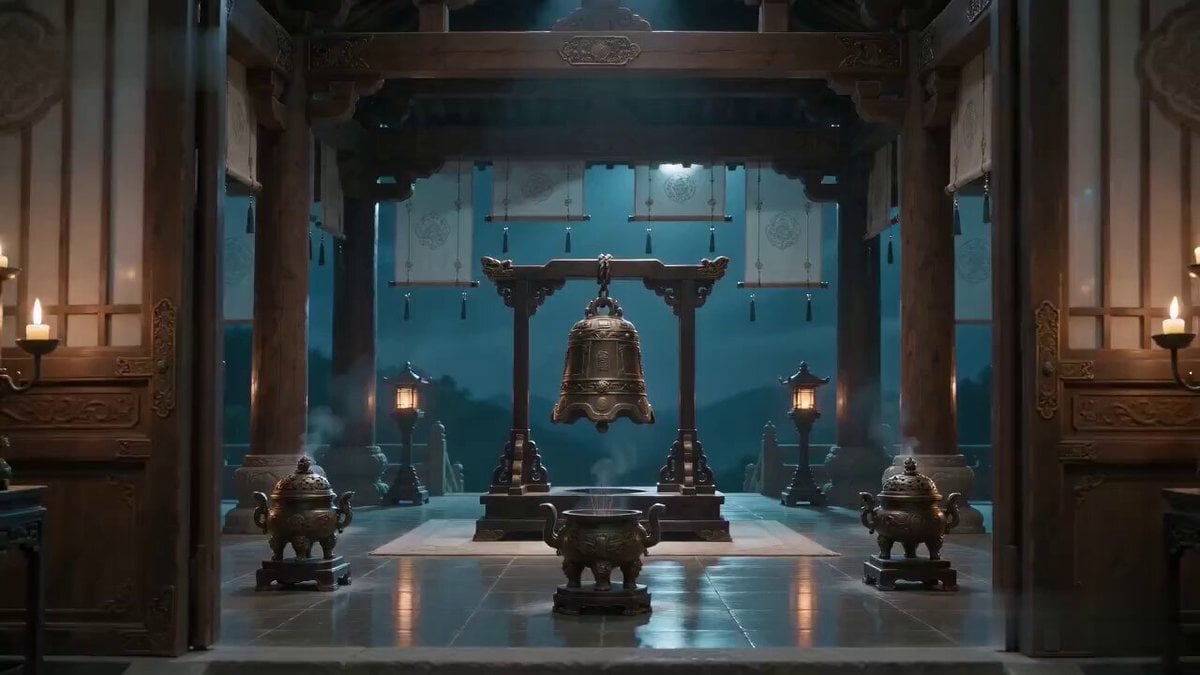
Xianxia Truth Bell Comedy Scene
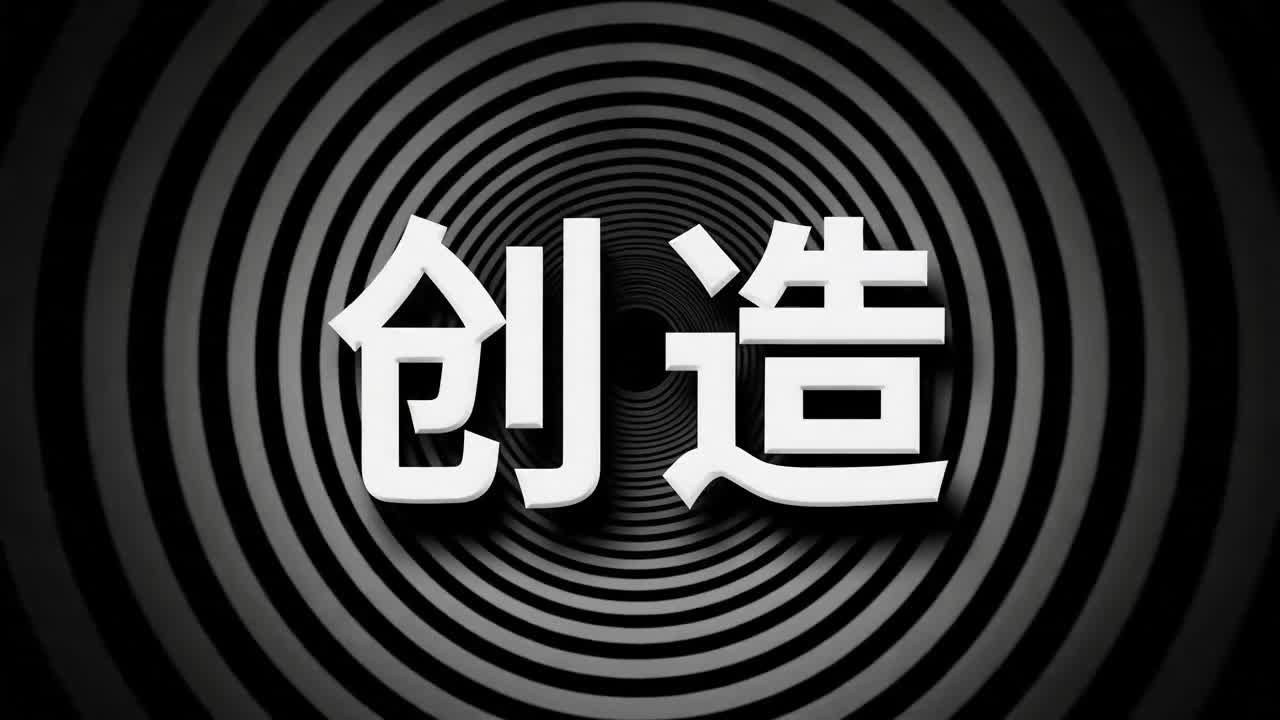
Multilingual Creative Typography Loop
Browse template categories
Seedance V2 One Minute K Drama Omni questions
How do I use the 781-seedance-v2-one-minute-k-drama-omni template?
Add your photo if the template asks for one, edit the prompt if you like — the template's model and format are already selected — and press Generate. Your version opens in PicX Studio.
Can I customize the 781-seedance-v2-one-minute-k-drama-omni template?
Yes. You can change the subject, setting, lighting, mood, format, and available model controls before creating your video.
Is the 781-seedance-v2-one-minute-k-drama-omni template free?
Opening and editing this template is free. Generating uses credits, shown on the Generate button when you are signed in.
Which AI model should I use?
Start with Seedance 2.0 Standard, which is the model associated with this template. You can compare another compatible model for a different finish.
Looking for something else? Browse all templates.

Your photo, any look
Thousands of ready templates for every top image and video model, from one credit balance.