How do I use the Kung Fu Girl Image-to-Video Action Scene template?
Edit the prompt in the box under the preview — the template's model and format are already selected — and press Generate. Your version appears right on this page.
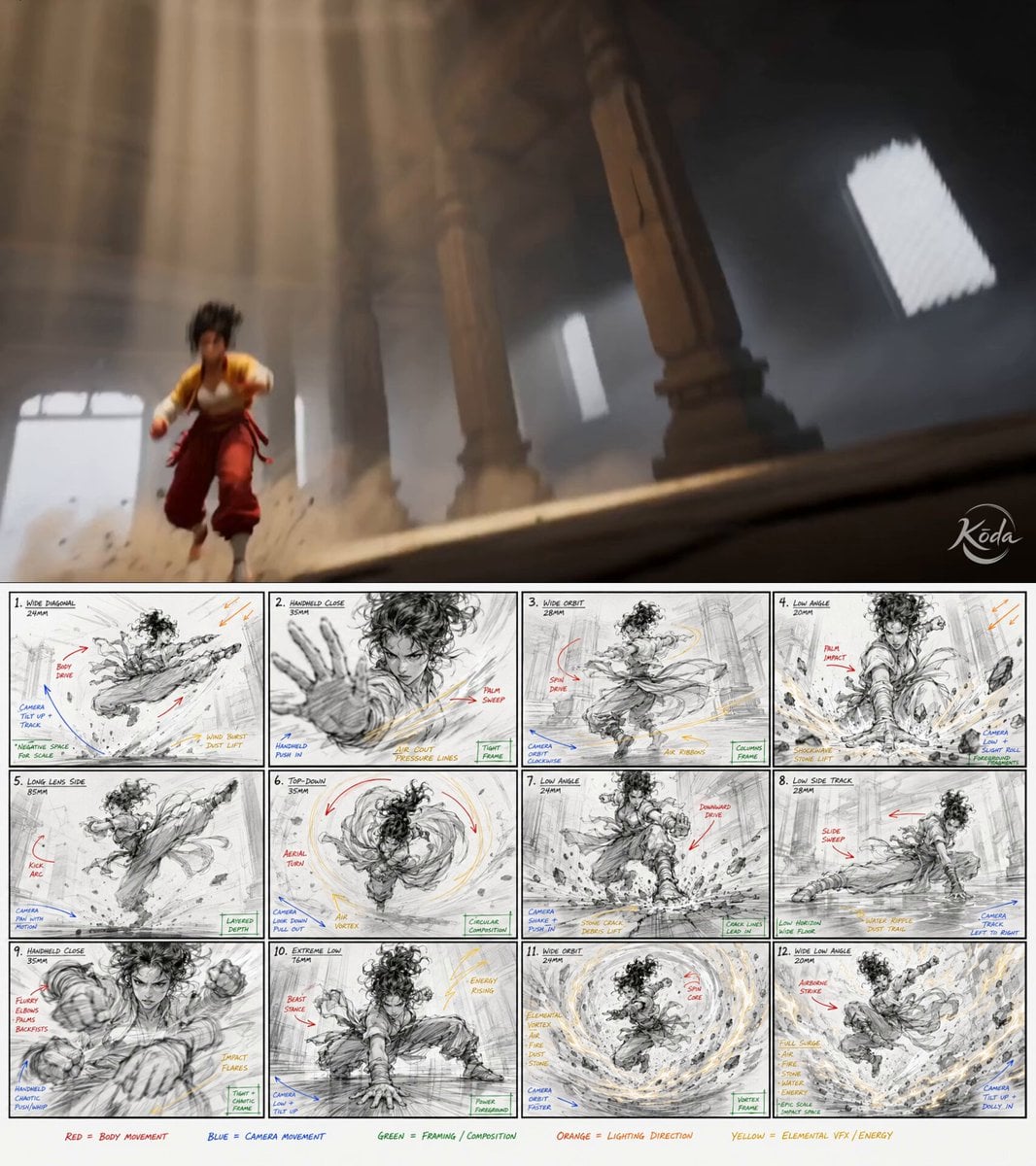
An image-to-video prompt for Seedance 2.0 to generate a 15-second cinematic 3D fighting video, using an input image as the character reference, focusing on intense close-combat choreography and dynamic camera movement.
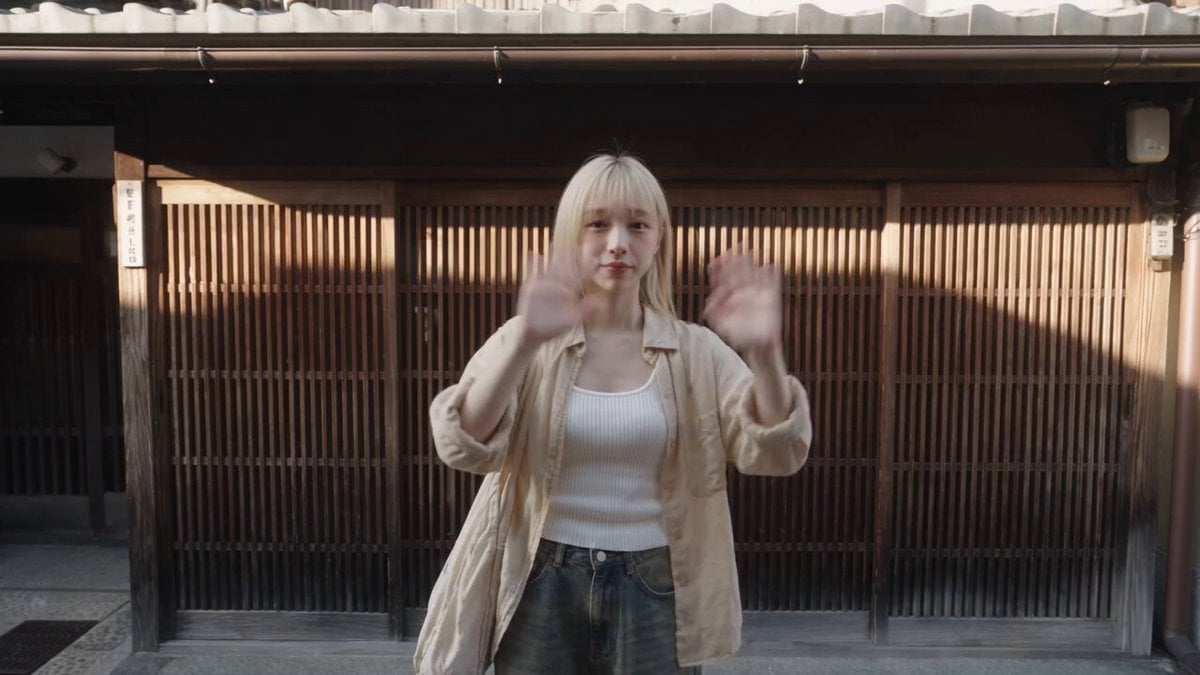
Using the input image as the exact character reference, generate a 15-second high-quality 3D cinematic fighting video. The character starts from the same pose, pulls back the hand gesture, then bursts forward into intense close-combat choreography with dodging, rapid punches, elbow strikes, spinning kicks, a brief airborne moment, and a powerful landing dash. Dynamic cinematic camera movement, extreme wide-angle opening, motion blur, subtle camera shake, strong depth impact, premium 3D game trailer quality, stable face, correct hands, coherent anatomy, consistent outfit details, warm clean background, powerful badass energy.
Using the input image as the exact character reference, generate a 15-second high-quality 3D cinematic fighting video. The character starts from the same pose, pulls back the hand gesture, then bursts forward into intense close-combat choreography with dodging, rapid punches, elbow strikes, spinning kicks, a brief airborne moment, and a powerful landing dash. Dynamic cinematic camera movement, extreme wide-angle opening, motion blur, subtle camera shake, strong depth impact, premium 3D game trailer quality, stable face, correct hands, coherent anatomy, consistent outfit details, warm clean background, powerful badass energy.
Edit the prompt in the box under the preview — the template's model and format are already selected — and press Generate. Your version appears right on this page.
Yes. You can change the subject, setting, lighting, mood, format, and available model controls before creating your video.
Opening and editing this template is free. Generating uses credits, shown on the Generate button when you are signed in.
Start with Seedance 2.0, which is the model associated with this template. You can compare another compatible model for a different finish.
Follow a topic to a crawlable collection of related PicX Studio templates.