How do I use the Hyper-Stylized Kung Fu Cat Action Sequence template?
Edit the prompt in the box under the preview — the template's model and format are already selected — and press Generate. Your version appears right on this page.
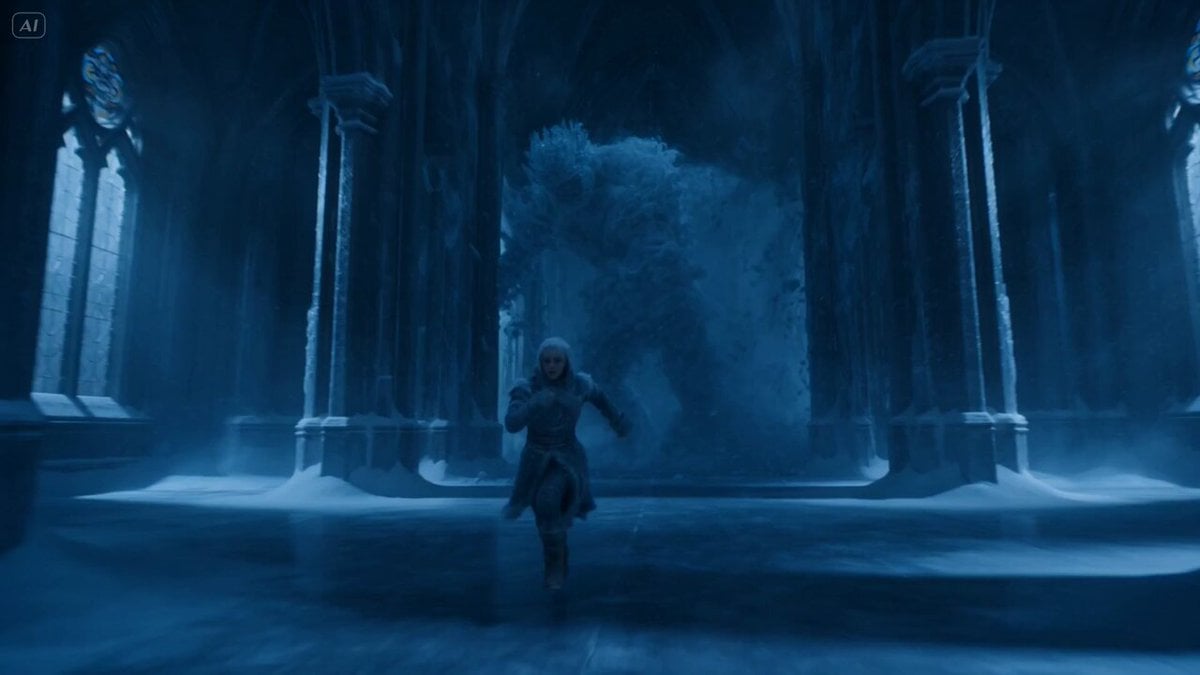
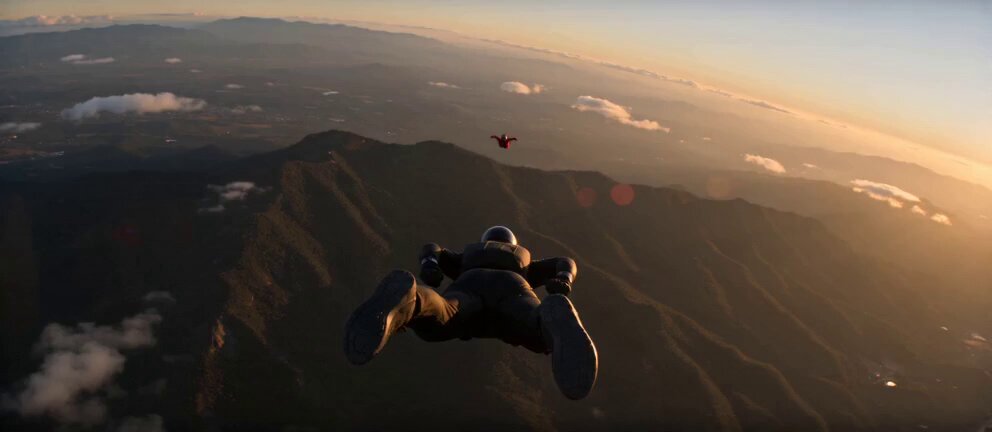
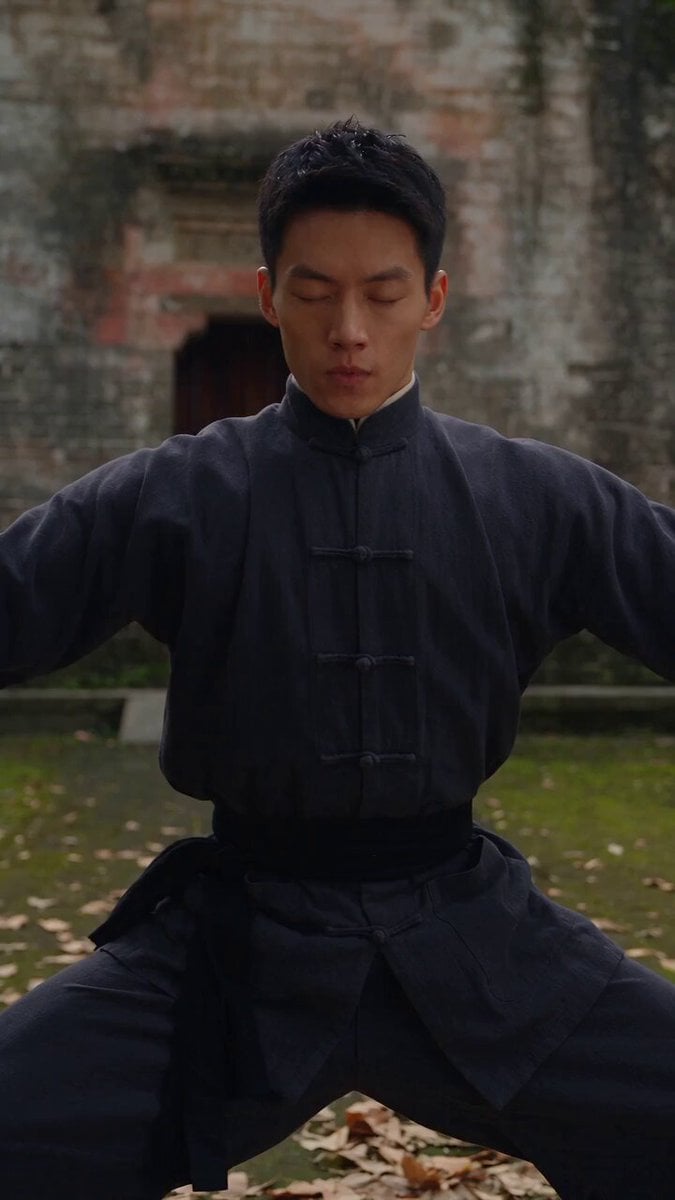
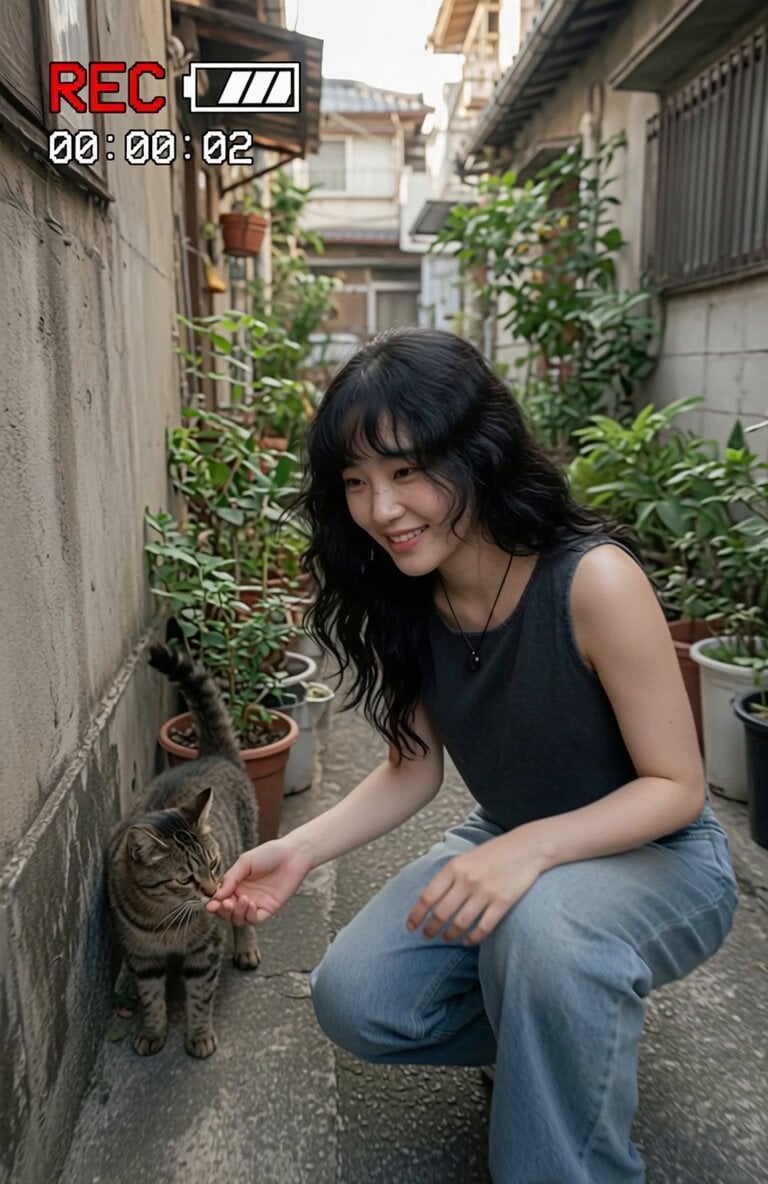
A detailed, time-coded prompt for a 15-second Hong Kong martial arts action sequence, featuring an orange tabby cat fighting hyenas using extreme cinematic techniques like bullet-time, whip pans, and heavy sound design.
A hyper-stylized 15-second Hong Kong martial arts action sequence with bullet-time effects and aggressive camera movement. 80s–90s kung fu cinema mixed with modern cinematic techniques. Extreme whip pans, snap zooms, orbit shots, motion blur, impact freeze frames, heavy sound design. 0–2s Interior, dim siheyuan courtyard. Top-down spinning camera slowly descends. A lone orange tabby cat in a grey Taoist robe stands still. Sound: echoing knock… knock… Camera suddenly SNAP ZOOMS into the cat’s eyes. 2–4s Door POV shot. The wooden door bursts open toward camera. Hard cut to ultra-wide lens distortion as the cat steps out. Transition: whip pan morph into street scene. 4–6s Street, night. Neon reflections on wet ground. 360° orbit shot: grey hyenas in black suits and sunglasses close in. Camera speed ramps up, then abruptly STOPS → silence. 6–8s Bullet-time begins. One hyena leans forward, lips moving in slow motion, taunting. Camera rotates around frozen figures. Only the cat moves in real time. Cat (calm): “Who are you looking for?” 8–12s Fight sequence — EXTREME BULLET-TIME CHAOS: — The cat launches forward → camera follows with insane handheld shake — Mid-air freeze: multiple afterimages of rapid kicks (leg trails slicing through space) — Each kick lands → shockwave ripple across hyena torsos — Camera cuts between: • macro impact shots (fabric compressing inward) • fisheye lens kicks toward camera • spinning POV from flying hyena — Final move: slow-motion 360° spinning kick → ALL hyenas launched outward simultaneously — Sound snaps back at impact → BOOM 12–15s Silence. Dust settles mid-air. Camera slowly pushes through floating debris (still partially in slow motion). The cat lands in real time. Looks directly into lens, slight head tilt, playful grin. Line (sharp, confident): “follow cat master for more fluffy chaos.” Freeze frame → sudden glitch zoom → retro punch sound.
A hyper-stylized 15-second Hong Kong martial arts action sequence with bullet-time effects and aggressive camera movement. 80s–90s kung fu cinema mixed with modern cinematic techniques. Extreme whip pans, snap zooms, orbit shots, motion blur, impact freeze frames, heavy sound design. 0–2s Interior, dim siheyuan courtyard. Top-down spinning camera slowly descends. A lone orange tabby cat in a grey Taoist robe stands still. Sound: echoing knock… knock… Camera suddenly SNAP ZOOMS into the cat’s eyes. 2–4s Door POV shot. The wooden door bursts open toward camera. Hard cut to ultra-wide lens distortion as the cat steps out. Transition: whip pan morph into street scene. 4–6s Street, night. Neon reflections on wet ground. 360° orbit shot: grey hyenas in black suits and sunglasses close in. Camera speed ramps up, then abruptly STOPS → silence. 6–8s Bullet-time begins. One hyena leans forward, lips moving in slow motion, taunting. Camera rotates around frozen figures. Only the cat moves in real time. Cat (calm): “Who are you looking for?” 8–12s Fight sequence — EXTREME BULLET-TIME CHAOS: — The cat launches forward → camera follows with insane handheld shake — Mid-air freeze: multiple afterimages of rapid kicks (leg trails slicing through space) — Each kick lands → shockwave ripple across hyena torsos — Camera cuts between: • macro impact shots (fabric compressing inward) • fisheye lens kicks toward camera • spinning POV from flying hyena — Final move: slow-motion 360° spinning kick → ALL hyenas launched outward simultaneously — Sound snaps back at impact → BOOM 12–15s Silence. Dust settles mid-air. Camera slowly pushes through floating debris (still partially in slow motion). The cat lands in real time. Looks directly into lens, slight head tilt, playful grin. Line (sharp, confident): “follow cat master for more fluffy chaos.” Freeze frame → sudden glitch zoom → retro punch sound.
Edit the prompt in the box under the preview — the template's model and format are already selected — and press Generate. Your version appears right on this page.
Yes. You can change the subject, setting, lighting, mood, format, and available model controls before creating your video.
Opening and editing this template is free. Generating uses credits, shown on the Generate button when you are signed in.
Start with Seedance 2.0, which is the model associated with this template. You can compare another compatible model for a different finish.
Follow a topic to a crawlable collection of related PicX Studio templates.