
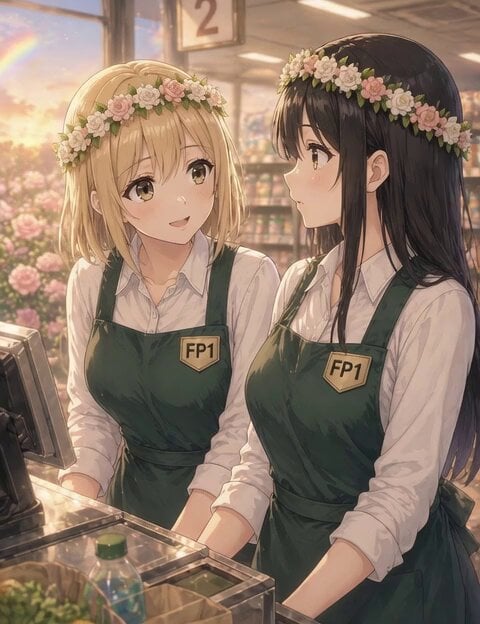
Anime conversation scene with micro zoom
A video prompt for a cinematic anime scene featuring two supermarket employees talking, with specific instructions for camera movement and character interaction.
- Prompt included
- Model and format preset
- Free template
The prompt behind this video
Copy the exact prompt behind Anime conversation scene with micro zoom, or open it in the studio and make it yours.
A cinematic slice-of-life anime scene at a supermarket checkout during sunset. Right side: a black-haired adult woman wearing a white blouse and deep green apron with an FP1 badge, calm and slightly tired expression, facing left. Left side: a blonde woman with a gentle and empathetic expression, same uniform and flower accessory, slightly leaning toward the center. Both characters wear matching soft flower crowns symbolizing hope. Soft pastel color palette, very thin delicate anime lineart, flat soft shading, minimal rendering, soft ambient sunset lighting, warm gentle atmosphere. Background: softly blurred supermarket shelves and a faint rainbow visible through the window. Camera: natural eye-level, soft 45-degree conversation angle. Very subtle micro zoom toward the left side (from the black-haired woman’s perspective) while the left character speaks. Dialogue (Japanese voice only): 左の金髪女性(優しい女性の声) 「休みがないとね…気持ちの区切りも…なくなっちゃうよね」 Acting: subtle facial expression, small natural movements only. IMPORTANT RULE: only the speaking character moves their mouth, all other characters keep their mouths completely closed, no lip movement for non-speaking characters
How to use Anime conversation scene with micro zoom in 3 steps
- 1
Open
The prompt is already in the box next to the preview, with the template's model and format selected.
- 2…a portrait of your subject in softgolden-hour light, 85mm…
Personalize
Edit the subject and creative details for your destination.
- 3Generate
Generate
Press Generate — your video is created in PicX Studio, so you can compare it with the original and refine one variable at a time.
More like this
Templates with the same subject, style or setup. Open one to see its prompt.
Intimate Future Conversation Couple
Neruda Poetry Cinematic Dolly Zoom

Train Zooming in Star Field Video Prompt
Volleyball Game Zoom Out to TV Screen
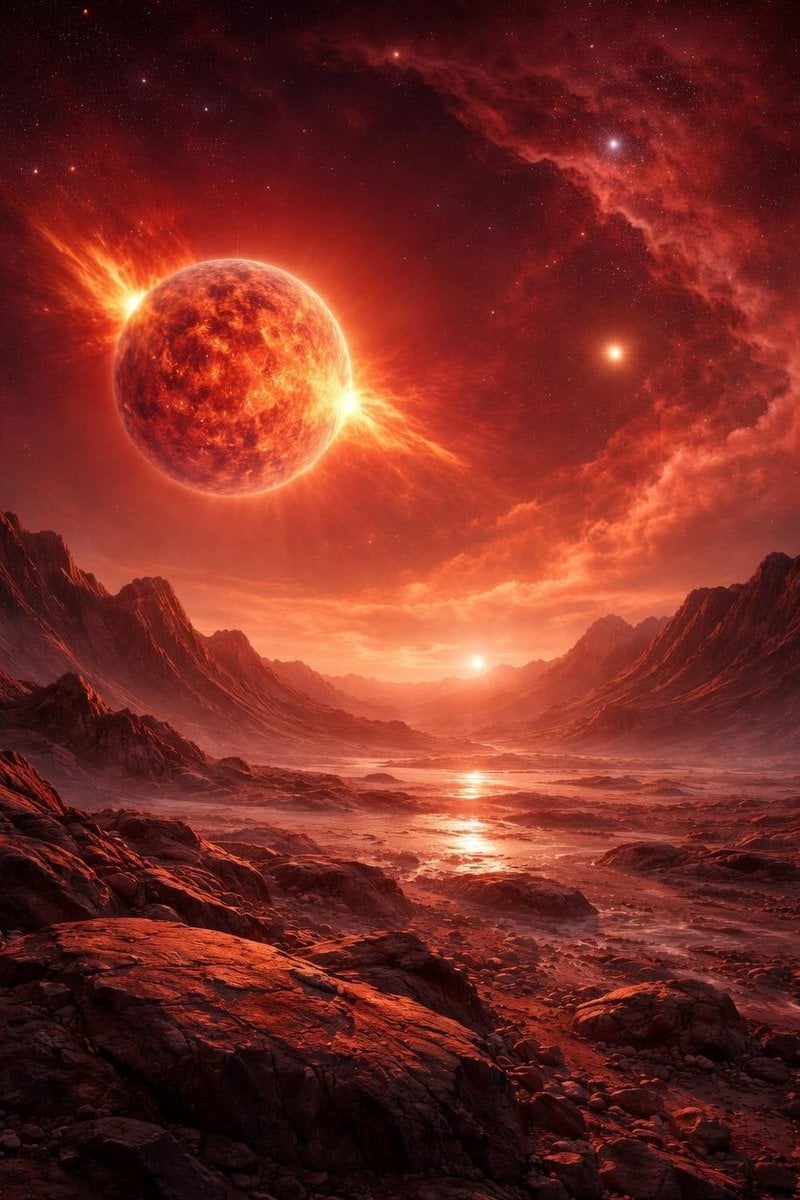
Video generation prompt for a cosmic zoom
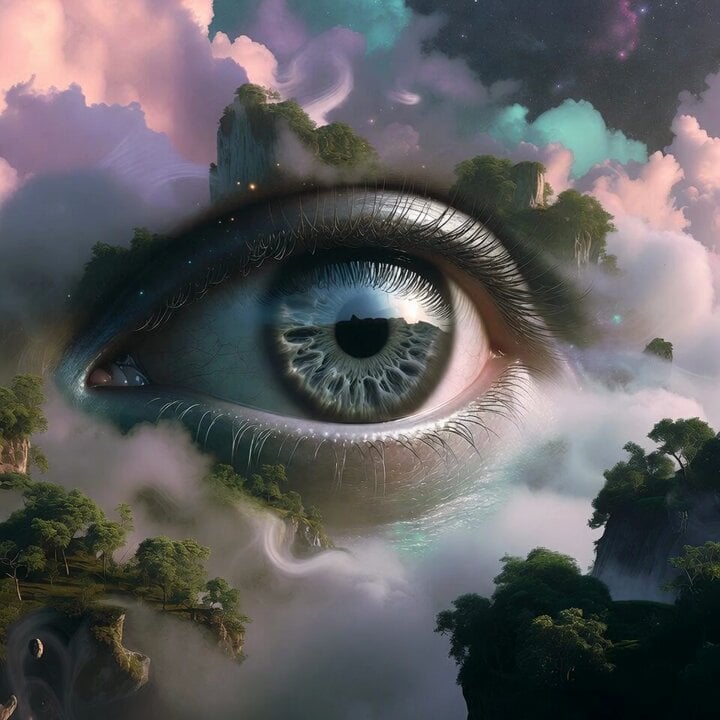
Surreal Floating Mountains Eye Zoom Video Prompt
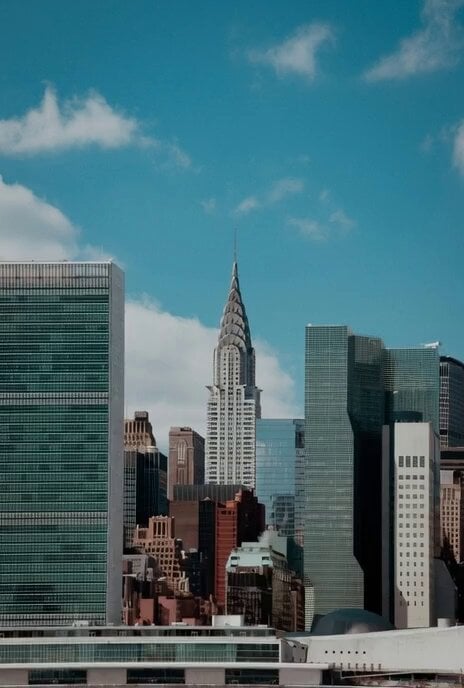
Zoom into Chrysler building window to see old man
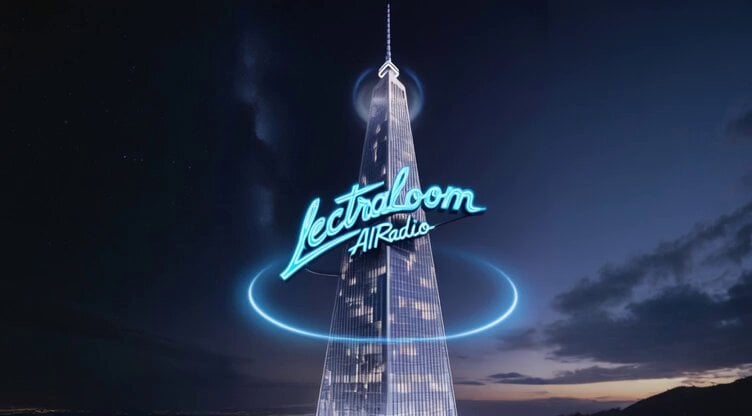
Hyper-realistic radio studio zoom-in prompt
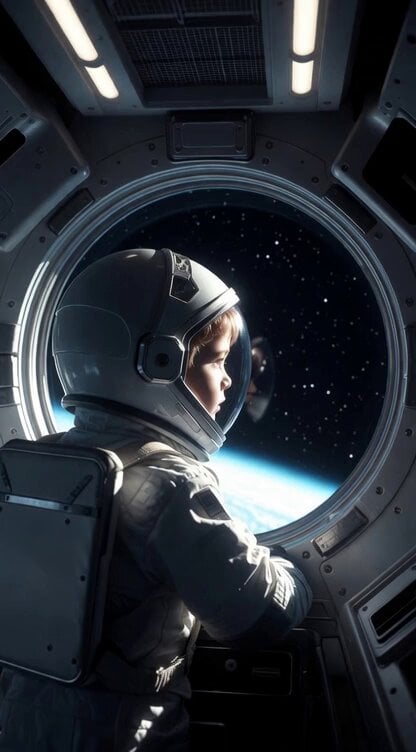
Slow Cinematic Zoom
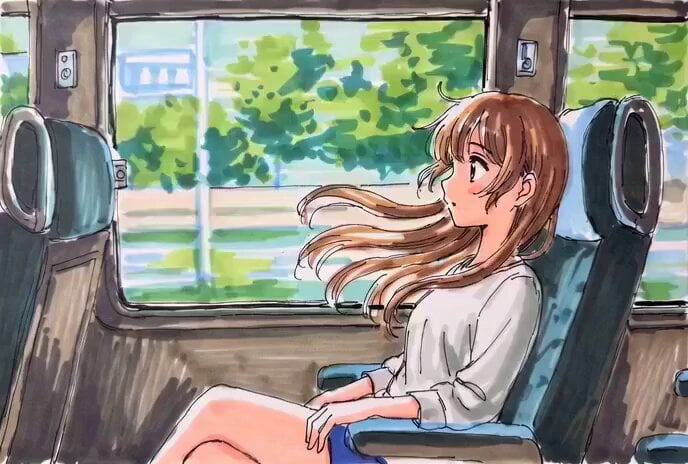
Hand-Drawn Anime Bus Scene Video Prompt
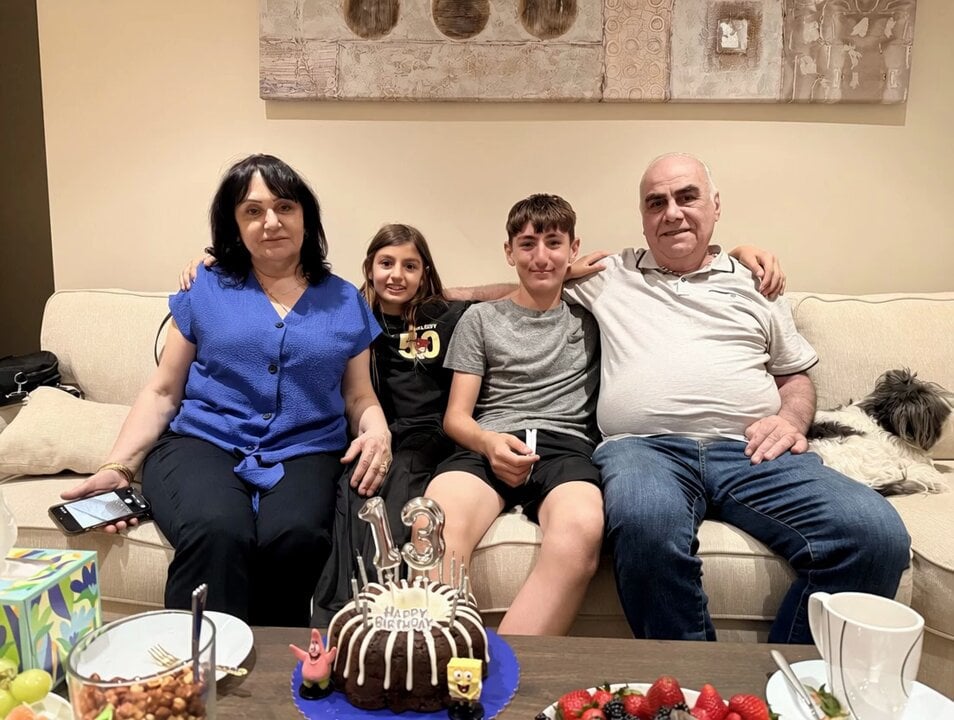
Video prompt for a birthday scene with grandparents and a zoom effect
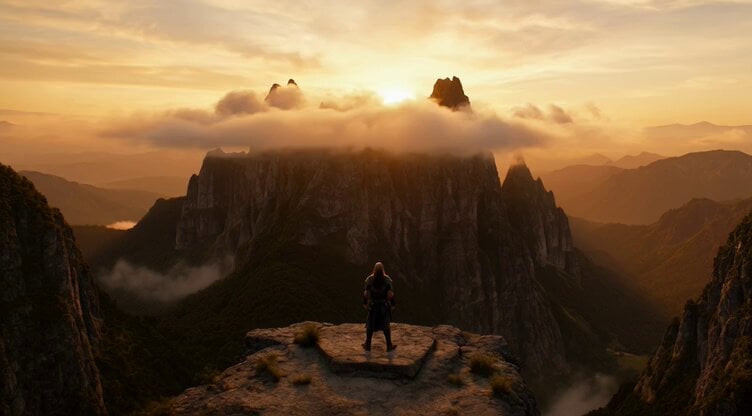
Dolly Zoom Celestial Dragon
Make it yours
Anime conversation scene with micro zoom works as-is. These are the safest ways to change it without losing the look.
Change one field
Copy a single group, rewrite it, and generate again so you can see what that field is doing.
Keep the frame, change the subject
Hold the composition and light of Anime conversation scene with micro zoom, then swap wardrobe, props or the person for a new take.
| If the result… | Why | Fix |
|---|---|---|
| The result drifts from the preview | Too many fields changed at once. | Reuse Anime conversation scene with micro zoom as-is first, then change one group — subject, light, or setting. |
| The model over-stylizes the scene | The prose prompt leaves finish and camera underspecified. | Add one camera or lighting sentence and stay on Grok Imagine. |
More Grok Imagine templates
Other prompts made for Grok Imagine.

Kaleidoscopic Cosmic Dolphin Video

Horror Daffy Duck Video Transition

America 250th Anniversary Celebration

Glowing Water Forest Night Prompt

Soft Pink Roses Dreamer Prompt

Ninja Wizard Levitation Jump

Coffee Cup Interaction Motion

Voice Controlled Water Animation

Pterodactyl Transformation Journey

Candle Mandala Mirror Video
More video prompts
Fresh picks from across the catalog.
Puppet Time Freeze - Sports Bar Chaos
Slow motion snow scene with drone camera movement
AI Prompting Educational Commercial
Kyoto 1987 VHS Slice of Life
Medieval Archery Tournament Cinematic Short
Prompt Engineering for Vehicles

Luxury Car Brand Teaser Video Prompt
Greek goddess watching Starship V3 launch
Cinematic Anime Martial Arts Training Ground
Highway Biker — Aggressive Lane Split (PixVerse C1)
Browse template categories
Anime conversation scene with micro zoom questions
How do I use the Anime conversation scene with micro zoom template?
Add your photo if the template asks for one, edit the prompt if you like — the template's model and format are already selected — and press Generate. Your version opens in PicX Studio.
Can I customize the Anime conversation scene with micro zoom template?
Yes. You can change the subject, setting, lighting, mood, format, and available model controls before creating your video.
Is the Anime conversation scene with micro zoom template free?
Opening and editing this template is free. Generating uses credits, shown on the Generate button when you are signed in.
Which AI model should I use?
Start with Grok Imagine, which is the model associated with this template. You can compare another compatible model for a different finish.
Looking for something else? Browse all templates.

Your photo, any look
Thousands of ready templates for every top image and video model, from one credit balance.