
Studio Ghibli Style Croissant Bakery
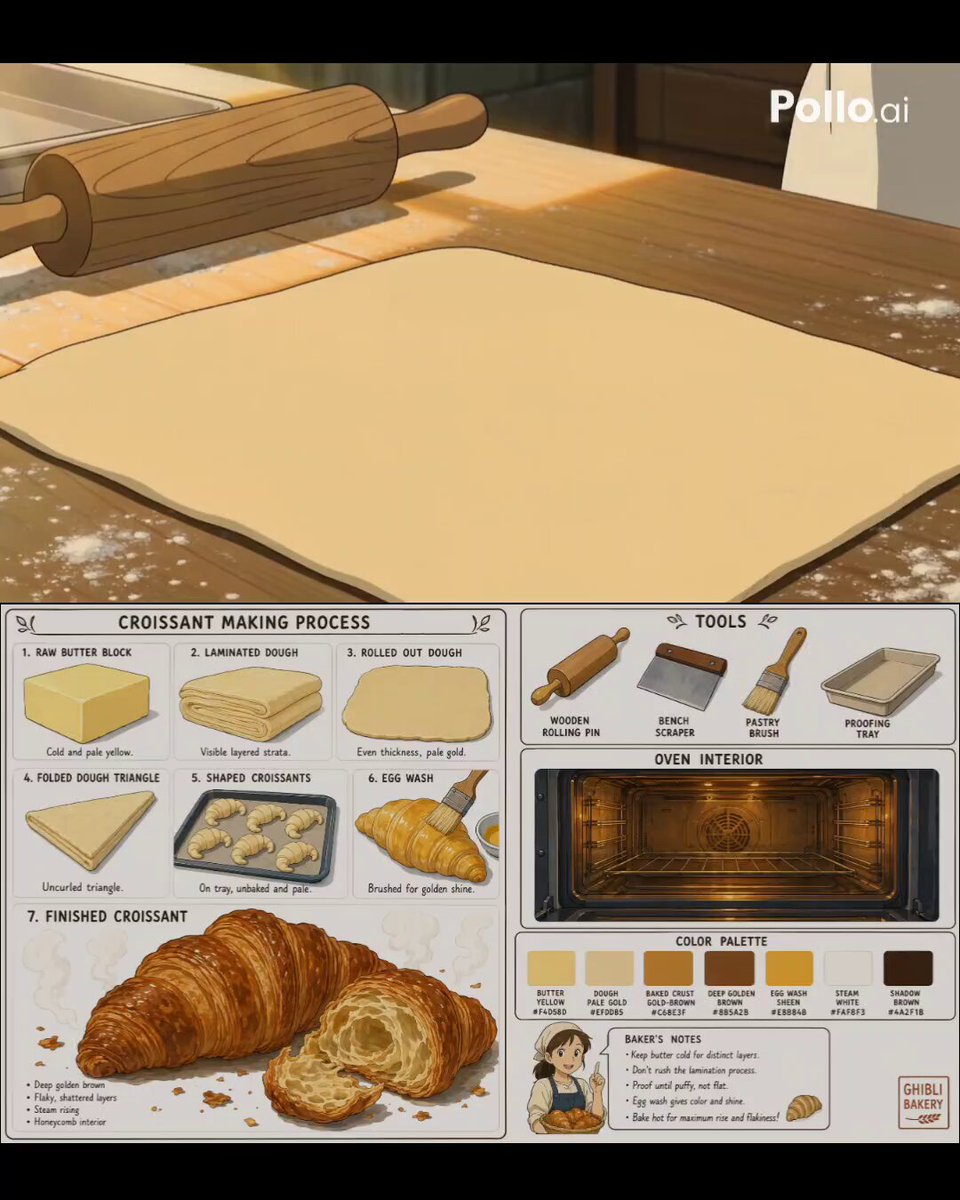
A cinematic anime-style video prompt for Seedance 2.0 that visualizes the detailed process of baking croissants in a warm Ghibli-inspired bakery.
- Prompt included
- Model and format preset
- Premium template
The prompt behind this video
Copy the exact prompt behind Studio Ghibli Style Croissant Bakery, or open it in the studio and make it yours.
Anime visual reference sheet, Studio Ghibli art style, clean cream white background. Bold clean outlines, cel shading, pure 2D anime illustration. FOOD: Raw butter block, cold and pale yellow. Laminated dough with visible layered strata. Rolled out dough sheet, pale gold. Folded dough triangle, uncurled. Shaped croissant crescents on a tray, unbaked and pale. Egg wash brushed golden over dough. Finished croissant, deep golden brown, flaky shattered layers, steam rising, a torn piece showing honeycomb interior. TOOLS: Wooden rolling pin, bench scraper, pastry brush, proofing tray, oven interior glowing warm gold. COLOR PALETTE: Butter yellow #F4D58D, dough pale gold #EFDDB5, baked crust gold-brown #C68E3F, deep golden brown #8B5A2B, egg wash sheen #E8B84B, steam white #FAF8F3, shadow brown #4A2F1B. Bold anime outlines, cel shading, Ghibli bakery illustration style, multiple reference panels clearly labeled. Anime bakery short film, Ghibli pastry aesthetic, warm golden morning light, flour dust drifting in sunbeams, cozy bakery kitchen, 16:9. A series of rapid close-up macro shots: hands placing a cold butter block onto rolled dough, dough being folded over the butter and sealed at the edges, rolling pin pressing and elongating the dough in long even strokes, dough being folded into thirds in one smooth motion, rolling pin flattening the dough again into a long sheet, dough being rolled up tightly into a spiral, dough cut into triangles with a sharp knife, fingers rolling a triangle from base to tip into a crescent shape, shaped croissants being placed on a tray in a neat row, pastry brush sweeping golden egg wash across the surface, tray sliding into a warm glowing oven, close-up of croissants slowly puffing and browning under heat, layers visibly separating and flaking as they bake, croissants pulled from the oven golden and steaming, extreme close-up of a croissant being torn in half revealing airy honeycomb layers, steam curling up from the warm interior. Each shot lasts under one second, cinematic food film pacing, hyper-detailed anime illustration, warm amber and buttery gold tones throughout.
How to use Studio Ghibli Style Croissant Bakery in 3 steps
- 1Upload ImagePNG, JPG or paste
Add your photo
Upload the photo the template builds on. The prompt, model and format are already set.
- 2…a portrait of your subject in softgolden-hour light, 85mm…
Personalize
Edit the subject and creative details for your destination.
- 3Generate
Generate
Press Generate — your video is created in PicX Studio, so you can compare it with the original and refine one variable at a time.
More like this
Templates with the same subject, style or setup. Open one to see its prompt.
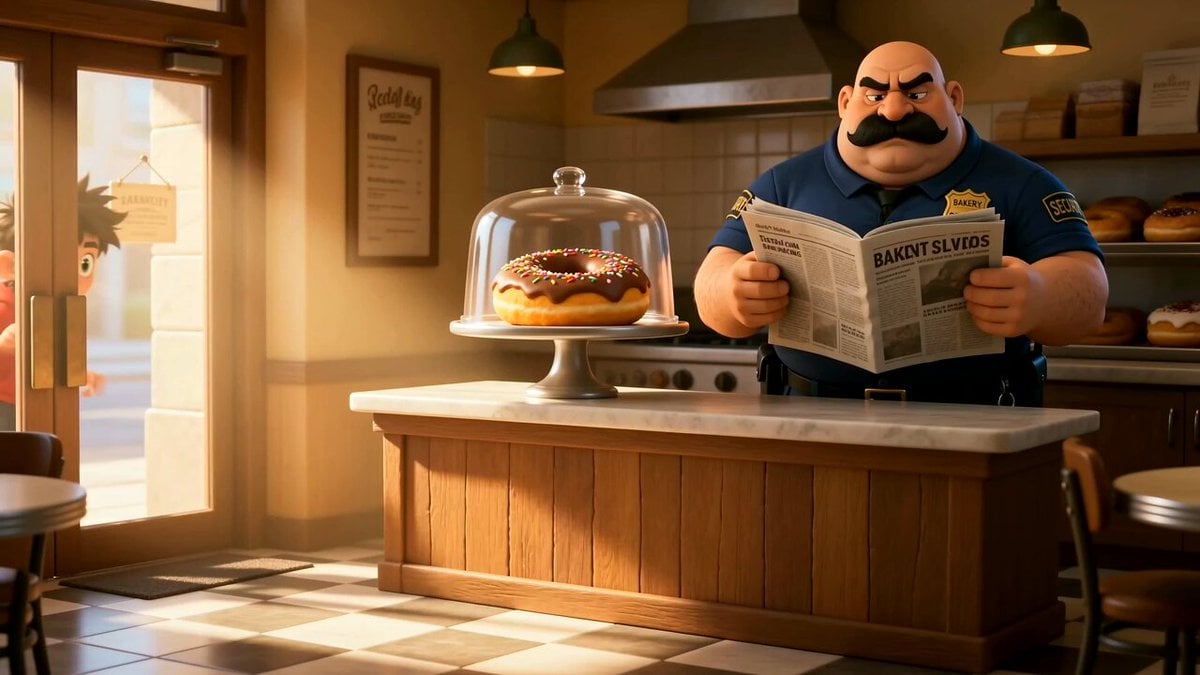
Cartoon Donut Heist Bakery Chase

Studio Ghibli Inspired Bamboo Soup Scene
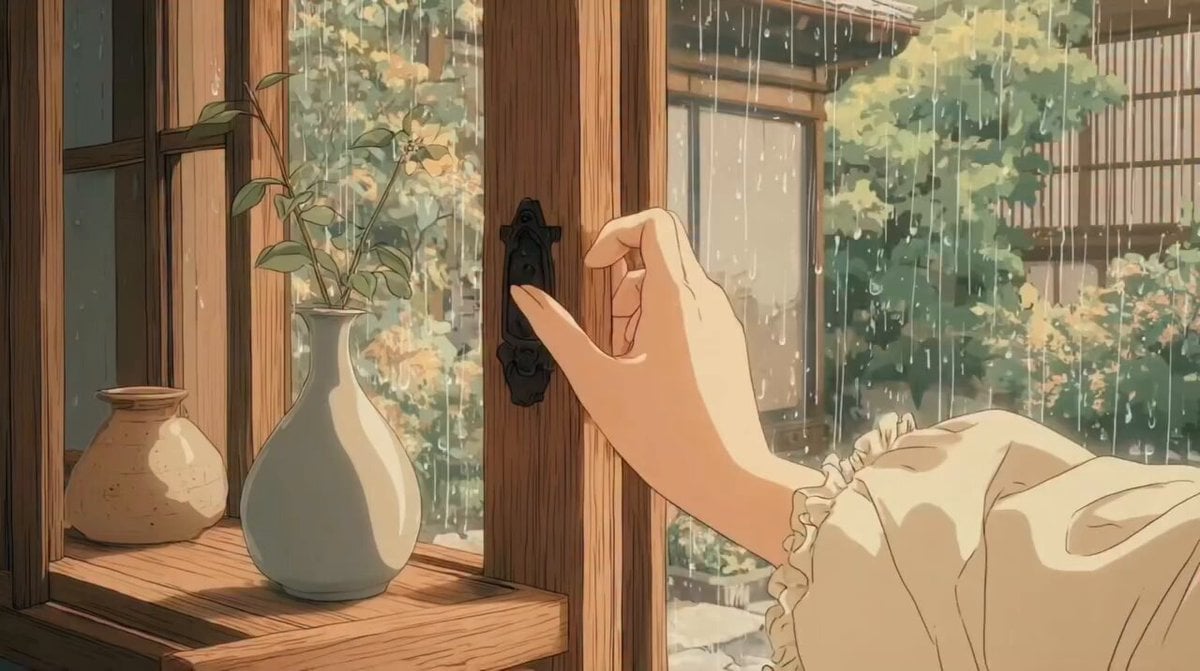
Studio Ghibli Inspired Rainy Garden
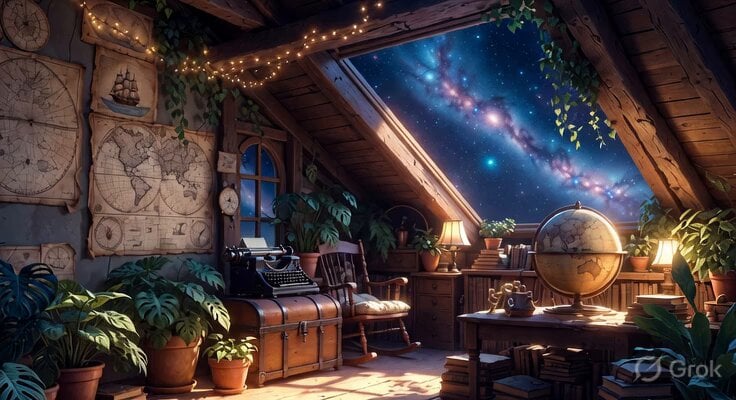
Studio Ghibli Inspired Cozy Attic
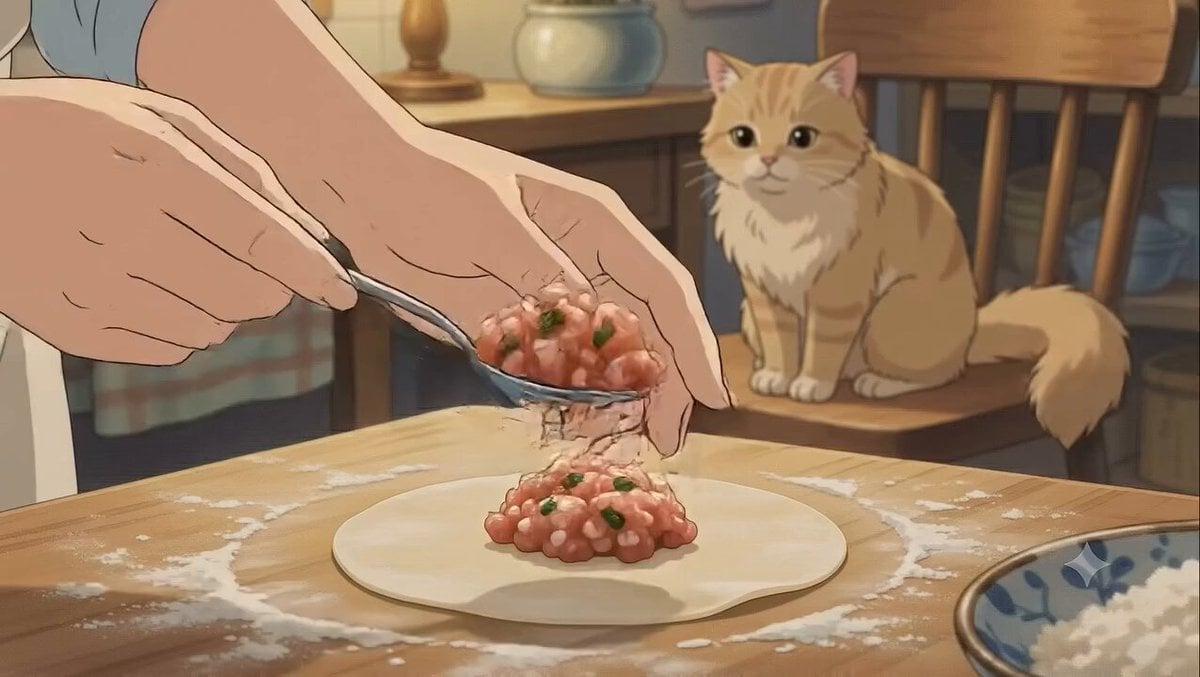
Studio Ghibli Style Dumpling Cooking
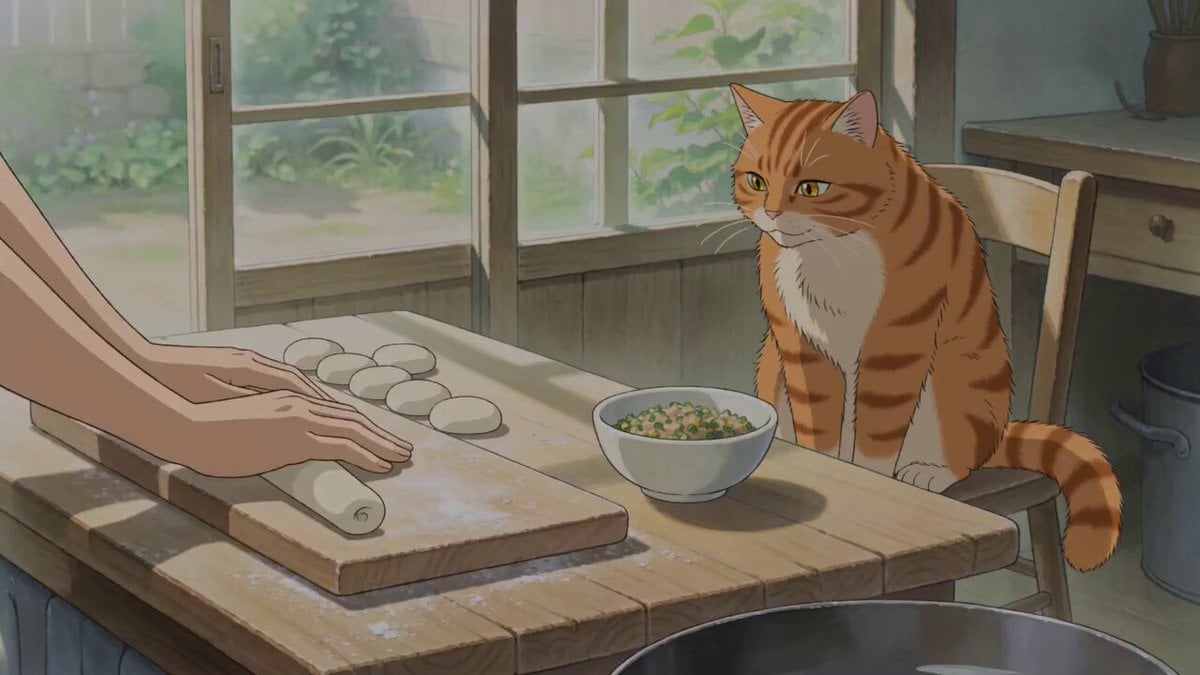
Studio Ghibli Style Cooking Animation

Ghibli-Style Studio Anime Sequence
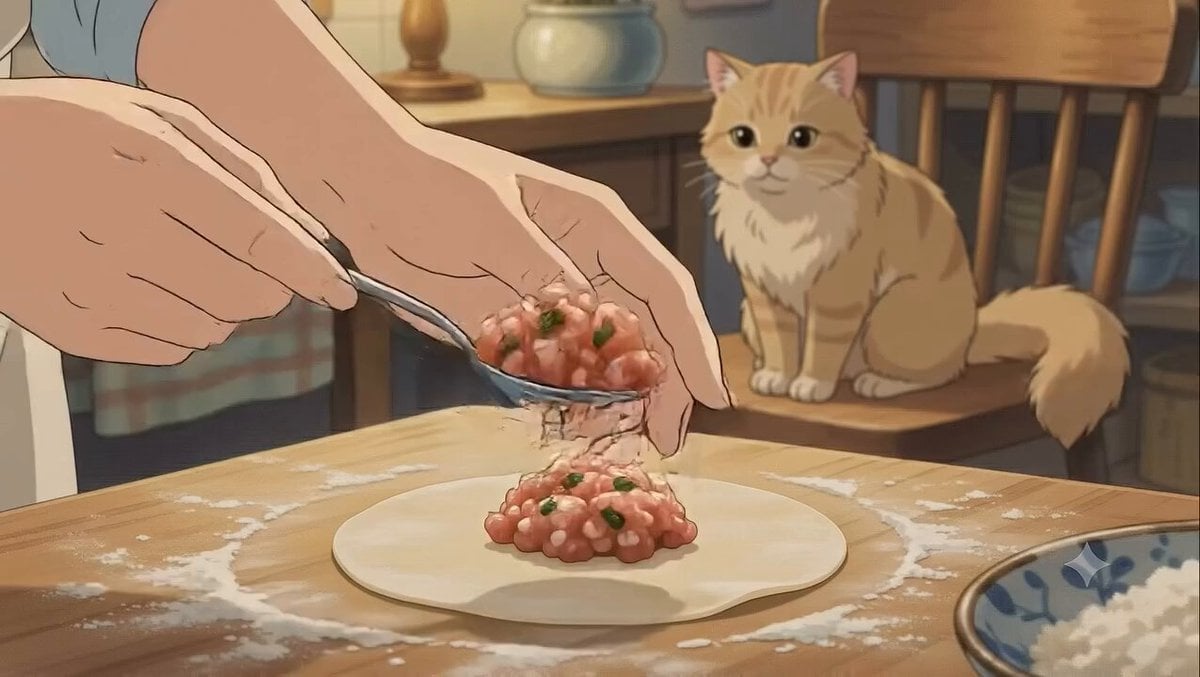
Studio Ghibli Dumpling Kitchen Cooking Scene

Studio Ghibli Style Magical Adventure
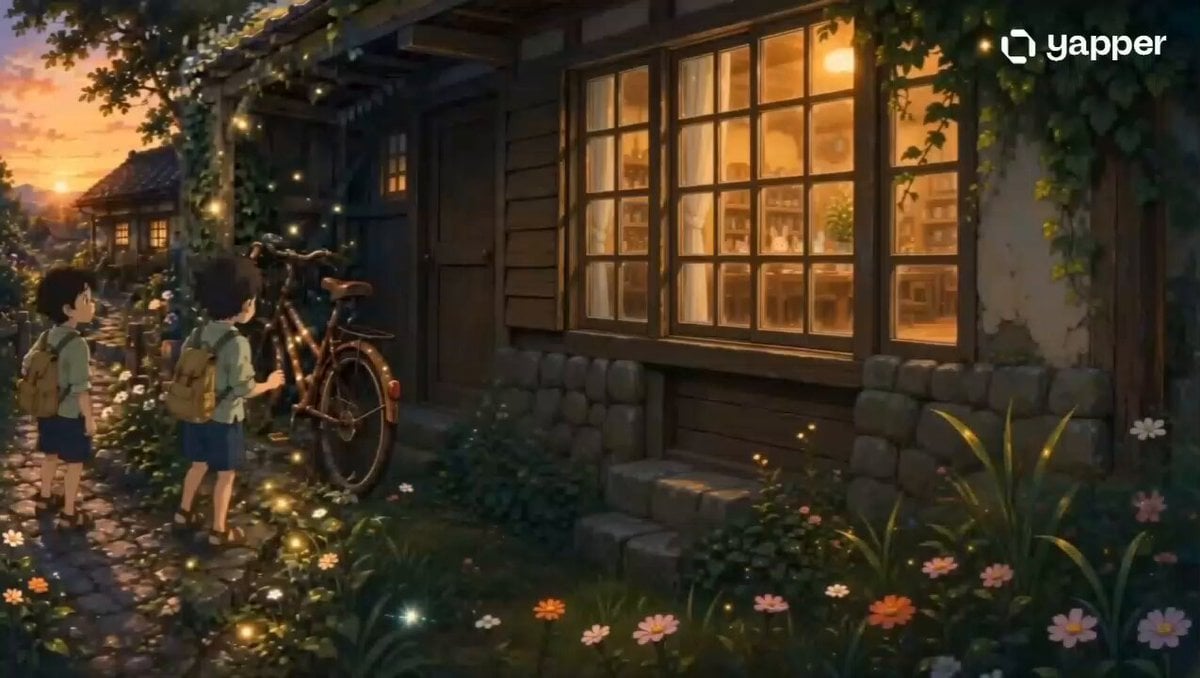
Studio Ghibli Style Magical Bicycle Journey

Studio Ghibli Rainy Village Animation

Studio Ghibli Style Animation Scene
Make it yours
Studio Ghibli Style Croissant Bakery works as-is. These are the safest ways to change it without losing the look.
Change one field
Copy a single group, rewrite it, and generate again so you can see what that field is doing.
Keep the frame, change the subject
Hold the composition and light of Studio Ghibli Style Croissant Bakery, then swap wardrobe, props or the person for a new take.
| If the result… | Why | Fix |
|---|---|---|
| The result drifts from the preview | Too many fields changed at once. | Reuse Studio Ghibli Style Croissant Bakery as-is first, then change one group — subject, light, or setting. |
| The model over-stylizes the scene | The prose prompt leaves finish and camera underspecified. | Add one camera or lighting sentence and stay on Seedance 2.0. |
More Seedance 2.0 templates
Other prompts made for Seedance 2.0.

Comical Martial Arts Punch Scene

Maglev Train Action Sequence

Martial Arts Fight Sequence

Wuxia Protection and Trust Script

Vintage Korean Arcade MiniDV Vlog

Mercedes 190 SL Luxury Ad

Rainy Night Supernatural Reverse Comedy Video Script

Amazon Civilization Discovery

Futuristic South Asian City Transformation

Cozy Luxury Cafe Commercial
More video prompts
Fresh picks from across the catalog.
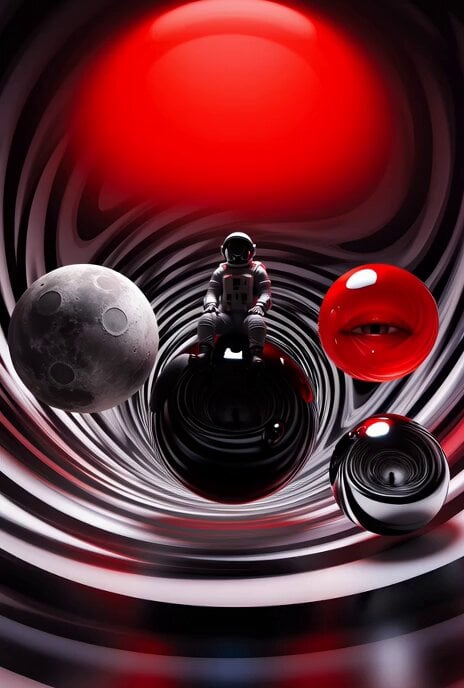
Surreal Optical Illusion Tunnel
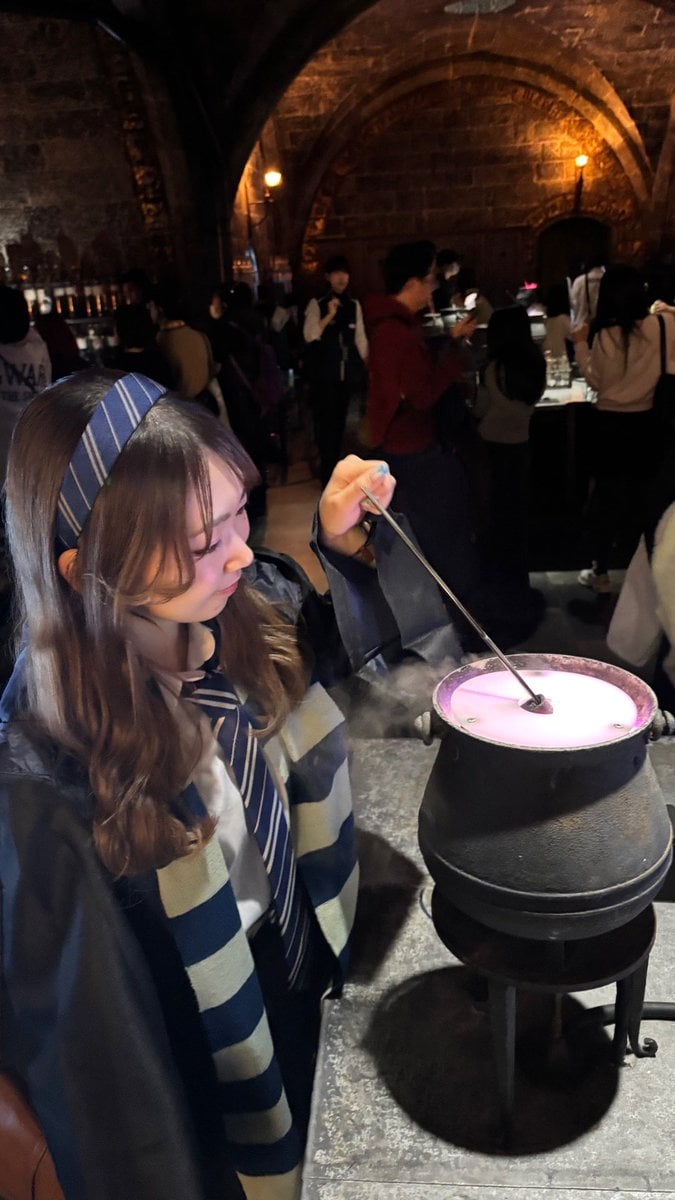
February Schedule Prompt
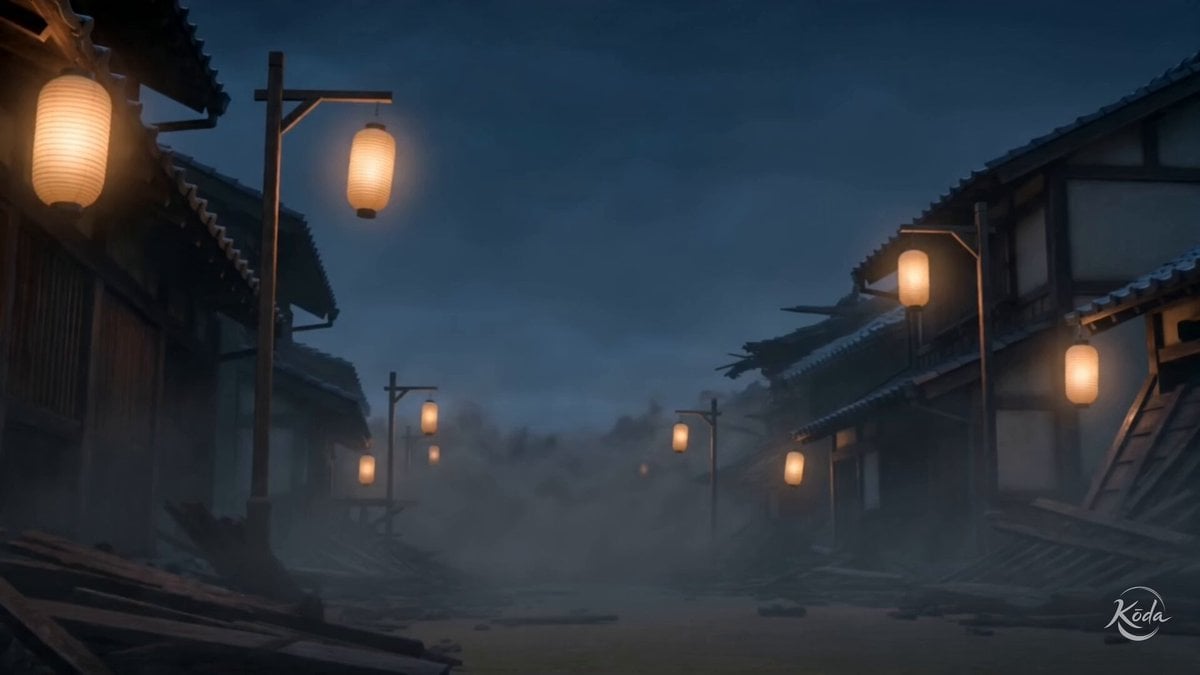
Edo Street Smoke Creature
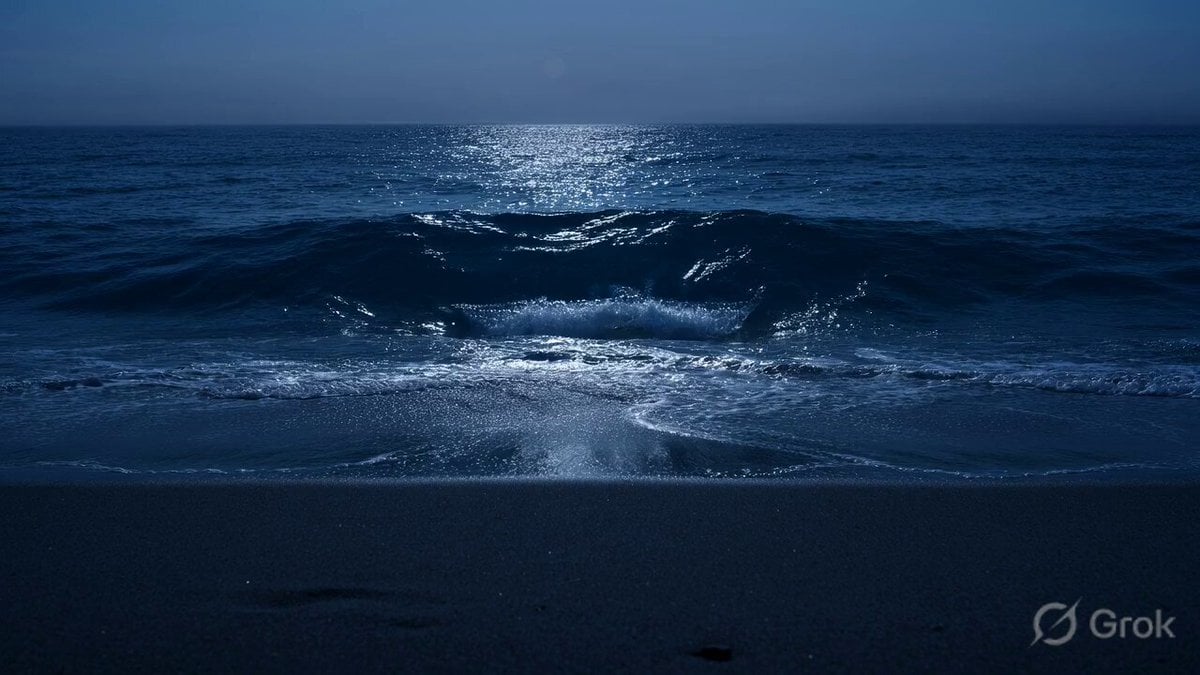
Glass Shard Beach Waves

Fresco Artwork and Crystal Tiles Video

Retro Japanese Cat Heist Animation

Cinematic Dragons in Moonlit Forest

Surreal Storyboard Transition Sequence

EDM Dance Festival Live Crowd
Grumpy Purple Dragon Video Prompt
Browse template categories
Studio Ghibli Style Croissant Bakery questions
How do I use the Studio Ghibli Style Croissant Bakery template?
Add your photo if the template asks for one, edit the prompt if you like — the template's model and format are already selected — and press Generate. Your version opens in PicX Studio.
Can I customize the Studio Ghibli Style Croissant Bakery template?
Yes. You can change the subject, setting, lighting, mood, format, and available model controls before creating your video.
Is the Studio Ghibli Style Croissant Bakery template free?
Opening and editing this template is free. Generating uses credits, shown on the Generate button when you are signed in.
Which AI model should I use?
Start with Seedance 2.0, which is the model associated with this template. You can compare another compatible model for a different finish.
Looking for something else? Browse all templates.

Your photo, any look
Thousands of ready templates for every top image and video model, from one credit balance.