
Retro Japanese Cat Heist Animation
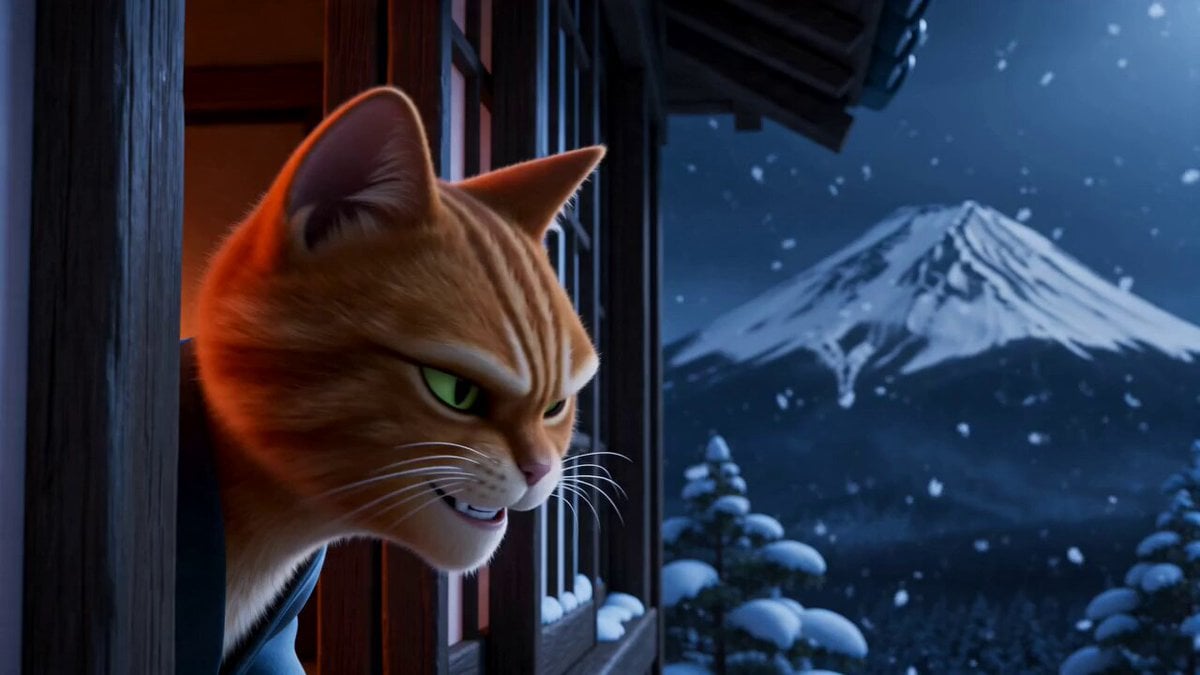
A stylized 3D animation prompt describing a comedic heist in an 18th-century Japanese setting, featuring cats and a bear in a chaotic sequence.
- Prompt included
- Model and format preset
- Free template
The prompt behind this video
Copy the exact prompt behind Retro Japanese Cat Heist Animation, or open it in the studio and make it yours.
Stylized realistic 3D animation, Shaw Brothers retro cinema aesthetic fused with exaggerated animal characters, dramatic chiaroscuro lighting, saturated reds and deep shadows, high-detail 18th-century Japanese tatami bedroom. Snowy Mount Fuji visible through a wooden window frame, cold blue moonlight slicing into warm lantern-lit interior. Comedic heist-turned-chaos mood: theatrical tension, sudden slapstick destruction, absurd tonal shifts. Fast, rhythmic choreography with precise timing: sneak → scan → target → intrusion → mistake → panic → chaos → reveal → escape → absurd luxury payoff. No gore, no real harm. Dynamic camera: voyeuristic framing, POV sweeps, low-angle impacts, dramatic zooms, stylized slow-motion beats, split-screen reaction with debris. Ultra-smooth motion, sharp comedic timing, vintage film grain overlay, implied exaggerated foley (wood cracks, fabric swish, dramatic gasps, metallic sparkle chimes). Characters 1. Orange cat thief: slim, agile, sly expression, wearing a loose gray Taoist robe. Movements stealthy but slightly overconfident, feline precision with theatrical flair. 2. White cat: elegant, curvy silhouette, pink kimono, pale purple eyeshadow, vivid red lips. Sleeps dramatically, snores softly, then shifts to exaggerated panic and later glamorous poise. 3. Black bear: large, muscular, wearing a red dudou (belly garment), wielding a crude wooden stick. Movements heavy, explosive, wildly inaccurate but powerful. 4. Background townsfolk: gray rabbits in rough cloth garments, curious, reactive. Sequence (0:00–0:15) 0:00–0:01.1 close-up exterior: orange cat crouches outside wooden window, snow drifting. Fuji glows. Cat whispers: “Jackpot night.” Eyes narrow. 0:01.1–0:02.2 POV sweep: rapid scan across dark tatami room, shadows sliding past like brush strokes. 0:02.2–0:03.2 POV hold: white cat sleeping under blanket, soft snoring. Subtle comedic snore bubble. 0:03.2–0:04.2 POV shift: gaze lands on low table—golden beckoning cat statue gleams under lantern light, tiny sparkle pulse. 0:04.2–0:05.0 close-up: orange cat’s lower face, slow crooked grin. “Mine.” 0:05.0–0:06.2 medium: orange cat slips through window silently, lands, pads forward in exaggerated tiptoe, robe swaying. 0:06.2–0:07.0 detail: as cat kneels and reaches—his foot accidentally nudges the white cat’s blanket. Fabric shifts. Suspense beat. 0:07.0–0:07.8 snap close-up: white cat’s eyes burst open. Sharp inhale. 0:07.8–0:08.6 scream: “THIEF! HELP!!” echoing dramatically. 0:08.6–0:10.0 chaos burst: flimsy wooden door slams open. Black bear charges in yelling: “WHERE?!” swings stick wildly—smashes table edge, wall panels, lantern stand. Orange cat dodges in fluid arcs. White cat scrambles to corner, shrieking. 0:10.0–0:11.0 impact slow-motion: black bear’s stick slams directly into the golden beckoning cat statue—it explodes into flying golden shards, fr
How to use Retro Japanese Cat Heist Animation in 3 steps
- 1
Open
The prompt is already in the box next to the preview, with the template's model and format selected.
- 2…a portrait of your subject in softgolden-hour light, 85mm…
Personalize
Edit the subject and creative details for your destination.
- 3Generate
Generate
Press Generate — your video is created in PicX Studio, so you can compare it with the original and refine one variable at a time.
More like this
Templates with the same subject, style or setup. Open one to see its prompt.
2000s Retro Cat Sitcom

3D Animated Cat and Old Man - Seedance

3D Glossy Fairy Animation - Seedance 2.5
Retro Japanese Family Home Scene

Silk Road Pomegranate Folk Animation

Multilingual Creative Typography Loop

Japanese Pure Love Short Film

Kyoto Morning Selfie Vlog
90s Retro Anime Shell Tower Animation
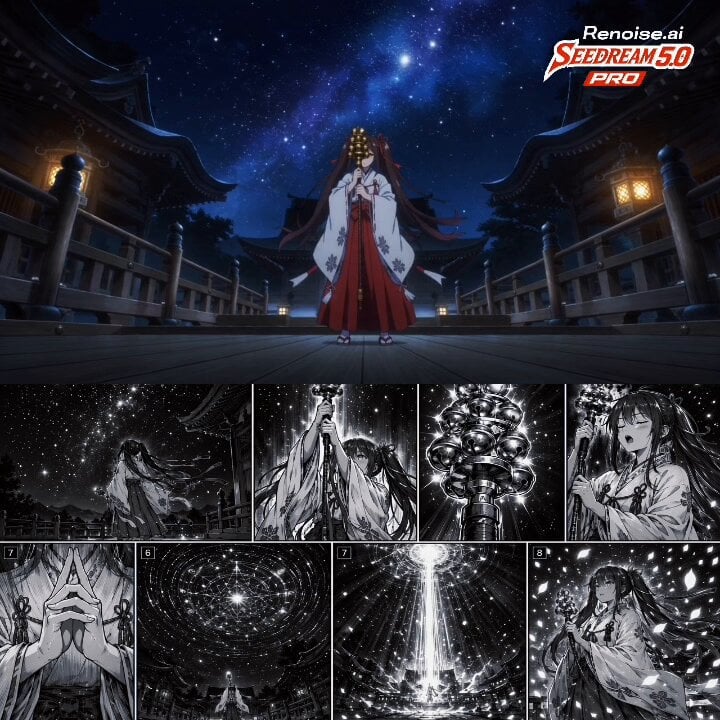
Japanese Anime Cinematic Animation

1970s Japanese Diet Session Animation
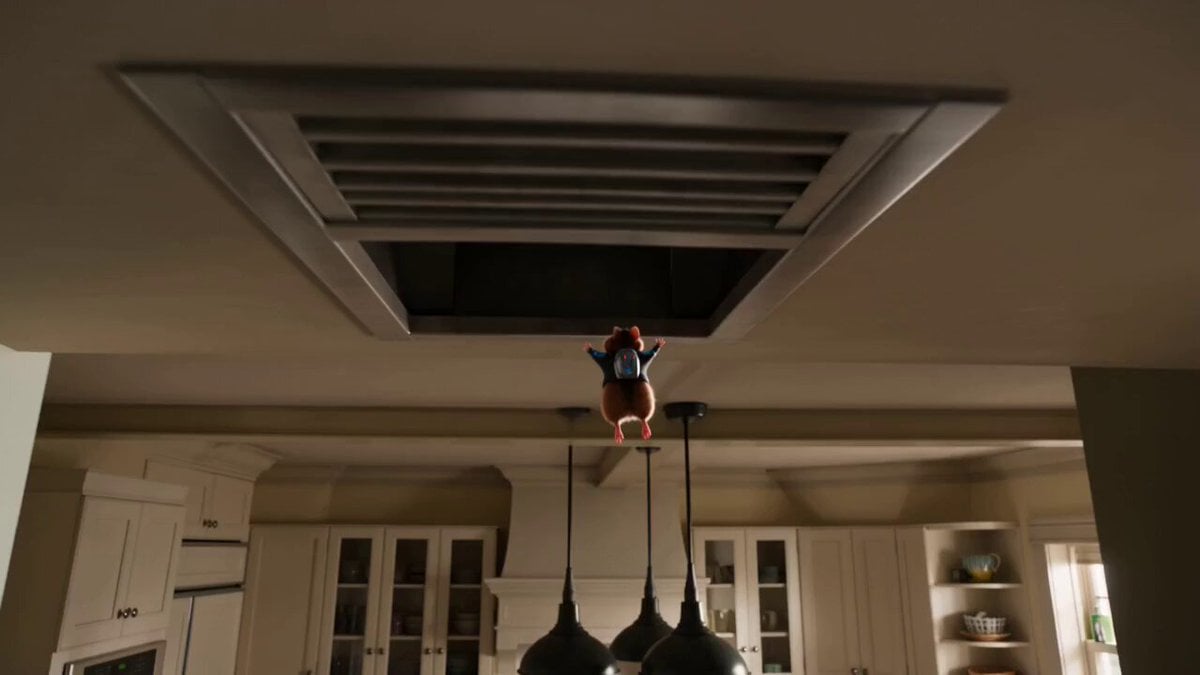
The Great Cookie Heist: Hamster Animation
Make it yours
Retro Japanese Cat Heist Animation works as-is. These are the safest ways to change it without losing the look.
Change one field
Copy a single group, rewrite it, and generate again so you can see what that field is doing.
Keep the frame, change the subject
Hold the composition and light of Retro Japanese Cat Heist Animation, then swap wardrobe, props or the person for a new take.
| If the result… | Why | Fix |
|---|---|---|
| The result drifts from the preview | Too many fields changed at once. | Reuse Retro Japanese Cat Heist Animation as-is first, then change one group — subject, light, or setting. |
| The model over-stylizes the scene | The prose prompt leaves finish and camera underspecified. | Add one camera or lighting sentence and stay on Seedance 2.0. |
More Seedance 2.0 templates
Other prompts made for Seedance 2.0.

Comical Martial Arts Punch Scene

Maglev Train Action Sequence

Martial Arts Fight Sequence

Wuxia Protection and Trust Script

Vintage Korean Arcade MiniDV Vlog

Mercedes 190 SL Luxury Ad

Rainy Night Supernatural Reverse Comedy Video Script

Amazon Civilization Discovery

Futuristic South Asian City Transformation

Cozy Luxury Cafe Commercial
More video prompts
Fresh picks from across the catalog.
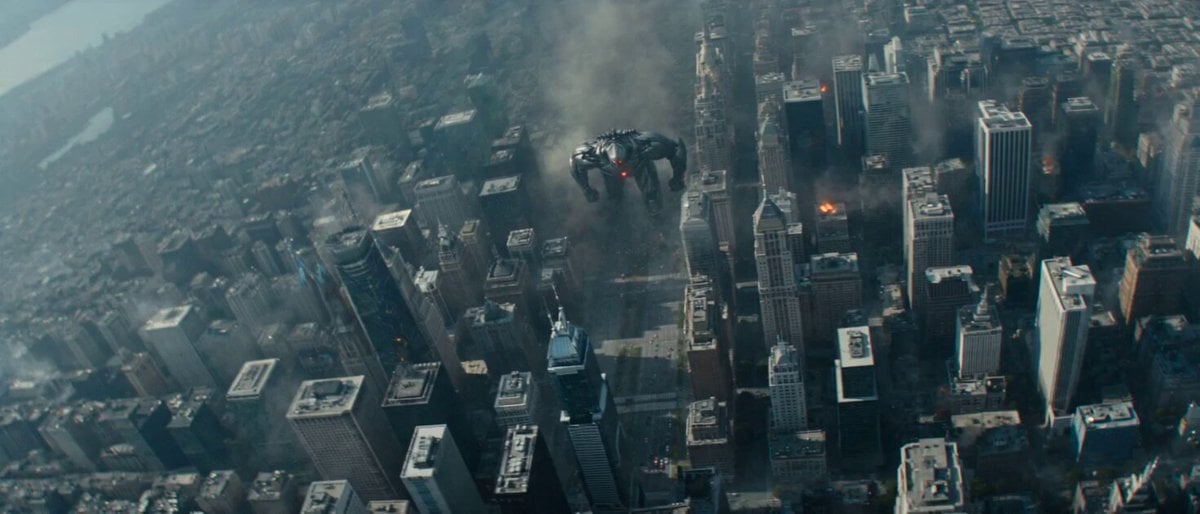
Biomechanical Creature Urban Rampage

Arctic Aurora Cinematic Landscape
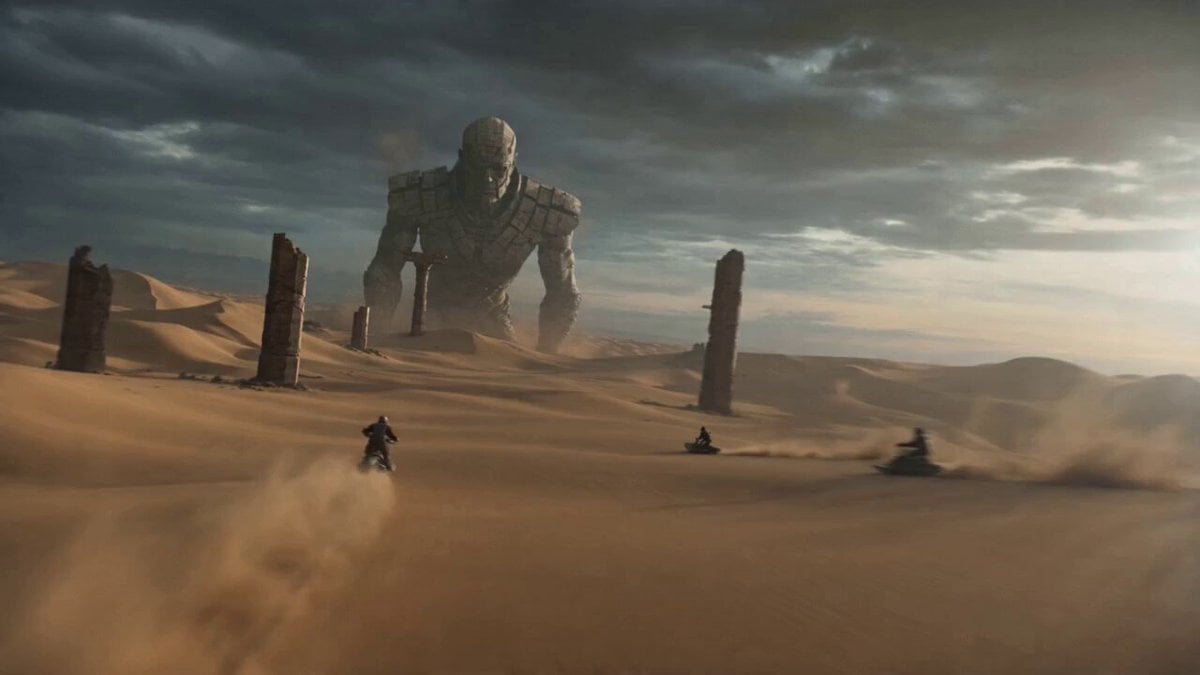
Stone Giant Desert Crossing
Storyboard Infographic Design
Alien Creature Highway Bridge Attack
Monetizationdon Time Freeze Higgsfield
Ghibli Inspired Starbucks Commercial
Enchanted Fabergé Easter Egg Video Prompt

Colossal Feline Titan Rising from the Ocean
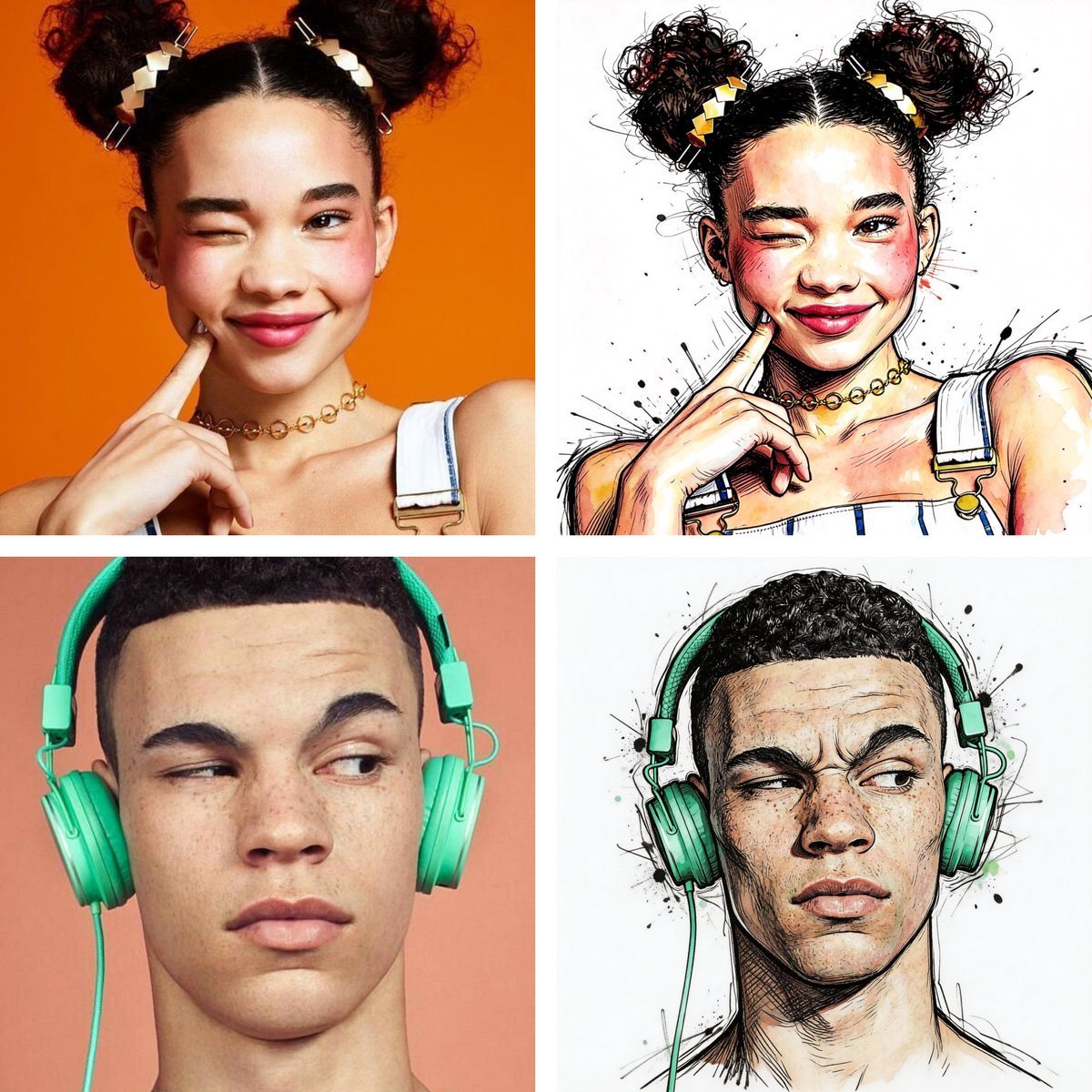
Ralph Steadman Style Illustration Prompt
Browse template categories
Retro Japanese Cat Heist Animation questions
How do I use the Retro Japanese Cat Heist Animation template?
Add your photo if the template asks for one, edit the prompt if you like — the template's model and format are already selected — and press Generate. Your version opens in PicX Studio.
Can I customize the Retro Japanese Cat Heist Animation template?
Yes. You can change the subject, setting, lighting, mood, format, and available model controls before creating your video.
Is the Retro Japanese Cat Heist Animation template free?
Opening and editing this template is free. Generating uses credits, shown on the Generate button when you are signed in.
Which AI model should I use?
Start with Seedance 2.0, which is the model associated with this template. You can compare another compatible model for a different finish.
Looking for something else? Browse all templates.

Your photo, any look
Thousands of ready templates for every top image and video model, from one credit balance.