How do I use the Colossal Feline Titan Rising from the Ocean template?
Edit the prompt in the box under the preview — the template's model and format are already selected — and press Generate. Your version appears right on this page.
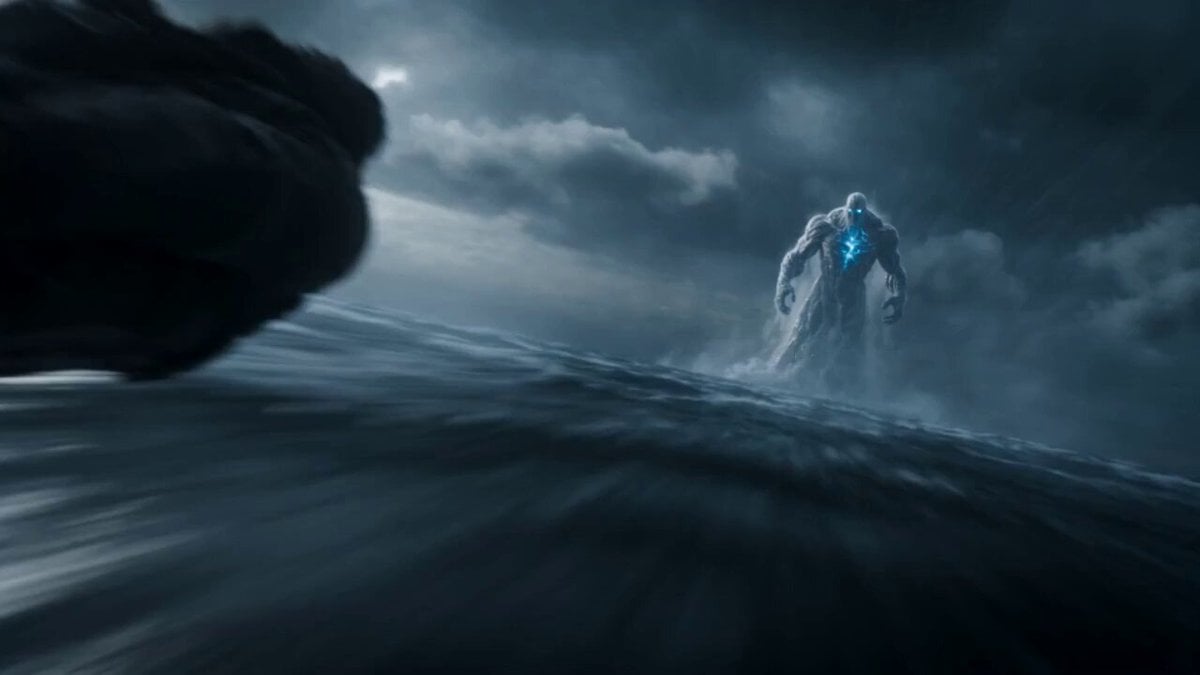
A highly detailed, epic cinematic prompt comparing Seedance 2.0 and Grok Imagine, describing a massive feline titan rising from a stormy ocean and destroying a navy fleet with an energy beam.
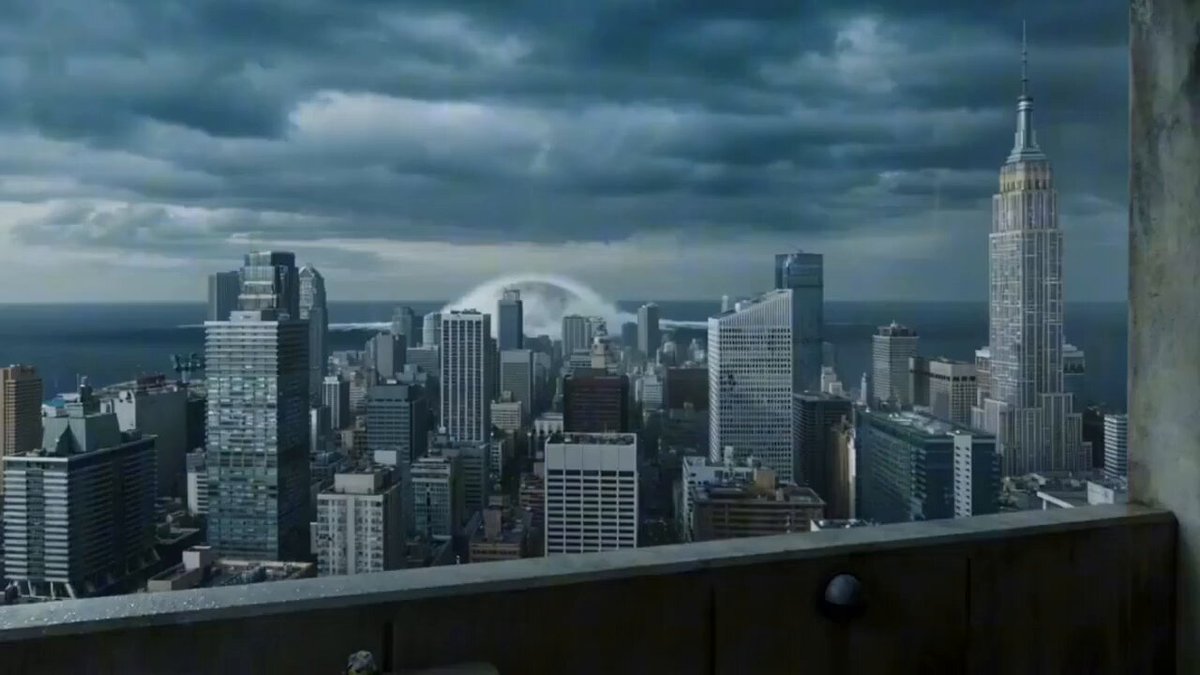
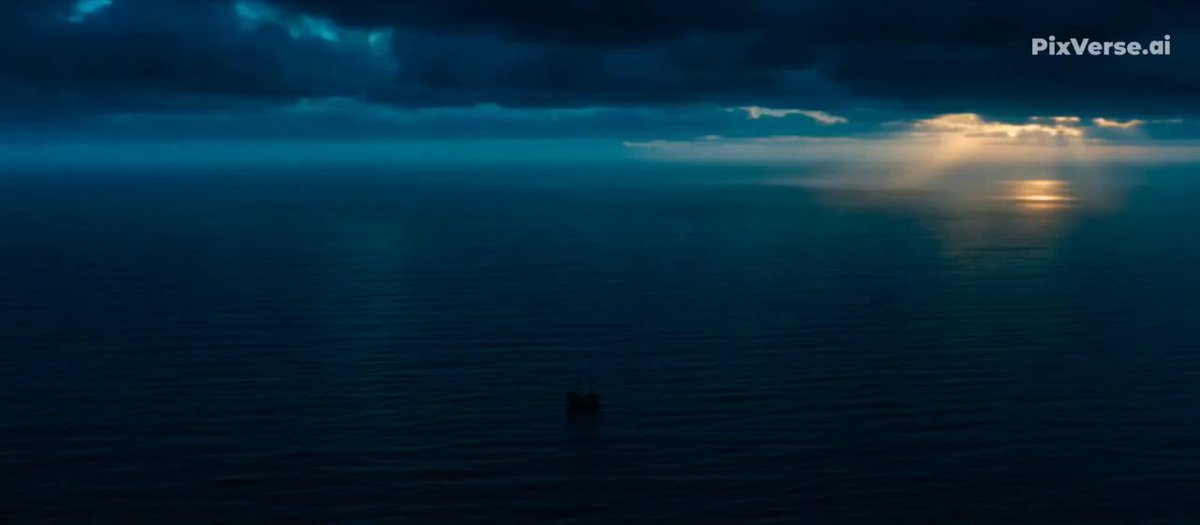
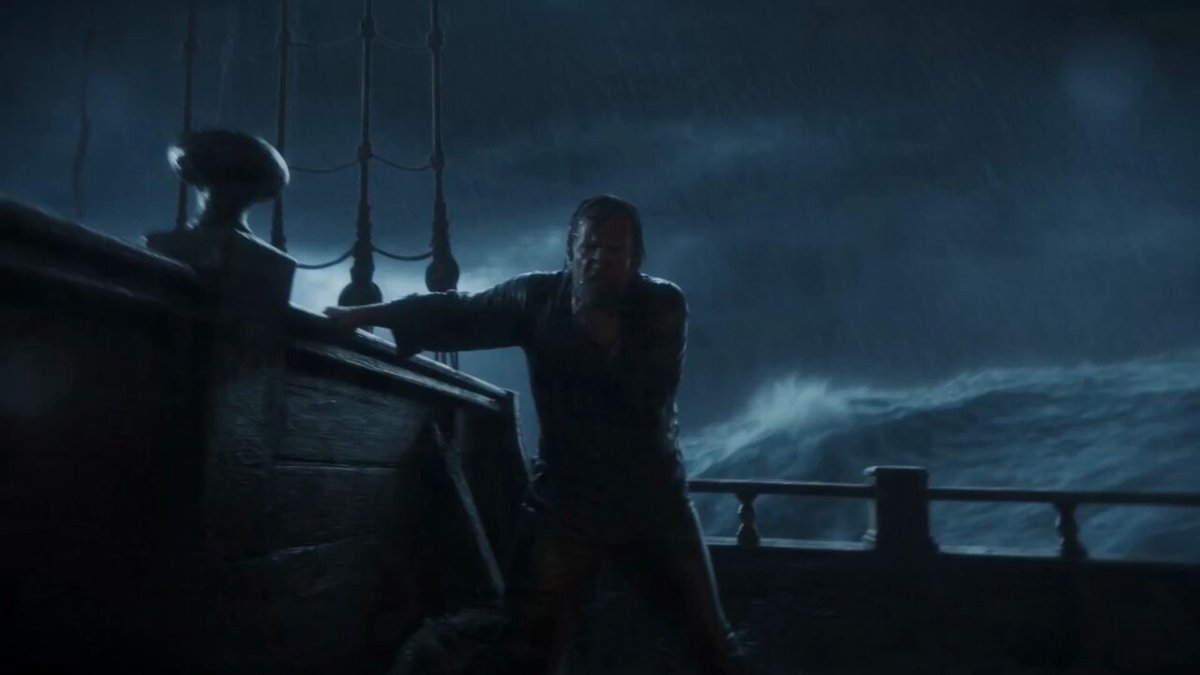
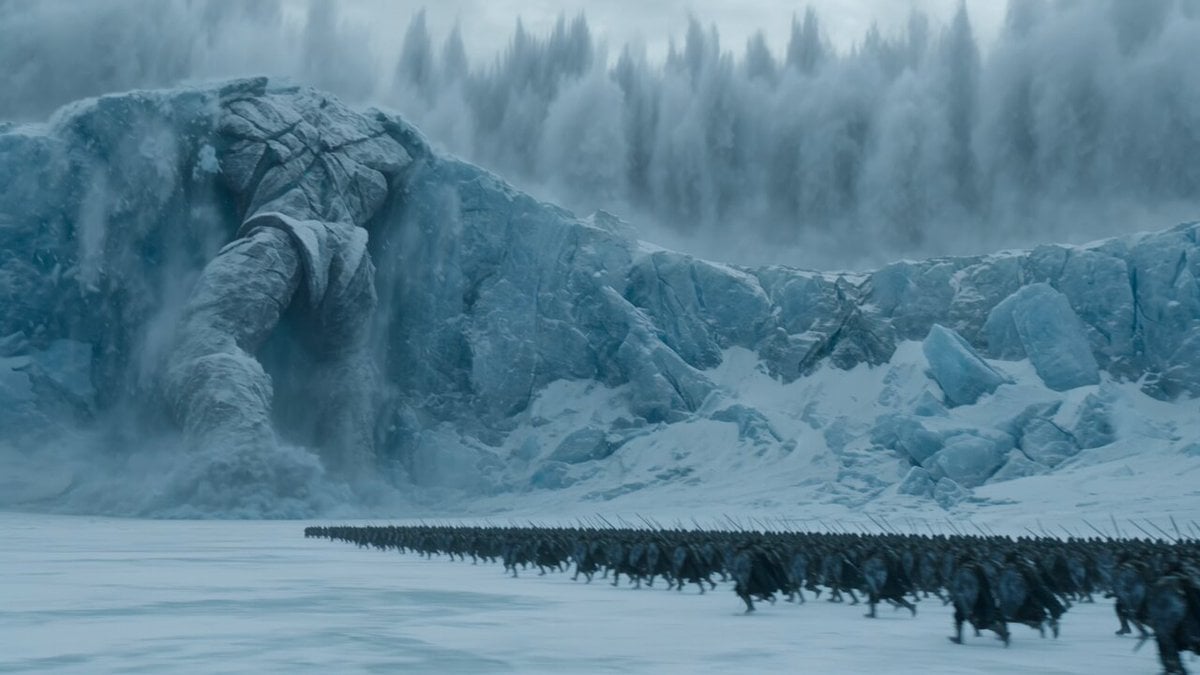
Stormy night ocean, massive waves under lightning flashes. The sea churns violently as a colossal feline titan rises from the depths, water cascading off its fur in slow motion. Low-angle cinematic shot, glowing eyes piercing rain and fog. Navy warships surround it, firing missiles and cannons, explosions lighting the clouds. The giant cat roars, shockwaves rippling across the water. It swipes a destroyer aside, metal bending, sparks flying. Its dorsal fur begins glowing electric blue, energy pulsing from tail to head. Close-up as bright blue light builds inside its mouth. The storm falls silent. Suddenly, a concentrated blue energy beam blasts forward, cutting across the fleet. Ships erupt in fireballs, steam rising as ocean water vaporizes. Wide aerial shot of destruction glowing blue across dark waves. Hyper-realistic, volumetric fog, cinematic lighting, IMAX scale, dramatic orchestral mood, 4K detail.
Stormy night ocean, massive waves under lightning flashes. The sea churns violently as a colossal feline titan rises from the depths, water cascading off its fur in slow motion. Low-angle cinematic shot, glowing eyes piercing rain and fog. Navy warships surround it, firing missiles and cannons, explosions lighting the clouds. The giant cat roars, shockwaves rippling across the water. It swipes a destroyer aside, metal bending, sparks flying. Its dorsal fur begins glowing electric blue, energy pulsing from tail to head. Close-up as bright blue light builds inside its mouth. The storm falls silent. Suddenly, a concentrated blue energy beam blasts forward, cutting across the fleet. Ships erupt in fireballs, steam rising as ocean water vaporizes. Wide aerial shot of destruction glowing blue across dark waves. Hyper-realistic, volumetric fog, cinematic lighting, IMAX scale, dramatic orchestral mood, 4K detail.
Edit the prompt in the box under the preview — the template's model and format are already selected — and press Generate. Your version appears right on this page.
Yes. You can change the subject, setting, lighting, mood, format, and available model controls before creating your video.
Opening and editing this template is free. Generating uses credits, shown on the Generate button when you are signed in.
Start with Seedance 2.0, which is the model associated with this template. You can compare another compatible model for a different finish.
Follow a topic to a crawlable collection of related PicX Studio templates.