How do I use the Storyboard Infographic Design template?
Edit the prompt in the box under the preview — the template's model and format are already selected — and press Generate. Your version appears right on this page.
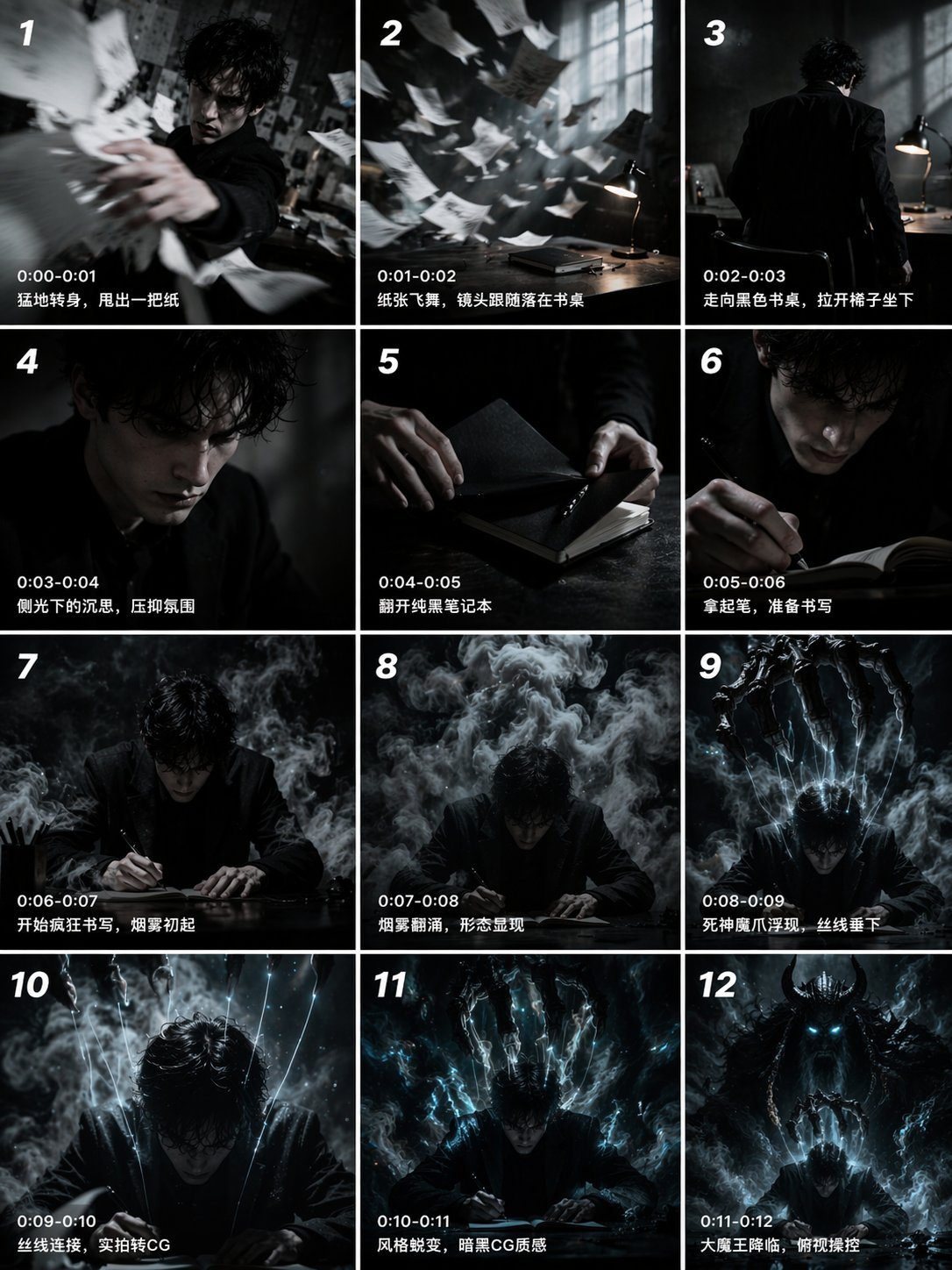
A layout for a product ASMR unboxing storyboard including specific panel details and styling specifications.
Create a clean, premium storyboard infographic for a product ASMR unboxing video. Design specifications: White background with a modern, minimalist layout. Title at the top: STORYBOARD Product name in bold green (replace with: [PRODUCT NAME]) Subtitle: ASMR UNBOXING Include four information boxes below the title: Duration: 30 Seconds Style: POV Hands, ASMR Audience: 18–35 years old Audio Suggestion: Soft ASMR • Crinkles • Tapping • Pouring Create 12 storyboard panels arranged in a 3-column × 4-row grid. Each panel should contain: A numbered green badge (1–12) Timestamp (0–2.5s, 2.5–5s, etc.) A realistic cinematic image showing the scene Handwritten white doodle text like: TA-DA! POP! WOW! PICK! CRINKLE~ TEAR! POUR~ HOT WATER STIR~ SMOOTH! BEST! Three text sections below every image: VISUAL: ACTION: DIALOGUE: Use realistic product photography, warm wooden table, soft natural lighting, shallow depth of field, POV hands only (no face visible), premium commercial advertising style. Storyboard sequence: 1 (0–2.5s) Visual: Product box on wooden table. Action: Hands enter frame and point to the box. Dialogue: "Have you tried this before?" 2 (2.5–5s) Visual: Opening the box. Action: Lift the top flap slowly. Dialogue: "Let's unbox it together." 3 (5–7.5s) Visual: Multiple individual sachets neatly arranged. Action: Fully reveal the inside. Dialogue: "Wow, look how many!" 4 (7.5–10s) Visual: Pick up one sachet. Action: Remove a single stick pack. Dialogue: "Let's start with one." 5 (10–12.5s) Visual: Close-up of sachet. Action: Hold and gently crinkle it. Dialogue: "That crinkle sound is satisfying." 6 (12.5–15s) Visual: Tear open the top. Action: Slow ASMR tearing. Dialogue: "Just a small tear." 7 (15–17.5s) Visual: Powder visible inside. Action: Show the powder close-up. Dialogue: "Looks delicious." 8 (17.5–20s) Visual: Pour powder into mug. Action: Slow pouring. Dialogue: "Pour everything in." 9 (20–22.5s) Visual: Hot water being poured. Action: Steam visible. Dialogue: "Add hot water." 10 (22.5–25s) Visual: Stir drink. Action: Slow circular stirring. Dialogue: "Mix it well." 11 (25–27.5s) Visual: Finished drink. Action: Show creamy texture from above. Dialogue: "Looks smooth and creamy." 12 (27.5–30s) Visual: Product box beside finished drink with thumbs up. Action: Hand gives thumbs up. Dialogue: "Easy, delicious, and ready!" Footer: Total Duration: 30 Seconds Format: Vertical (9:16) Style: POV Hands, ASMR Unboxing Typography should resemble a professional creative agency storyboard, with clean spacing, green accents, rounded panel borders, and high-end presentation suitable for client pitches.
Create a clean, premium storyboard infographic for a product ASMR unboxing video. Design specifications: White background with a modern, minimalist layout. Title at the top: STORYBOARD Product name in bold green (replace with: [PRODUCT NAME]) Subtitle: ASMR UNBOXING Include four information boxes below the title: Duration: 30 Seconds Style: POV Hands, ASMR Audience: 18–35 years old Audio Suggestion: Soft ASMR • Crinkles • Tapping • Pouring Create 12 storyboard panels arranged in a 3-column × 4-row grid. Each panel should contain: A numbered green badge (1–12) Timestamp (0–2.5s, 2.5–5s, etc.) A realistic cinematic image showing the scene Handwritten white doodle text like: TA-DA! POP! WOW! PICK! CRINKLE~ TEAR! POUR~ HOT WATER STIR~ SMOOTH! BEST! Three text sections below every image: VISUAL: ACTION: DIALOGUE: Use realistic product photography, warm wooden table, soft natural lighting, shallow depth of field, POV hands only (no face visible), premium commercial advertising style. Storyboard sequence: 1 (0–2.5s) Visual: Product box on wooden table. Action: Hands enter frame and point to the box. Dialogue: "Have you tried this before?" 2 (2.5–5s) Visual: Opening the box. Action: Lift the top flap slowly. Dialogue: "Let's unbox it together." 3 (5–7.5s) Visual: Multiple individual sachets neatly arranged. Action: Fully reveal the inside. Dialogue: "Wow, look how many!" 4 (7.5–10s) Visual: Pick up one sachet. Action: Remove a single stick pack. Dialogue: "Let's start with one." 5 (10–12.5s) Visual: Close-up of sachet. Action: Hold and gently crinkle it. Dialogue: "That crinkle sound is satisfying." 6 (12.5–15s) Visual: Tear open the top. Action: Slow ASMR tearing. Dialogue: "Just a small tear." 7 (15–17.5s) Visual: Powder visible inside. Action: Show the powder close-up. Dialogue: "Looks delicious." 8 (17.5–20s) Visual: Pour powder into mug. Action: Slow pouring. Dialogue: "Pour everything in." 9 (20–22.5s) Visual: Hot water being poured. Action: Steam visible. Dialogue: "Add hot water." 10 (22.5–25s) Visual: Stir drink. Action: Slow circular stirring. Dialogue: "Mix it well." 11 (25–27.5s) Visual: Finished drink. Action: Show creamy texture from above. Dialogue: "Looks smooth and creamy." 12 (27.5–30s) Visual: Product box beside finished drink with thumbs up. Action: Hand gives thumbs up. Dialogue: "Easy, delicious, and ready!" Footer: Total Duration: 30 Seconds Format: Vertical (9:16) Style: POV Hands, ASMR Unboxing Typography should resemble a professional creative agency storyboard, with clean spacing, green accents, rounded panel borders, and high-end presentation suitable for client pitches.
Edit the prompt in the box under the preview — the template's model and format are already selected — and press Generate. Your version appears right on this page.
Yes. You can change the subject, setting, lighting, mood, format, and available model controls before creating your video.
Opening and editing this template is free. Generating uses credits, shown on the Generate button when you are signed in.
Start with Seedance 2.0, which is the model associated with this template. You can compare another compatible model for a different finish.
Follow a topic to a crawlable collection of related PicX Studio templates.