
Lone Sniper in Ruined Tower
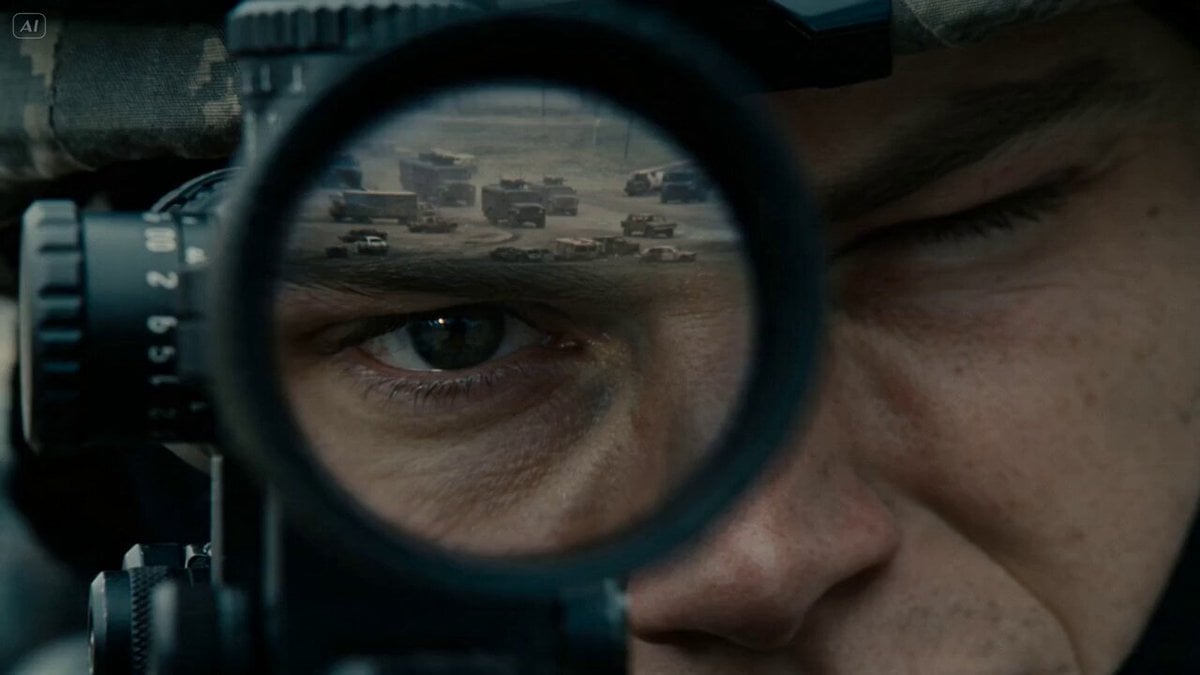
A cinematic video prompt of a sniper in a wasteland, featuring a slow push-in followed by a scope-view shot that triggers a massive explosion chain.
- Prompt included
- Model and format preset
- Premium template
The prompt behind this video
Copy the exact prompt behind Lone Sniper in Ruined Tower, or open it in the studio and make it yours.
A lone sniper hidden in a ruined tower, face calm but intense, eye locked through scope, breathing slow and controlled Tracks a convoy moving through the wasteland below, waiting for the perfect moment before firing a precise shot that triggers a massive explosion chain urban outskirts with abandoned vehicles, dust and silence broken only by distant engines Slow push-in on sniper eye reflection, transition into scope view tracking target, subtle camera shake, then sudden shot, crash zoom following bullet, explosion chain igniting, ending with the convoy completely destroyed while the sniper lowers his weapon in silence, camera pulling back into emptiness
How to use Lone Sniper in Ruined Tower in 3 steps
- 1
Open
The prompt is already in the box next to the preview, with the template's model and format selected.
- 2…a portrait of your subject in softgolden-hour light, 85mm…
Personalize
Edit the subject and creative details for your destination.
- 3Generate
Generate
Press Generate — your video is created in PicX Studio, so you can compare it with the original and refine one variable at a time.
More like this
Templates with the same subject, style or setup. Open one to see its prompt.
Skybridge Rescue — Supertall Tower Collapse (Seedance)
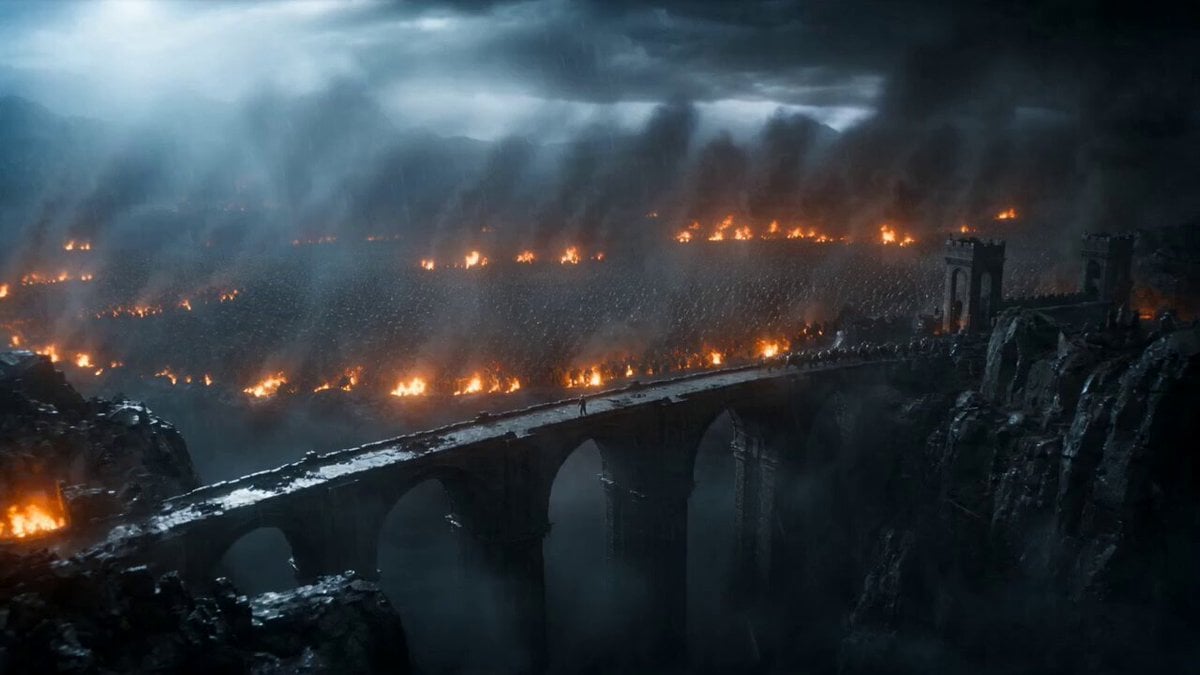
Epic Knight Battle on Ruined Bridge
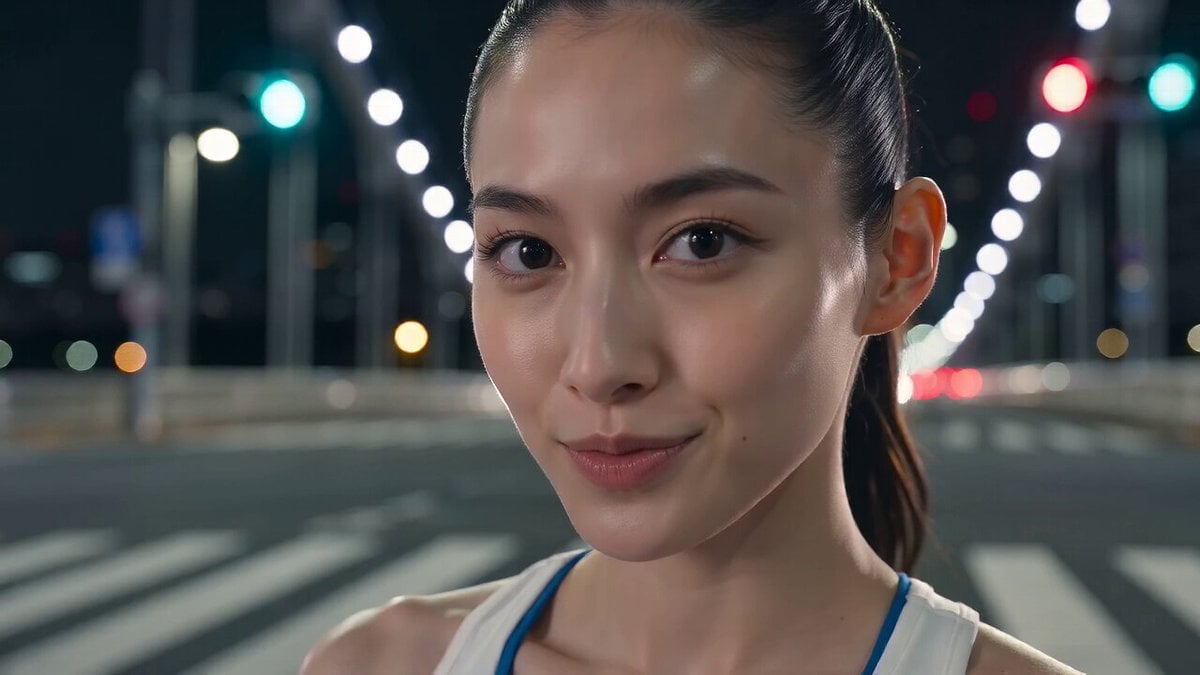
Tokyo Tower Parkour Leap
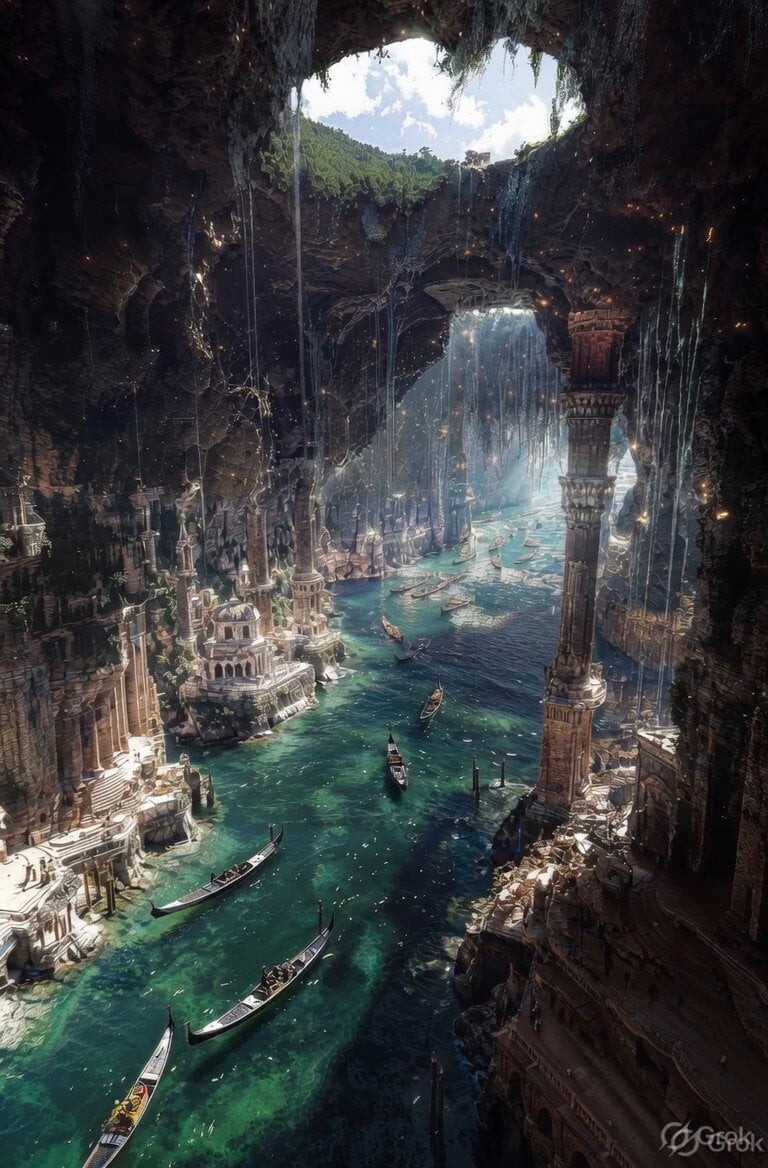
Ancient Ruined Cave City
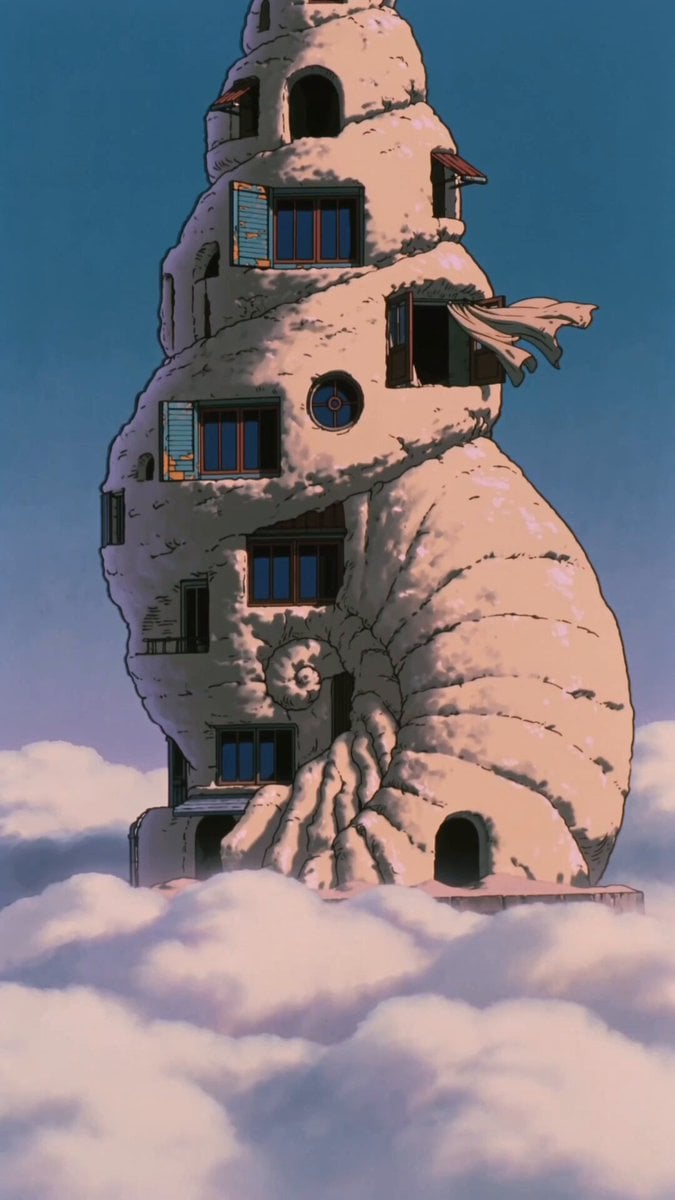
90s Retro Anime Shell Tower Animation
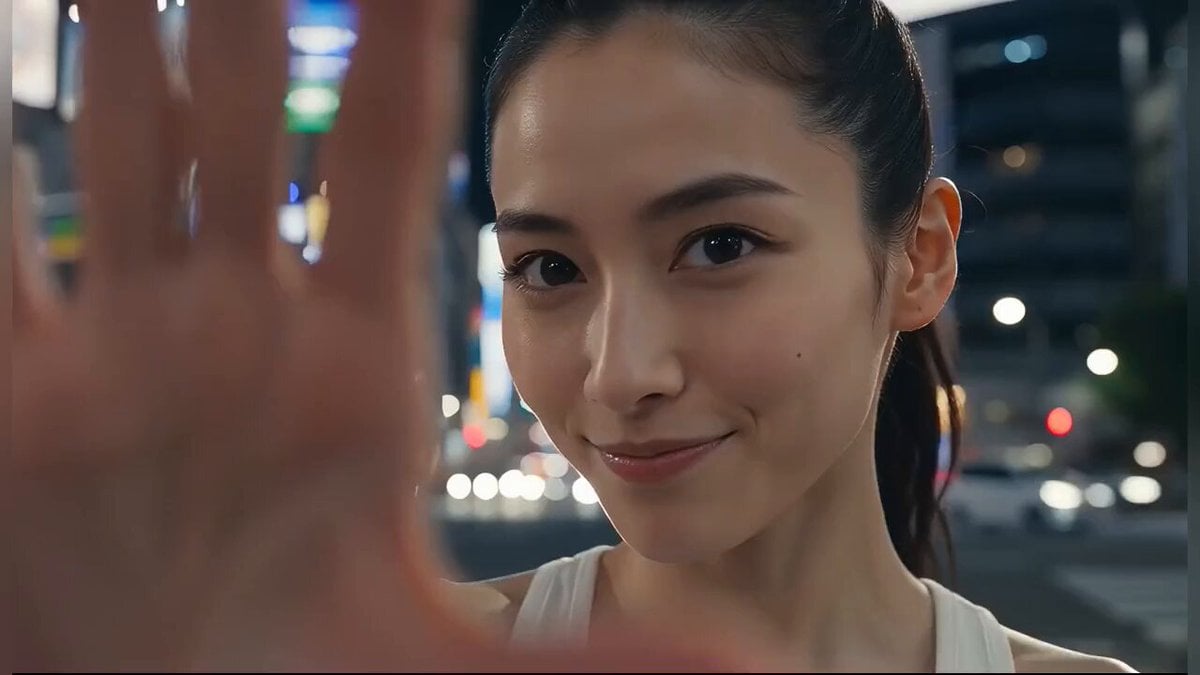
Japanese Girl Tokyo Tower Parkour Video
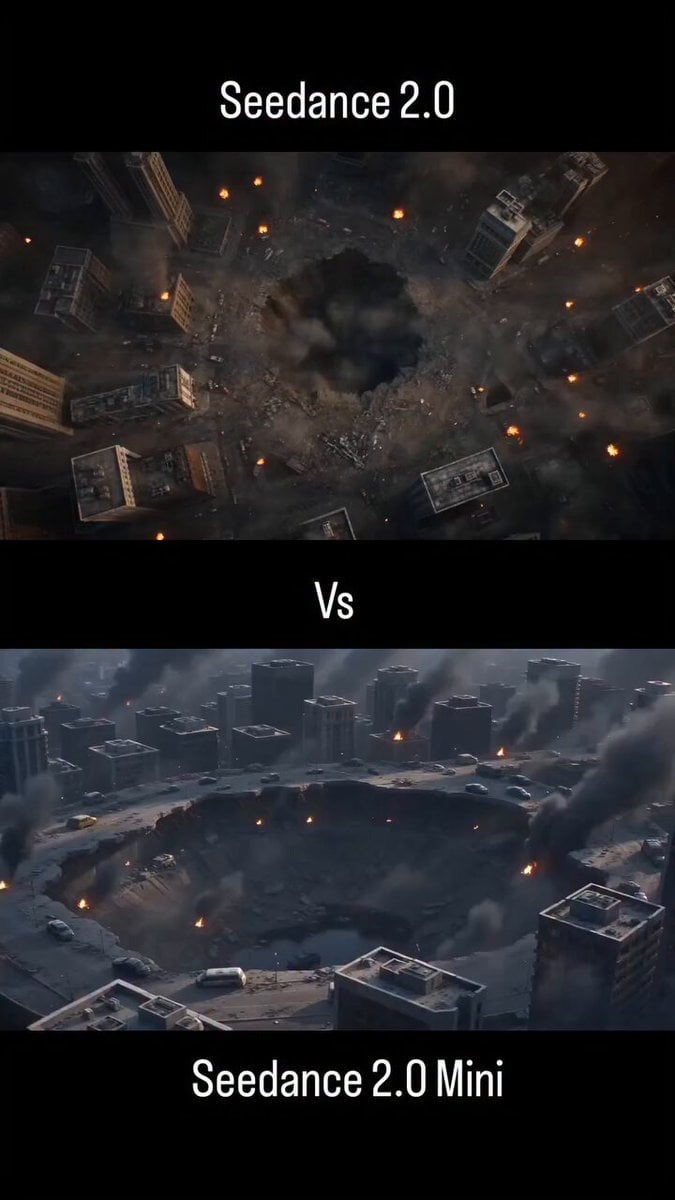
Ruined Battlefield Action Reveal

Miniature Bakery Pancake Tower
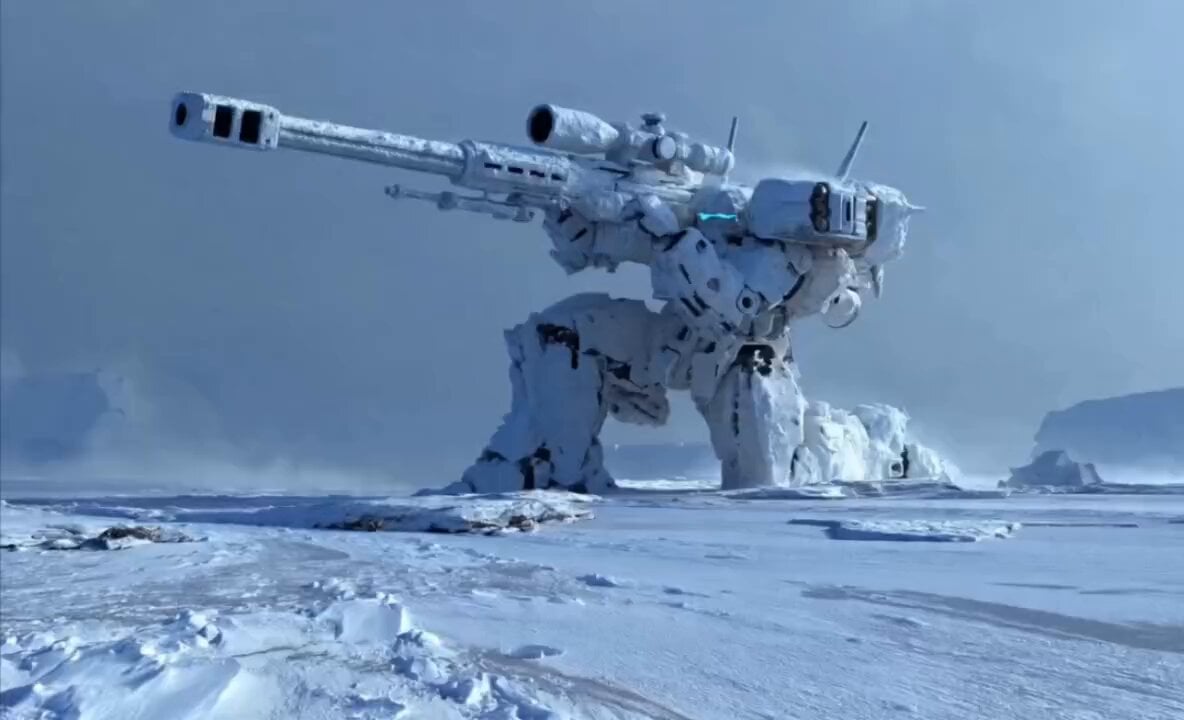
Cinematic Mecha Sniper in Arctic Tundra
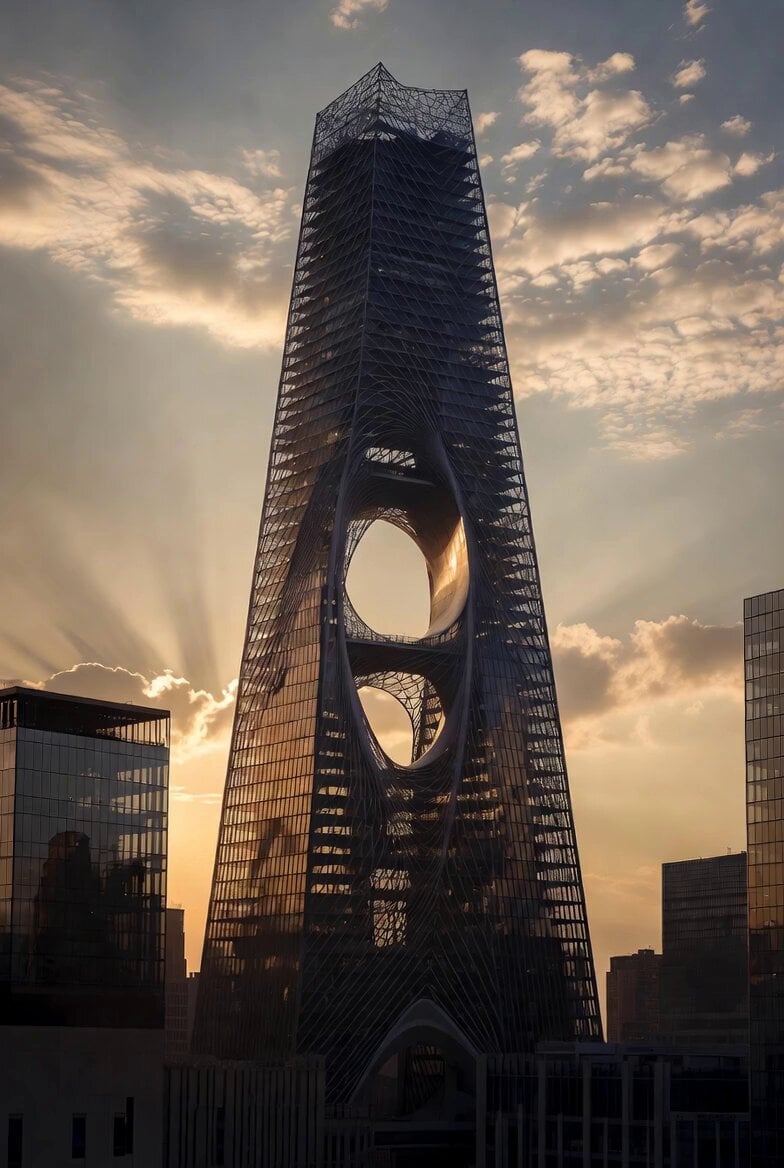
Computational Subtraction Manhattan Tower
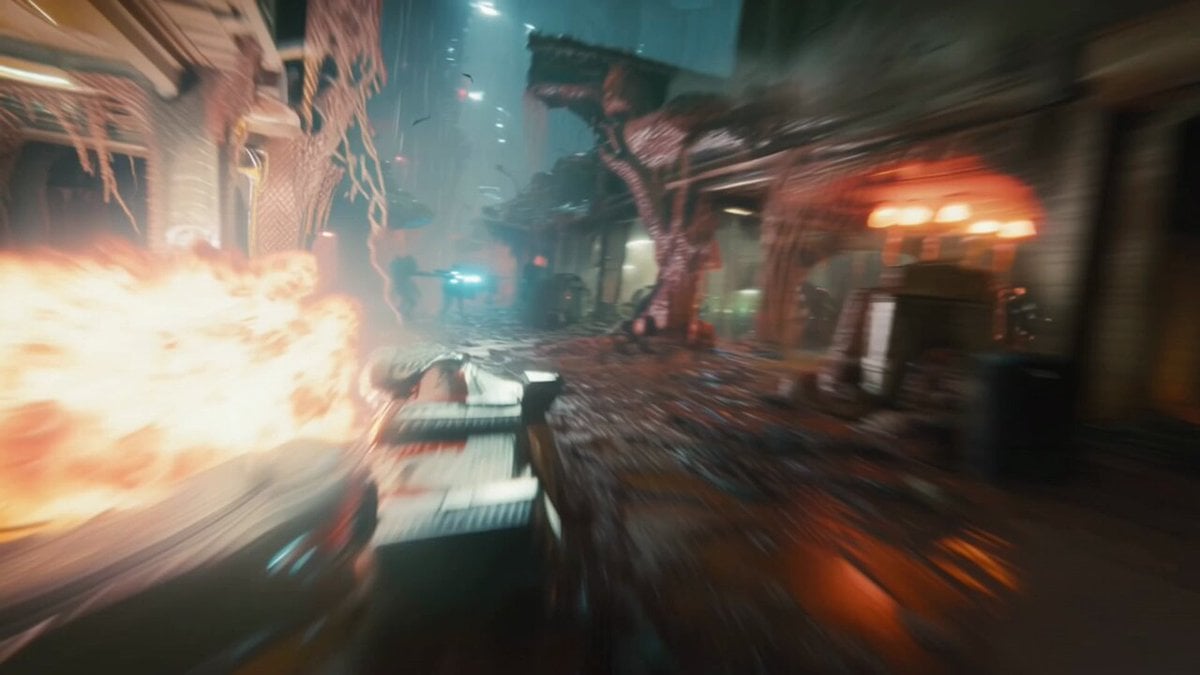
Hyperspeed FPV Through Ruined Biotech City
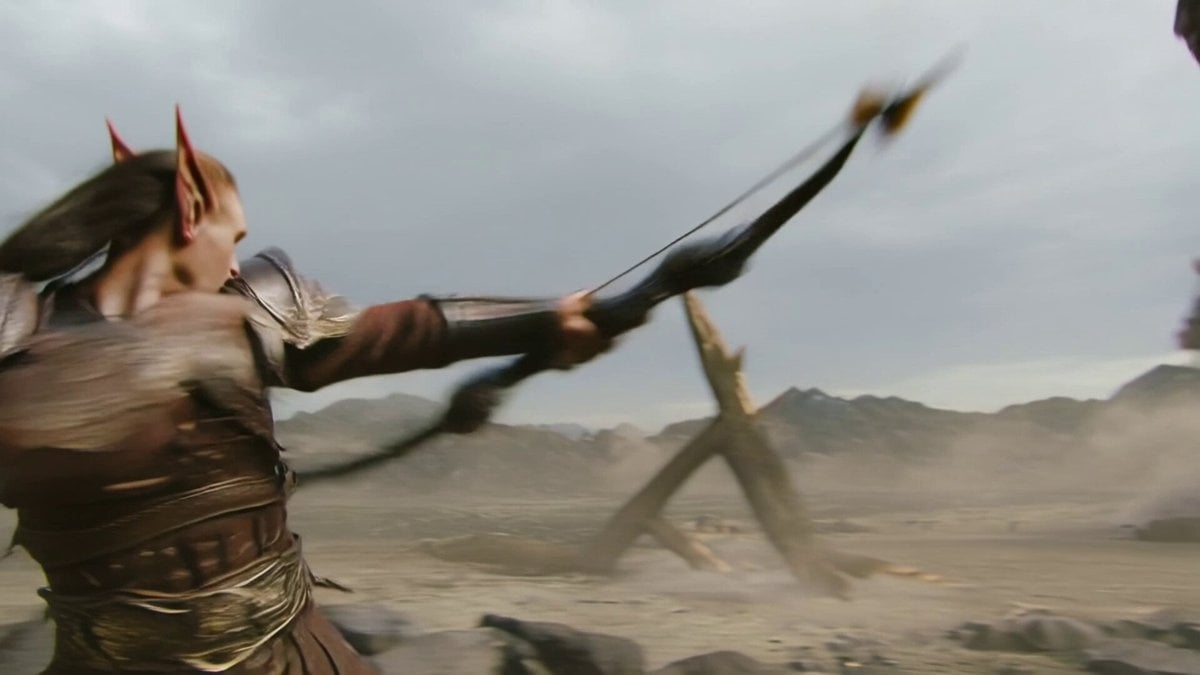
Elven Archer vs. Towering Brute Battle Scene Prompt
Make it yours
Lone Sniper in Ruined Tower works as-is. These are the safest ways to change it without losing the look.
Change one field
Copy a single group, rewrite it, and generate again so you can see what that field is doing.
Keep the frame, change the subject
Hold the composition and light of Lone Sniper in Ruined Tower, then swap wardrobe, props or the person for a new take.
| If the result… | Why | Fix |
|---|---|---|
| The result drifts from the preview | Too many fields changed at once. | Reuse Lone Sniper in Ruined Tower as-is first, then change one group — subject, light, or setting. |
| The model over-stylizes the scene | The prose prompt leaves finish and camera underspecified. | Add one camera or lighting sentence and stay on Seedance 2.0. |
More Seedance 2.0 templates
Other prompts made for Seedance 2.0.

Comical Martial Arts Punch Scene

Maglev Train Action Sequence

Martial Arts Fight Sequence

Wuxia Protection and Trust Script

Vintage Korean Arcade MiniDV Vlog

Mercedes 190 SL Luxury Ad

Rainy Night Supernatural Reverse Comedy Video Script

Amazon Civilization Discovery

Futuristic South Asian City Transformation

Cozy Luxury Cafe Commercial
More video prompts
Fresh picks from across the catalog.
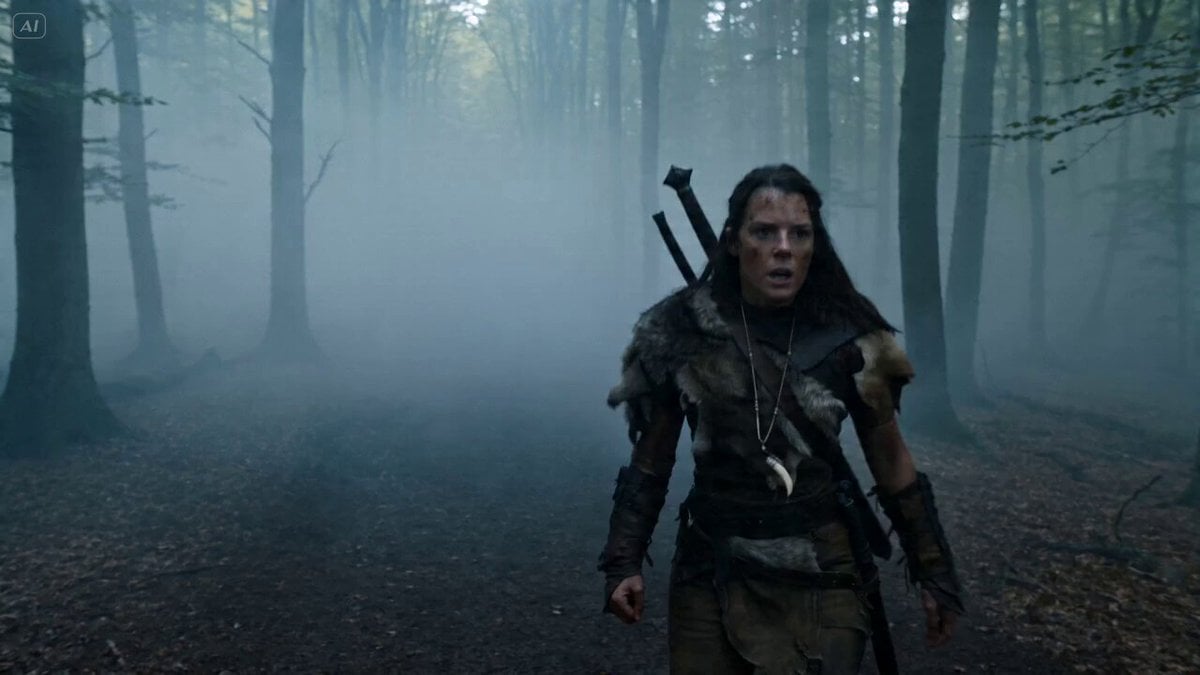
Bullet Time Selfie - Survival Warrior
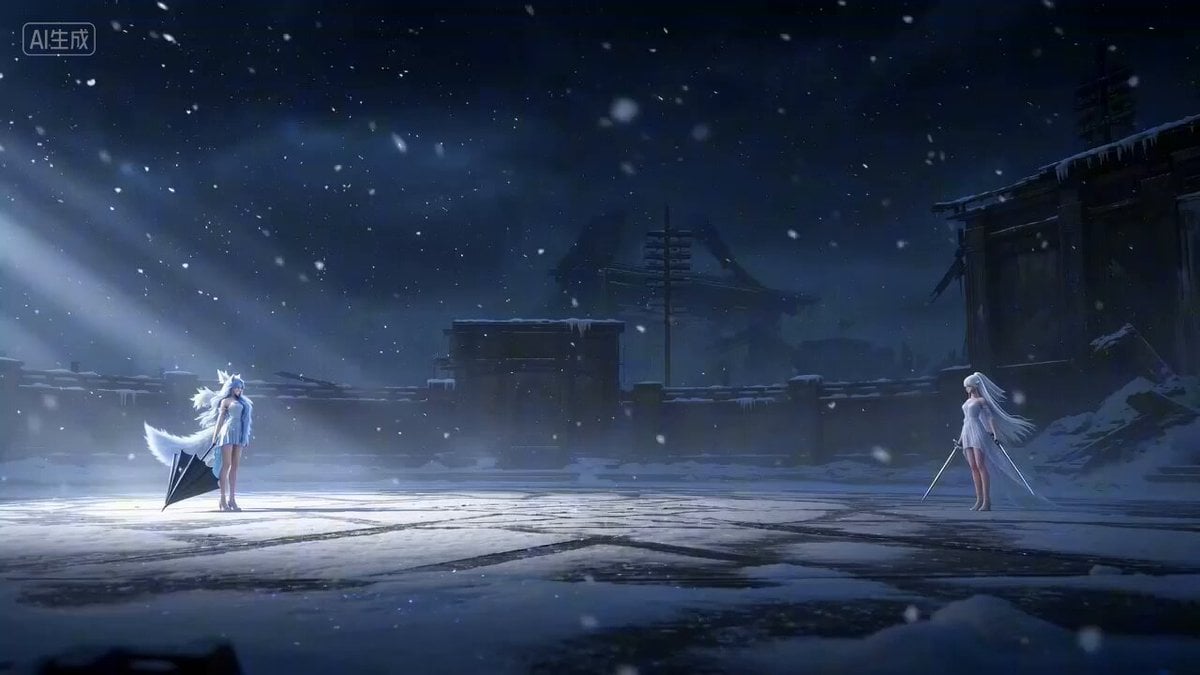
Cinematic CG Short Film of Guoman Character Duel (Seedance 2.0)
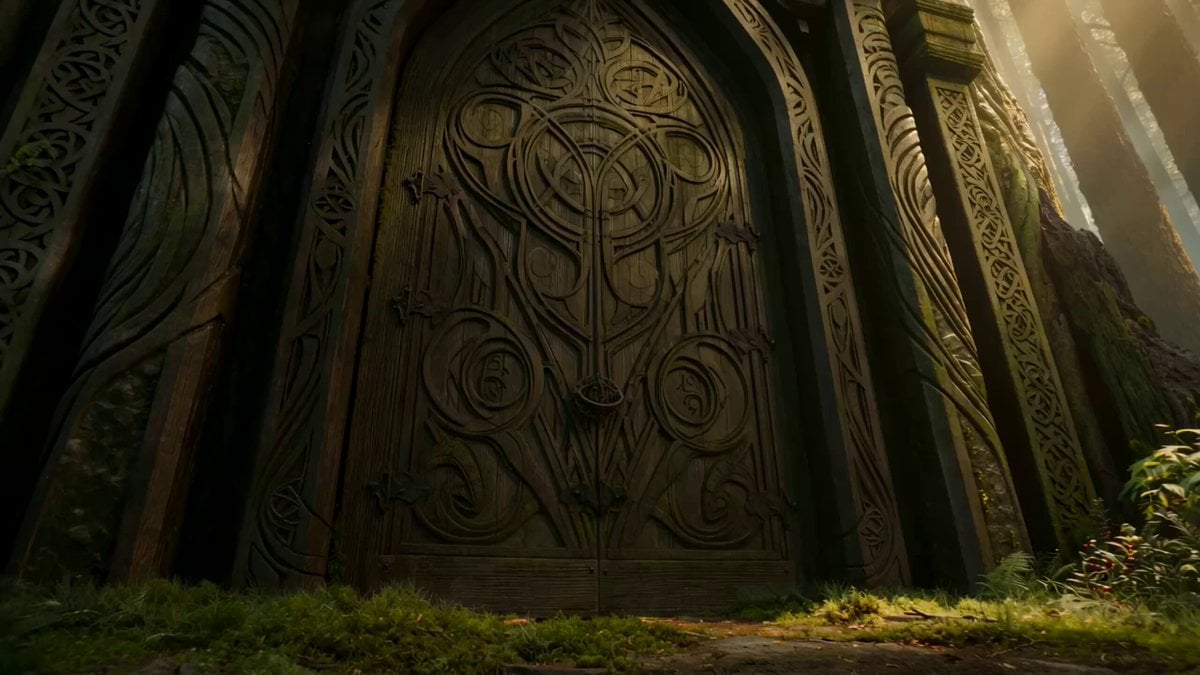
Dark Fairytale Chase-Battle Cinematic Storyboard
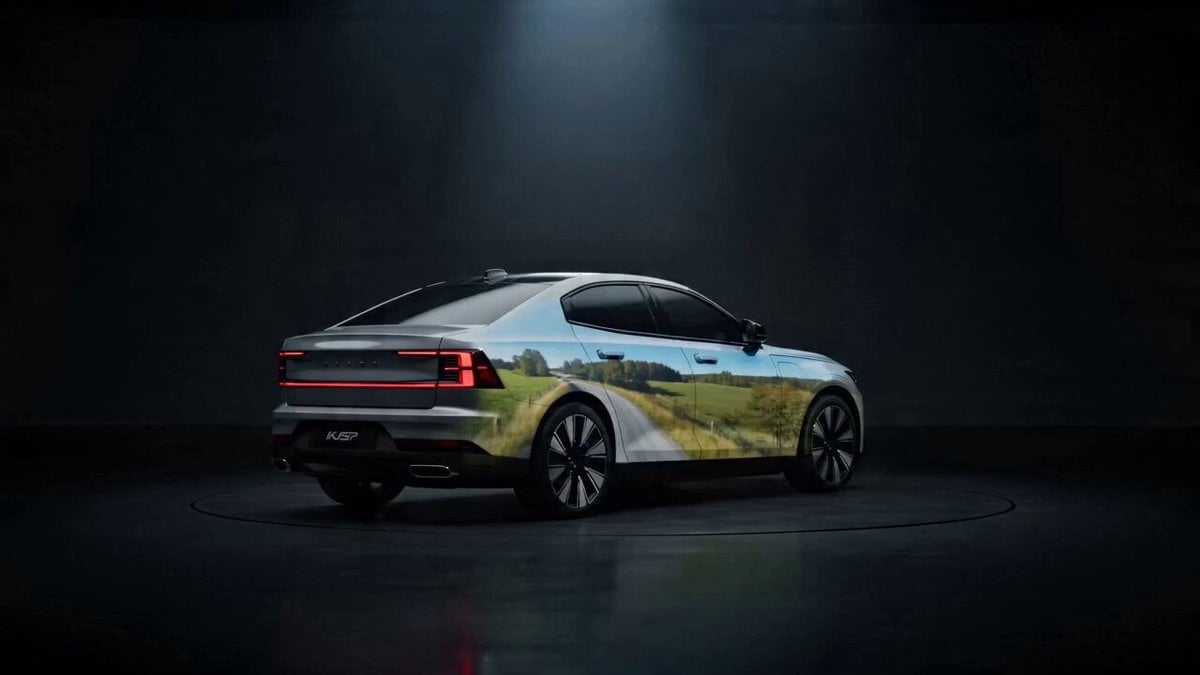
SUV Studio Projection Prompt
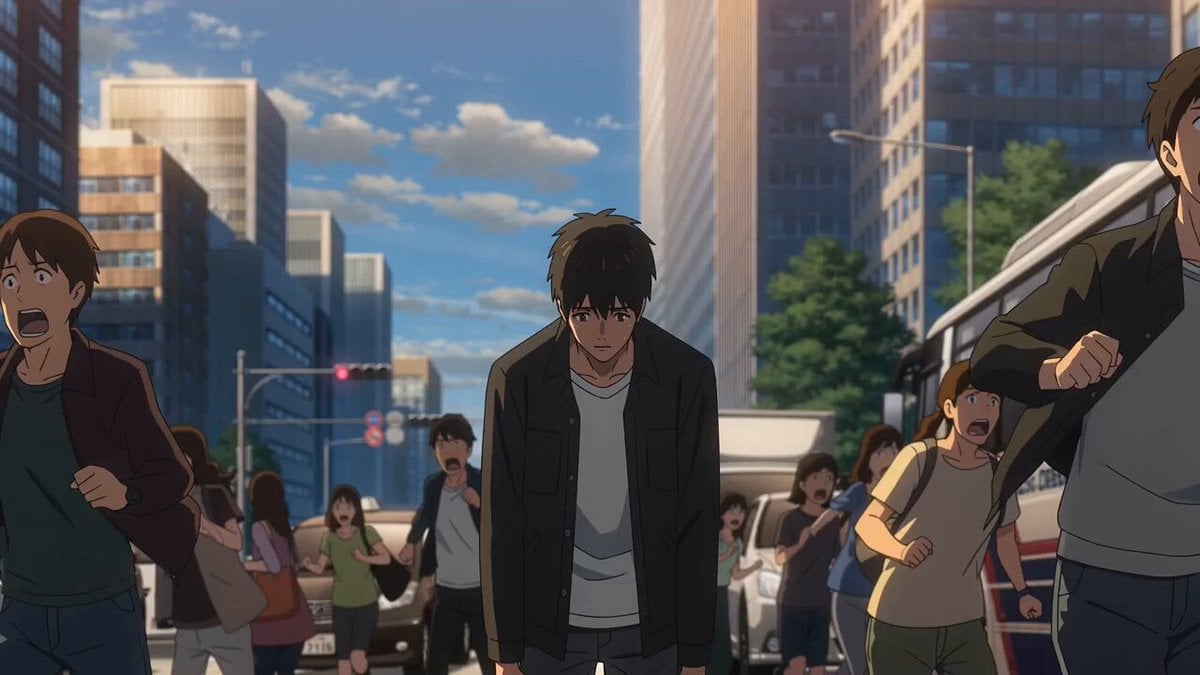
Anime Meteor Apocalypse and Rebirth
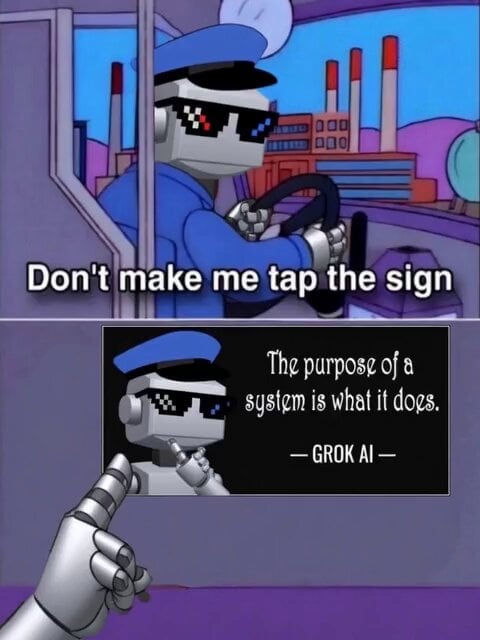
Video Prompt for Pepe Frog Grok Meme Token Robot

Cinematic Anime Kung Fu Performance

Mukbang ASMR Vlog Seedance 2.0 Prompt
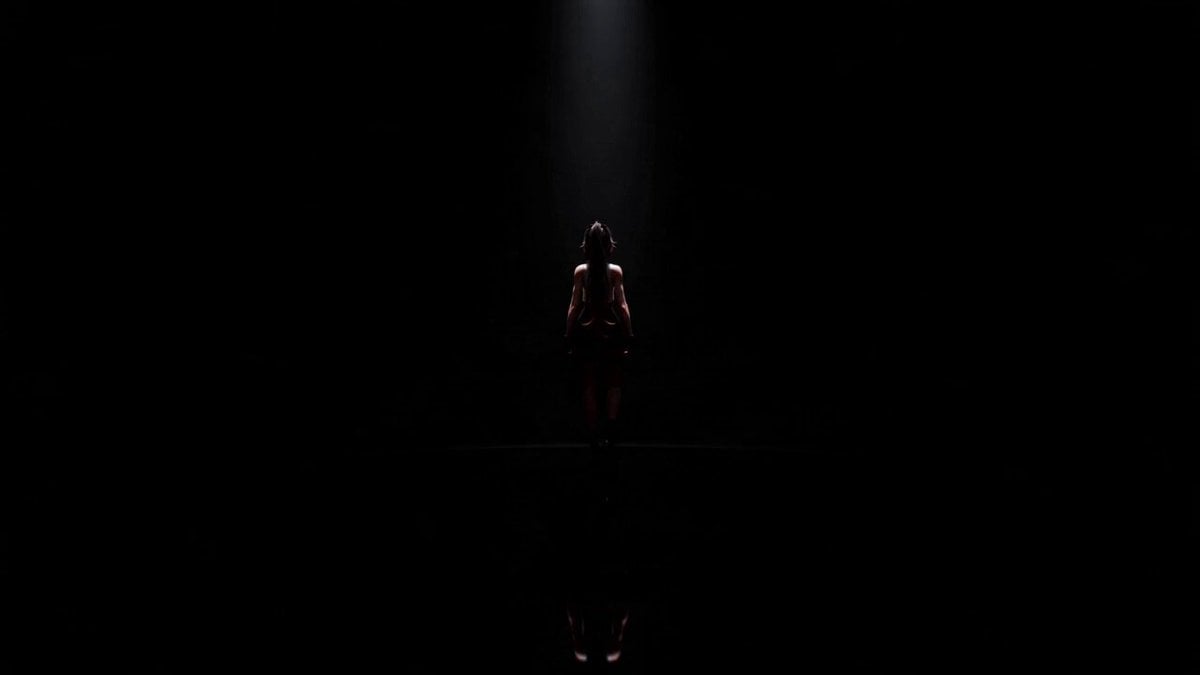
Cinematic Anime Idol Dance Routine

Human Evolution Hyper-lapse
Browse template categories
Lone Sniper in Ruined Tower questions
How do I use the Lone Sniper in Ruined Tower template?
Add your photo if the template asks for one, edit the prompt if you like — the template's model and format are already selected — and press Generate. Your version opens in PicX Studio.
Can I customize the Lone Sniper in Ruined Tower template?
Yes. You can change the subject, setting, lighting, mood, format, and available model controls before creating your video.
Is the Lone Sniper in Ruined Tower template free?
Opening and editing this template is free. Generating uses credits, shown on the Generate button when you are signed in.
Which AI model should I use?
Start with Seedance 2.0, which is the model associated with this template. You can compare another compatible model for a different finish.
Looking for something else? Browse all templates.

Your photo, any look
Thousands of ready templates for every top image and video model, from one credit balance.