How do I use the Epic Knight Battle on Ruined Bridge template?
Edit the prompt in the box under the preview — the template's model and format are already selected — and press Generate. Your version appears right on this page.
A cinematic video prompt for an epic fantasy battle scene featuring a battle-worn knight facing an army on a collapsing bridge during a thunderstorm.
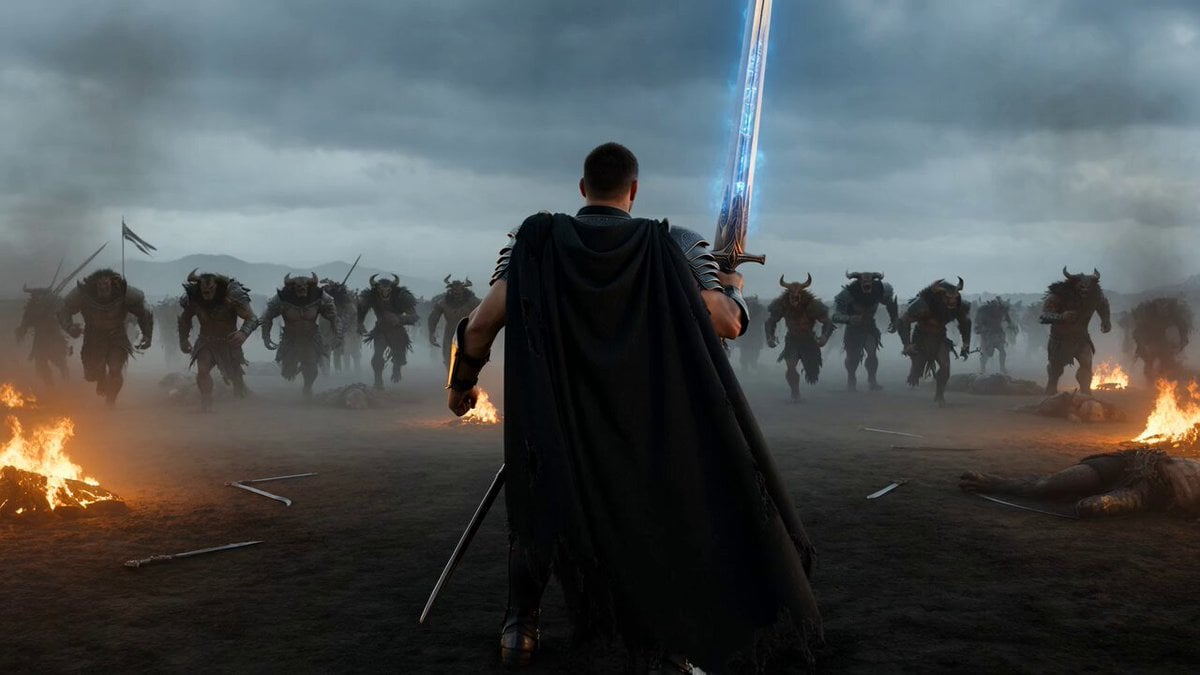
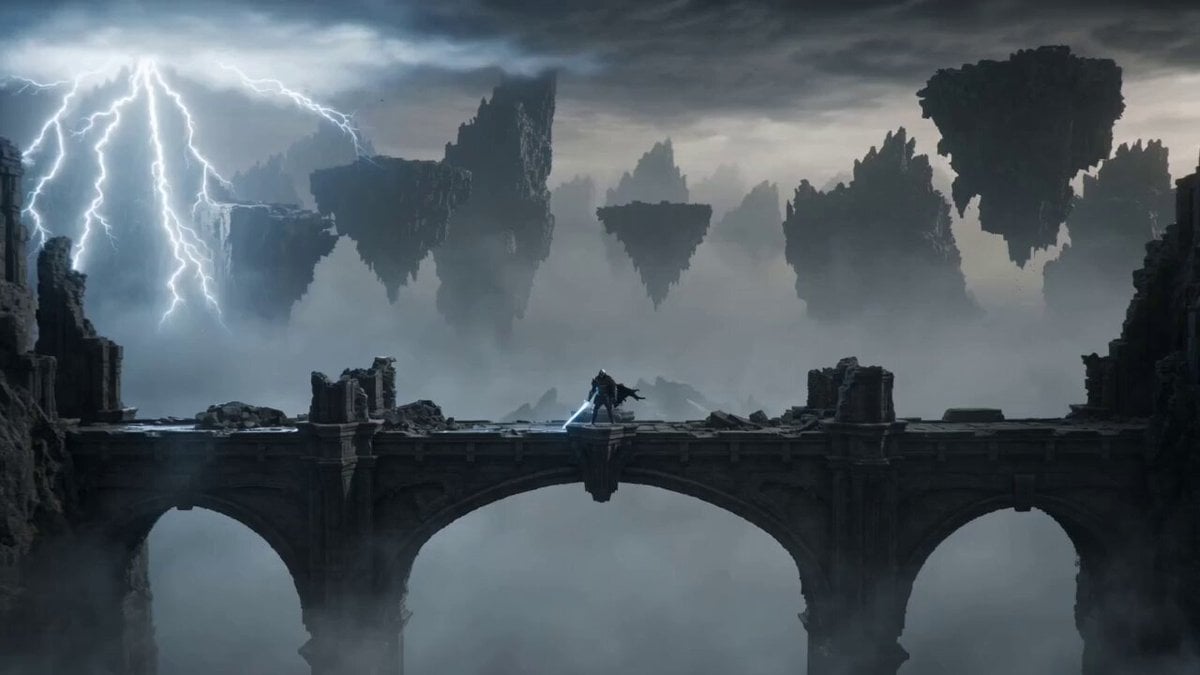
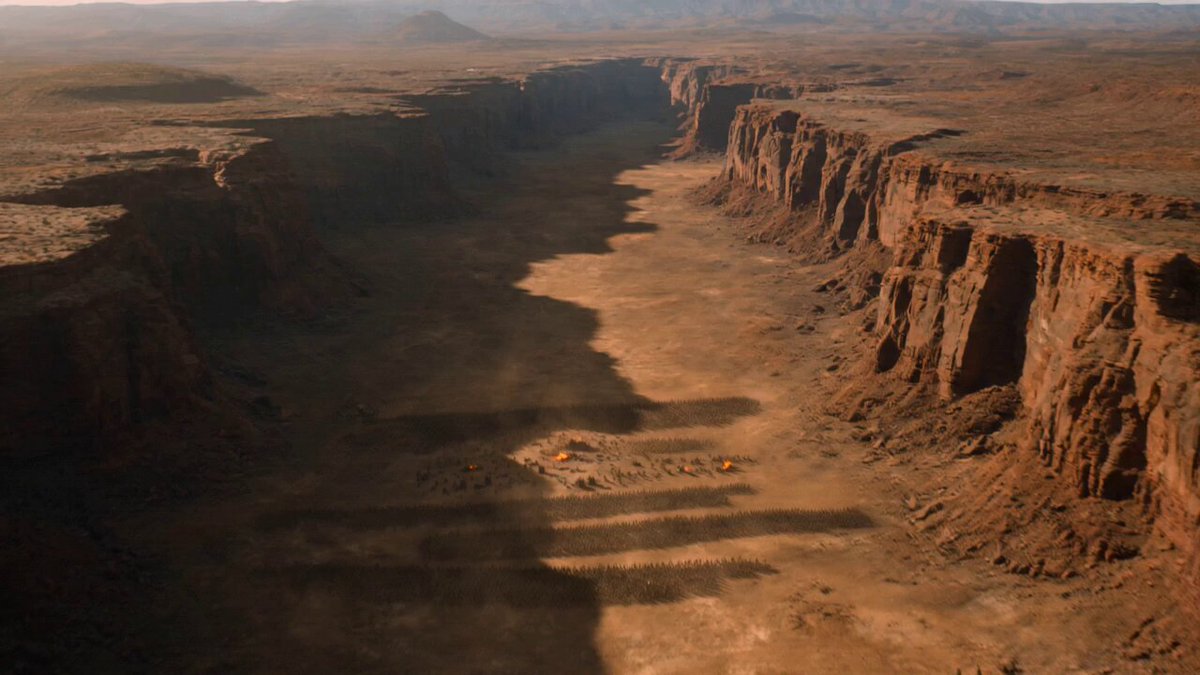
A battle-worn knight in blackened plate armor stands alone on a ruined stone bridge above a bottomless canyon as an army of orcs, trolls and armored war beasts charges through a thunderstorm, the knight lowers a massive glowing sword, sprints into the first ranks, cuts through shields, slides beneath a giant’s axe and climbs onto the creature’s back while lightning tears across the sky; the bridge begins collapsing under the weight of the army, forcing the knight to leap between falling sections, drive the sword into the giant’s skull and release a wave of blue magical energy through the ancient stones; begin with an immense ultra-wide aerial view of the bridge and approaching army, descend into a low-angle tracking shot beside the knight, transition into brutal handheld combat, sharp telephoto impacts and brief slow motion during the final leap, cold moonlight mixed with orange fire, rain, sparks, flying rubble and volumetric mist, desperate mythic atmosphere, ending with the bridge exploding into glowing fragments beneath the invading army while the knight lands safely on the opposite cliff, silhouetted against a colossal lightning strike.
A battle-worn knight in blackened plate armor stands alone on a ruined stone bridge above a bottomless canyon as an army of orcs, trolls and armored war beasts charges through a thunderstorm, the knight lowers a massive glowing sword, sprints into the first ranks, cuts through shields, slides beneath a giant’s axe and climbs onto the creature’s back while lightning tears across the sky; the bridge begins collapsing under the weight of the army, forcing the knight to leap between falling sections, drive the sword into the giant’s skull and release a wave of blue magical energy through the ancient stones; begin with an immense ultra-wide aerial view of the bridge and approaching army, descend into a low-angle tracking shot beside the knight, transition into brutal handheld combat, sharp telephoto impacts and brief slow motion during the final leap, cold moonlight mixed with orange fire, rain, sparks, flying rubble and volumetric mist, desperate mythic atmosphere, ending with the bridge exploding into glowing fragments beneath the invading army while the knight lands safely on the opposite cliff, silhouetted against a colossal lightning strike.
Edit the prompt in the box under the preview — the template's model and format are already selected — and press Generate. Your version appears right on this page.
Yes. You can change the subject, setting, lighting, mood, format, and available model controls before creating your video.
Opening and editing this template is free. Generating uses credits, shown on the Generate button when you are signed in.
Start with Seedance 2.0, which is the model associated with this template. You can compare another compatible model for a different finish.
Follow a topic to a crawlable collection of related PicX Studio templates.