How do I use the Legendary Knight Fortress Battle template?
Edit the prompt in the box under the preview — the template's model and format are already selected — and press Generate. Your version appears right on this page.
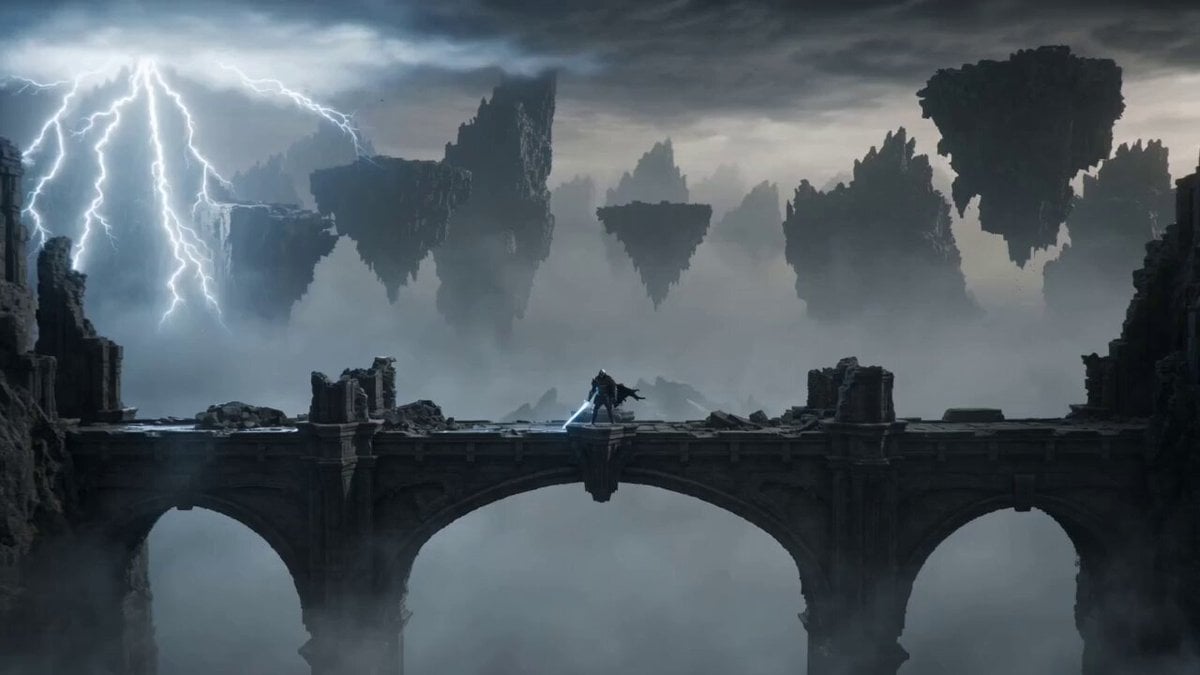
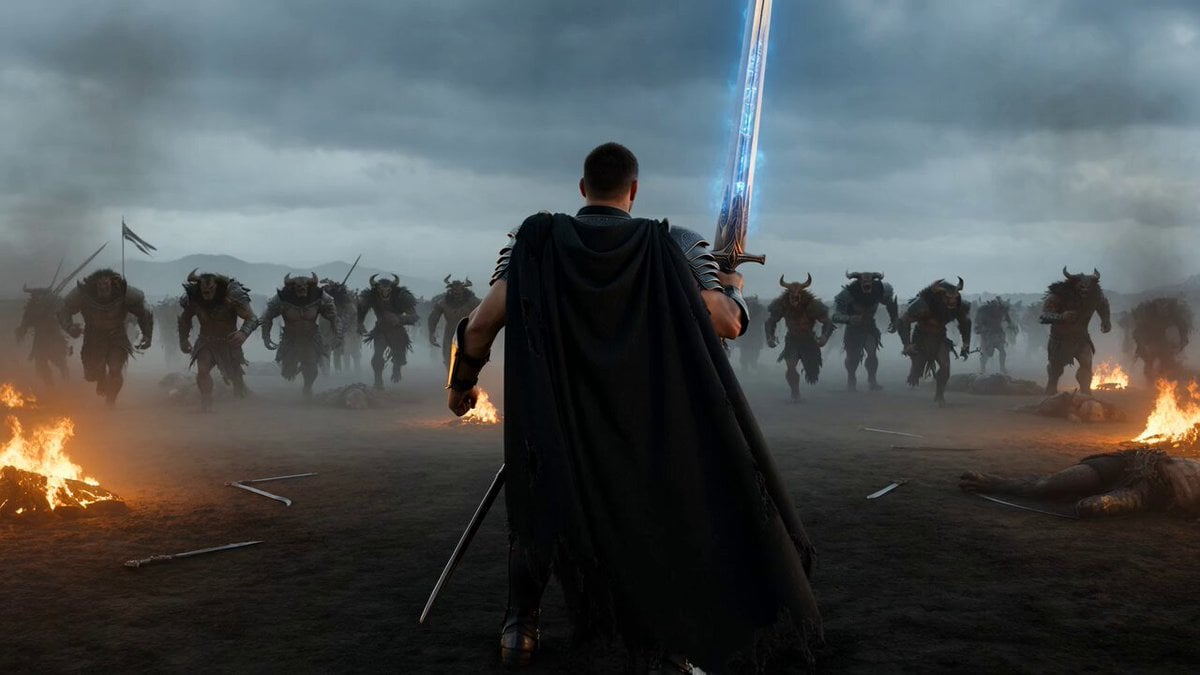
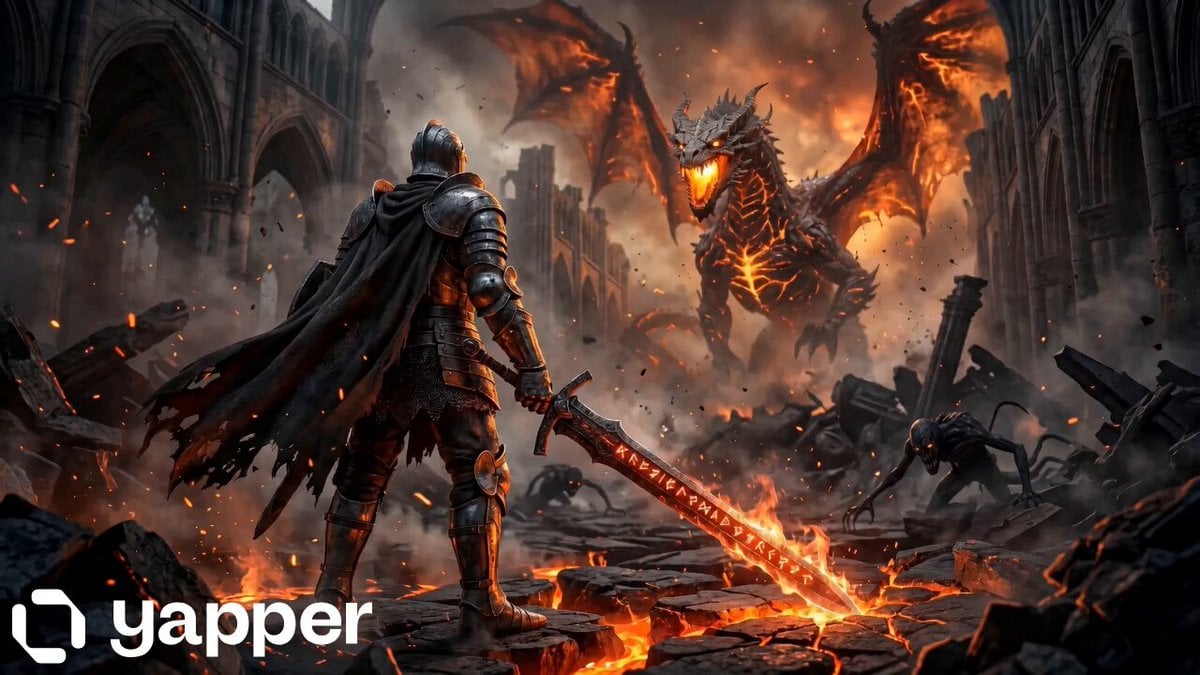
An epic fantasy prompt for a legendary knight battling a dragon and a horned demon on a crumbling fortress, featuring dynamic camera moves and IMAX quality.
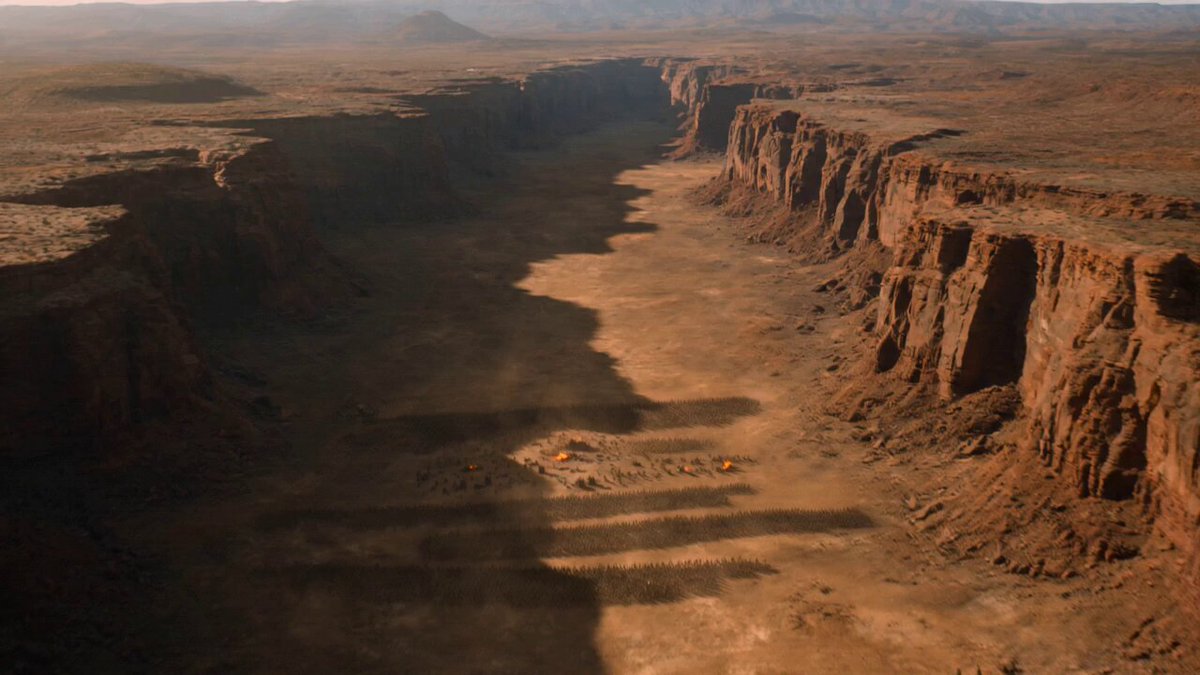
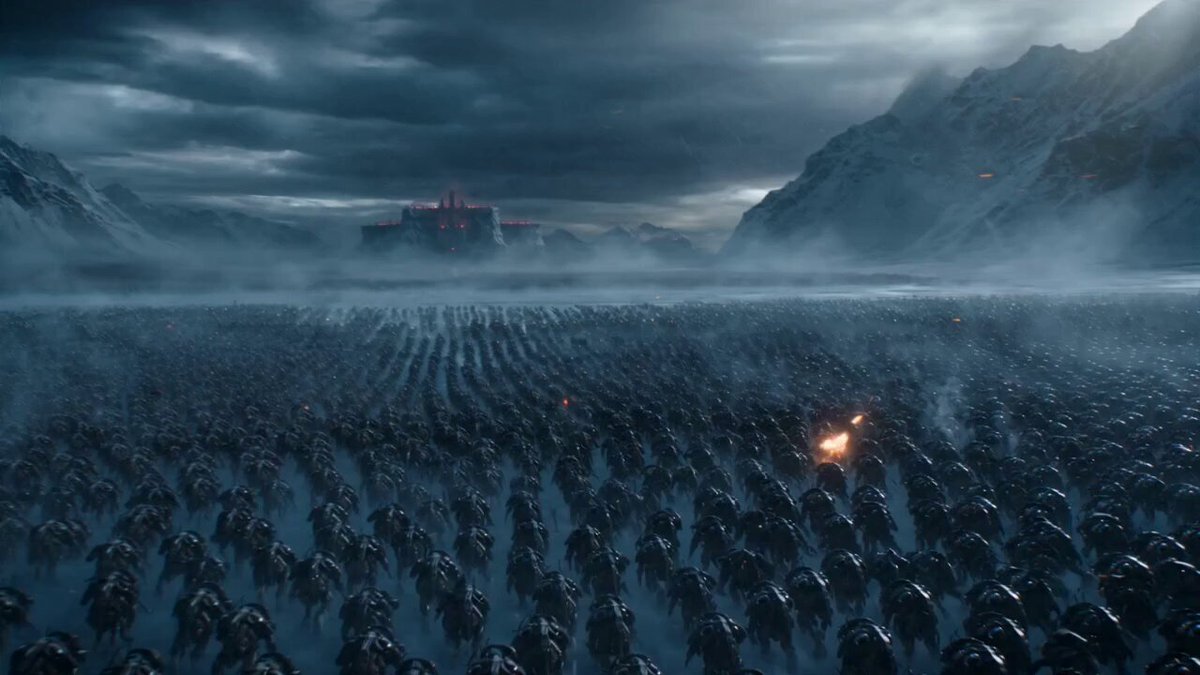
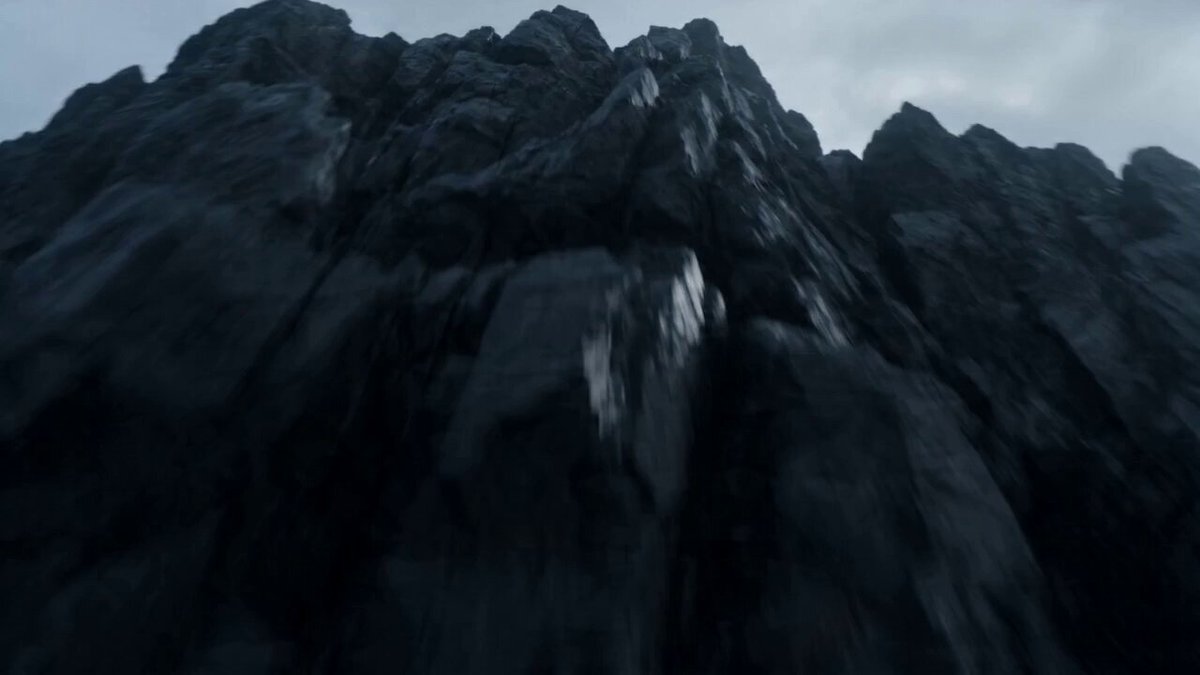
A legendary female knight with long platinum hair, striking green eyes, athletic physique, intricately engraved black steel armor with a flowing crimson cape and a massive enchanted greatsword stands alone atop the crumbling walls of an ancient fortress overlooking a vast battlefield where tens of thousands of soldiers, cavalry and towering siege engines are locked in brutal combat, a colossal dragon suddenly bursts through the clouds breathing an ocean of fire across the battlefield as a gigantic horned demon emerges from a collapsing mountain, without hesitation she leaps from the castle wall, falling hundreds of meters before landing with earth-shattering force that sends armored warriors flying in every direction, immediately charging straight toward the demon while dodging collapsing towers and dragon fire, climbing across the creature's massive body as it tears apart the landscape before driving her glowing sword directly through its skull, triggering an enormous magical explosion that tears open the storm clouds and floods the battlefield with golden light, cinematic IMAX aerial photography, seamless FPV dive, dynamic crane shots, dramatic orbit camera, slow-motion impacts, ultra-photorealistic medieval fantasy, volumetric sunlight, practical debris, cinematic smoke, epic orchestral atmosphere, blockbuster realism, Unreal Engine 5 quality.
A legendary female knight with long platinum hair, striking green eyes, athletic physique, intricately engraved black steel armor with a flowing crimson cape and a massive enchanted greatsword stands alone atop the crumbling walls of an ancient fortress overlooking a vast battlefield where tens of thousands of soldiers, cavalry and towering siege engines are locked in brutal combat, a colossal dragon suddenly bursts through the clouds breathing an ocean of fire across the battlefield as a gigantic horned demon emerges from a collapsing mountain, without hesitation she leaps from the castle wall, falling hundreds of meters before landing with earth-shattering force that sends armored warriors flying in every direction, immediately charging straight toward the demon while dodging collapsing towers and dragon fire, climbing across the creature's massive body as it tears apart the landscape before driving her glowing sword directly through its skull, triggering an enormous magical explosion that tears open the storm clouds and floods the battlefield with golden light, cinematic IMAX aerial photography, seamless FPV dive, dynamic crane shots, dramatic orbit camera, slow-motion impacts, ultra-photorealistic medieval fantasy, volumetric sunlight, practical debris, cinematic smoke, epic orchestral atmosphere, blockbuster realism, Unreal Engine 5 quality.
Edit the prompt in the box under the preview — the template's model and format are already selected — and press Generate. Your version appears right on this page.
Yes. You can change the subject, setting, lighting, mood, format, and available model controls before creating your video.
Opening and editing this template is free. Generating uses credits, shown on the Generate button when you are signed in.
Start with Seedance 2.0, which is the model associated with this template. You can compare another compatible model for a different finish.
Follow a topic to a crawlable collection of related PicX Studio templates.