
Frozen Planet Fortress Battle
An epic sci-fi battle prompt describing an assault on a cliffside fortress on a frozen planet by insectoid aliens.
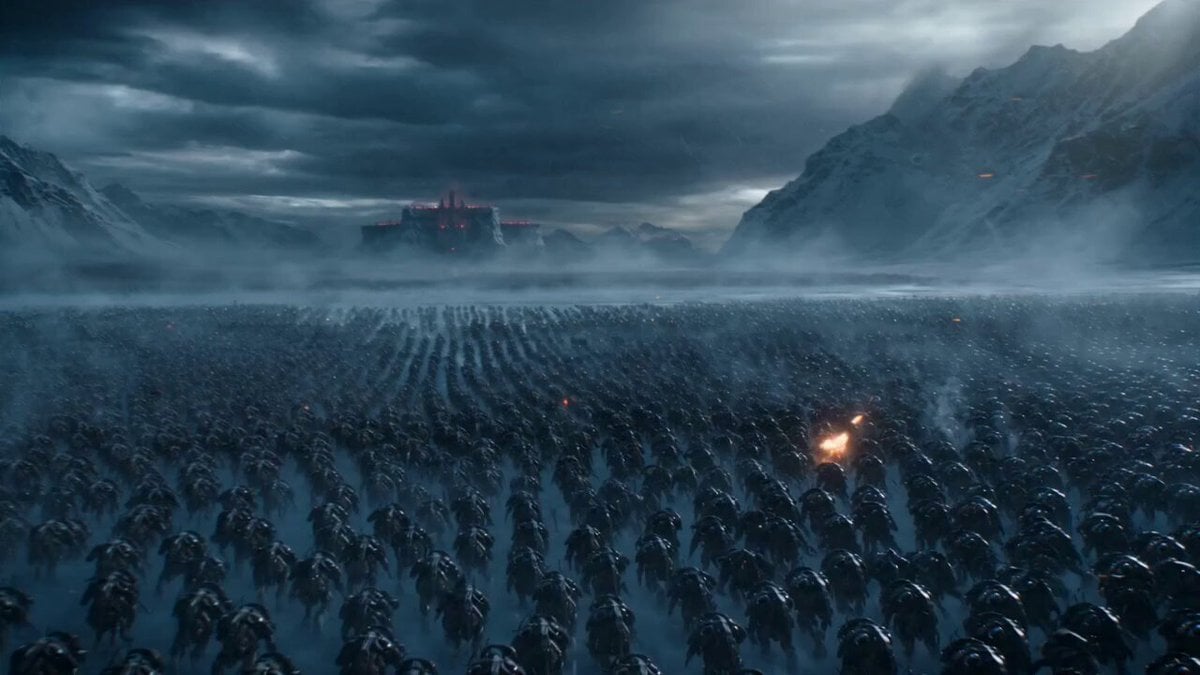
- Prompt included
- Model and format preset
- Free template
The prompt behind this video
Copy the exact prompt behind Frozen Planet Fortress Battle, or open it in the studio and make it yours.
A massive human fortress built into the cliffs of a frozen planet faces a final assault from an endless ocean of armored insectoid aliens advancing across the ice beneath a violent magnetic storm, defensive cannons rotating into position as thousands of infantry soldiers line the walls and prepare to fire; the battle begins with synchronized railgun blasts ripping through the front ranks, missiles streaking overhead and enormous creatures using smaller bodies as bridges across defensive trenches, while flying aliens dive through lightning and crash into watchtowers; a gigantic siege beast covered in crystalline armor charges through the main gate, scattering tanks and soldiers, then climbs the fortress wall as defenders fire point-blank into its glowing joints; the fortress commander runs along a collapsing battlement, jumps onto a rotating cannon platform and manually redirects the weapon toward a deep fracture beneath the enemy swarm, but the siege beast tears the cannon loose just as it fires; start with a majestic ultra-wide panorama showing the impossible scale of the invasion, push rapidly through the storm toward the fortress, combine sweeping crane movements with visceral ground-level combat and dramatic low-angle shots of the siege beast, use a brief slow-motion moment as lightning strikes the cannon, icy blue ambient lighting contrasted with red emergency lights and orange explosions, dense snowfall, vapor clouds, electrical arcs and shattered ice, desperate mythic last-stand atmosphere, ending with the cannon blast splitting the frozen battlefield from horizon to horizon, swallowing the entire swarm into a glowing abyss while the ruined fortress remains standing above the collapsing ice.
How to use Frozen Planet Fortress Battle in 3 steps
- 1
Open
The prompt is already in the box next to the preview, with the template's model and format selected.
- 2…a portrait of your subject in softgolden-hour light, 85mm…
Personalize
Edit the subject and creative details for your destination.
- 3Generate
Generate
Press Generate — your video is created in PicX Studio, so you can compare it with the original and refine one variable at a time.
More like this
Templates with the same subject, style or setup. Open one to see its prompt.
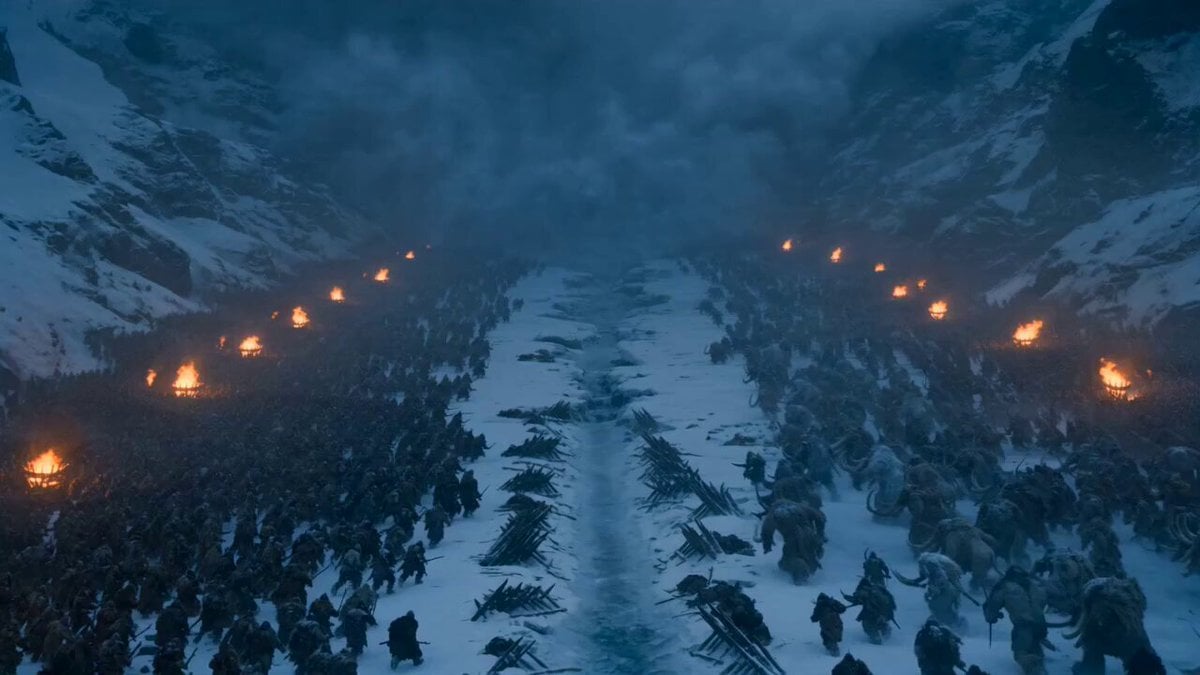
Dark Fantasy Frozen Mountain Battle
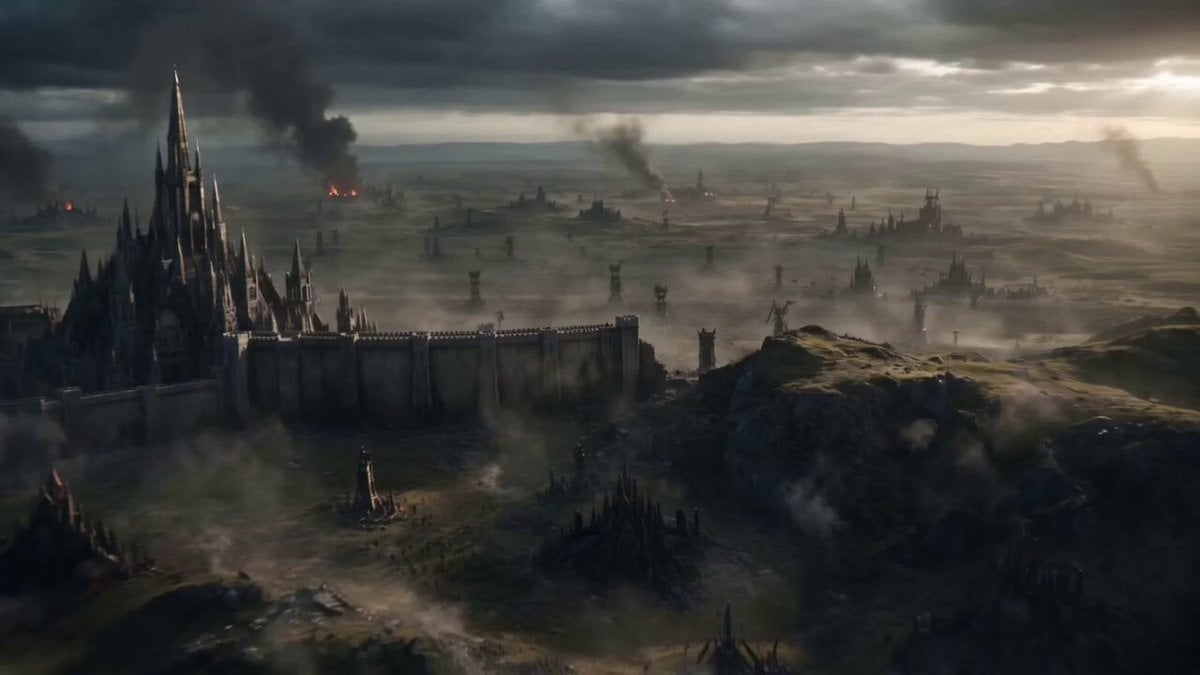
Legendary Knight Fortress Battle

Cinematic anime battle scene on a sky fortress
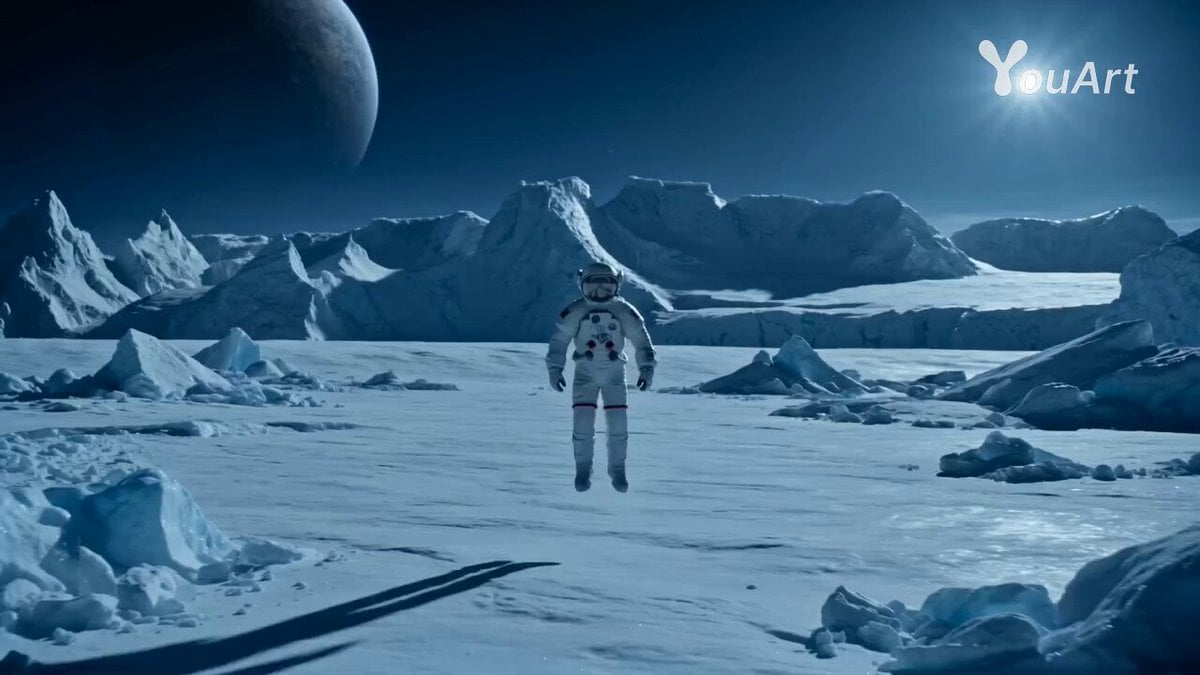
Astronaut Transforms into Ice-Adapted Humanoid on Frozen Exoplanet
Nano-Strike Frozen Battlefield Sequence
Ice Queen — Frozen Battlefield Time Control (Seedance)
Dragon Rescue — Volcanic Kingdom Collapse (Seedance)
Swordsman vs Shadow Monster — Bamboo Forest Battle
Time Freeze — Snap Shockwave Scene Seedance
Tiger vs Gorilla — Jungle Canyon Clash
Mecha Transformation vs Kaiju — 4-Scene Epic
Frozen Time Handycam Diorama
Make it yours
Frozen Planet Fortress Battle works as-is. These are the safest ways to change it without losing the look.
Change one field
Copy a single group, rewrite it, and generate again so you can see what that field is doing.
Keep the frame, change the subject
Hold the composition and light of Frozen Planet Fortress Battle, then swap wardrobe, props or the person for a new take.
| If the result… | Why | Fix |
|---|---|---|
| The result drifts from the preview | Too many fields changed at once. | Reuse Frozen Planet Fortress Battle as-is first, then change one group — subject, light, or setting. |
| The model over-stylizes the scene | The prose prompt leaves finish and camera underspecified. | Add one camera or lighting sentence and stay on Seedance 2.0. |
More Seedance 2.0 templates
Other prompts made for Seedance 2.0.

Comical Martial Arts Punch Scene

Maglev Train Action Sequence

Martial Arts Fight Sequence

Wuxia Protection and Trust Script

Vintage Korean Arcade MiniDV Vlog

Mercedes 190 SL Luxury Ad

Rainy Night Supernatural Reverse Comedy Video Script

Amazon Civilization Discovery

Futuristic South Asian City Transformation

Cozy Luxury Cafe Commercial
More video prompts
Fresh picks from across the catalog.
Luxury Beauty Salon Brand Commercial
Cinematic Symbolic Light Point Journey
Chibi Blonde Magazine Rotation
High-Octane Wall-Running Anime Animation
Multi-Shot High Speed Car Chase
3D Animation: Anubis Tickle Story
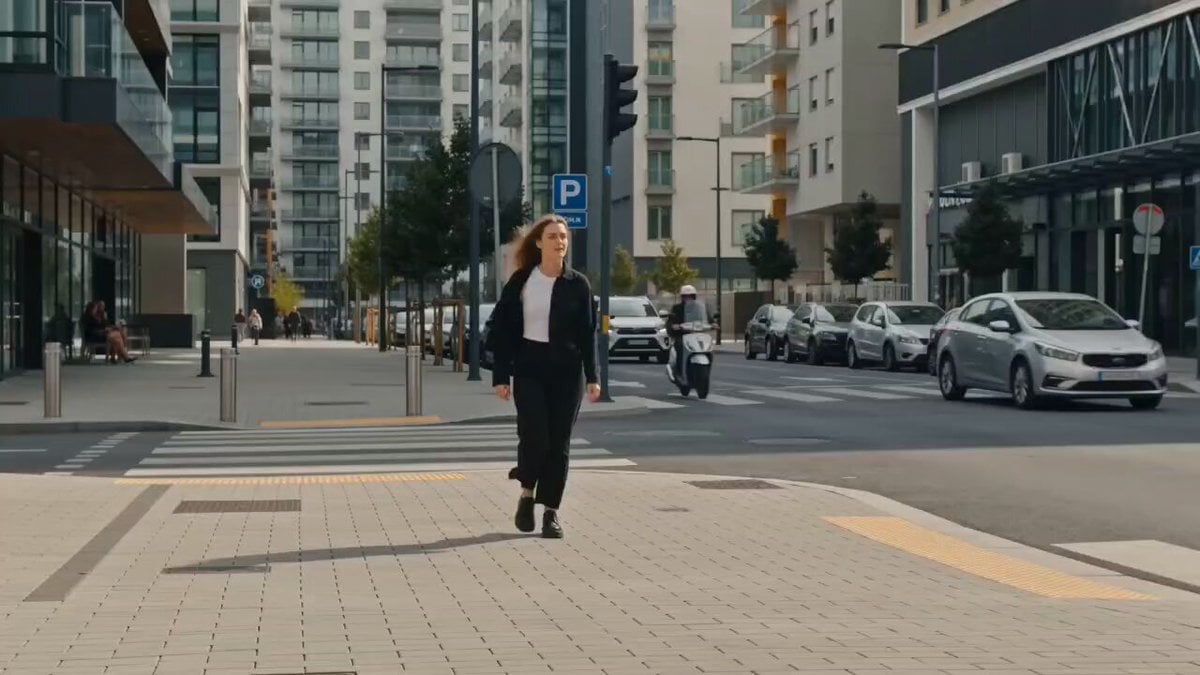
Wind Guided Street Walk
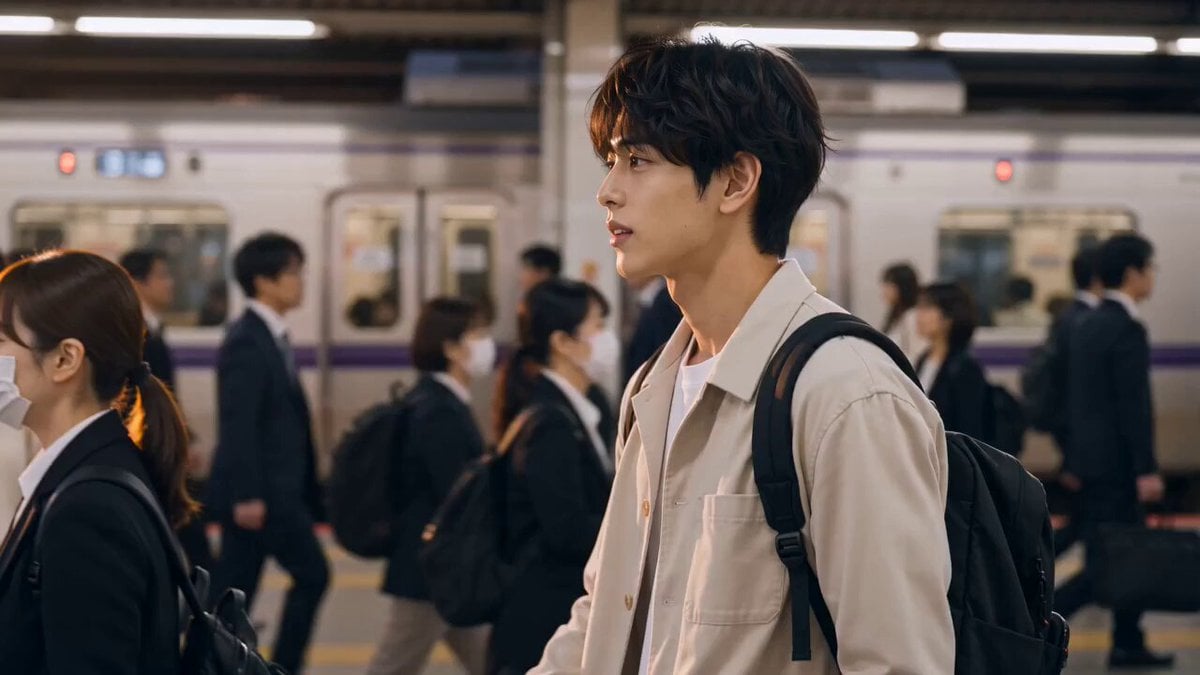
Emotional Wedding Movie Love Story
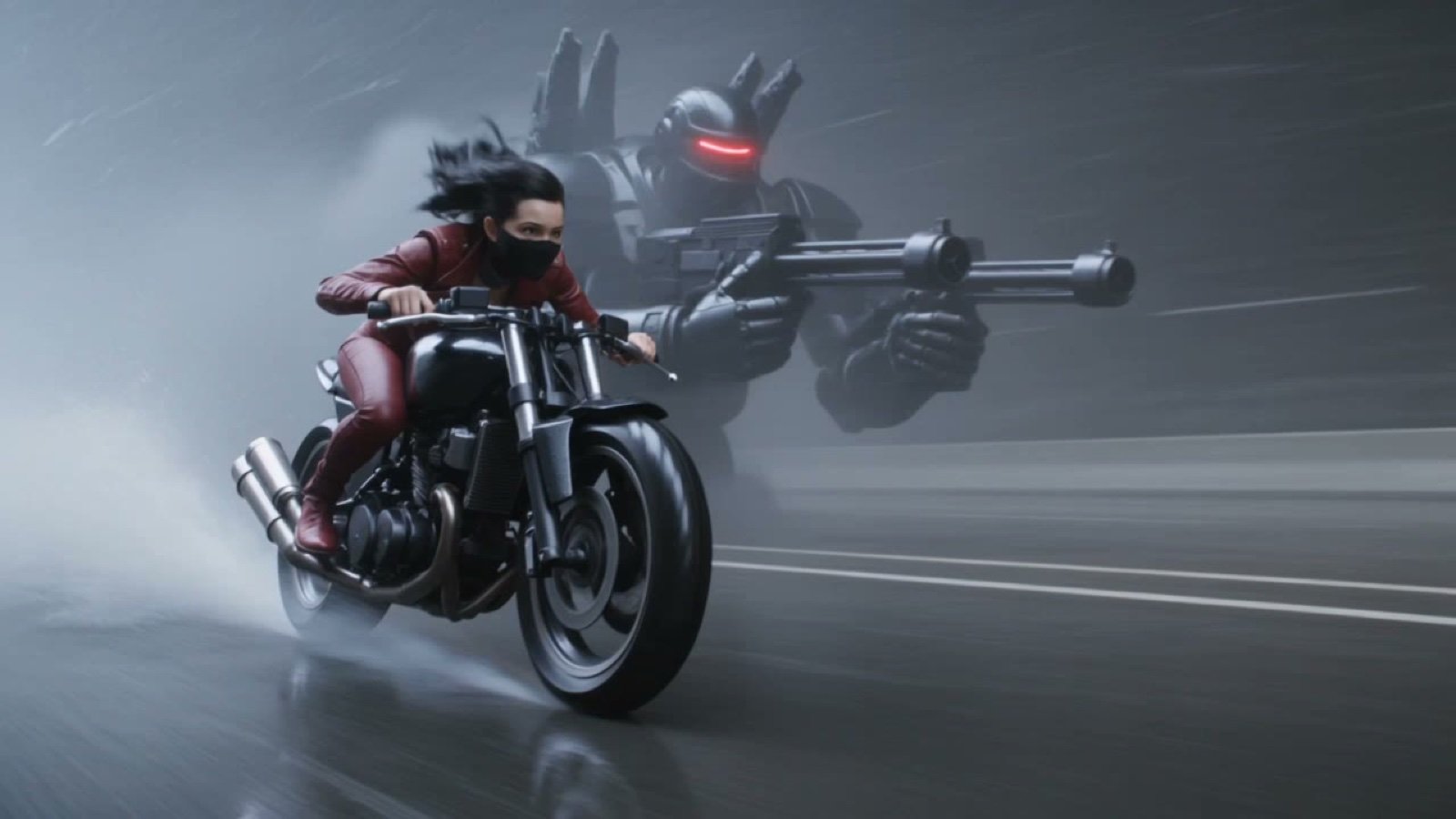
Photorealistic Cyberpunk Motorcycle-Robot Chase in Heavy Rain
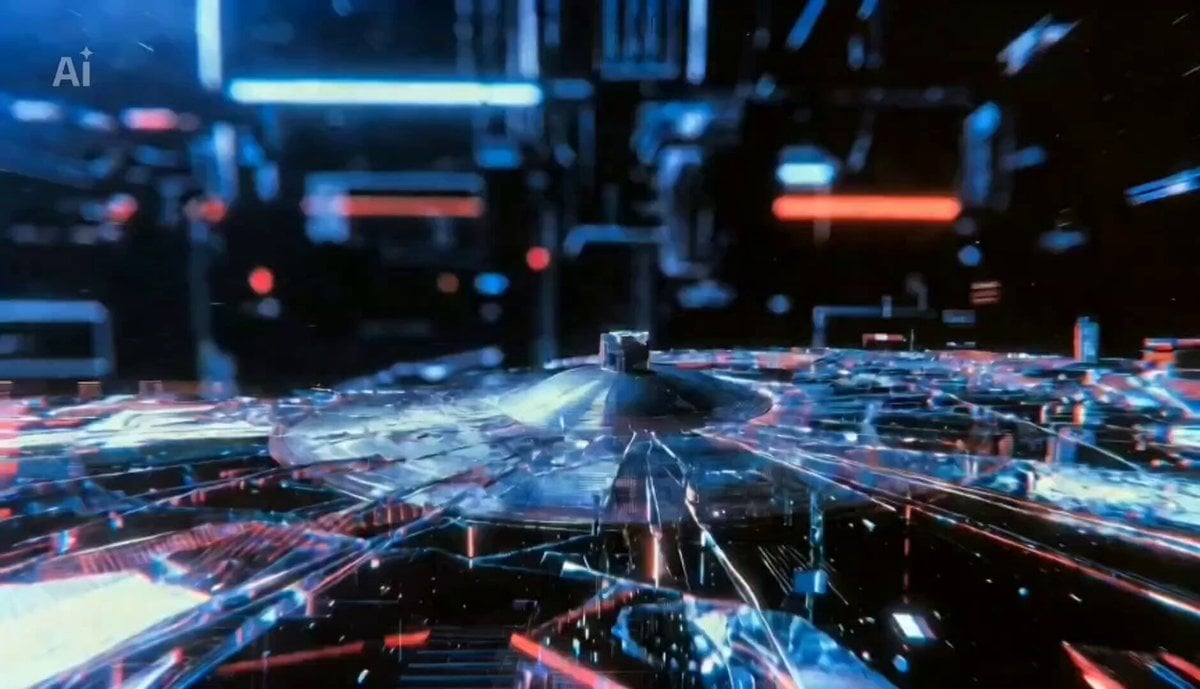
High-Tempo 9-Image Glitch Edit
Browse template categories
Frozen Planet Fortress Battle questions
How do I use the Frozen Planet Fortress Battle template?
Add your photo if the template asks for one, edit the prompt if you like — the template's model and format are already selected — and press Generate. Your version opens in PicX Studio.
Can I customize the Frozen Planet Fortress Battle template?
Yes. You can change the subject, setting, lighting, mood, format, and available model controls before creating your video.
Is the Frozen Planet Fortress Battle template free?
Opening and editing this template is free. Generating uses credits, shown on the Generate button when you are signed in.
Which AI model should I use?
Start with Seedance 2.0, which is the model associated with this template. You can compare another compatible model for a different finish.
Looking for something else? Browse all templates.

Your photo, any look
Thousands of ready templates for every top image and video model, from one credit balance.